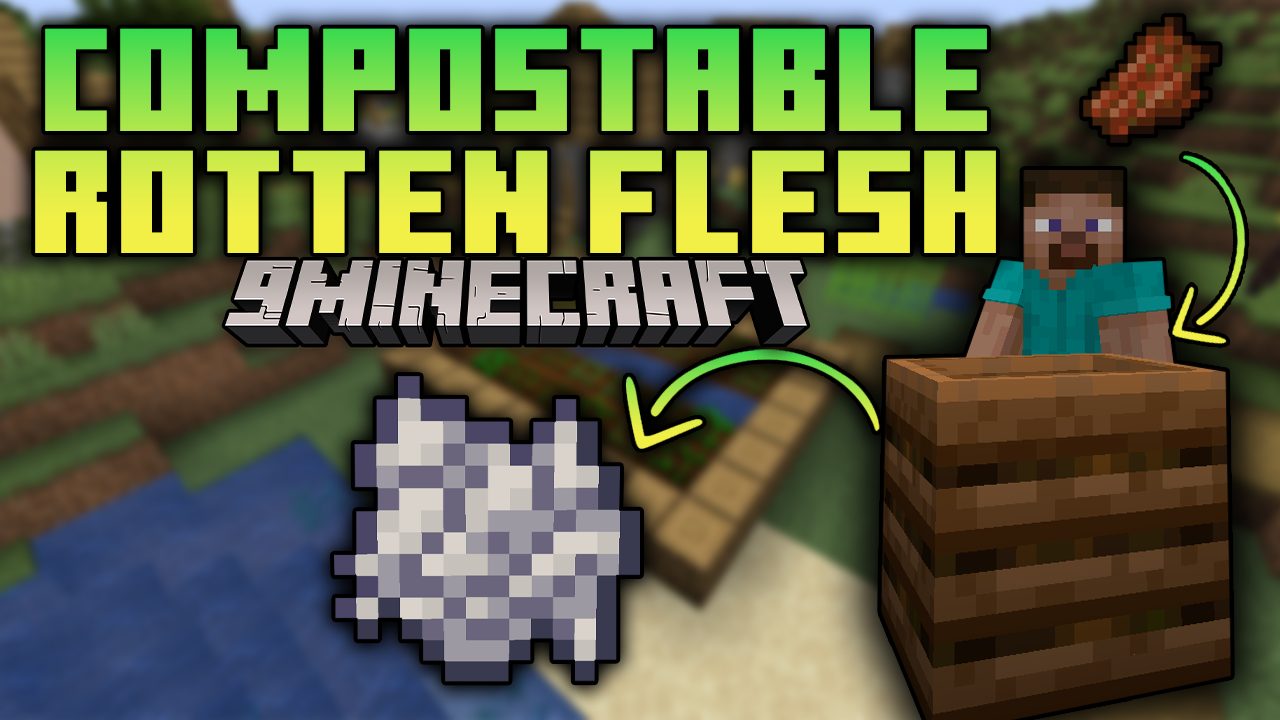
Compostable Rotten Flesh Mod (1.19, 1.18.2) – Turns Rotten Flesh Into Bone Meal
Compostable Rotten Flesh Mod turns rotten flesh into bone meal. To get a bone meal, you either have to defeat the skeletons in the game or you will have…
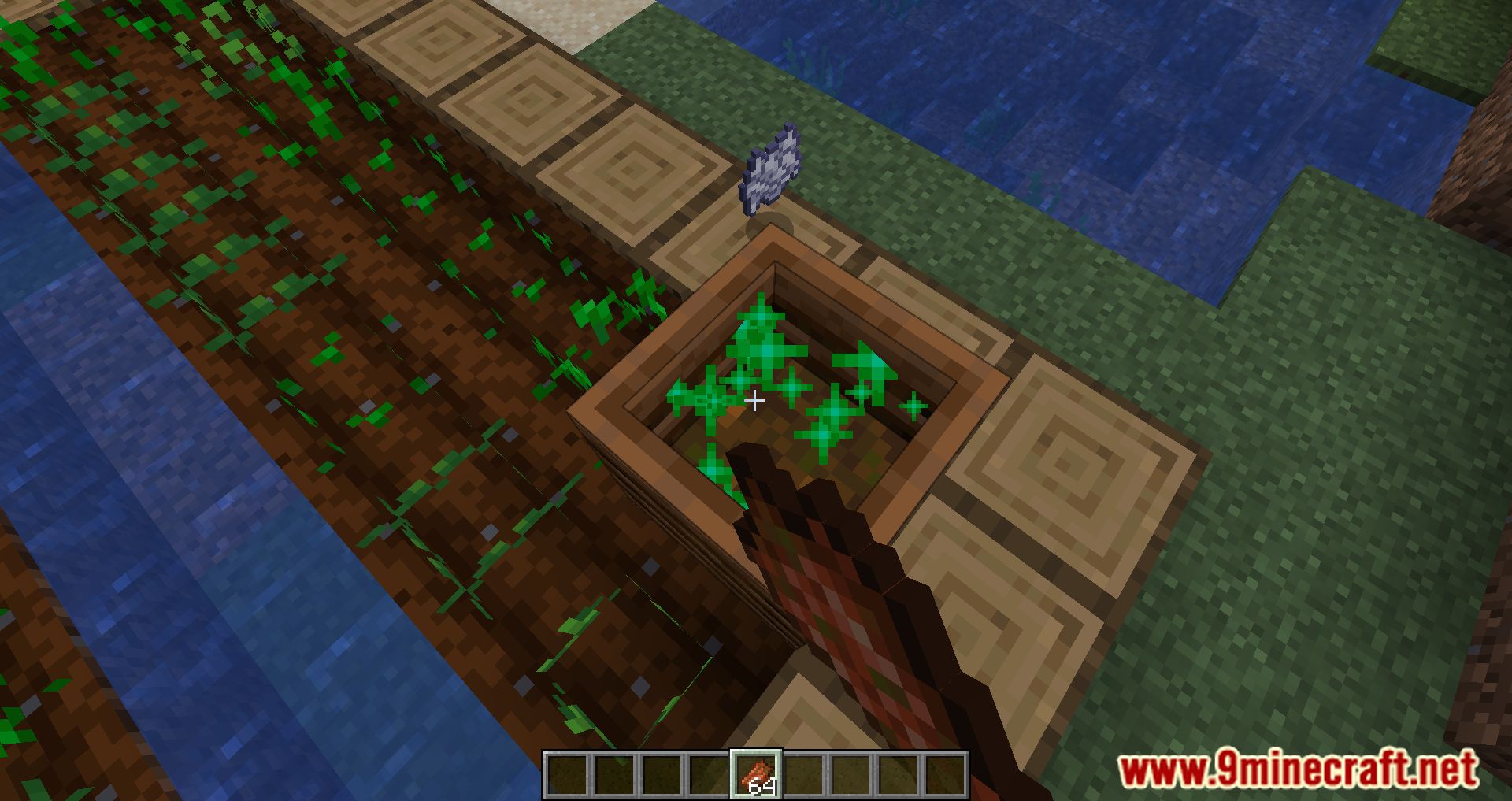
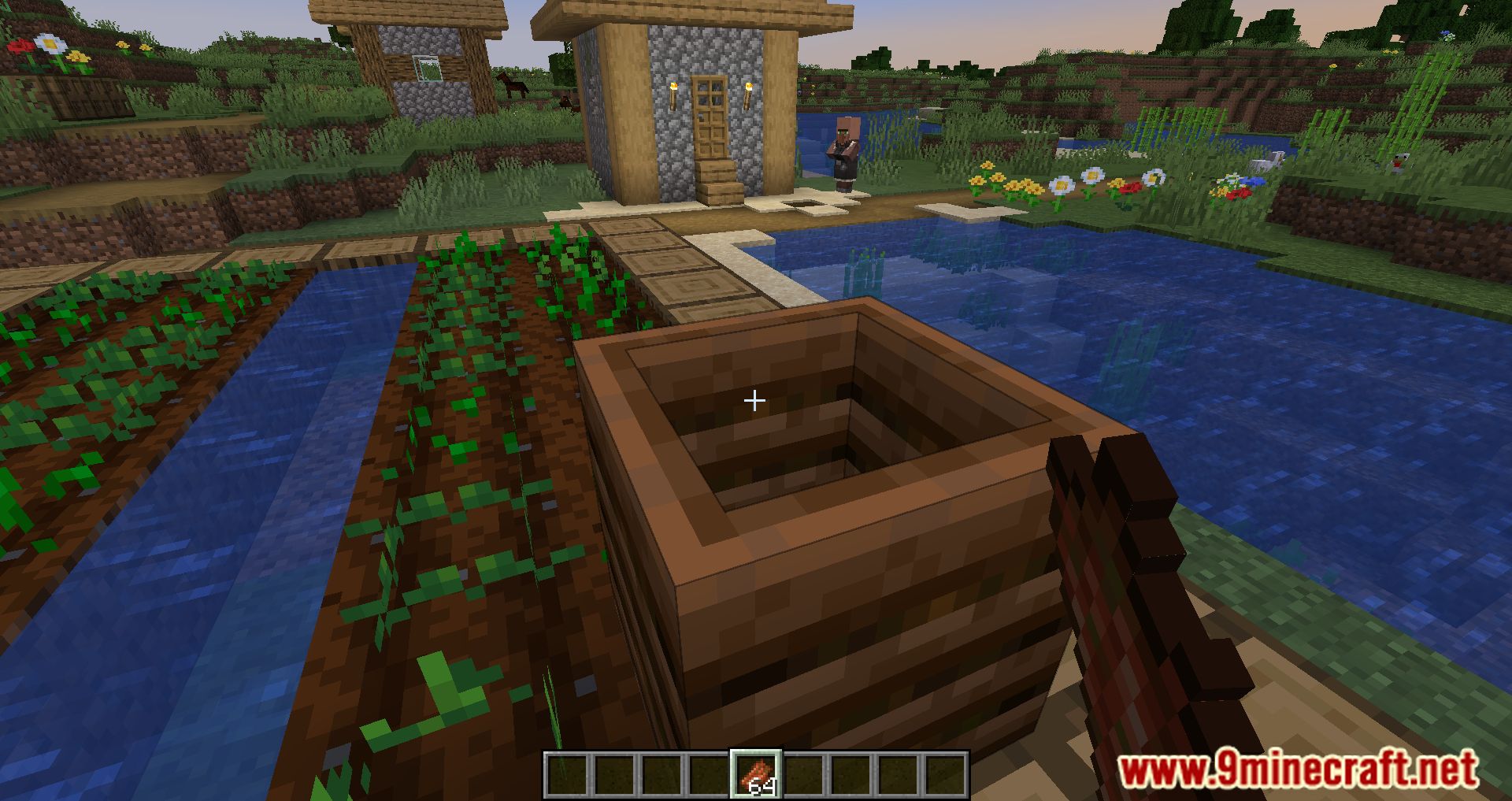
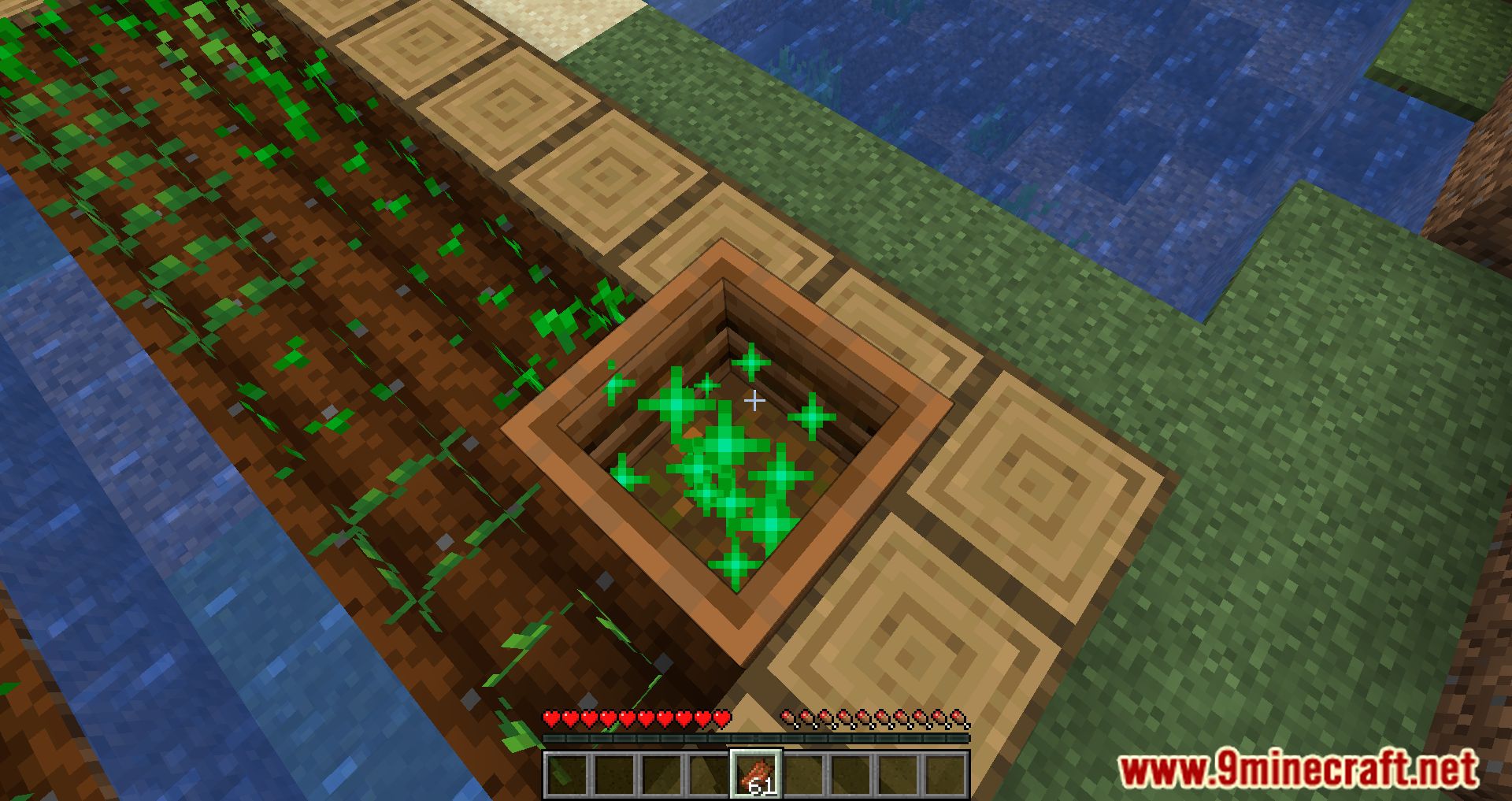
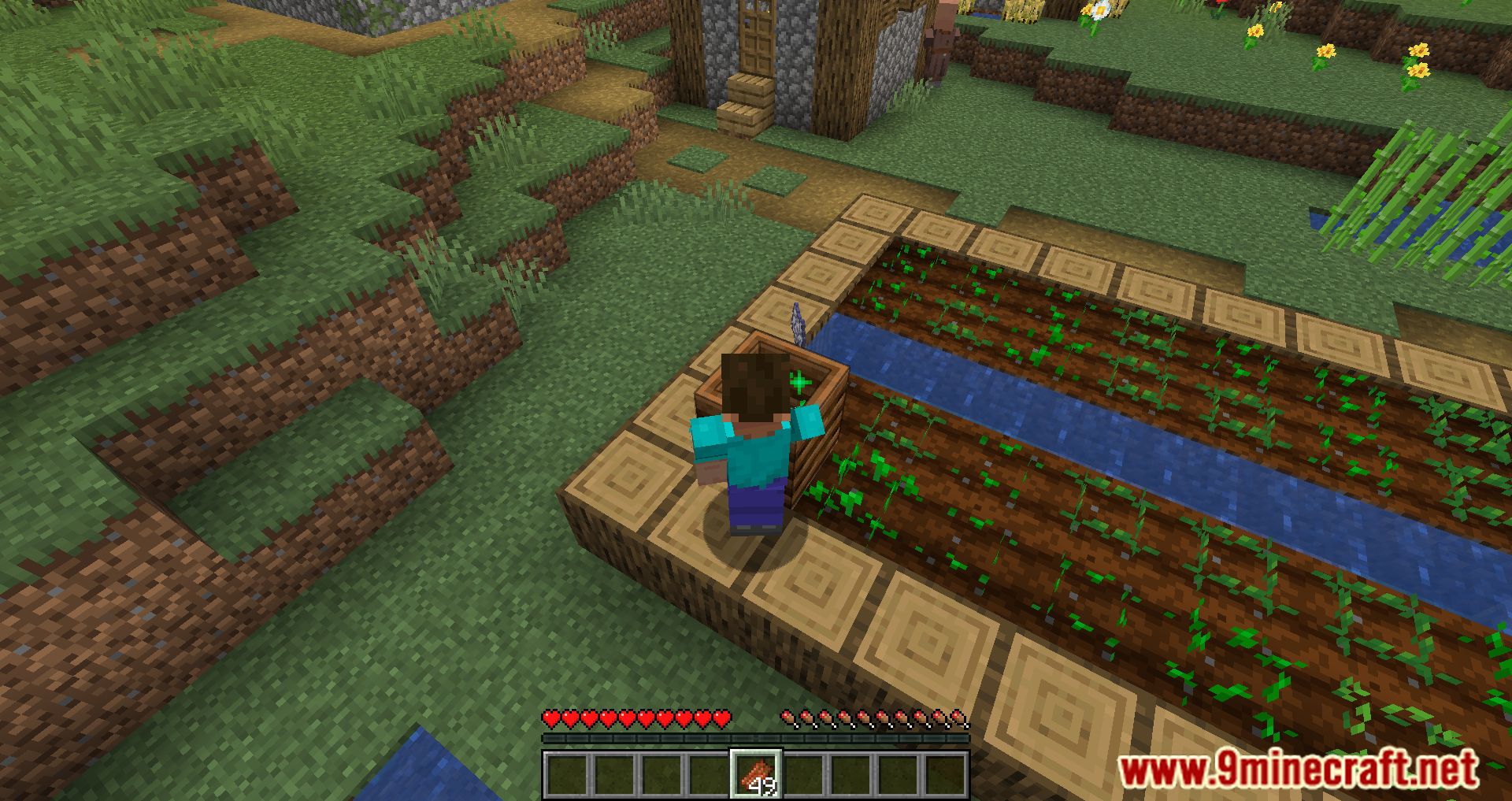
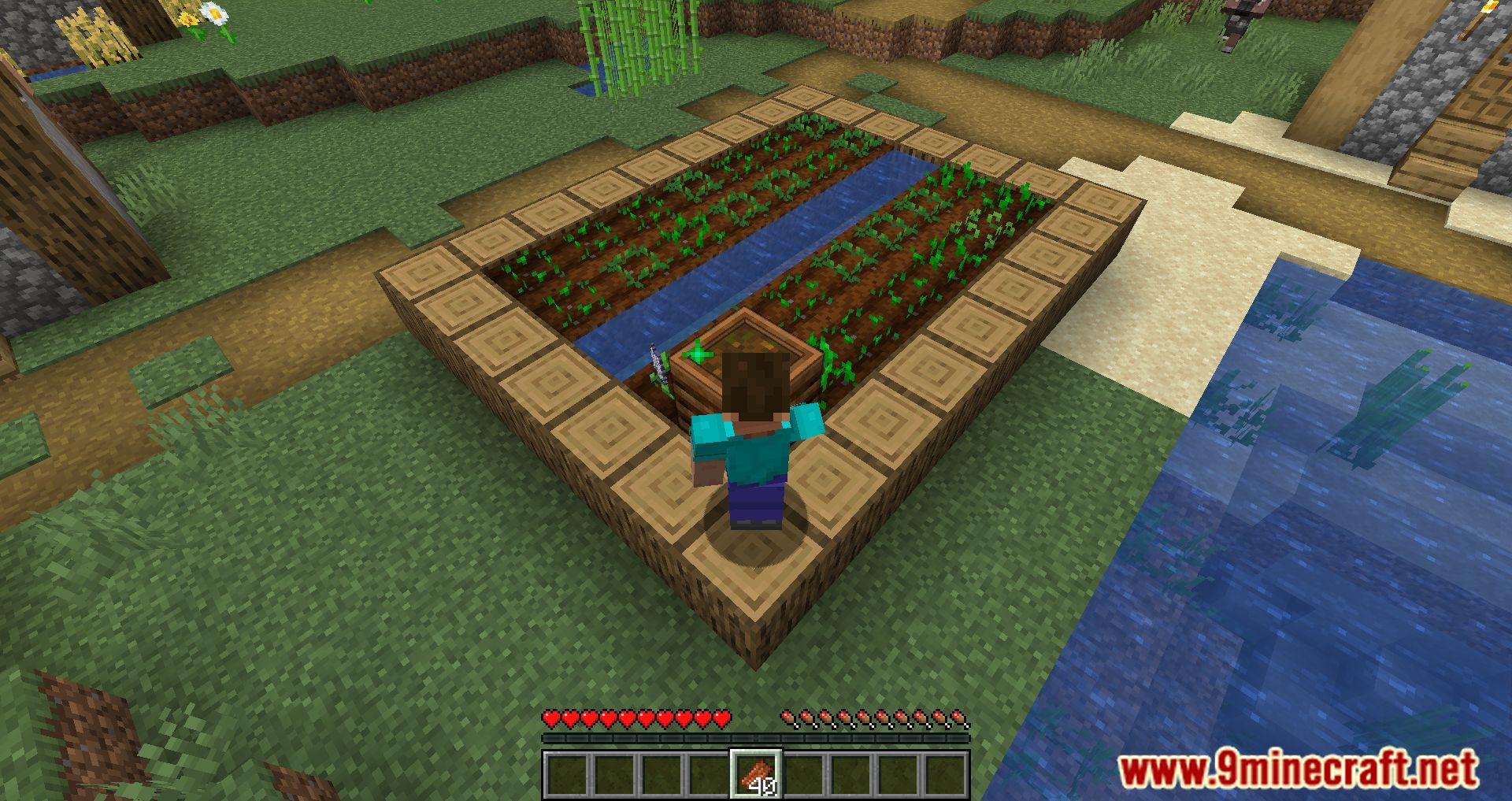
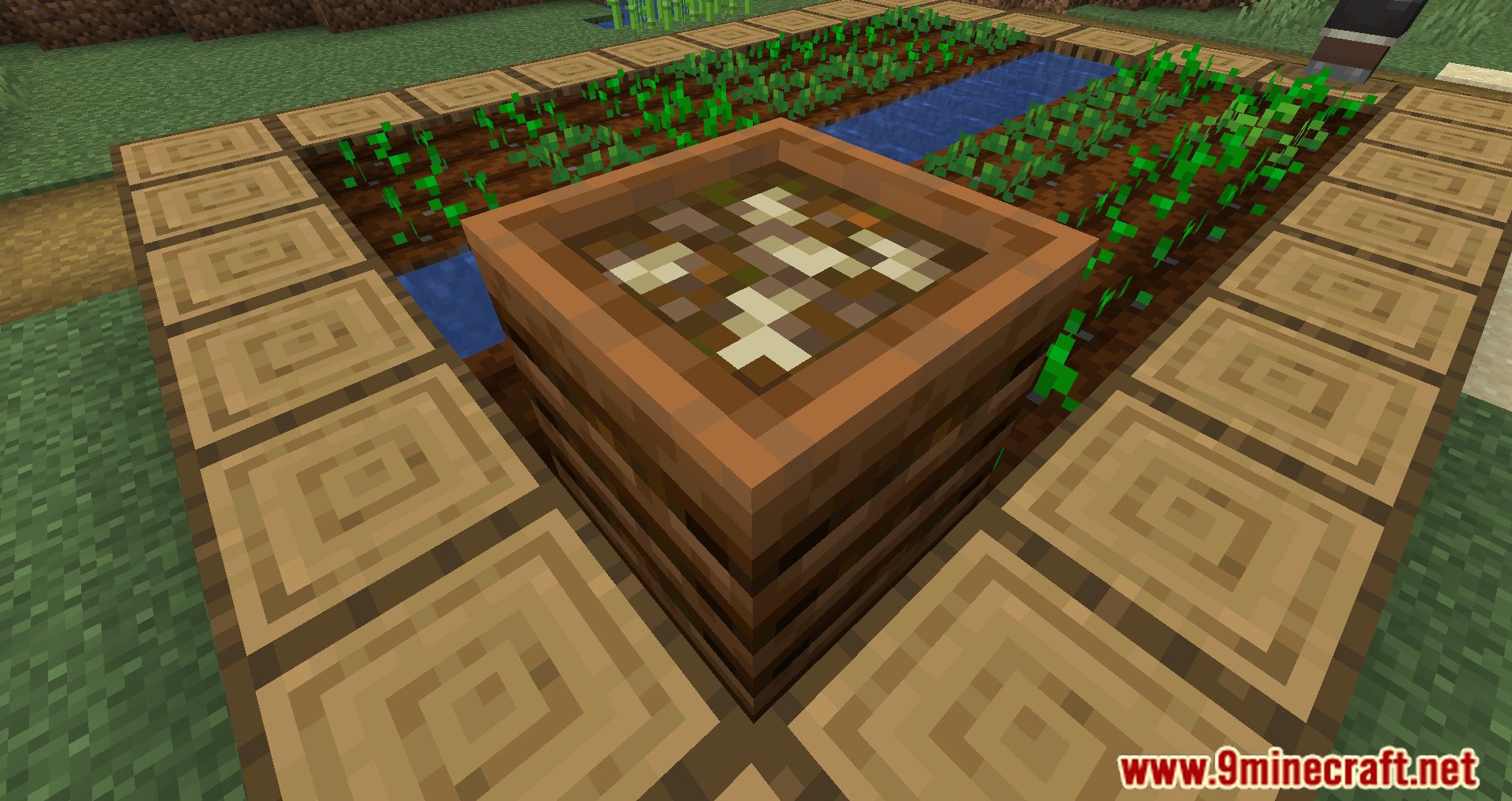
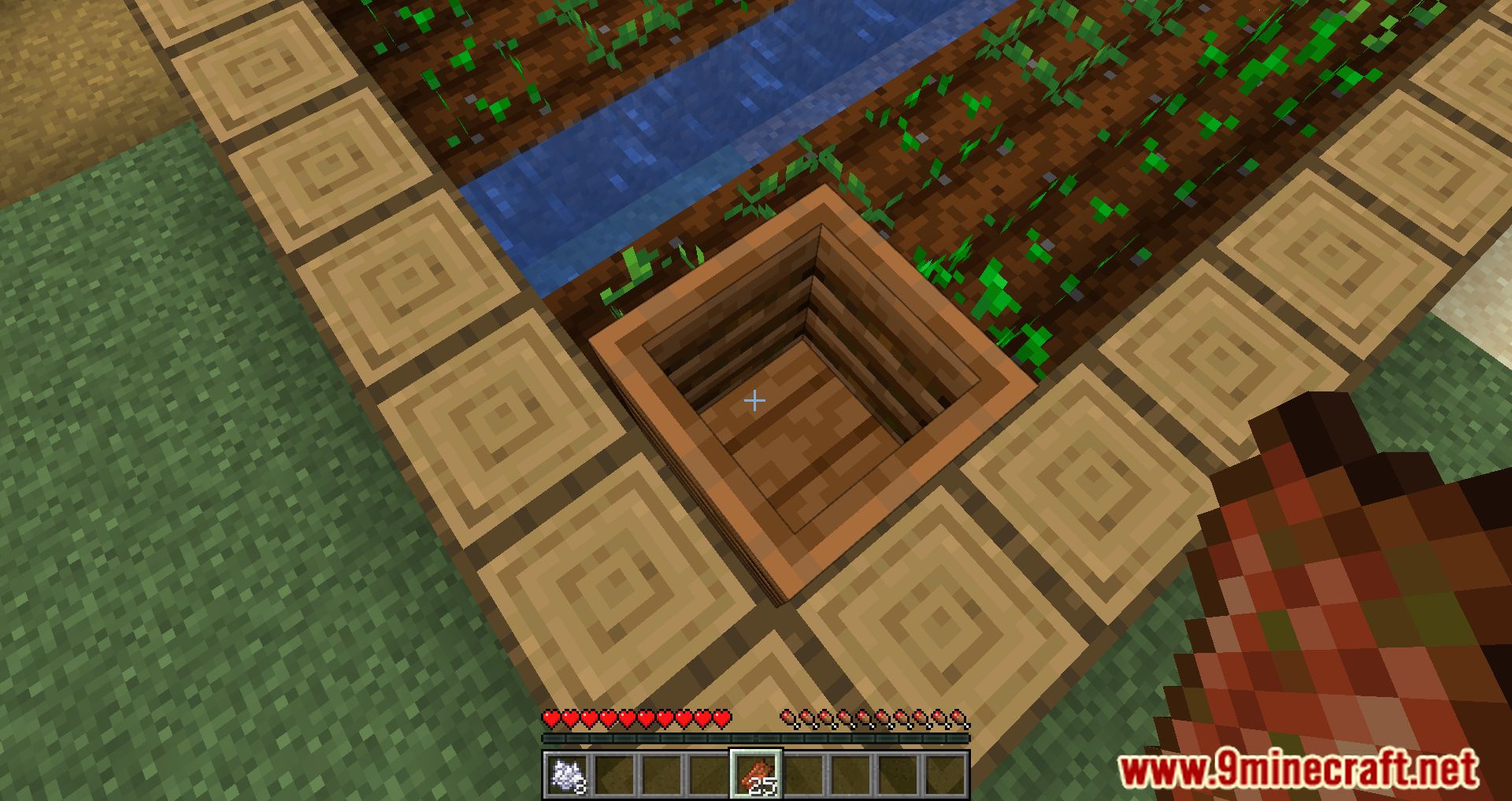
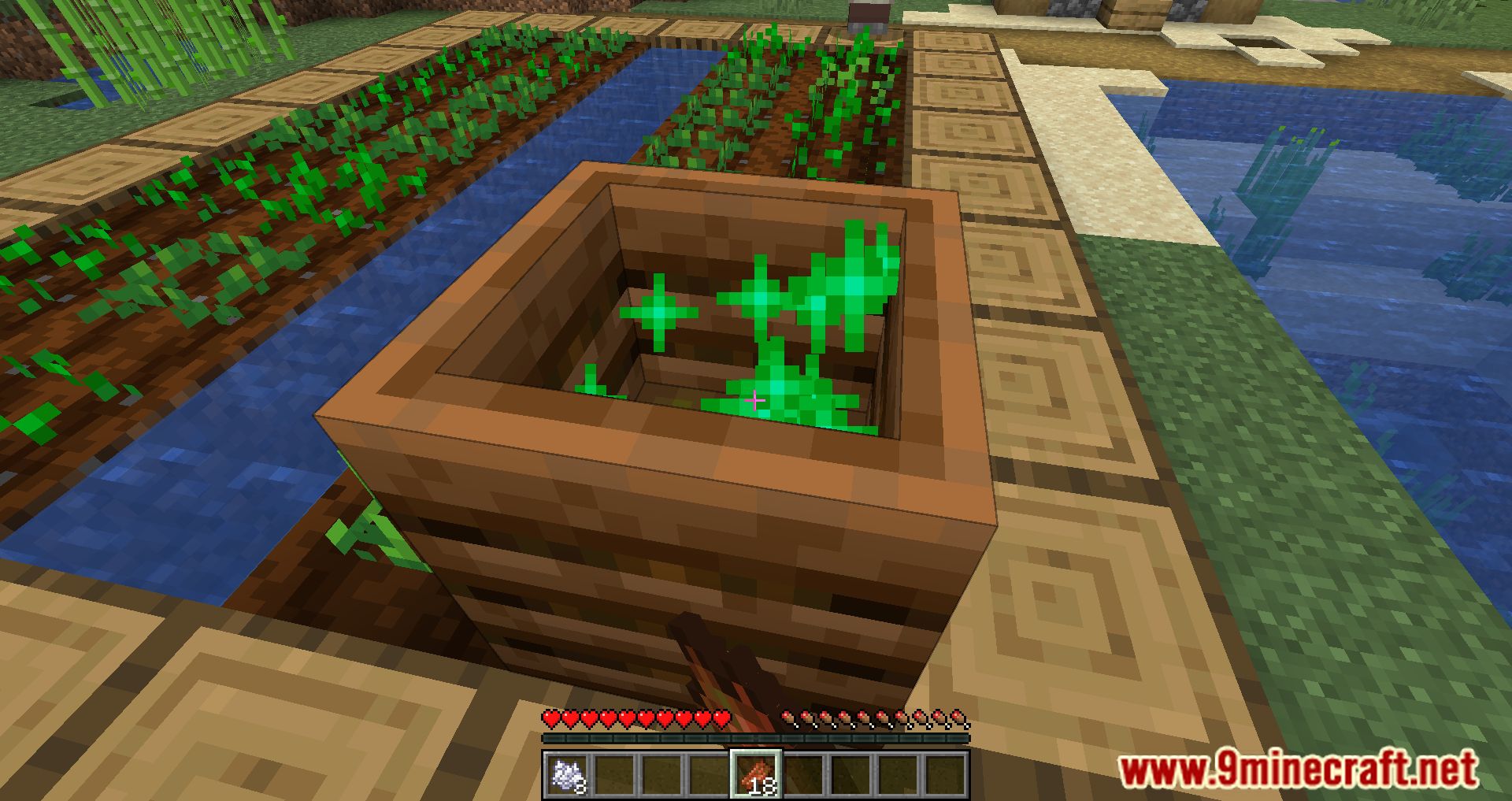
⬇ DownloadOpen in MCModsHubGet it on Google Play →Compostable Rotten Flesh Mod turns rotten flesh into bone meal. To get a bone meal, you either have to defeat the skeletons in the game or you will have to use the composter and fill it up to get the bone meal. The items that you can use for the composter will be food or plant items. But you know, daily adventure and survival will get you a lot of Rotten Flesh, an item dropped from zombies, and for it to have more uses, now you can use rotten flesh for the composter. You need to hold the number of Rotten flesh, right-click on the composter block, and make it until the block is whole; you will have the bone meal you want, straightforward, right? Please take advantage of your inherent resources and use them rationally.
Features:
Allows you to use Rotten flesh for the composter.
Screenshots:
Compostable Rotten Flesh Mod Download Links
For Minecraft 1.19
Fabric version: Download from Server 1 – Download from Server 2
For Minecraft 1.18.2, 1.18.1
Fabric version: Download from Server 1 – Download from Server 2
For Minecraft 1.17.1
Fabric version: Download from Server 1 – Download from Server 2
For Minecraft 1.16.5
Fabric version: Download from Server 1 – Download from Server 2
- Download size: 74 KB
- Download link checked 17 Jul 2026 — working
- Mirrored on our own servers — the download does not depend on the original host
These come from our own check of the pack file, not from the source page.