Diagonal Panes Mod (1.19.2, 1.18.2) – Smooth Cornering Transitions
Java mod listed for Minecraft 1.18–1.19. Downloads from the MC Java Mods app on Android.
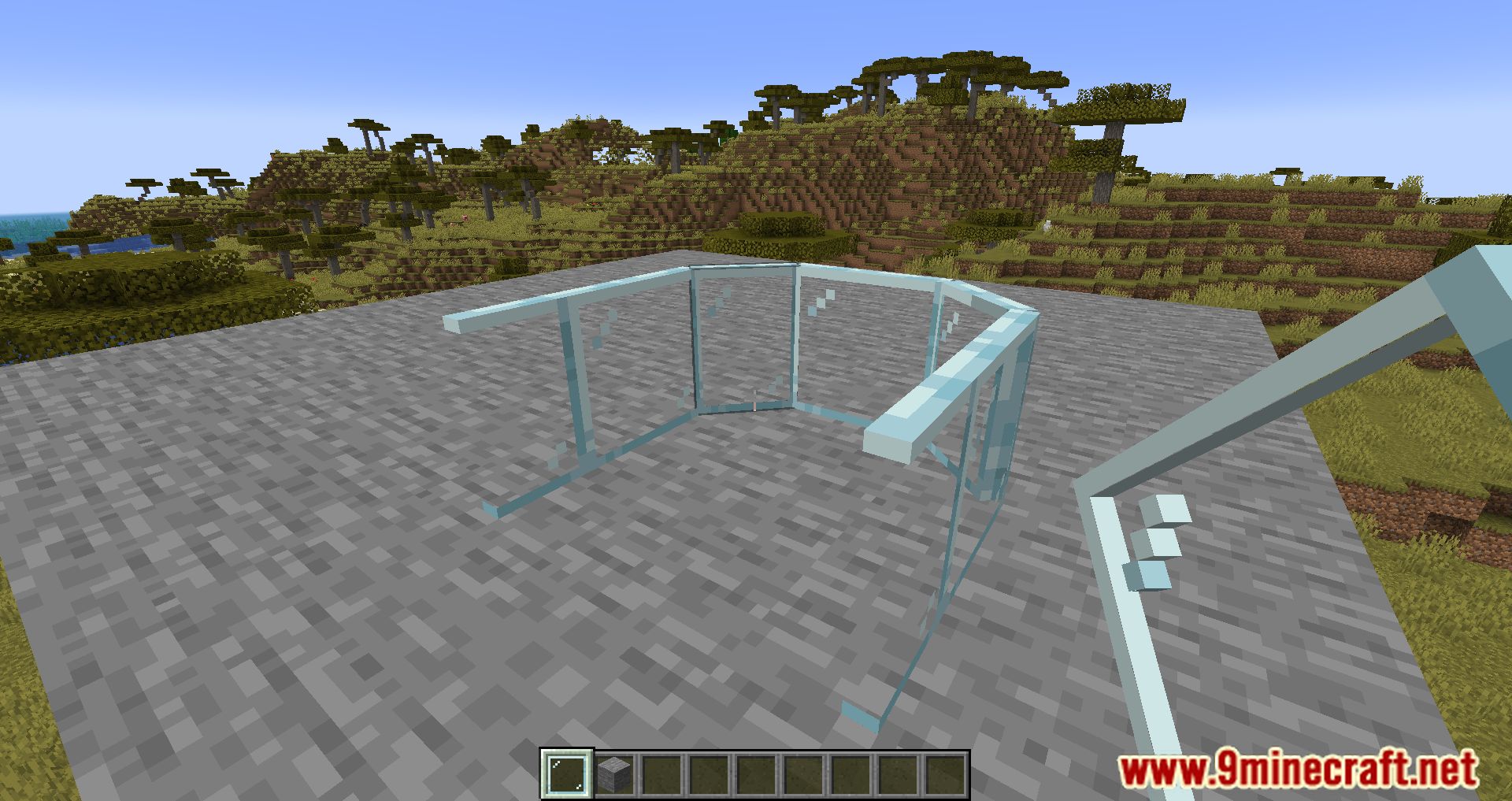
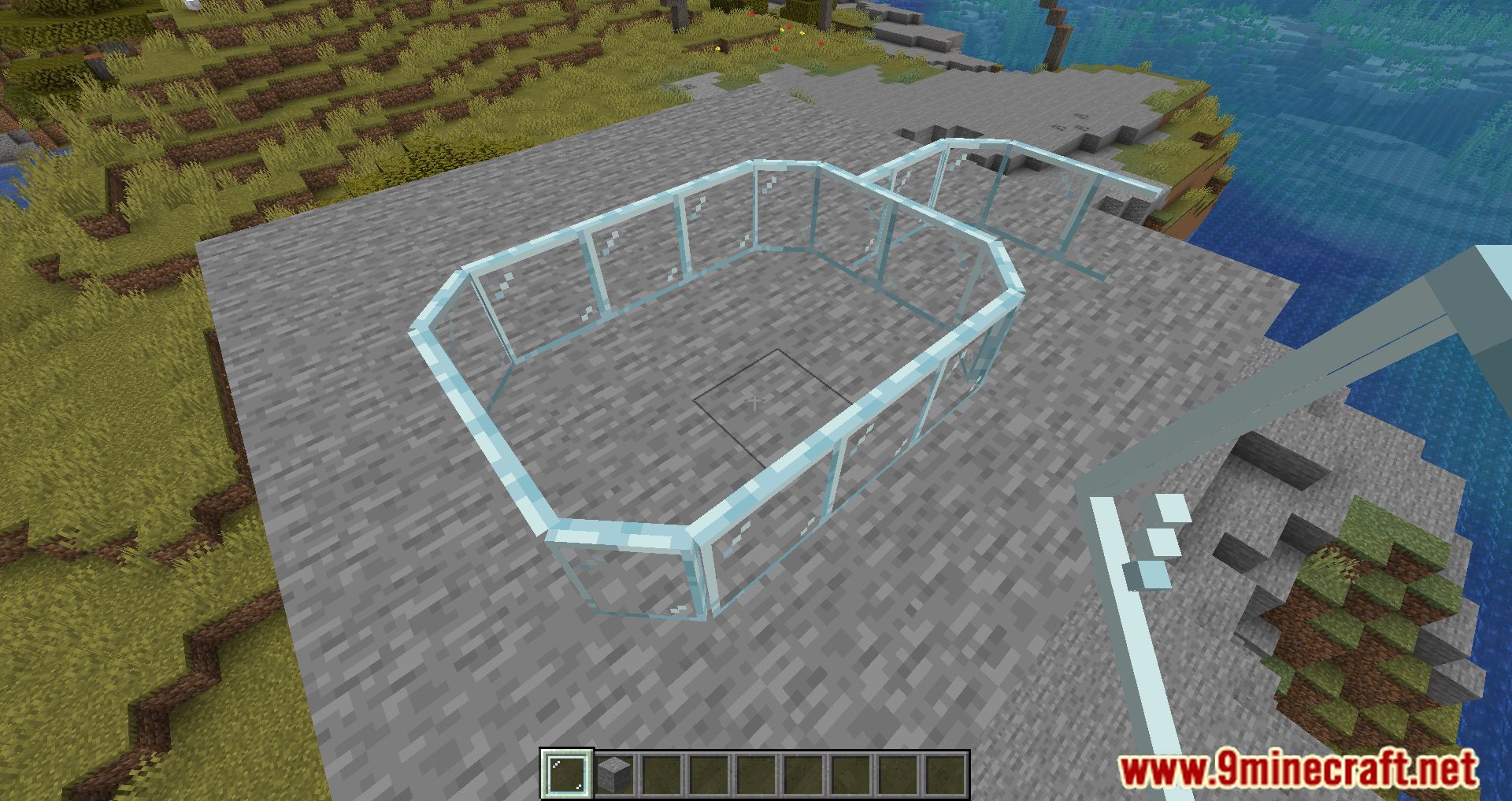
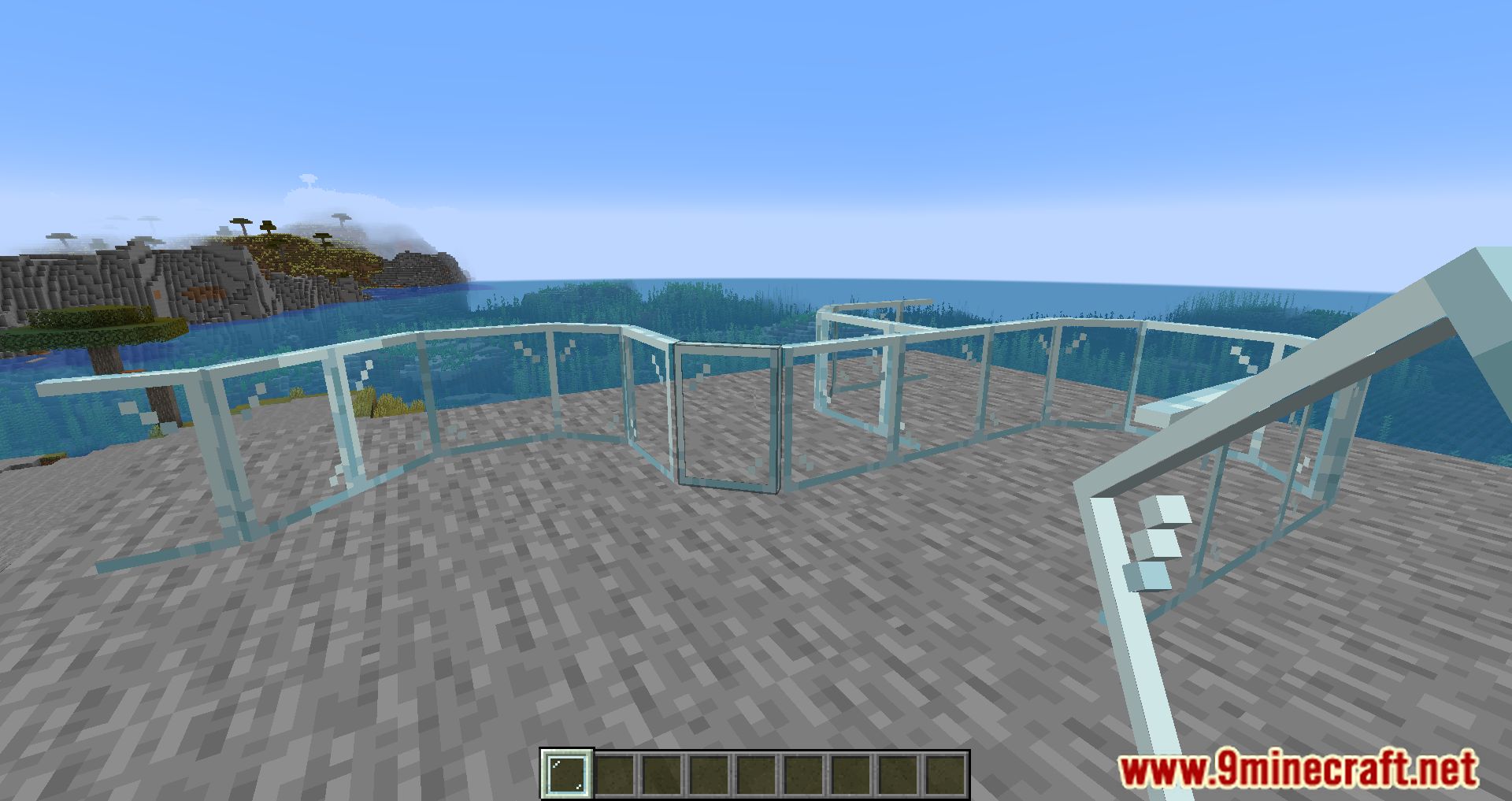
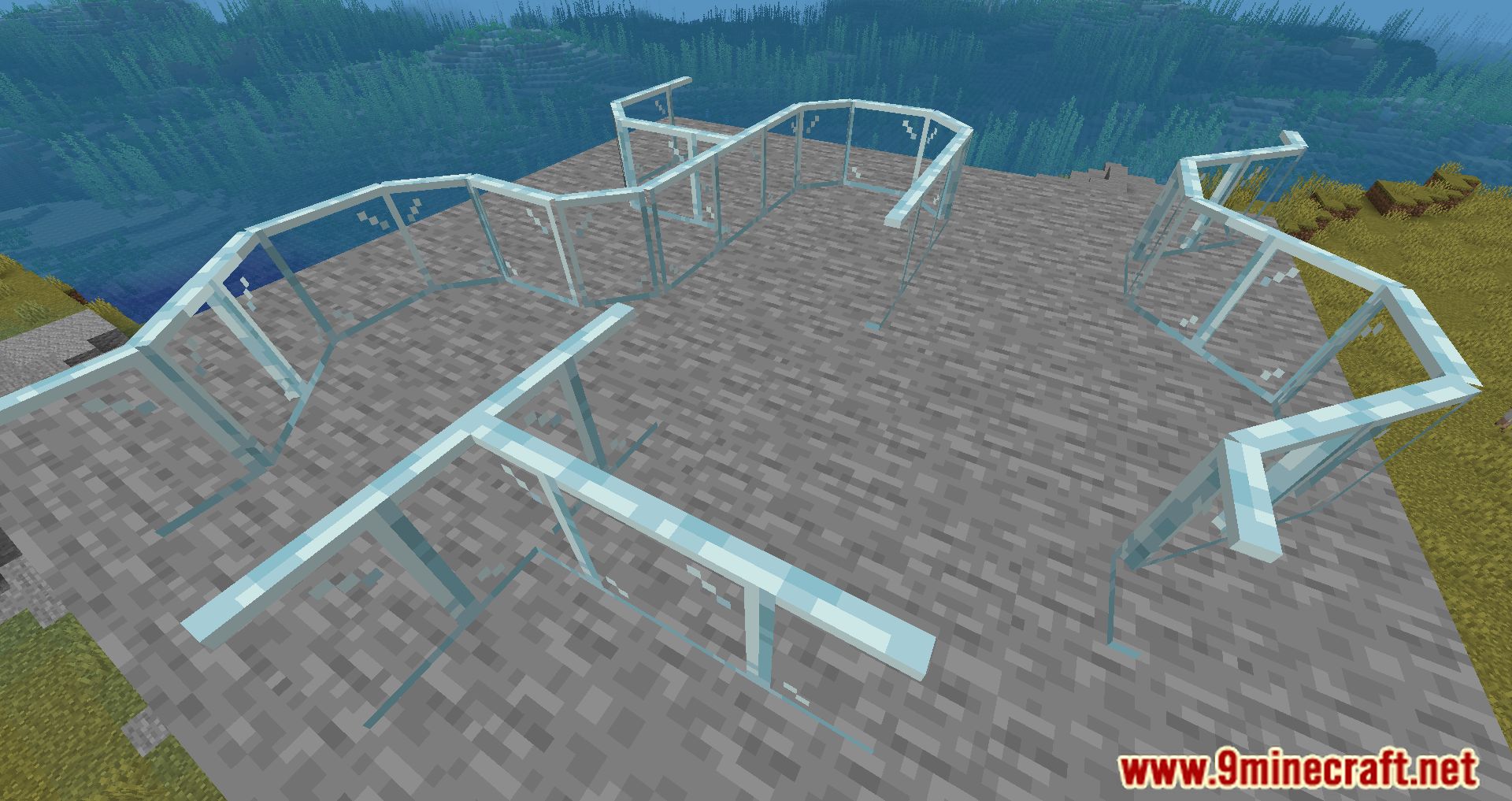
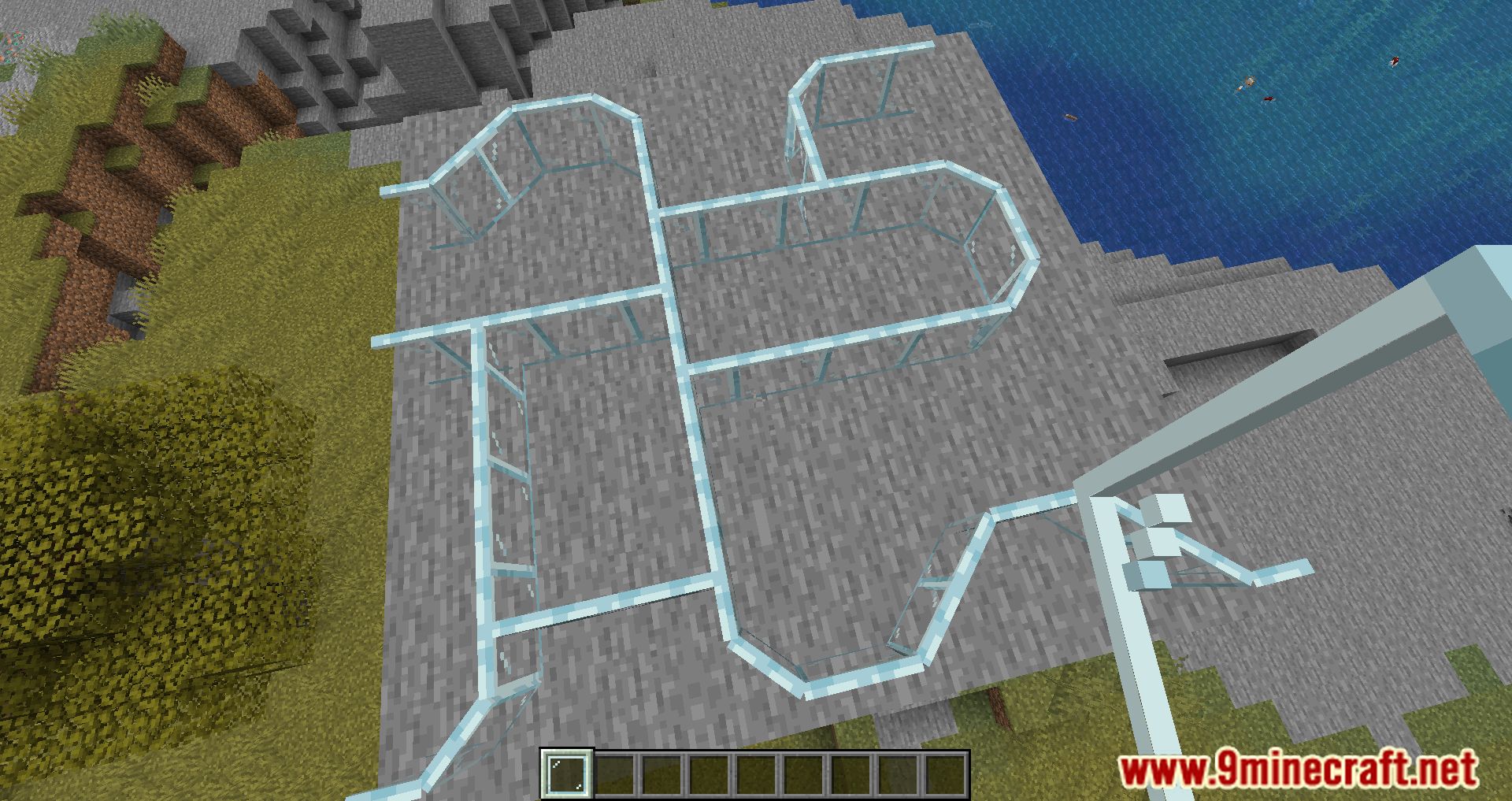
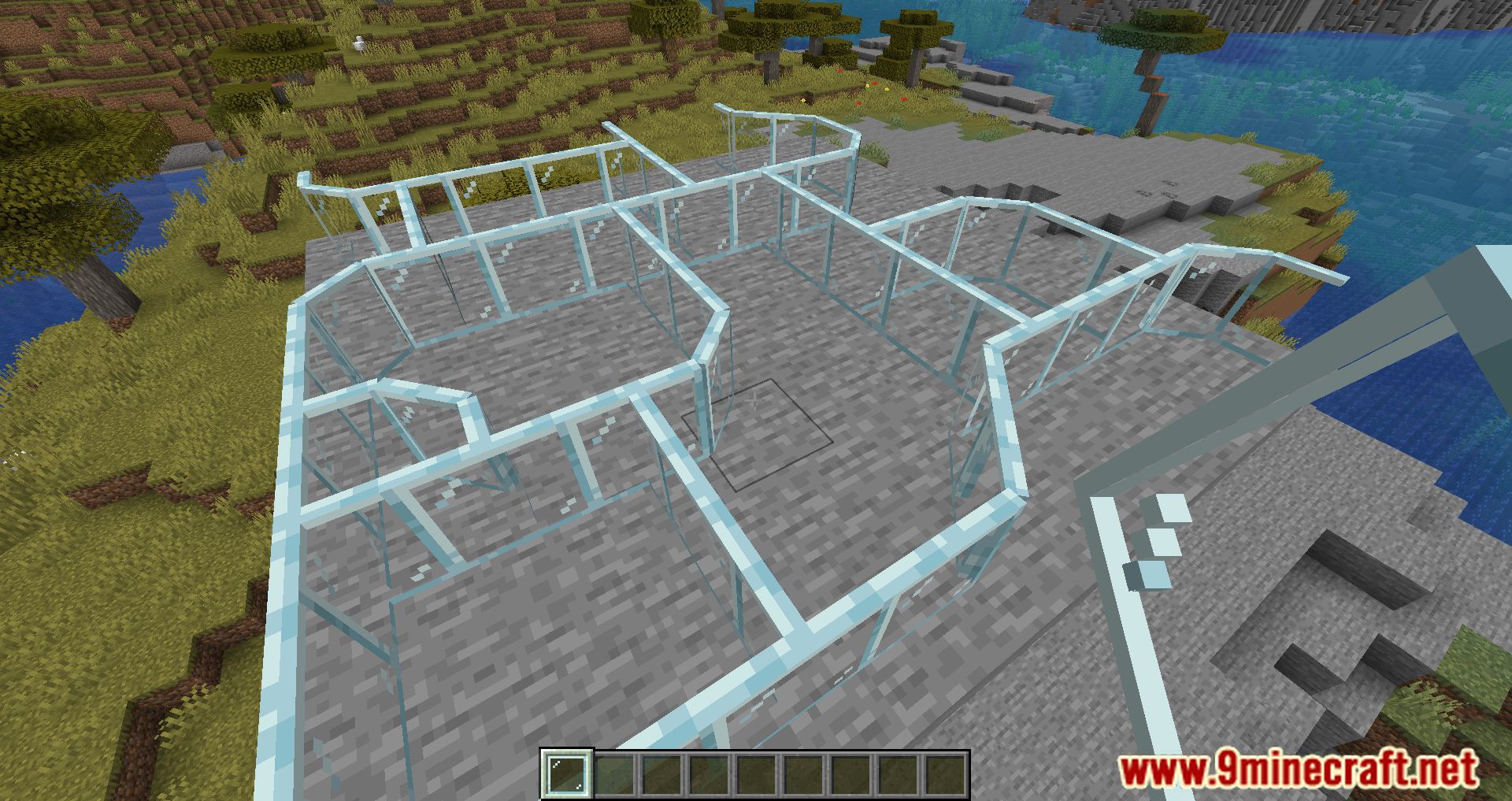
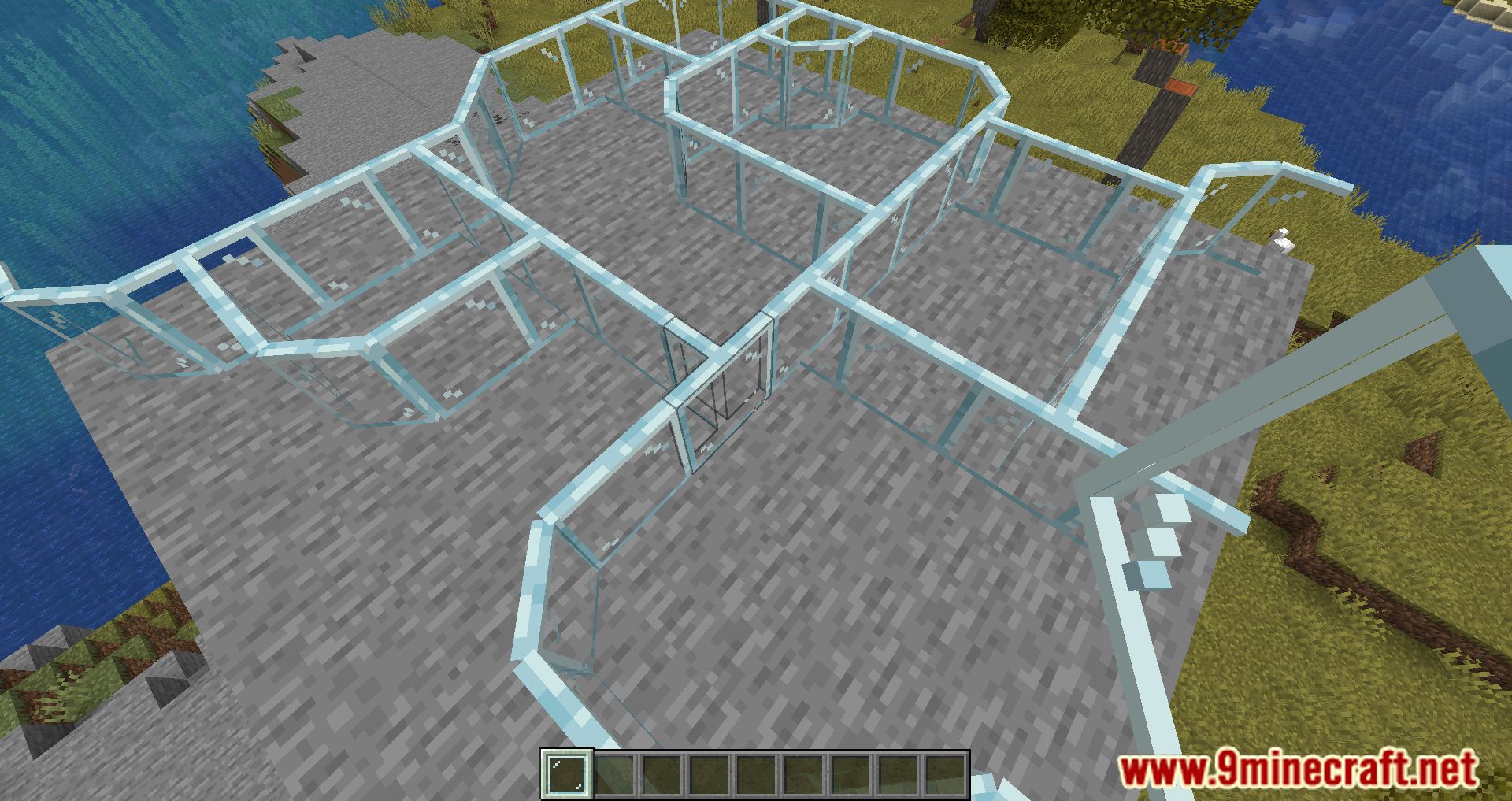
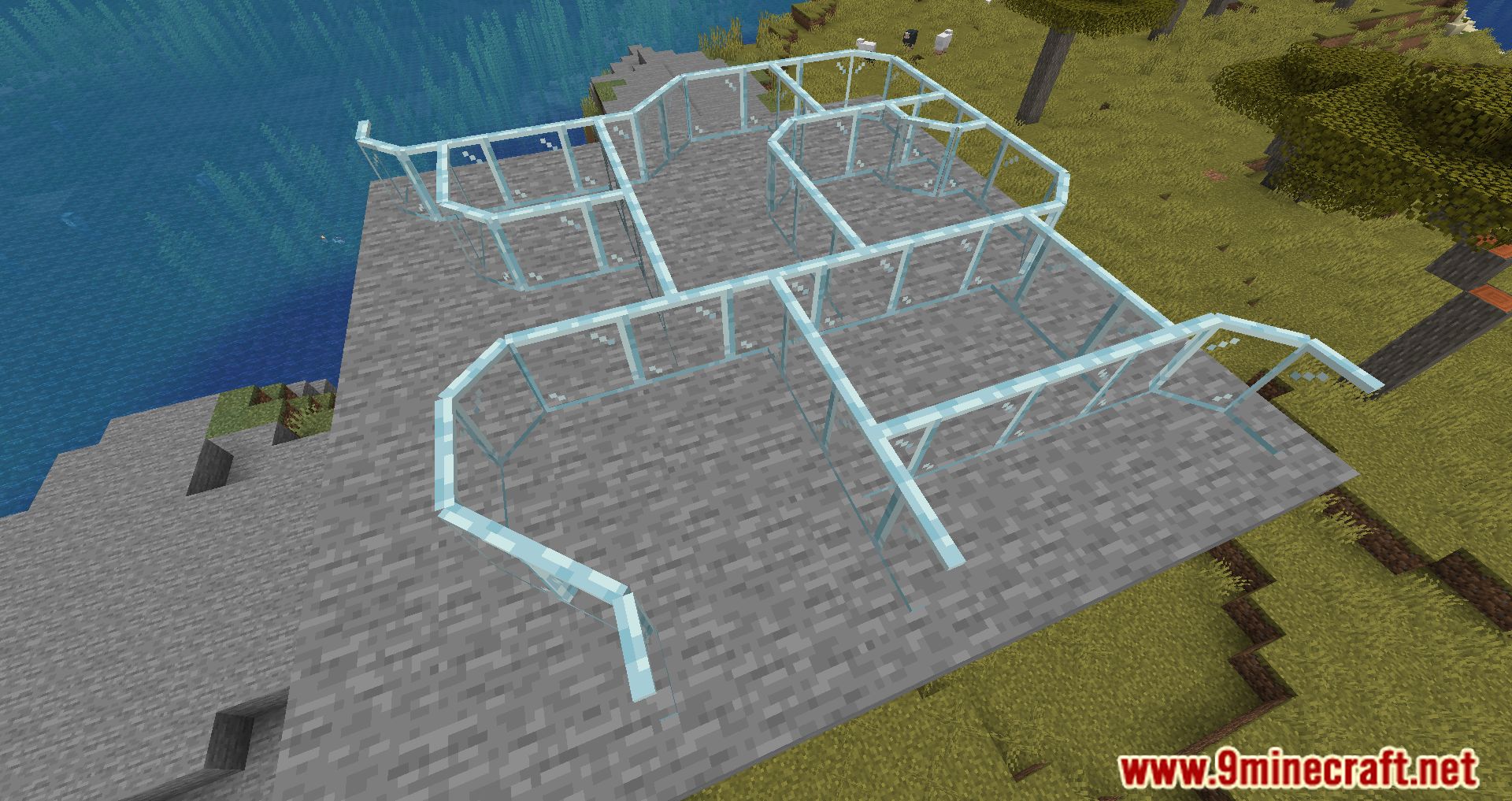
⬇ DownloadDiagonal Panes Mod adds a new feature to the game, diagonal panels. Minecraft is a place where you can unleash your creativity with your imagination; you can realize it by building in this fantasy world. Whether a building is beautiful depends on your creativity and the items you choose to make building materials. And one of the most commonly used decorative panels is glass panels and iron bars. Still, with the game’s limitations, the corners are arranged in a square shape when decorating and look rough without their inherent smoothness. So Diagonal Panes Mod has done that; now the panels will be diagonal, between the corners smoothed into diagonal panels wall. This will make the corners smoother and less rough than the original version, making the decoration even more creative than what you want. This Mod is very good for decorating houses, hotels, and other buildings.
Features:
- The corner is smoothed into a diagonal wall when panes form an “L” shape.
Screenshots:
Diagonal Panes Mod Download Links
For Minecraft 1.19.2
Fabric version: Download from Server 1 – Download from Server 2
For Minecraft 1.19.1
Fabric version: Download from Server 1 – Download from Server 2
For Minecraft 1.19
Fabric version: Download from Server 1 – Download from Server 2
For Minecraft 1.18.2
Fabric version: Download from Server 1 – Download from Server 2
For Minecraft 1.18.1
Fabric version: Download from Server 1 – Download from Server 2
For Minecraft 1.17.1
Fabric version: Download from Server 1 – Download from Server 2
For Minecraft 1.16.5
Fabric version: Download from Server 1 – Download from Server 2
For Minecraft 1.15.2
Fabric version: Download from Server 1 – Download from Server 2
For Minecraft 1.14.4
Fabric version: Download from Server 1 – Download from Server 2
- Edition: Minecraft Java
- File type: .jar
- Minecraft versions listed: 1.19.2, 1.18.2
- How to install: Install the matching mod loader (Forge, Fabric or NeoForge) for your Minecraft version. → Download the .jar. → Put it in the .minecraft/mods folder and launch that loader profile.
- Where to get it: In MC Java Mods, or directly above on this page.
Install steps are the general flow for this file type — How to install Minecraft Java mods & modpacks walks through it step by step.
- Downloads as 206365.mcaddon
- Download size: 41 KB
- Download link checked 24 Jul 2026 — working
- Mirrored on our own servers — the download does not depend on the original host
These come from our own check of the pack file, not from the source page.