This addon allows to create or remove different recipes inside without any code by placing items as they should be in the craft and then pressing Copy recipe or Add recipe straight to the Craft Tweaker and then pressing Reload recipes.
Take item "Recipe Manager" from "Easy Tweaker" tab and use it to open GUI.
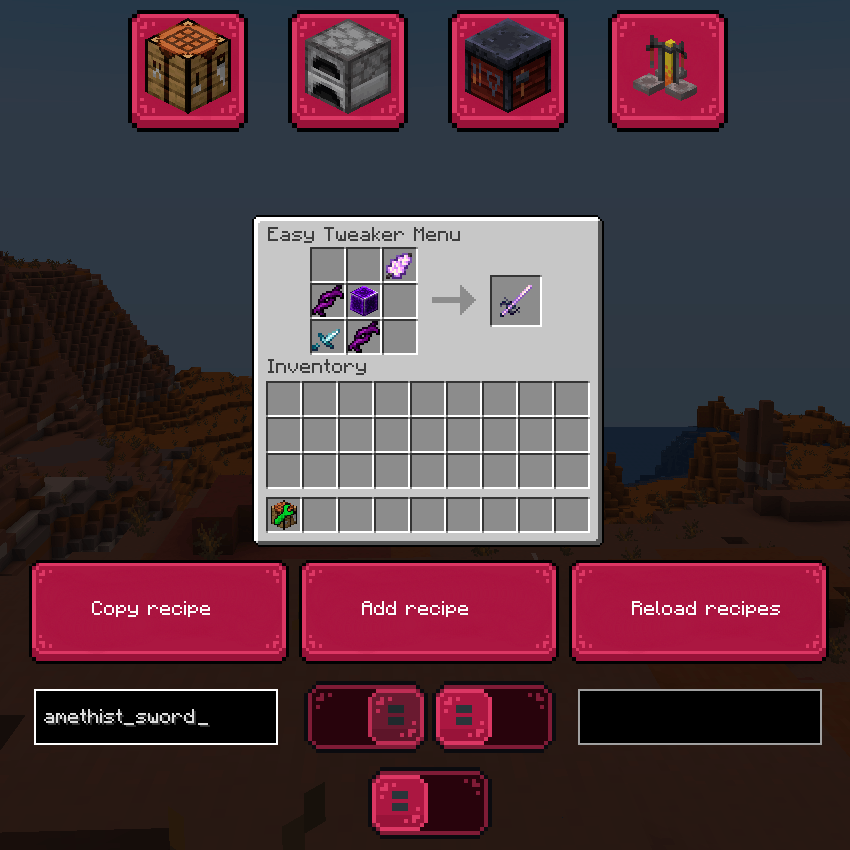
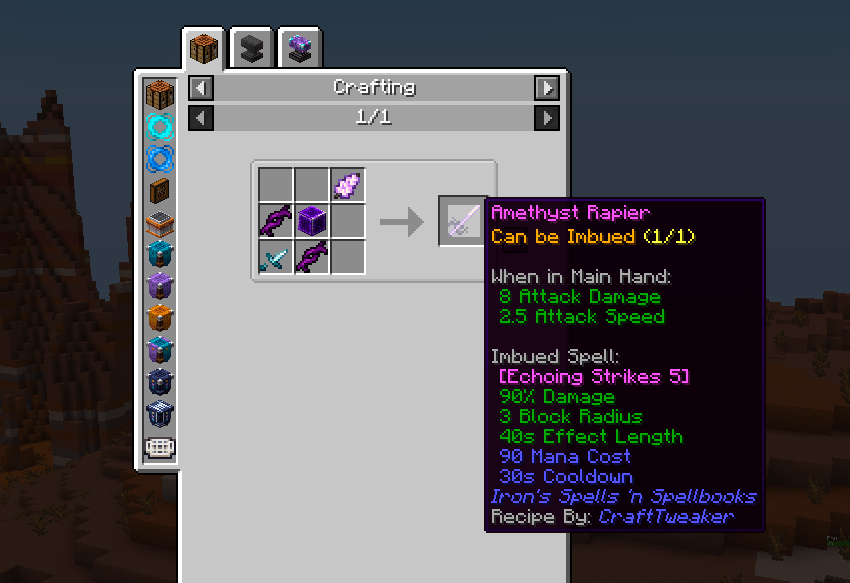
Here is example of using Workbench gui for adding a shaped recipe for amethyst sword:
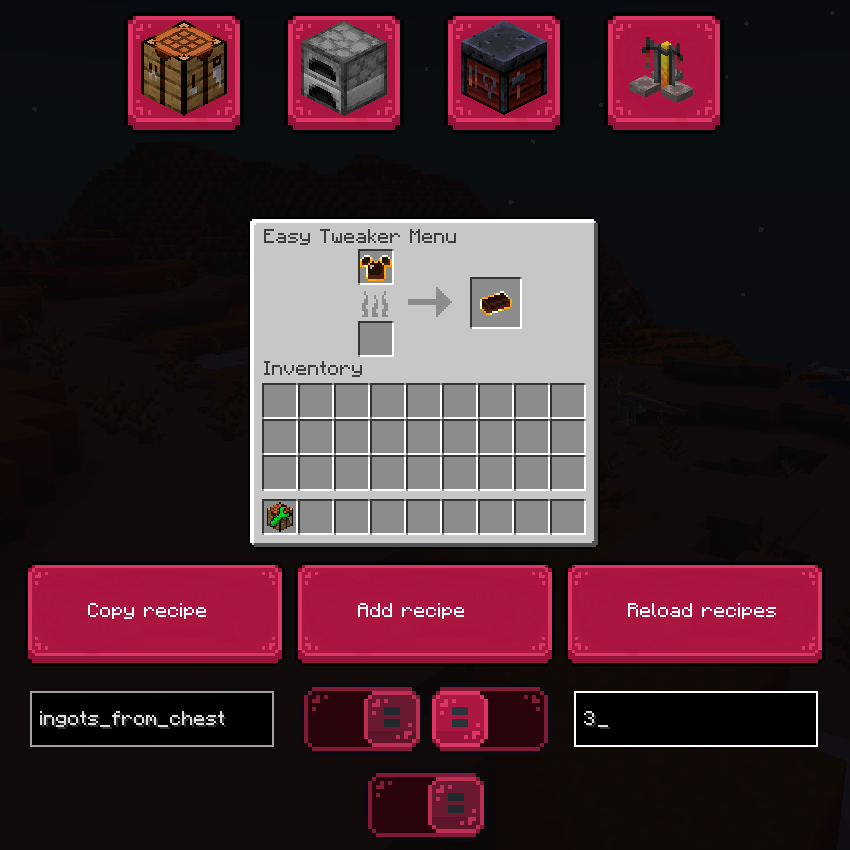
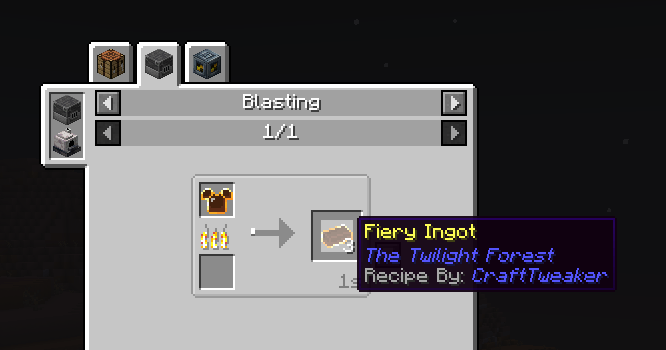
Here is an example of craft in Blast furnace with wanted quantity.
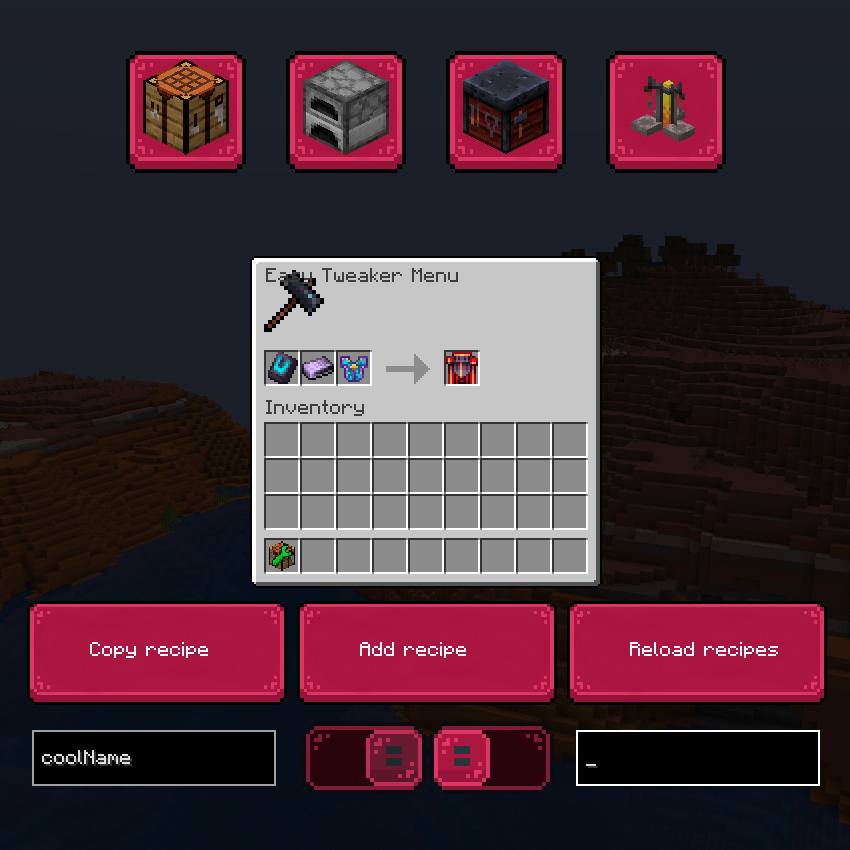
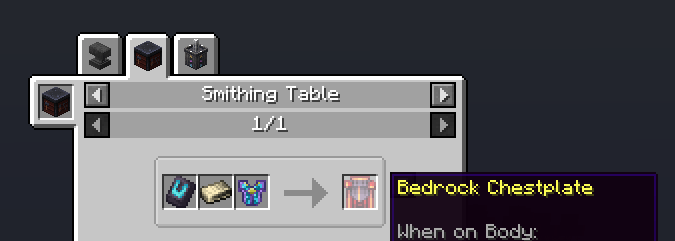
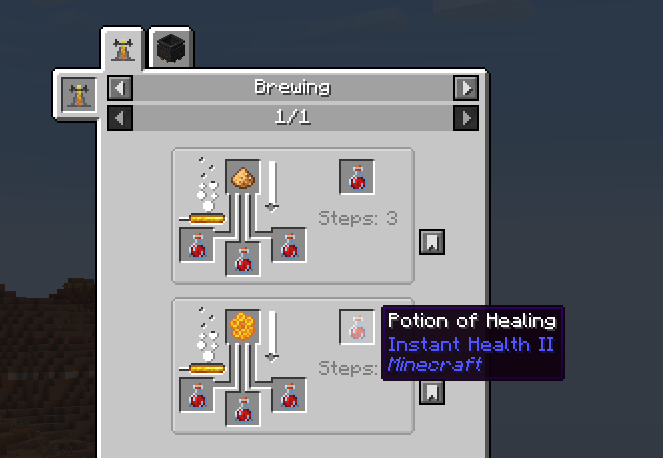
You can even use potions and remove/add their recipes.

- Edition: Minecraft Java
- File type: .jar
- Minecraft versions listed: 1.21.1, 1.20.1
- How to install: Install the matching mod loader (Forge, Fabric or NeoForge) for your Minecraft version. → Download the .jar. → Put it in the .minecraft/mods folder and launch that loader profile.
- Where to get it: Opens on CurseForge — not every file is mirrored on our own servers.
Install steps are the general flow for this file type — How to install Minecraft Java mods & modpacks walks through it step by step.
Easy CraftTweaker is a free Minecraft Java mod. Compatible with Minecraft 1.21.1, 1.20.1. Downloaded 179,089 times (via CurseForge). Download it and open it directly in the game.