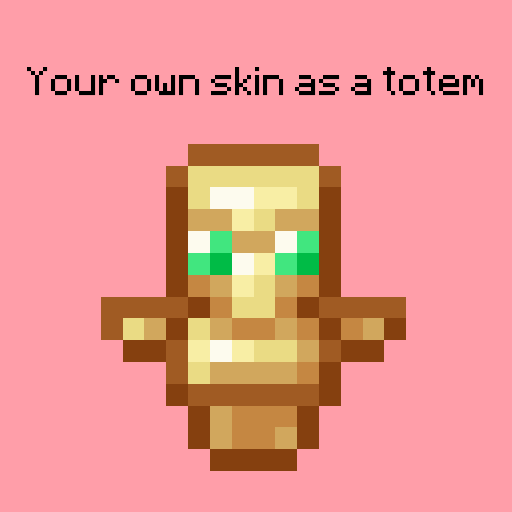
What the goal of this pack?
I think have your skin as a totem is pretty, then I created this pack.
You can found a tutorial in the pack (its name is tutoral.txt)
How I can set the pack in my Resource packs?
Go in your .minecraft, resourcepacks, and drag and drop the pack.
I can't modify the pack
Just unzip the pack with right click, and select "Extract All..."
How to setup the pack?
TUTORIAL
1. Grab your own skin
go on https://namemc.com
search your pseudo
click on your profile
under your skin preview, there is all your skins and click on your latest
click on the download button
2. Put the skin in the Resource Pack
Go in your downloads, click on your skin and press Ctrl + X
Go in the resource pack : assets, minecraft, textures, item and press Ctrl + V
Rename your skin "totem" (verify the extension : it's normally png)
There it is!
If your have question, ask in the comments!
Here's my discord for suggest ideas or report an issue : https://discord.gg/7yXRx6yVVy
- Edition: Minecraft Java
- File type: .zip (resource pack)
- Minecraft versions listed: 1.16.3, 1.17.1, 1.21
- How to install: Download the .zip resource pack — do not unzip it. → Put it in .minecraft/resourcepacks. → Enable it in Options → Resource Packs.
- Where to get it: Opens on CurseForge — not every file is mirrored on our own servers.
Install steps are the general flow for this file type — How to install Minecraft Java resource packs walks through it step by step.
Your totem is your skin is a free Minecraft Java resourcepack. Compatible with Minecraft 1.16.3, 1.17.1, 1.21, 1.16.1 and newer. Downloaded 8,164 times (via CurseForge). Download it and open it directly in the game.