No Default Auto-Jump Mod (1.18.2, 1.17.1) – Disable Auto-Jump on First Pack Load
No Default Auto-Jump Mod is an incredibly simple mod simply disables the vanilla auto-jump "feature" by default the first time that a modpack is loaded by…
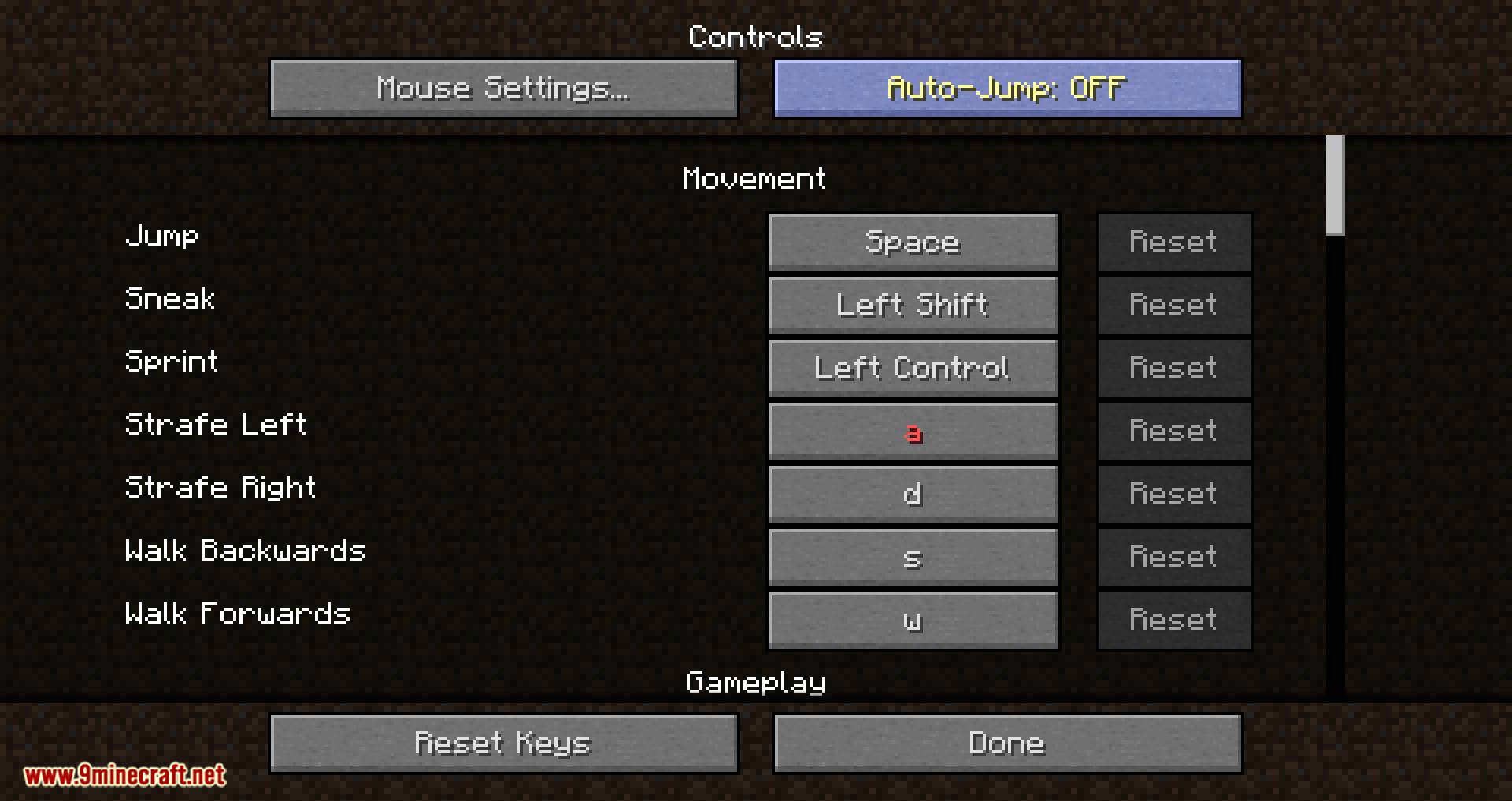
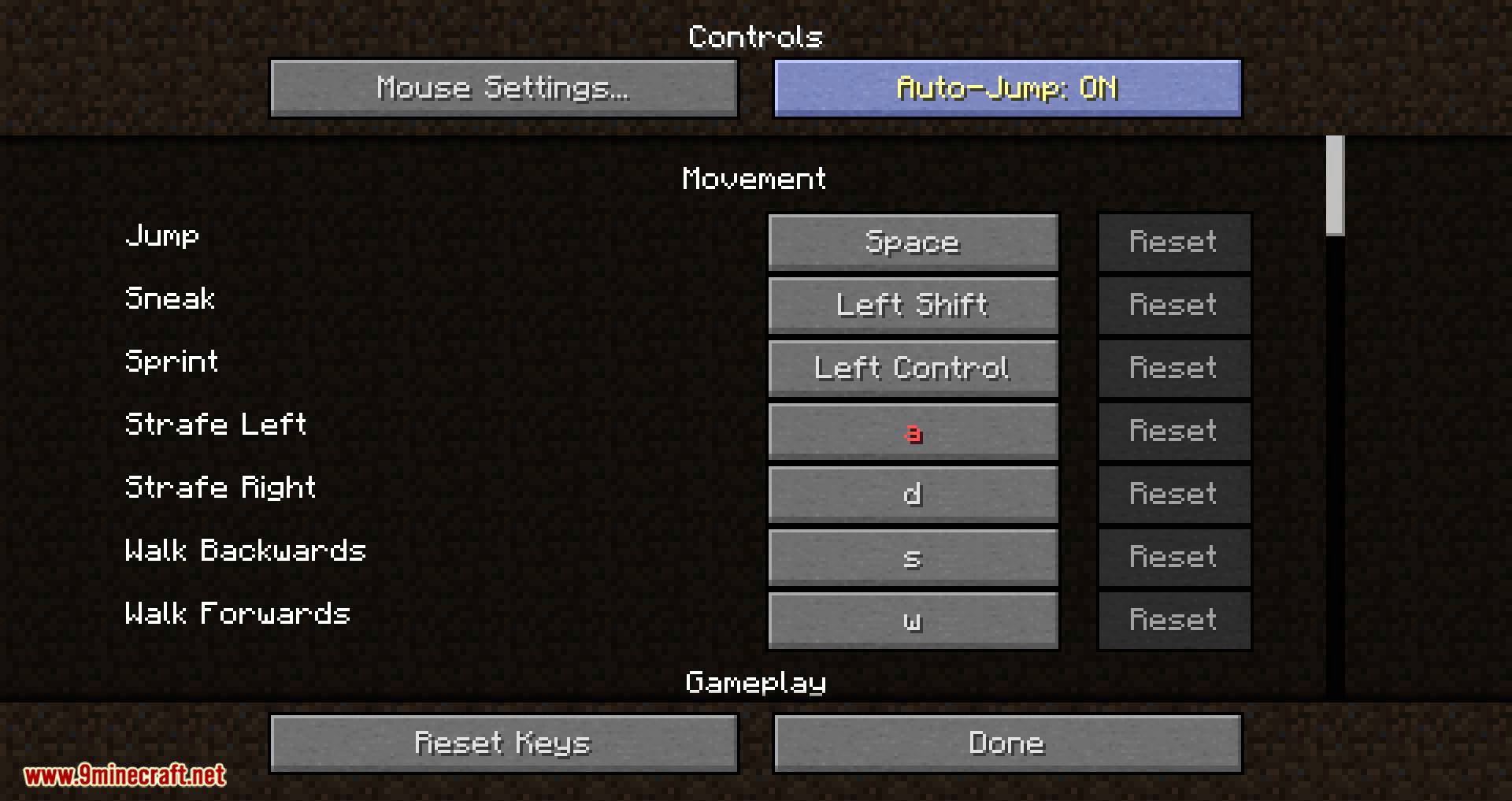
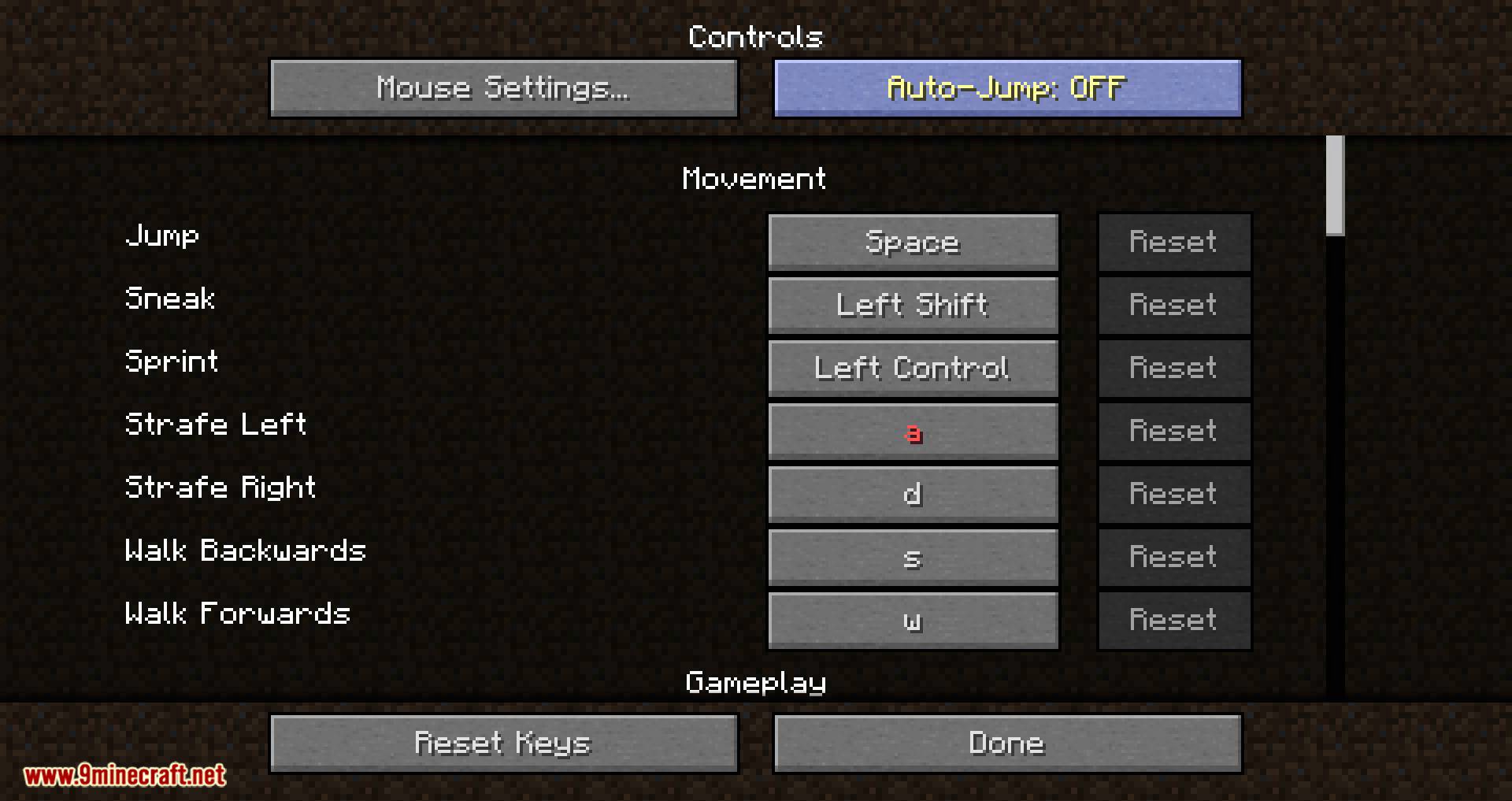
⬇ DownloadOpen in MCModsHubGet it on Google Play →No Default Auto-Jump Mod is an incredibly simple mod simply disables the vanilla auto-jump “feature” by default the first time that a modpack is loaded by a player (i.e. as long as options.txt does not exist). This is a very simple and easy solution for modpack developers who would like their players to dive into their packs without having to worry about the auto-jump feature, a feature which seems to be undesirable by a majority of players.
However, unlike some “no auto-jump” mods made for previous versions, this mod will not prevent players from using auto-jump; players are welcome to re-enable auto-jump, and that option will be saved.
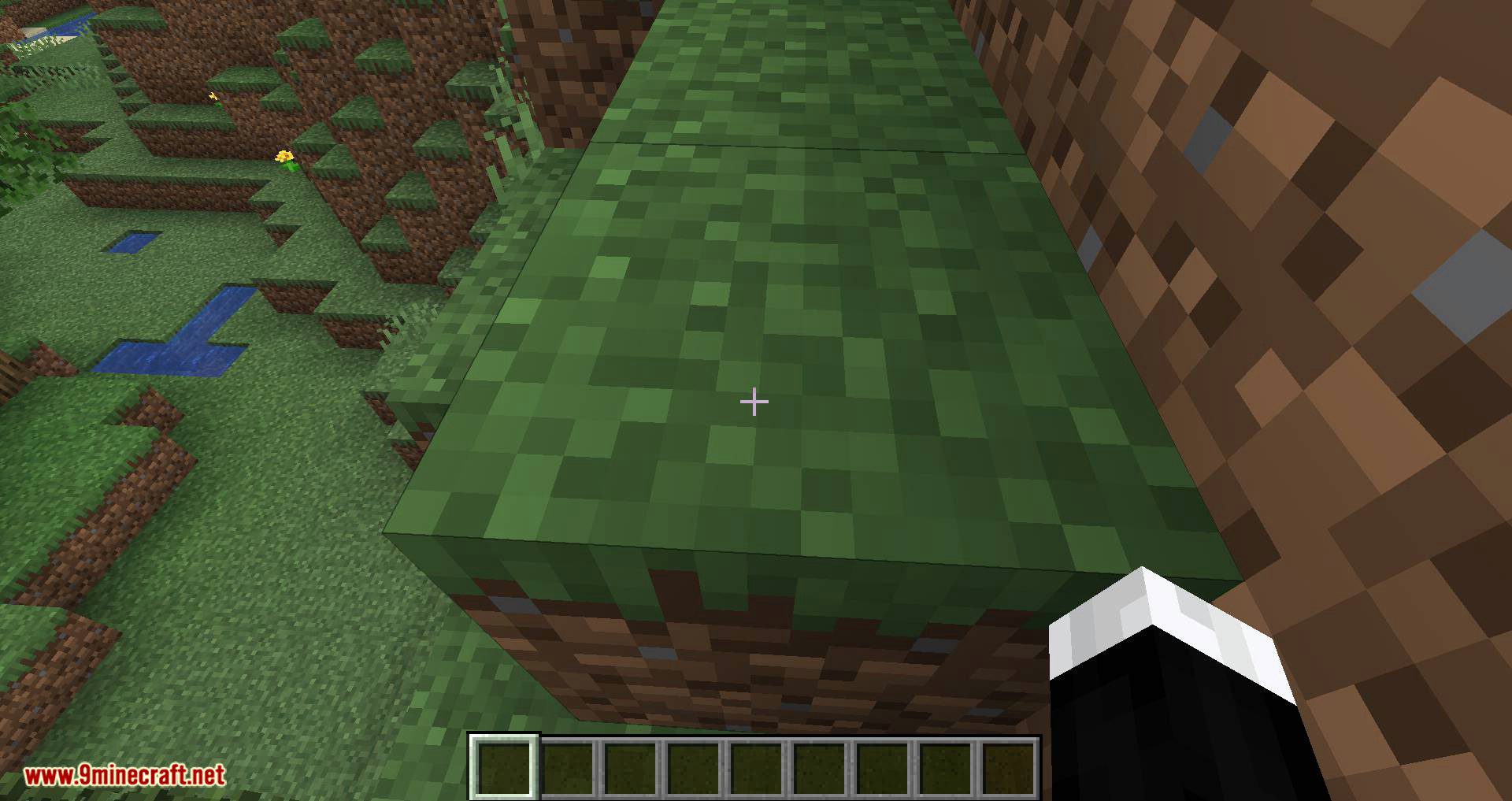
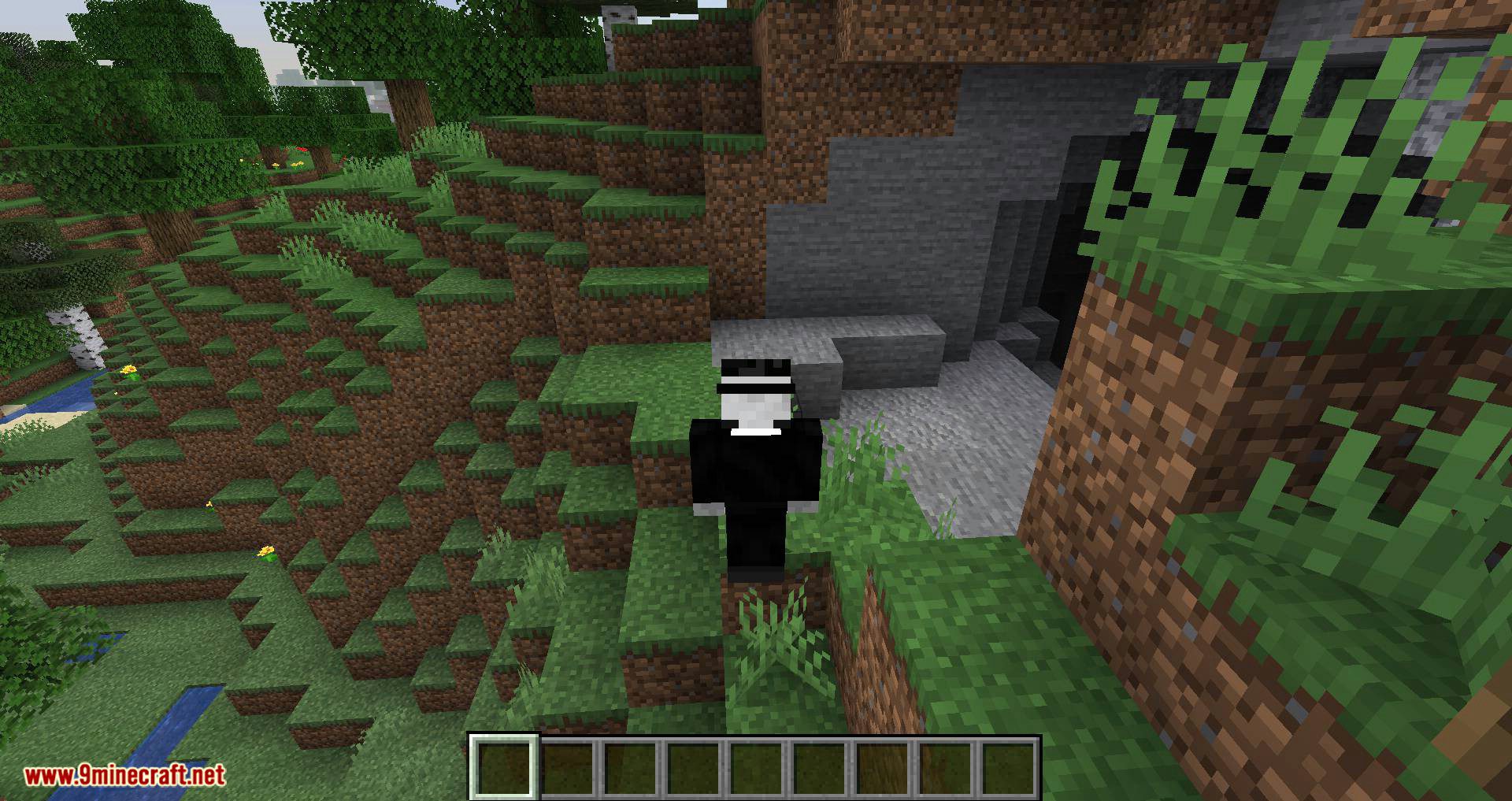
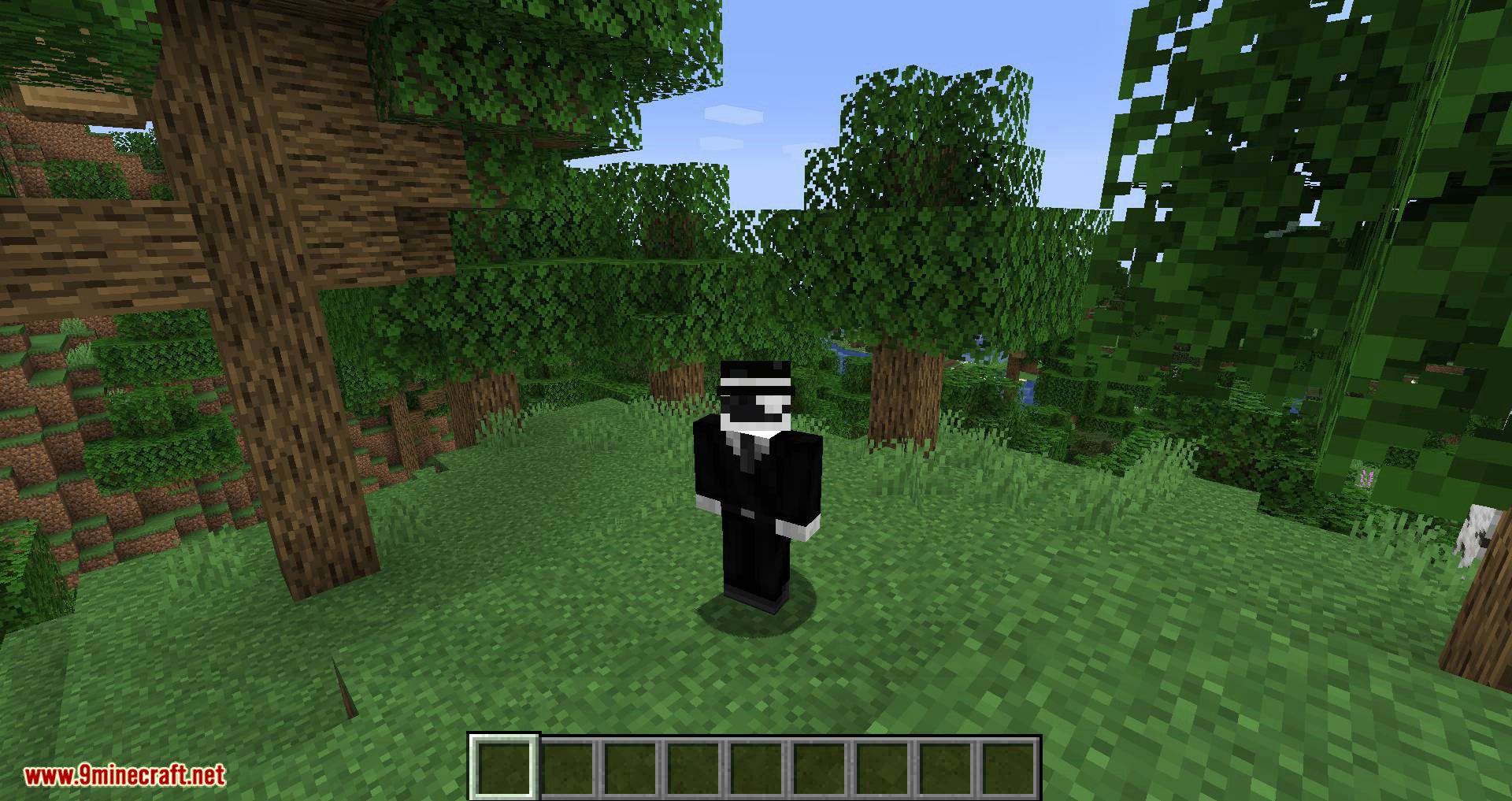
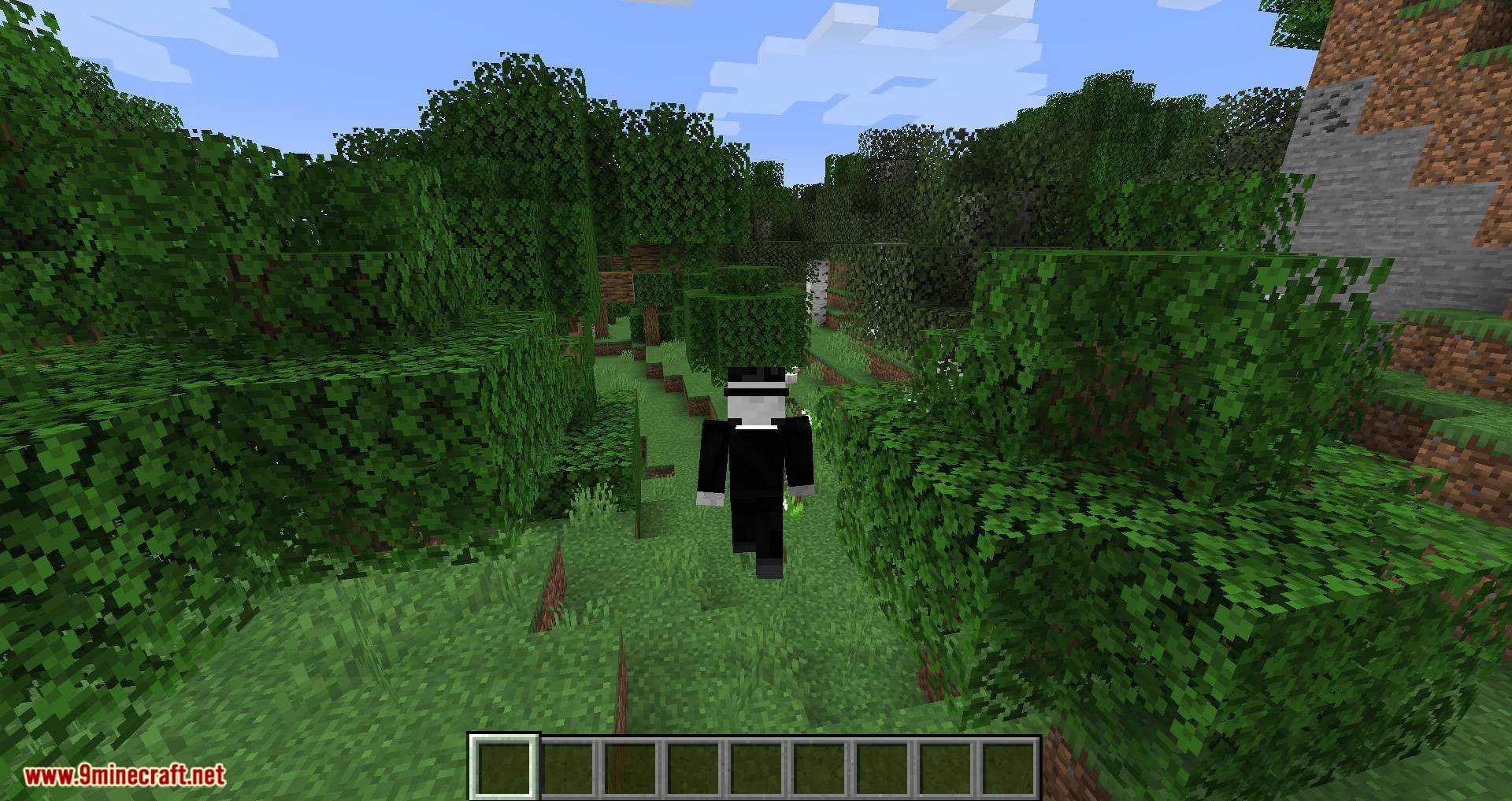
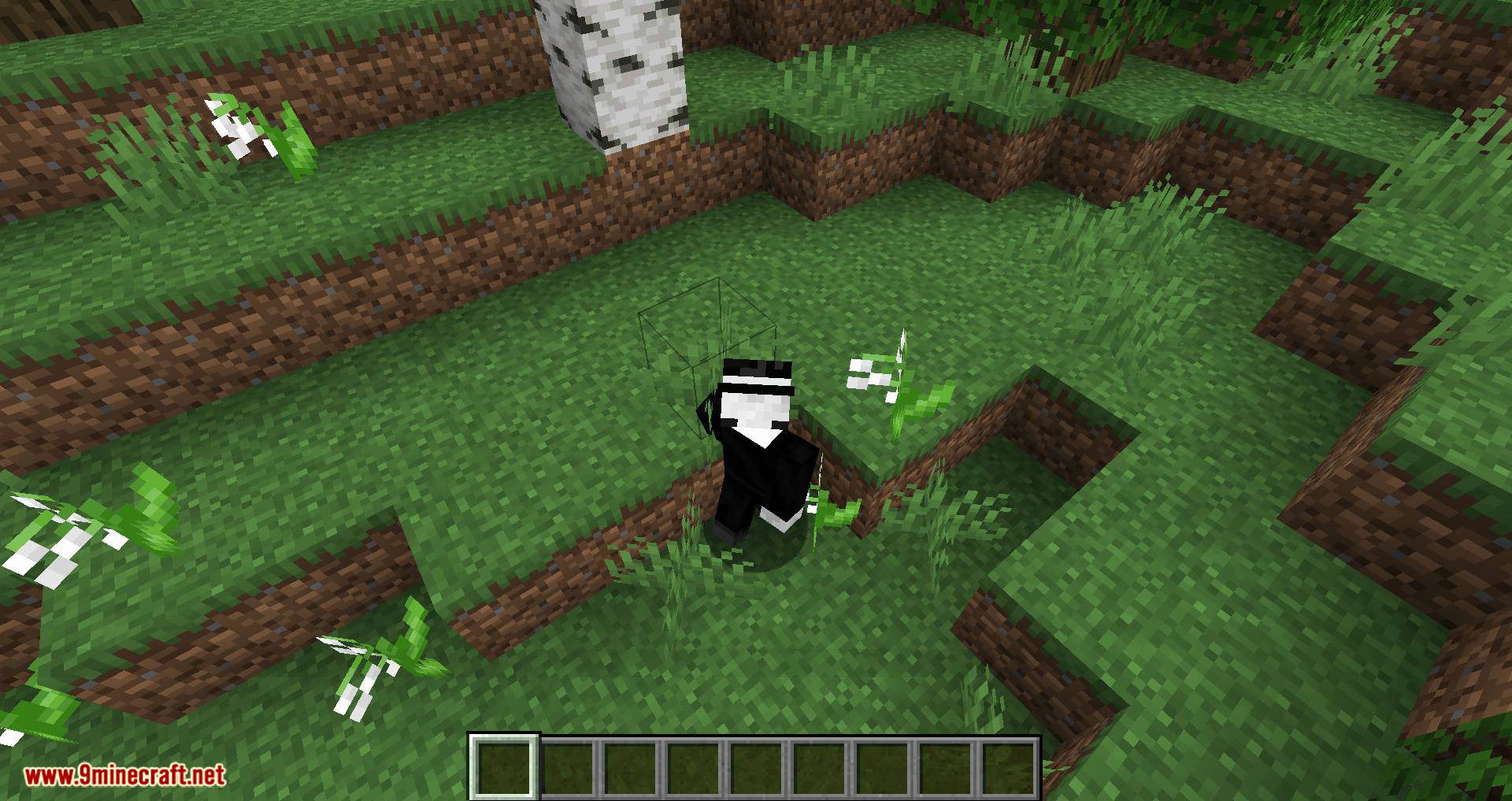
Screenshots:
Requires:
Minecraft Forge
No Default Auto-Jump Mod Download Links
For Minecraft 1.18.2
For Minecraft 1.18.1
For Minecraft 1.17.1
For Minecraft 1.16.5
For Minecraft 1.15.2
For Minecraft 1.12.2
No Default Auto-Jump Mod (1.18.2, 1.17.1) – Disable Auto-Jump on First Pack Load is a free Minecraft Java mod. Compatible with Minecraft 1.18.2, 1.17.1. Download it and open it directly in the game.