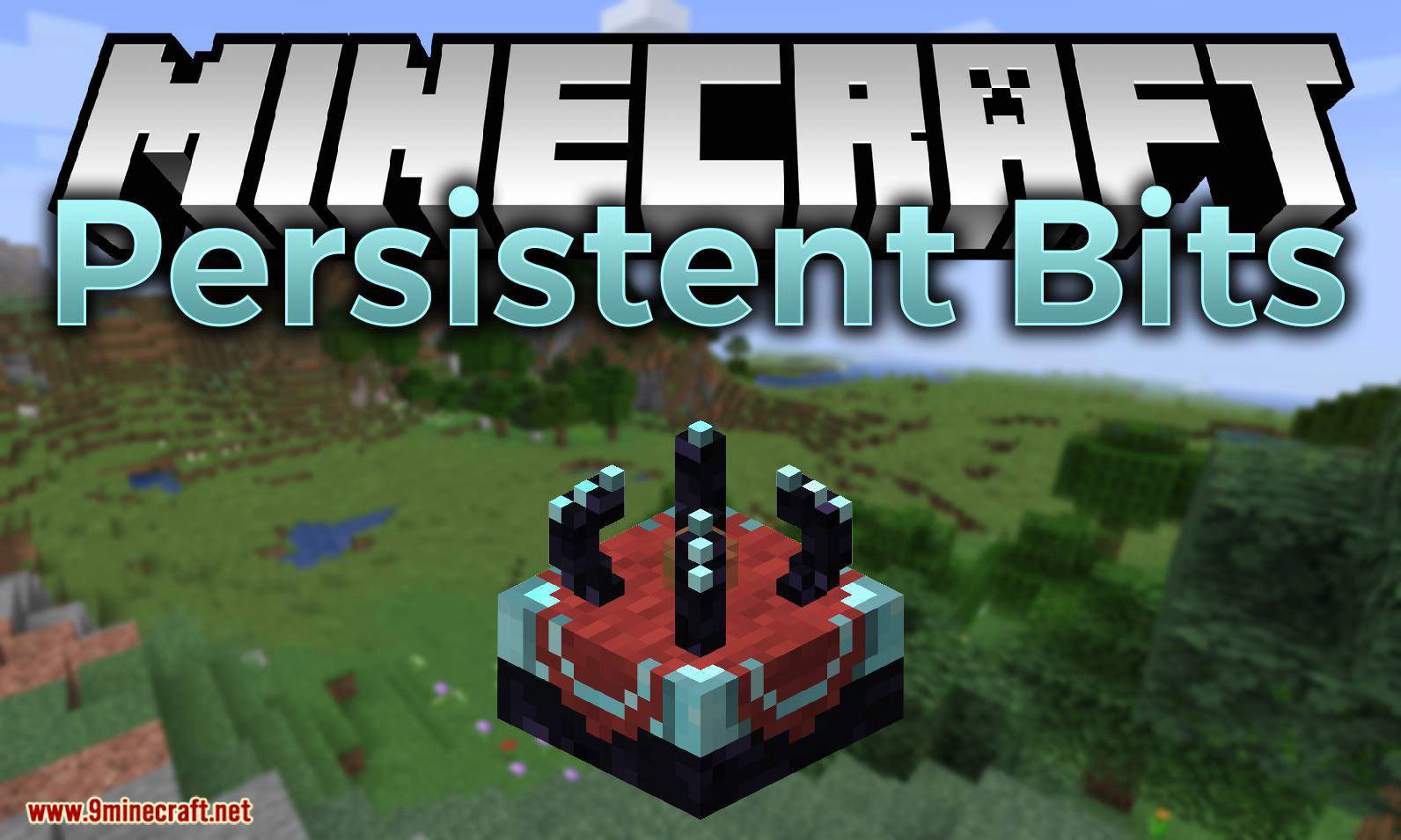
Persistent Bits Mod (1.19.2, 1.18.2) – Simple Chunk Loading
Persistent Bits Mod is a very simple, no-fuel-required Chunk Loading mod. Unlike many other popular chunk loading mods, Persistent Bits has neither hacky…
⬇ DownloadOpen in MCModsHubGet it on Google Play →Persistent Bits Mod is a very simple, no-fuel-required Chunk Loading mod. Unlike many other popular chunk loading mods, Persistent Bits has neither hacky code nor fuel requirements nor locked-in radius.
The configuration file allows you to change the radius of the Chunk Loader, as well as enable or disable Chunk Loader security if you so desire.
Features:
Radius:
You can configure the radius of the chunk loader. Its’ default is relatively well balanced, but if you set it too high, you will need to change the following in forgeChunkLoading.cfg:
- I:maximumChunksPerTicket
- I:maximumTicketCount
Not doing so may prevent the Chunk Loaders from not completely not-functioning.
Security:
You can enable or disable Chunk Loader security if you do not trust other players on your server. Security works very simply – the placer of the Chunk Loader is the owner, and that person is the only one that can break it.
Viewing Load Range:
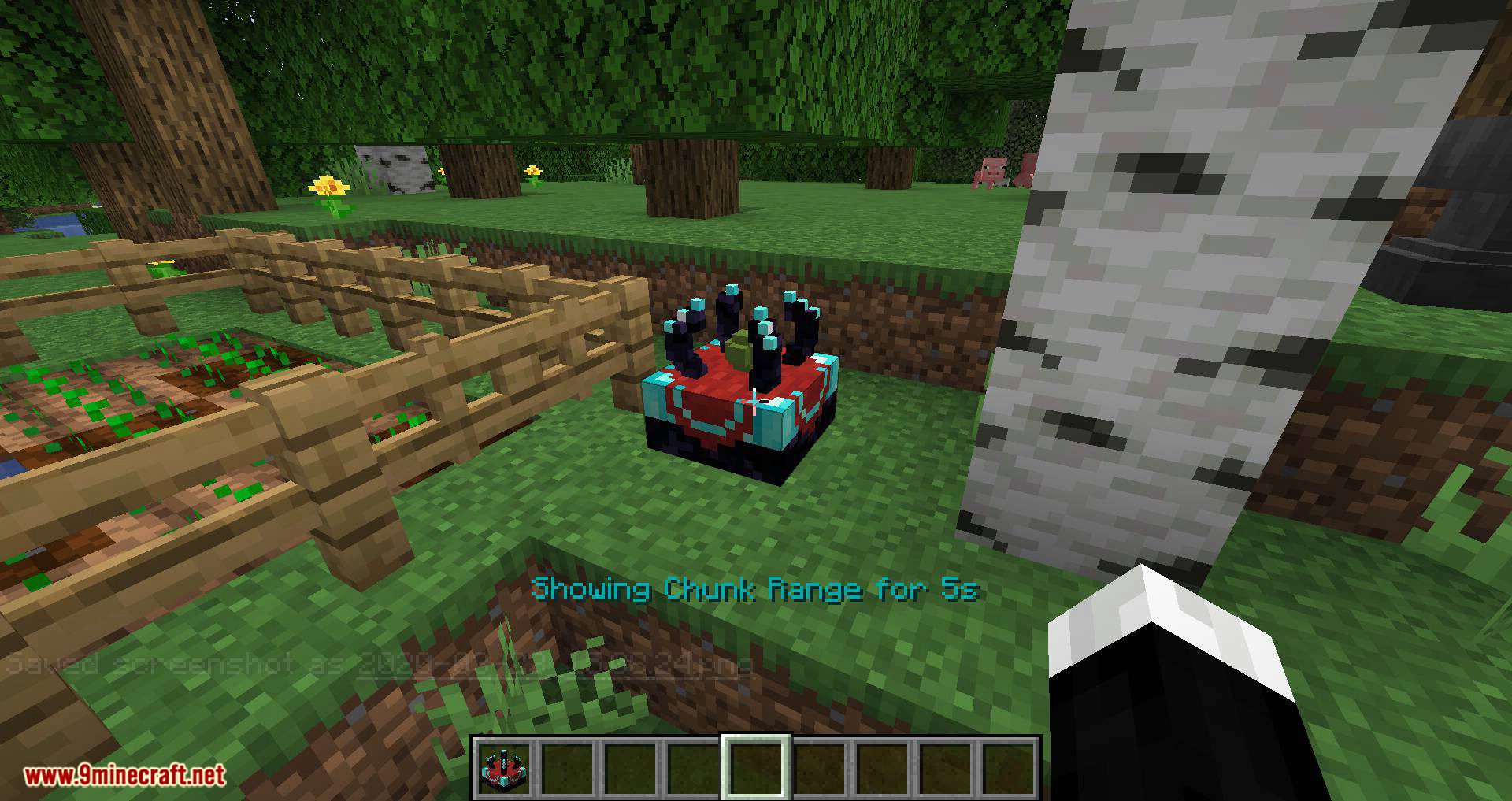
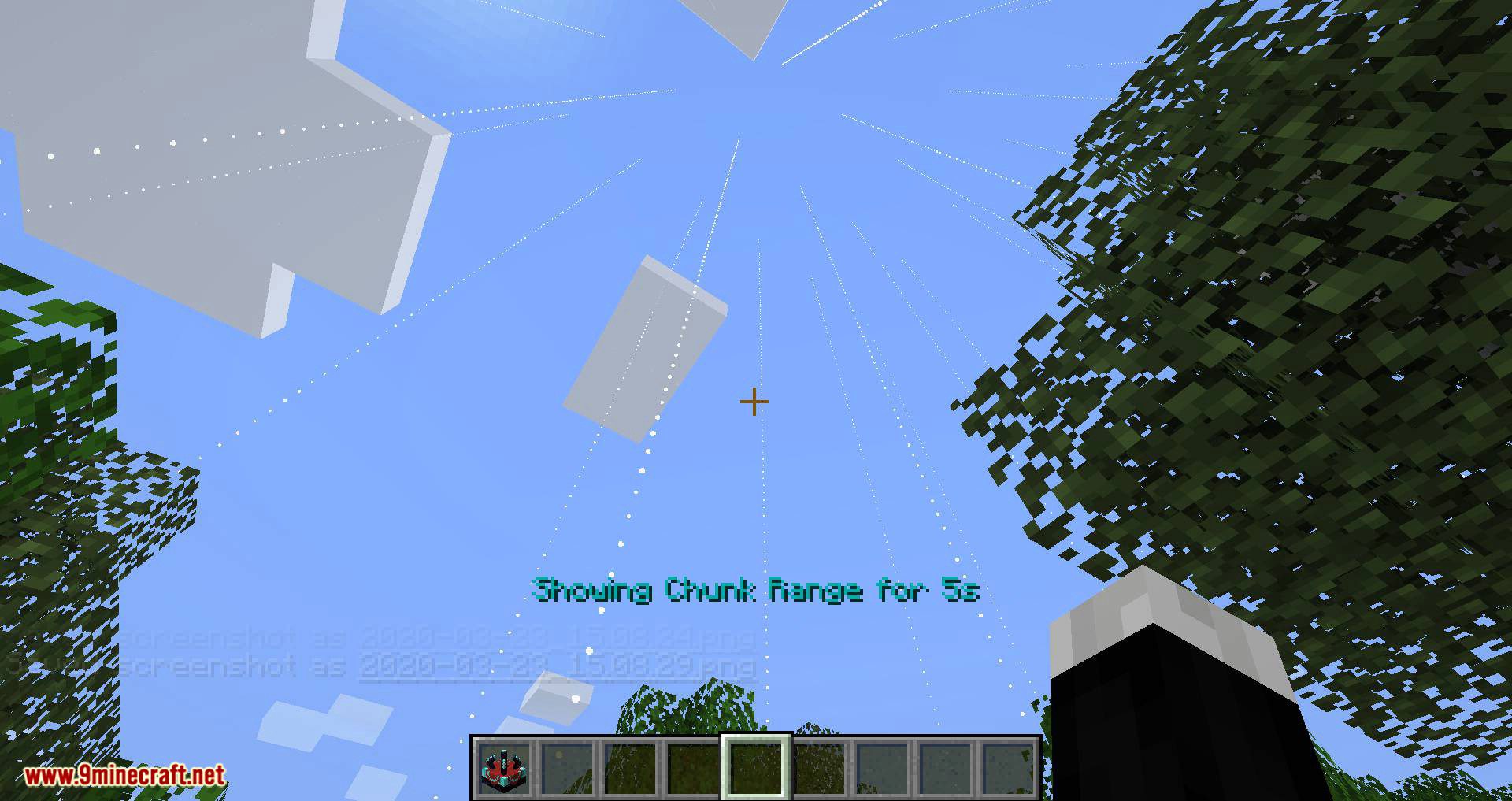
In an effort to keep Persistent Bits as Vanilla-esque and lightweight as possible, you can right-click on a Chunk Loader to display which chunks are actively being loaded. Using F3 + G to show the chunk boundaries is very useful in combination with this feature, as the client-side indicators are placed at the center of the chunk that’s being loaded!
Other Features:
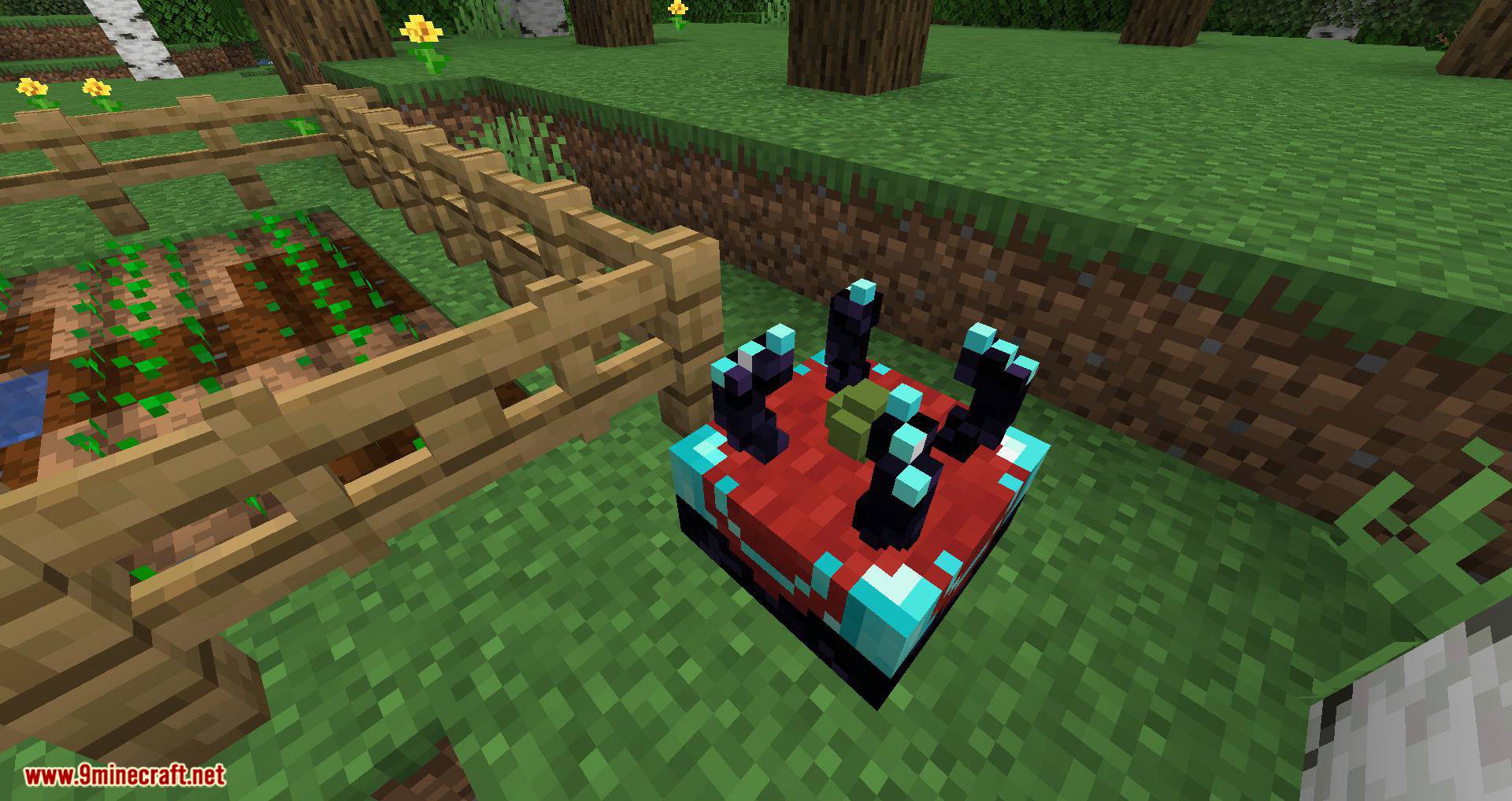
Awesome model using Vanilla-only assets brought to you by /u/fuami-cake on Reddit. You can always change the model of course, but recall that PersistentBits doesn’t ship with any textures of its own 🙂
Chunk Loaders (at least all of those which have been placed after version 1.0.0) automatically load themselves on world load. This means that you don’t have to go to a Chunk Loader for it to work!
Important information about Chunk Loaders is stored in PersitentBits.dat, located inside of each world folder. Don’t delete this file or else you’ll have to re-place your Chunk Loaders all over again! This file gets updated each time someone places or removes a Chunk Loader, so don’t worry about world corruption from unexpected crashes/world shut-downs.
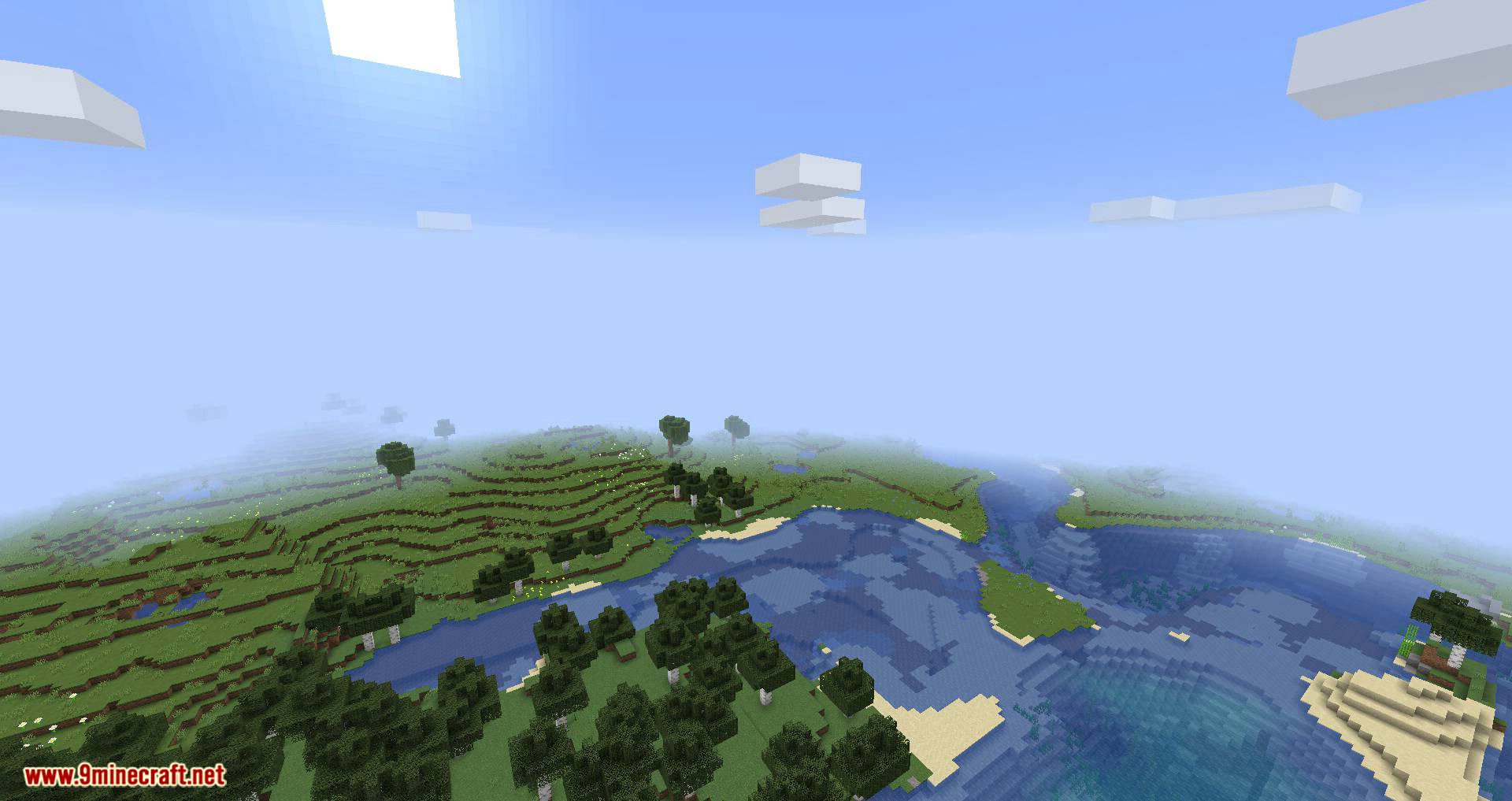
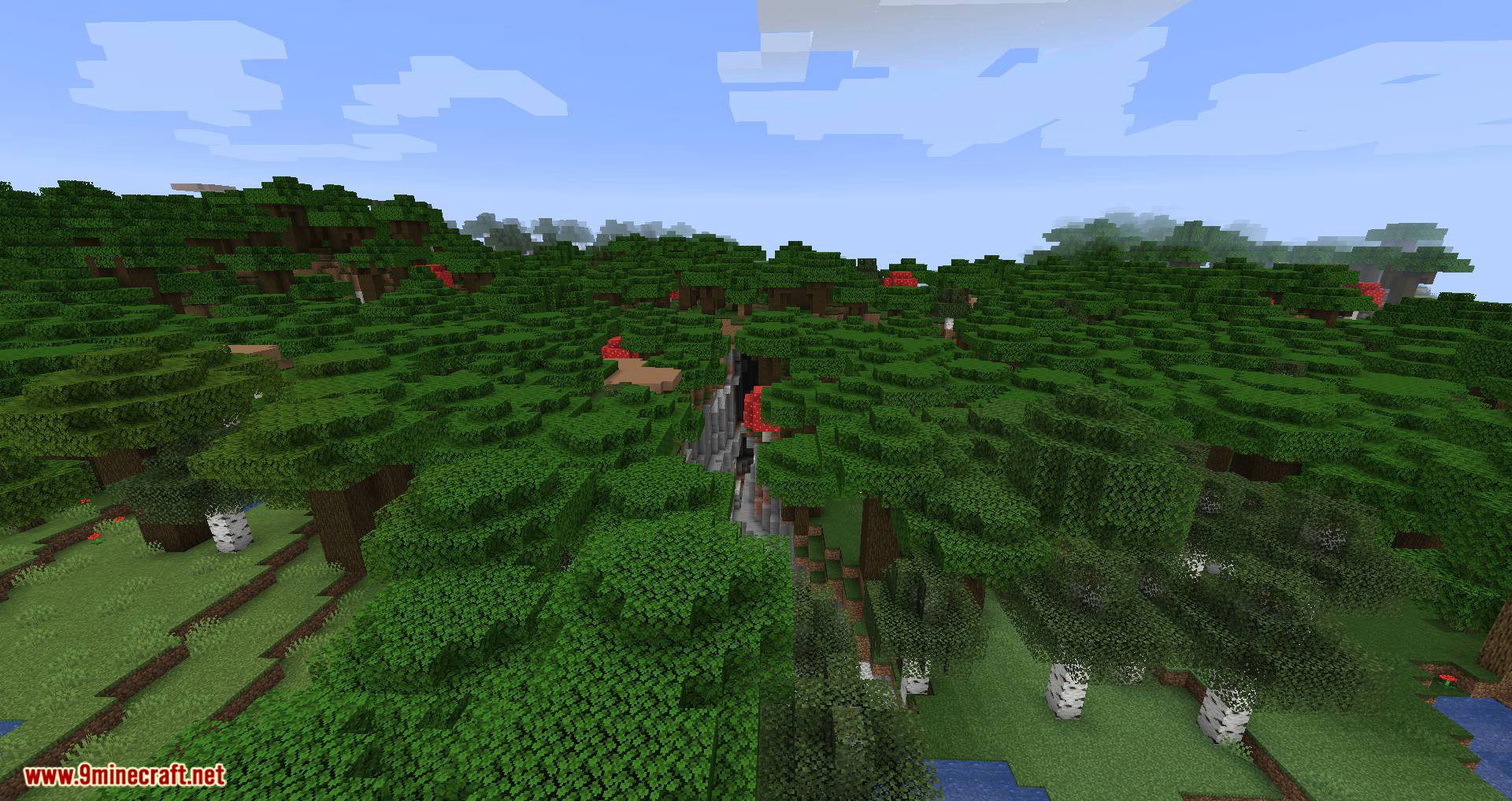
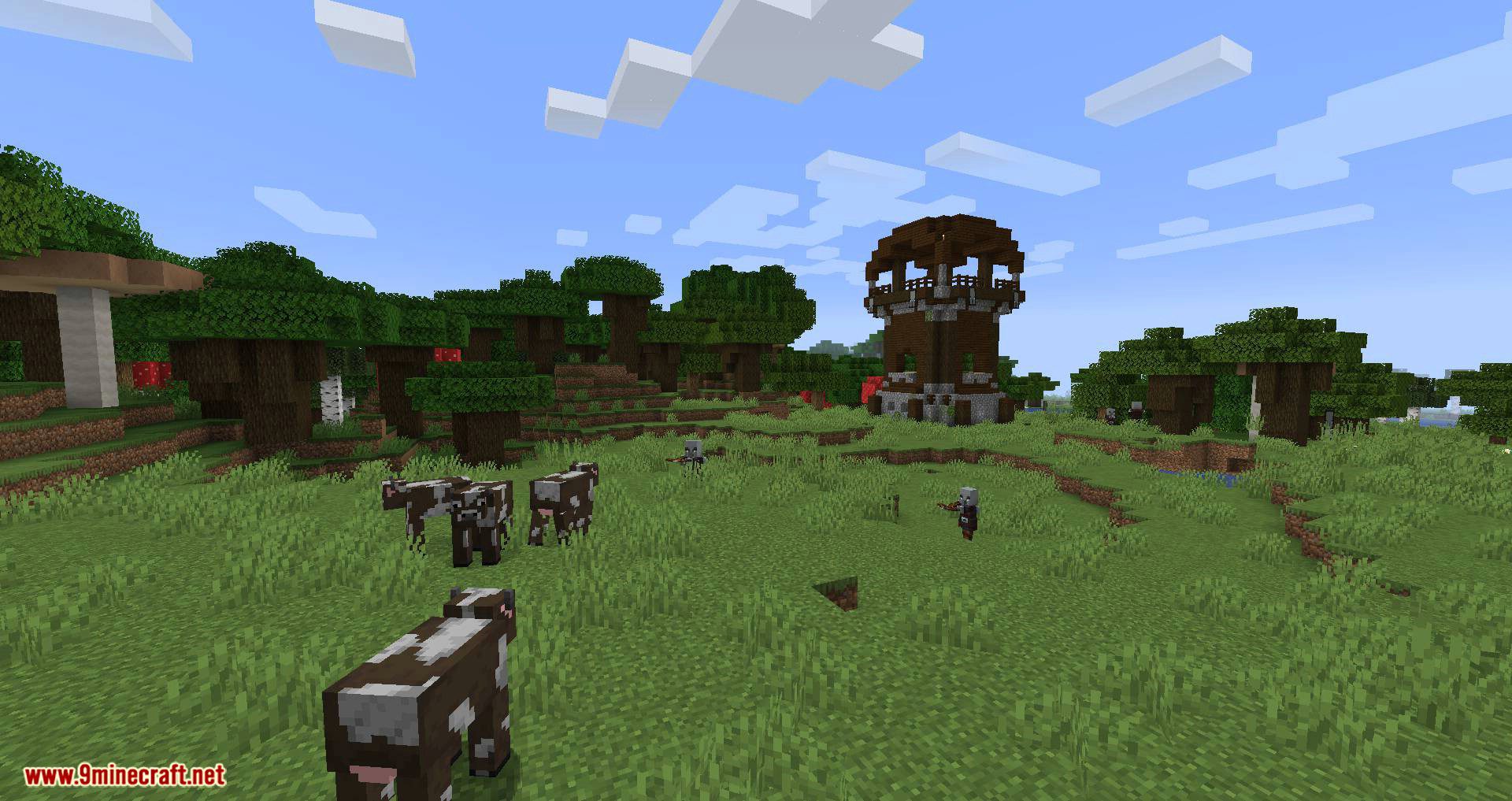
Screenshots:
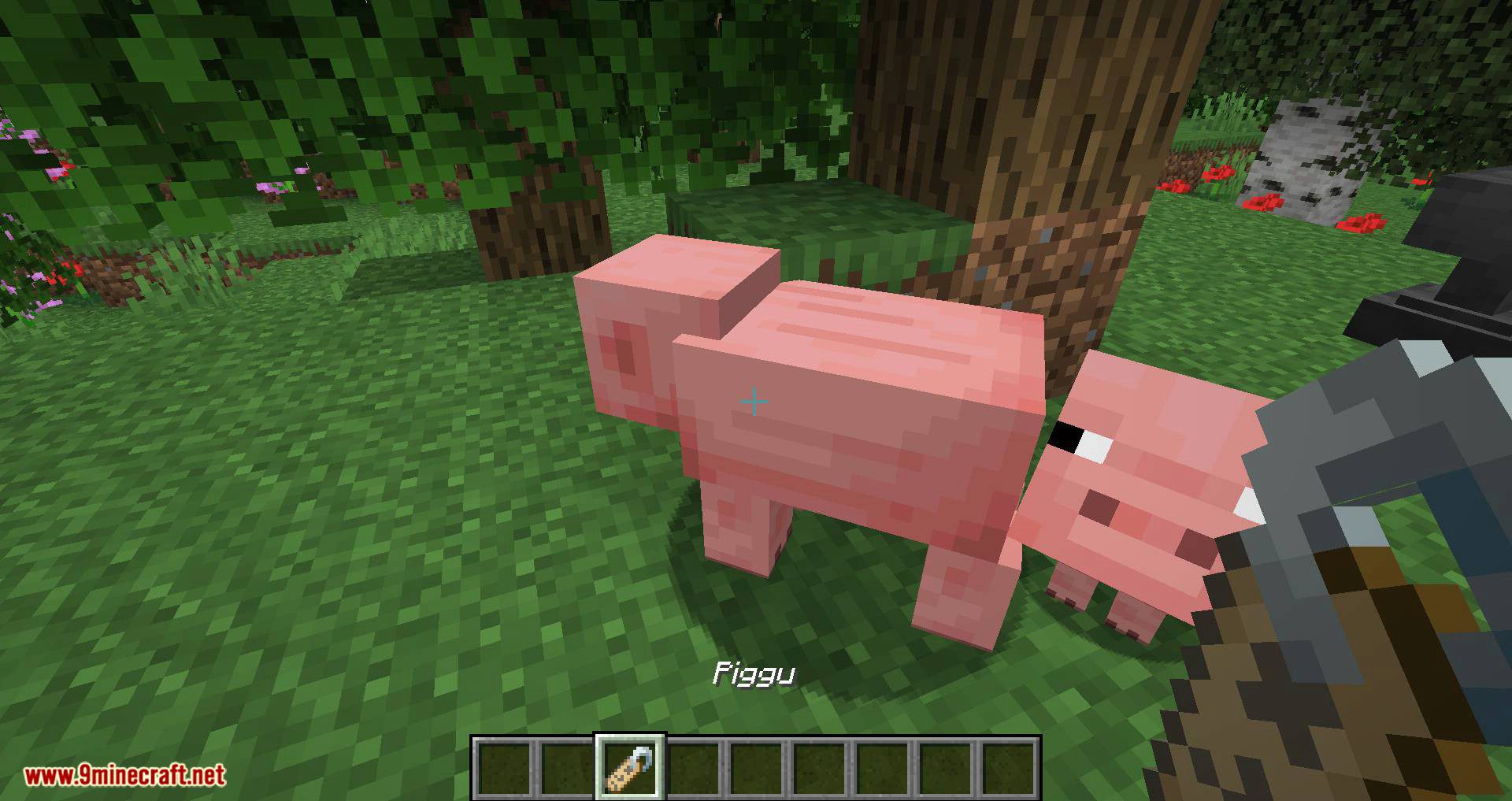
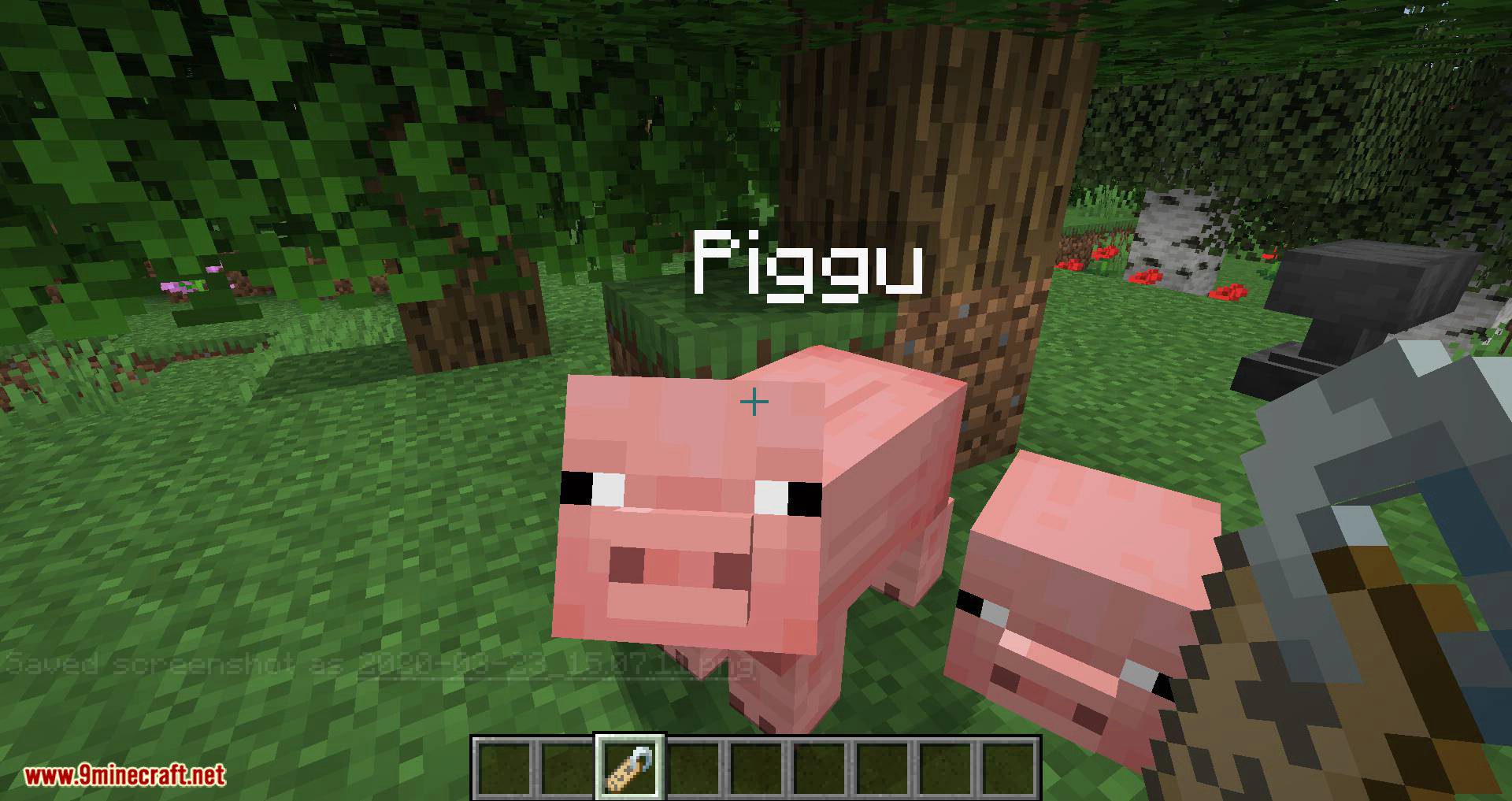
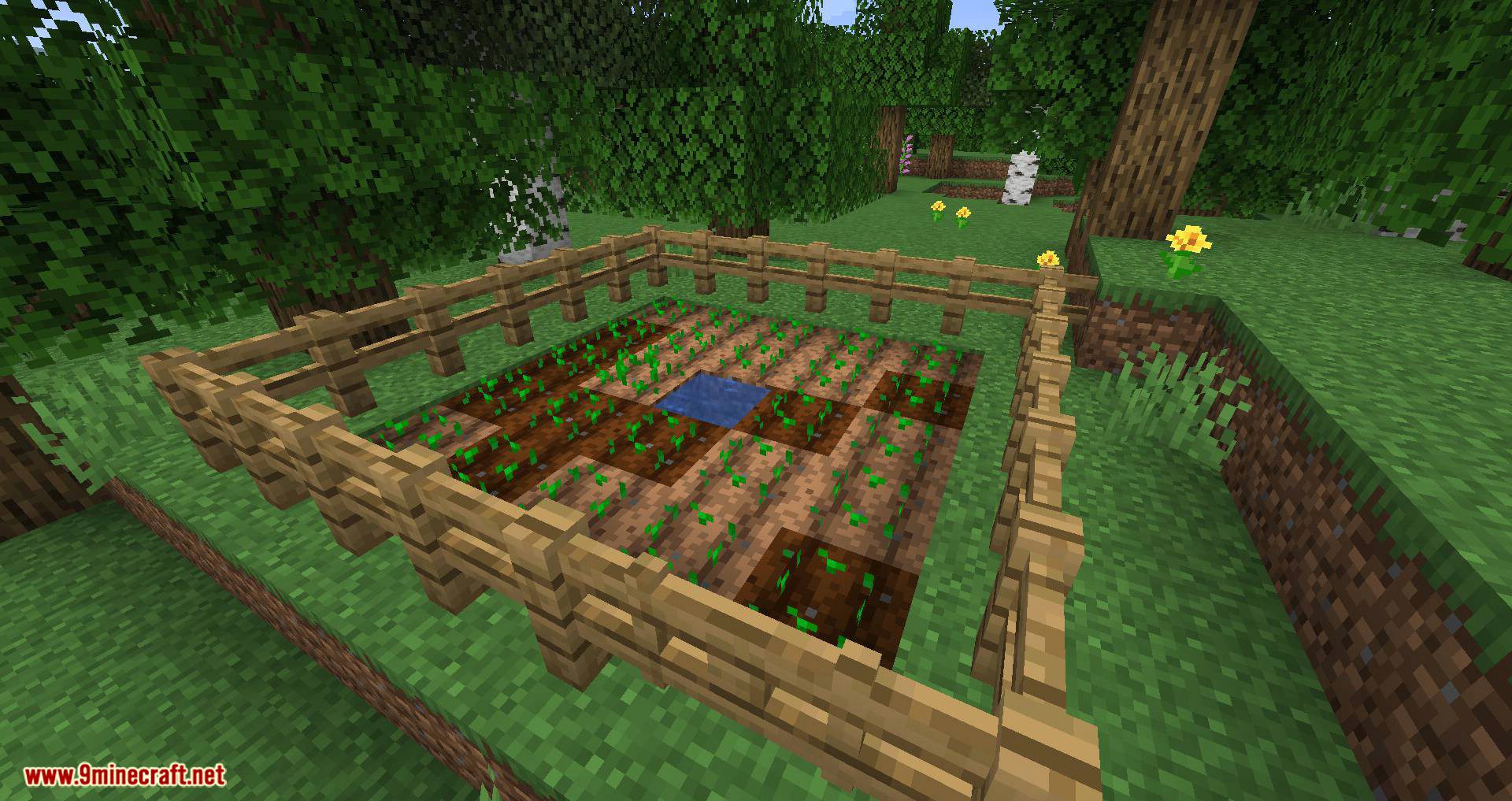
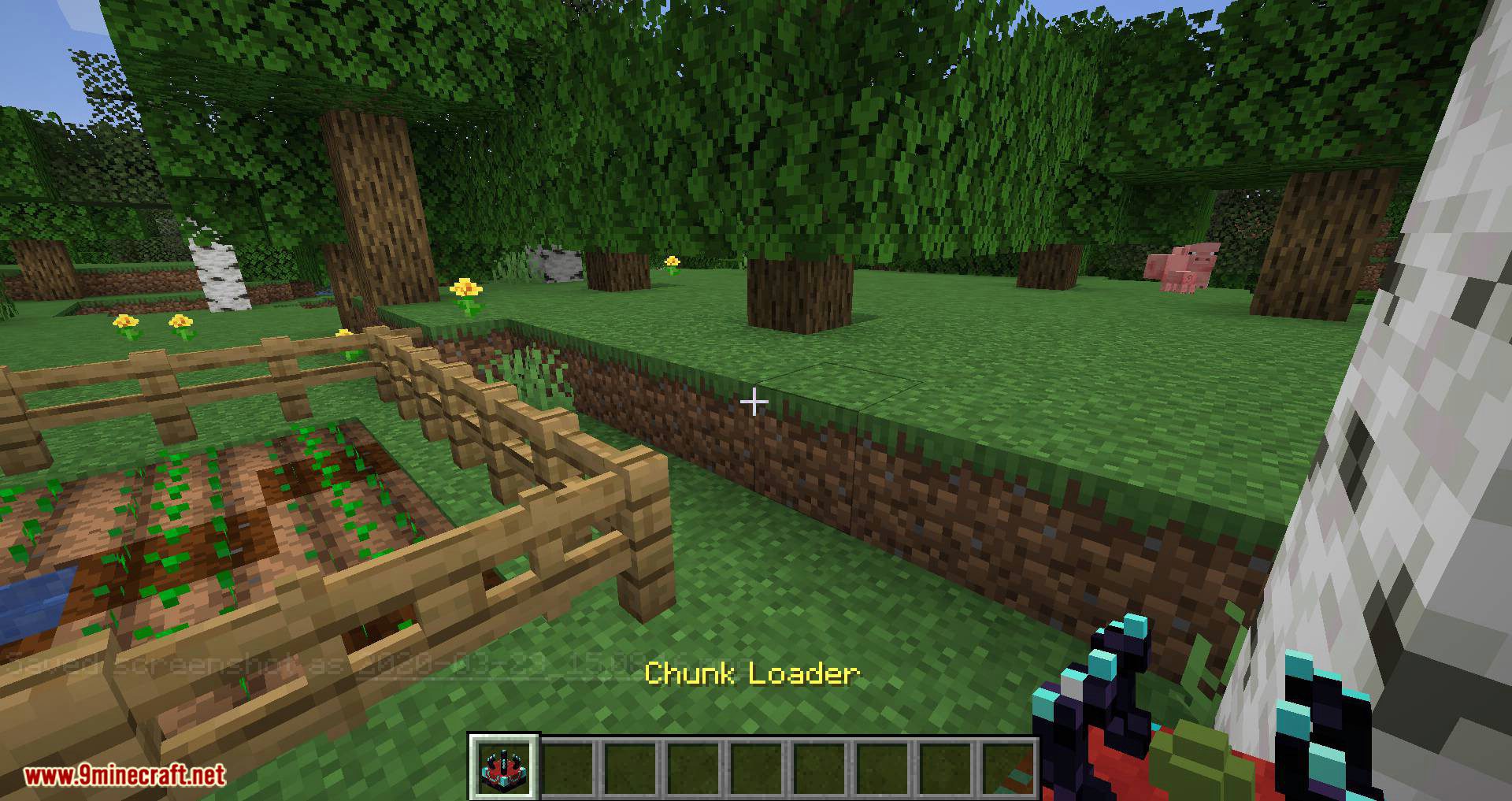
Persistent Bits Mod Download Links
For Minecraft 1.19.2
Forge version: Download from Server 2
For Minecraft 1.18.2
Forge version: Download from Server 2
For Minecraft 1.18.1
Forge version: Download from Server 2
For Minecraft 1.17.1
Forge version: Download from Server 2
For Minecraft 1.15.2
Forge version: Download from Server 2
For Minecraft 1.12.2
Forge version: Download from Server 2
Persistent Bits Mod (1.19.2, 1.18.2) – Simple Chunk Loading is a free Minecraft Java mod. Compatible with Minecraft 1.19.2, 1.18.2. Download it and open it directly in the game.