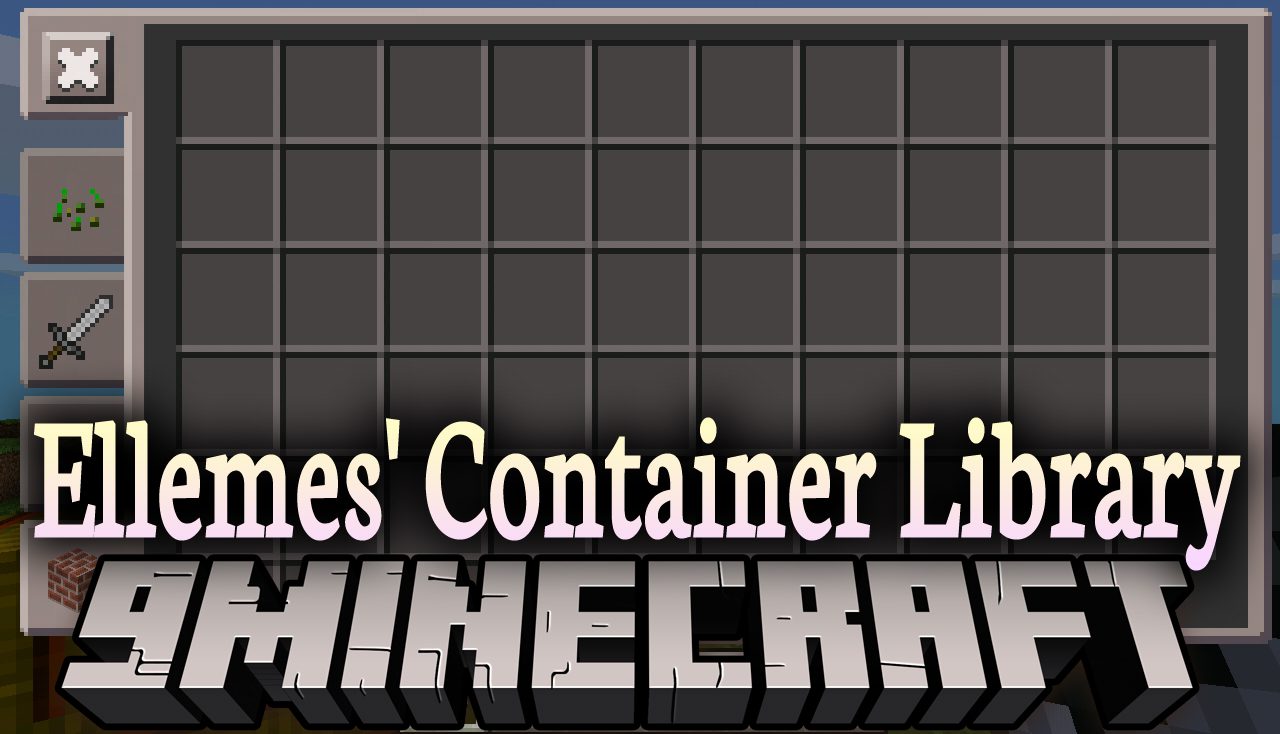
Ellemes' Container Library (1.19.2, 1.18.2) – A Part of Expanded Storage
Ellemes' Container Library contains all the code from Expanded Storage used to open inventories including the different screen options. For users this…
⬇ DownloadEllemes’ Container Library contains all the code from Expanded Storage used to open inventories including the different screen options. For users this library provides 3 screen options to view inventories with: paginated, scrollable and single page screen.
Features:
- The scrollable and paginated screen will always scale to fit the display, the single page screen however may not fit on some smaller screens and will show a red exclamation mark in the select screen if this is the case.
- The option highlighted in gold in the select screen is the option you already have picked.
- Once an screen option has been picked it can be changed by pressing shift + g whilst an inventory is open or through the mods config menu available through forge and fabric’s mod menu.
- In addition to the screen types there are currently two config options not exposed in-game, these are restrictive_scrolling and prefer_smaller_screens.
- Restrictive scrolling makes it so you have to hover over the scroll bar track in the scrollable screen to be able to scroll the slots up and down.
- Prefer smaller screens will prefer more pages with less empty space rather than less pages with more empty space.
Screenshots:
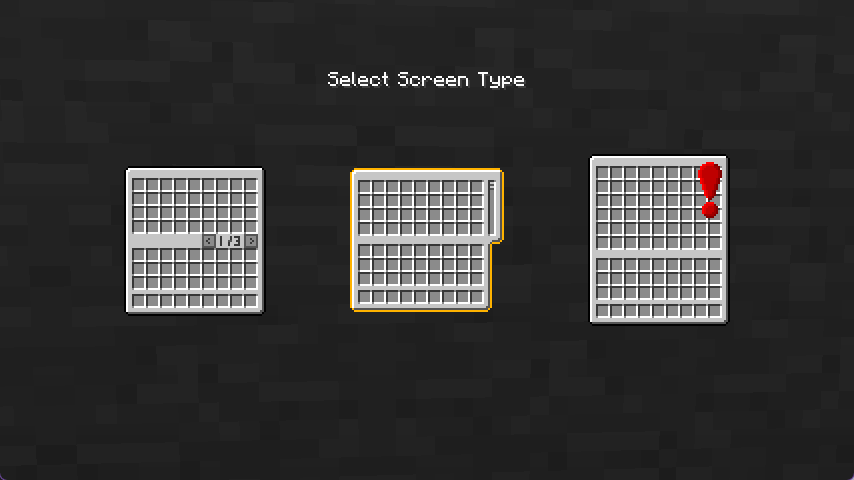
Screen Options: Screen option selection screen, currently the paginated screen type is select. Single screen type has a warning because larger inventories will not fit on the screen.
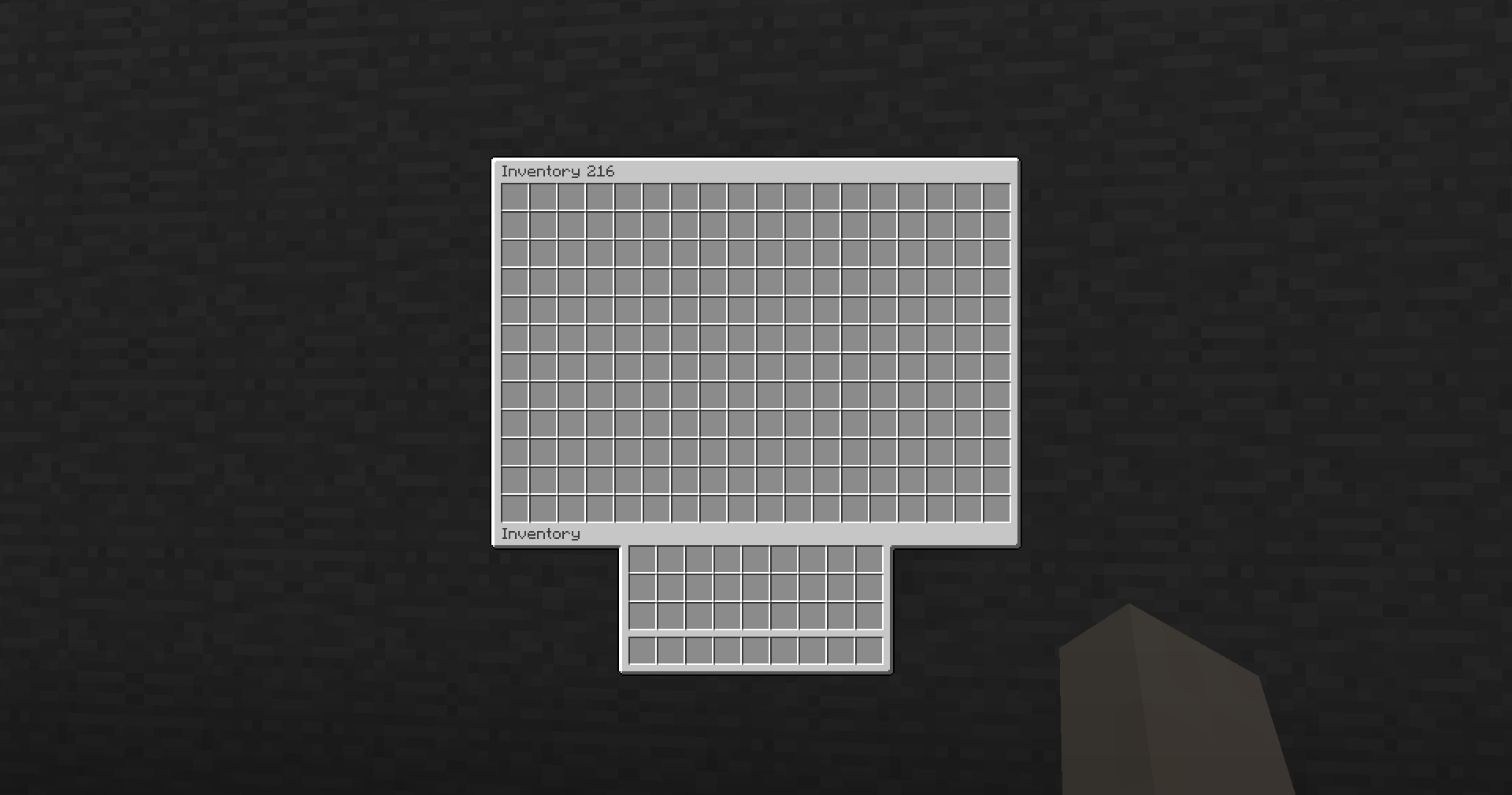
Single page screen (216 slots)
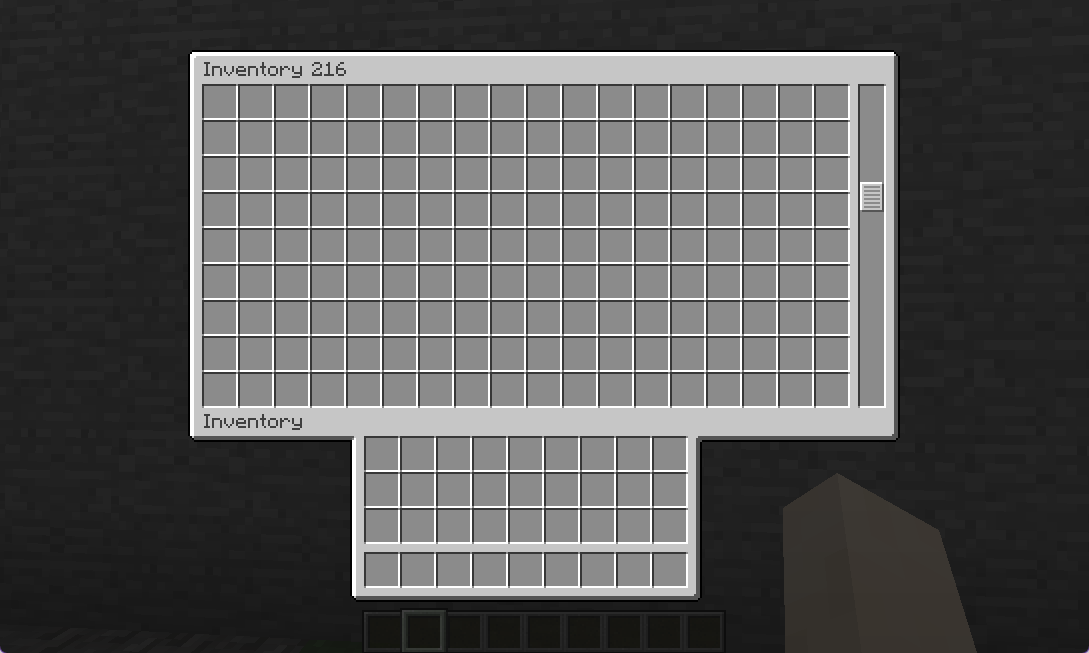
Scrollable Screen
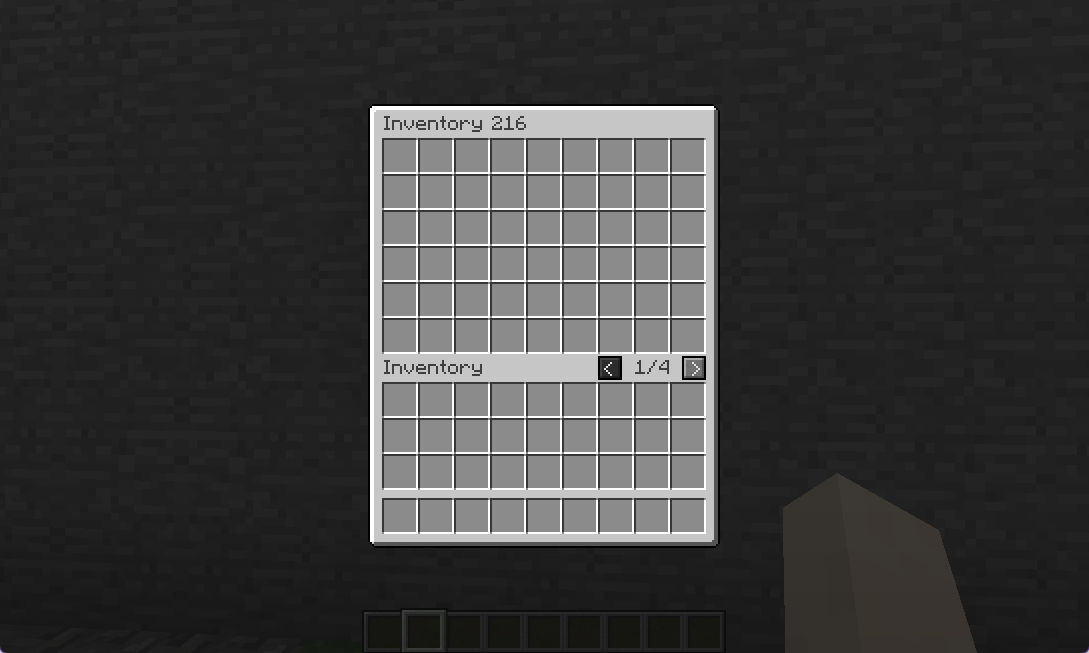
Paginated Screen
Ellemes’ Container Library Download Links
For Minecraft 1.19.2, 1.19.1, 1.19
Forge version: Download from Server 1
Fabric version: Download from Server 1
Quilt version: Download from Server 1
For Minecraft 1.18.2
Forge version: Download from Server 1
Fabric version: Download from Server 1
Quilt version: Download from Server 1
For Minecraft 1.17.1
Forge version: Download from Server 1
Fabric version: Download from Server 1
For Minecraft 1.16.5
Forge version: Download from Server 1
Fabric version: Download from Server 1
- Edition: Minecraft Java
- File type: .jar
- Minecraft versions listed: 1.19.2, 1.18.2
- How to install: Install the matching mod loader (Forge, Fabric or NeoForge) for your Minecraft version. → Download the .jar. → Put it in the .minecraft/mods folder and launch that loader profile.
- Where to get it: In MC Java Mods, or directly above on this page.
Install steps are the general flow for this file type — How to install Minecraft Java mods & modpacks walks through it step by step.
- Downloads as 206514.mcaddon
- Download size: 99 KB
- Download link checked 30 Jul 2026 — working
- Mirrored on our own servers — the download does not depend on the original host
These come from our own check of the pack file, not from the source page.