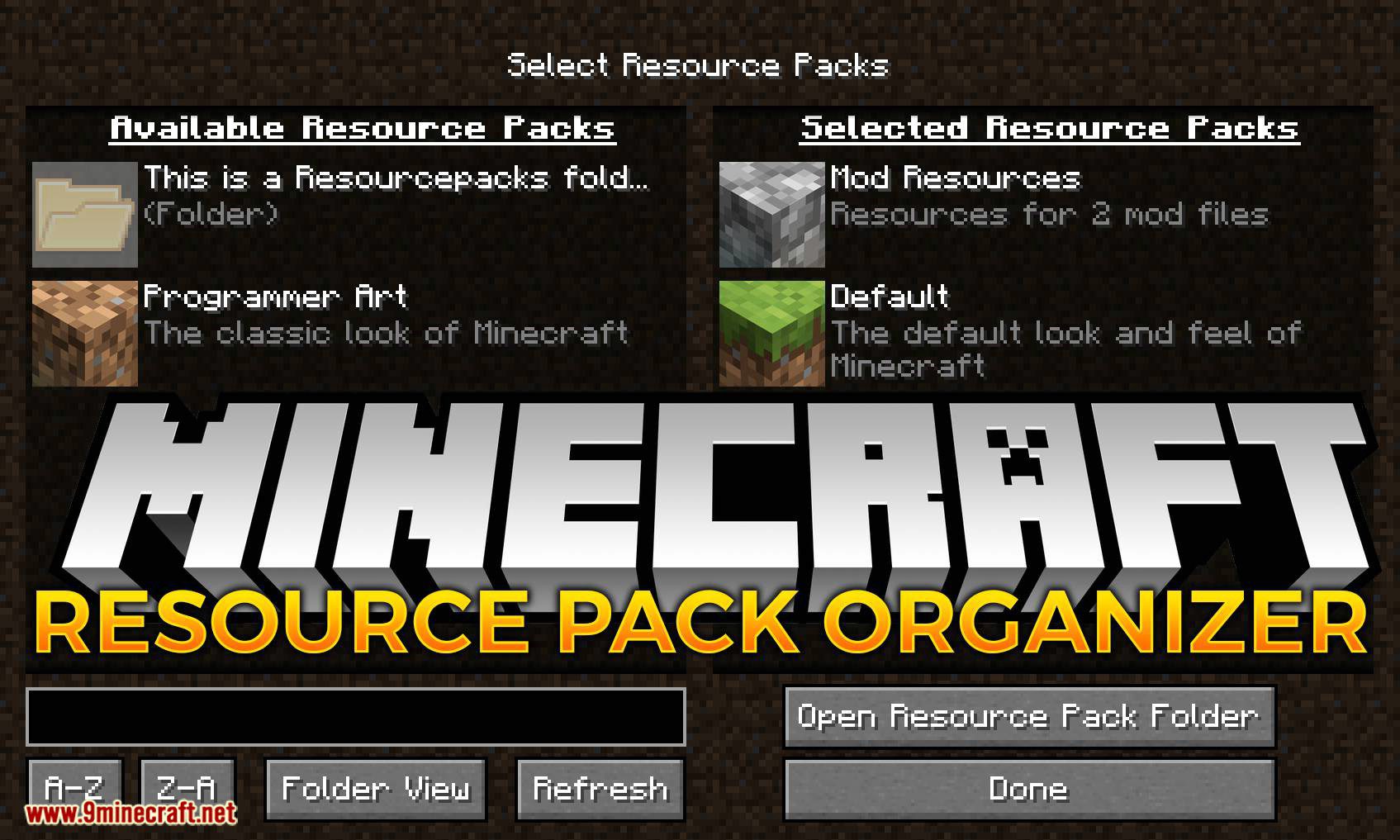
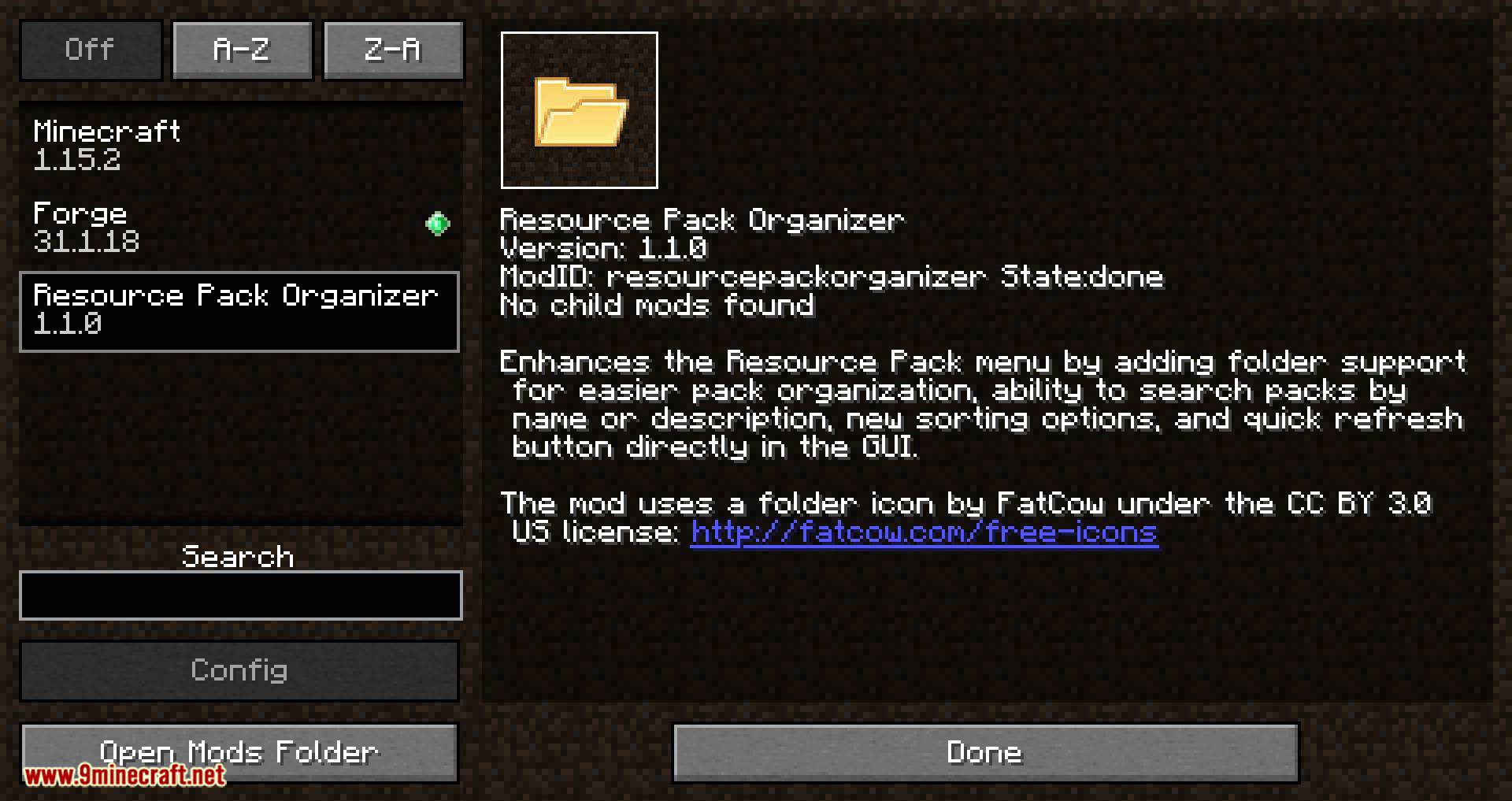
Resource Pack Organizer Mod overhauls the Resource Pack screen to give you finer control and a couple of new quality-of-life features. It supports the Forge and Fabric mod loaders.
Features:
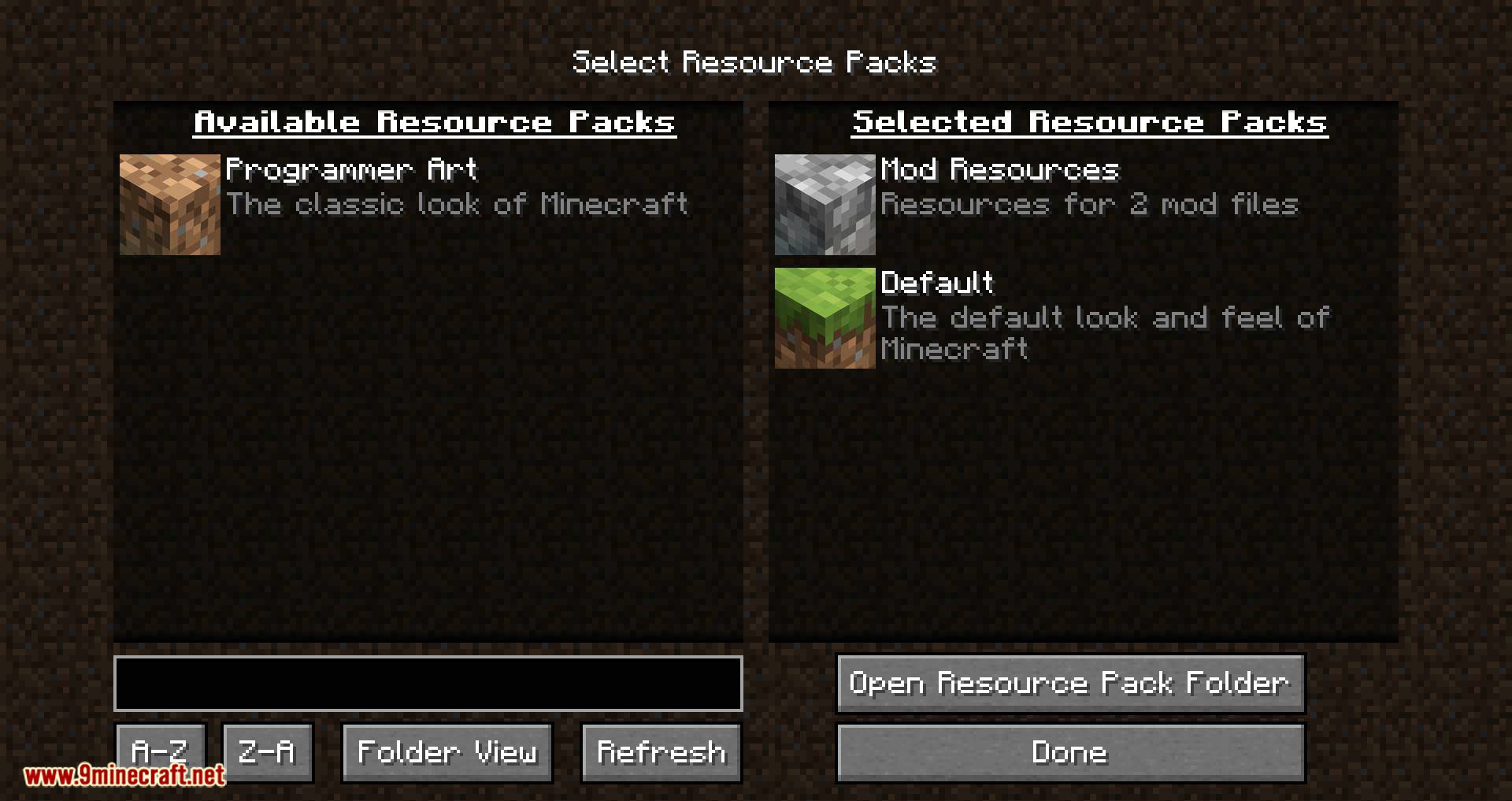
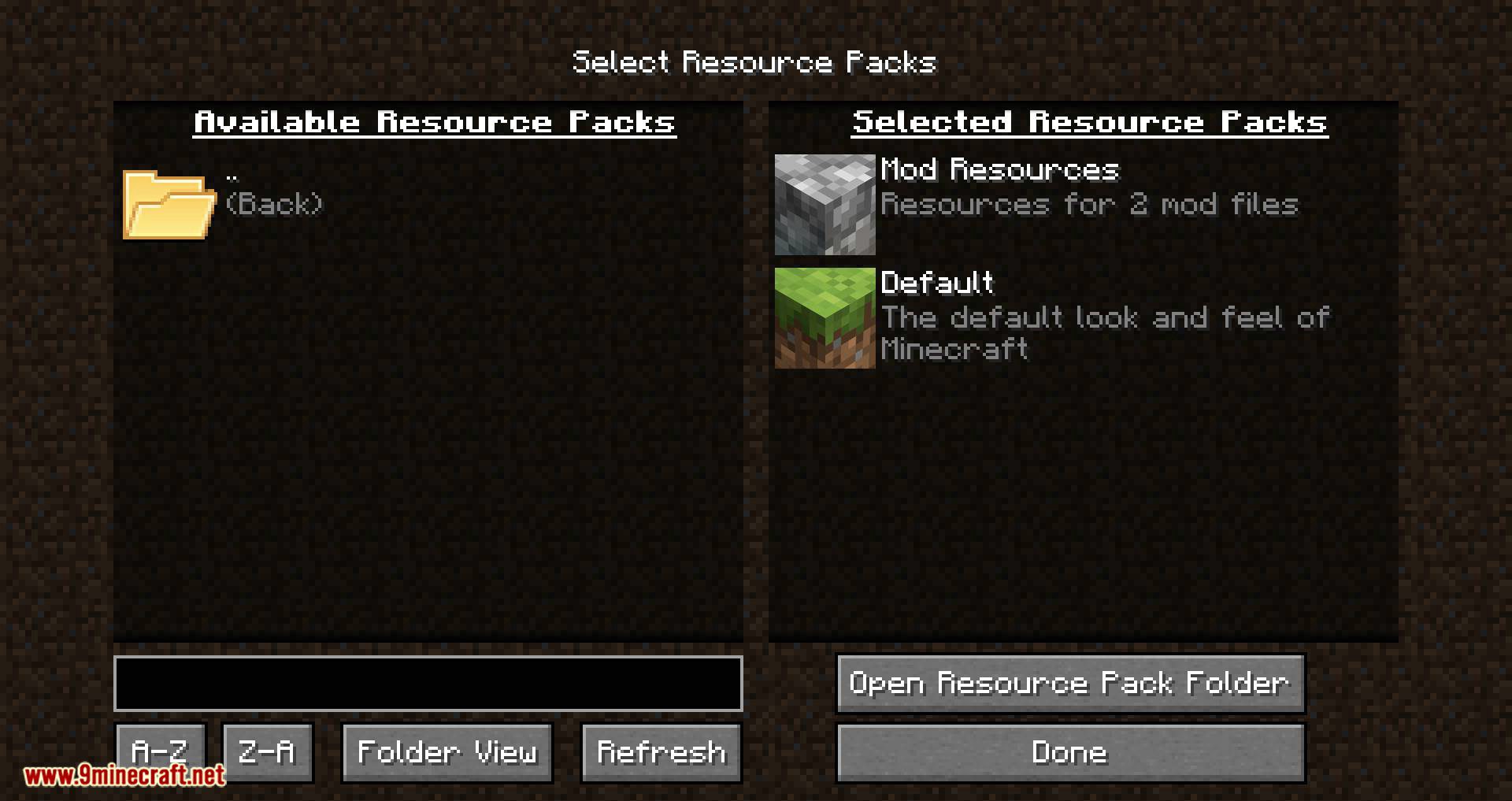
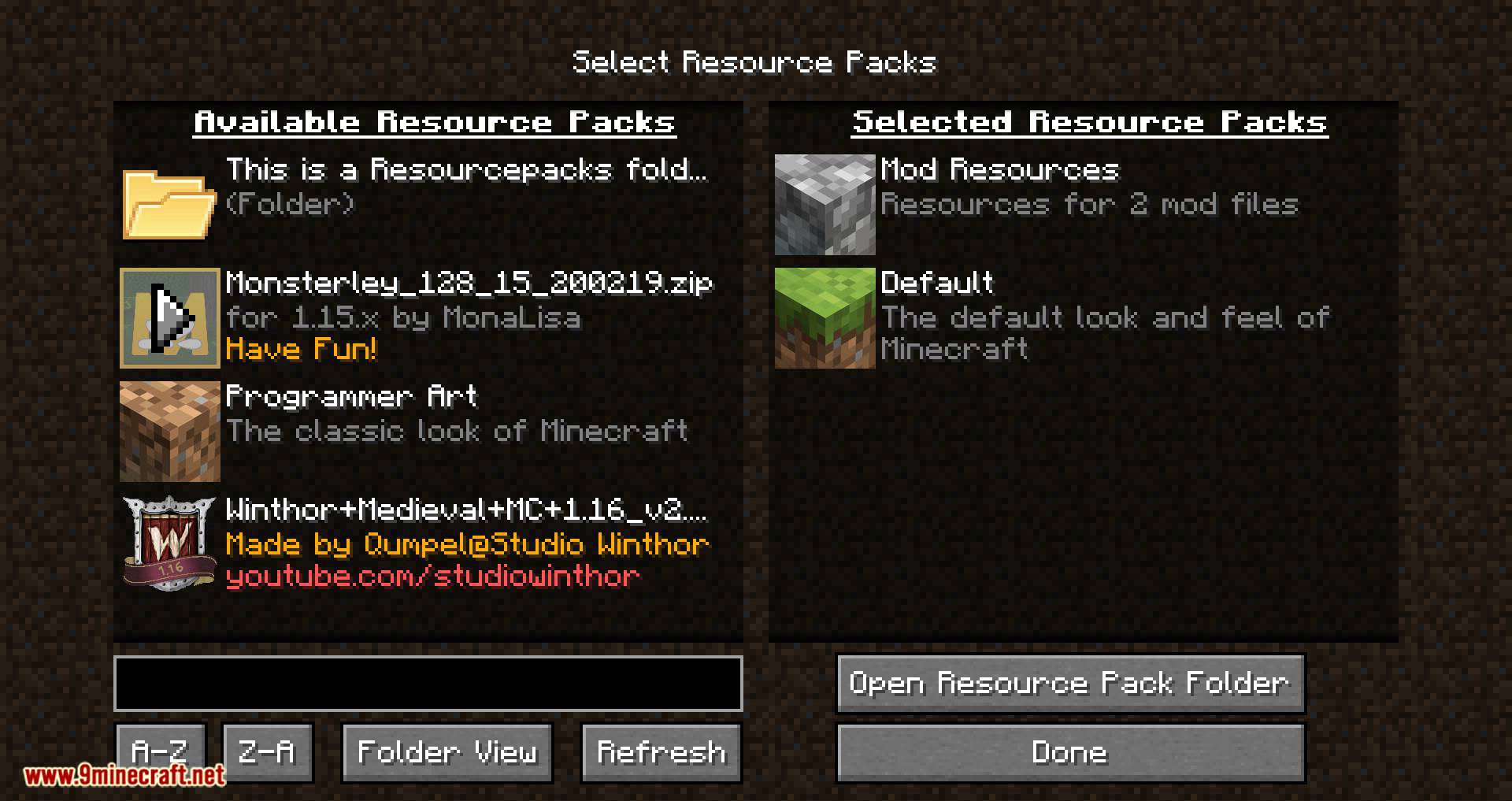
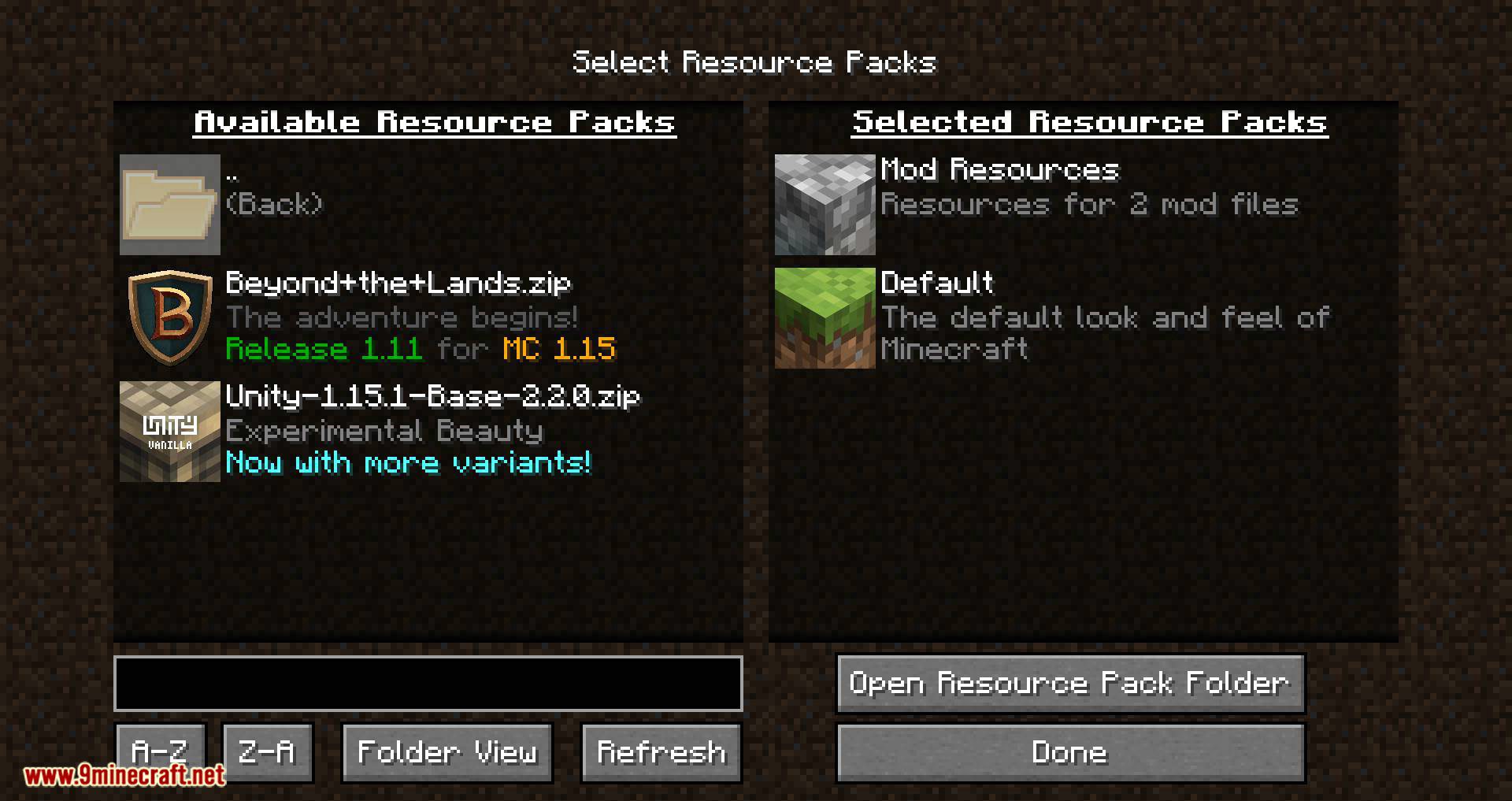
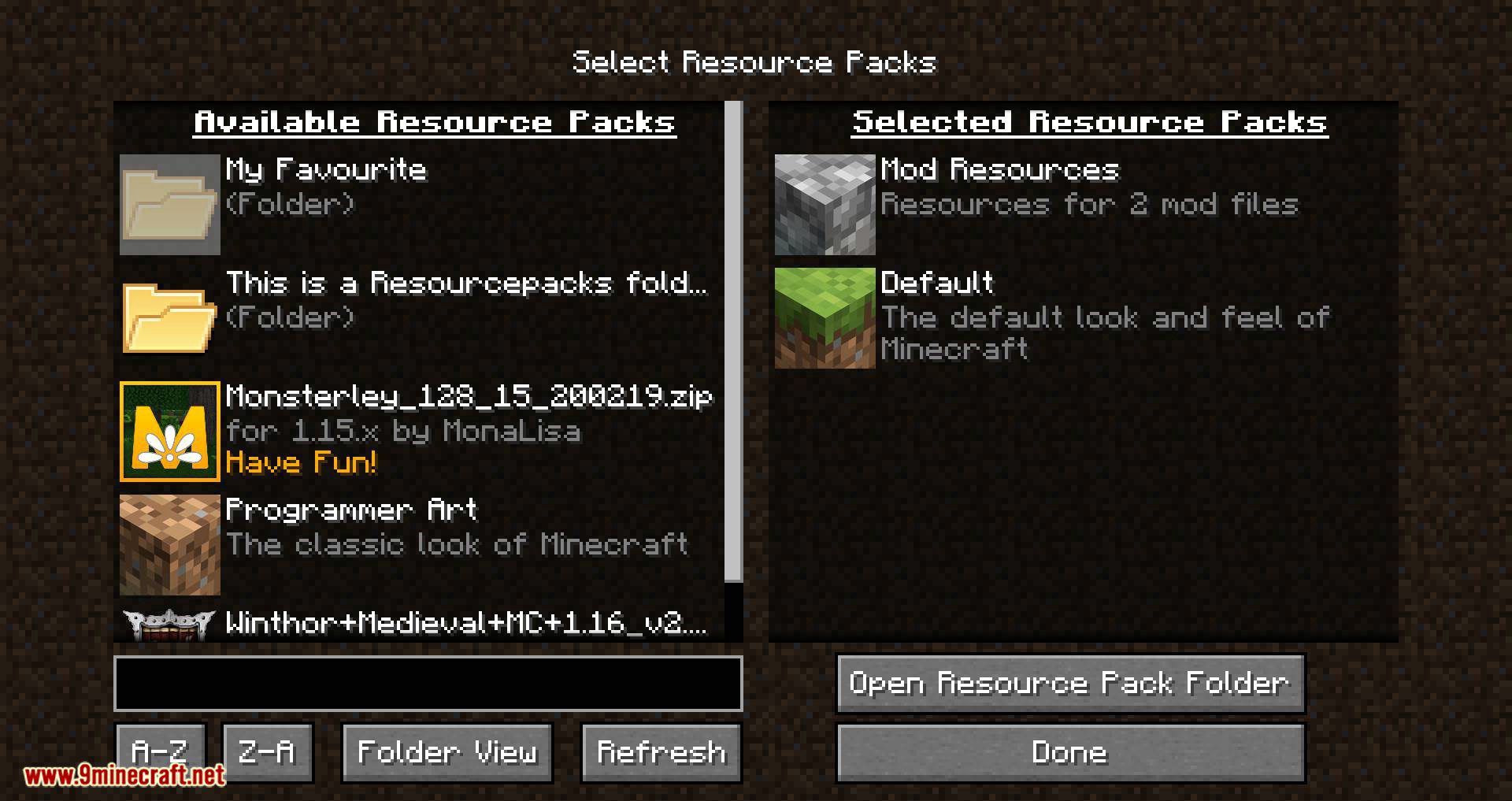
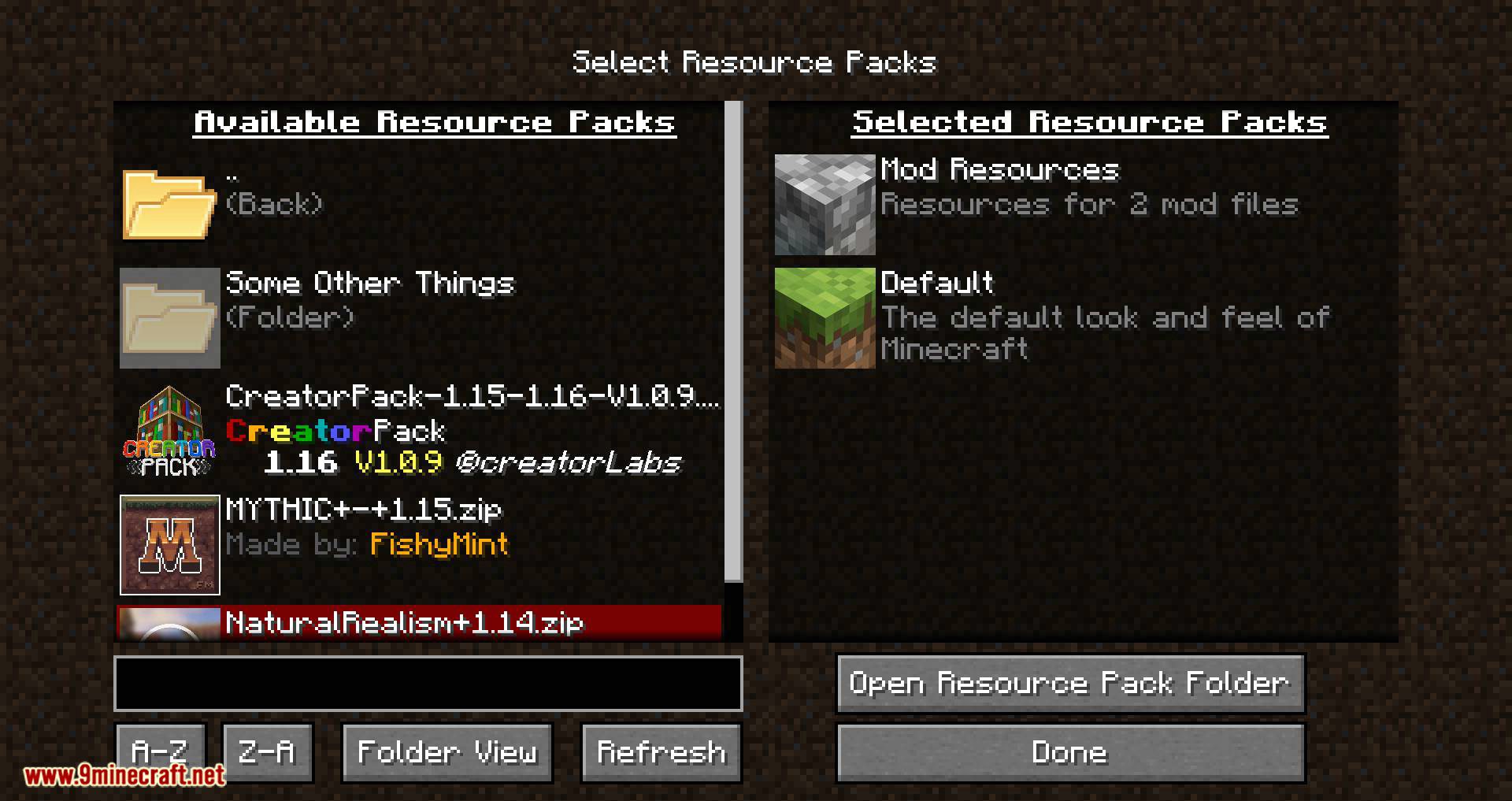
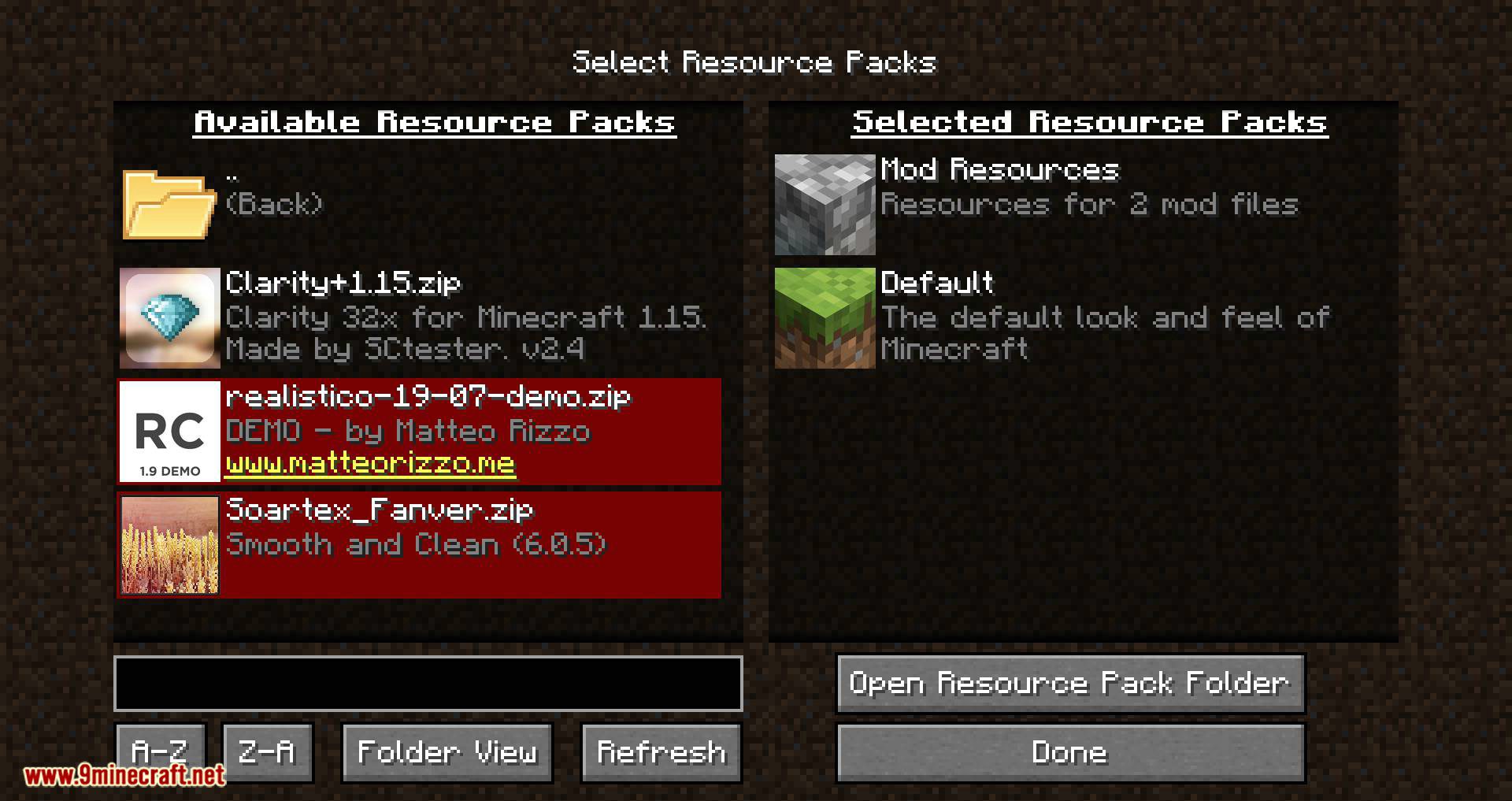
- Organize resource pack into folders that you can navigate from within the game
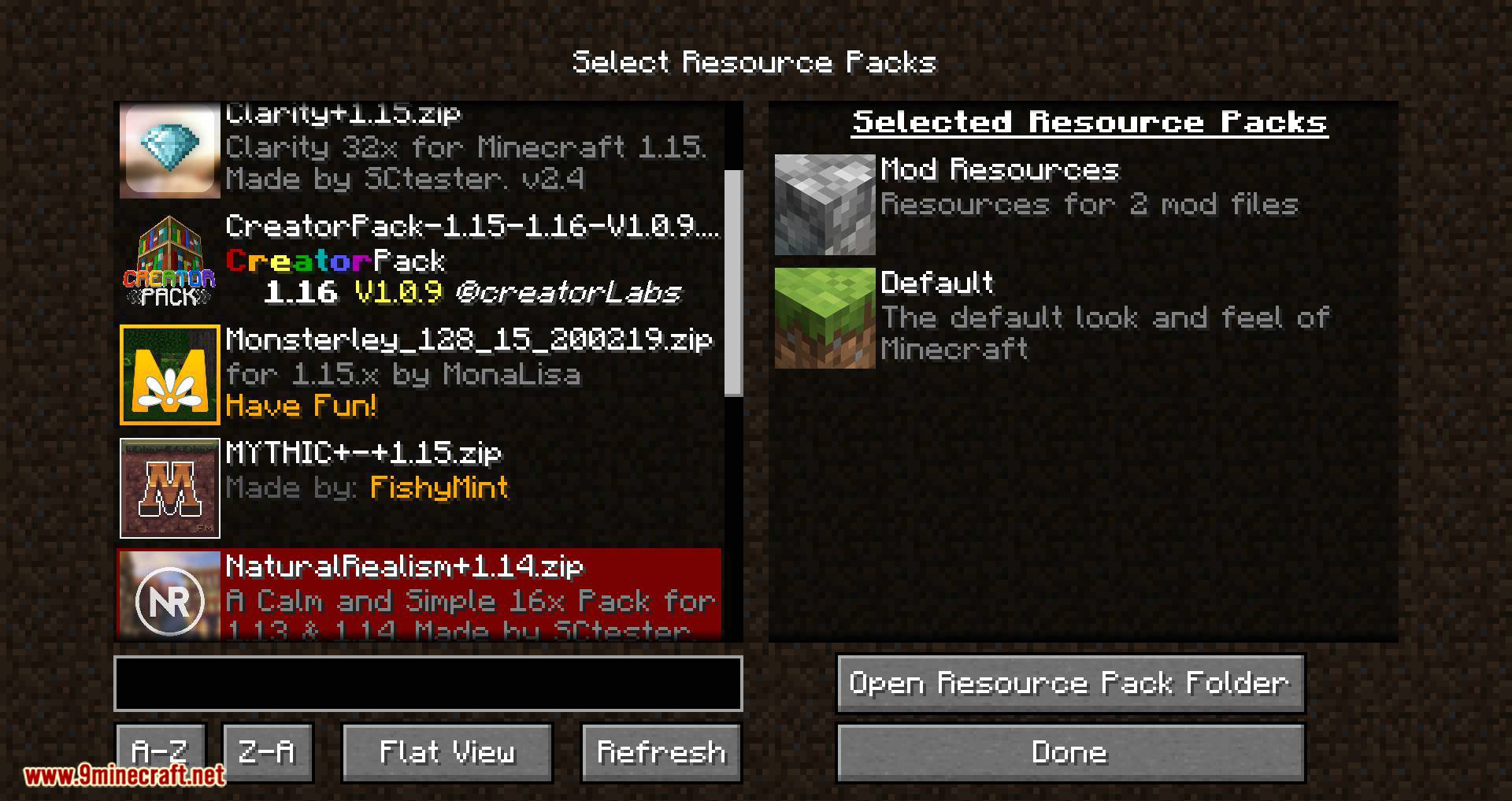
- Choose between folder view (navigate in and out of folders) and flat view (packs from all folders shown in a single list)
- Search pack names and description (supports the * wildcard)
- Sort packs and folders alphabetically A-Z or Z-A
- Option to display a list of active packs on your screen (configurable position and color; Forge only)
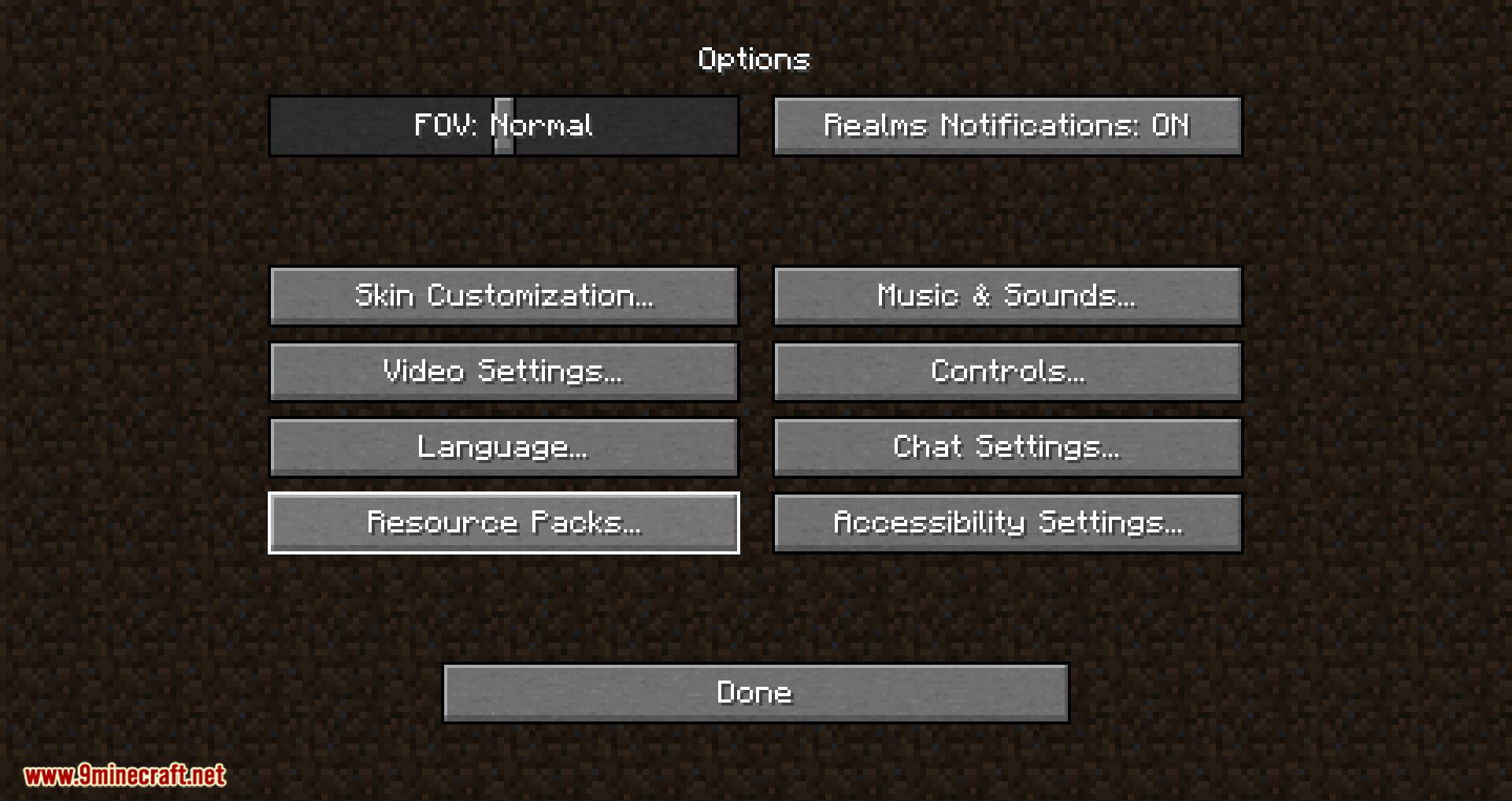
- Hold Alt when clicking ‘Resource Packs…’ button to show the vanilla screen instead (it will still show packs from all folders like with flat view)
- Stop Minecraft from removing incompatible packs after each restart
Screenshots:
Resource Pack Organizer Mod Download Links
For Minecraft 1.7.10
For Minecraft 1.8.9
For Minecraft 1.10.2
For Minecraft 1.11.2
For Minecraft 1.16.5
For Minecraft 1.15.2
Forge version: Download from Server 1
Fabric version: Download from Server 1
For Minecraft 1.16.1
Forge version: Download from Server 1
For Minecraft 1.16.3
Forge version: Download from Server 1
For Minecraft 1.12.2
Quick facts
- Edition: Minecraft Java
- File type: .jar
- Minecraft version listed: 1.16.5
- How to install: Install the matching mod loader (Forge, Fabric or NeoForge) for your Minecraft version. → Download the .jar. → Put it in the .minecraft/mods folder and launch that loader profile.
- Where to get it: In MC Java Mods, or directly above on this page.
Install steps are the general flow for this file type — How to install Minecraft Java mods & modpacks walks through it step by step.
Verified by MCModsHub
- Downloads as 206550.mcaddon
- Download size: 40 KB
- Download link checked 17 Jul 2026 — working
- Mirrored on our own servers — the download does not depend on the original host
These come from our own check of the pack file, not from the source page.