ModsJava
Anger Management Mod (1.16.5, 1.15.2) – Pigmen Calm When A Player Die
Java mod listed for Minecraft 1.16. Downloads from the MC Java Mods app on Android.
⬇ DownloadAnger Management Mod does two things:
- It can cause Pigmen to become peaceful and calm when a nearby player dies, ending the cycle.
- And it can make Pigmen aggro on players when they mine certain blocks, with a percentage chance.
You can customize and disable anything in the config file: angermanagement.cfg
Show More# Configuration file
angermanagement {
anger {
# List of blocks that will cause anger when mined. [default: [minecraft:quartz_ore], [minecraft:chest], [tconstruct:ore], [cyclicmagic:nether_gold_ore], [cyclicmagic:nether_diamond_ore], [cyclicmagic:nether_emerald_ore], [mysticalagriculture:nether_inferium_ore]]
S:blocksMined <
minecraft:quartz_ore
minecraft:chest
tconstruct:ore
cyclicmagic:nether_gold_ore
cyclicmagic:nether_diamond_ore
cyclicmagic:nether_emerald_ore
mysticalagriculture:nether_inferium_ore
>
# What percent (%) chance that mining will aggro something nearby (0 to disable) [range: 0 ~ 100, default: 25]
I:percentChanceAnger=25
# Horizontal range to look and find things to anger [range: 0 ~ 128, default: 16]
I:rangeAngerHorizontal=16
# Vertical range to look and find things to anger [range: 0 ~ 128, default: 3]
I:rangeAngerVertical=3
}
calm {
# Pigmen will become calm when a nearby player dies [default: true]
B:calmingOnDeathEnabled=true
# Horizontal range to look and find things to calm when player dies [range: 0 ~ 128, default: 16]
I:rangeCalmingHorizontal=16
# Vertical range to look and find things to calm when player dies [range: 0 ~ 128, default: 3]
I:rangeCalmingVertical=3
}
}
Screenshots:
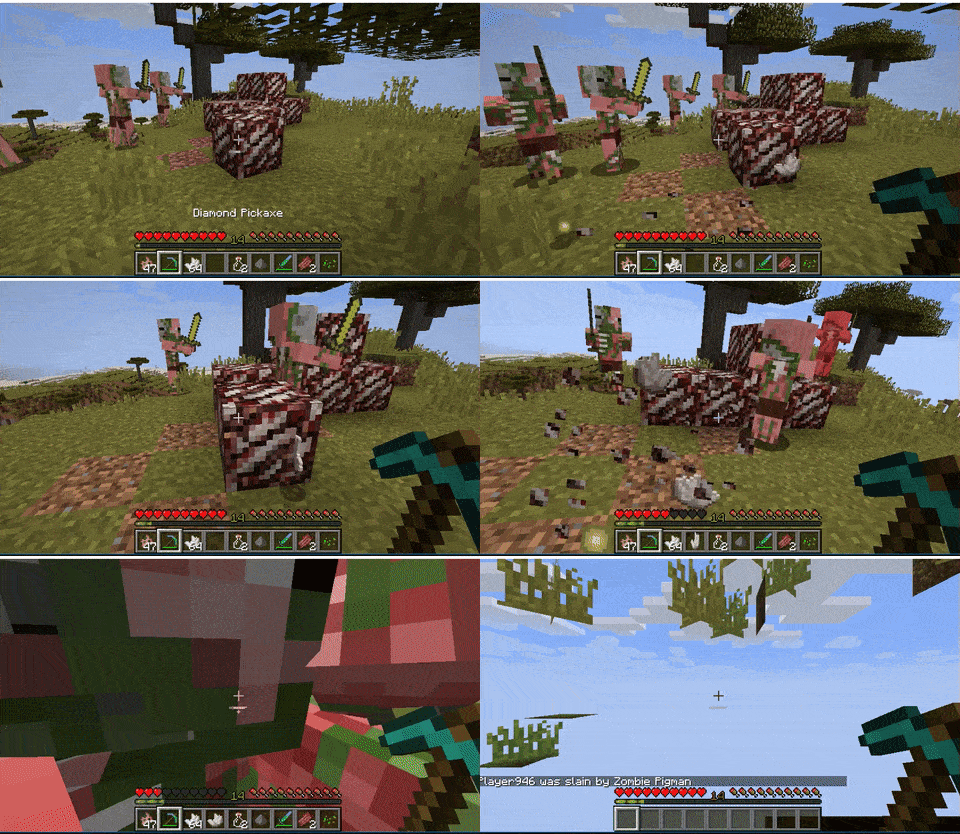
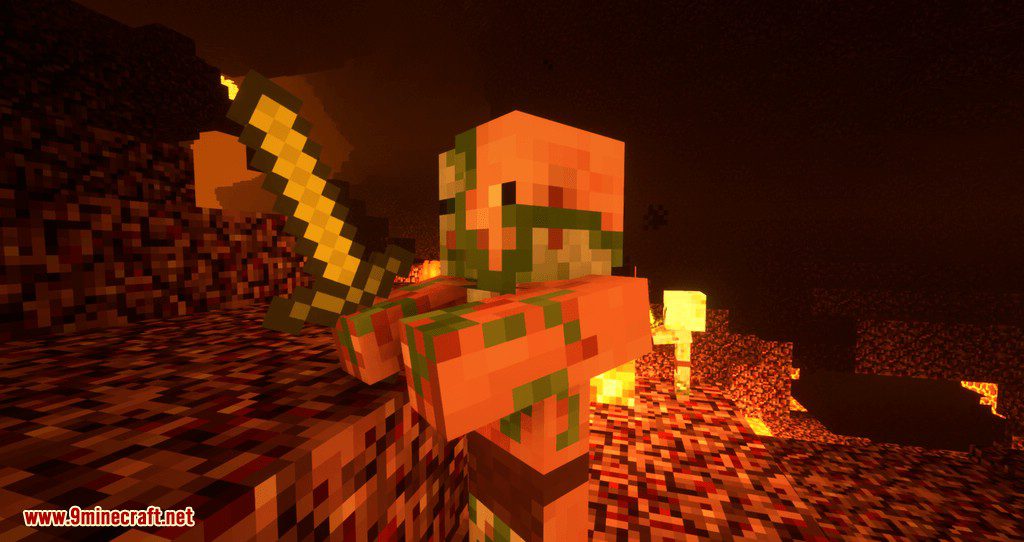
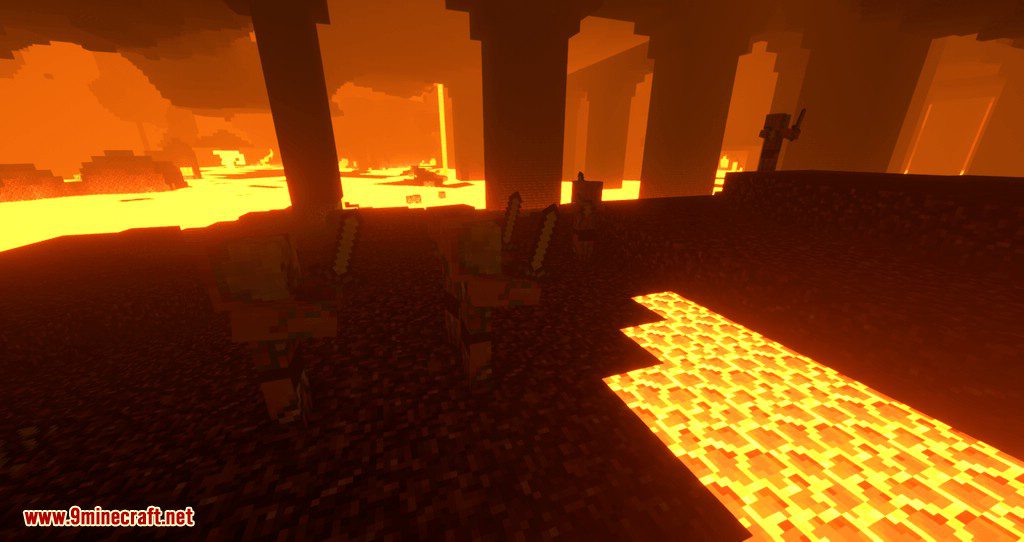
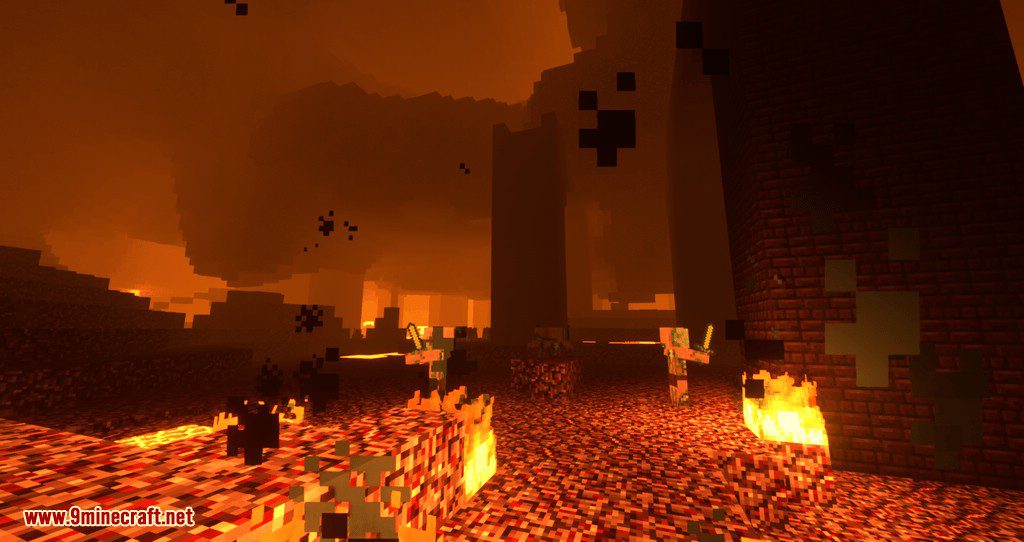
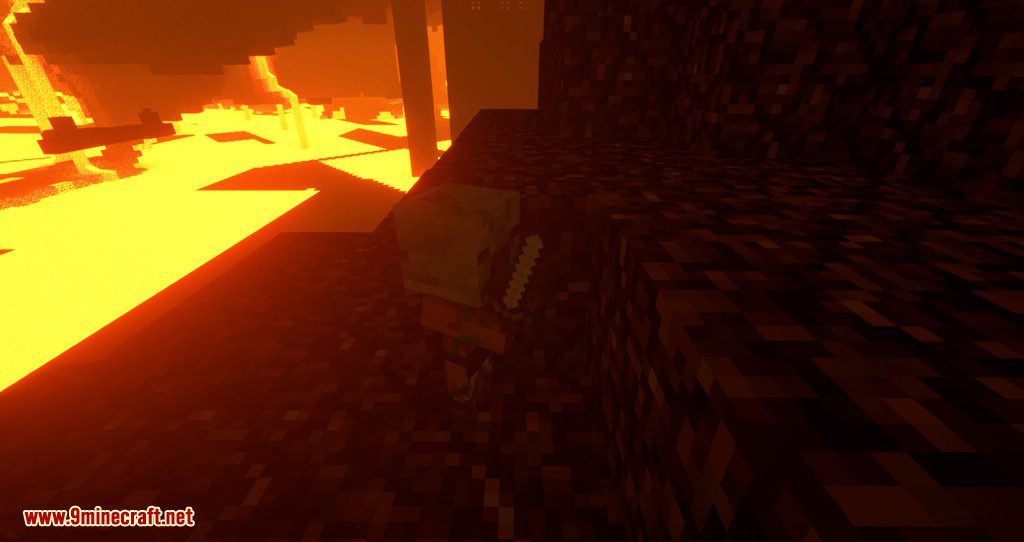
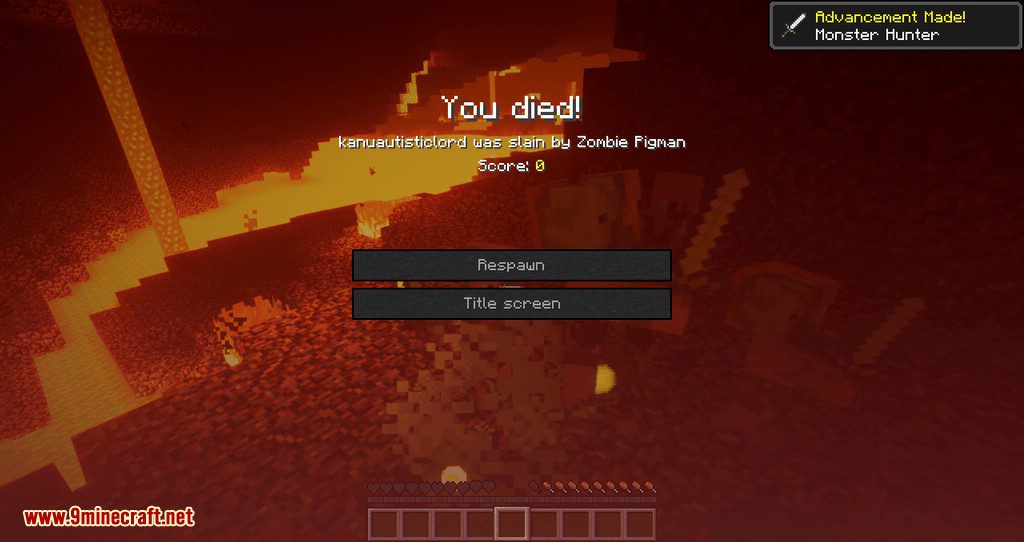
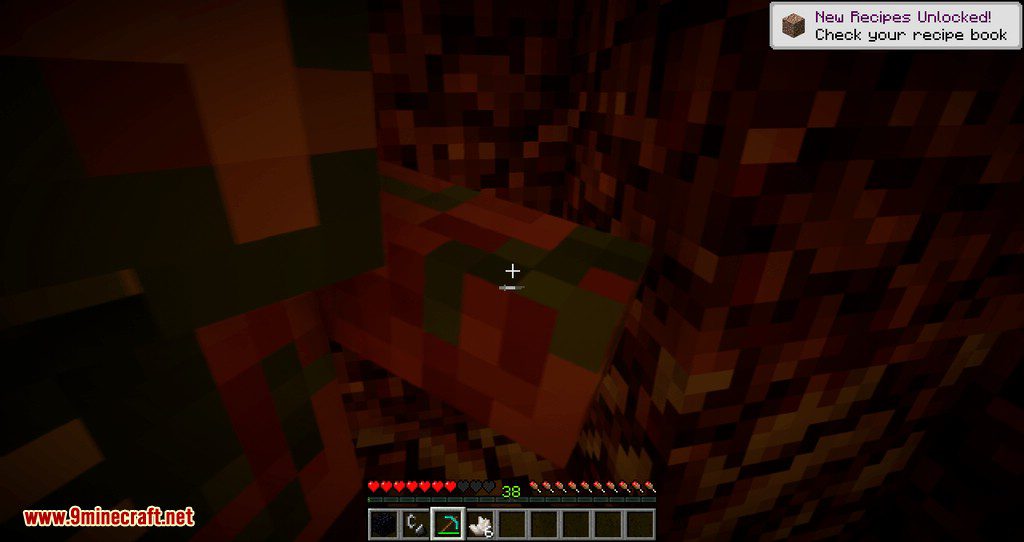
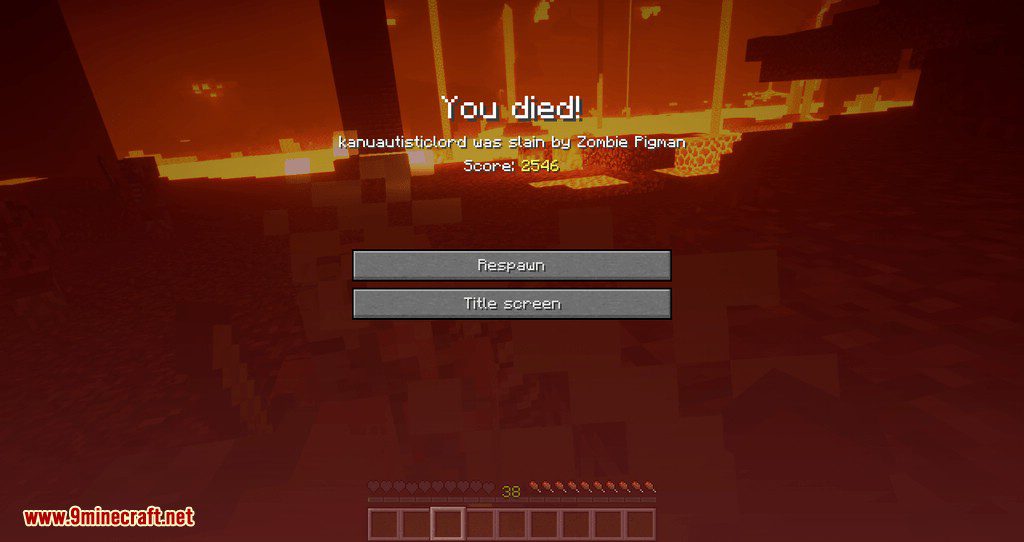
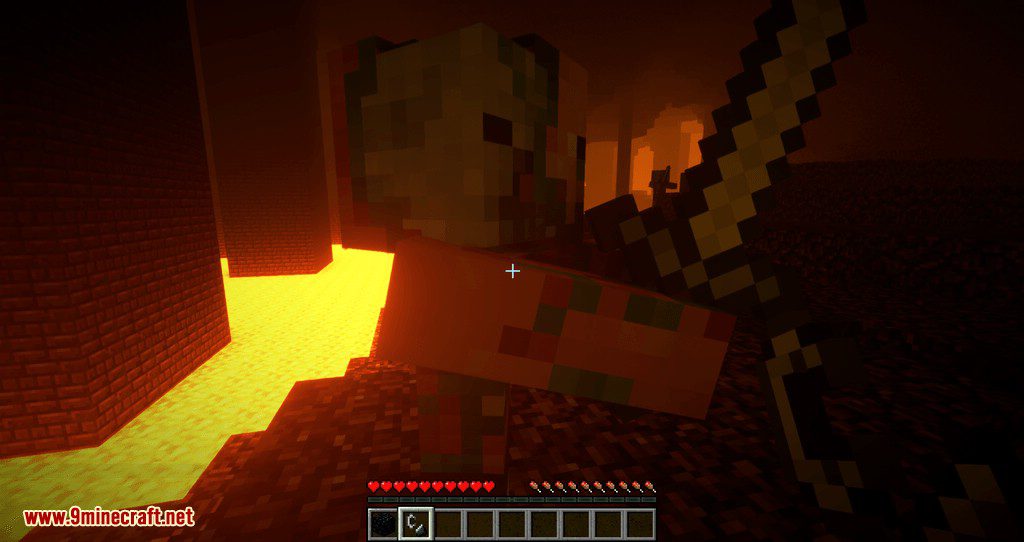
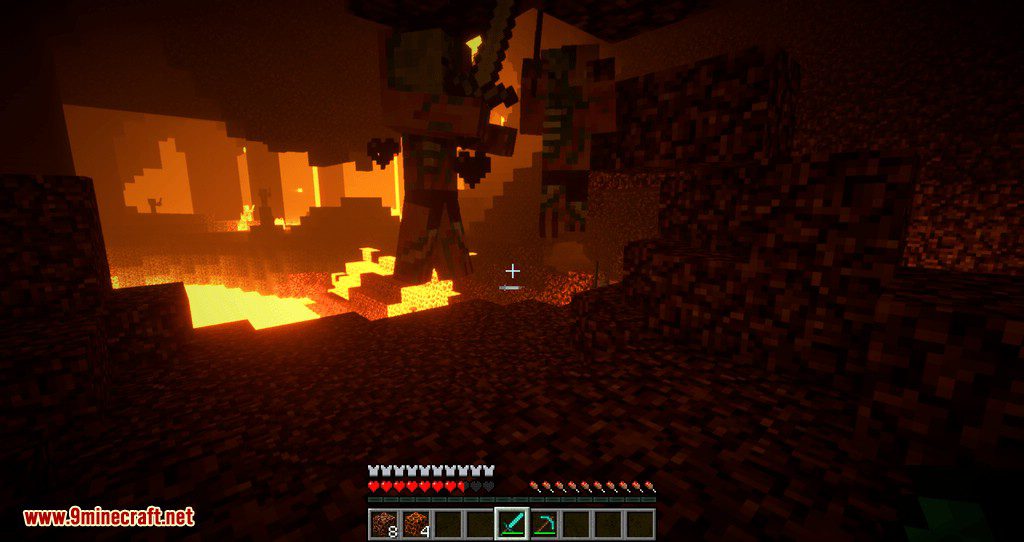
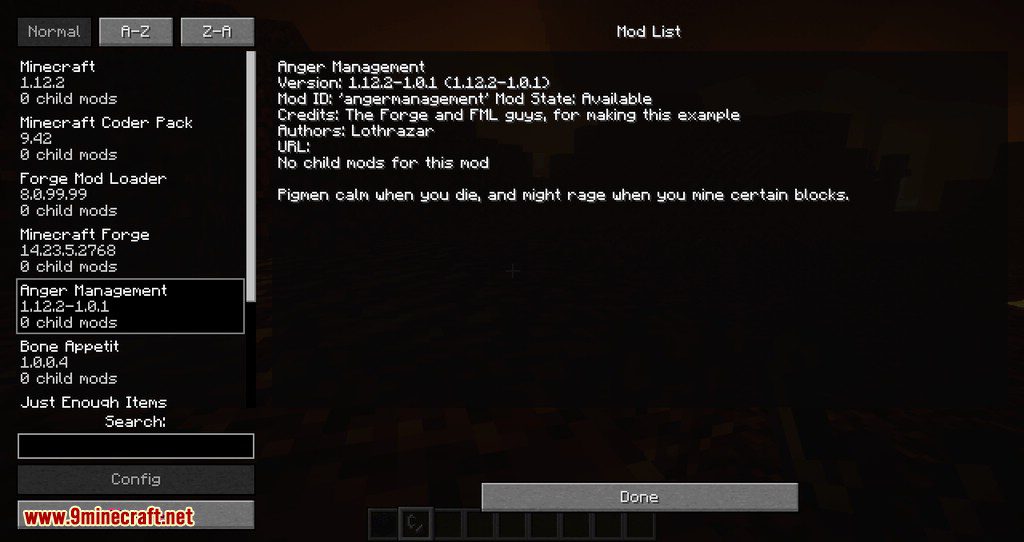
Pigmen calm when you die, and might rage when you mine certain blocks.
Anger Management Mod Download Links
For Minecraft 1.12.2
For Minecraft 1.14.4
For Minecraft 1.15.2
For Minecraft 1.16.5
Quick facts
- Edition: Minecraft Java
- File type: .jar
- Minecraft version listed: 1.16.5
- How to install: Install the matching mod loader (Forge, Fabric or NeoForge) for your Minecraft version. → Download the .jar. → Put it in the .minecraft/mods folder and launch that loader profile.
- Where to get it: In MC Java Mods, or directly above on this page.
Install steps are the general flow for this file type — How to install Minecraft Java mods & modpacks walks through it step by step.
File checked by MCModsHub
- Downloads as 206600.mcaddon
- Download size: 16 KB
- Download link checked 24 Jul 2026 — working
- Mirrored on our own servers — the download does not depend on the original host
These come from our own check of the pack file, not from the source page.