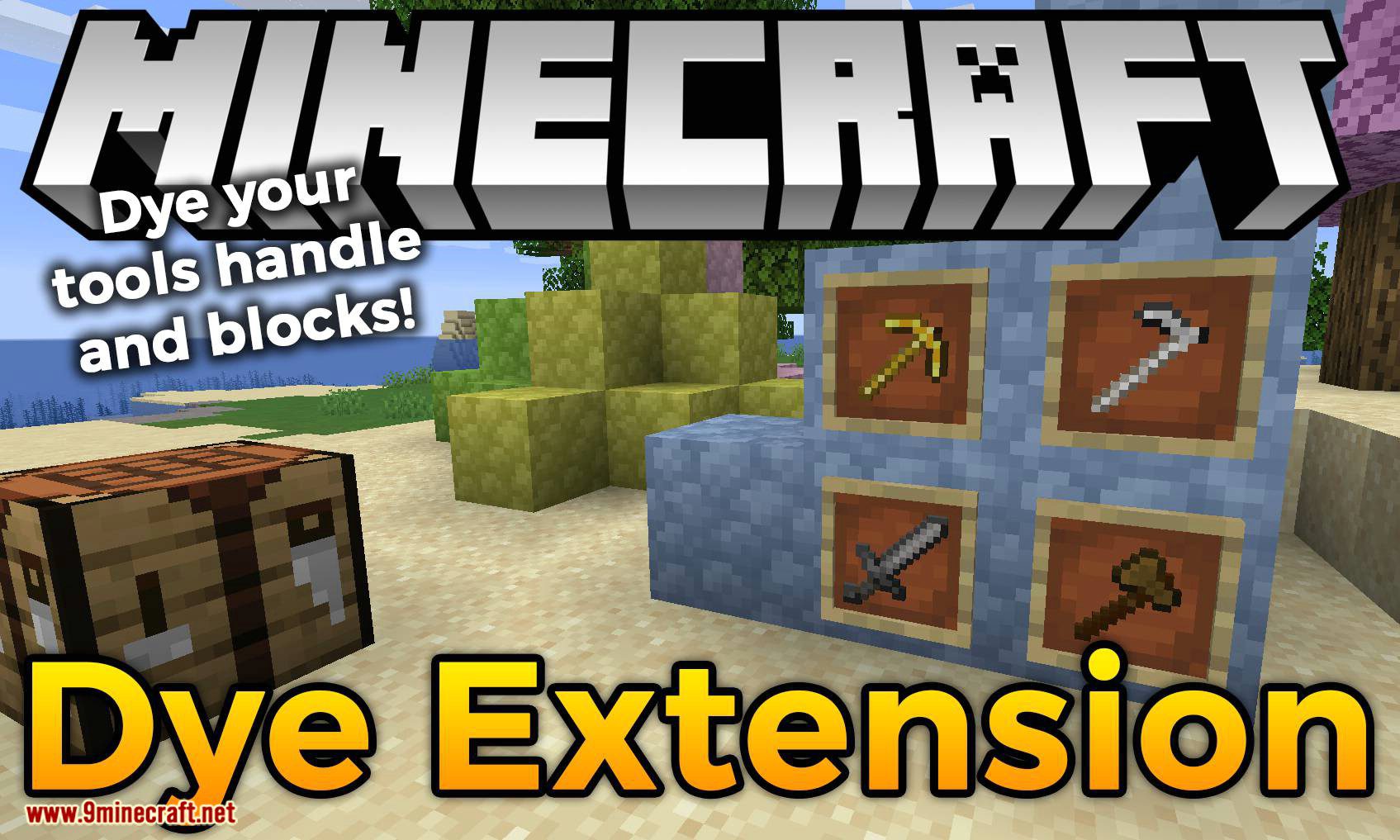
Dye Extension Mod enhances Minecraft’s dye system by adding new dyeable items and improved customization. This mod allows players to apply more colors to various blocks, items, and materials, increasing creative possibilities.
Getting Started:
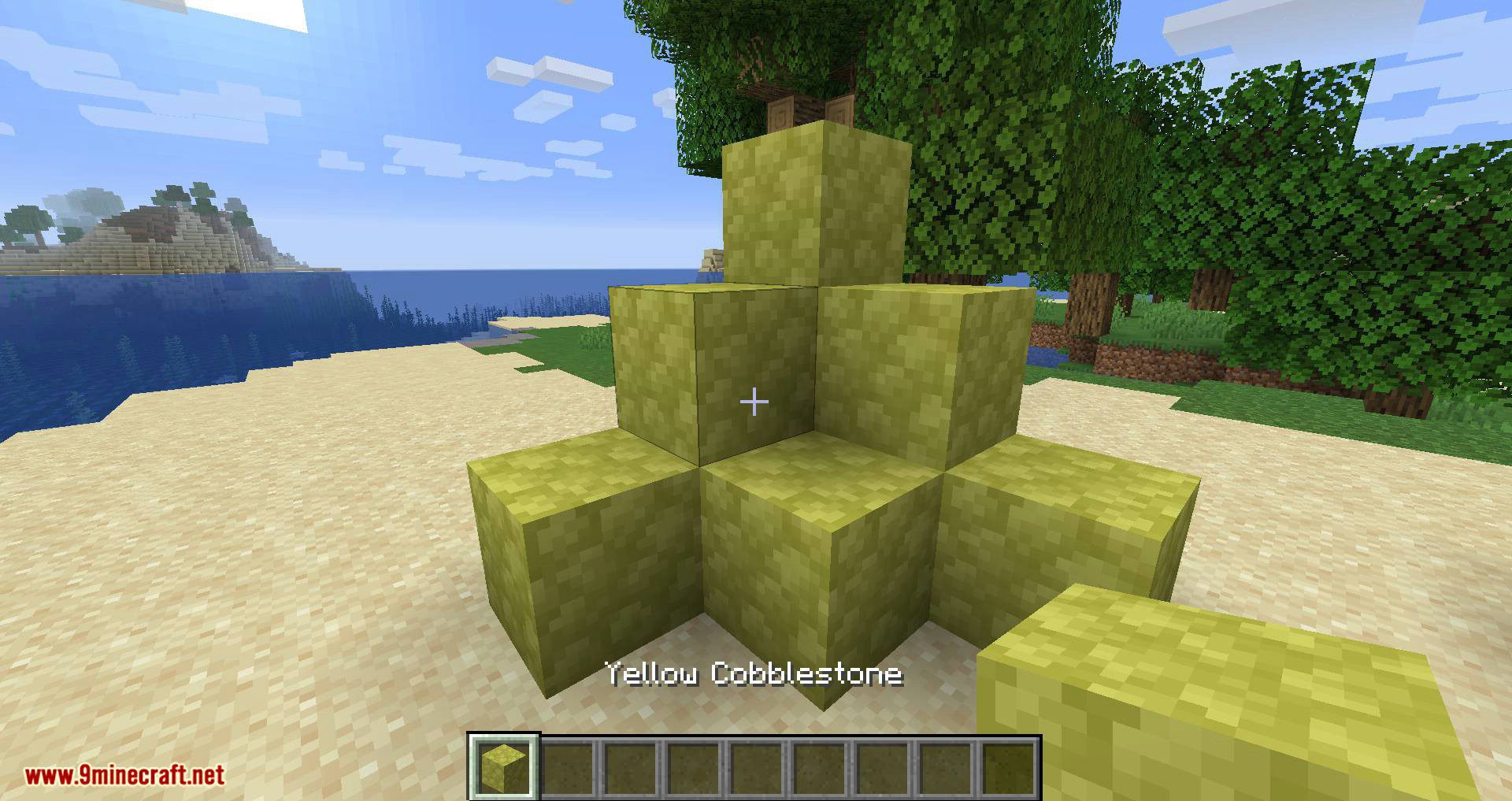
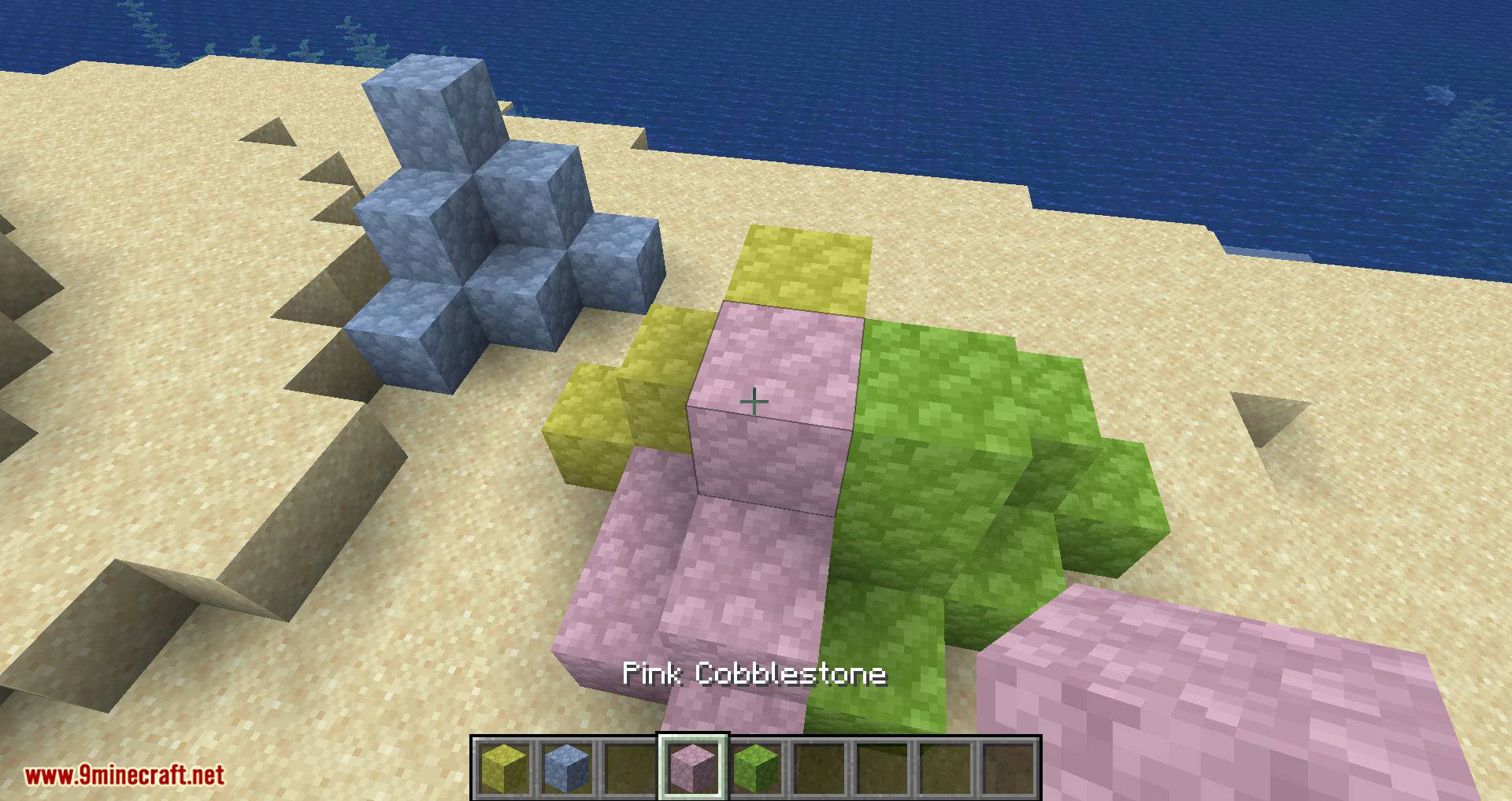
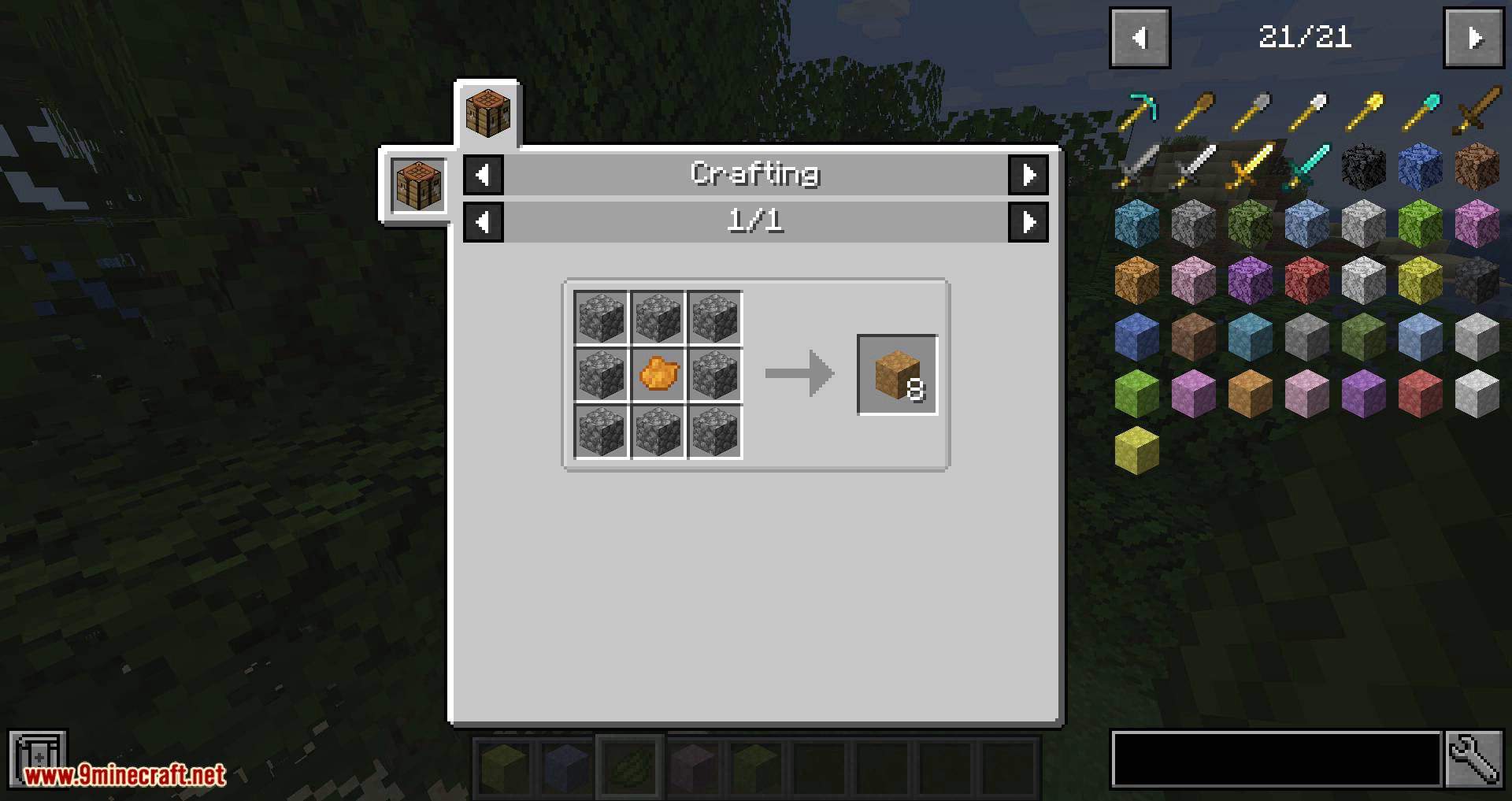
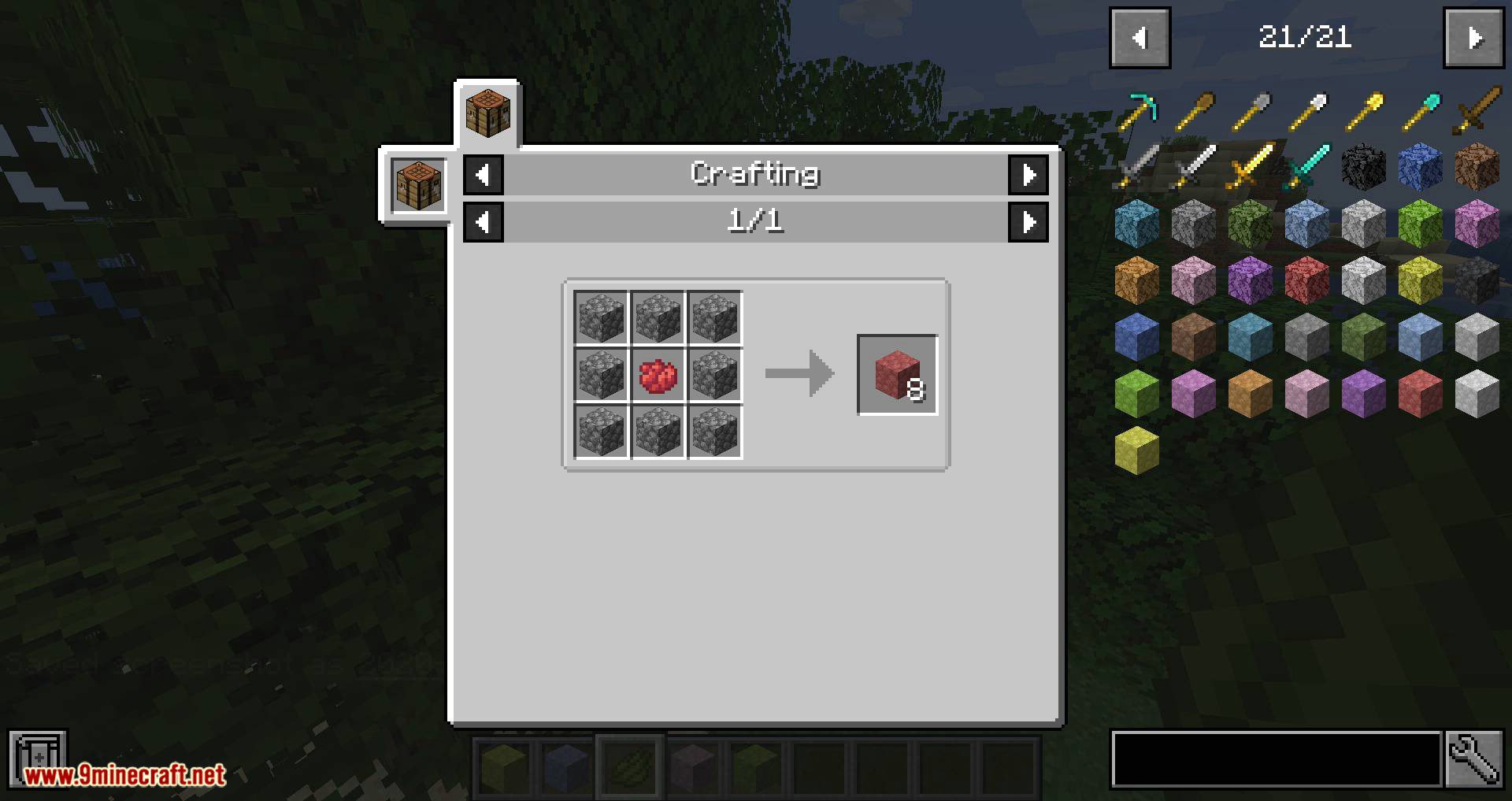
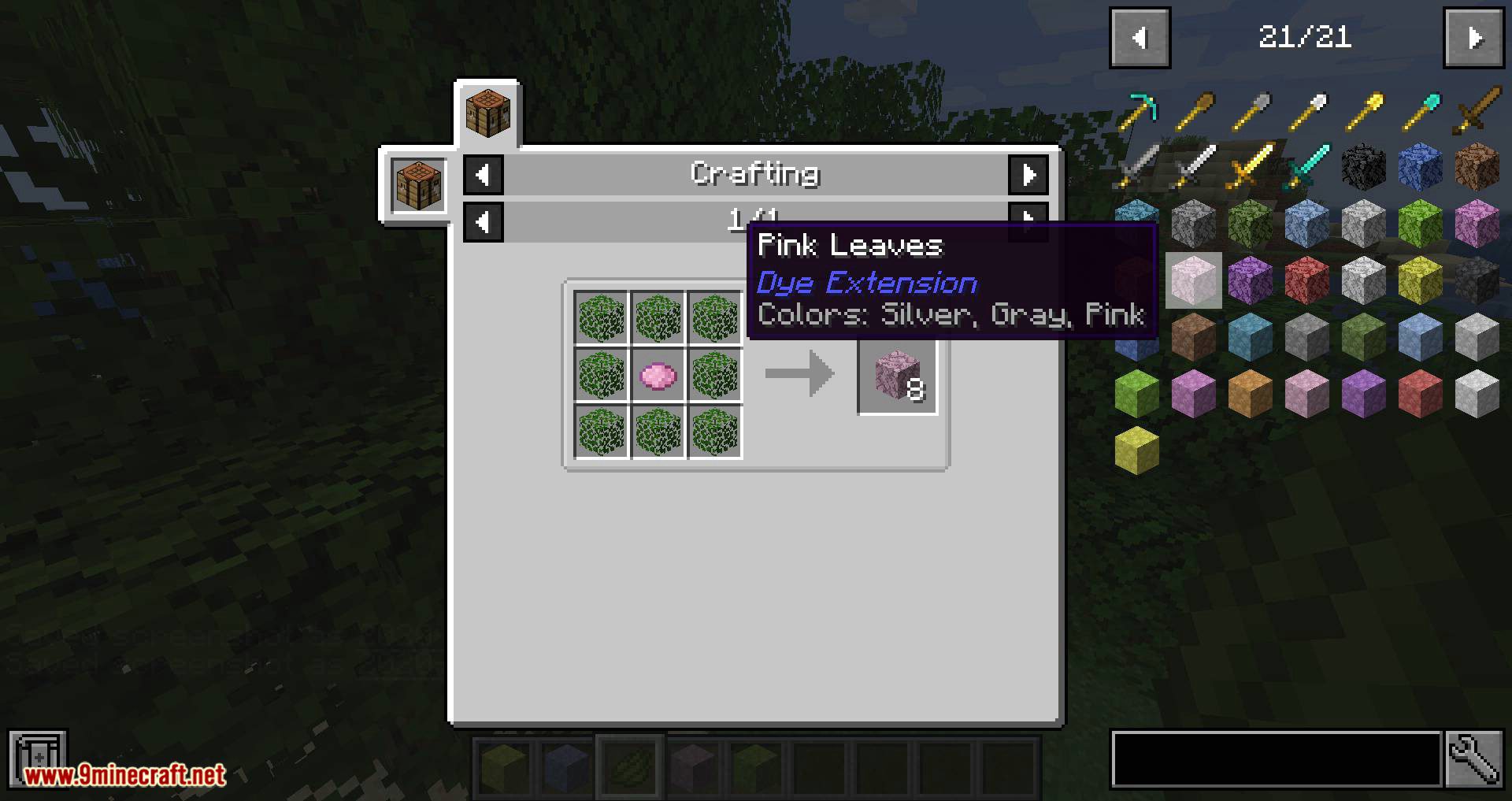
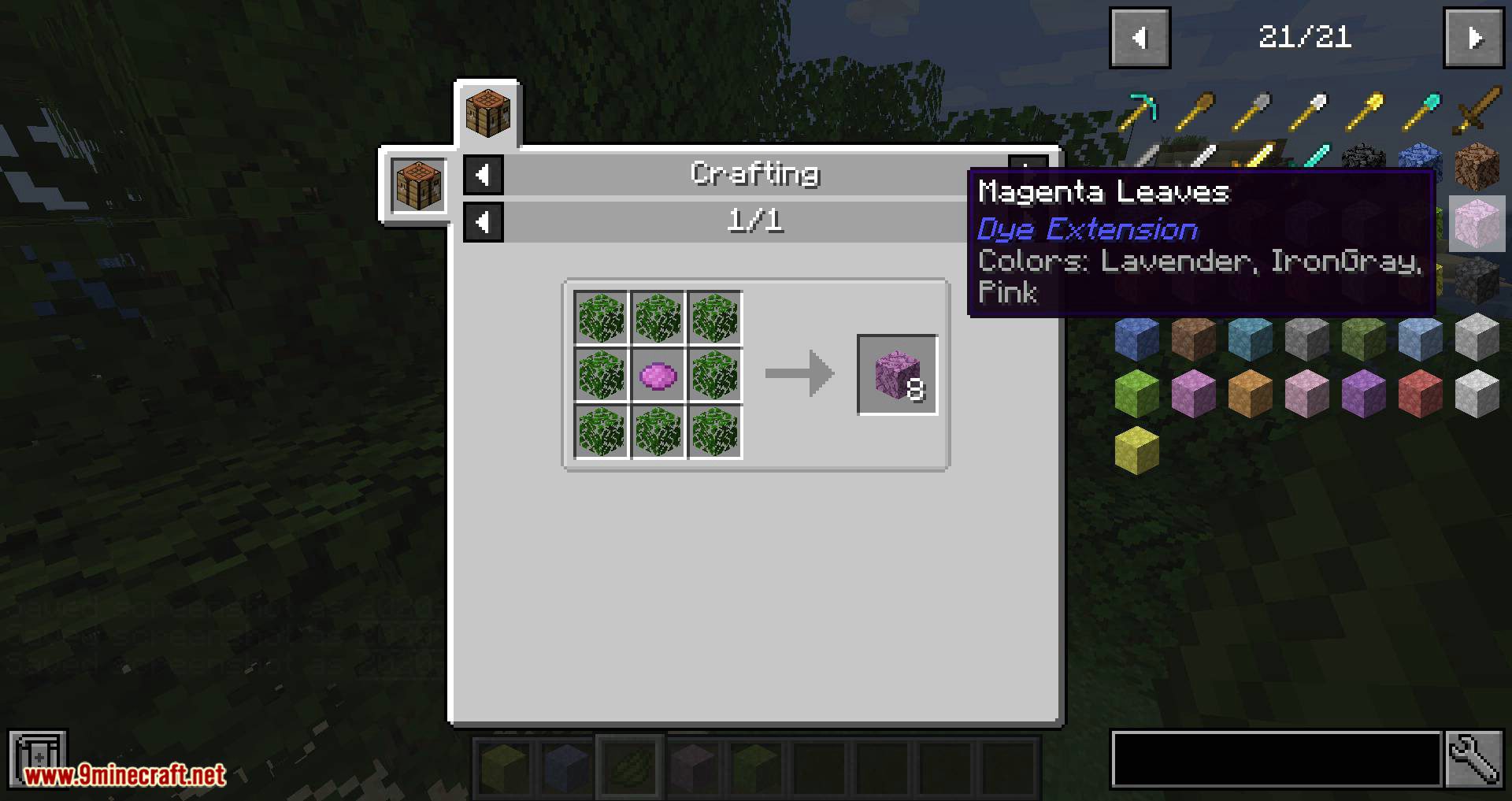
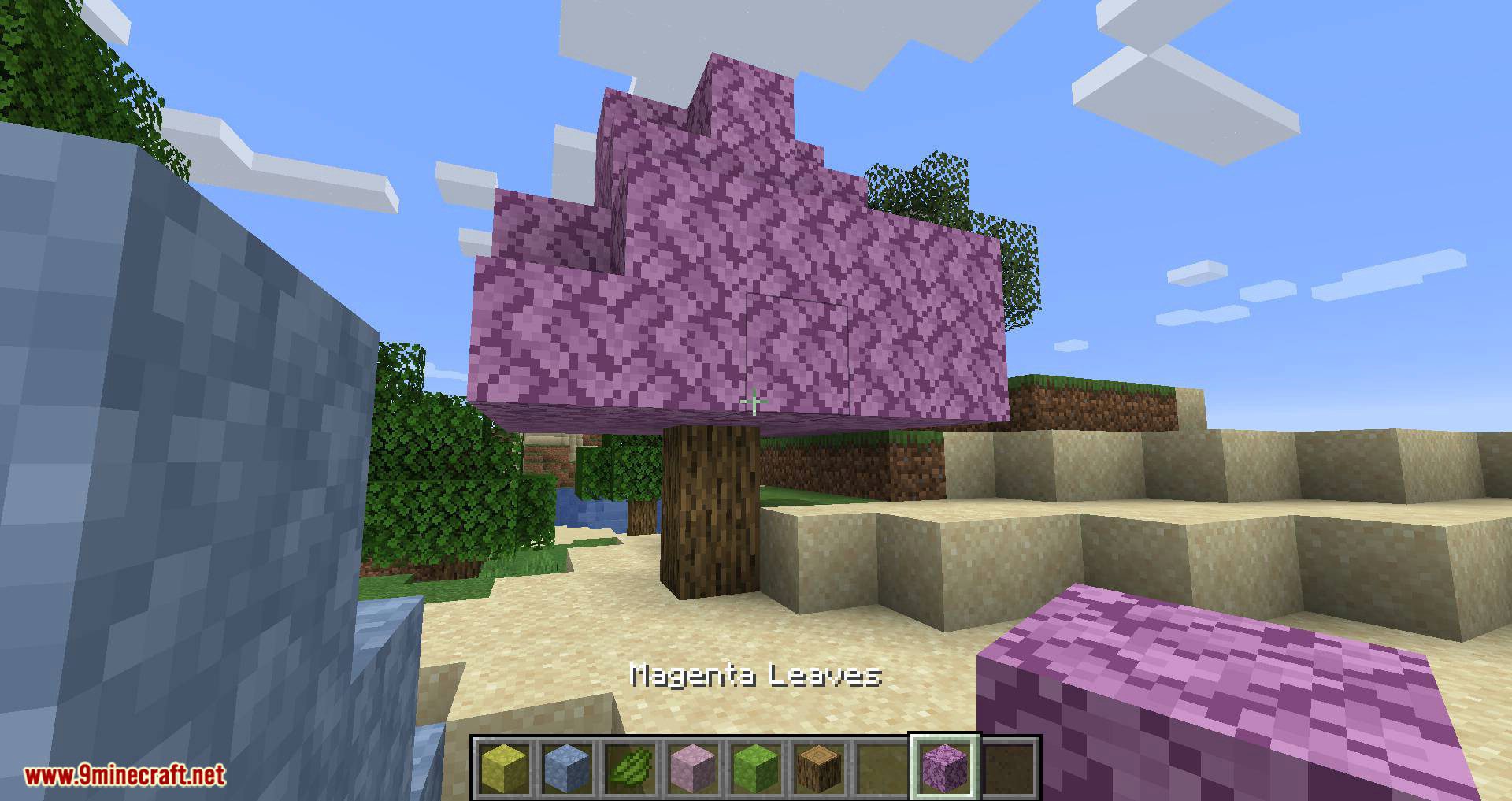
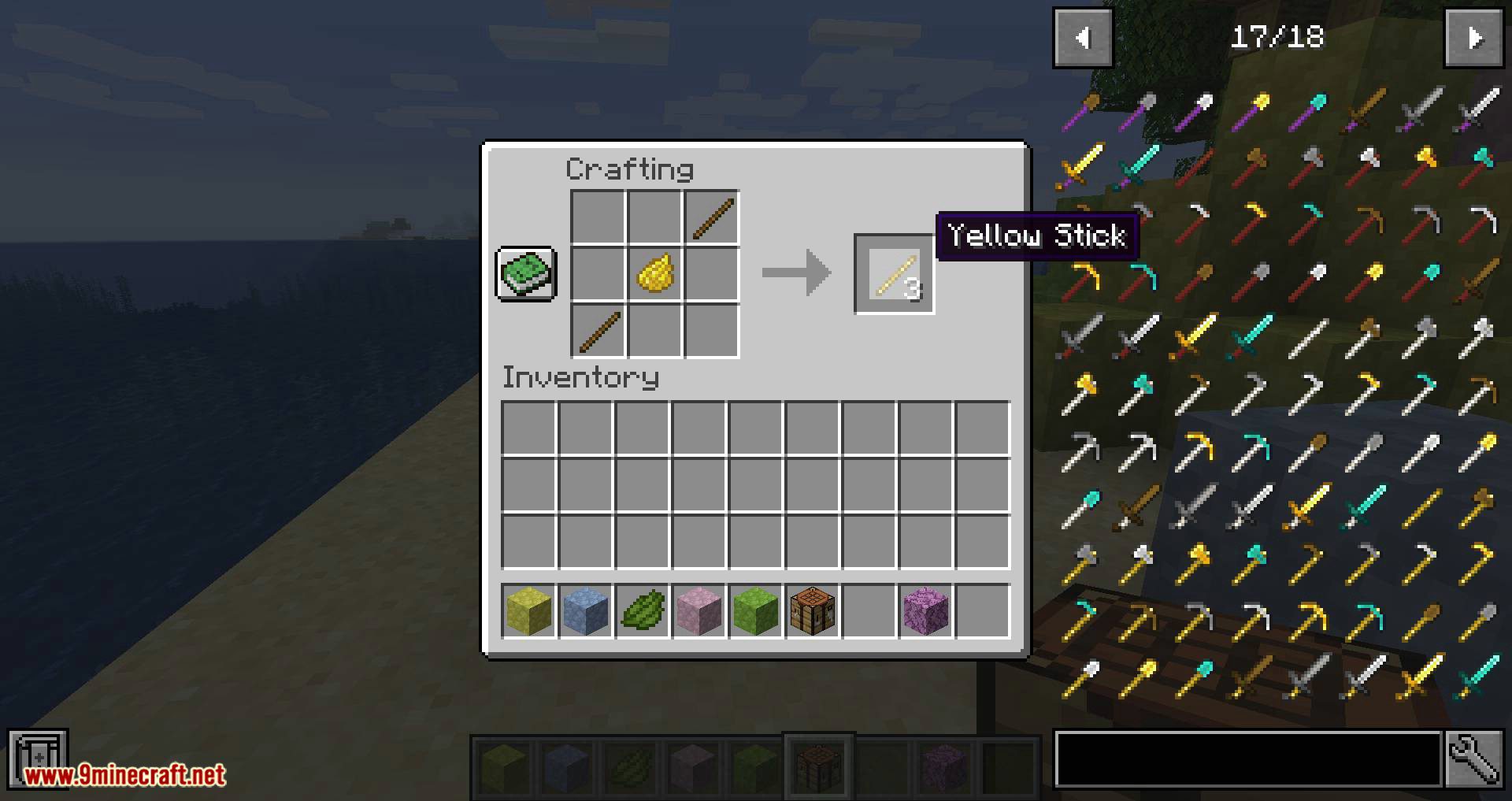
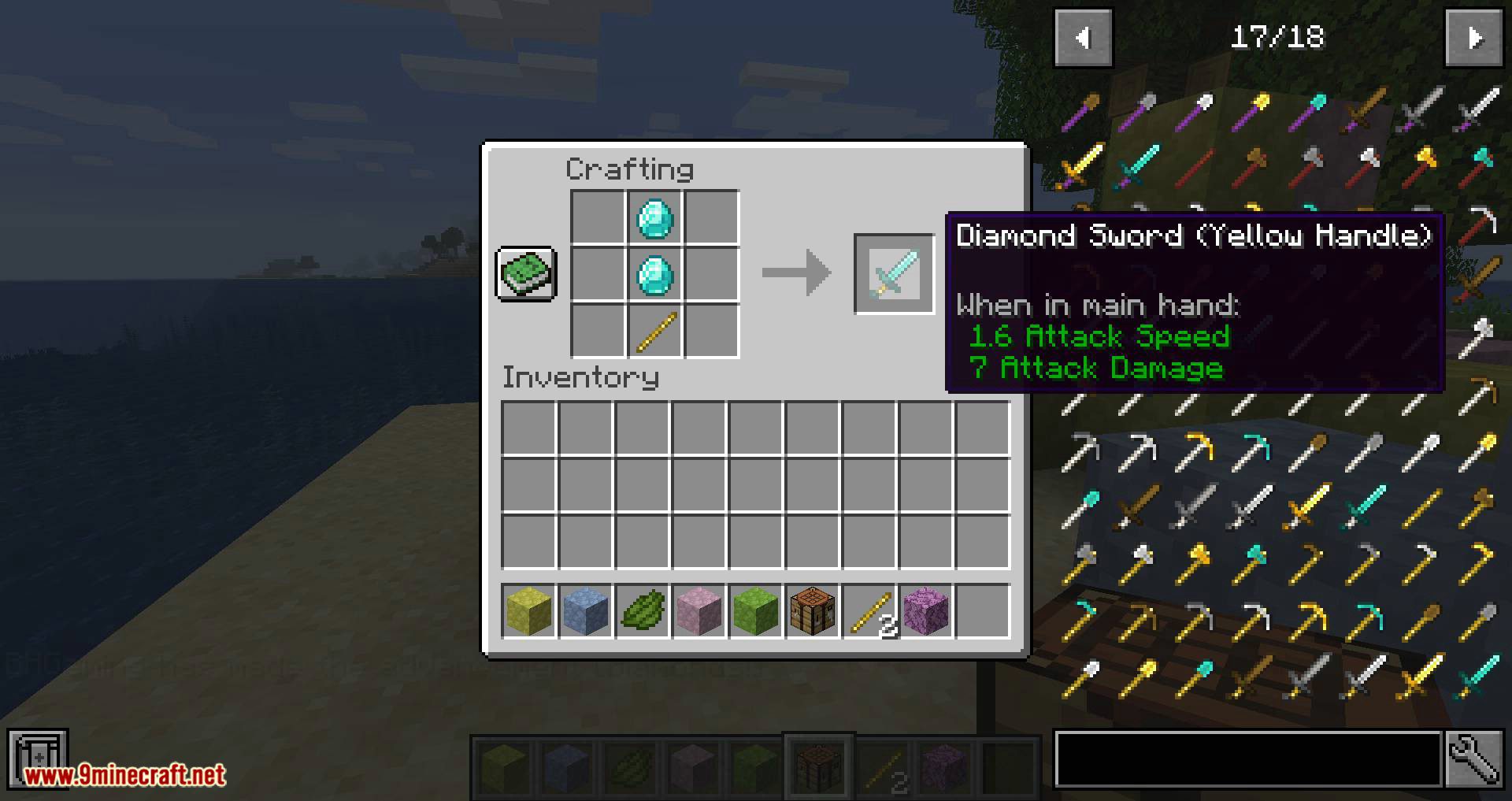
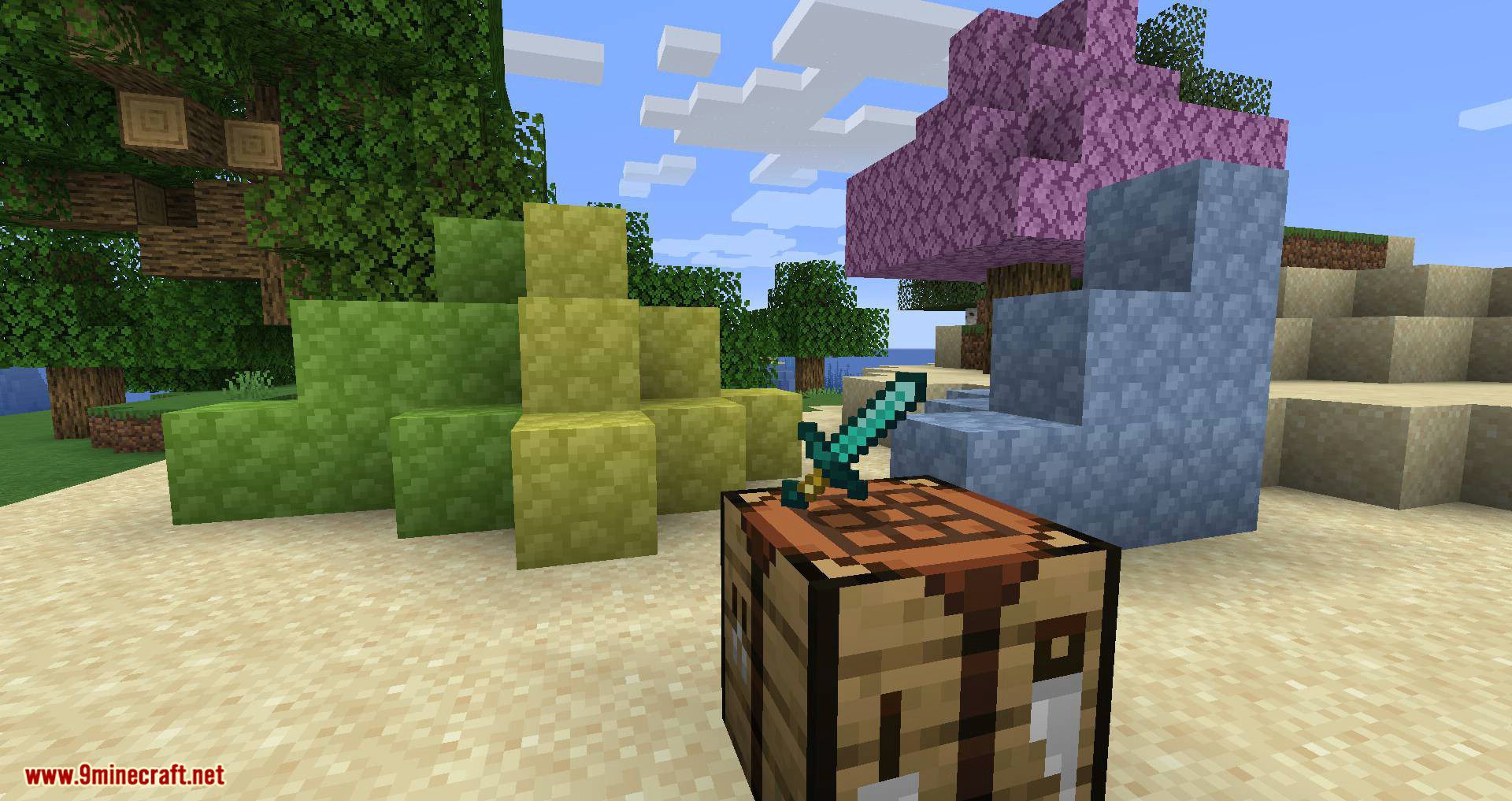
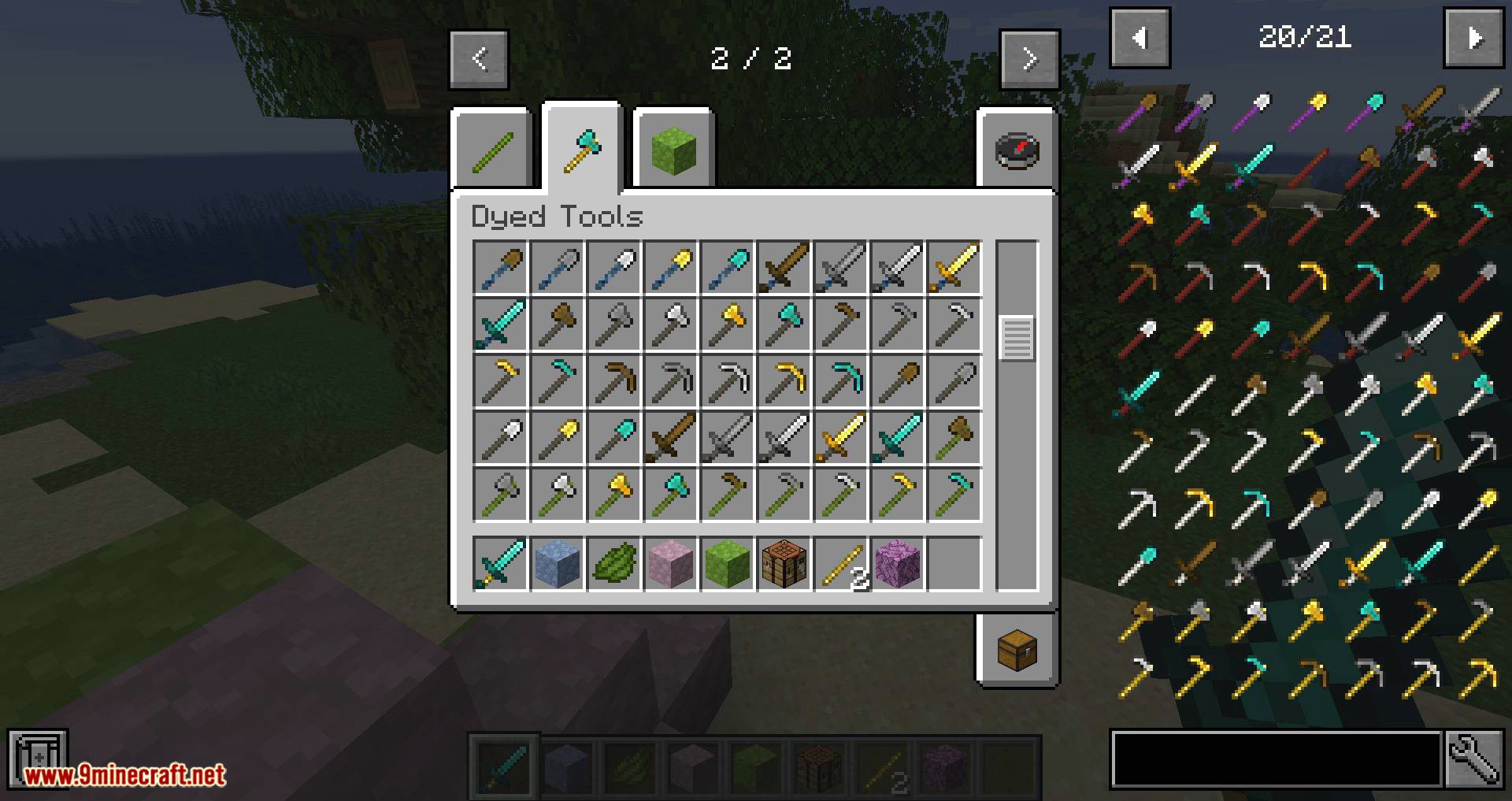
To start just craft some dyed sticks (two sticks in the bottom left and top right corners and a dye of your wish in the middle)… and then some tools out of them + a material type e.g. diamonds or iron ingots just like you would craft normal tools. To craft dyed cobblestone/ dyed leaves just place one dye in the middle and 8 cobblestone/leaves around it.
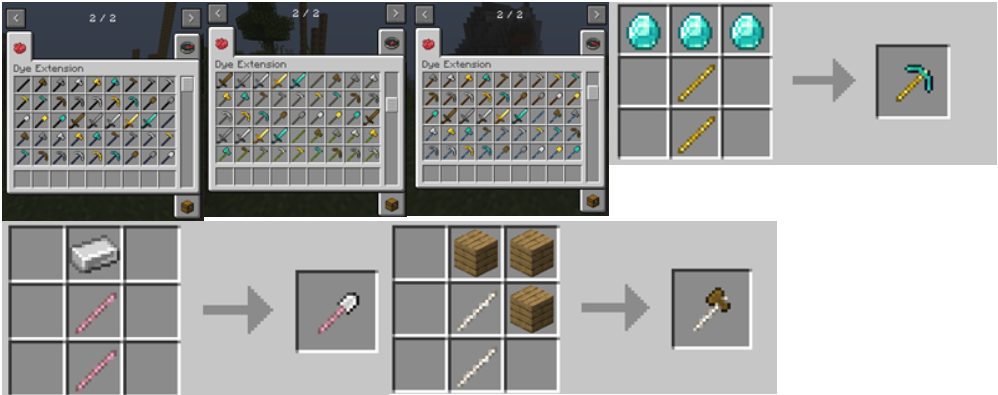
Screenshots:
Dye Extension Mod Download Links
For Minecraft 1.15.2
Forge version: Download from Server 1
For Minecraft 1.16.5
Forge version: Download from Server 1
- Edition: Minecraft Java
- File type: .jar
- Minecraft version listed: 1.16.5
- How to install: Install the matching mod loader (Forge, Fabric or NeoForge) for your Minecraft version. → Download the .jar. → Put it in the .minecraft/mods folder and launch that loader profile.
- Where to get it: In MC Java Mods, or directly above on this page.
Install steps are the general flow for this file type — How to install Minecraft Java mods & modpacks walks through it step by step.
- Downloads as 206629.mcaddon
- Download size: 1.2 MB
- Download link checked 30 Jul 2026 — working
- Mirrored on our own servers — the download does not depend on the original host
These come from our own check of the pack file, not from the source page.