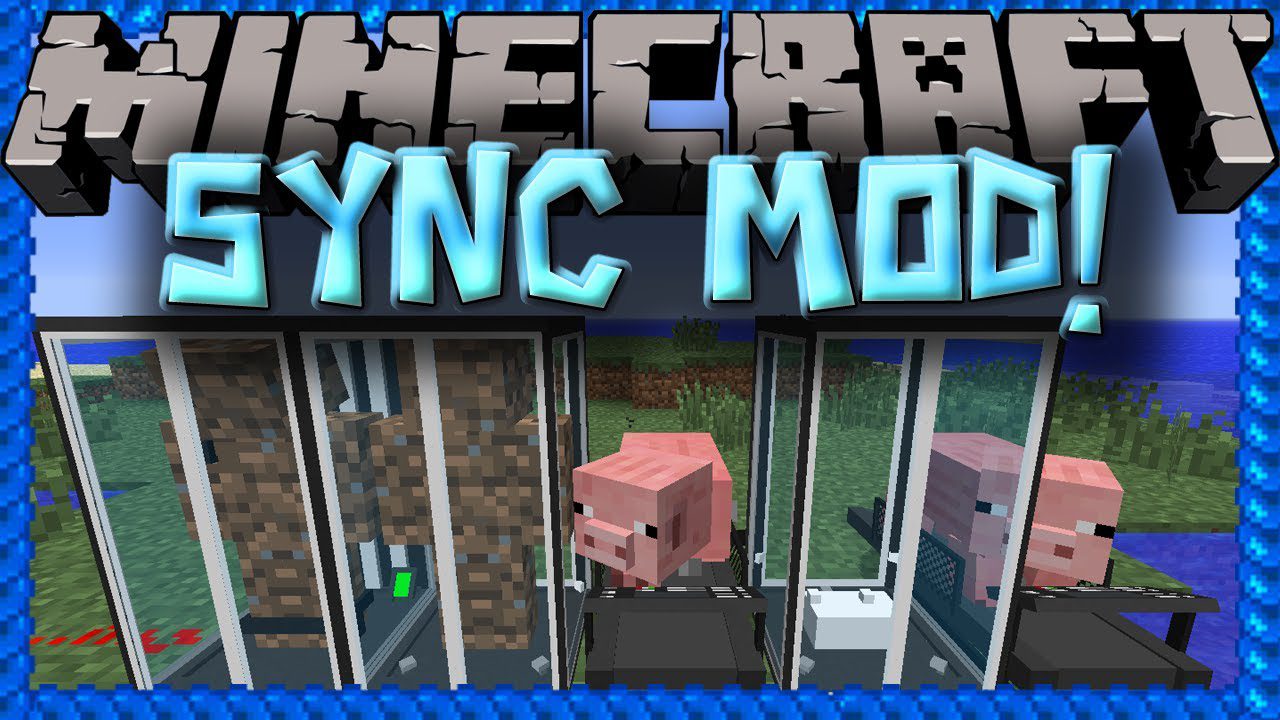
Sync Mod (1.19.2, 1.18.2) – Cloning Myself With a Pig Treadmill
Java mod listed for Minecraft 1.18–1.19. Downloads from the MC Java Mods app on Android.
⬇ DownloadSync Mod allows you to create a clone of yourself and change between bodies. This is extremely useful because you can keep different inventories on each clone, and if you die you will be transported to another clone instead of dying. The clones can also be used for teleporting and works between the Overworld and Nether.
Screenshots:
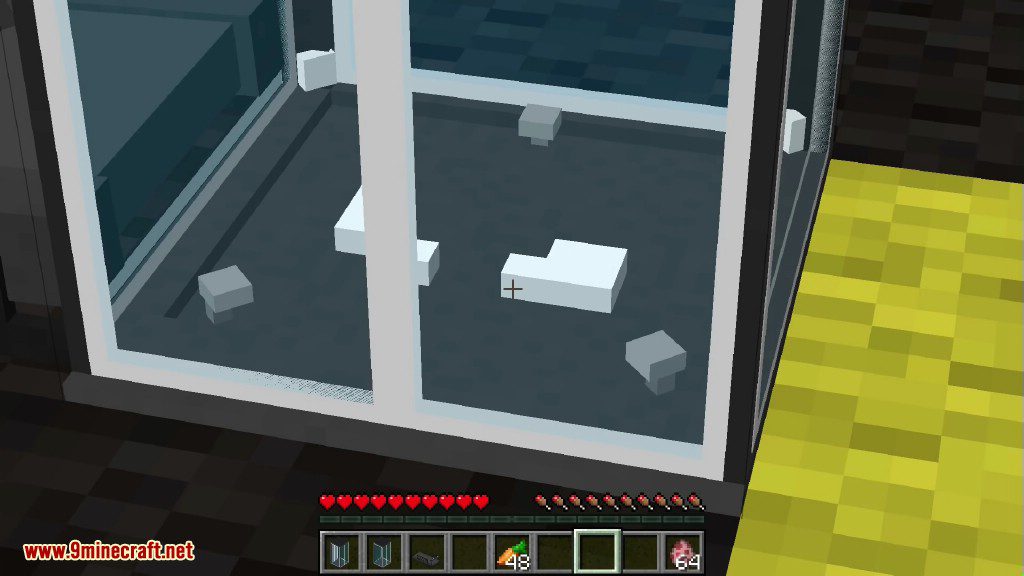
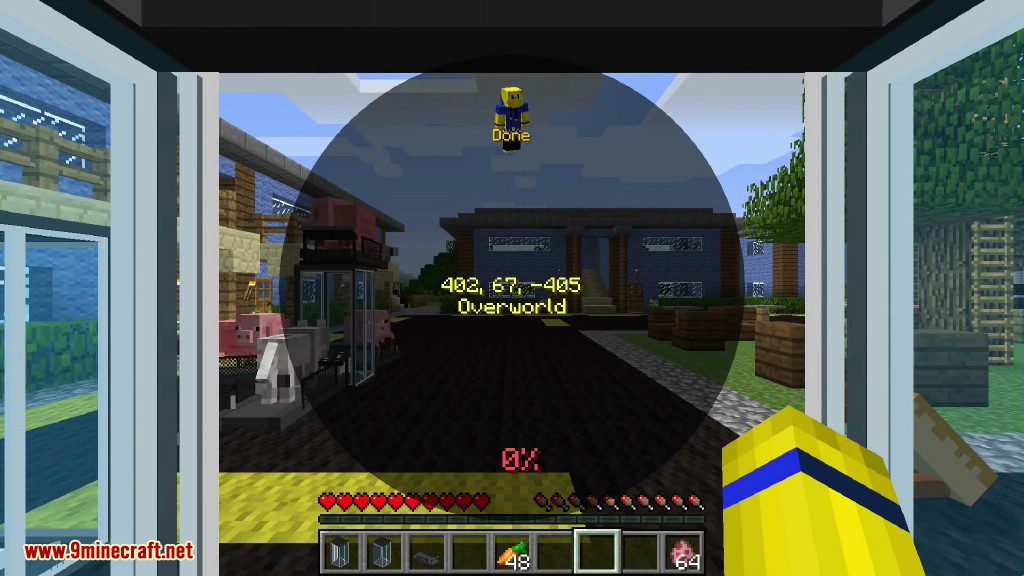
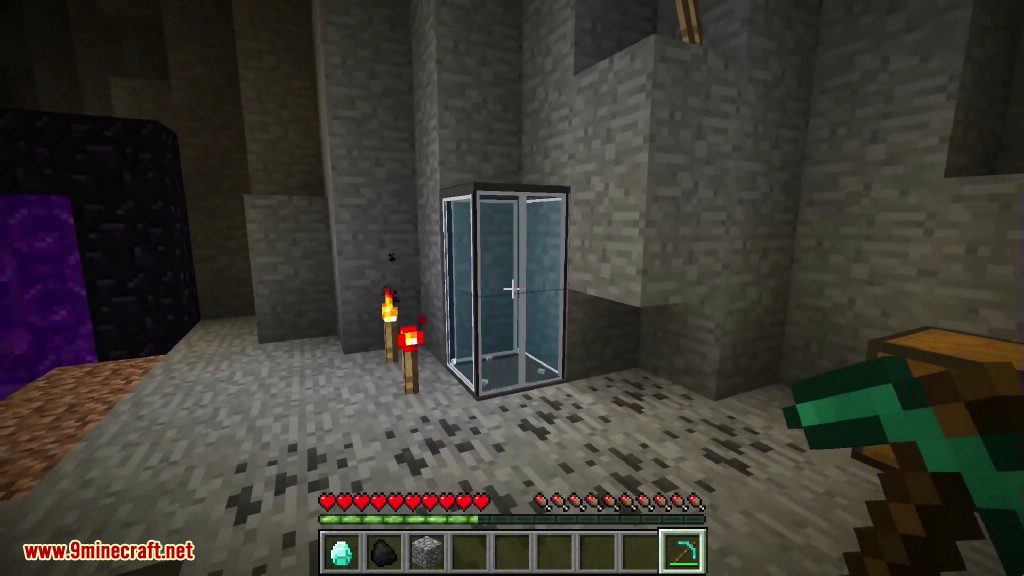
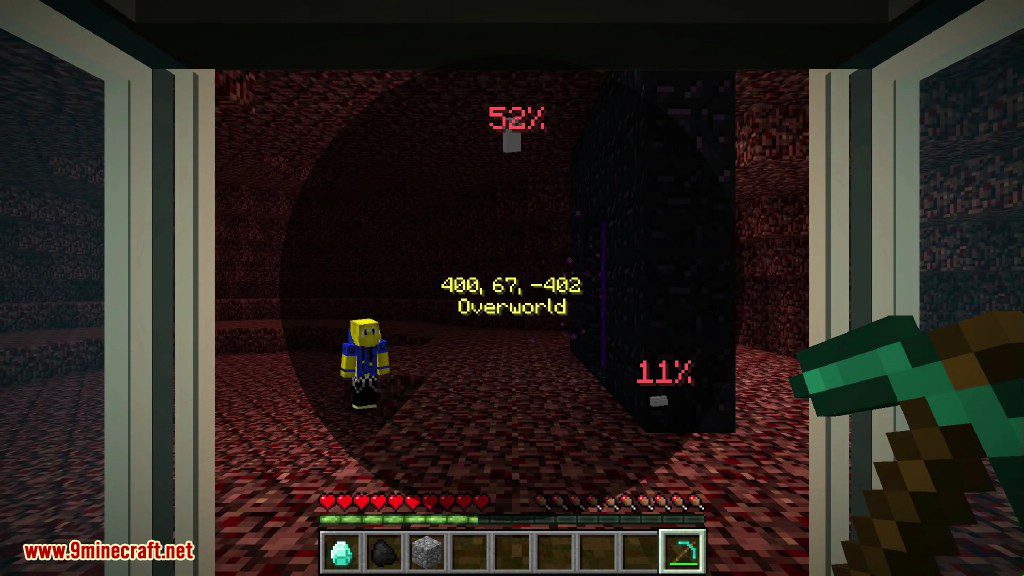
How to use:
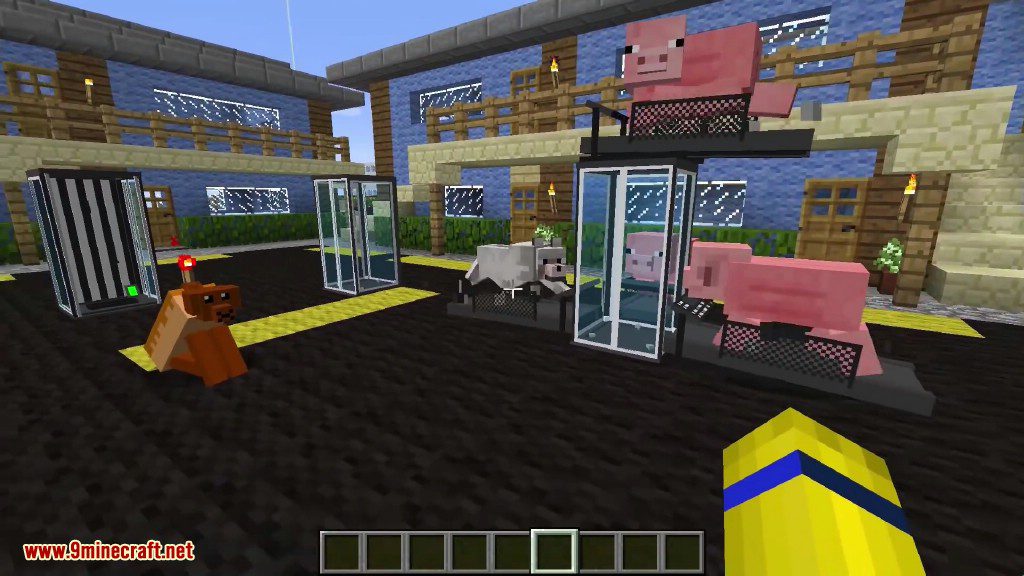
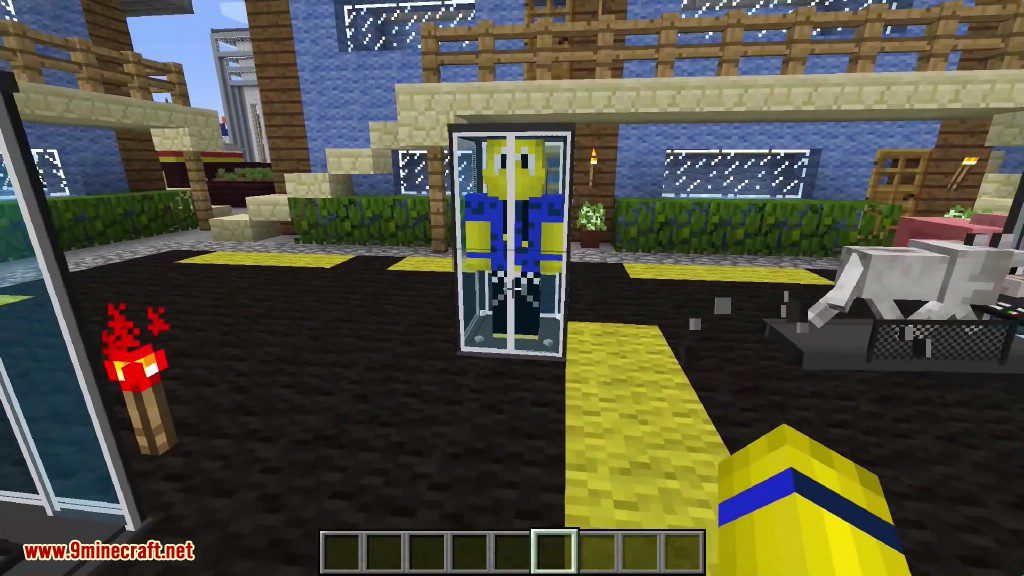
- This mod provides clones, or as we like to call it, “shells”. These shells are basically a new individual, with their own inventory, experience level, and even gamemode.
- However, what they lack, is a mind to control them. That’s where the player comes in. Each shell is biometrically tied to the player who’s sample is used to create it, and will allow the player to “sync” their mind to the other shell, essentially creating multiple player instances.
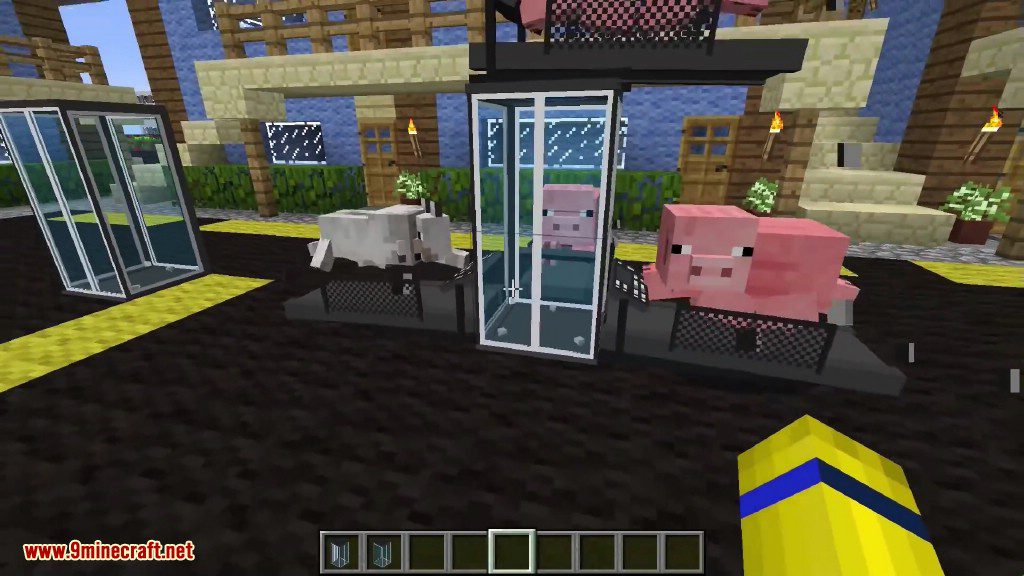
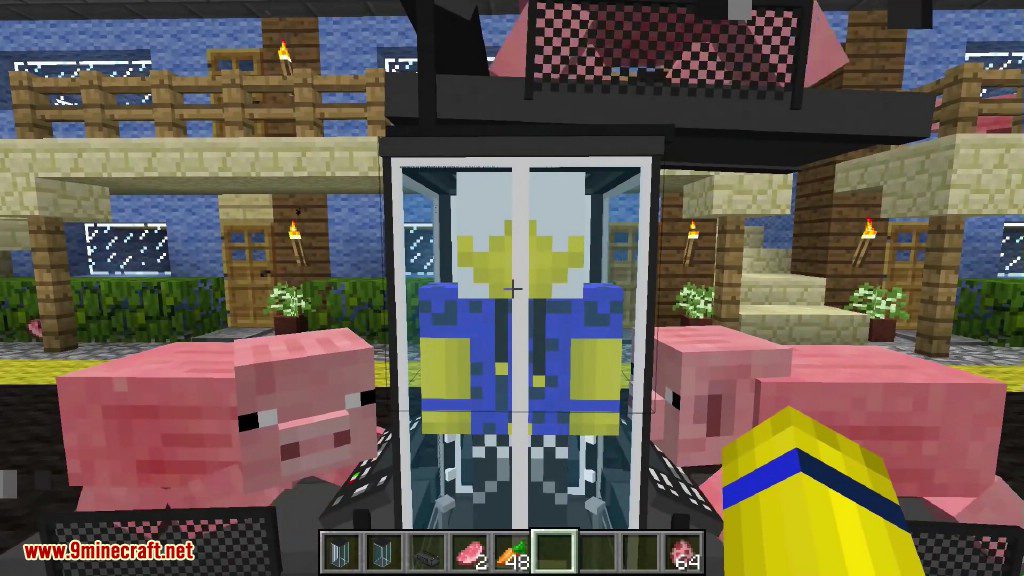
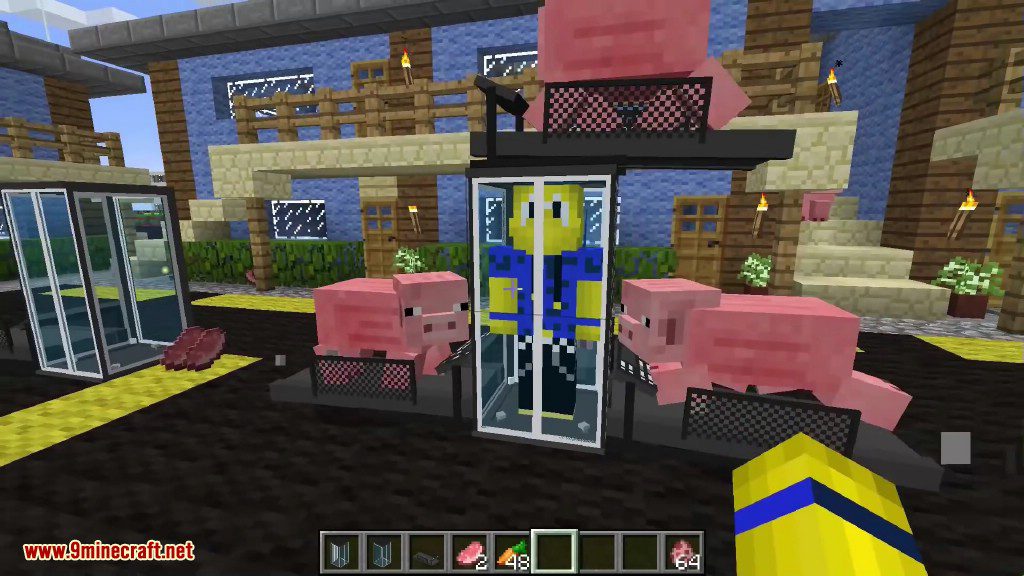
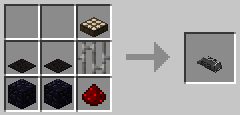
- Place a shell constructor down and right click it to provide a sample (warning, this hurts!). The shell constructor cannot work without power, so put a treadmill down next to it and lure a Pig or a Wolf to the center of the treadmill to generate Piggawatts. A lead will help out out with this (you will get it back). The shell constructor will begin building a shell.
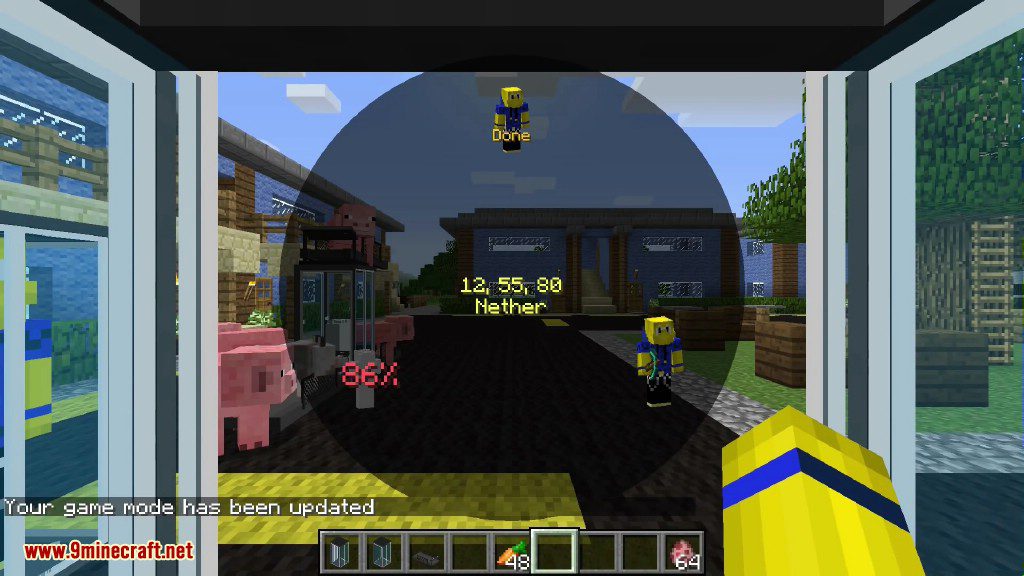
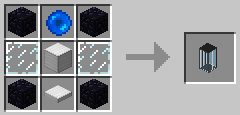
- Once the shell is constructed, you need to place down a shell storage unit and supply redstone power to it. The indicator will switch to green and you can walk into the storage unit to activate it. You will see a radial menu pop up with the list of available shells and their positions. Select the shell in the constructor (labelled with the “Done” indicator) and watch as you are synced into the new shell.
- Shell syncing works cross dimensional too! Get to the nether and back through a shell! However, you cannot enter or leave shells in The End due to…. technical difficulties.
- By default, shells provide an “extra life” to the player. When the shell you are using dies, you will immediately resync to the nearest shell available. You can mark a preference shell by right clicking a storage unit with a bed, labelling it as a home storage unit. You can also name storage units with a name tag. This “extra life” feature works in Hardcore mode, so if you have an active backup shell you will not be forced to abandon a hardcore world, but instead resync to another shell.
Crafting Recipes:
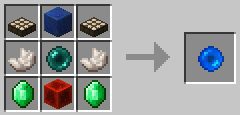
Sync Core: (Replace Ender Pearl with Beacon for Hard Mode)
Shell Constructor:
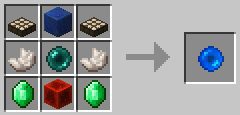
Shell Storage:
Treadmill:
Sync Mod Download Links
For Minecraft 1.6.4
Forge version: Download from Server 1
For Minecraft 1.7.2
Forge version: Download from Server 1
For Minecraft 1.7.10
Forge version: Download from Server 1 – Download from Server 2
For Minecraft 1.10.2
Forge version: Download from Server 1
For Minecraft 1.12.2, 1.12.1, 1.12
Forge version: Download from Server 1
For Minecraft 1.17.1
Fabric version: Download from Server 1
For Minecraft 1.18.1
Fabric version: Download from Server 1
For Minecraft 1.18.2
Fabric version: Download from Server 1
For Minecraft 1.19
Fabric version: Download from Server 1
For Minecraft 1.19.2
Fabric version: Download from Server 1
- Edition: Minecraft Java
- File type: .jar
- Minecraft versions listed: 1.19.2, 1.18.2
- How to install: Install the matching mod loader (Forge, Fabric or NeoForge) for your Minecraft version. → Download the .jar. → Put it in the .minecraft/mods folder and launch that loader profile.
- Where to get it: In MC Java Mods, or directly above on this page.
Install steps are the general flow for this file type — How to install Minecraft Java mods & modpacks walks through it step by step.
- Downloads as 206649.mcaddon
- Download size: 200 KB
- Download link checked 24 Jul 2026 — working
- Mirrored on our own servers — the download does not depend on the original host
These come from our own check of the pack file, not from the source page.