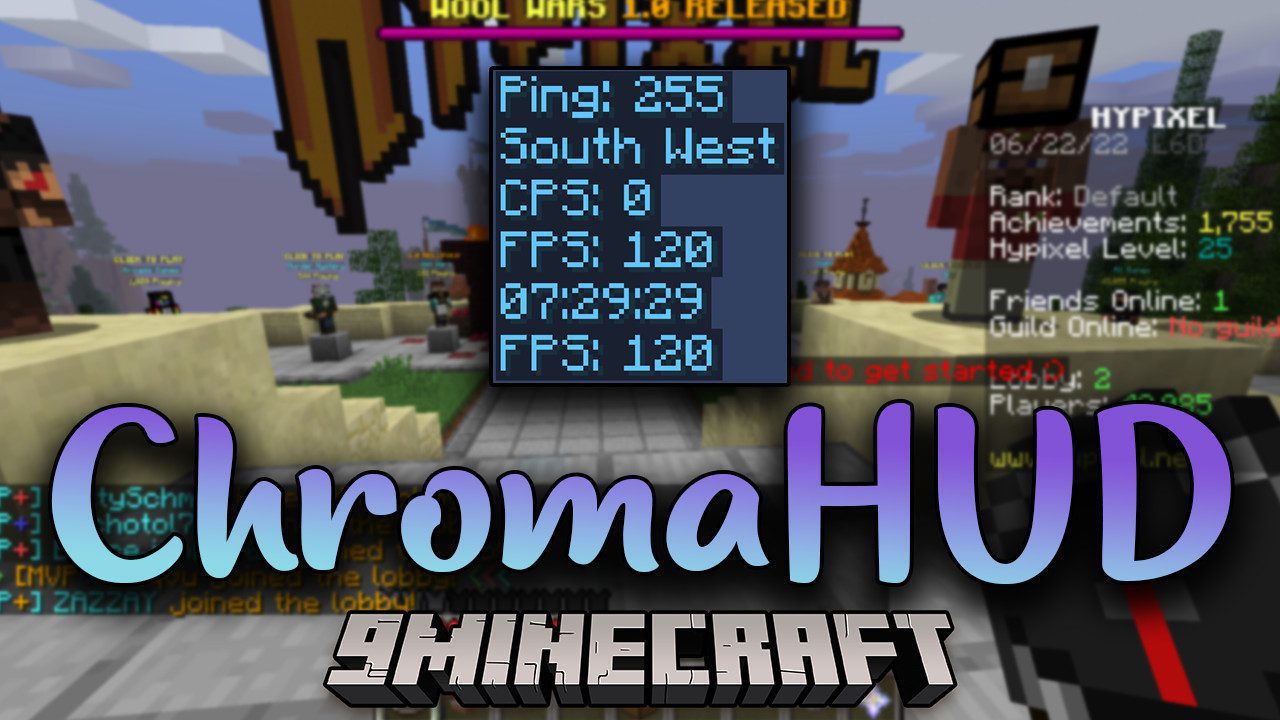
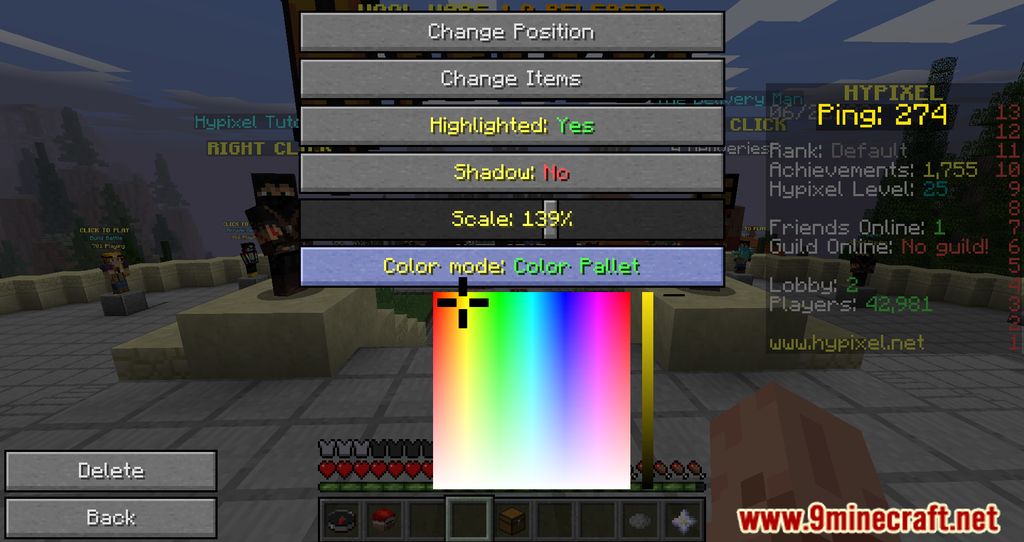
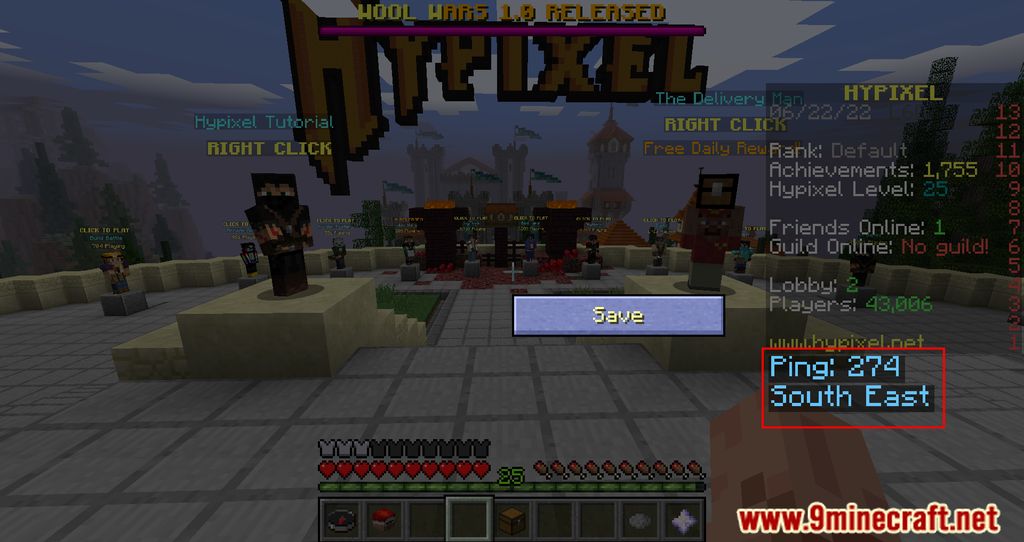
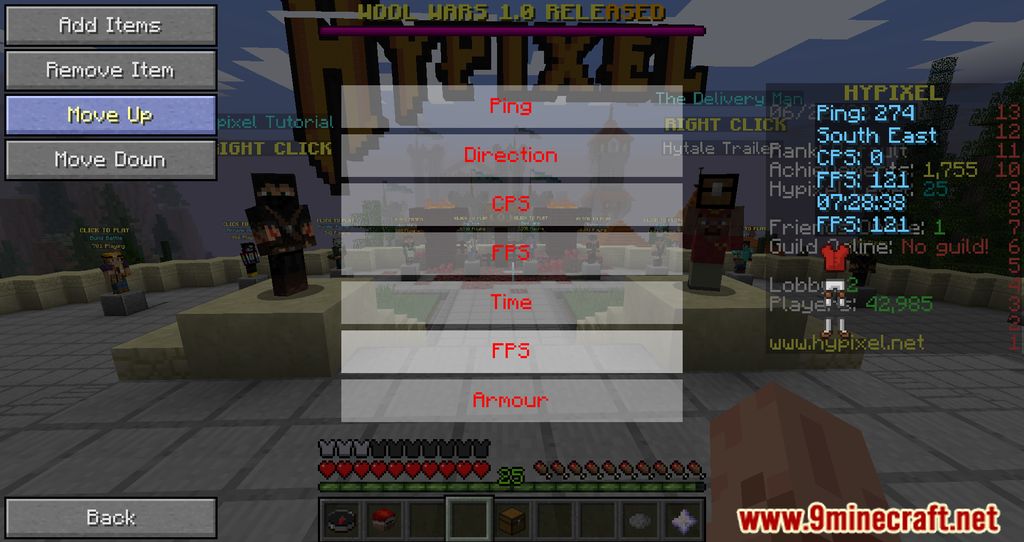
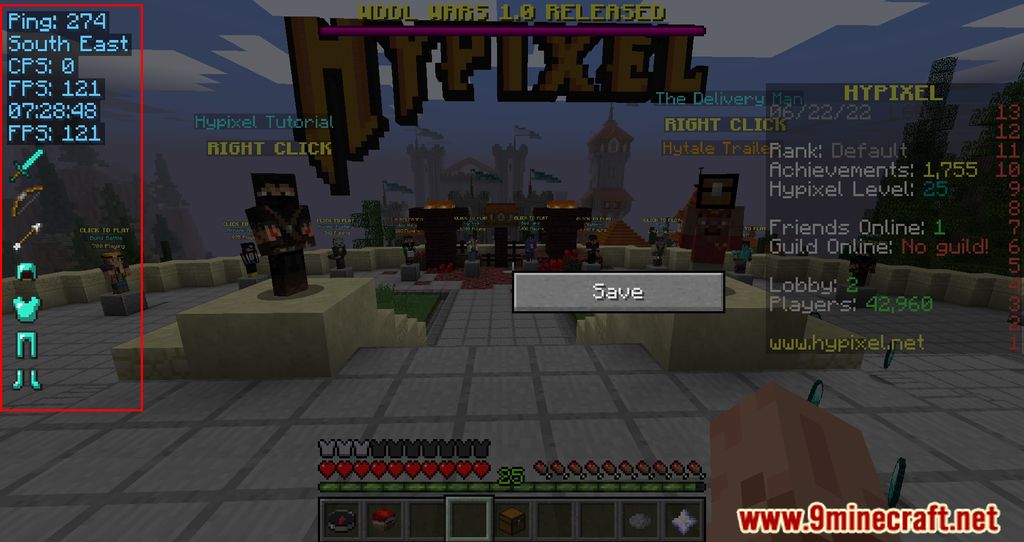
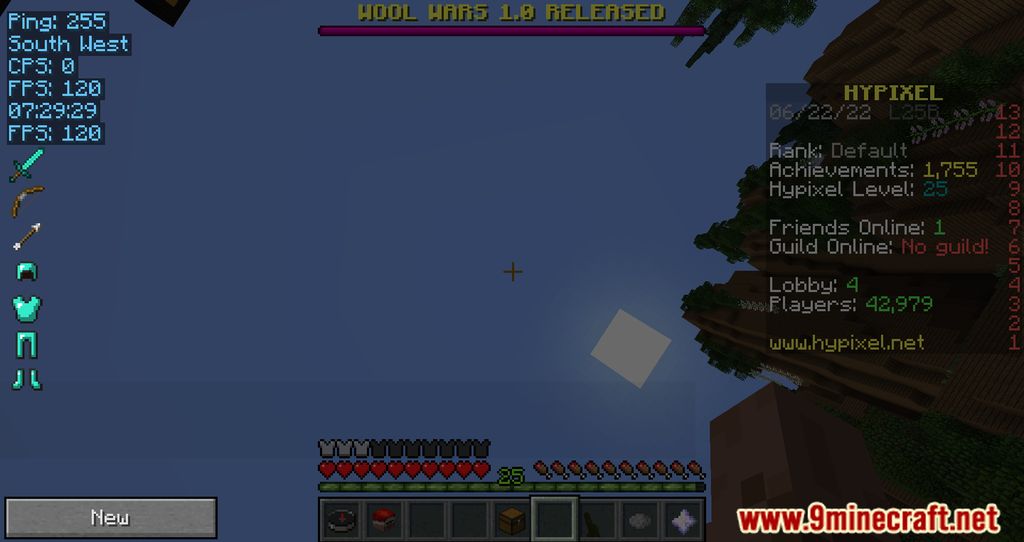
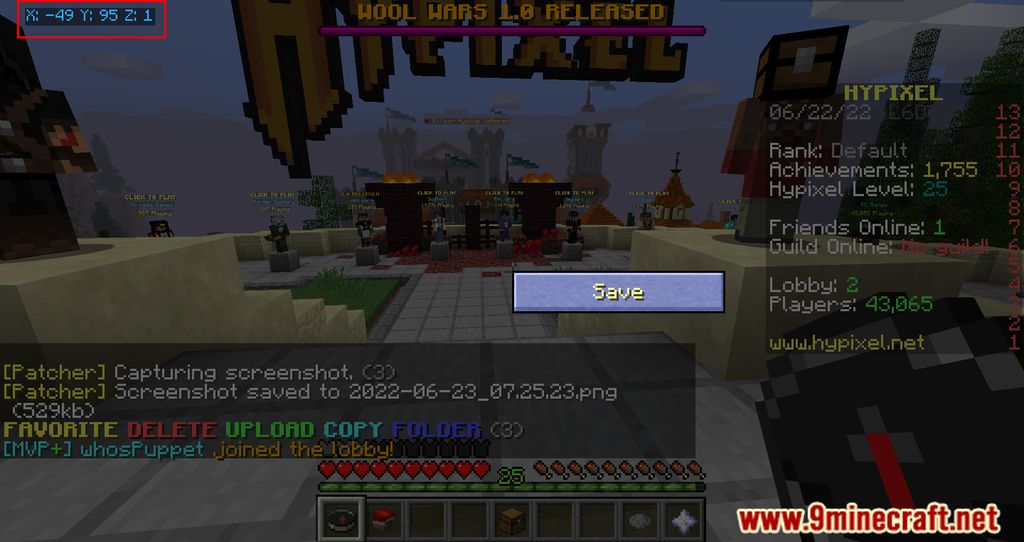
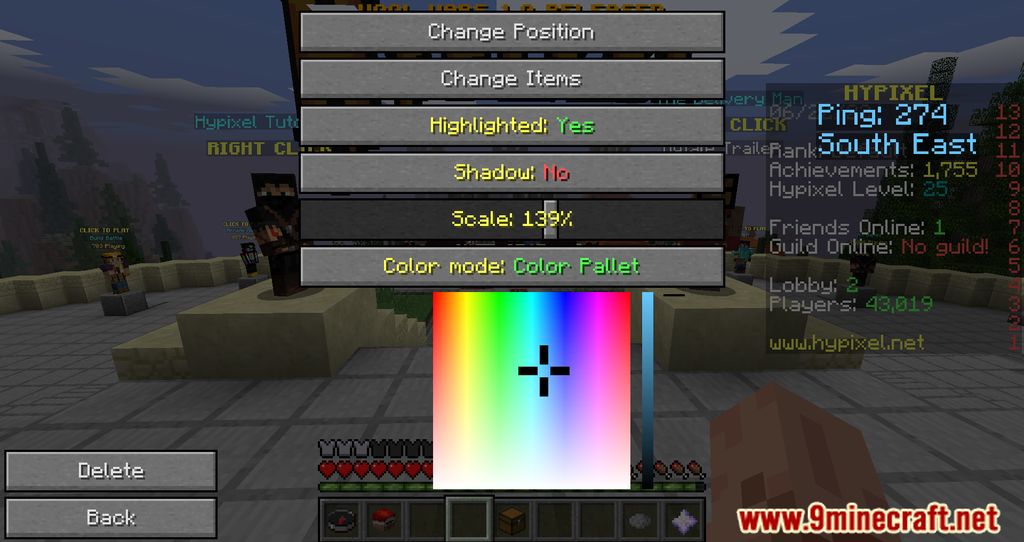
ChromaHUD Mod introduces a new HUD system, in which, players can easily tell what is going on within their game from coordinate, FPS, game settings, and many other minor details by the information displayed on the screen. As before, every time players want to dig deep into the backend of the game, they would have to press Esc and look through many obsolete and incomprehensive Options. With ChromaHUD, these obstacles will be removed completely and substituted with a well-thought-out HUD system where players can freely customize their games without ever being afraid of activating the wrong option. At the same time, during in-game events, rather than having to pause, players could just tweak their games on the go with numerous information on the screen.
Features:
- A new chroma that displays essential information on players’ screens.
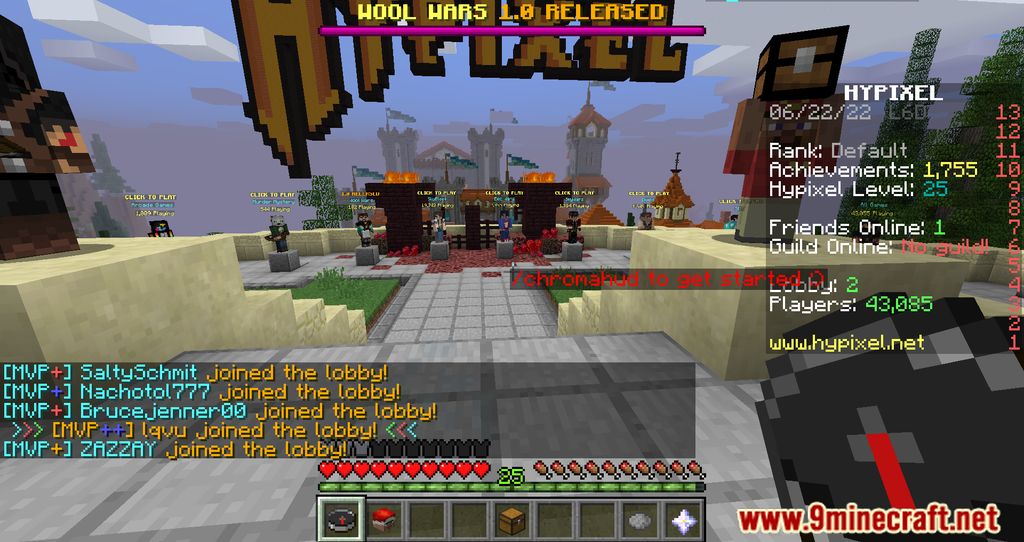
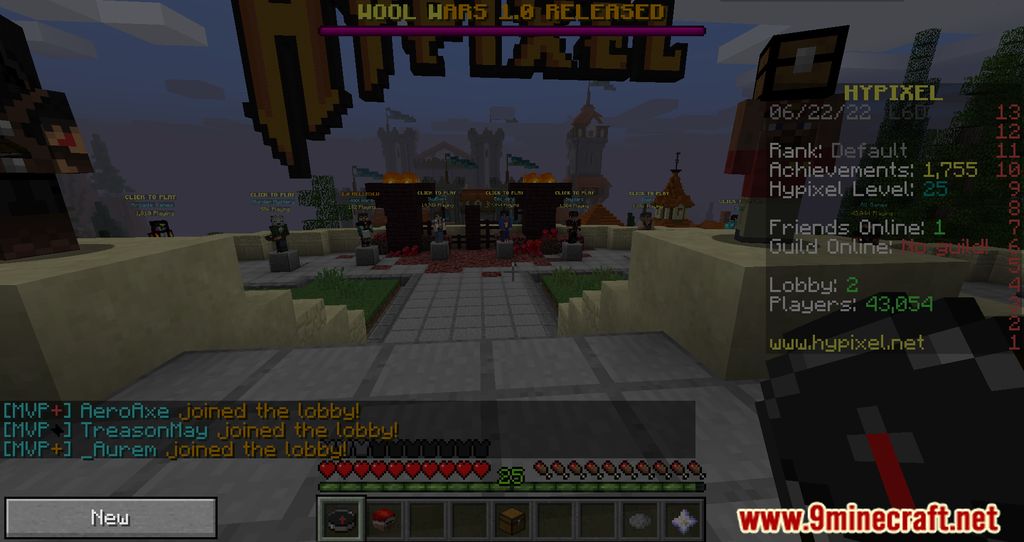
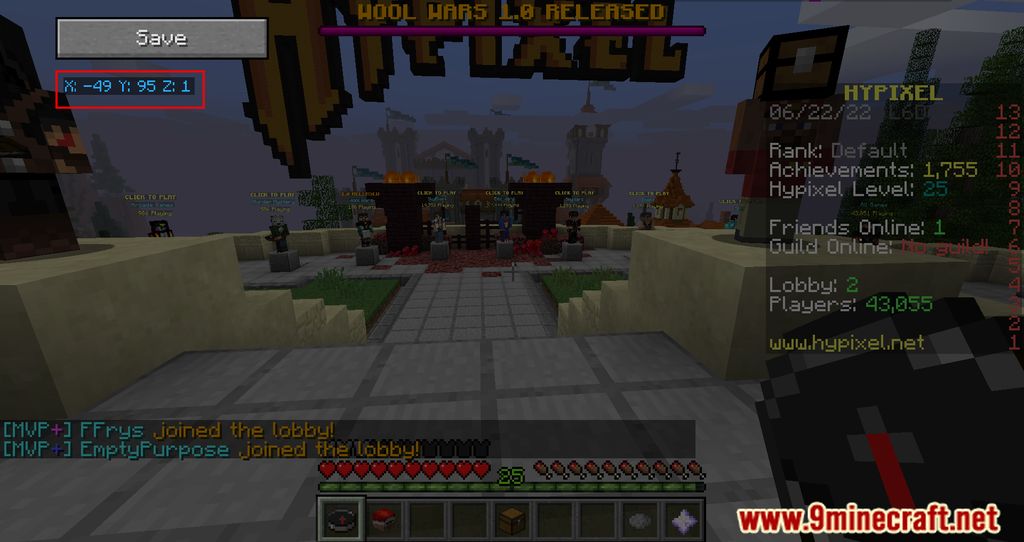
Screenshots:
ChromaHUD Mod Download Links
For Minecraft 1.8.9
Forge Version: Download from Server 2
- Edition: Minecraft Java
- File type: .jar
- How to install: Install the matching mod loader (Forge, Fabric or NeoForge) for your Minecraft version. → Download the .jar. → Put it in the .minecraft/mods folder and launch that loader profile.
- Where to get it: In MC Java Mods, or directly above on this page.
Install steps are the general flow for this file type — How to install Minecraft Java mods & modpacks walks through it step by step.
- Downloads as 206759.mcaddon
- Download size: 595 KB
- Download link checked 22 Jul 2026 — working
- Mirrored on our own servers — the download does not depend on the original host
These come from our own check of the pack file, not from the source page.