Configurable KeepInventory
Java mod listed for Minecraft 1.18–1.21. Downloads from the MC Java Mods app on Android.
⬇ Download on CurseForge
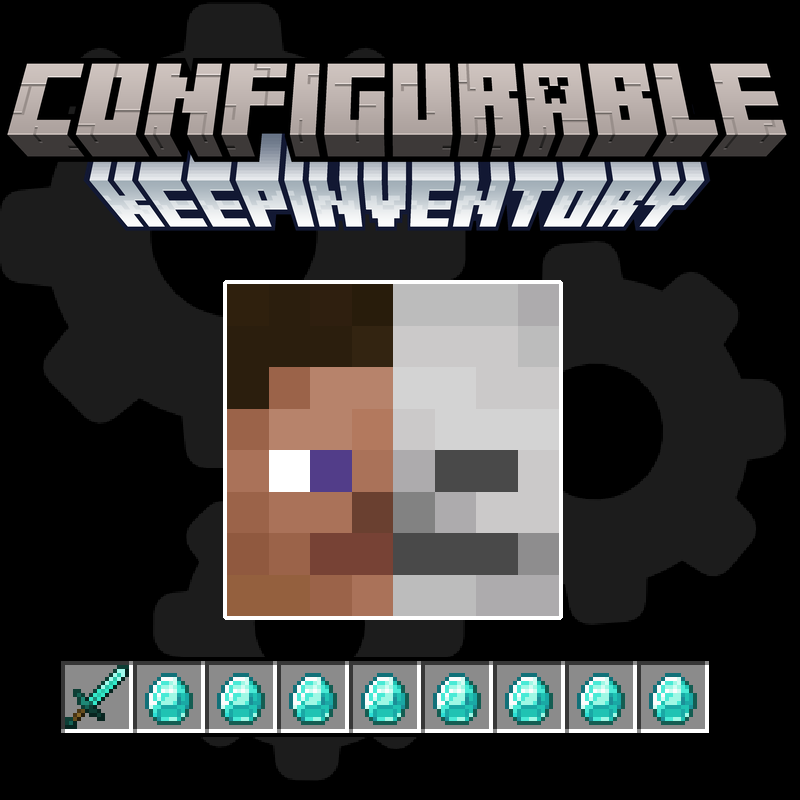
■ This mod does not affect the vanilla /gamerule KeepInventory, but adds a config (keepinventory-common.toml) that allows you to customize which slots should be kept after death, experience, saturation and other things. You may also apply durability penalty for items with durability if you want some punishment for death. It is comfortable and not overly casual like the vanilla gamerule.
■ Features
- By default the mod save the score, experience, hotbar (0, 1, 2, 3, 4, 5, 6, 7, 8), off-hand (40/45), helmet (39), chestplate (38), leggins (37) and boots (36) after player death. You can find the numbers of other slots id with google and add them!
- keepPotionEffects/keepSaturation/keepHunger/applyDurabilityPenalty - are disabled by default, but you can easily enable them in the configs.
- To prevent a player who dies of hunger from appearing with an empty stomach (only for keepHunger = true), he is given +1 hunger unit by default, but you can make keepedHungerMinLimit higher.
- If vanilla /gamerule KeepInventory true then all mod settings are ignored.

■ Credits:
- Developer: Astemir, Ksantor
- Idea/page design: BlackAures
■ Compatible with: Quark, GraveStone Mod, Enigmatic Graves and all others grave mods. Should support slots from other mods, but ask the developers of other mods about their ids. Only works with vanilla slots by default.

- Edition: Minecraft Java
- File type: .jar
- Minecraft versions listed: 1.21, 1.21.1, 1.18.2
- How to install: Install the matching mod loader (Forge, Fabric or NeoForge) for your Minecraft version. → Download the .jar. → Put it in the .minecraft/mods folder and launch that loader profile.
- Where to get it: Opens on CurseForge — not every file is mirrored on our own servers.
Install steps are the general flow for this file type — How to install Minecraft Java mods & modpacks walks through it step by step.
Configurable KeepInventory is a free Minecraft Java mod. Compatible with Minecraft 1.21, 1.21.1, 1.18.2, 1.20.1 and newer. Downloaded 882,016 times (via CurseForge). Download it and open it directly in the game.