ModsJava
Emojicord Mod (1.16.5, 1.15.2) – Discord Emojis in Minecraft
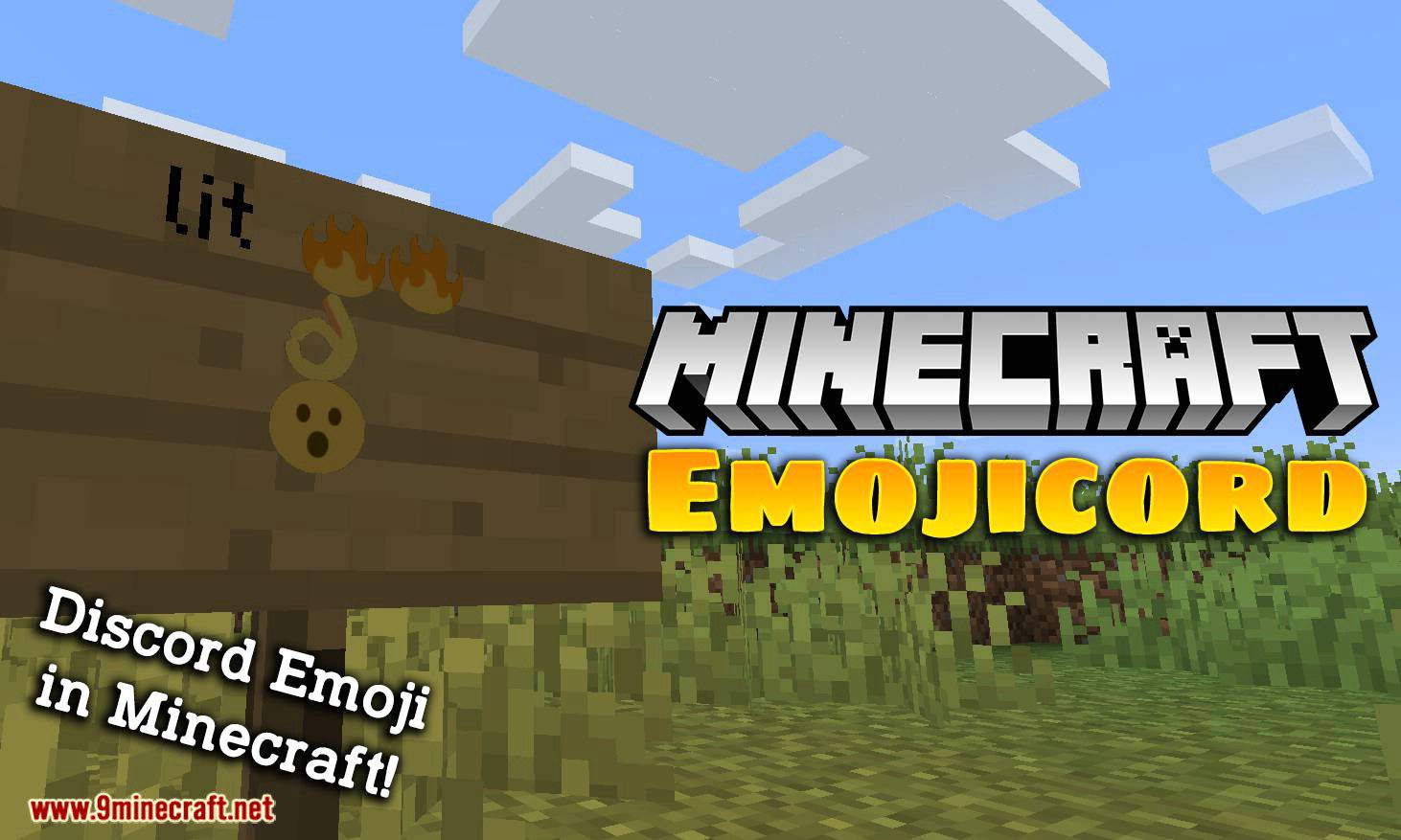
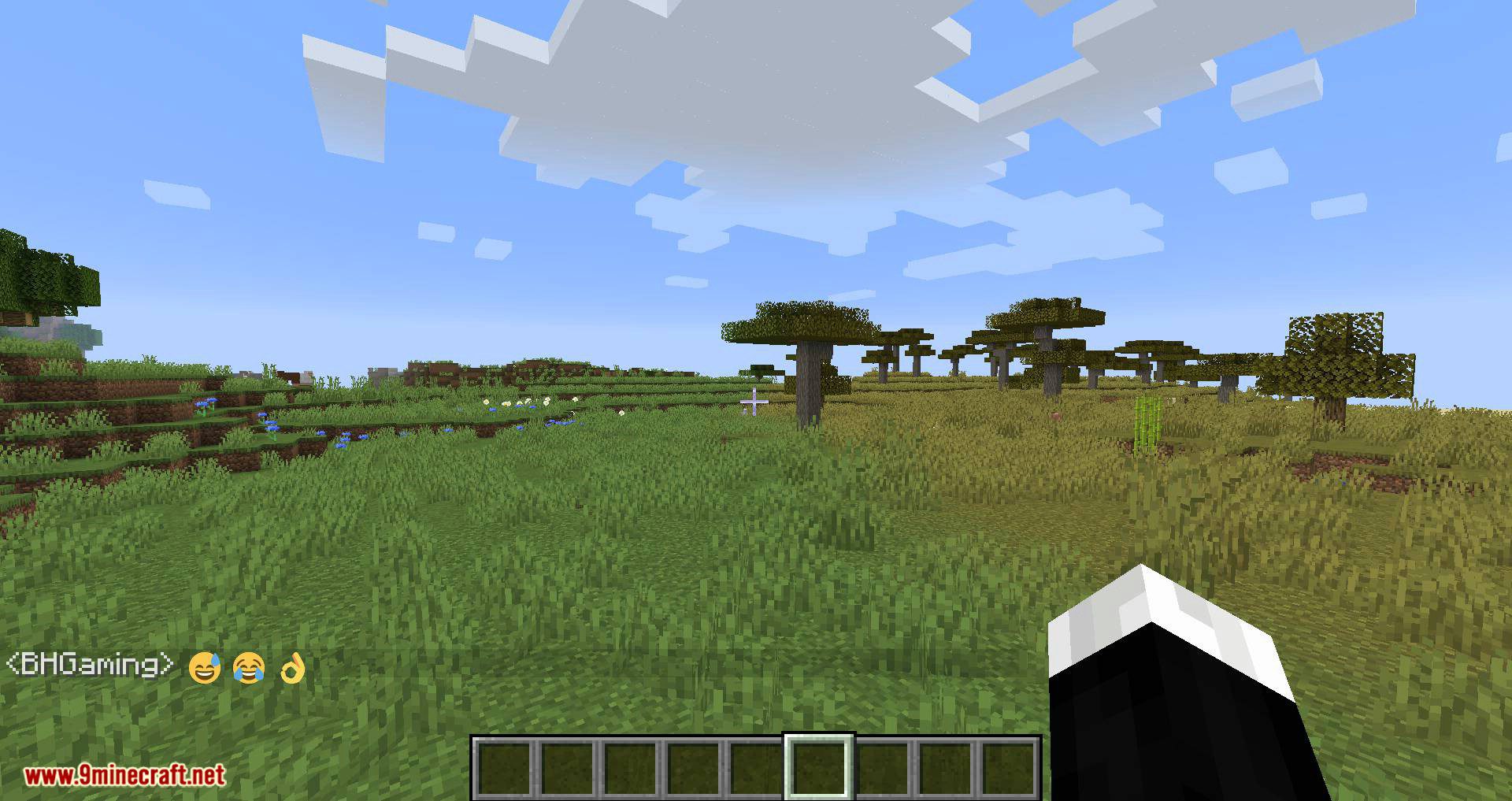
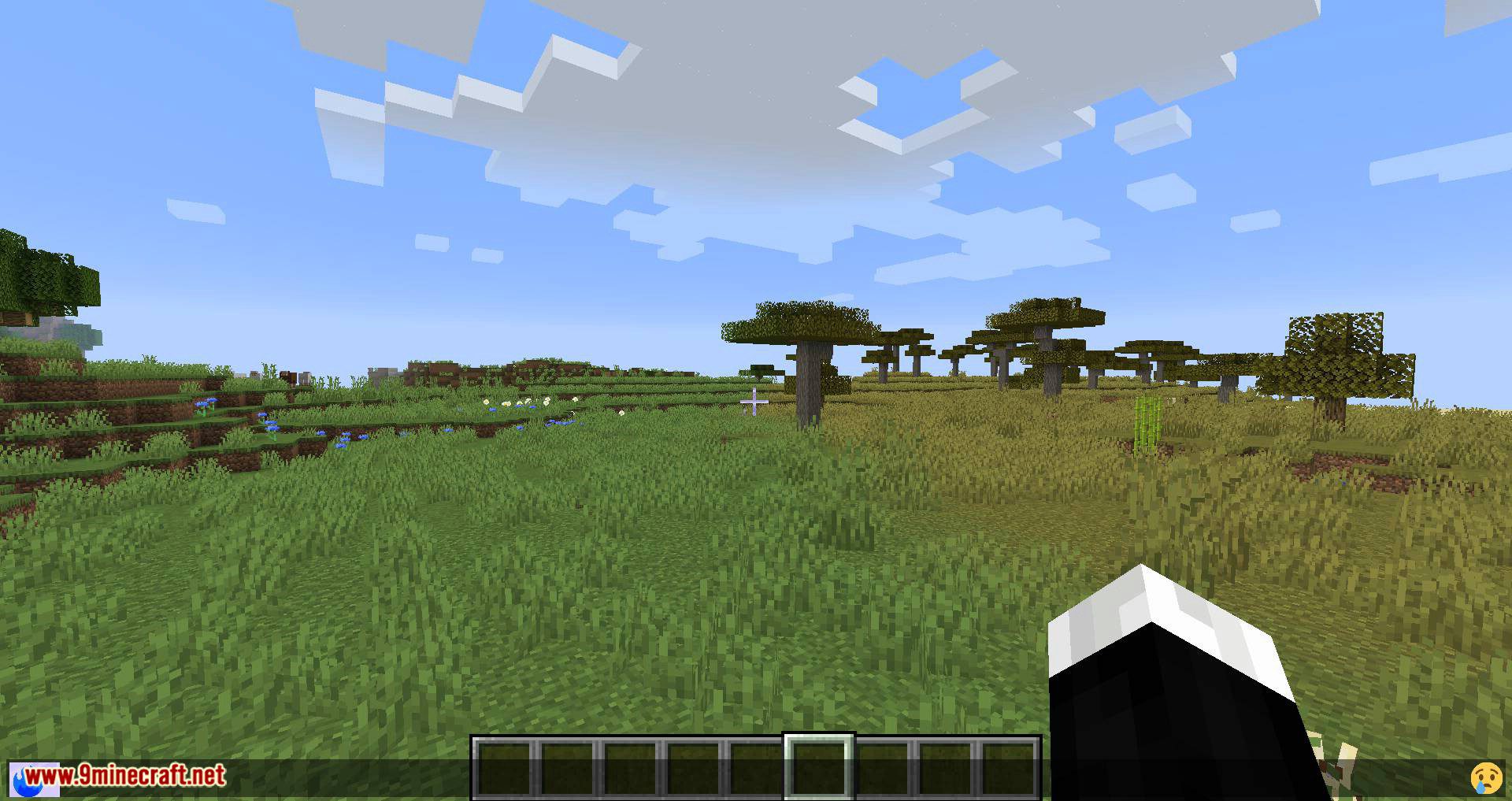
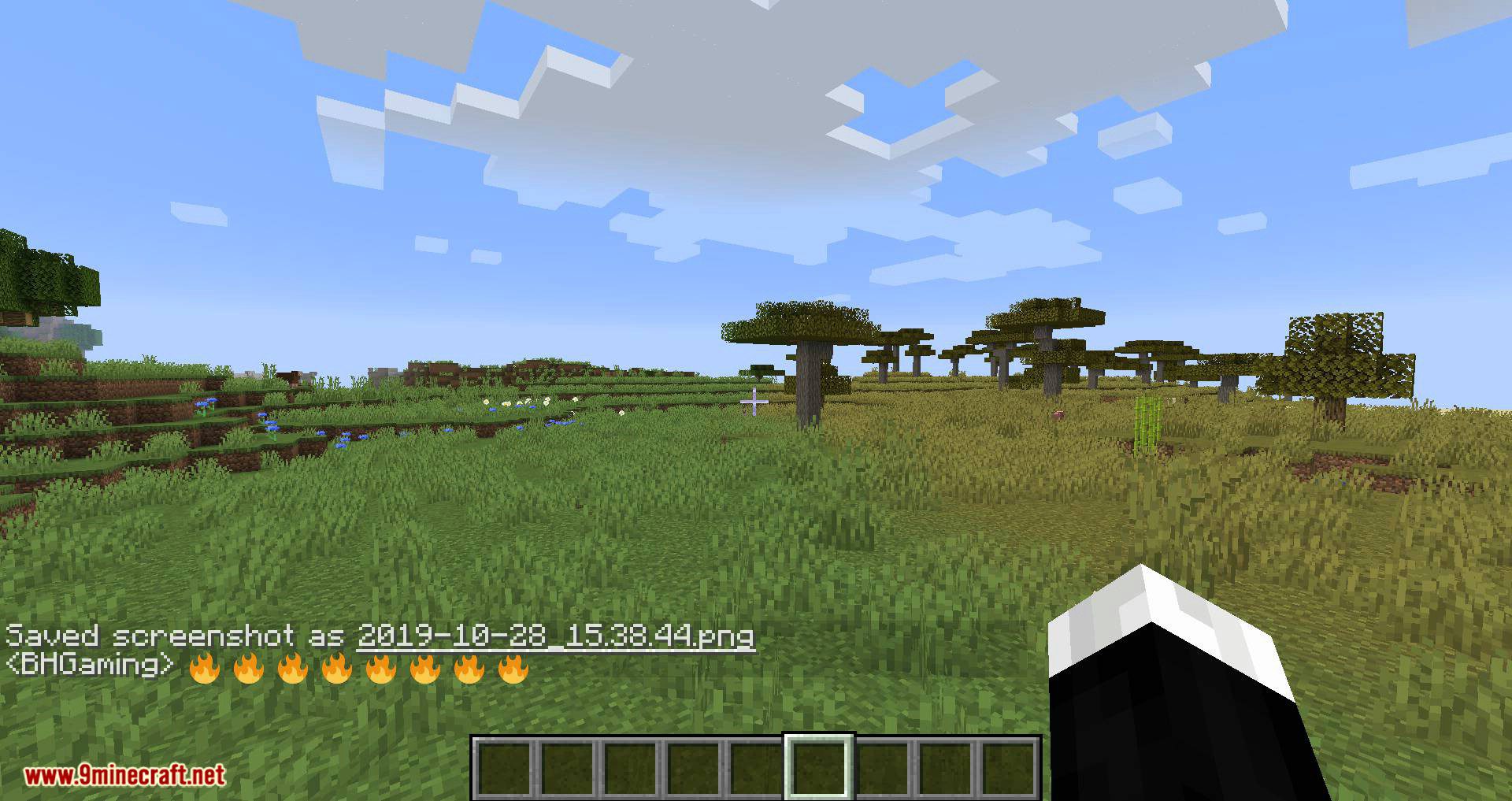
Emojicord Mod allows you to use Discord's standard emoji and custom emoji in Minecraft. Features: All Discord standard emojis are supported You can…
⬇ DownloadOpen in MCModsHubGet it on Google Play →Emojicord Mod allows you to use Discord’s standard emoji and custom emoji in Minecraft.
Features:
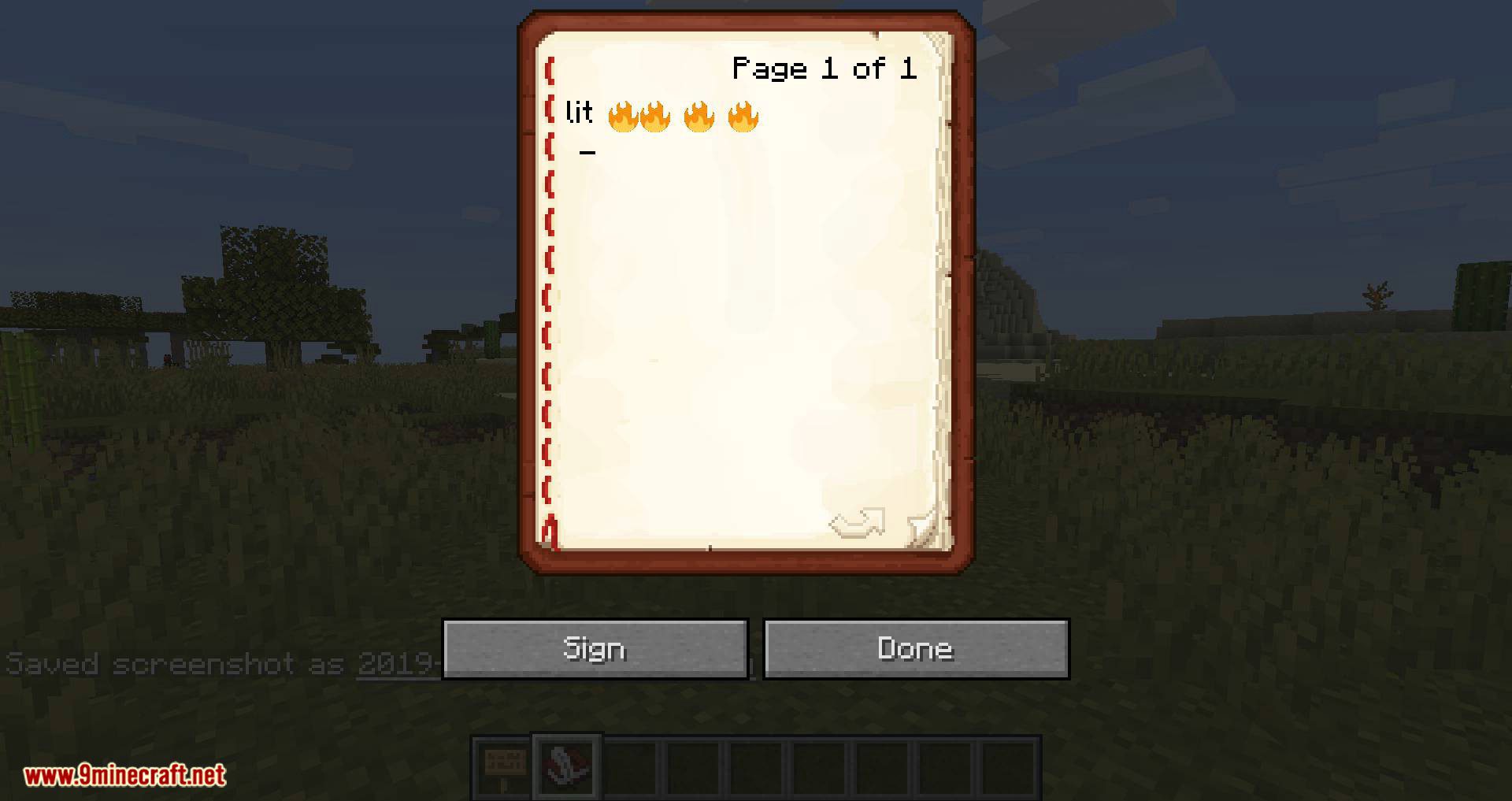
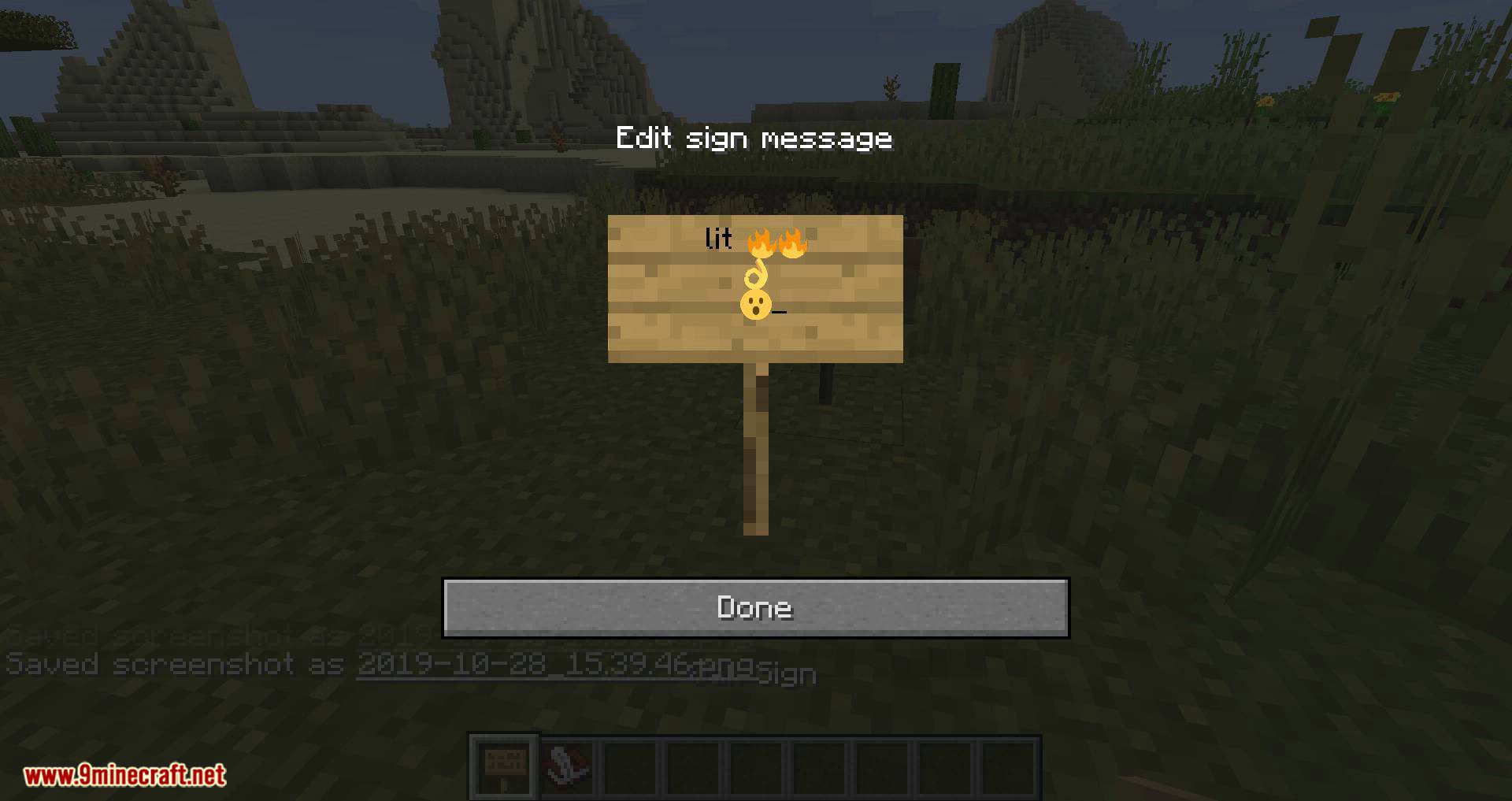
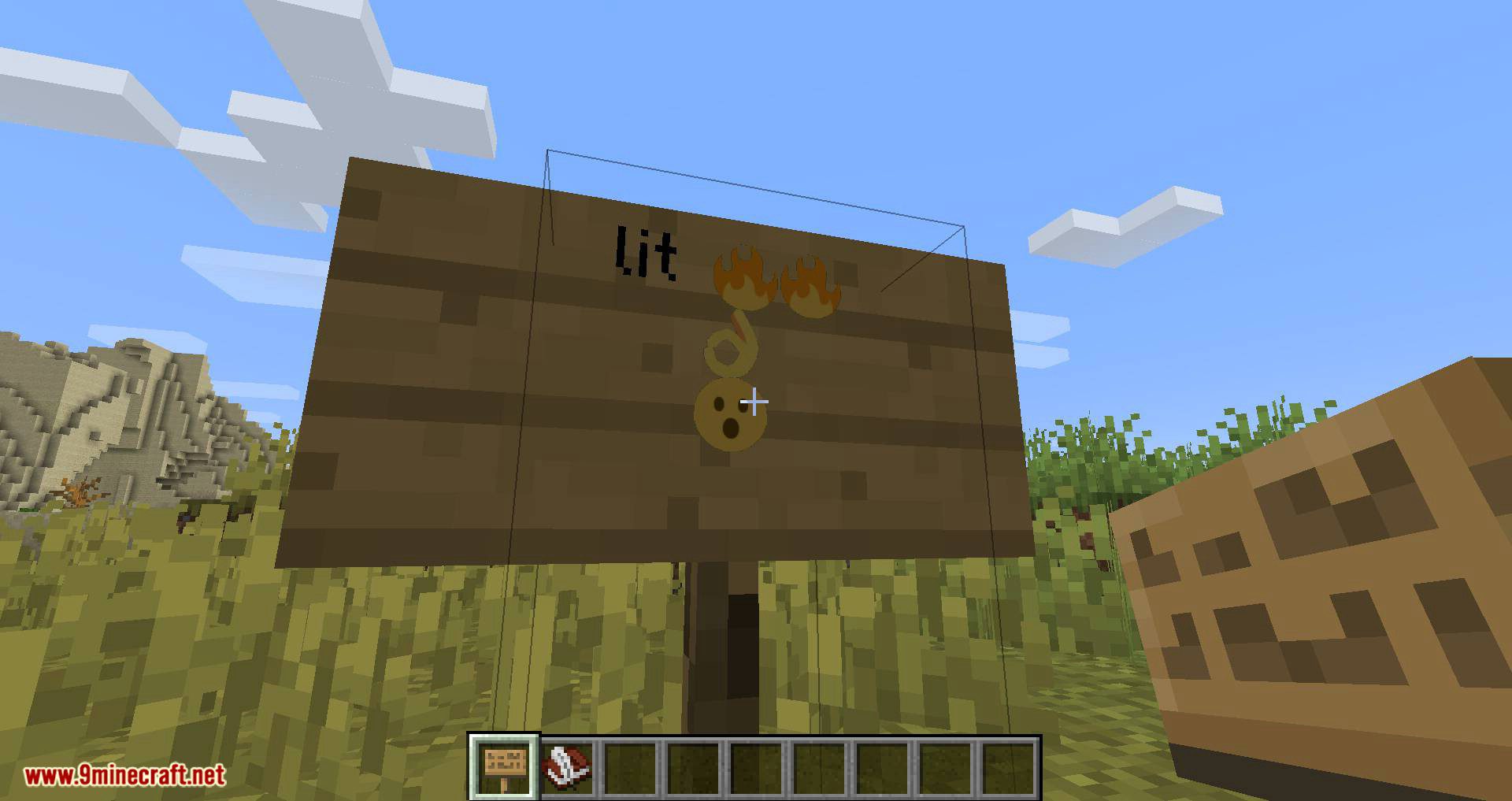
- All Discord standard emojis are supported
- You can register custom emoji
- Animated emoji is supported
- Automatically convert Unicode emoji
- No server mod installation required
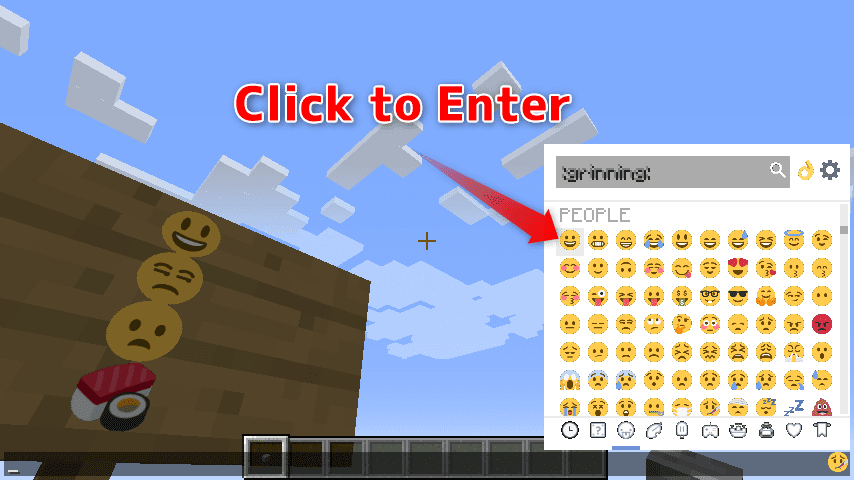
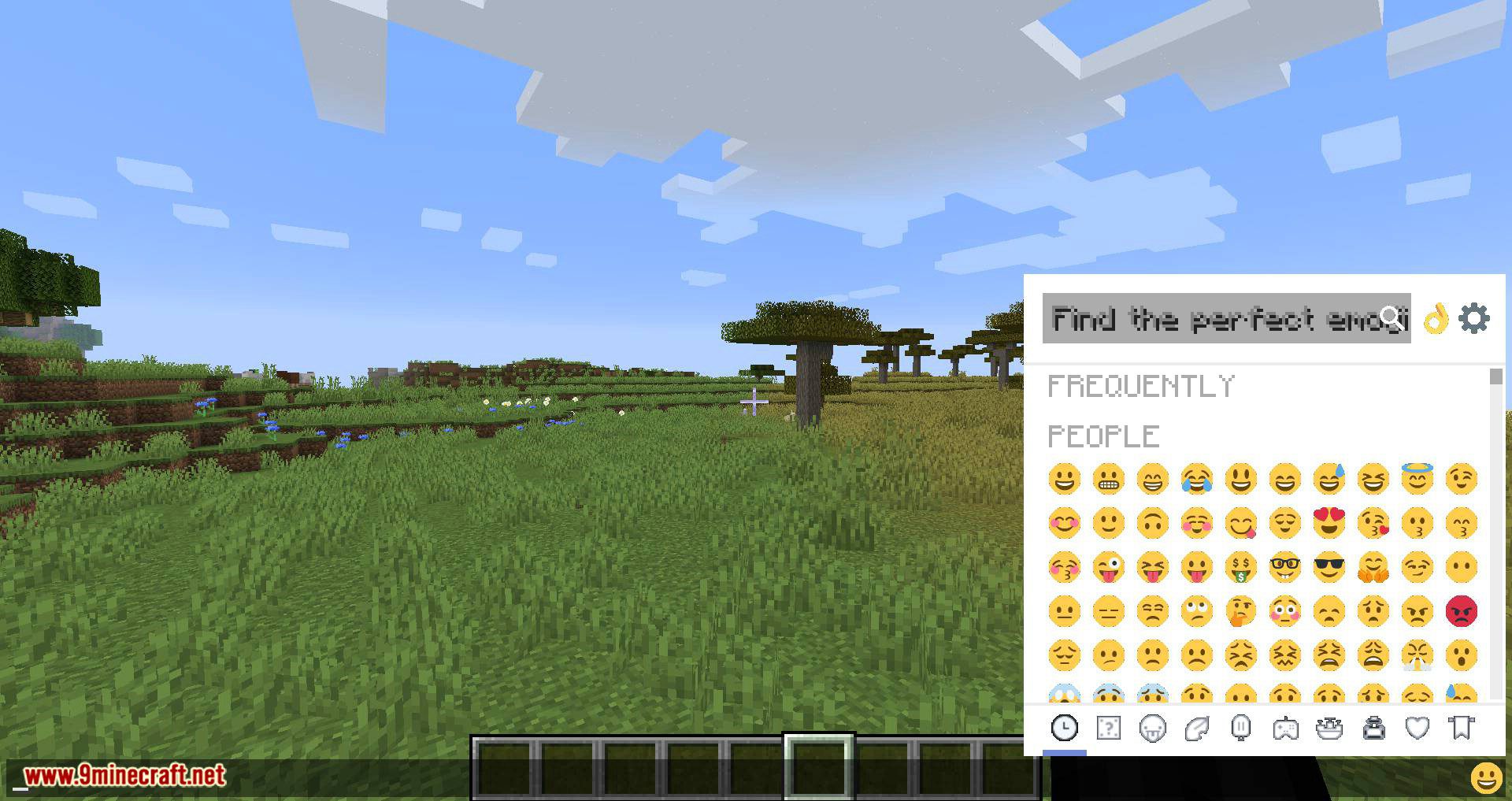
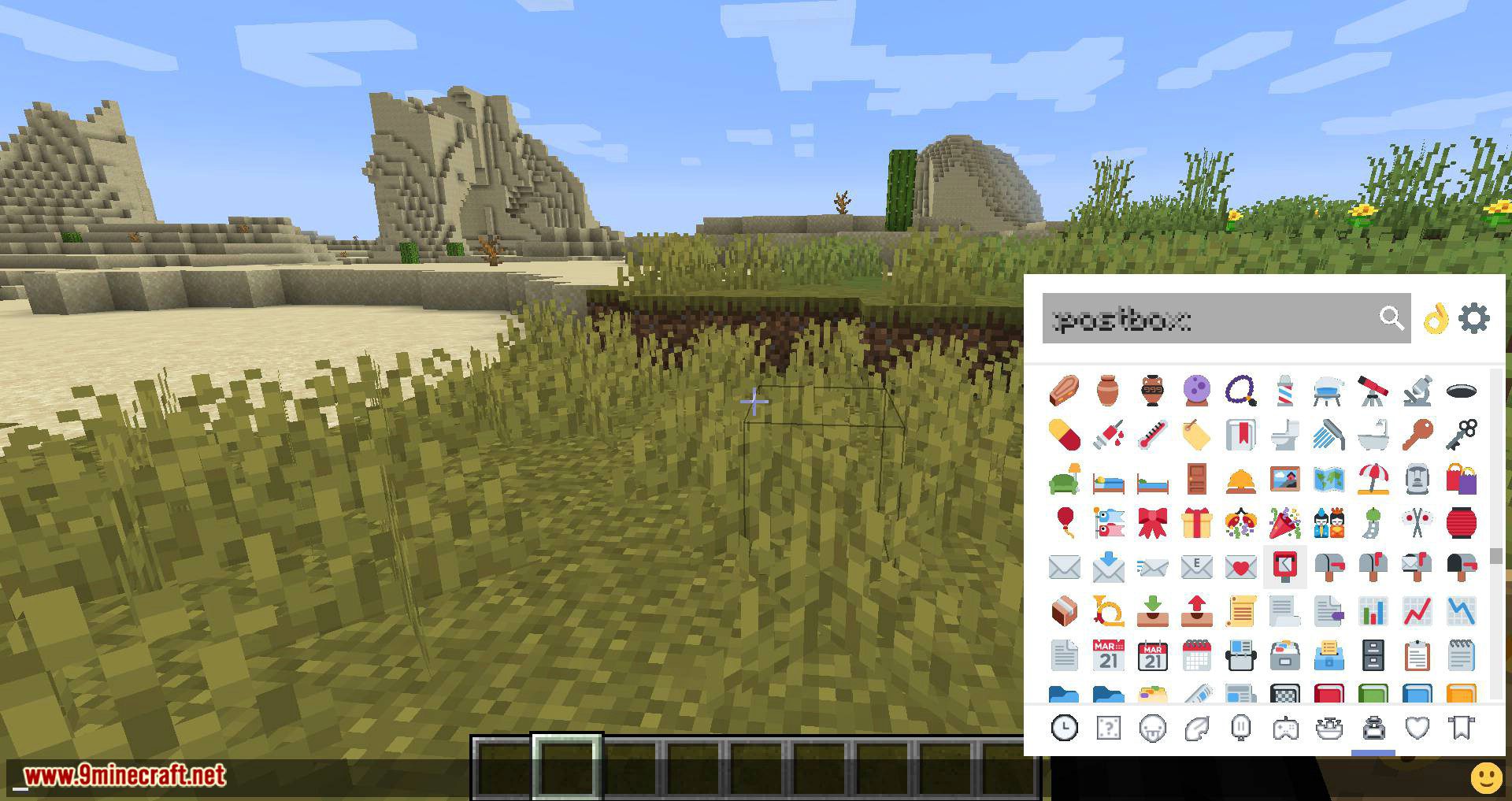
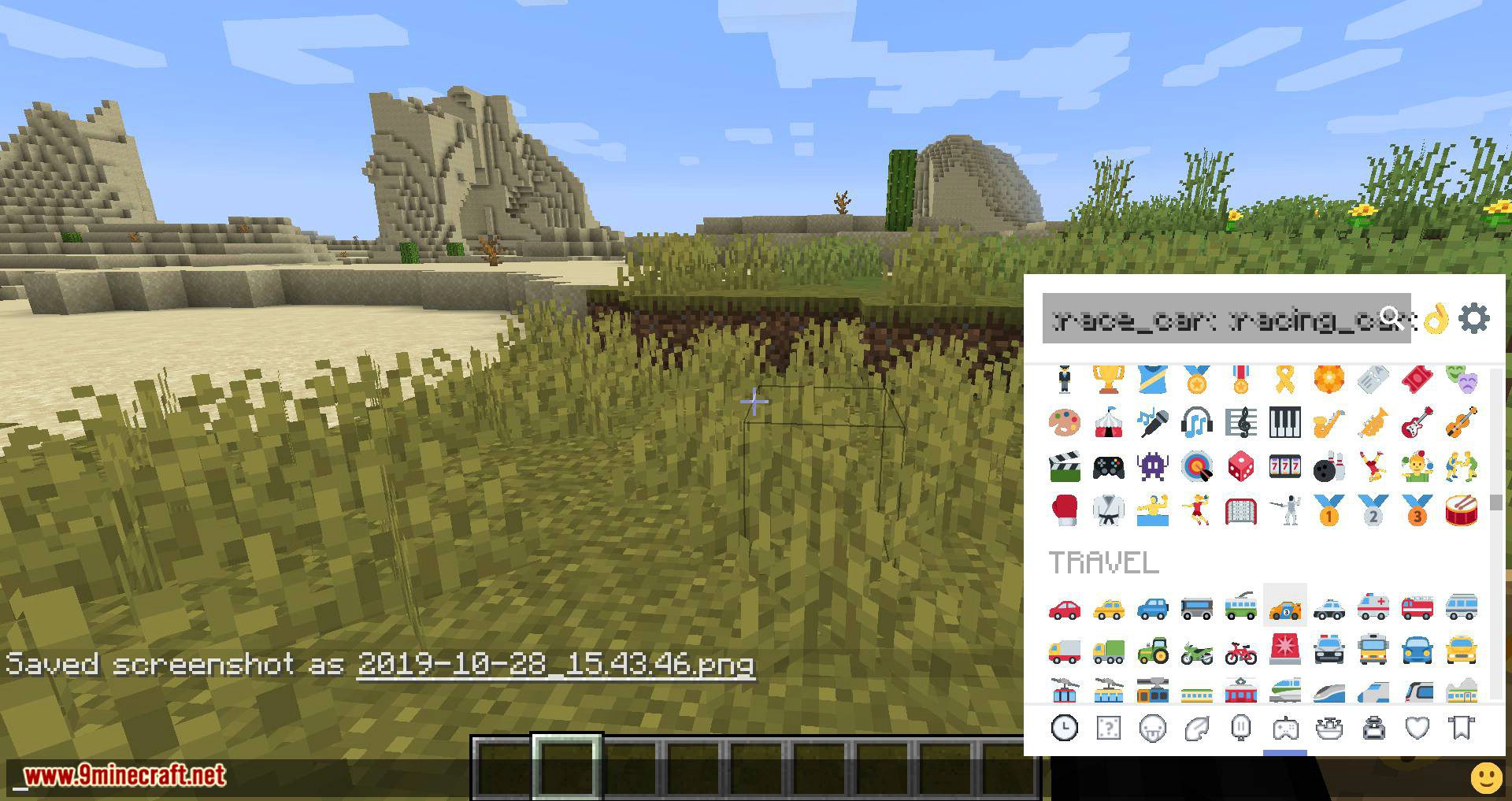
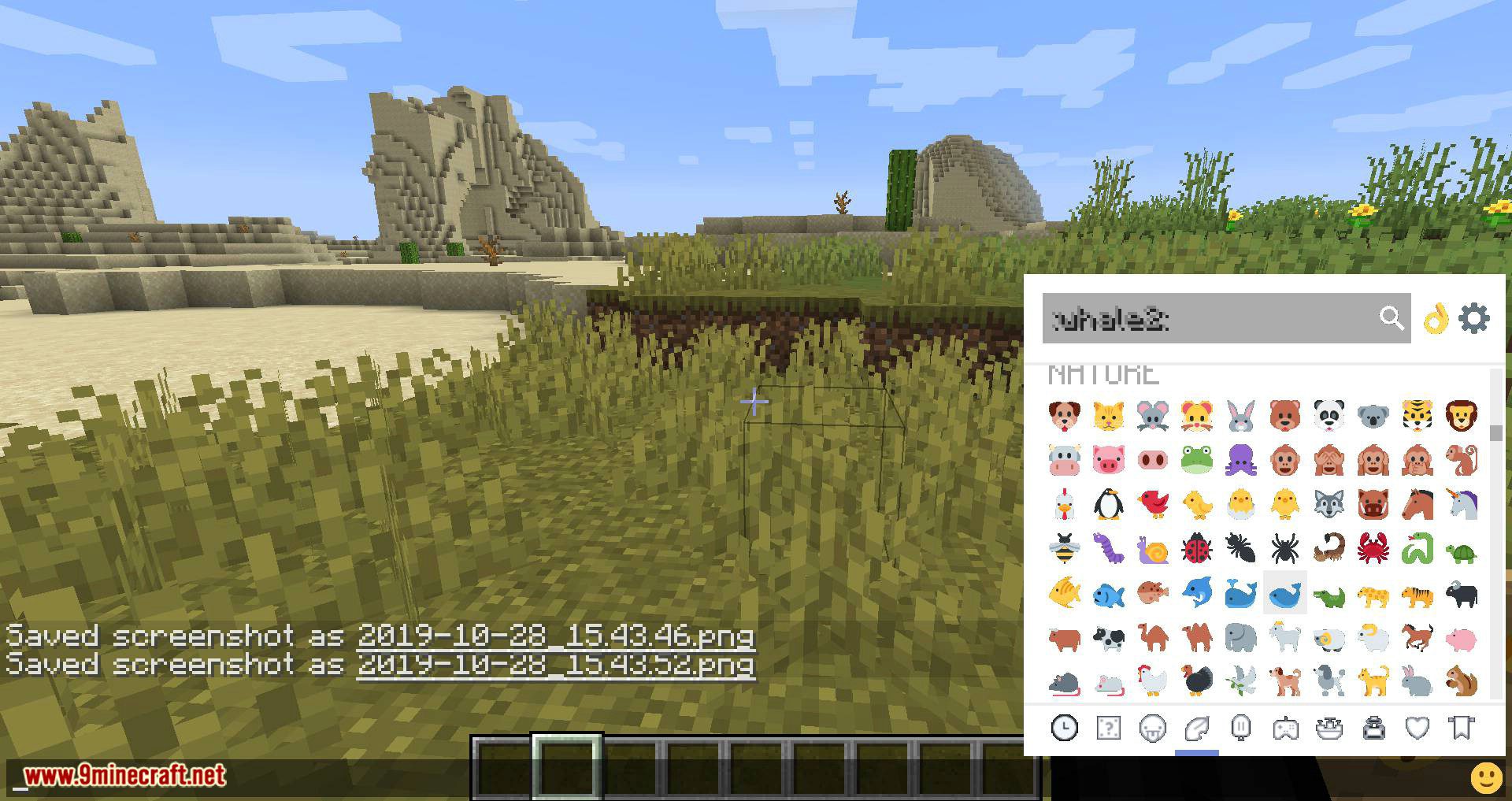
- Input suggestion and emoji picker are supported
How to use:
It’s simple to use:
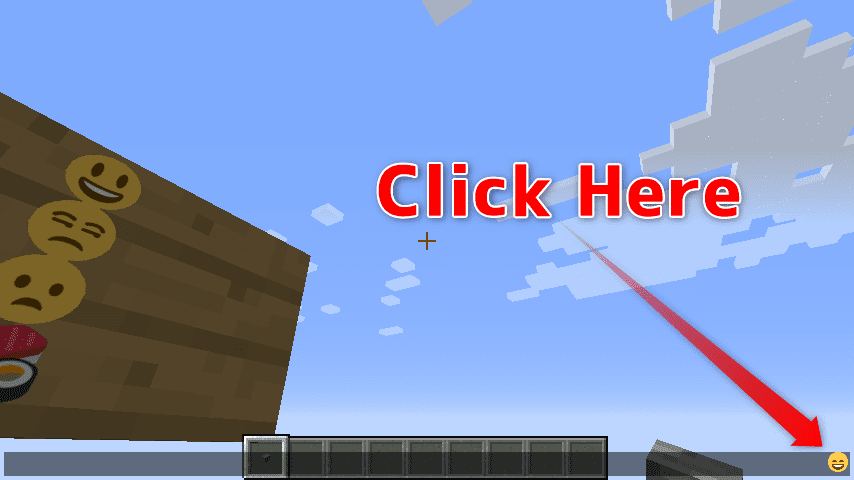
- Open a chat GUI.
- Click the icon in the right bottom.
- Click to enter emoji.
- That’s all.
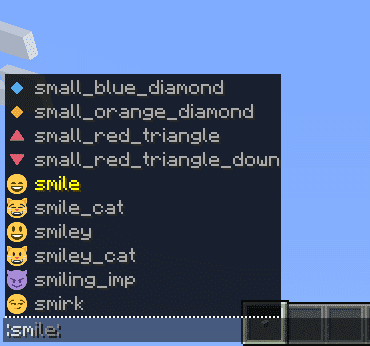
You can type emoji names with suggestions.
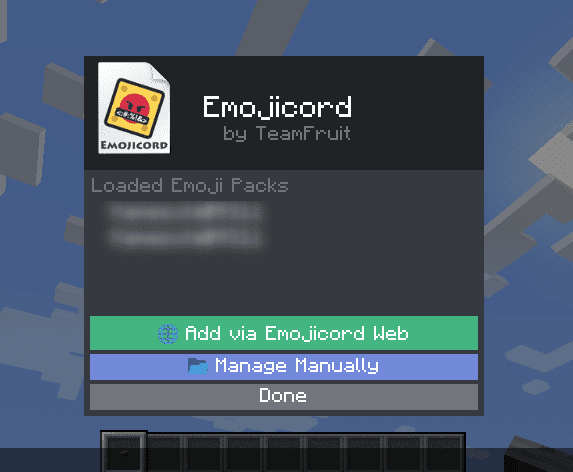
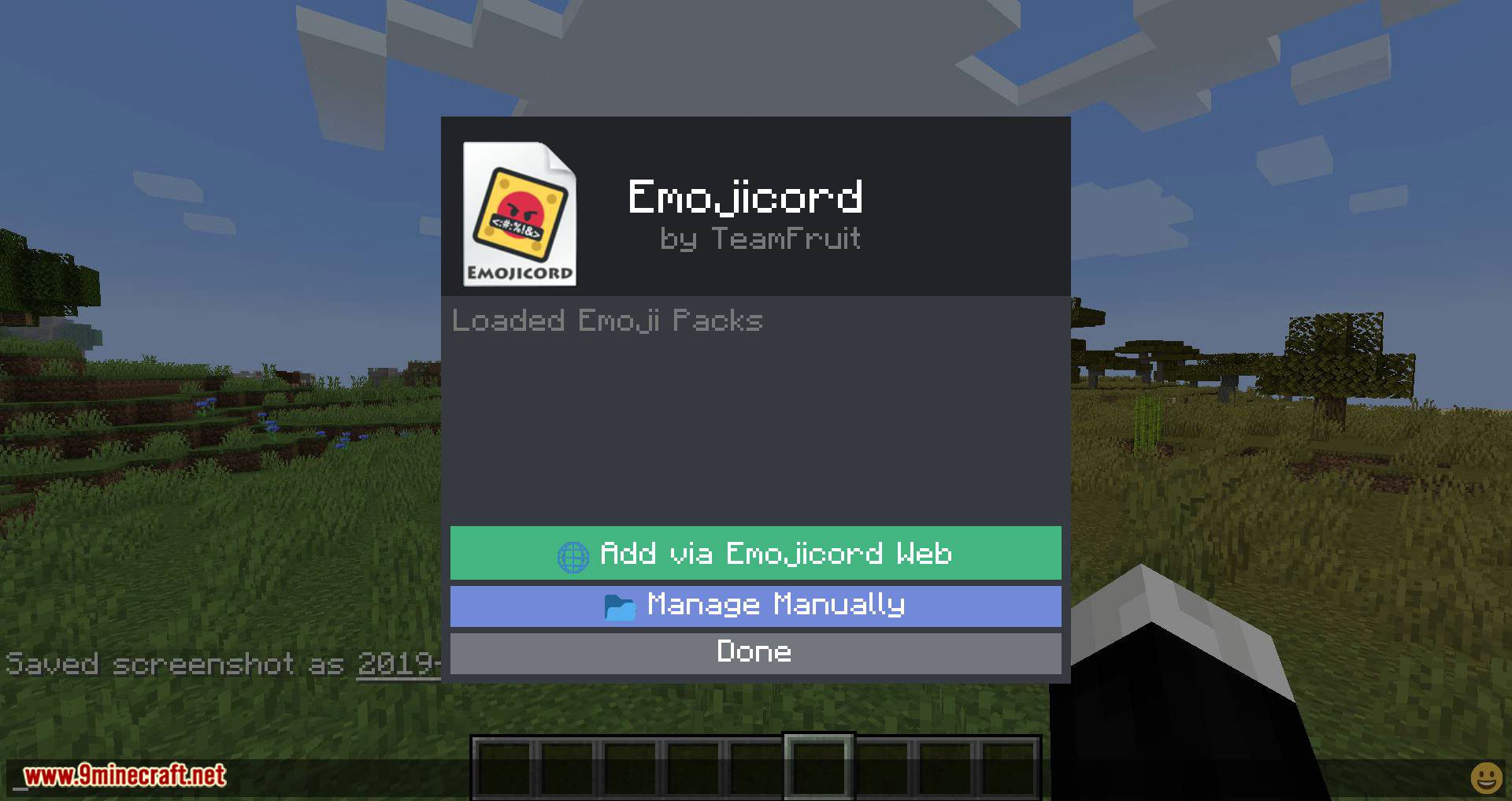
You can add custom emoji
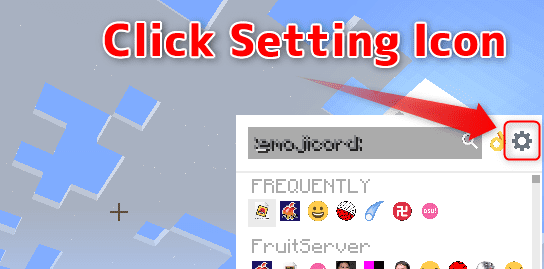
You can add emojis through Emojicord Web or by adding JSON.
Screenshots:
Requires:
Minecraft Forge
Emojicord Mod Download Links
For Minecraft 1.15.2
For Minecraft 1.16.5
For Minecraft 1.14.4
For Minecraft 1.12.2
For Minecraft 1.10.2
Verified by MCModsHub
- Download size: 304 KB
- Download link checked 24 Jul 2026 — working
- Mirrored on our own servers — the download does not depend on the original host
These come from our own check of the pack file, not from the source page.
Explore more