Batty's Coordinates Plus Mod (1.18.2, 1.17.1) – On-screen Coordinates Display
Java mod listed for Minecraft 1.17–1.18. Downloads from the MC Java Mods app on Android.
Batty's Coordinates Plus Mod improves coordinates and stop-watch combined. The X, Y, and Z coordinates that locate the player's position in the world are…
⬇ DownloadBatty’s Coordinates Plus Mod improves coordinates and stop-watch combined. The X, Y, and Z coordinates that locate the player’s position in the world are normally displayed on the F3 Debug screen. This mod has a number of display modes that present this information, and more, discreetly in a corner of the main game screen, so you don’t have to leave F3 open to see them.
How to use:
Batty’s Coordinates:
- In Mode 0 the Coordinates are hidden.
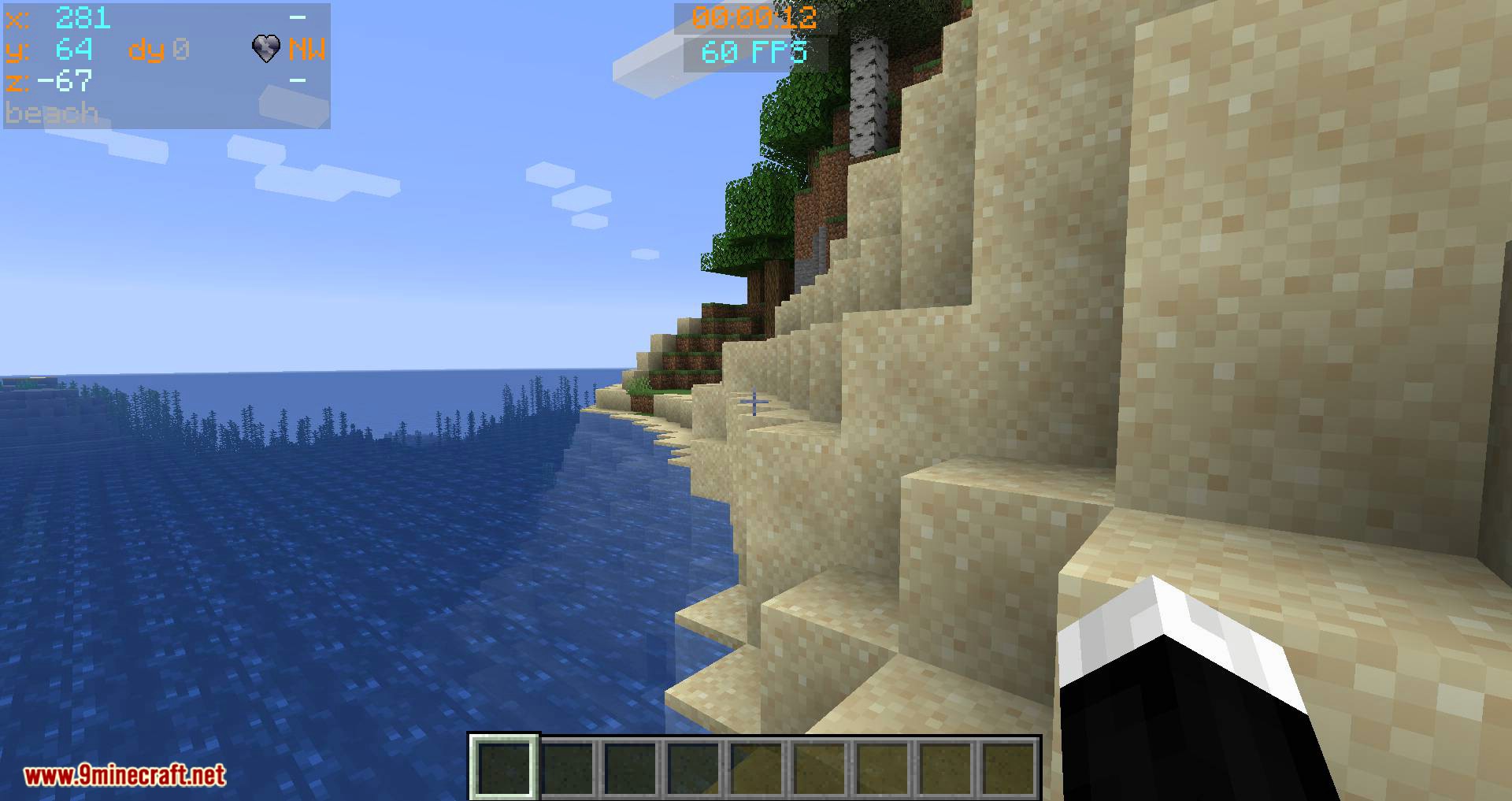
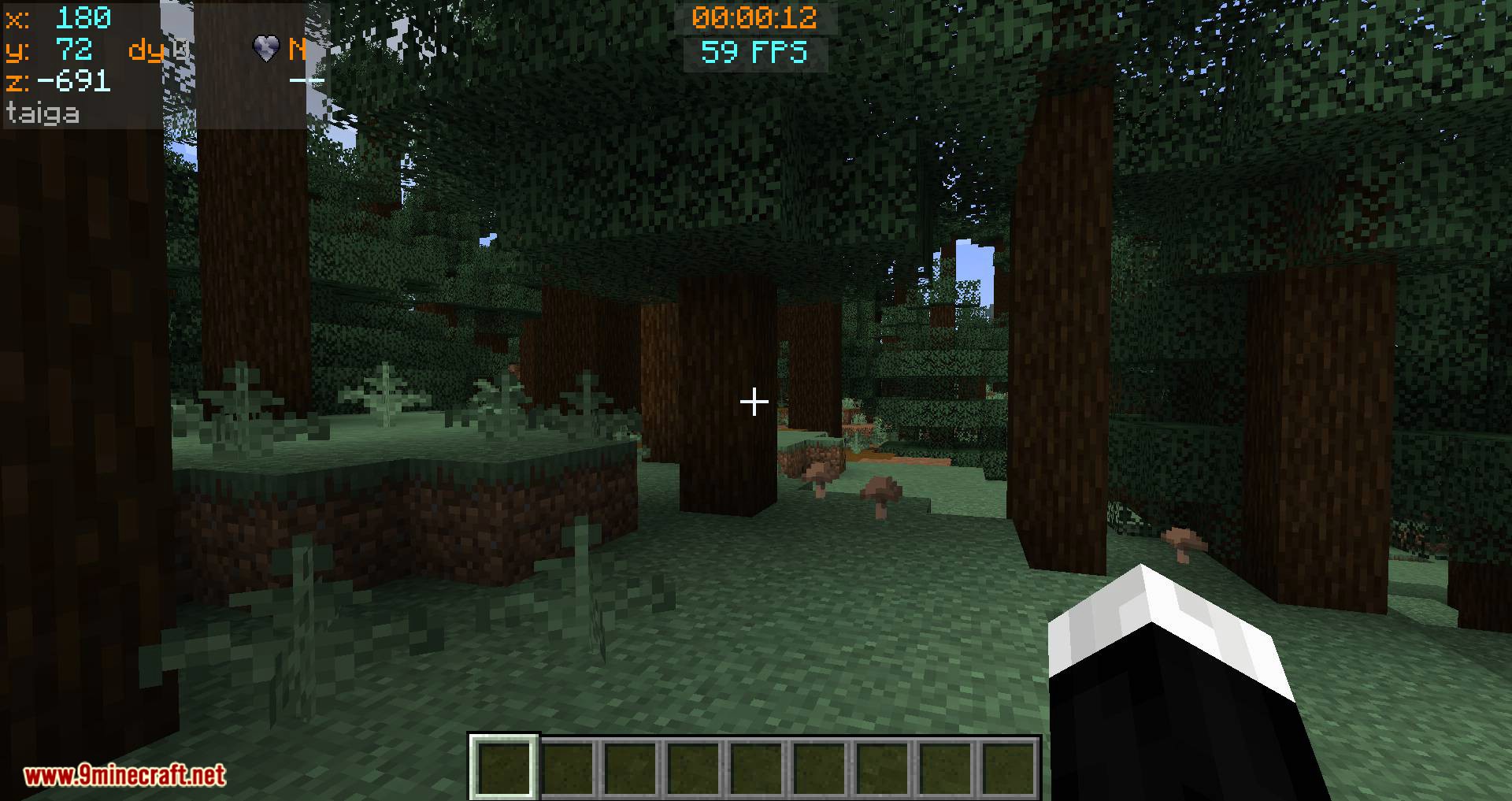
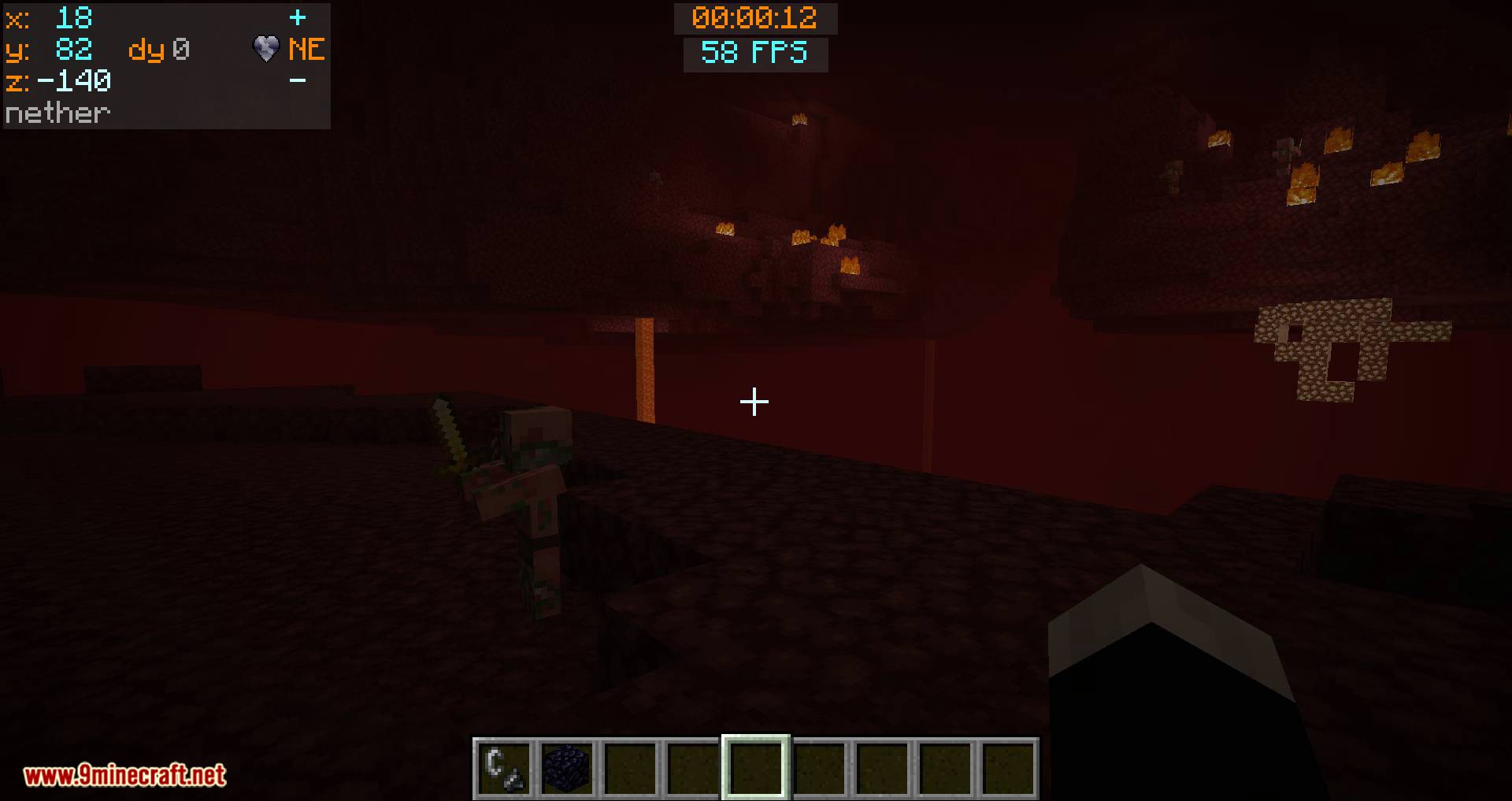
- Mode 1 shows the X, Y, and Z coordinates, and it also indicates the direction that you are facing, in compass-direction terms.
- Mode 2 adds an indication whether your X and Z coordinates will Increase or Decrease if you move in the direction you are facing.
- Mode 3 also shows the Biome that you are currently in, displayed below the coordinates.
- Mode 4 adds the Minecraft Day counter, shown as ‘dy’.
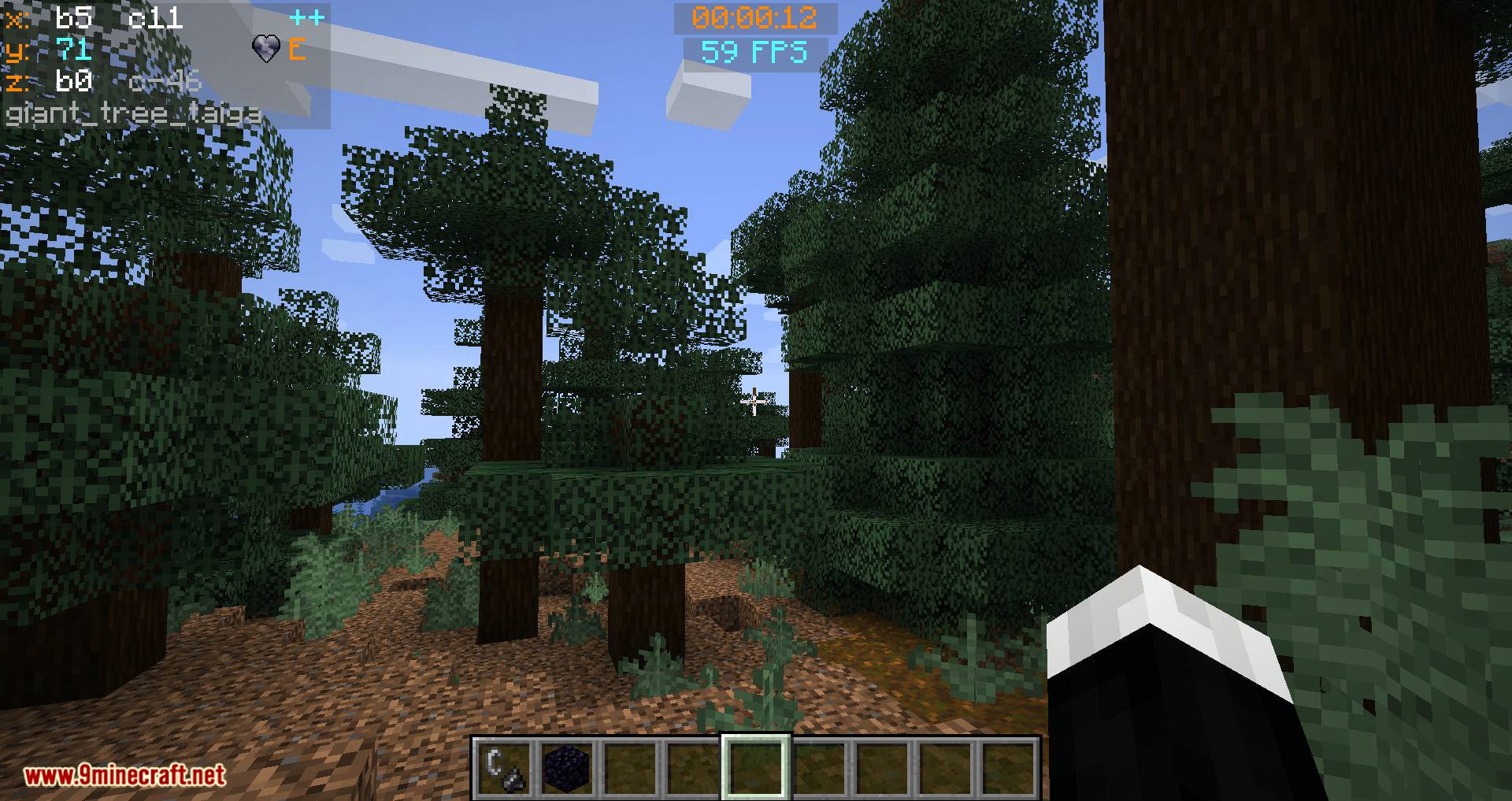
- Mode 5 replaces the normal X, Y and Z coordinates with Chunk information:
This shows which Chunk you are in, and which Block within that Chunk
The display appears with the Chunk being denoted by a ‘c’ and the Block by a ‘b’, for example:
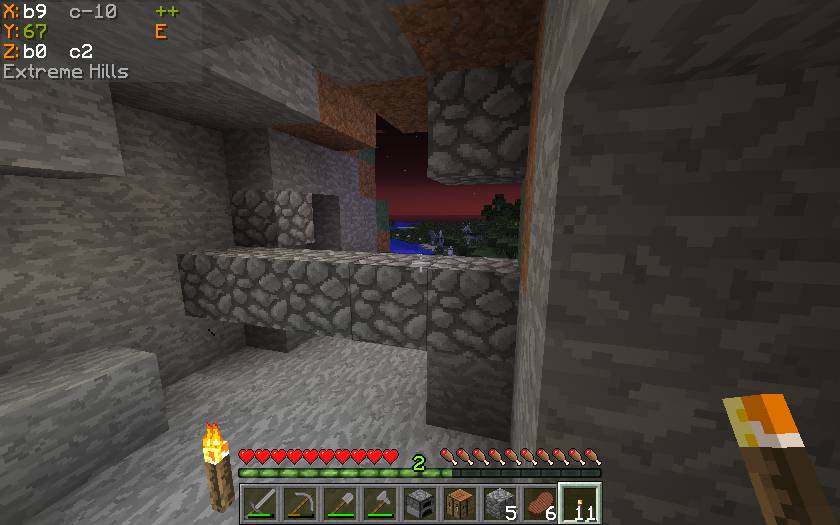
Means:
- X = Block 9 within Chunk -10
- Z = Block 0 within Chunk 2
Batty’s Stopwatch Timer:
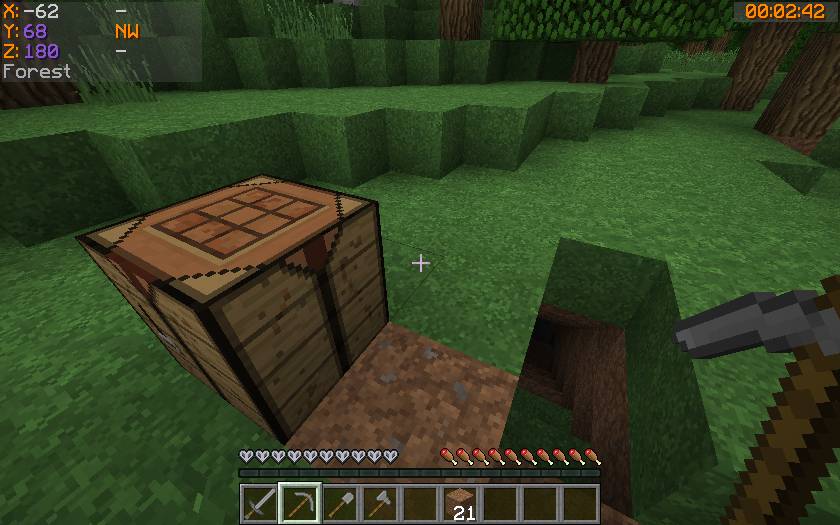
A discreet timer tucked away in a corner of the screen, that you can hide, reappear, stop, start, and zero using key presses.
Can be used to time activities in-game. Useful for speed challenges.
Shows the time passed in hours, minutes, and seconds.
Color-coded so you know at a glance if it is stopped or running.
Info Panel:
This display will show either the FPS, the Block Light-level or the Moon phase. You can switch between these at the press of a button.
- FPS Display: The Frames per Second that the game is running at is displayed in a corner of the screen.
- Block Light-level: The block light (i.e. artificial light reaching this block) of the block the player is standing on is displayed
- Moon phase: An icon, showing the current phase of the moon, is displayed.
Controls:
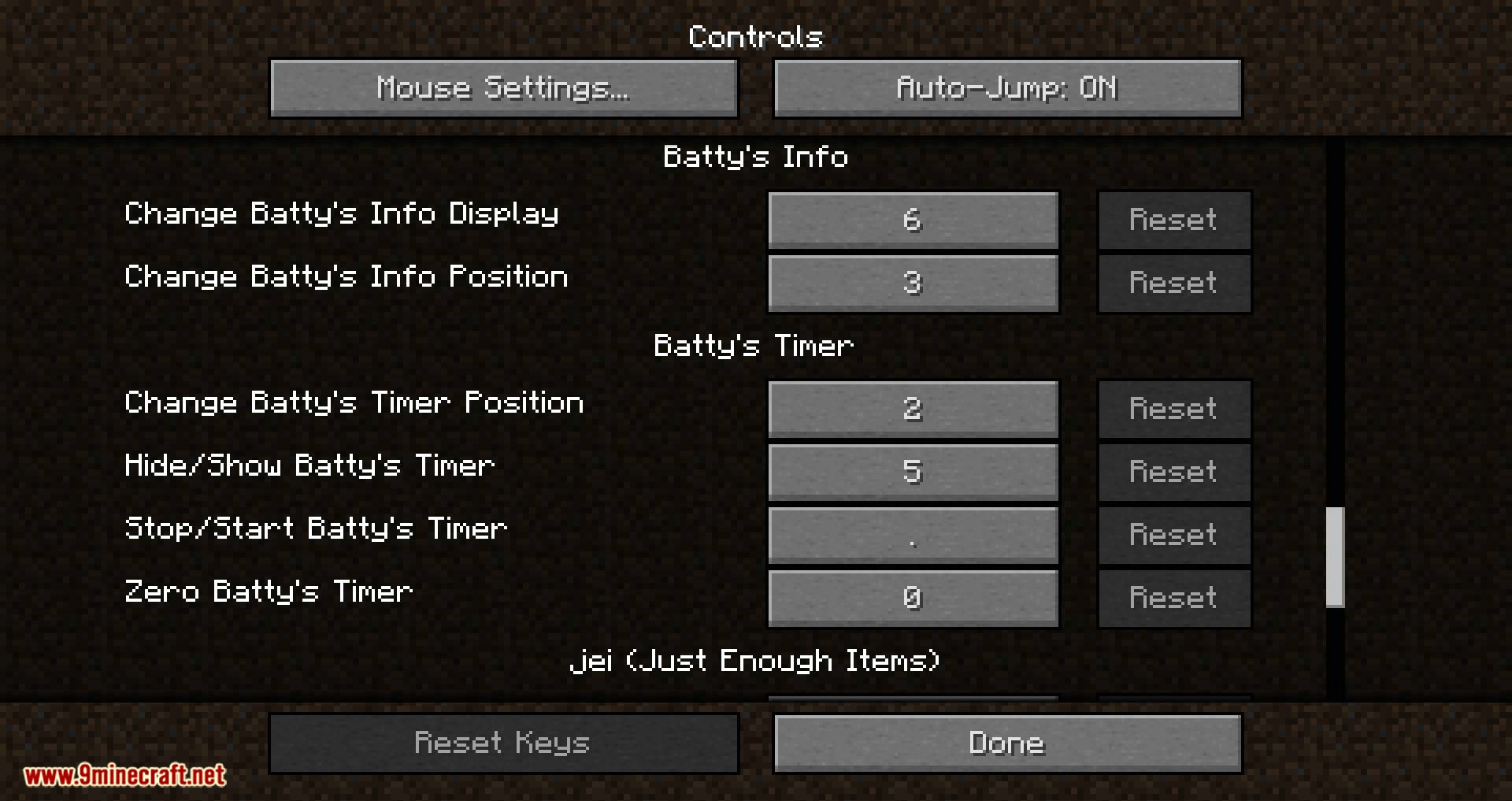
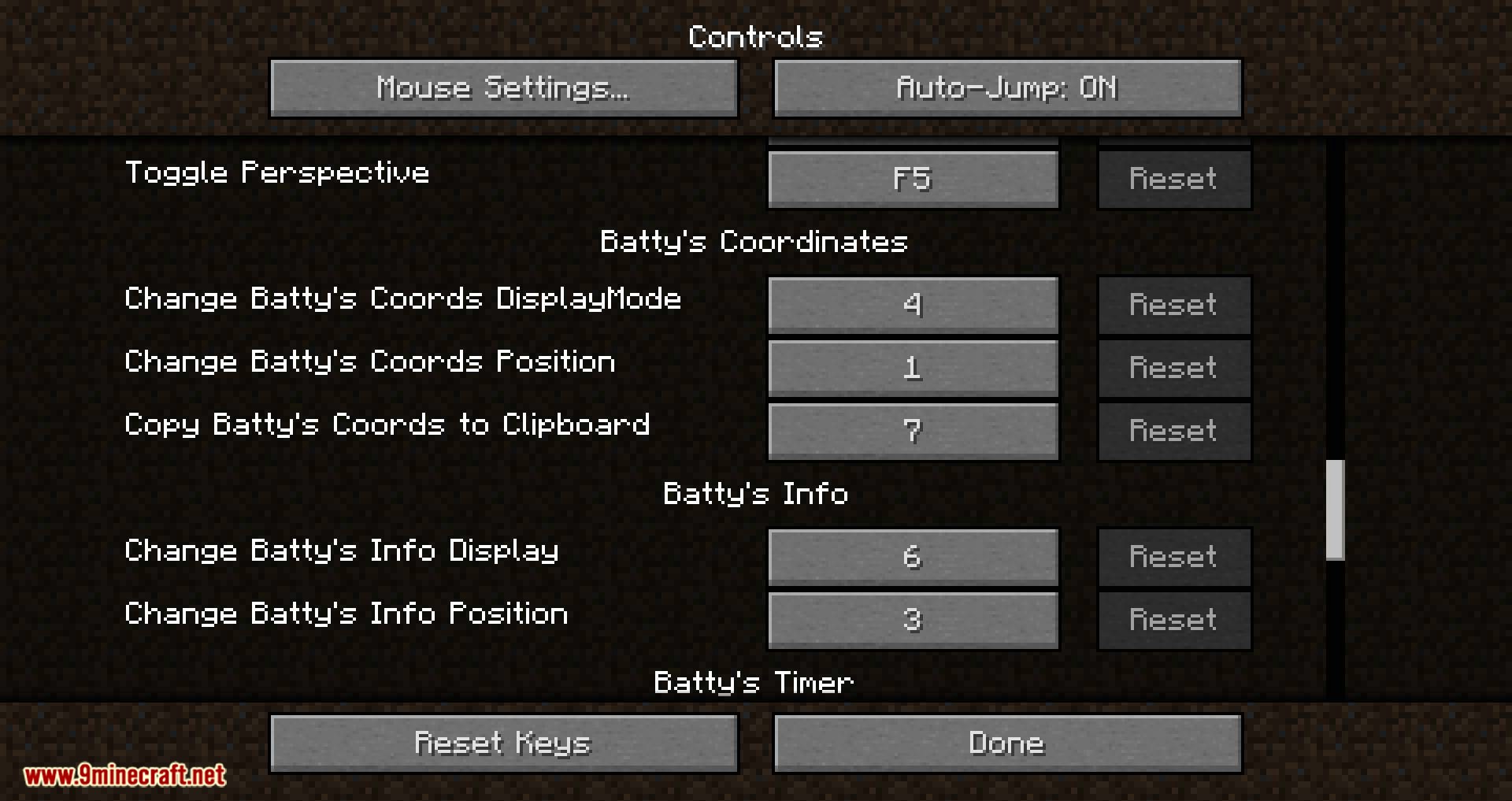
All controls use keys from the NumPad (Be sure to have NumLock set on!)
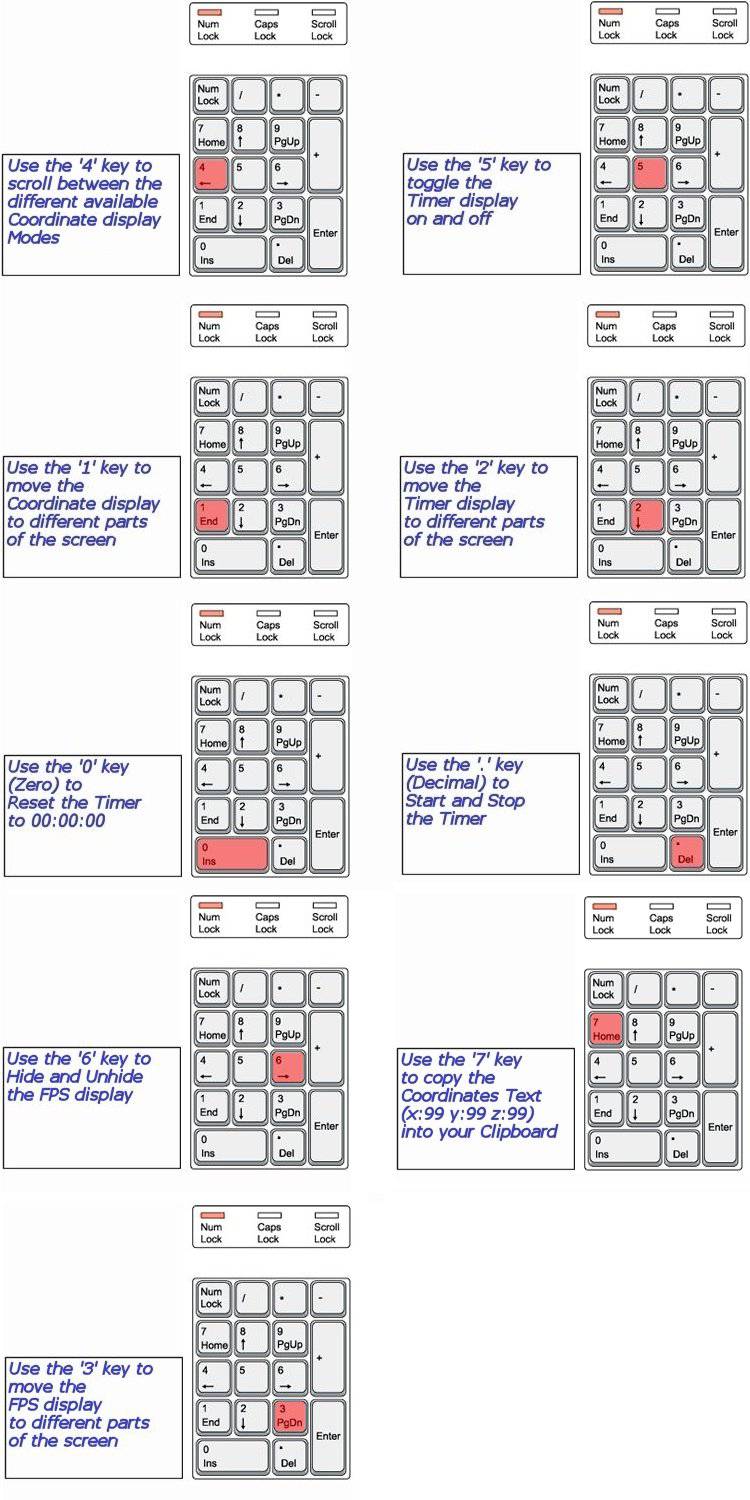
NOTE 1 Coordinates can appear:
- Top Left
- Top Right
- Bottom Right
NOTE 2 Timer can appear:
- Top Left
- Top Centre
- Top Right
- Bottom Right
- Bottom Left
NOTE 3 The Info Panel can appear:
- Top Left
- Top Centre
- Top Right
- Bottom Right
NOTE 4 All of the Control Keys are fully reconfigurable via the Options Menu in-game.
NOTE 5 Screen locations and display modes are remembered when you quit Minecraft.
Custom Colors:
Important:
The Mod Options settings are stored in a Forge configurations file in the /config folder. This file is called coordinatesplusmod.cfg.
You can customize the colors in which Batty’s Coordinates and Timer appear on the screen.
This done by creating a small file called BatMod.properties in your .minecraft folder.
If this file is not present, the displays all appear in the default colors.
The following lines are permitted in the file:
- Coords.shade = <true or false>
- Coords.chars.Increase = <any character>
- Coords.chars.Decrease = <any character>
- Coords.colours.TitleText = <colour from the list>
- Coords.colours.PosCoordText = <colour from the list>
- Coords.colours.NegCoordText = <colour from the list>
- Coords.colours.PosChunkText = <colour from the list>
- Coords.colours.NegChunkText = <colour from the list>
- Coords.colours.CoordText = <colour from the list>
- Coords.colours.CompassText = <colour from the list>
- Coords.colours.BiomeText = <colour from the list>
- Coords.copy.tpFormat = <true or false>
- Timer.shade = <true or false>
- Timer.colours.Stopped = <colour from the list>
- Timer.colours.Running = <colour from the list>
- Info.shade = <true or false>
- Info.colours.FPS = <colour from the list>
- Info.colours.Bright = <colour from the list>
- Info.colours.Dim = <colour from the list>
- Info.colours.Moon = <colour from the list>
NOTE 1: PosCoordText and NegCoordText can be used to distinguish positive and negative coordinates from each other by giving them different colors
NOTE 2: You can still use CoordText, and this will override anything you put in PosCoordText and NegCoordText
NOTE 3: You can choose the character that indicates whether your coordinates are increasing or decreasing in the X or Z directions. By default, these are ‘+’ and ‘-‘, but by use of Coords.chars.Increase or. Decrease you can substitute another character.
NOTE 4: You can choose the colors that the Chunk Coordinates display, positive and negative
NOTE 5: You can decide to copy the Coordinates to your clipboard in the standard format “x=999, y=99, z=999” or in /tp command format “999 99 999” by the Coords.copy.tpFormat parameter. Setting this to true will make it use the /tp command format.
NOTE 6: Info.colours.Dim chooses the color that light-levels of 7 and below will display, while Info.colours.Bright chooses the color that the light-level of 8 and above will display.
The full list of recognized colors:

(Note: that you must type all of the entries exactly as they appear here – capitals and lowercase – or they will be ignored and the default colors will be used by the game)
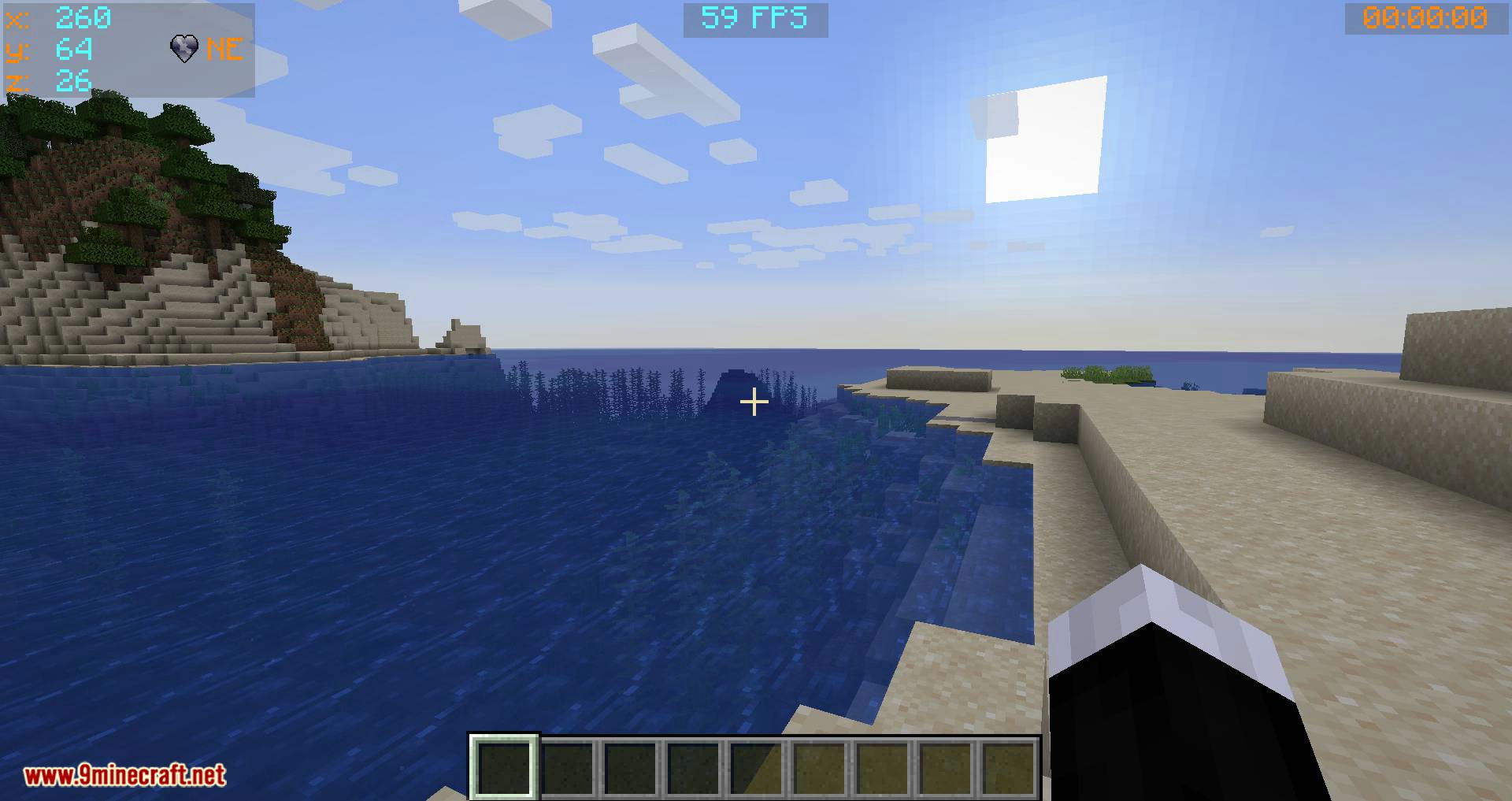
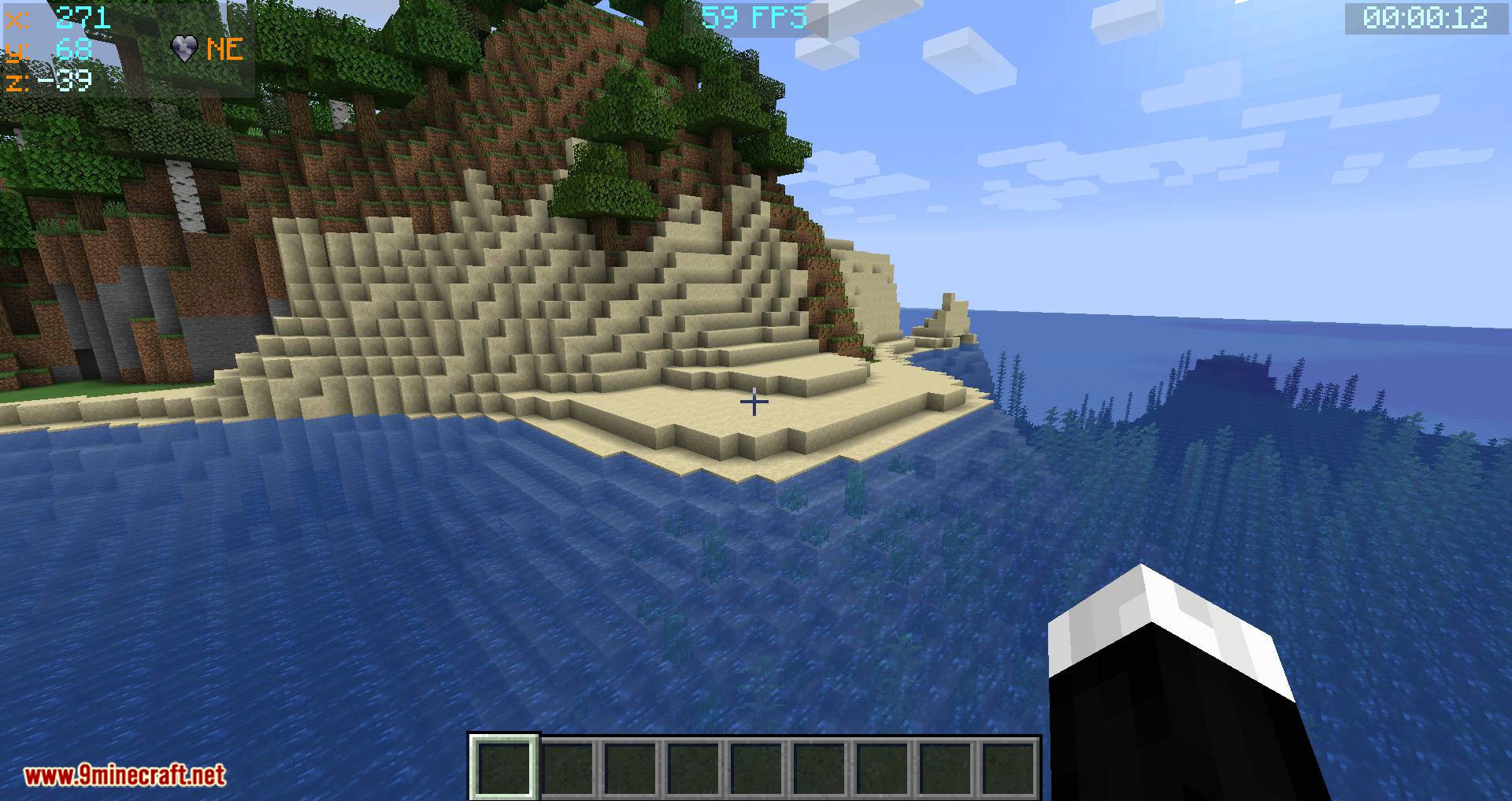
Screenshots:
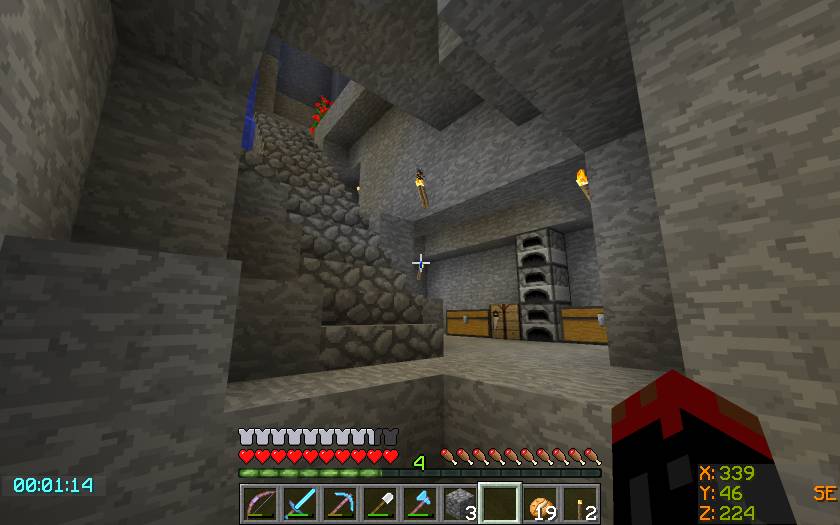
Shows basic Mode 1 Coordinate display, located at the Bottom Right screen position, and the Timer has been moved to the Bottom.
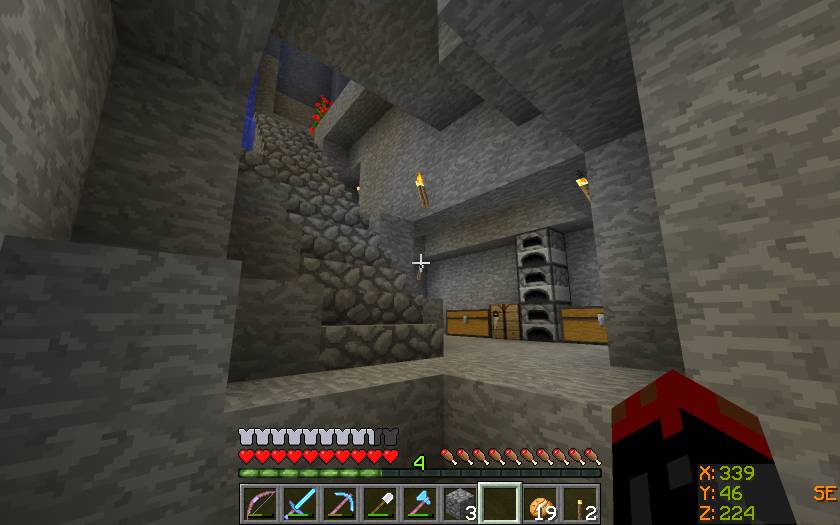
Shows basic Mode 1 Coordinate display, positioned at the Bottom Right corner.
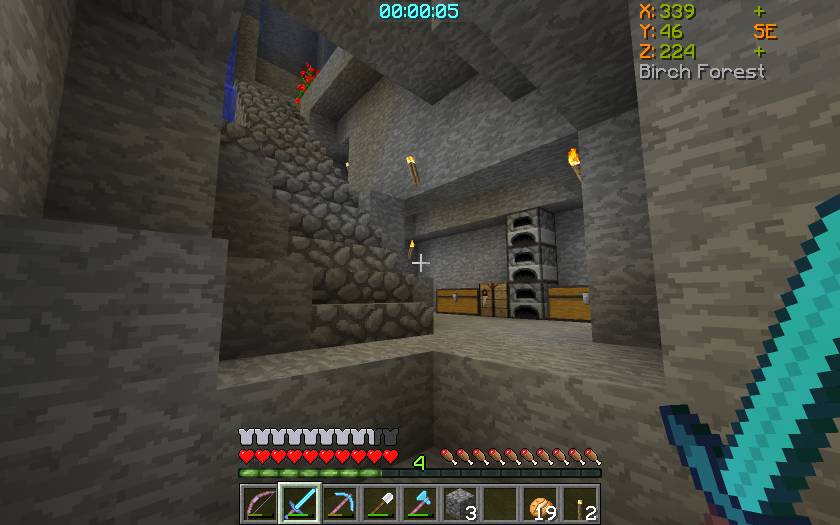
Shows the Coordinate display at the Top Right position, and the Timer Top Centre.
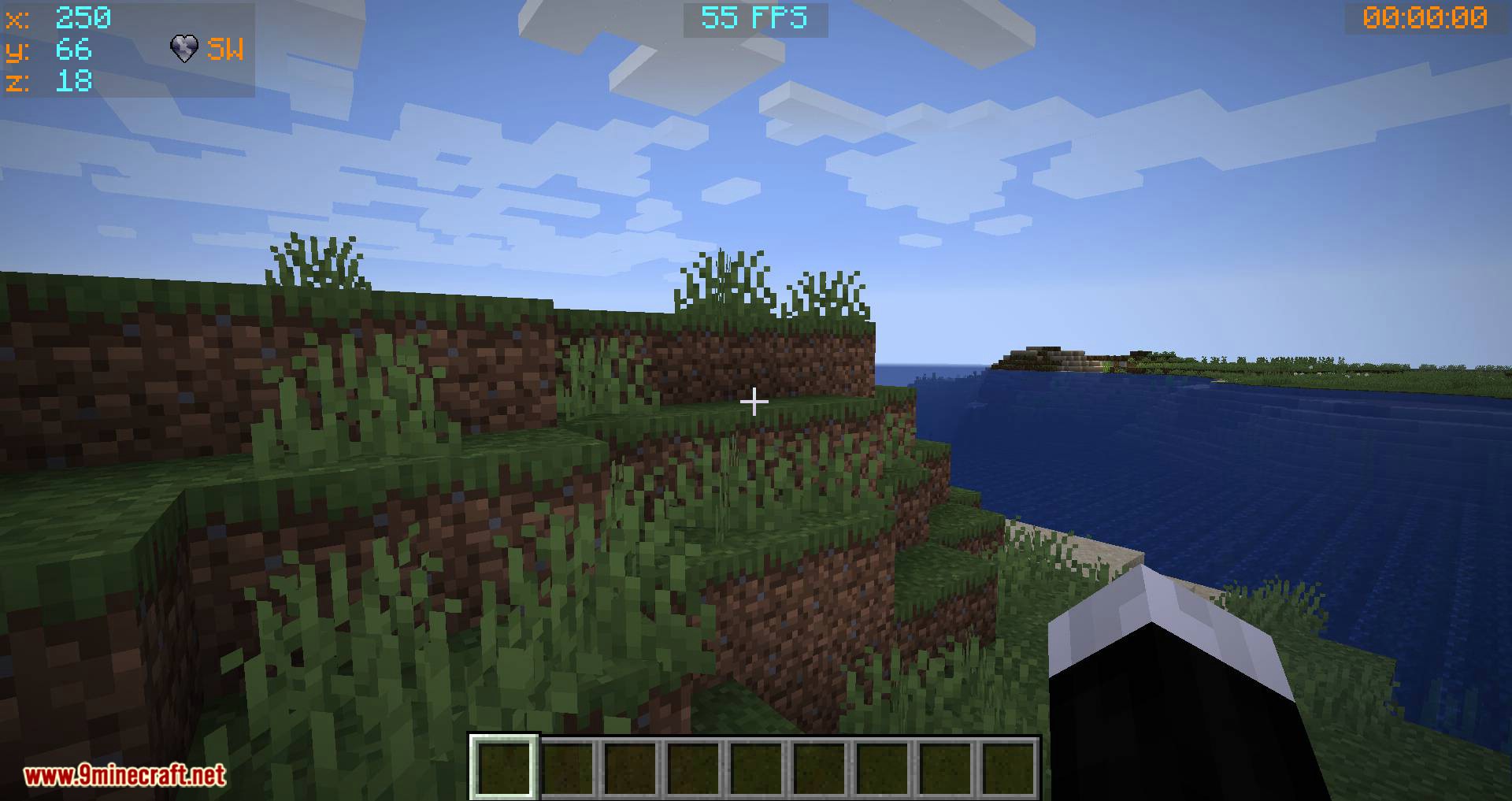
Batty’s Coordinates Plus Mod Download Links
For Minecraft 1.7.10
Forge version: Download from Server 1
For Minecraft 1.12.2
Forge version: Download from Server 1
For Minecraft 1.14.4
Forge version: Download from Server 1
For Minecraft 1.15.2
Forge version: Download from Server 1
For Minecraft 1.16.5
Forge version: Download from Server 1
For Minecraft 1.17.1
Forge version: Download from Server 1
For Minecraft 1.18.2
Forge version: Download from Server 1
- Edition: Minecraft Java
- File type: .jar
- Minecraft versions listed: 1.18.2, 1.17.1
- How to install: Install the matching mod loader (Forge, Fabric or NeoForge) for your Minecraft version. → Download the .jar. → Put it in the .minecraft/mods folder and launch that loader profile.
- Where to get it: In MC Java Mods, or directly above on this page.
Install steps are the general flow for this file type — How to install Minecraft Java mods & modpacks walks through it step by step.
- Downloads as 206801.mcaddon
- Download size: 18 KB
- Download link checked 30 Jul 2026 — working
- Mirrored on our own servers — the download does not depend on the original host
These come from our own check of the pack file, not from the source page.