
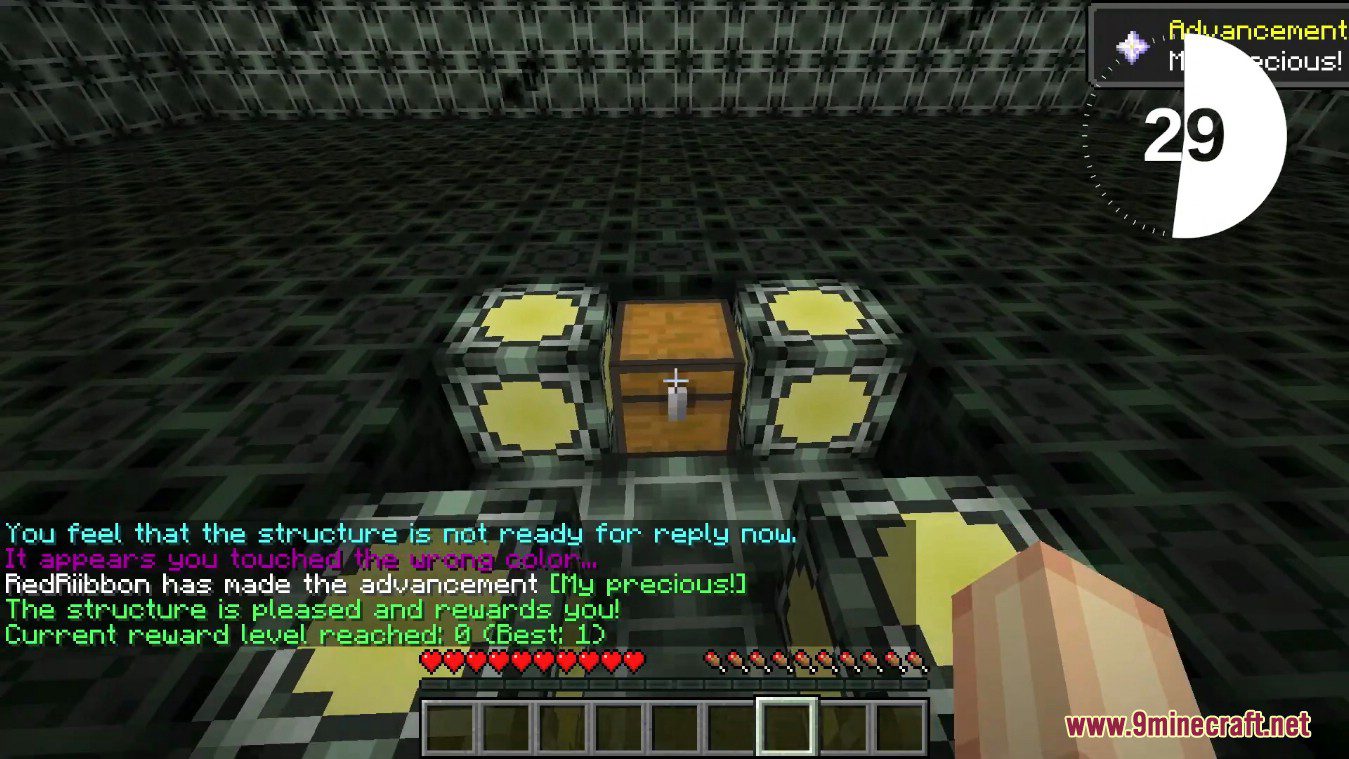
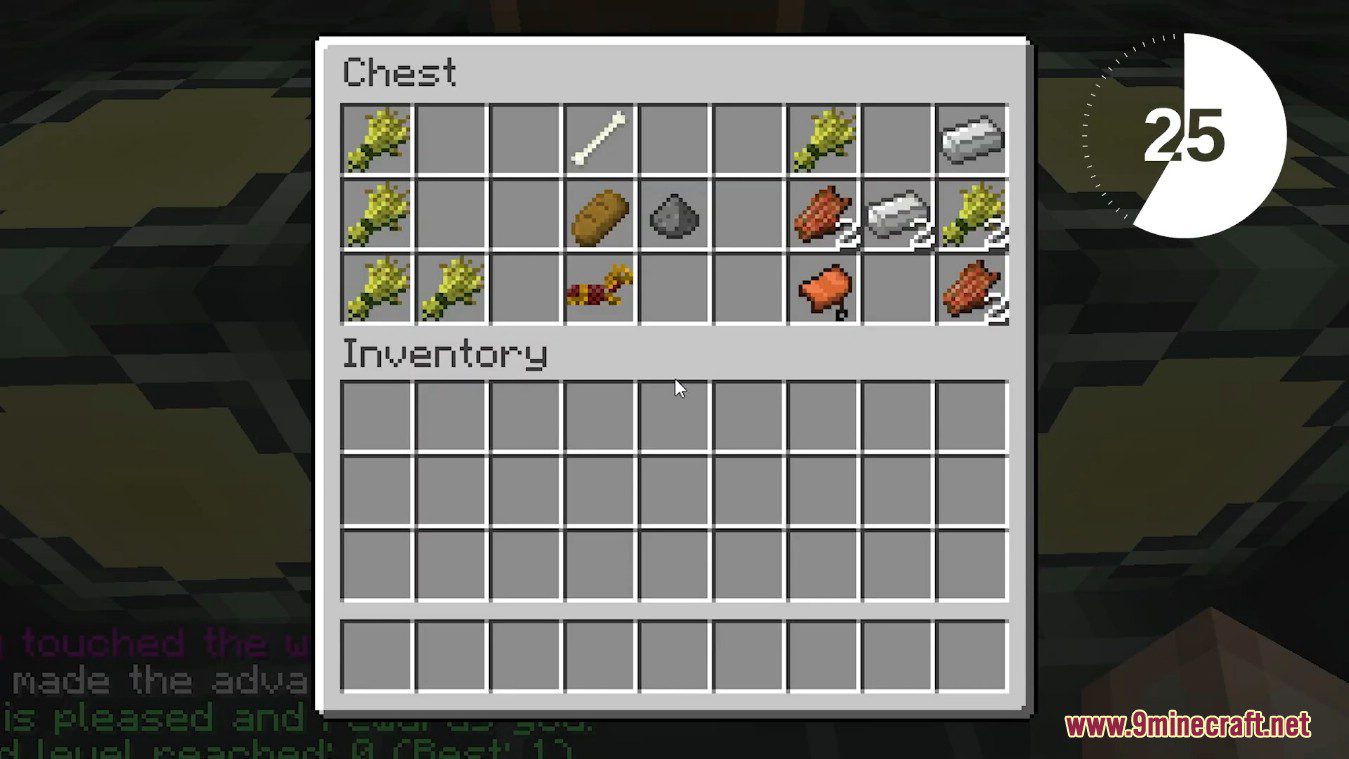
Loot Games Mod provides an interesting and slightly more difficult way to obtain the loot. In your world you will find new structure, that spawns just below ground level. And inside this structure you are invited to play one of the minigames. The rule is simple: the better you play the game, the more loot you will get.
Features:
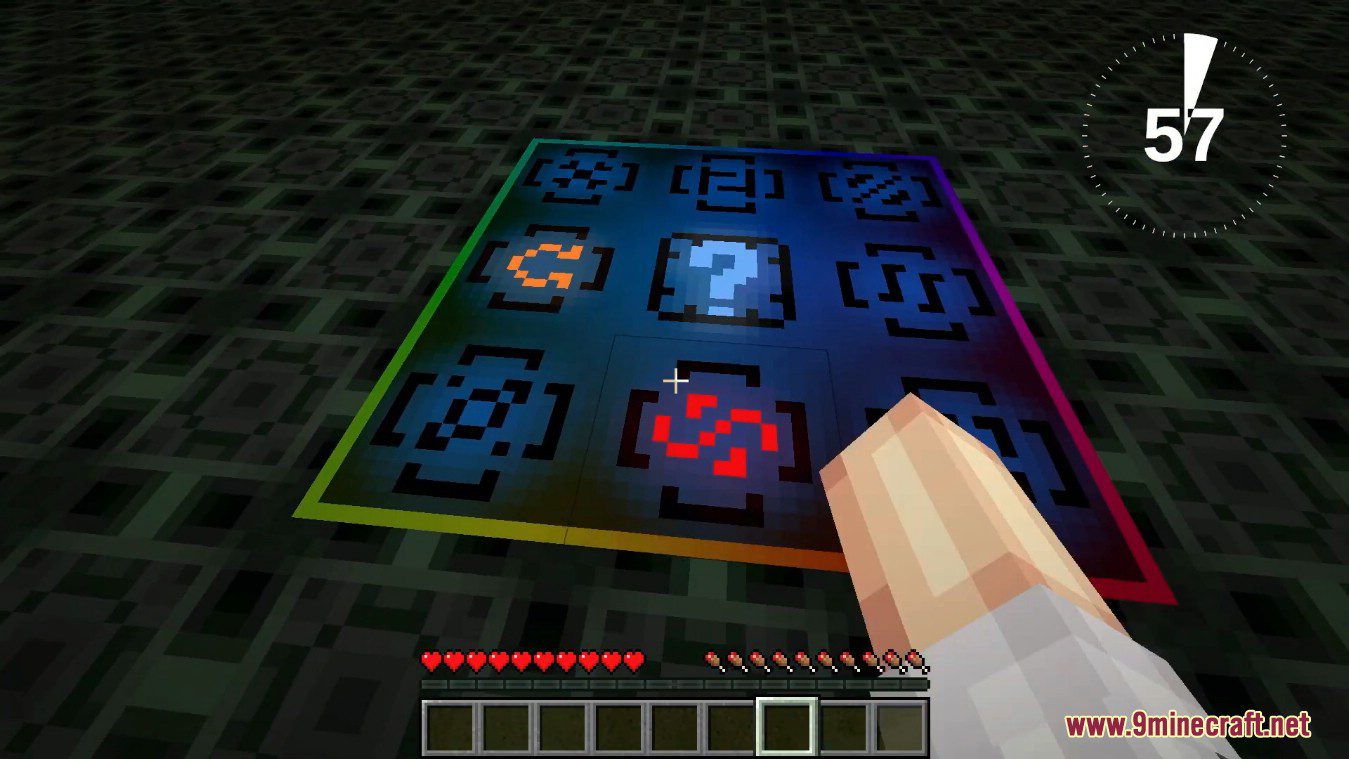
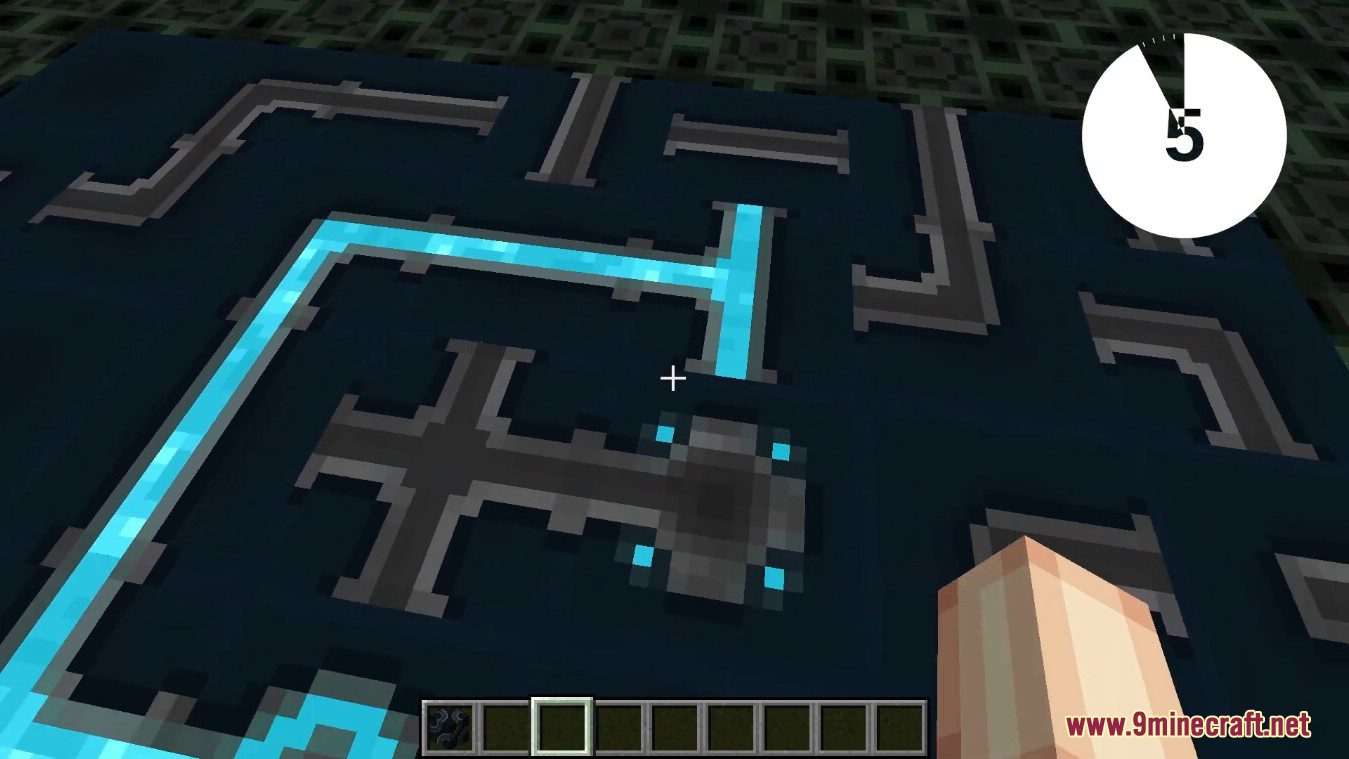
Game of Light:
- Here you should pass 4 levels. You have 3 attempts to do it by default. When you pass one of 4 levels, you will definitely win 1 chest (same for all levels). All chests you will get after the game ends. And yeah… don’t be afraid of losing fourth level.
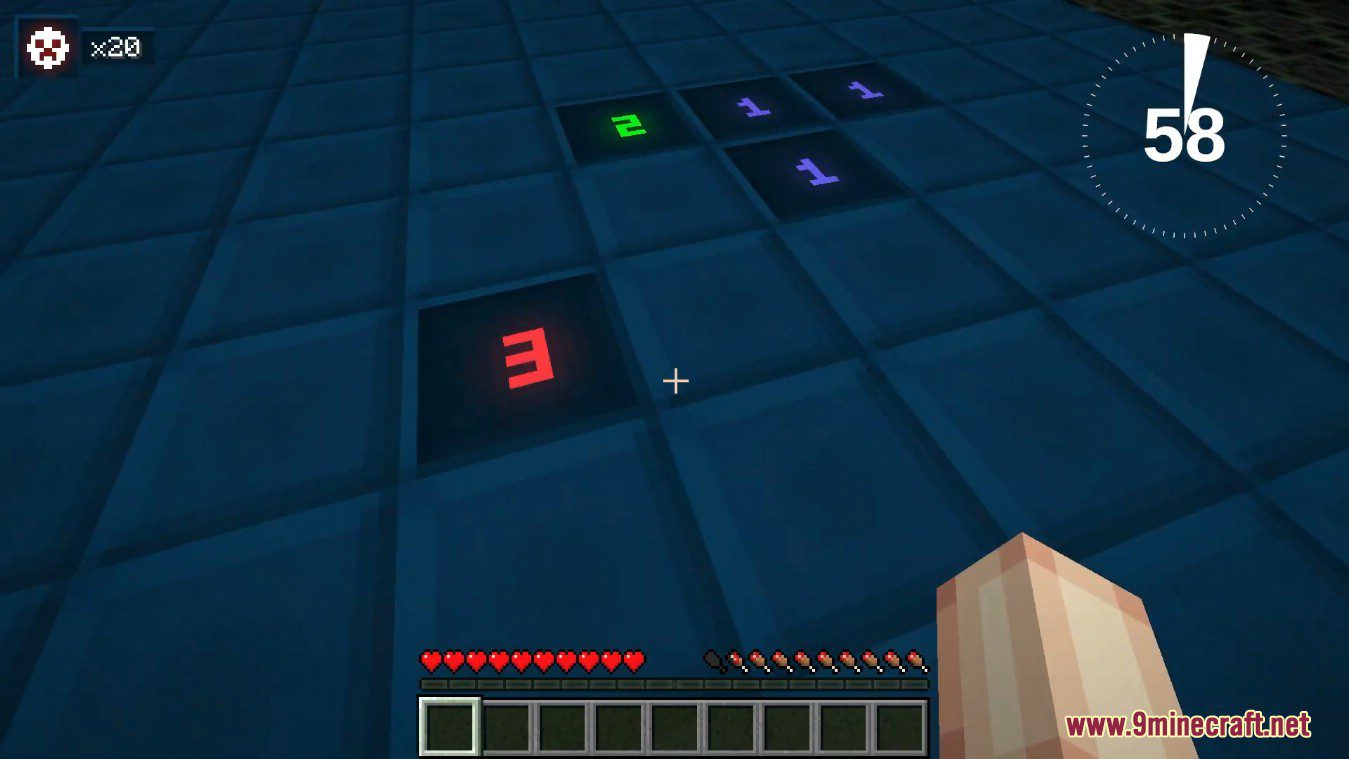
Minesweeper:
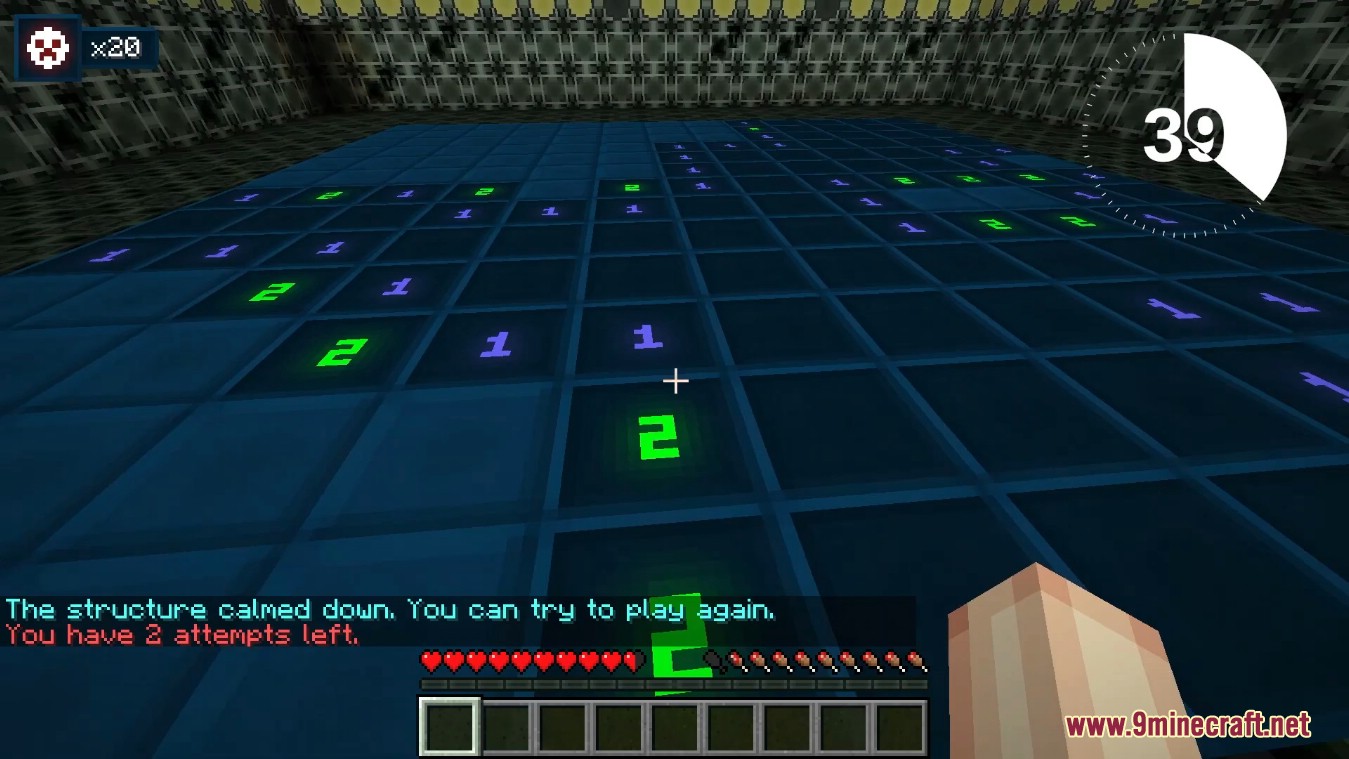
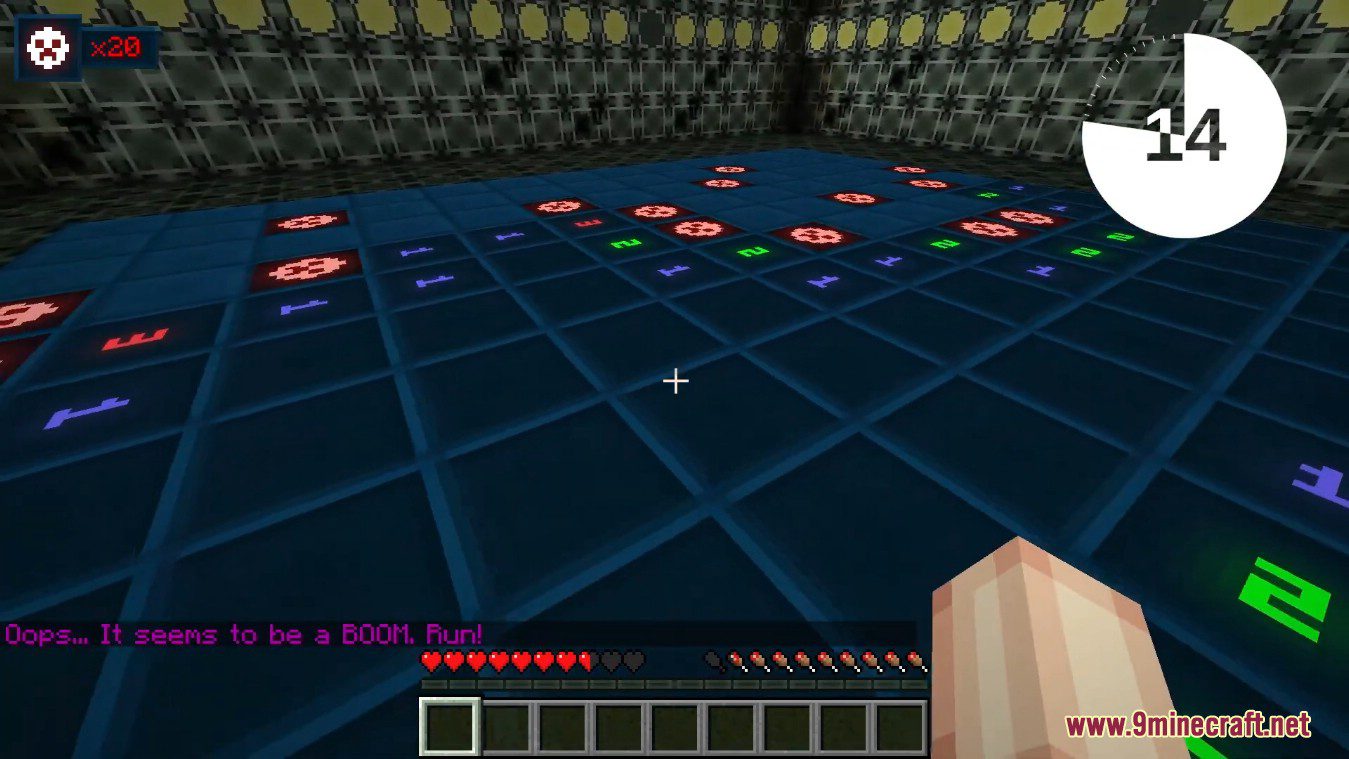
- You know this game! Mark the bombs with flags and reveal safe fields to win. Four levels and three attempts are waiting for you to play.
- Interaction:
- For Minecraft 1.16.5:
- Left-clicking reveals the field. Beware of bombs!
- Right-clicking on hidden field marks it (switches between no mark, flag and question mark).
- Shift + Right-clicking on revealed field with number will open all neighbour fields around it, except marked ones.
- For Minecraft 1.12.2:
- Right-clicking reveals the field. Beware of bombs!
- Shift + Right-clicking on hidden field marks it (switches between no mark, flag and question mark).
- Shift + Right-clicking on revealed field with number will open all neighbour fields around it, except marked ones.
- For Minecraft 1.16.5:
Screenshots:
Loot Games Mod Download Links
For Minecraft 1.17.10
Loot Games Mod Forge version: Download from Server 1
YAM Core Forge version: Download from Server 1
For Minecraft 1.16.5
Forge version: Download from Server 1
For Minecraft 1.12.2
Forge version: Download from Server 1
Quick facts
- Edition: Minecraft Java
- File type: .jar
- Minecraft version listed: 1.16.5
- How to install: Install the matching mod loader (Forge, Fabric or NeoForge) for your Minecraft version. → Download the .jar. → Put it in the .minecraft/mods folder and launch that loader profile.
- Where to get it: In MC Java Mods, or directly above on this page.
Install steps are the general flow for this file type — How to install Minecraft Java mods & modpacks walks through it step by step.
Verified by MCModsHub
- Downloads as 206937.mcaddon
- Download size: 1.9 MB
- Download link checked 24 Jul 2026 — working
- Mirrored on our own servers — the download does not depend on the original host
These come from our own check of the pack file, not from the source page.