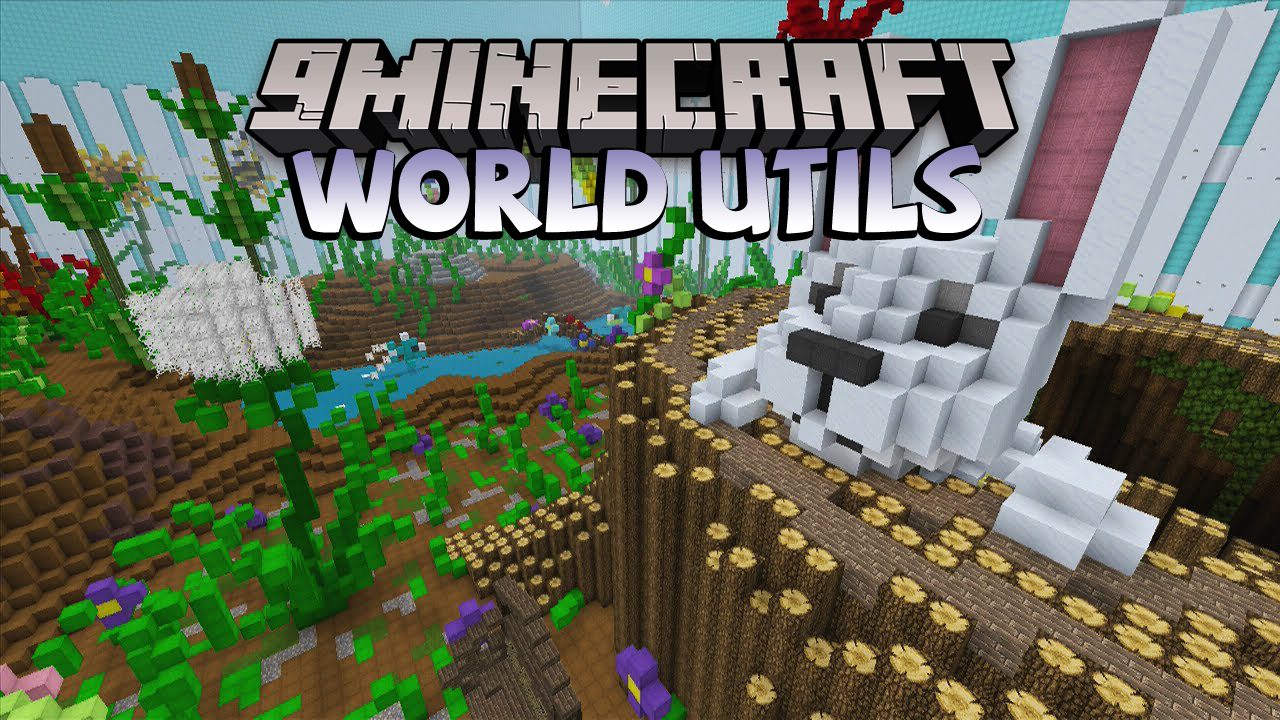
World Utils Mod includes some useful tools and commands for manipulating Minecraft worlds while in-game.
Features:
Some of the commands include:
- Remove duplicated entities.
- Remove scheduled tile ticks.
- Replace blocks with another block (or with air, which of course is also a block) in the entire world.
- A setblock command, which (only) works in unloaded chunks.
- An inspectblock command, which shows block and TileEntity NBT data currently saved in the chunk data on disk
- Remove all entities by name from the world files.
- Remove all tile entities by name from the world files.
- Rename entities.
- Rename tile entities.
- Remove non-existing block entries from the block ID map (= clean-up after removing a mod)
Chunk Wand:
- Allows changing entire chunks in the world, or just importing biomes from a different world. The alternate worlds that are used as the source are stored inside the worldname/alternate_worlds/ directory. The mod also keeps track of all the changes to chunks and stores that “database” in the same directory.
Requires:
Minecraft Forge
World Utils Mod Download Links
For Minecraft 1.10.2
Forge version: Download from Server 1
For Minecraft 1.11.2
Forge version: Download from Server 1
For Minecraft 1.12.2
Forge version: Download from Server 1
Quick facts
- Edition: Minecraft Java
- File type: .jar
- How to install: Install the matching mod loader (Forge, Fabric or NeoForge) for your Minecraft version. → Download the .jar. → Put it in the .minecraft/mods folder and launch that loader profile.
- Where to get it: In MC Java Mods, or directly above on this page.
Install steps are the general flow for this file type — How to install Minecraft Java mods & modpacks walks through it step by step.
Verified by MCModsHub
- Downloads as 206981.mcaddon
- Download size: 213 KB
- Download link checked 24 Jul 2026 — working
- Mirrored on our own servers — the download does not depend on the original host
These come from our own check of the pack file, not from the source page.