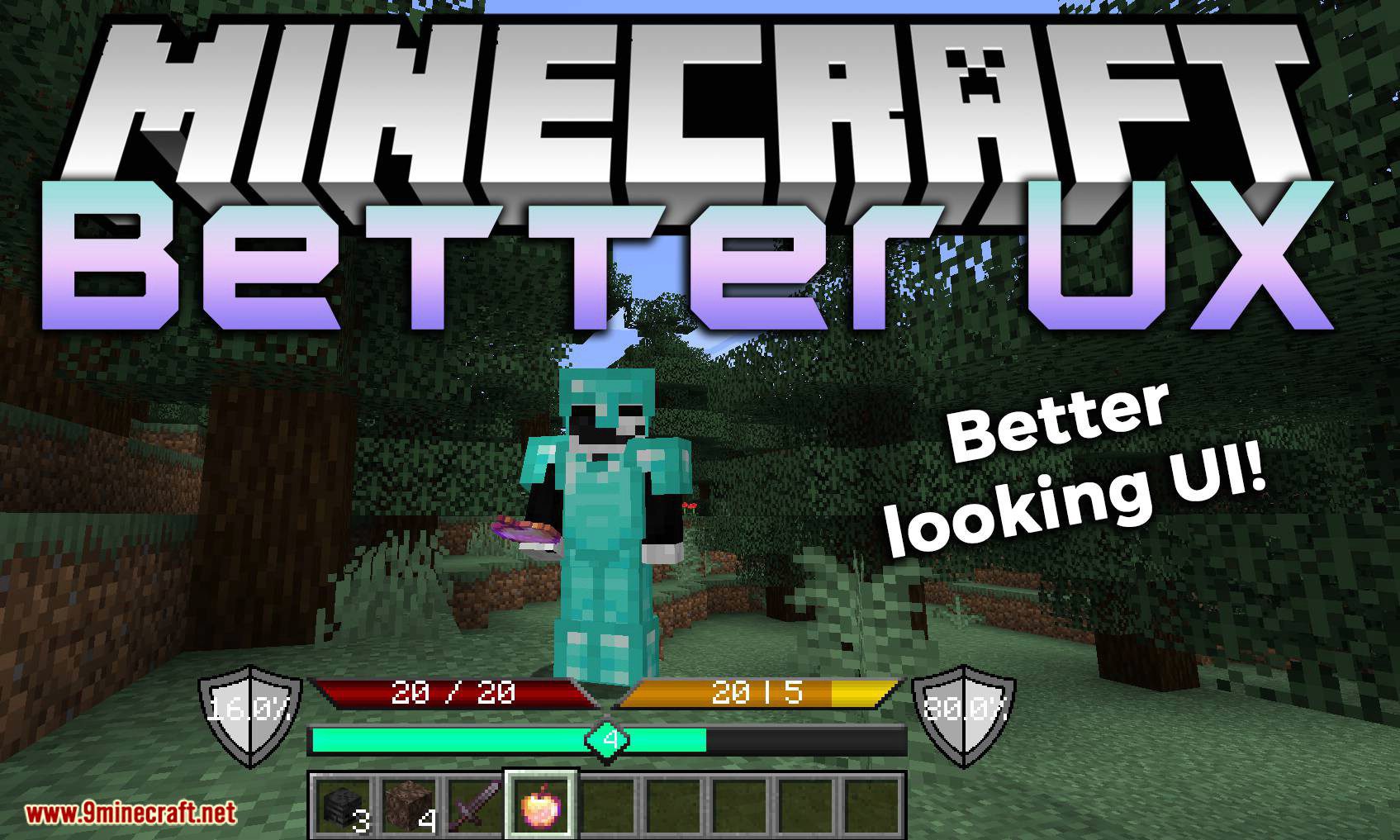
Better UX Mod 1.19, 1.18.1 (Overlay Improvements)
Java mod listed for Minecraft 1.18–1.19. Downloads from the MC Java Mods app on Android.
⬇ DownloadBetter UX Mod 1.19, 1.18.1replaces the majority of overlays that are displayed on the screen.
Features:
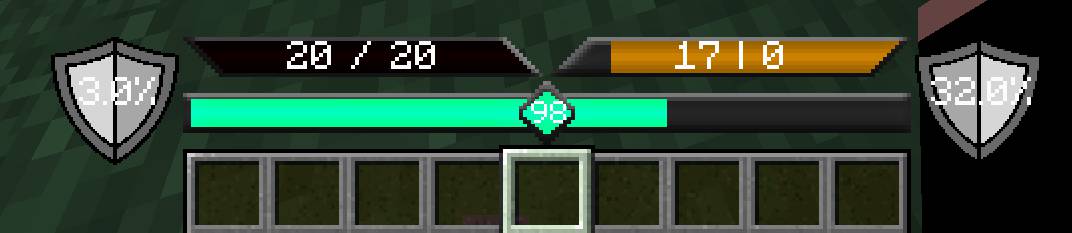
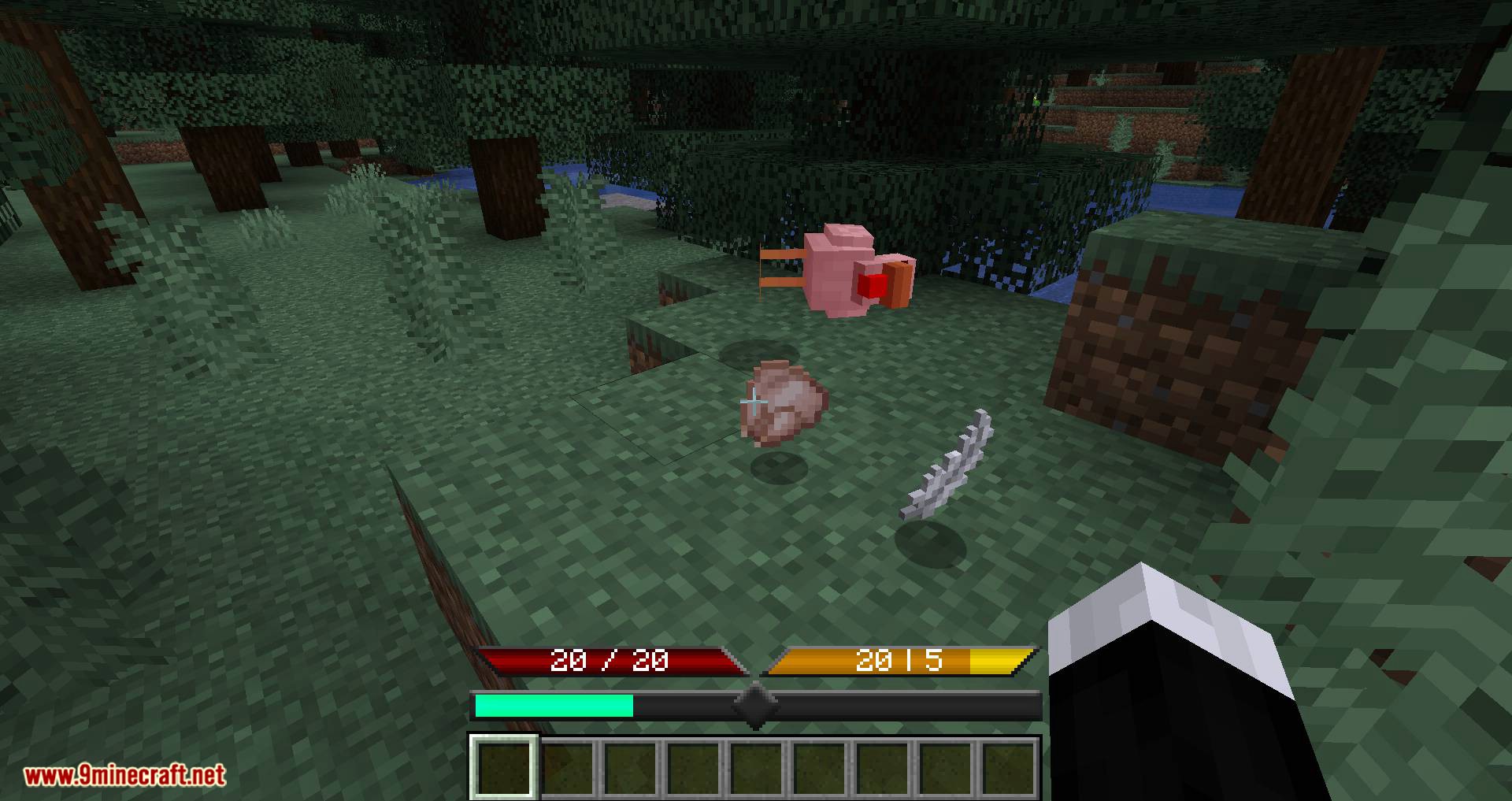
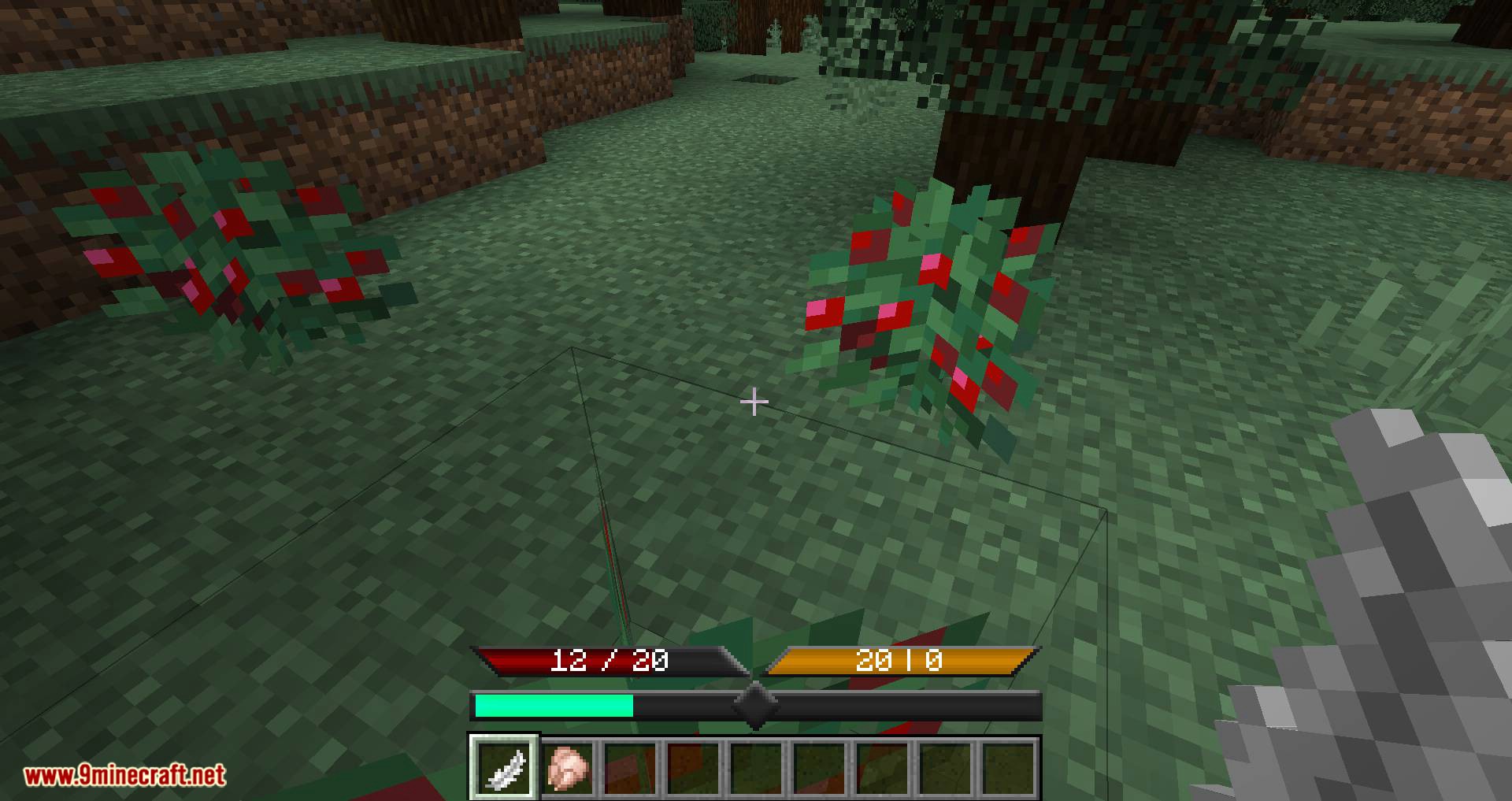
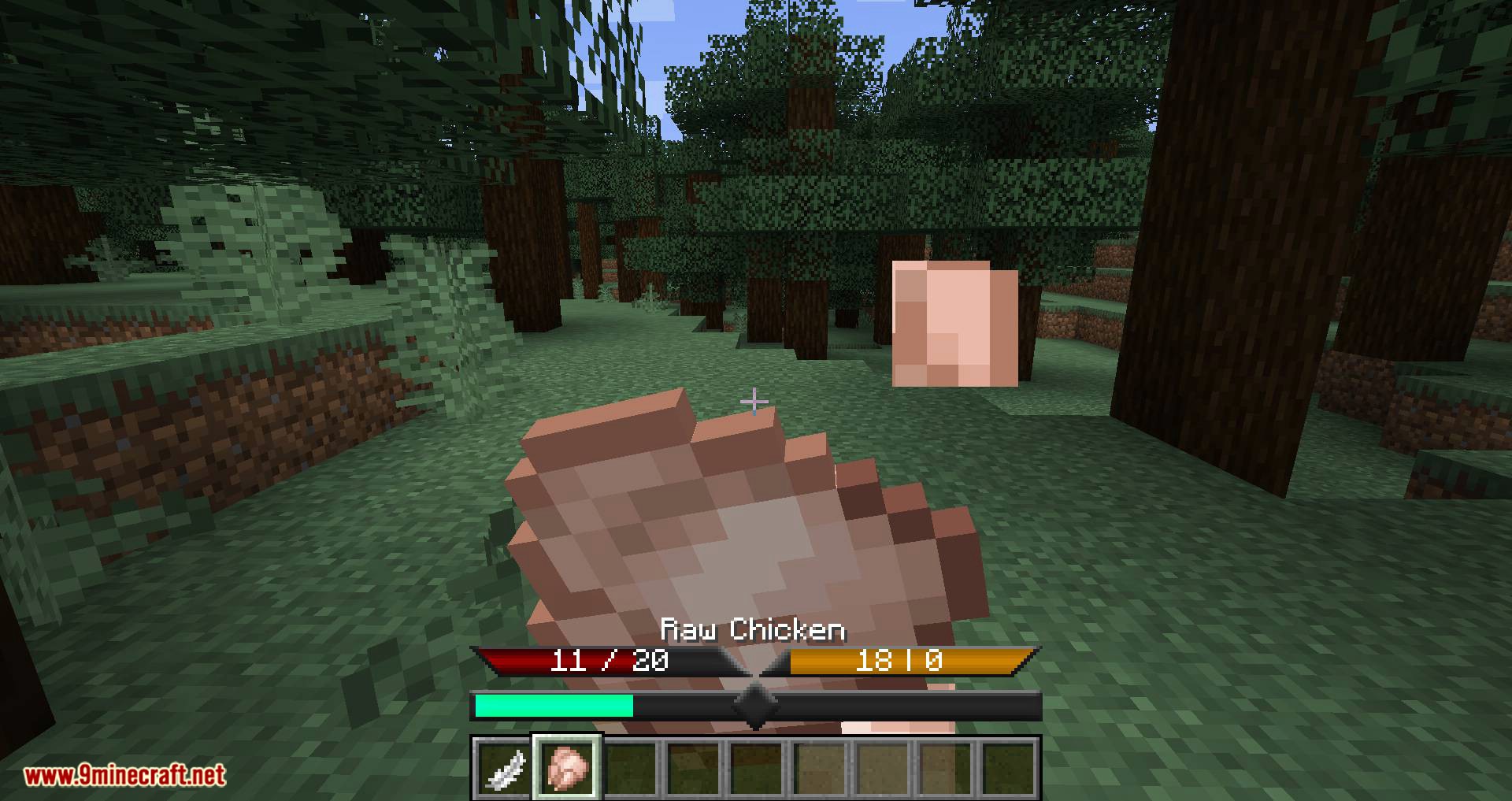
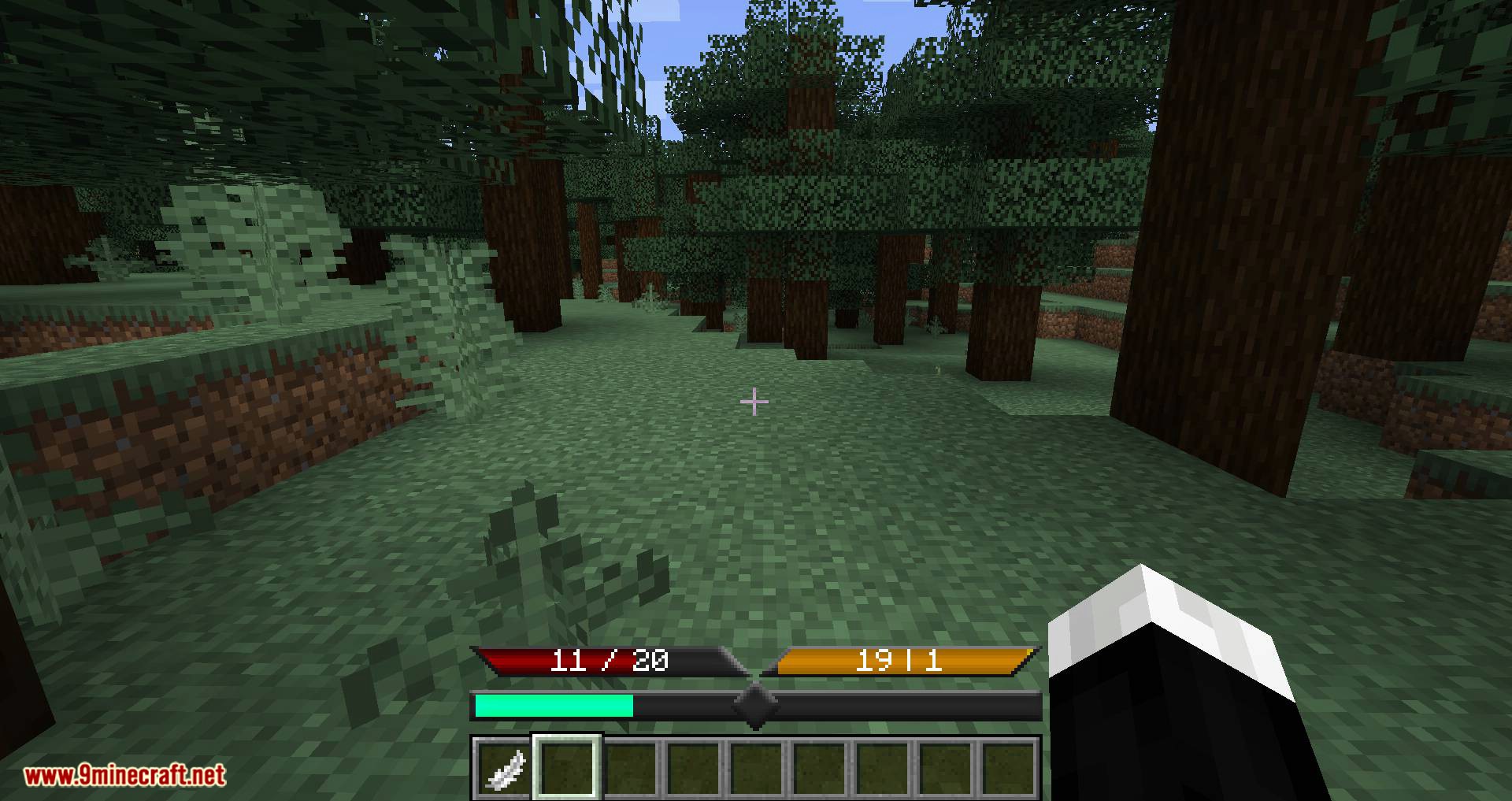
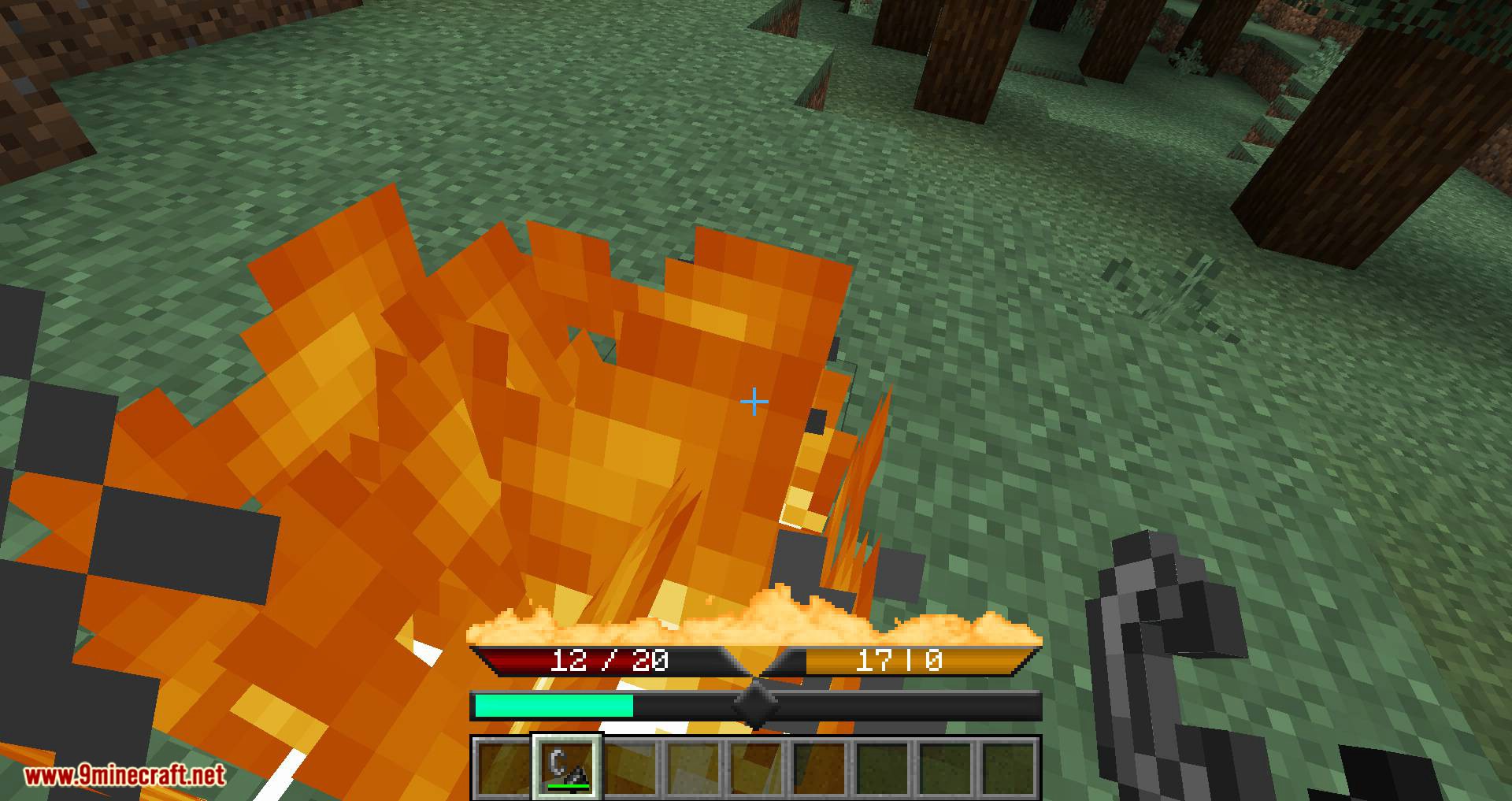
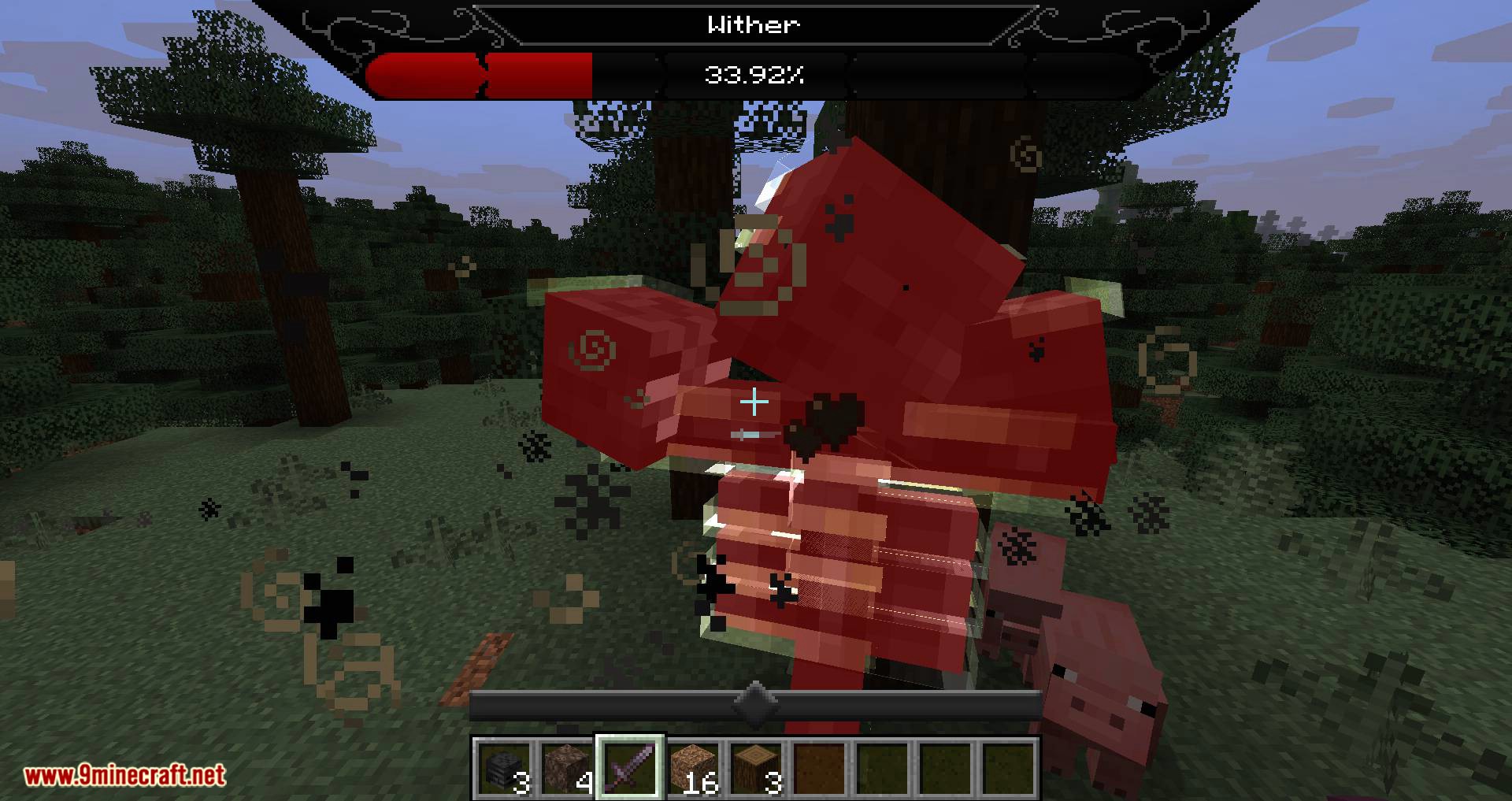
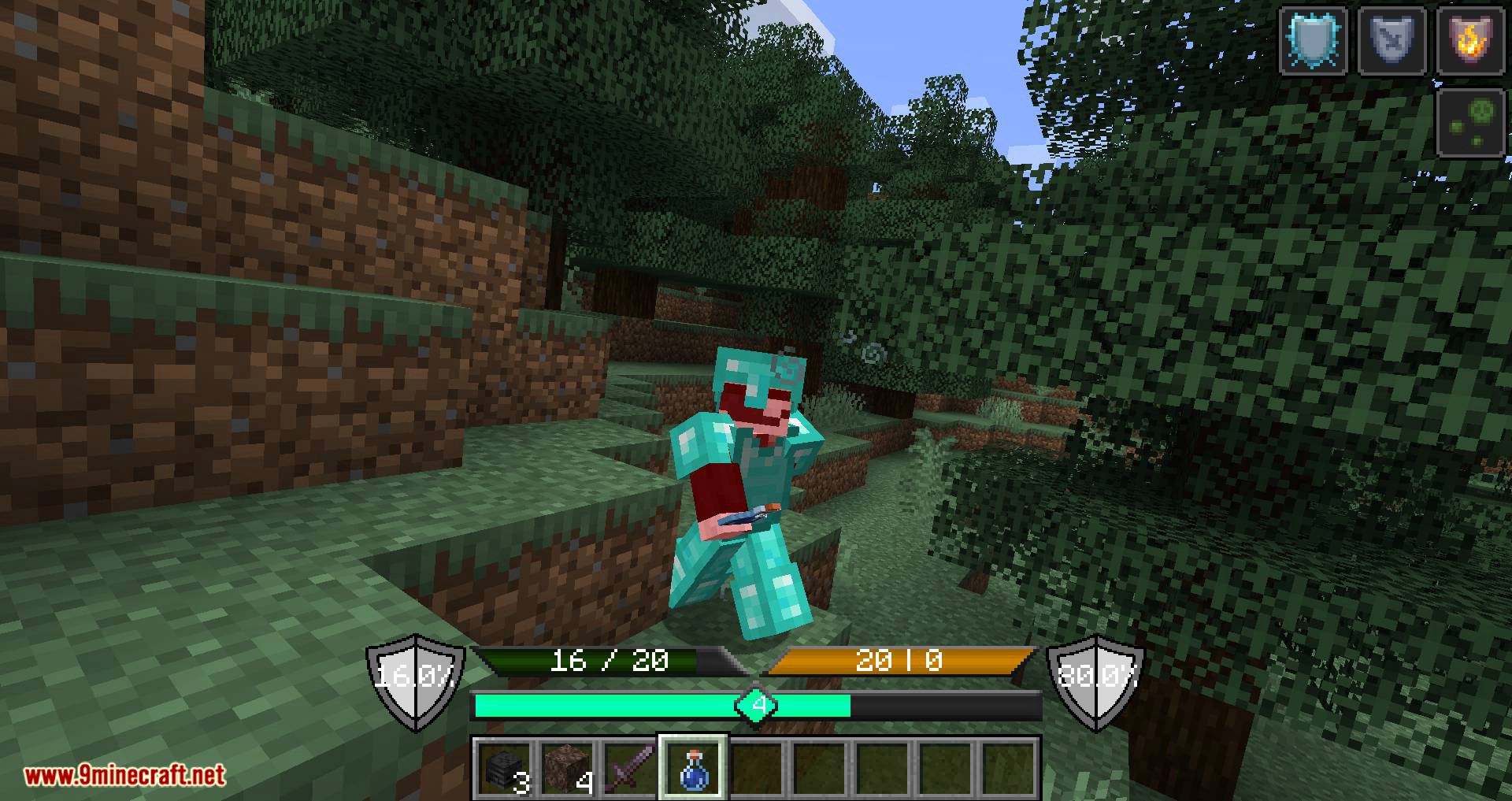
This mod also adds more without compromising visible space. Fire no longer covers all the screen. All hearts and food have been replaces with a health bar and a food bar. The health bar will change color when wither or poison effect is applied, also it will get covered in a shield when the player has absorption hearts. The food bar has to layers the first layer has a darker color and represents the amount of food, the second layer represents the saturation amount.
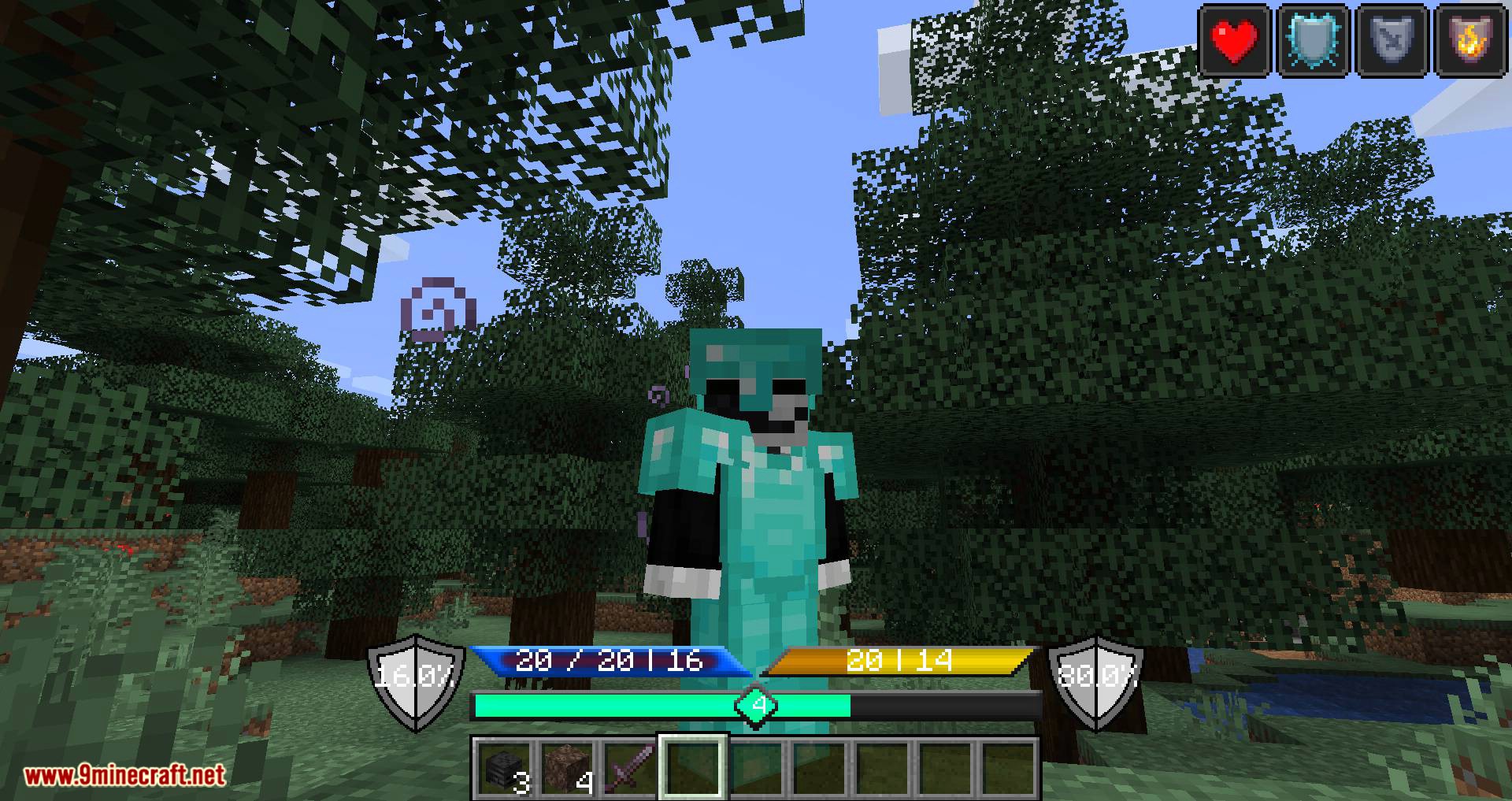
Both the health bar and the food bar have numbers displaying the amount of health, absorption, food and saturation. While having armor on, two shields will be displayed on the left and right of the hotbar. Both shields display a percentage: the left shield displays the minimum amount of damage the armor is able to reduce and the right shield will display the maximum amount of damage the armor is able to reduce.
As the way Minecraft is coded the higher the damage the lower the damage reduction percentage will be applied in the calculation. The shields will adjust for the protection enchantments on the armor as well.
Screenshots:
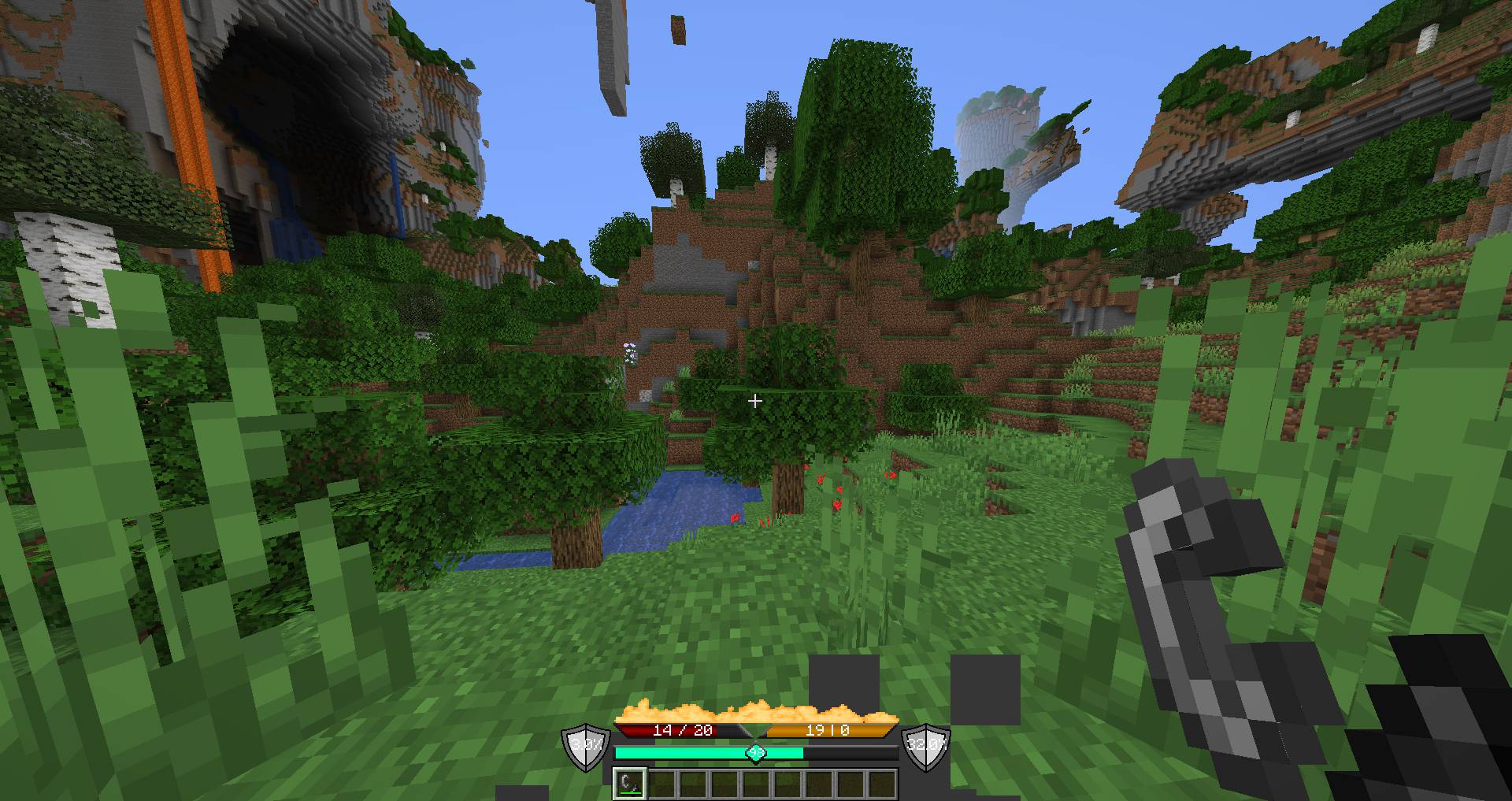
No more annoying flames
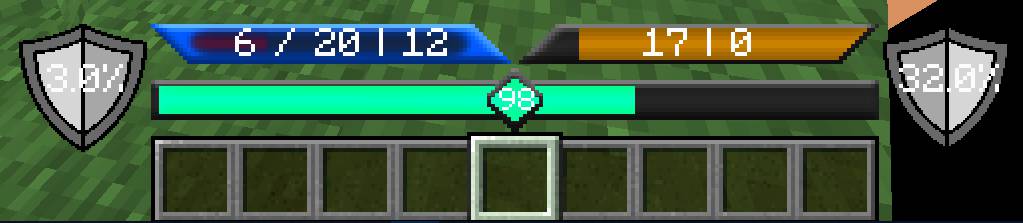
Shielding your life: Absorption hearts are now displayed as a force field on your health bar
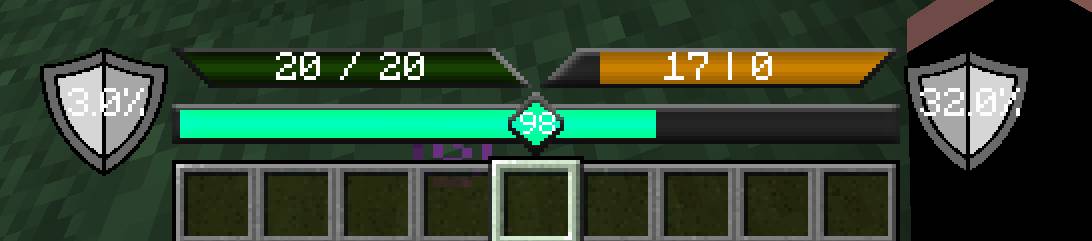
You got poisoned: Your health bar turns green when poisoned
Withering away: Your health bar turns dark red when under wither effect
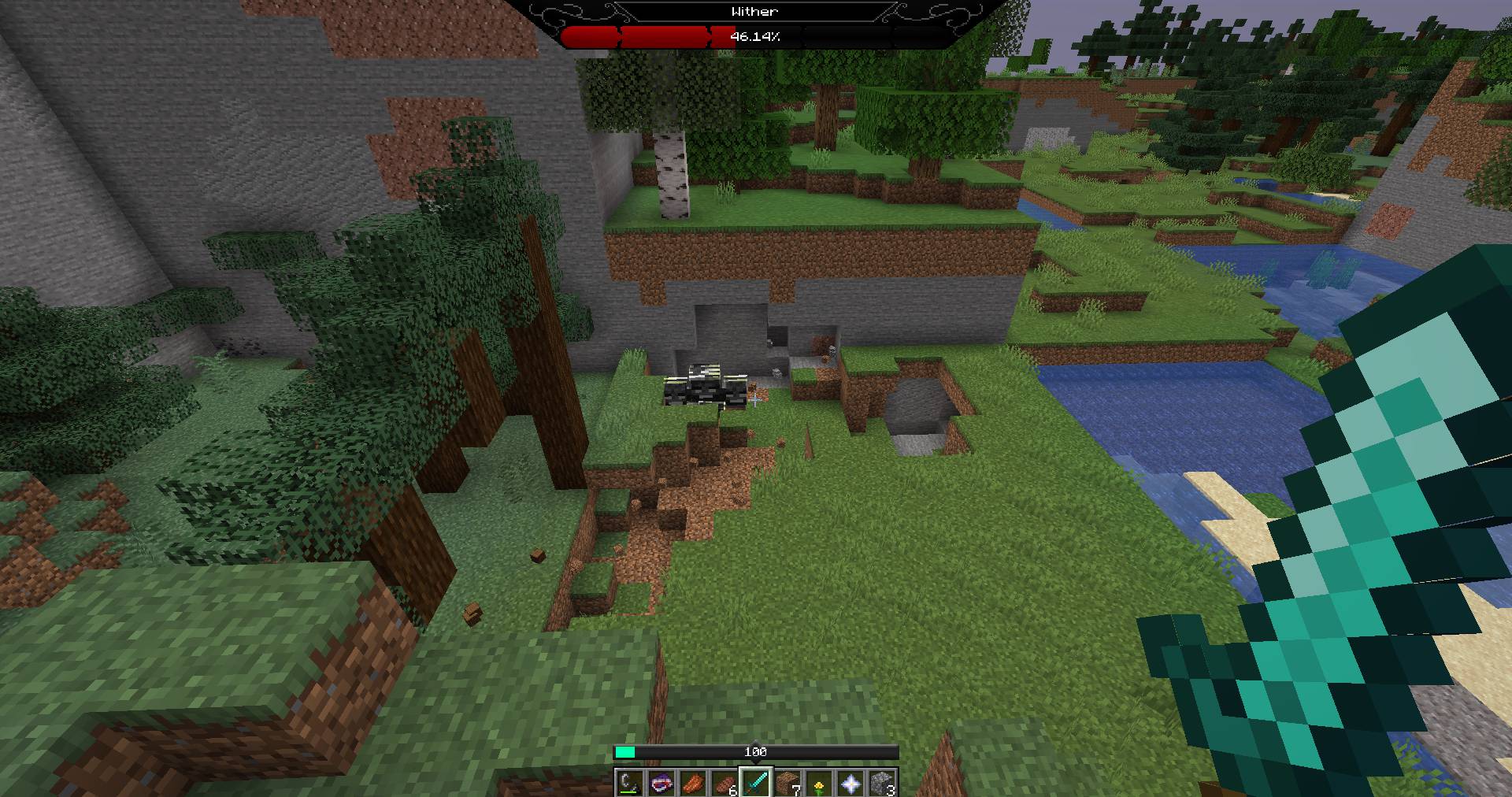
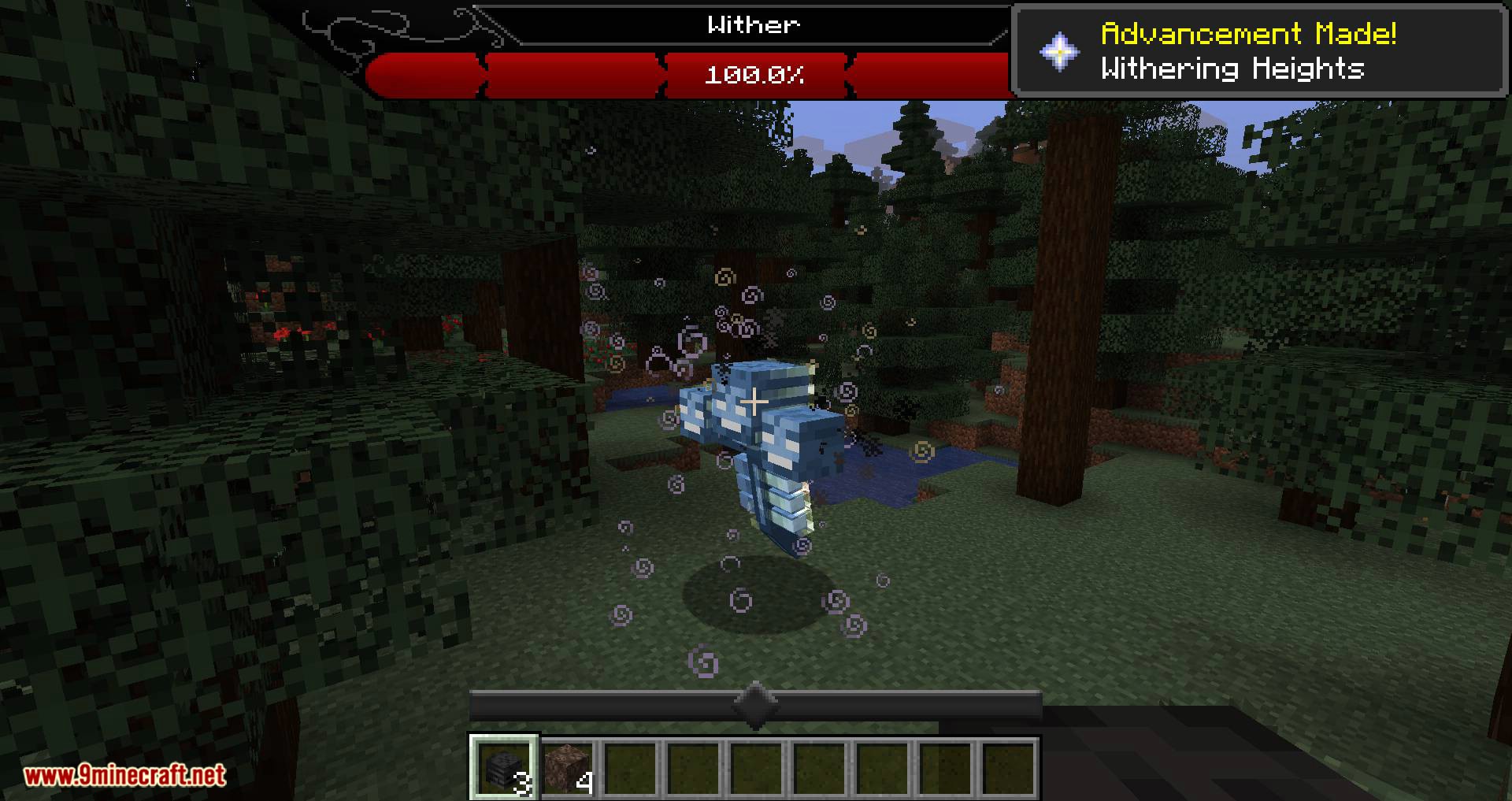
Boss Bar
Better UX Mod 1.19, 1.18.1 Download Links
For Minecraft 1.19
For Minecraft 1.18.1
For Minecraft 1.17.1
For Minecraft 1.16.5
For Minecraft 1.15.2
For Minecraft 1.14.4
For Minecraft 1.12.2
- Edition: Minecraft Java
- File type: .jar
- Minecraft versions listed: 1.19, 1.18.1, 1.18
- How to install: Install the matching mod loader (Forge, Fabric or NeoForge) for your Minecraft version. → Download the .jar. → Put it in the .minecraft/mods folder and launch that loader profile.
- Where to get it: In MC Java Mods, or directly above on this page.
Install steps are the general flow for this file type — How to install Minecraft Java mods & modpacks walks through it step by step.
- Downloads as 207185.mcaddon
- Download size: 2.2 MB
- Download link checked 24 Jul 2026 — working
- Mirrored on our own servers — the download does not depend on the original host
These come from our own check of the pack file, not from the source page.