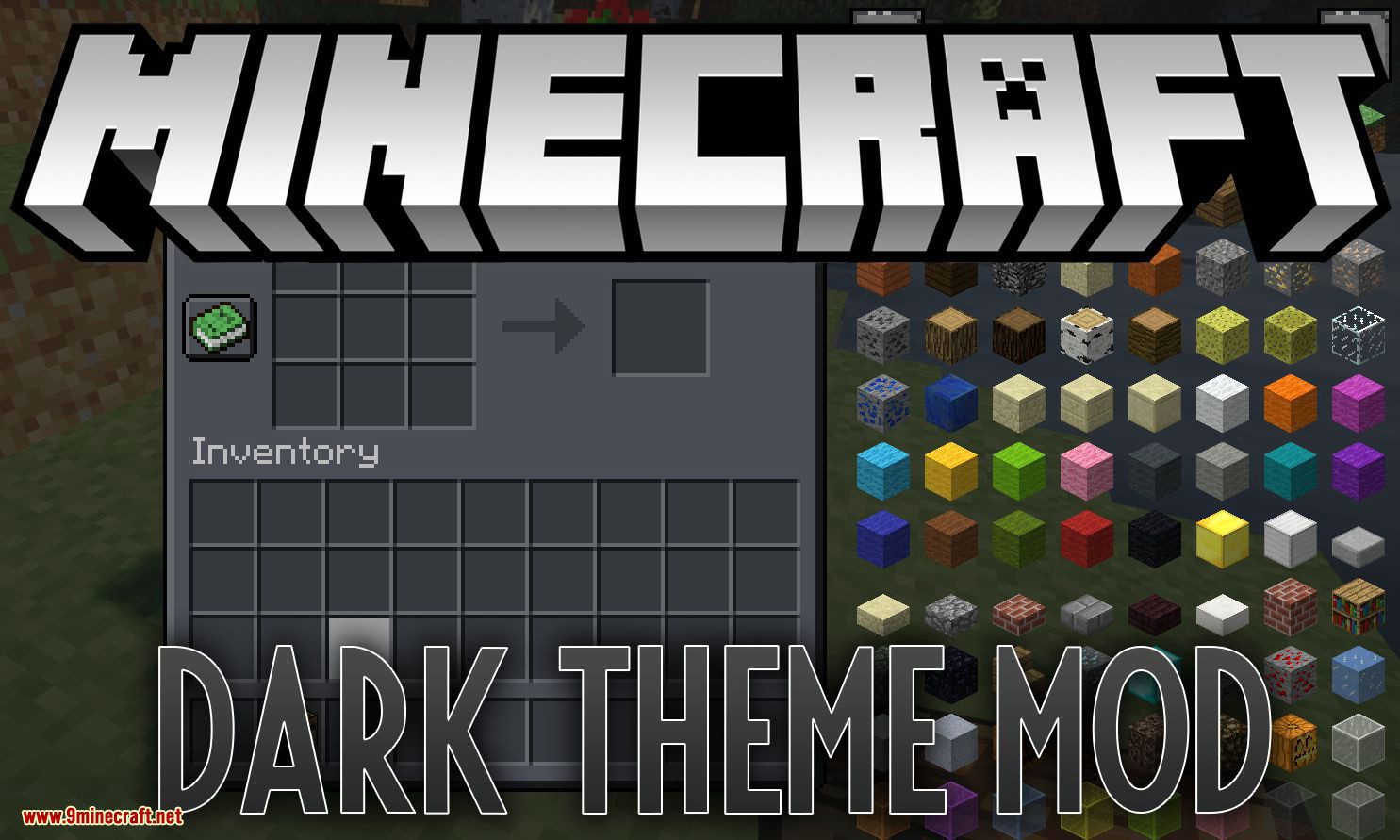
Dark Theme Mod 1.12.2 (Turn Off the Lights)
Tired of boring Minecraft GUIs? Then it's the perfect time to turn off the lights! Meet the new Dark Theme Mod! Dark as never before! Dark Theme Mod…
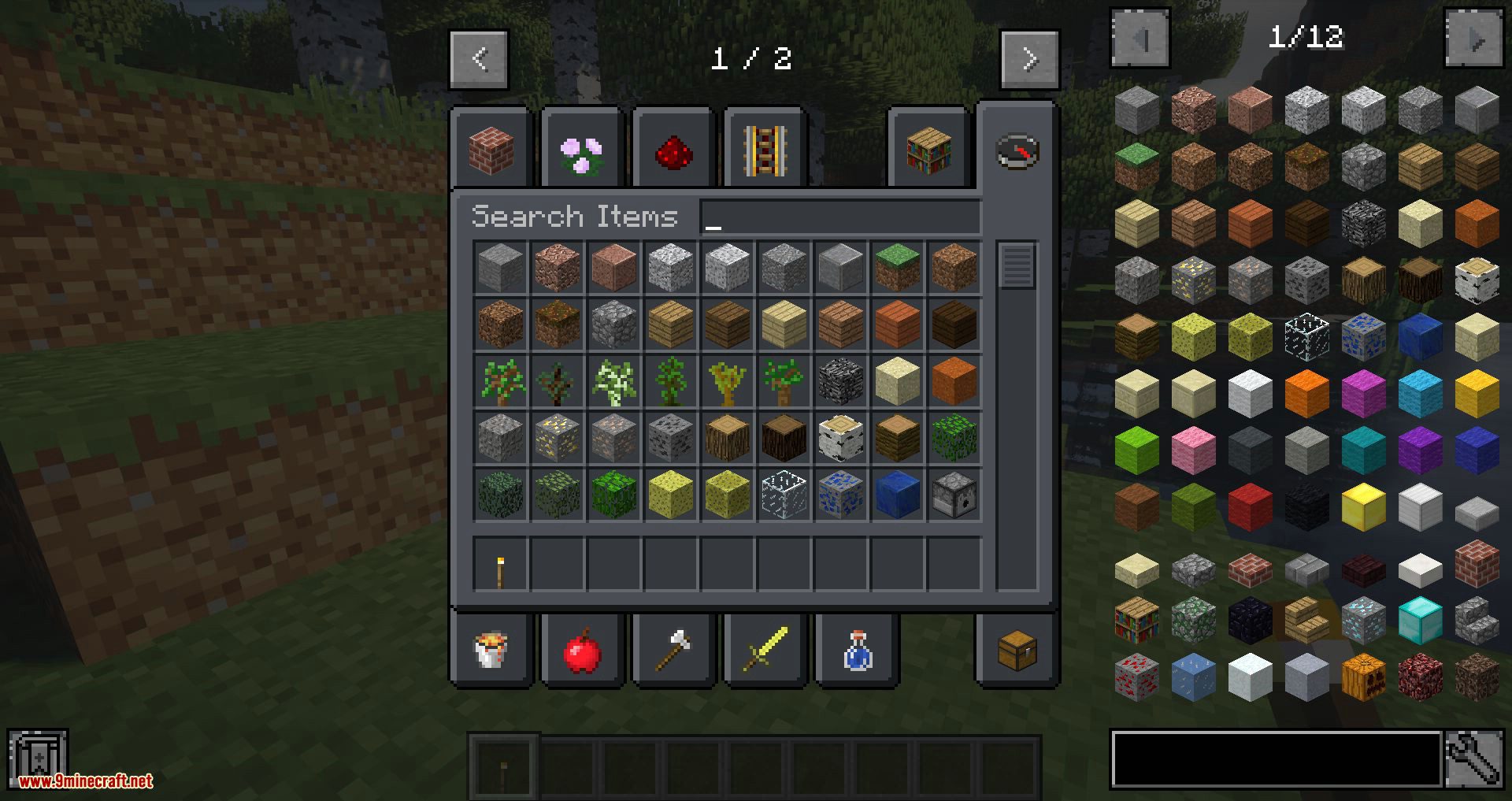
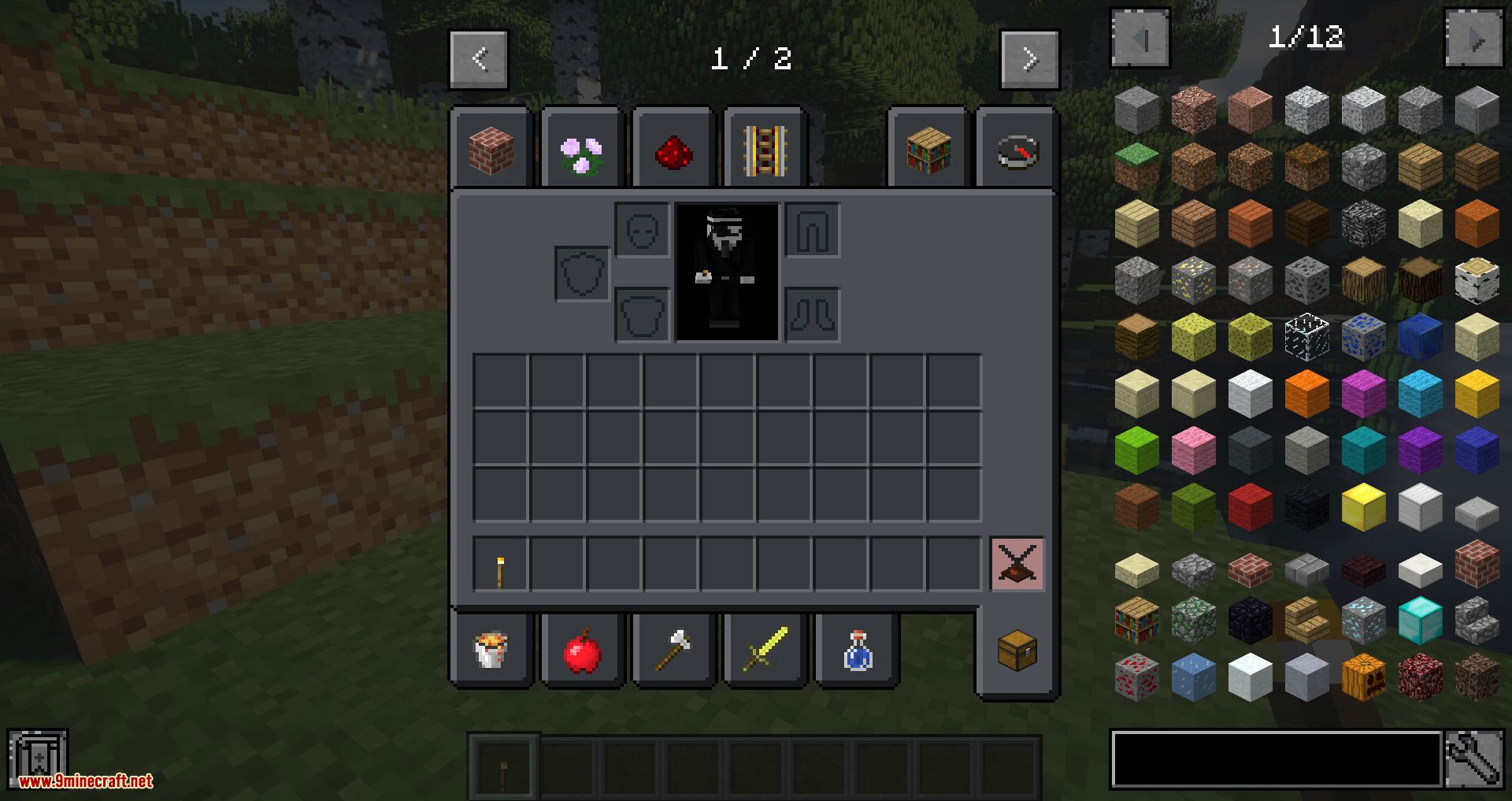
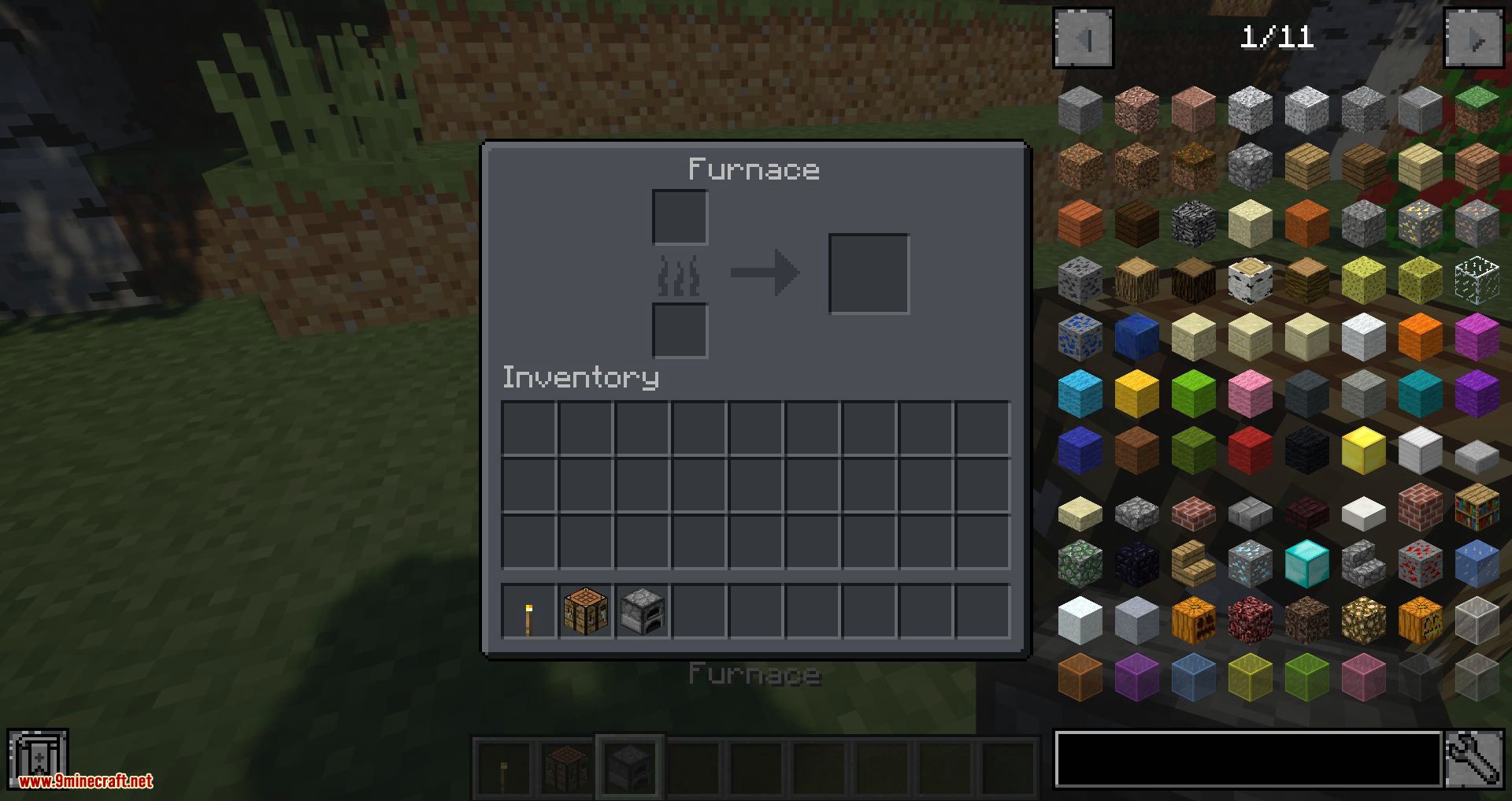
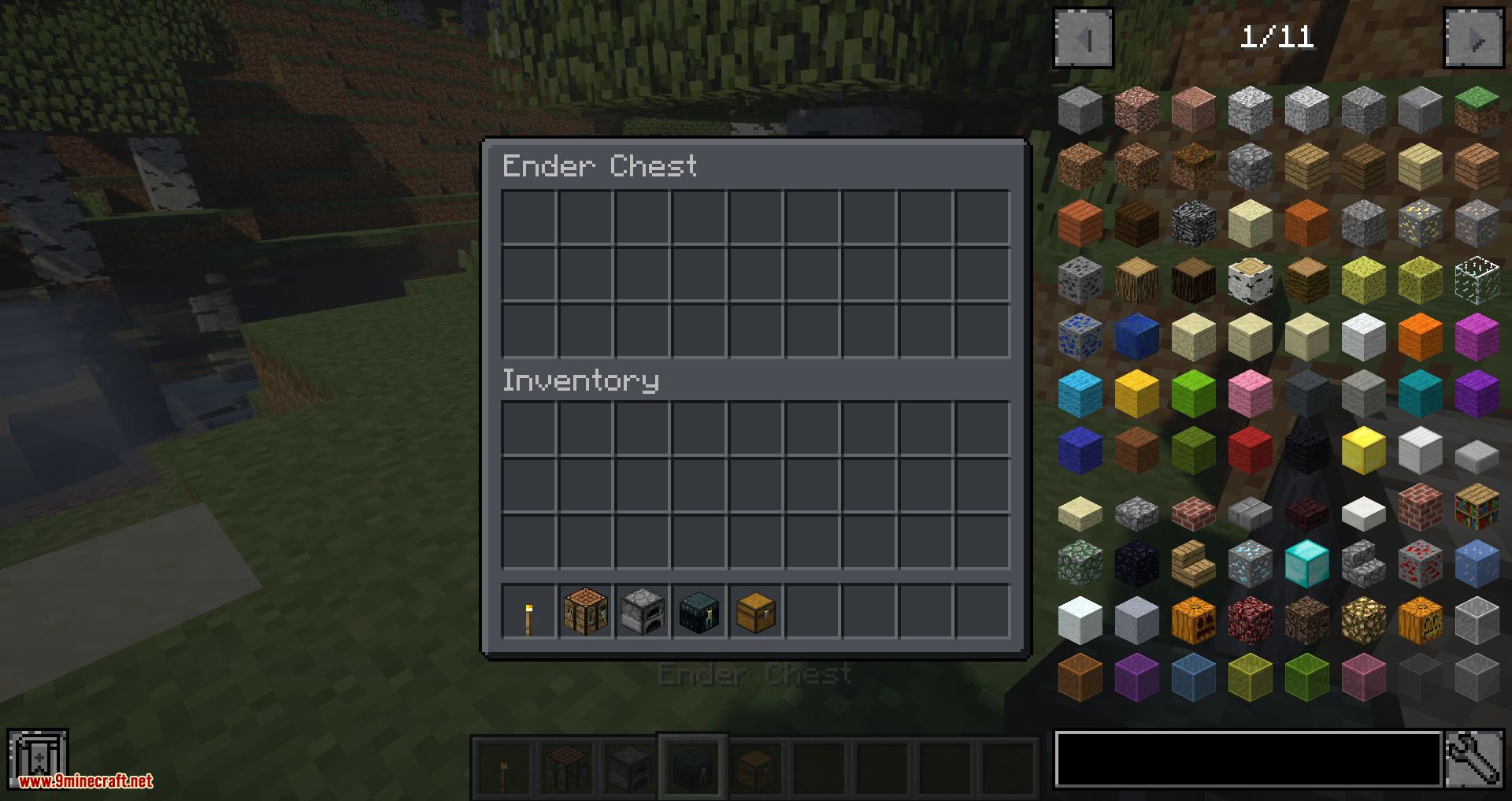
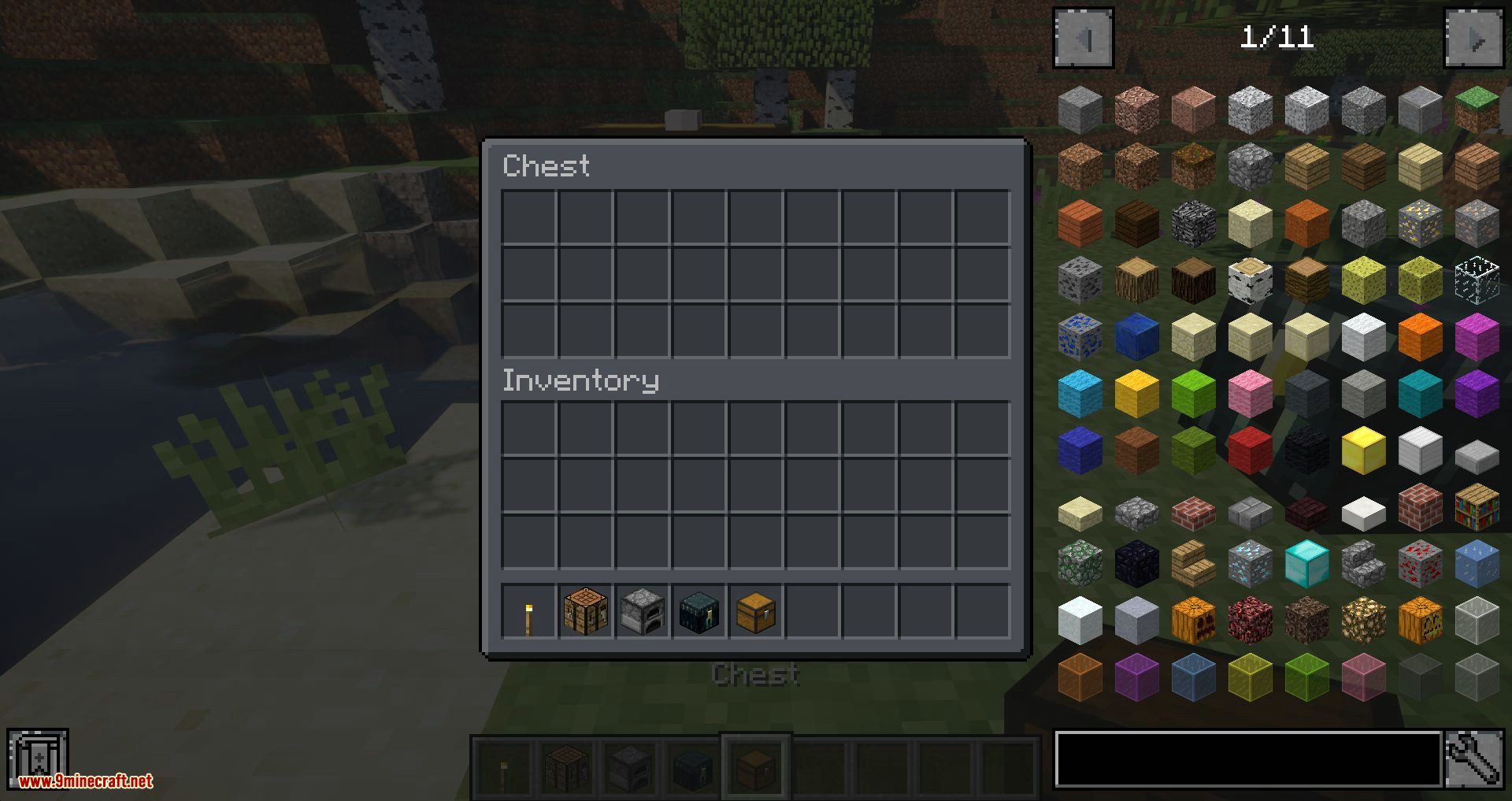
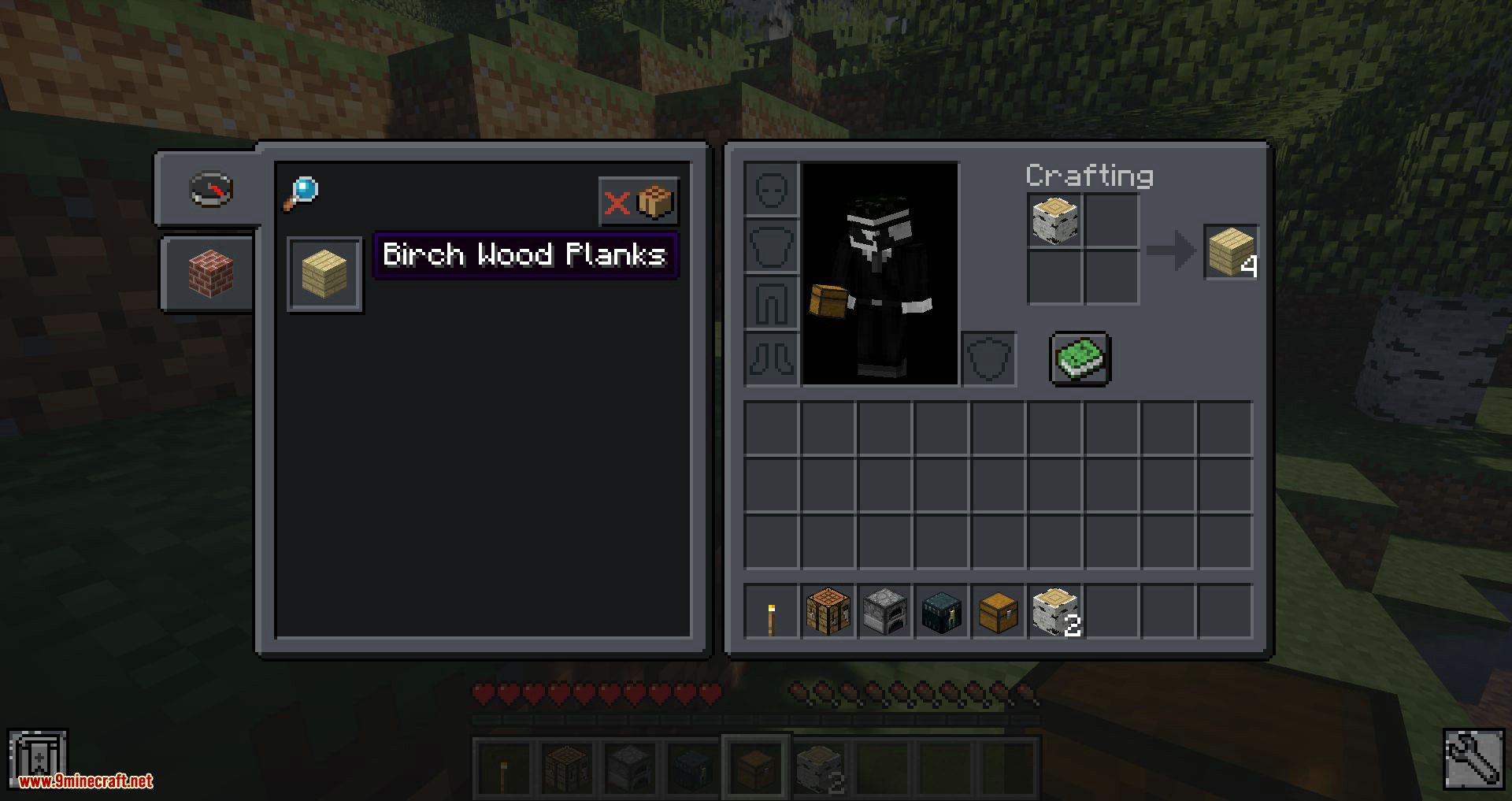
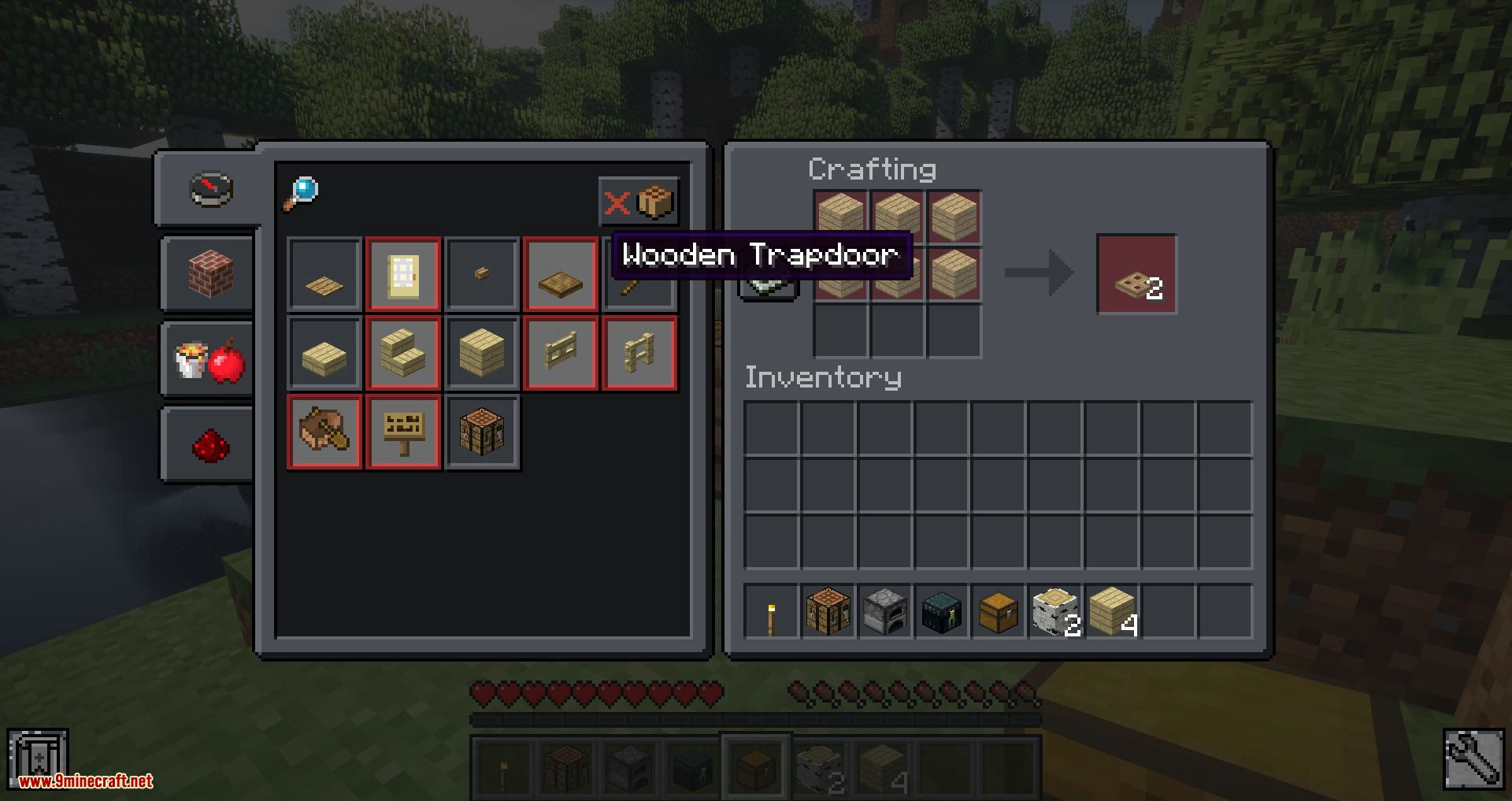
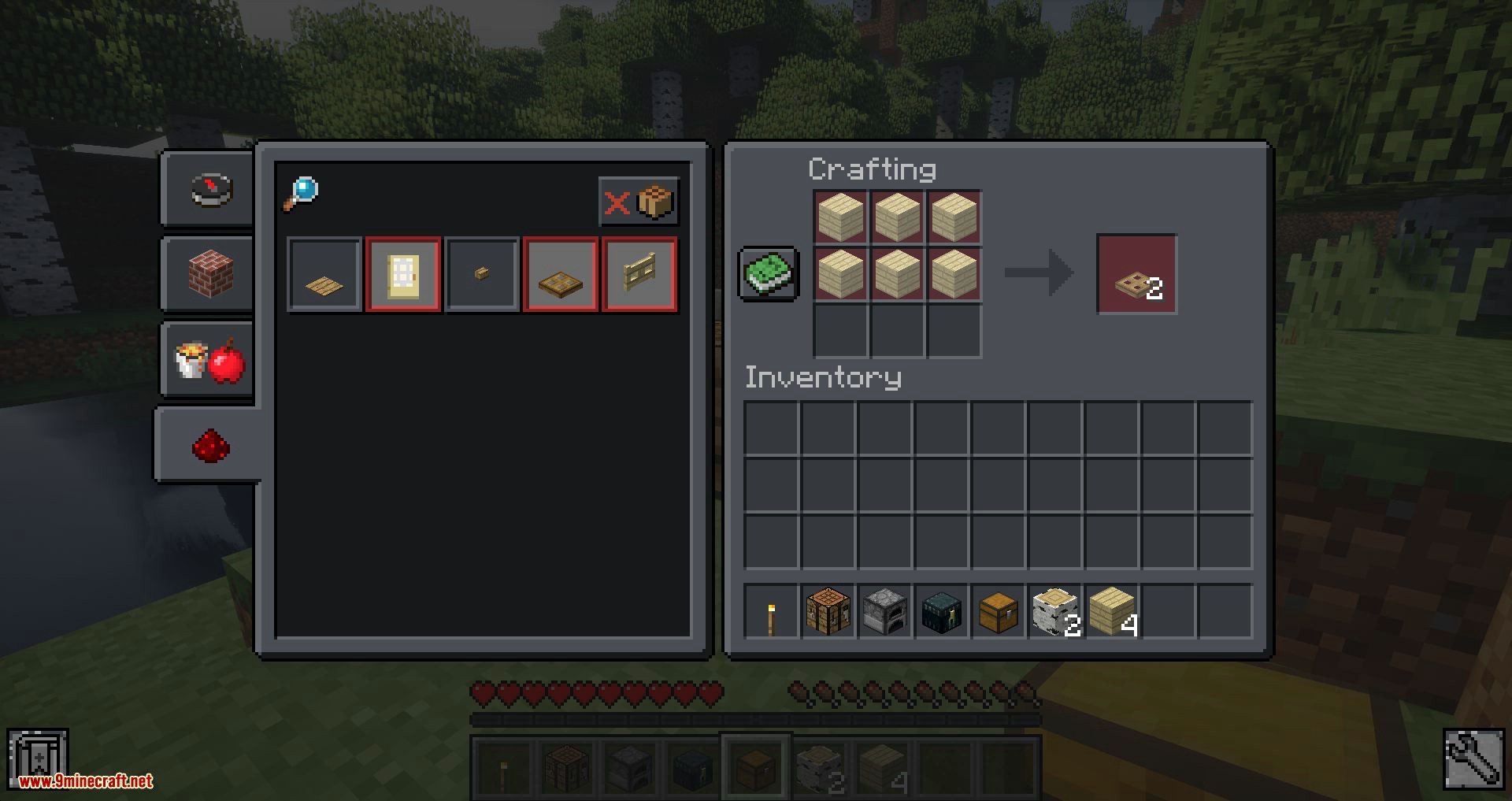
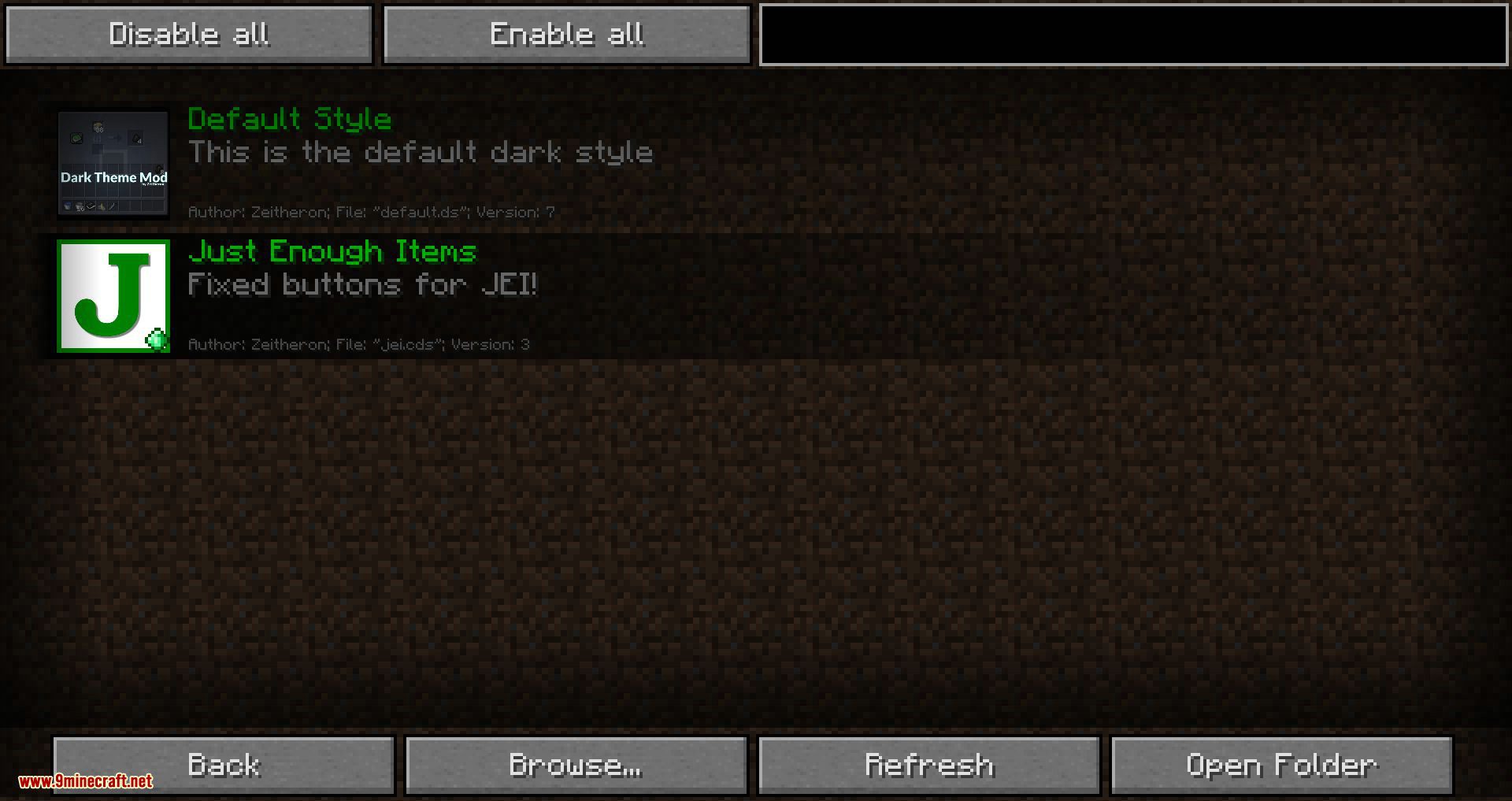
⬇ DownloadTired of boring Minecraft GUIs? Then it’s the perfect time to turn off the lights! Meet the new Dark Theme Mod! Dark as never before! Dark Theme Mod 1.12.2 turns most GUIs dark. It also provides support to most mods that use vanilla-like GUIs. Besides that, it is compatible with resource packs with a minor ‘if’: you need to write custom style if the resource pack uses different colors from vanilla. Also, all colors may be changed in /config/DarkThemeMod/styles/default.ds. (Open as a default text document)
Screenshots:

Dark Theme Mod 1.12.2 Download Links
For Minecraft 1.12.2
- Edition: Minecraft Java
- File type: .jar
- How to install: Install the matching mod loader (Forge, Fabric or NeoForge) for your Minecraft version. → Download the .jar. → Put it in the .minecraft/mods folder and launch that loader profile.
- Where to get it: In MC Java Mods, or directly above on this page.
Install steps are the general flow for this file type — How to install Minecraft Java mods & modpacks walks through it step by step.
- Downloads as 207377.mcaddon
- Download size: 250 KB
- Download link checked 24 Jul 2026 — working
- Mirrored on our own servers — the download does not depend on the original host
These come from our own check of the pack file, not from the source page.