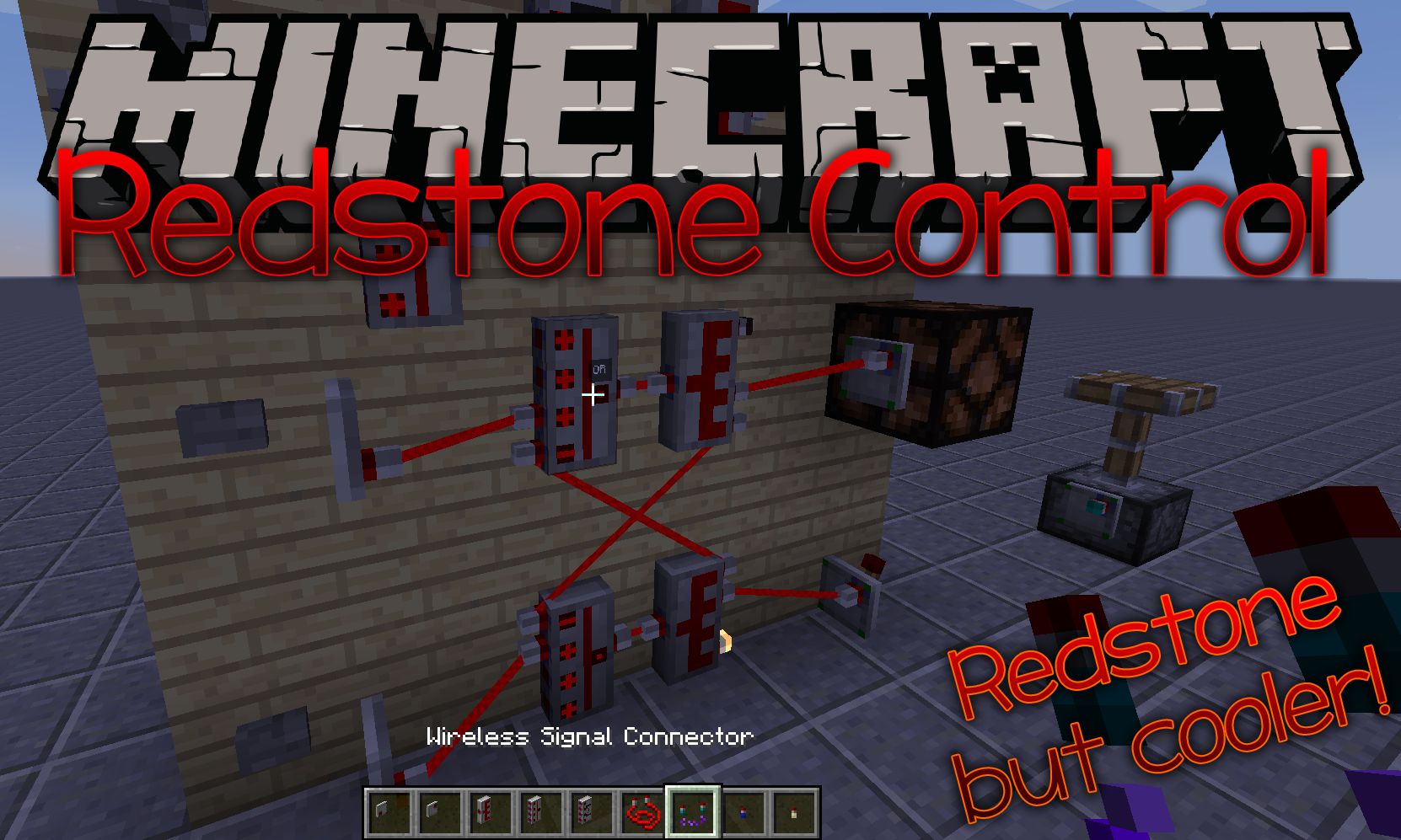
Redstone Control Mod 1.12.2 is a remake of Automated Redstone that aims to make everything better with a new wire system and totally new design.
It comes as a new mod rather than an update because the author realized that fully integrating all the features into the new system would change pretty much everything. So he wanted to leave the burden of outdated documentation, backward compatibility and issues with people unsuspectingly updating to a new version, just to see their world wrecked, behind.
(This mod uses a different mod ID than Automated Redstone so could actually install both at the same time if you need certain features from A.R. that are not yet implemented here.)
Features:
Current Features:
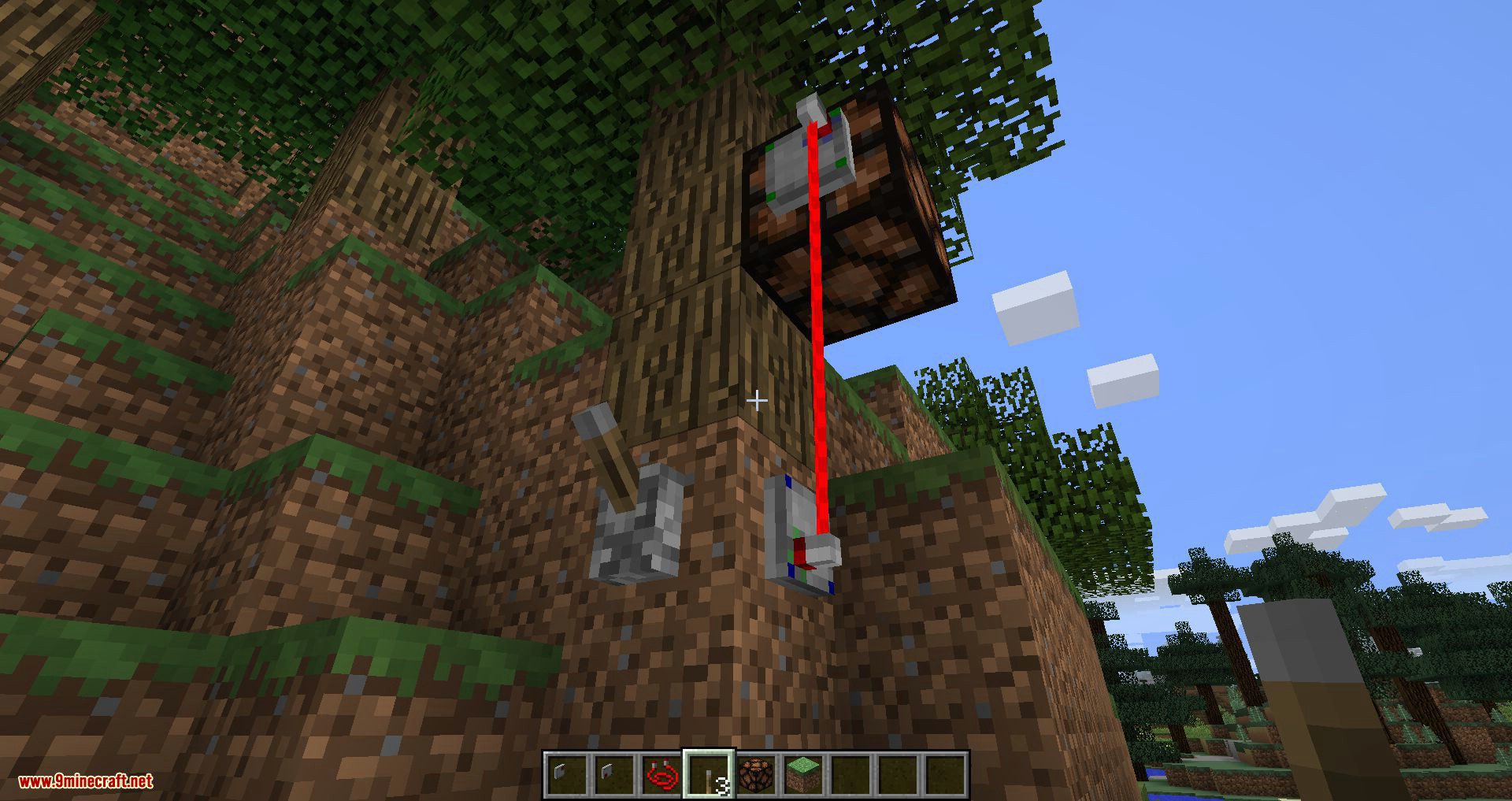
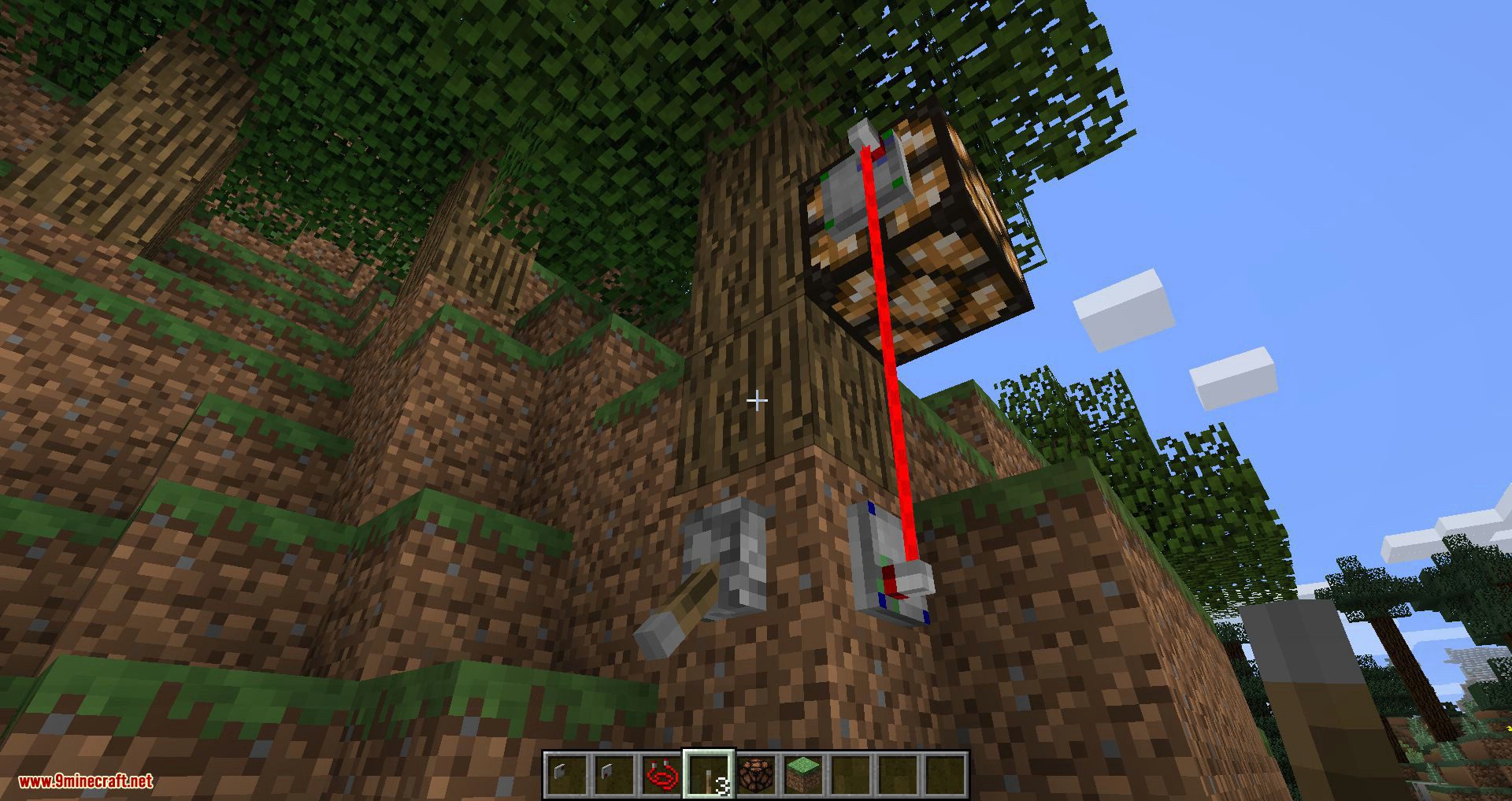
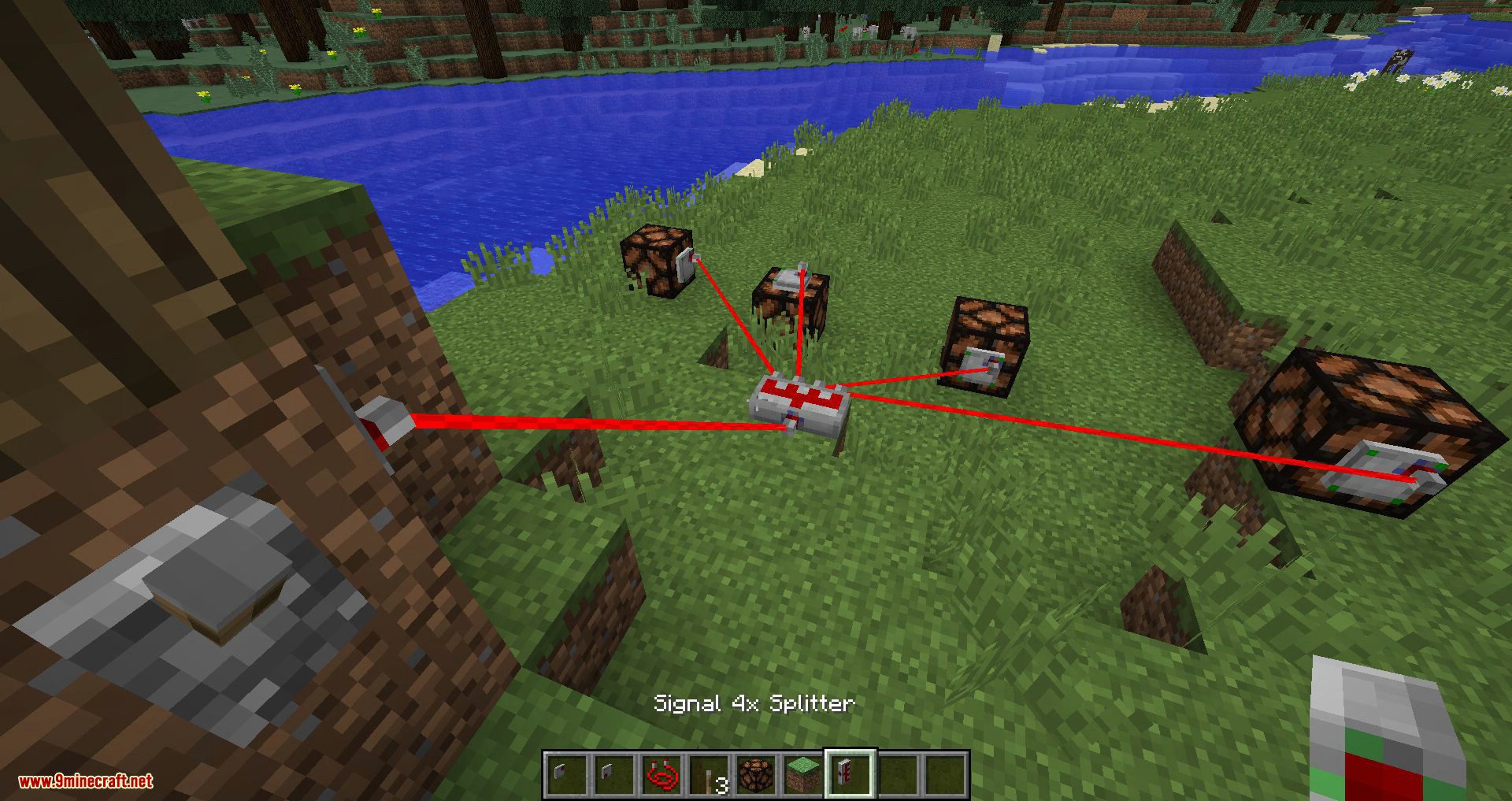
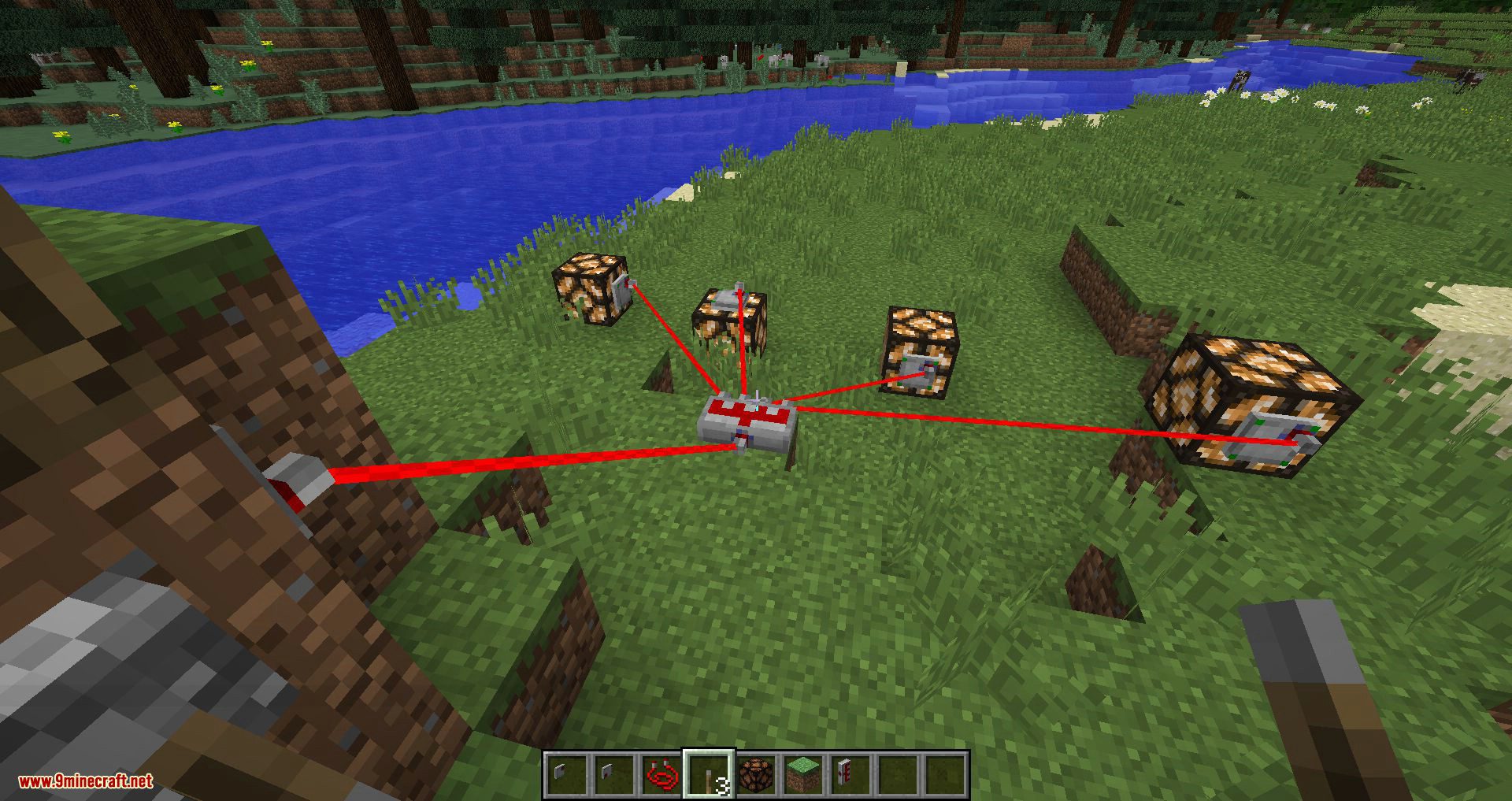
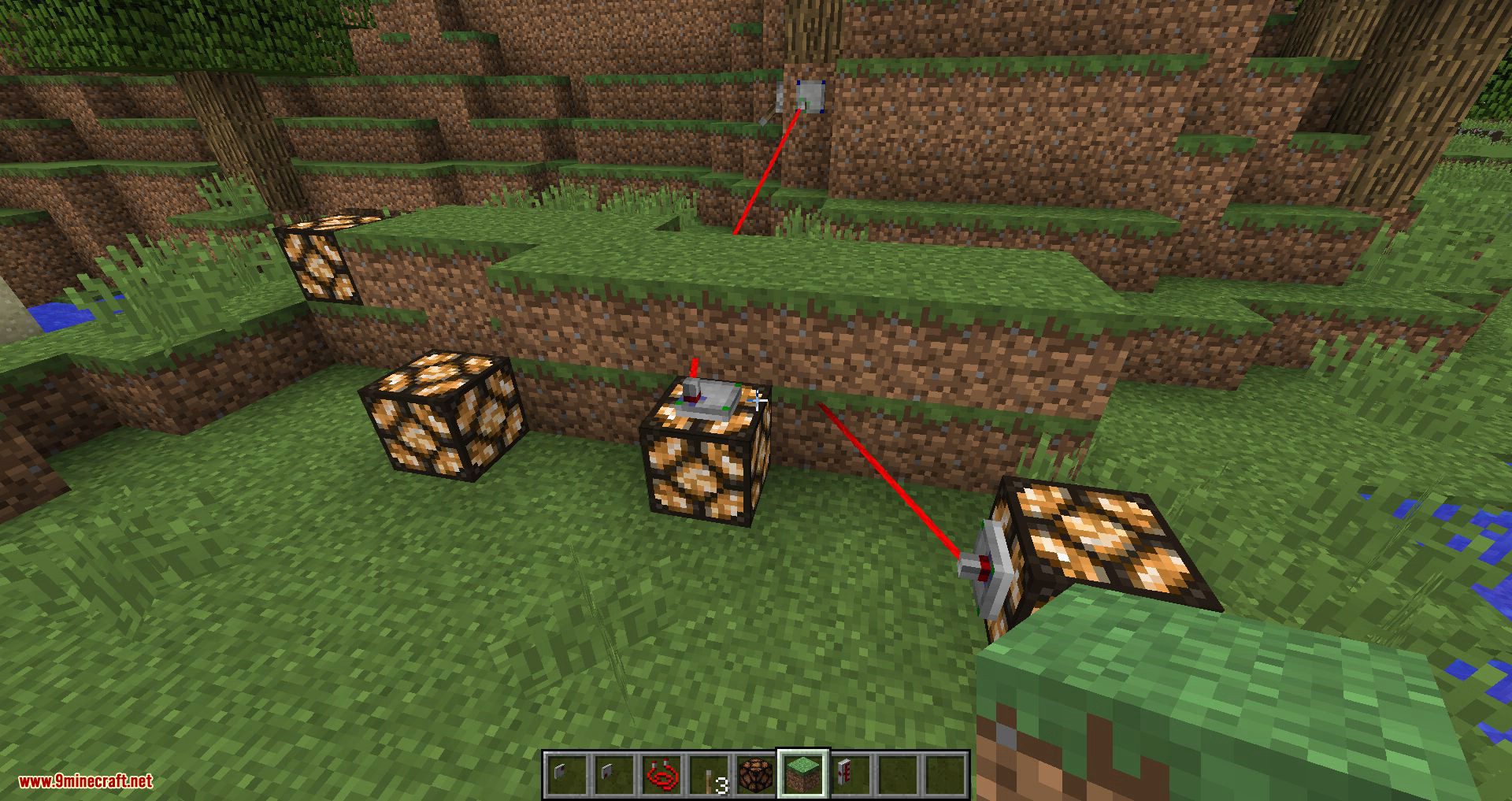
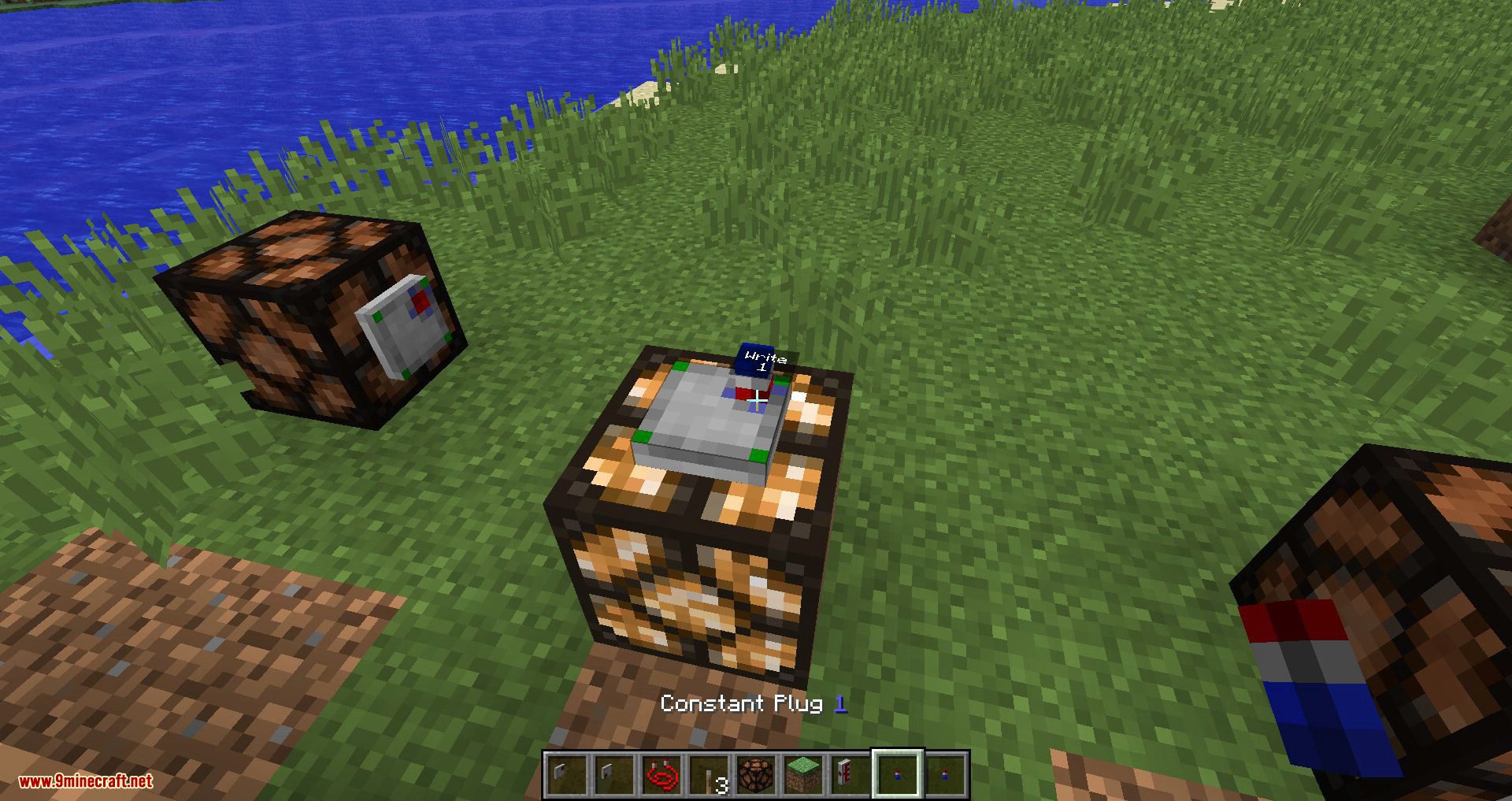
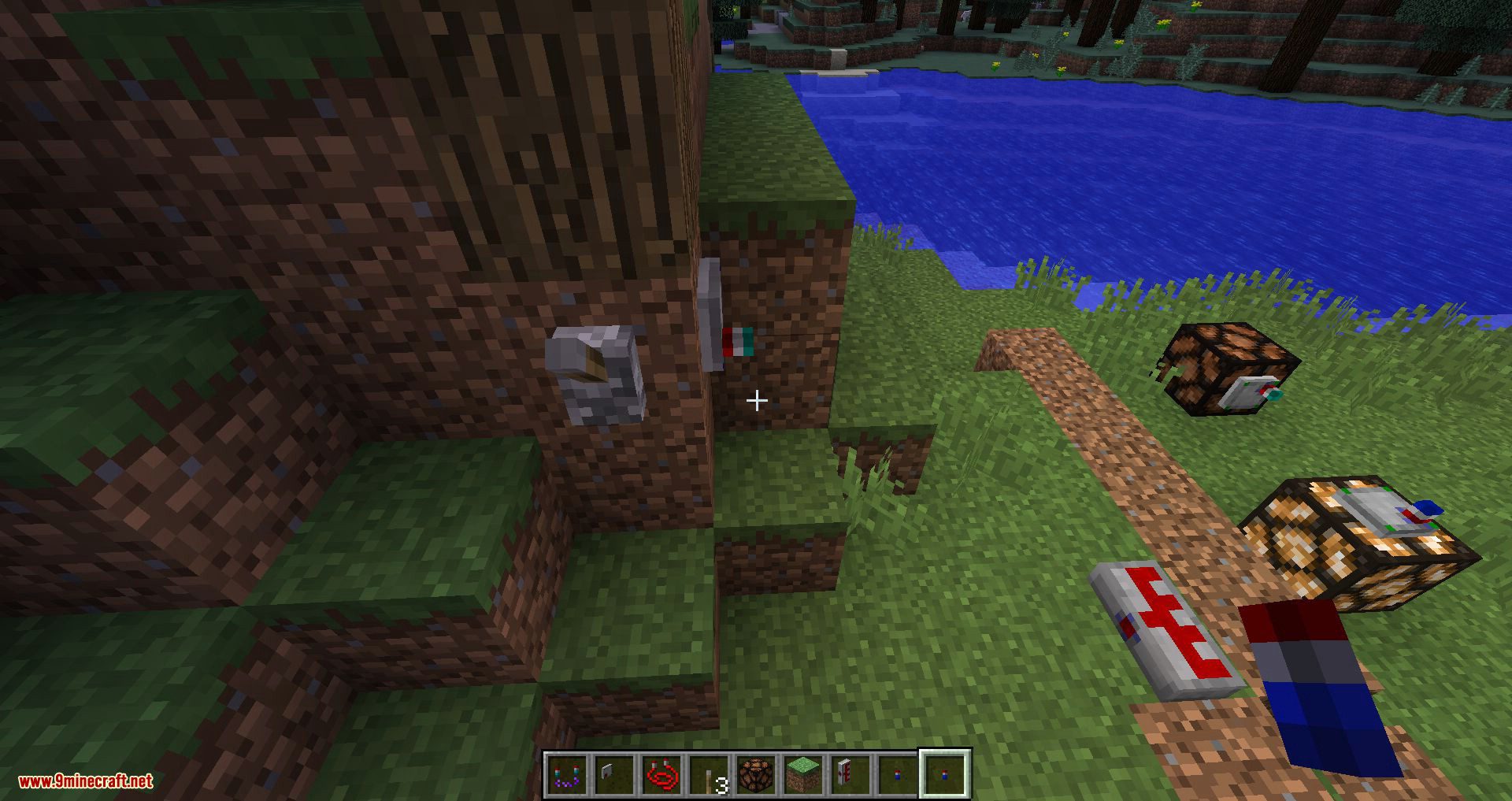
- Transmitting Redstone Signals between sockets and devices with a point to point wire system similar to Immersive Engineering.
- Signals are not limited to the vanilla 0-15 range.
- Connections are no longer bound to the 6 block faces (so no overcomplicated side configuration anymore, yay!)
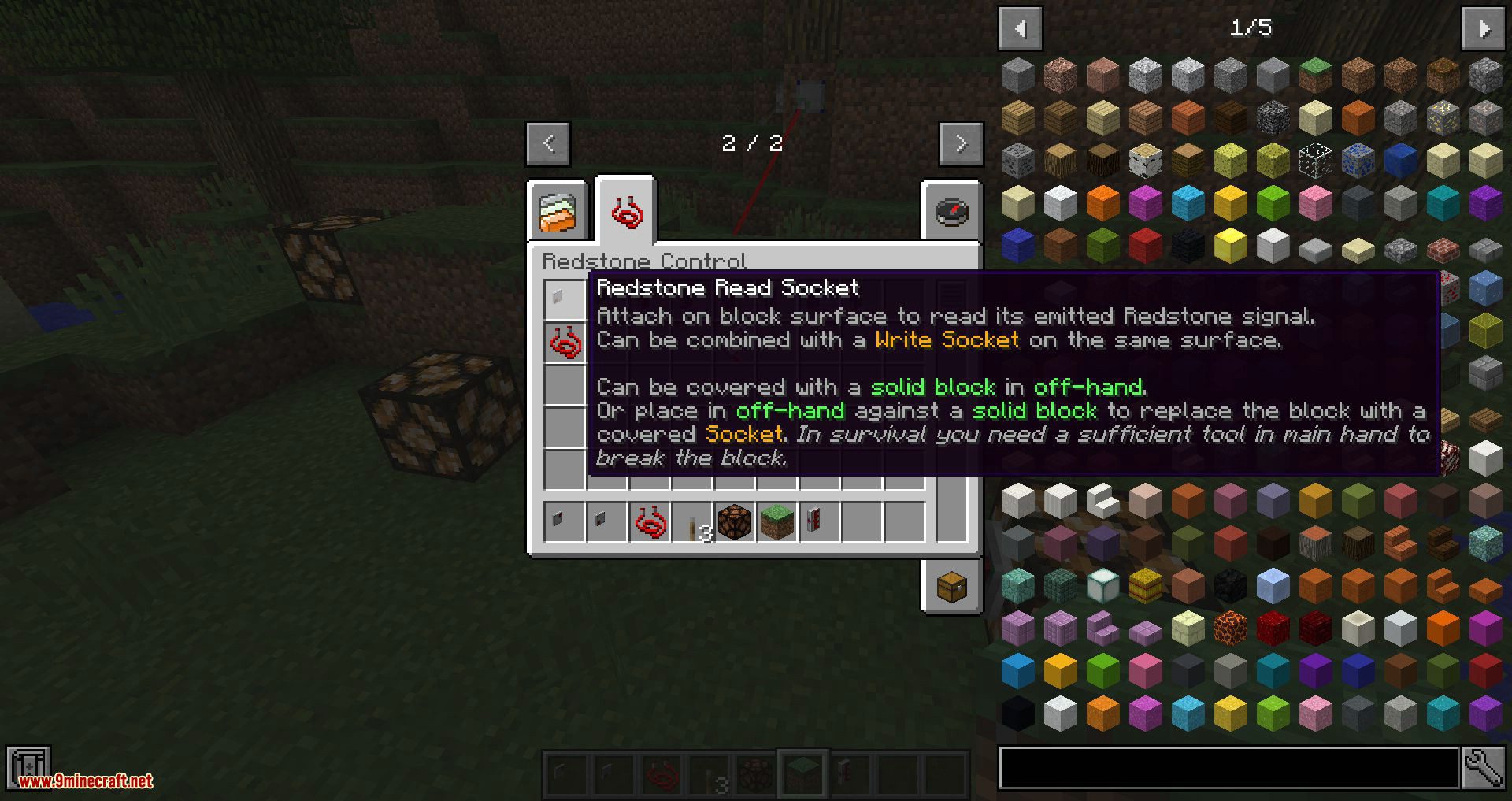
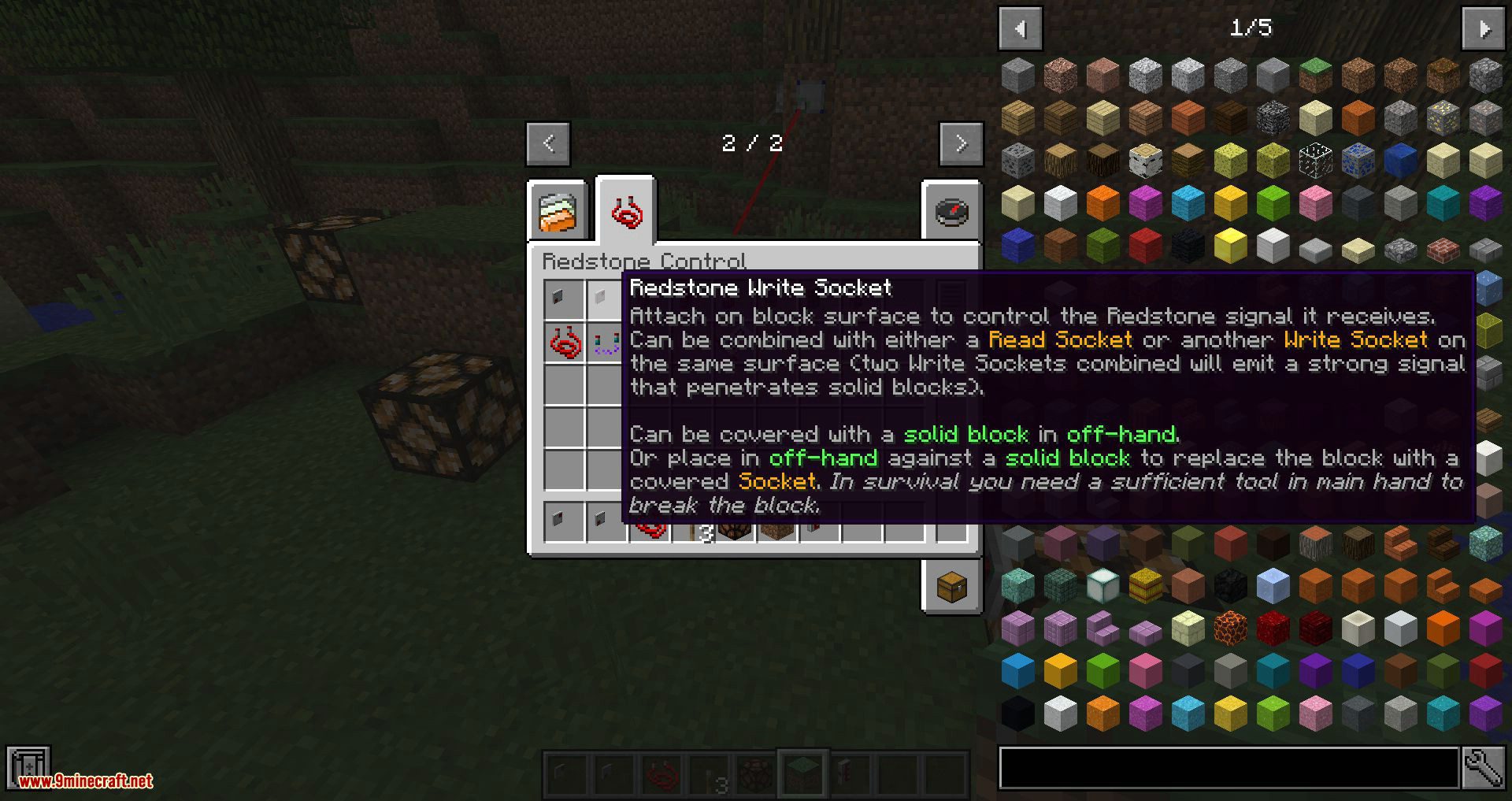
- In-World interaction with ports and control elements instead of window-based GUIs
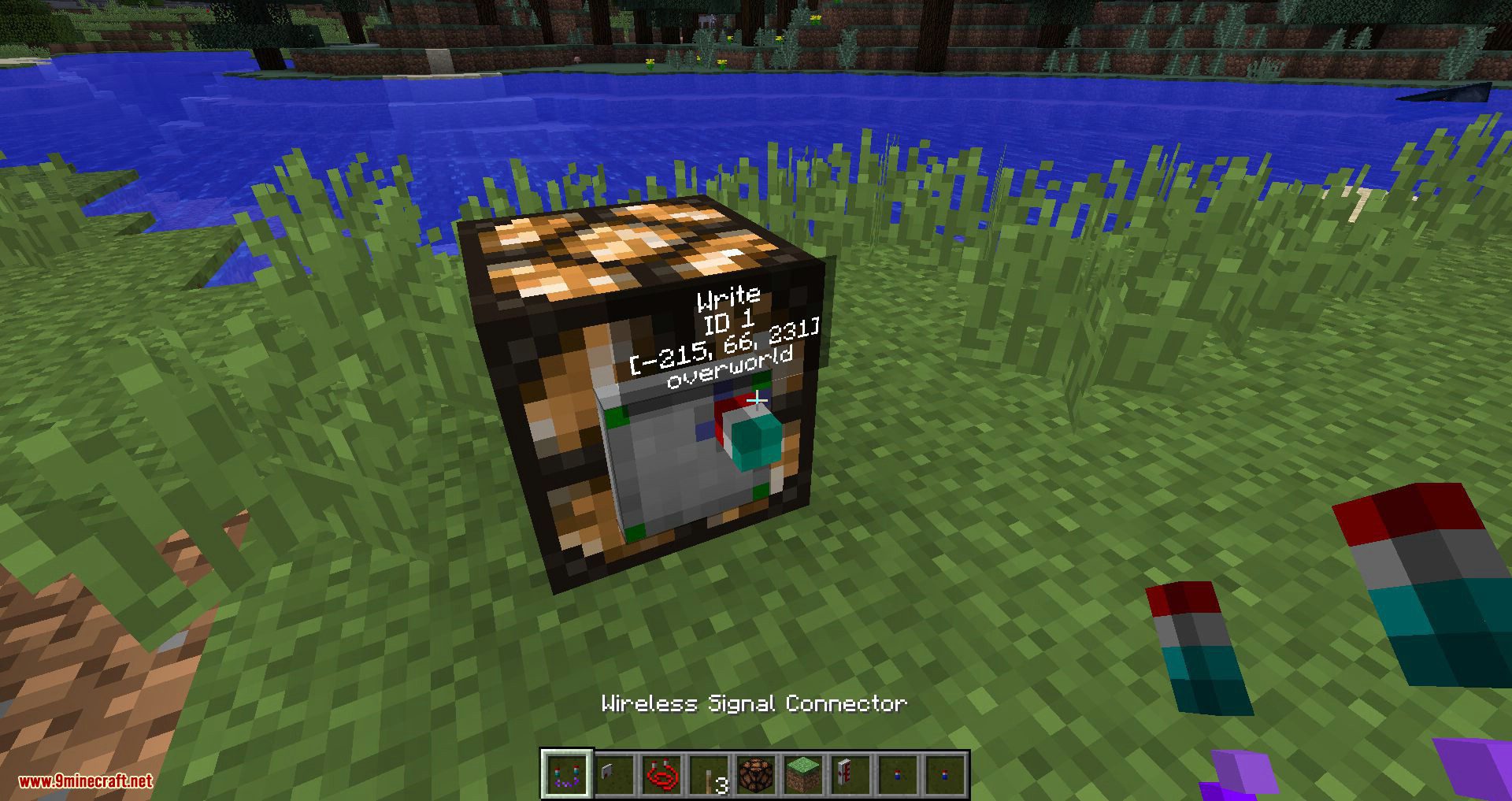
- Inter-dimensional wireless signal transmission.
- Logic gates and Analog adding/subtraction gates.
- Wire anchors and signal name tags for more organized and aesthetic wiring.
- Compact circuits that are programmed in a data flow-oriented way using graphical block diagrams. The new system will get rid of the unintuitive sequential gate evaluation that Automated Redstone had and better performance use runtime compilation directly into Java Virtual Machine byte code instead of inefficient emulation.
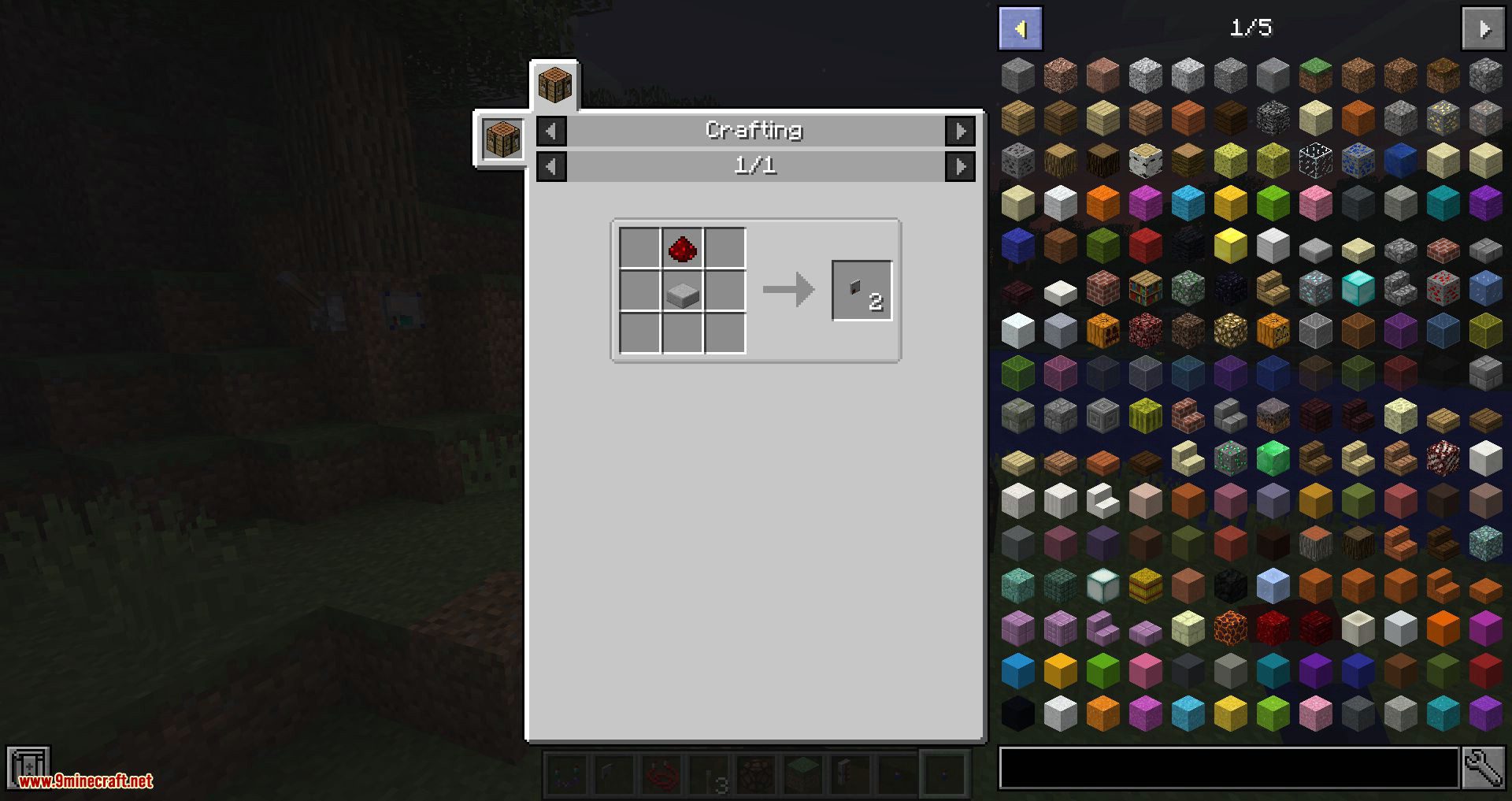
- Remote Comparator as well as Energy, Fluid and Item Sensors.
Planned Features:
- Several Signal control and display devices like 7 Segment display, Power bars, Lamps, Oscilloscope Graph, Clock dial, Analog pointer display, Slider, Keypad, Buttons, etc. So basically everything you need for your mad scientist control room.
- Revive the Valves from Automated Redstone.
Screenshots:
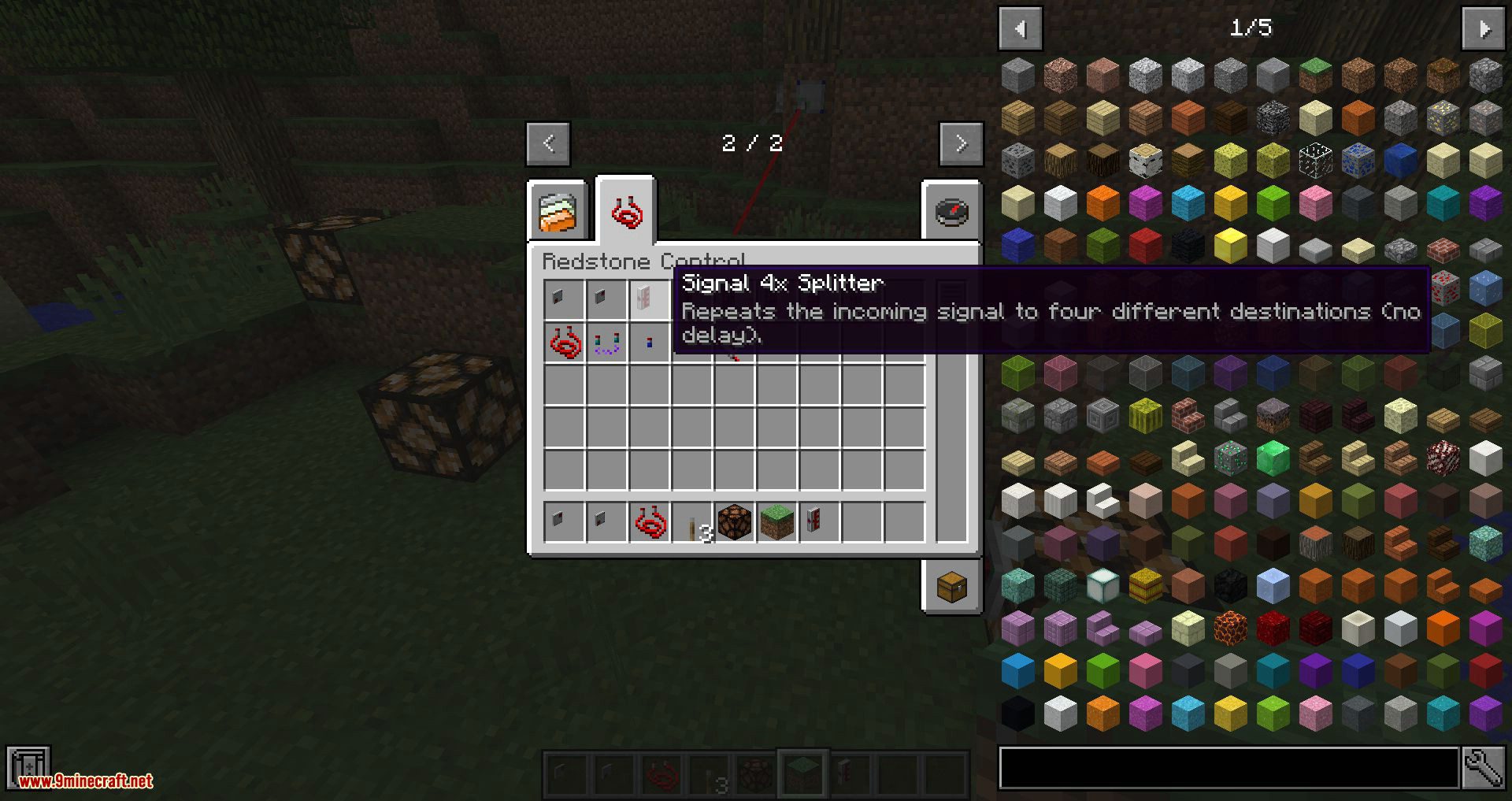
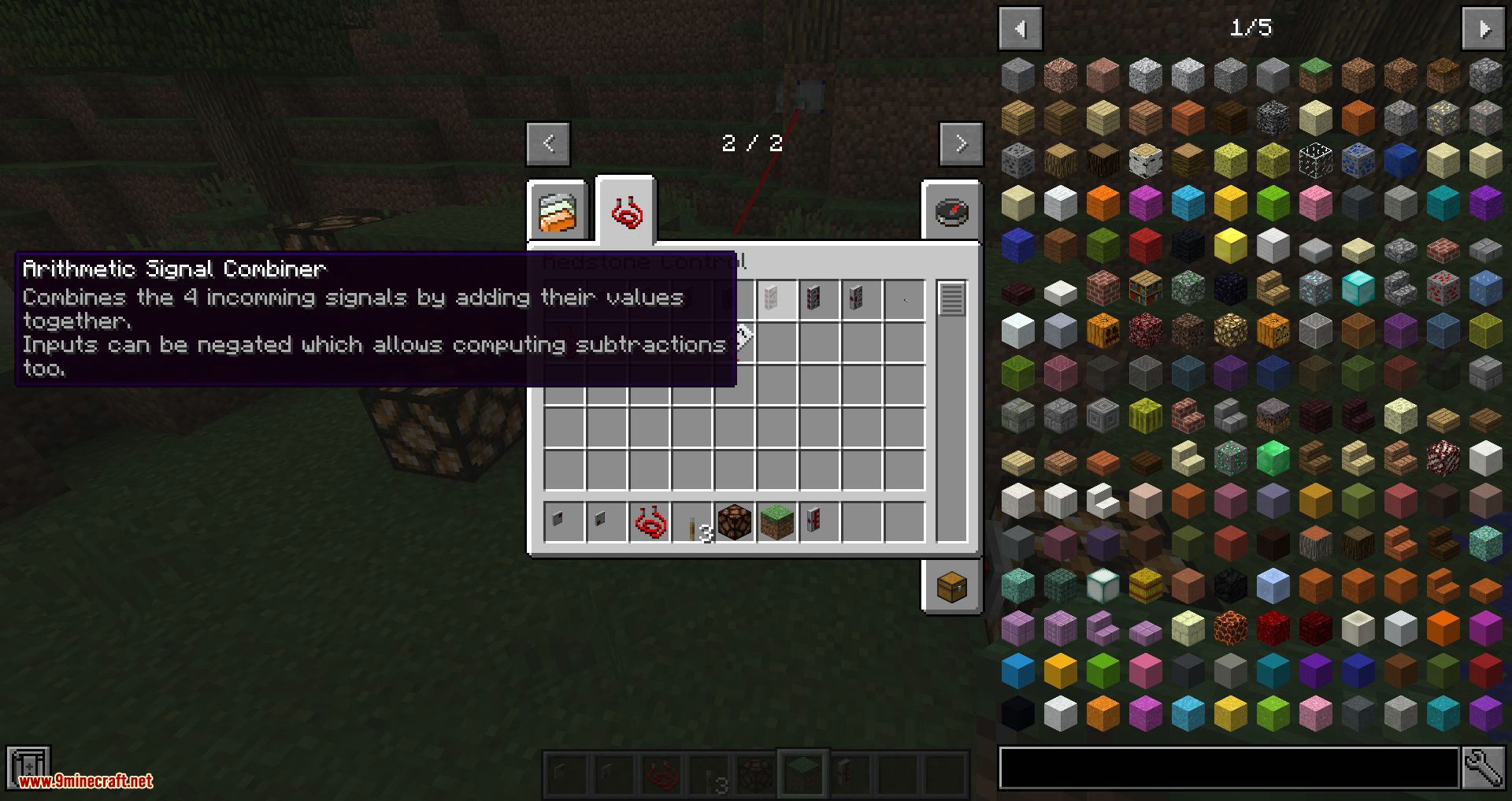
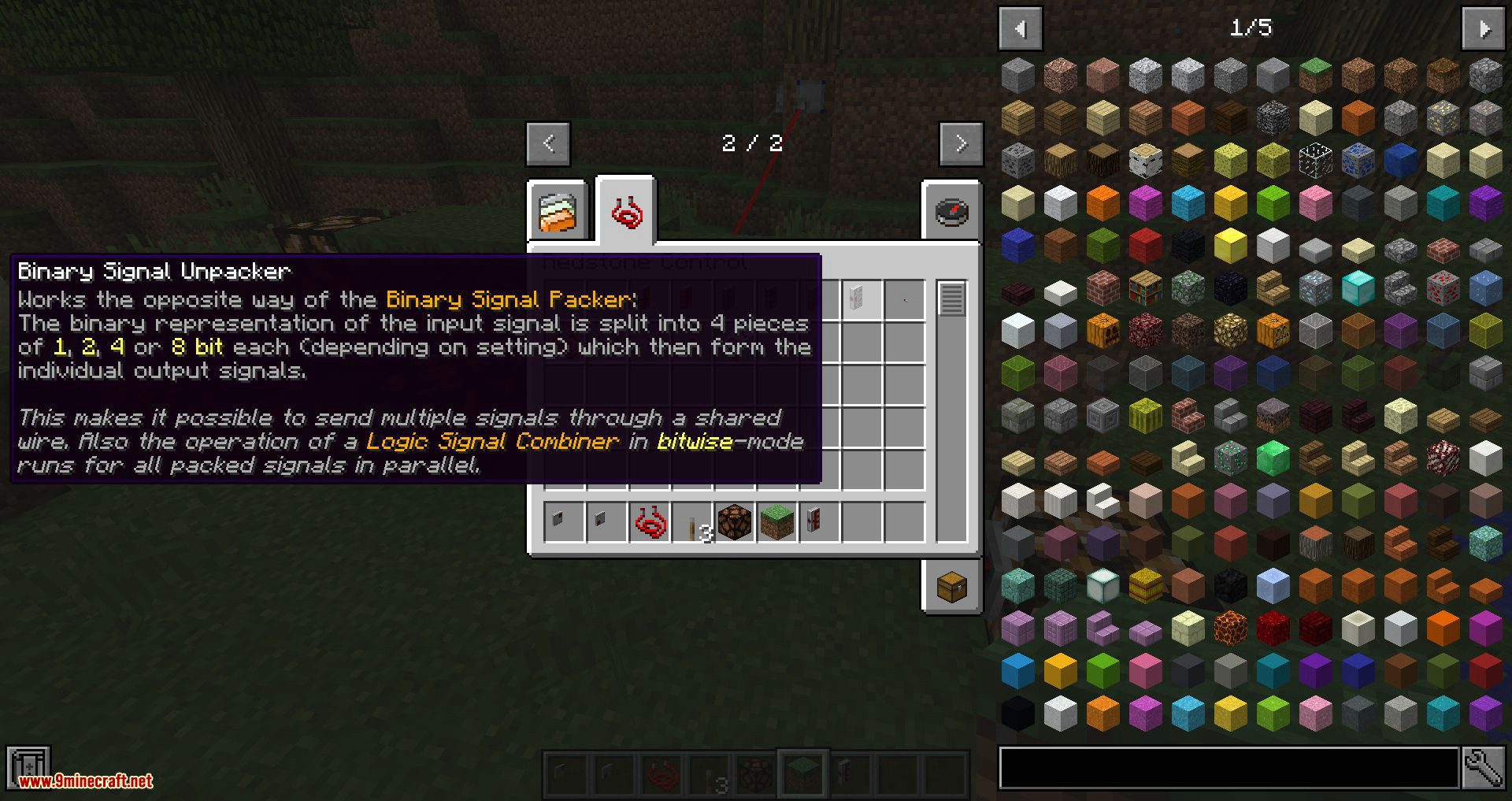
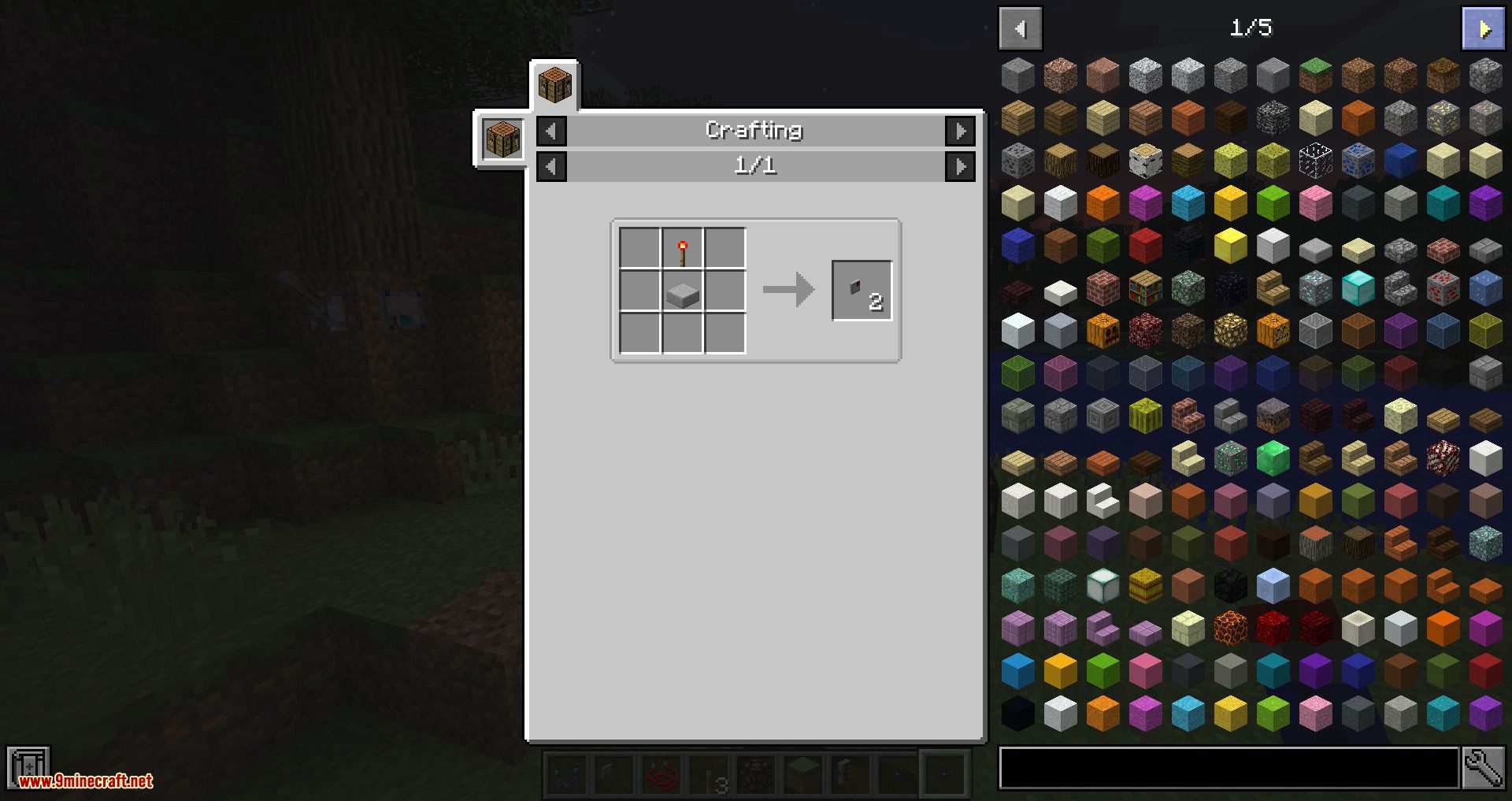
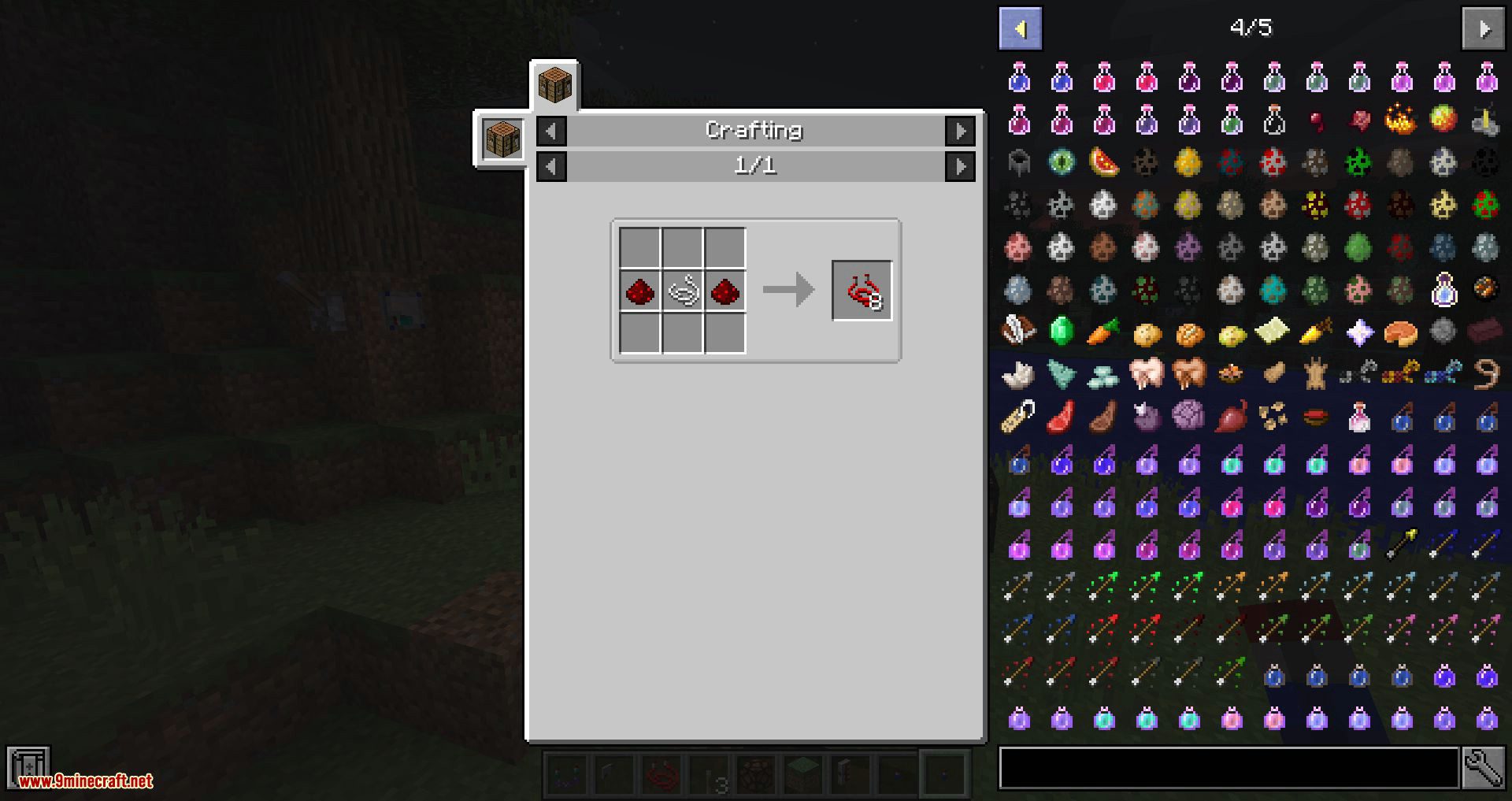
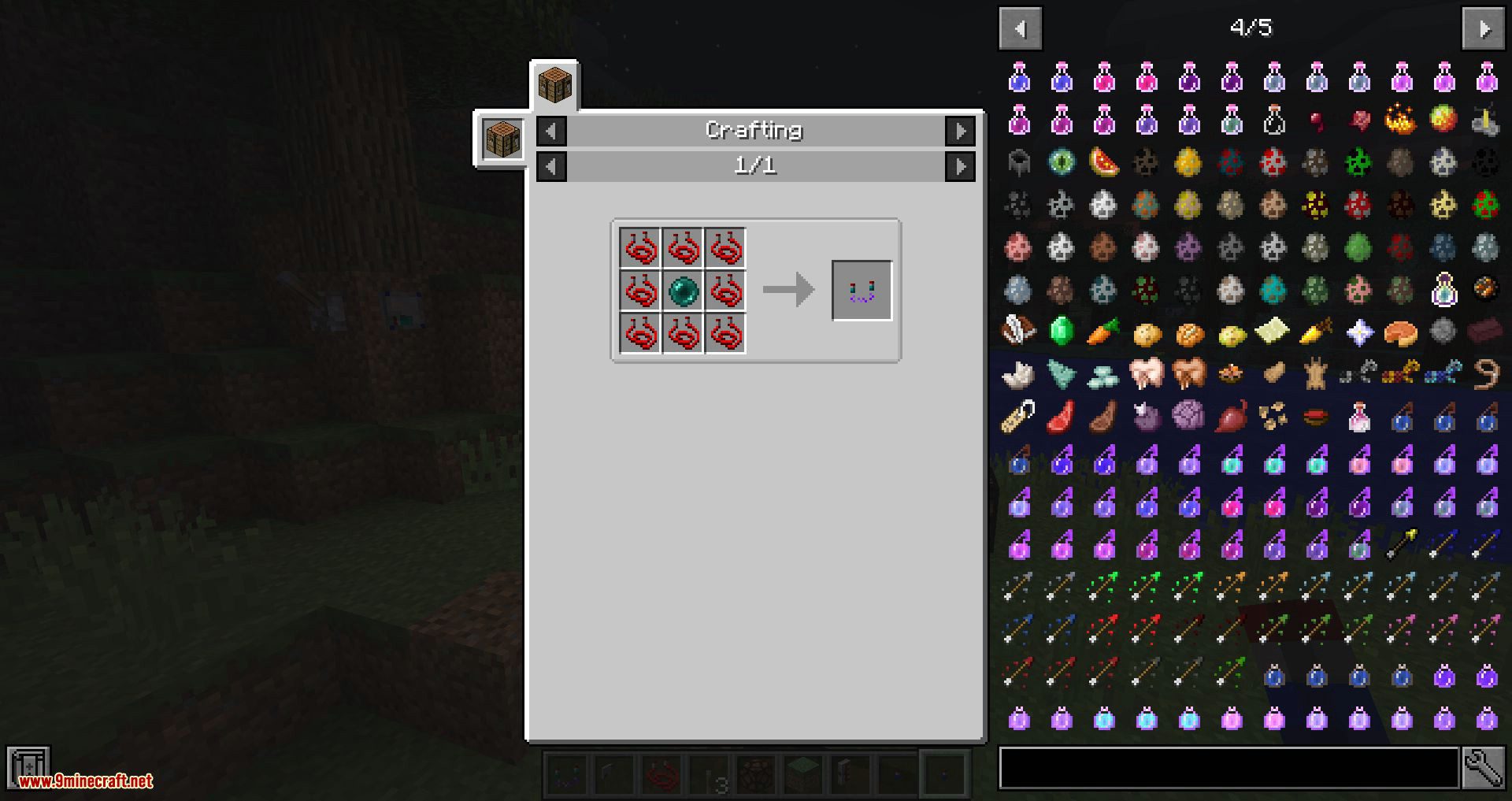
Requires:
Minecraft Forge
Redstone Control Mod 1.12.2 Download Links
For Minecraft 1.12.2
- Edition: Minecraft Java
- File type: .jar
- How to install: Install the matching mod loader (Forge, Fabric or NeoForge) for your Minecraft version. → Download the .jar. → Put it in the .minecraft/mods folder and launch that loader profile.
- Where to get it: In MC Java Mods, or directly above on this page.
Install steps are the general flow for this file type — How to install Minecraft Java mods & modpacks walks through it step by step.
- Downloads as 207418.mcaddon
- Download size: 915 KB
- Download link checked 30 Jul 2026 — working
- Mirrored on our own servers — the download does not depend on the original host
These come from our own check of the pack file, not from the source page.