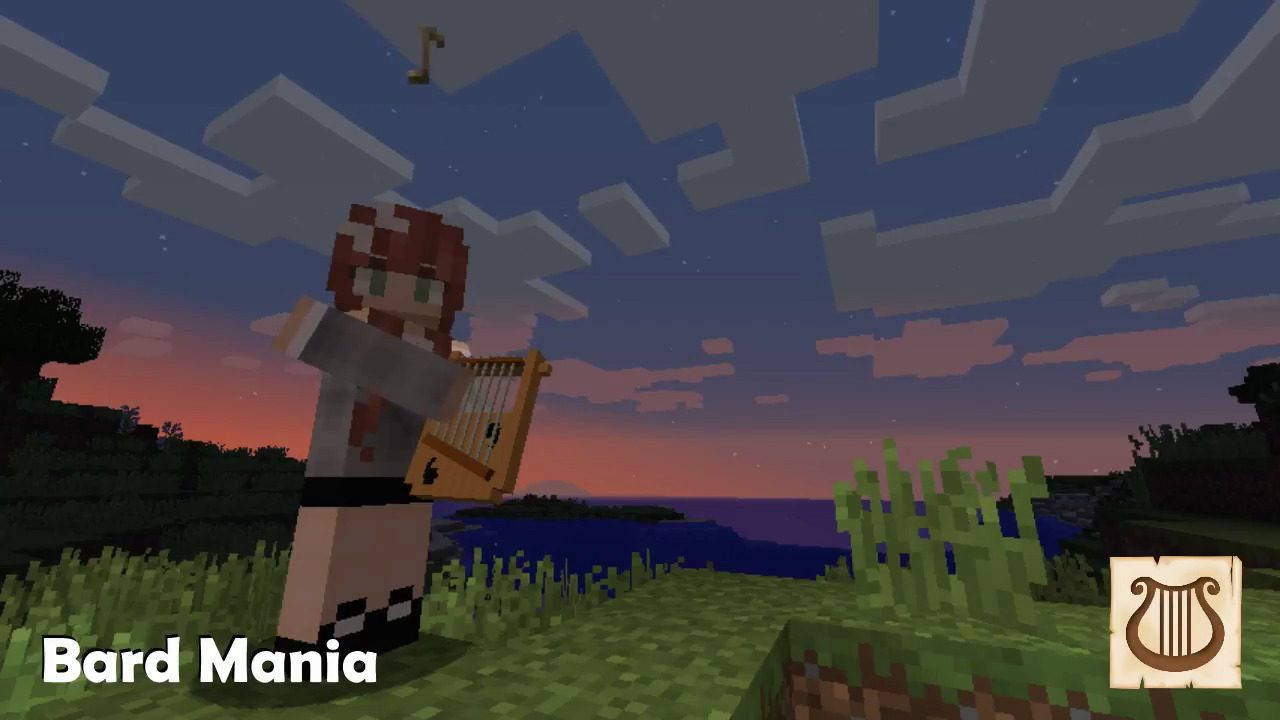
Bard Mania Mod 1.12.2 adds playable musical instruments that you can play from a computer keyboard and/or an attached MIDI keyboard. The playable range is two octaves.
Features:
- Animated player movements
- Equip and remove instrument.
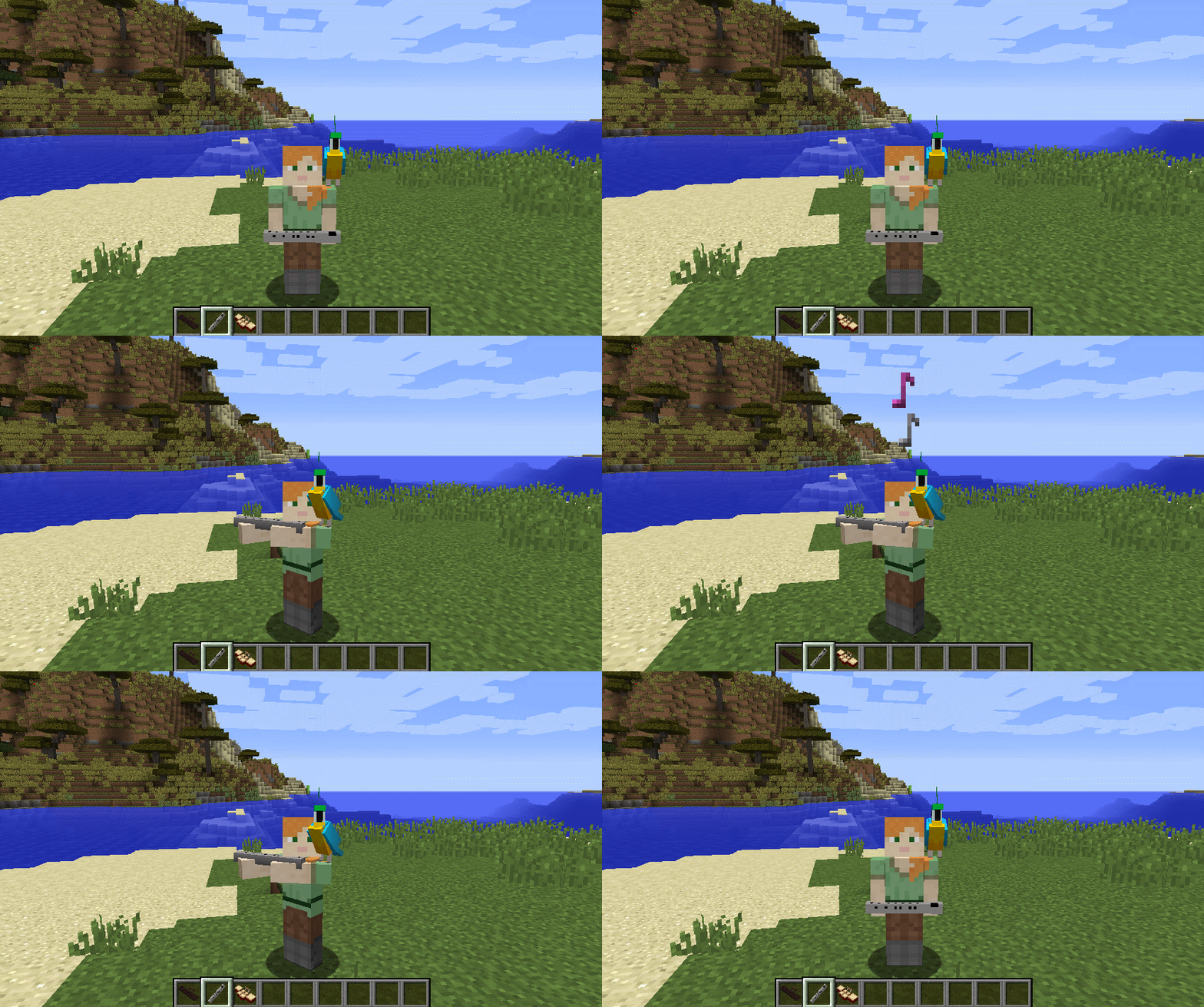
- Play animation. The arms move when notes are played.
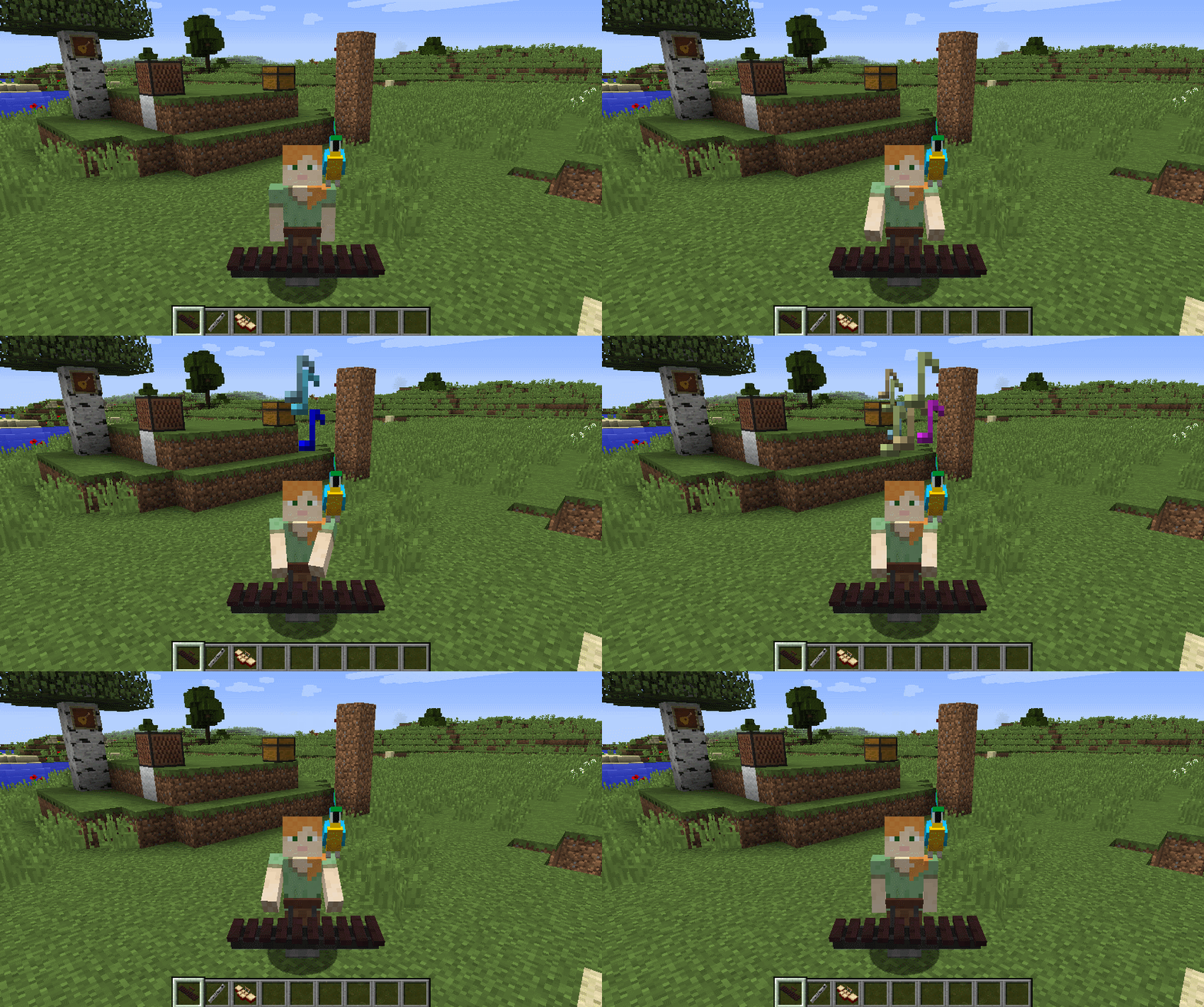
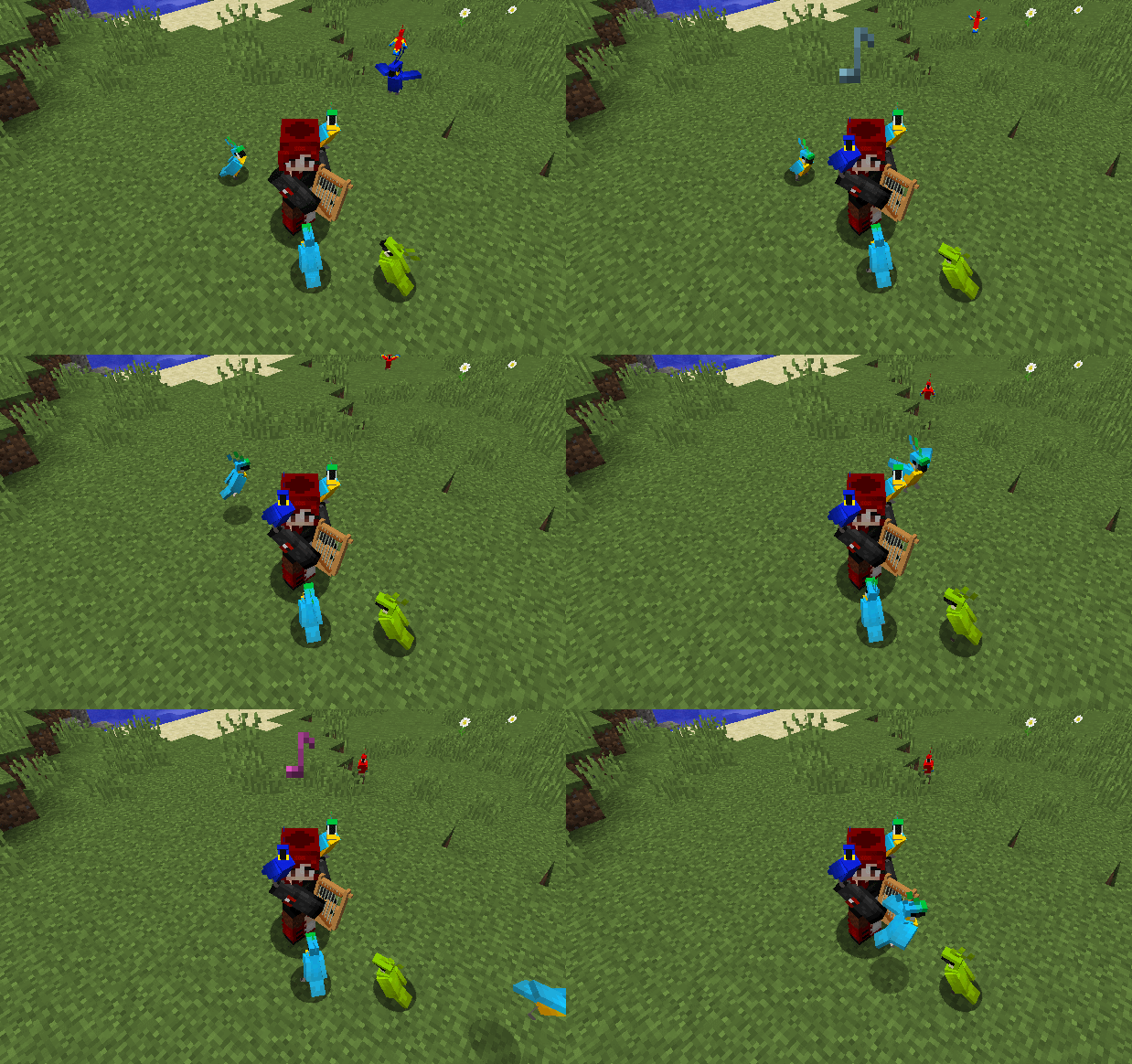
- When playing music, parrots around the player will dance.
- Multiplayer support (What better way to impress your friends with your virtuoso musical skills)
Requests:
- Musical NPC.
- ABC Music.
- Sustained notes for recorder, flute.
- Localize the model setup and play midi GUI’s.
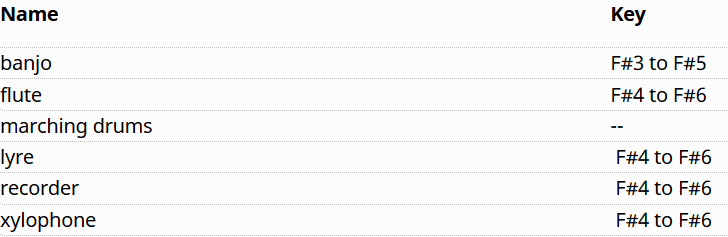
Instruments:
Playing Instruments:
Hold the instrument in the players main hand.
- Right-Click to equip the instrument for playing
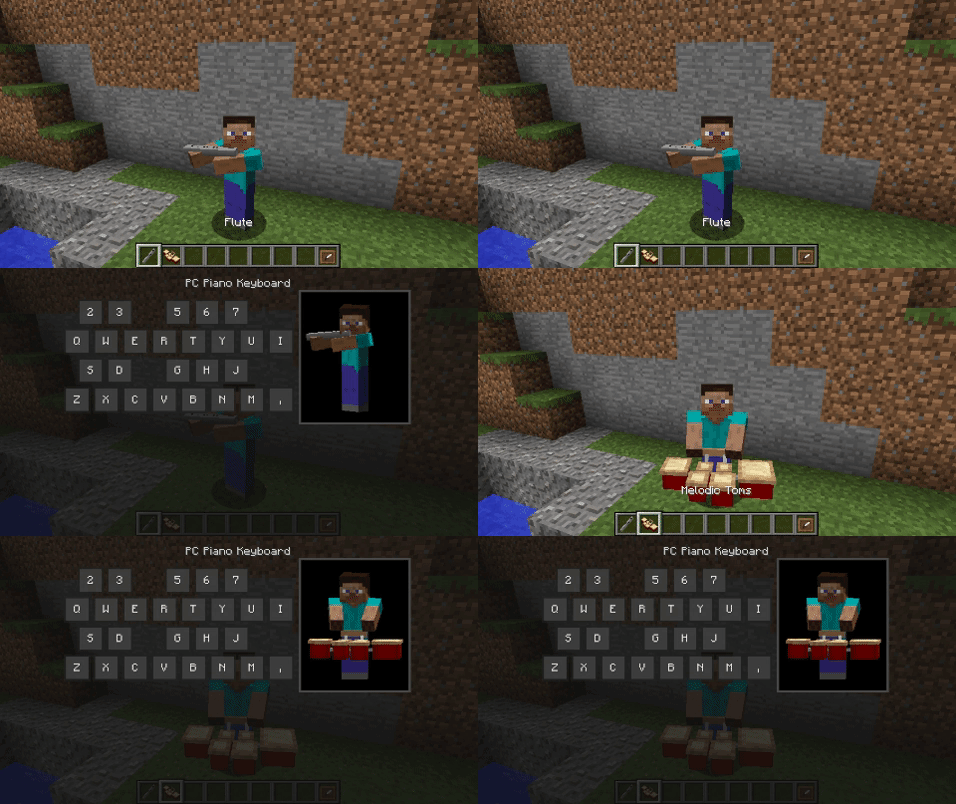
- PC Keyboard Mode (default) – GUI opens, then press the keys on the PC keyboard or mouse over the key names and left-click them to play. Press the ‘Esc’ key to exit the GUI.
- MIDI Mode – If your PC and MIDI keyboard are setup correctly just play normally. To stop playing either switch to another hot-bar slot, or Right-Click to unequip the instrument.
- Shift-Right-Click toggles the input mode between MIDI and PC Keyboard.
The volume level of the instruments is adjusted using the Players volume slider in the Minecraft Options | Music & Sounds dialog.
MIDI Support:
The MIDI implementation in this mod is promiscuous. When active the mod opens any non-sequencer devices and listens on all channels. This can can be adjusted via the mod configuration GUI or file.
- MIDI note range is 49-72 (2 octaves mapped to the Minecraft key of F#. See table above.)
- MIDI channels 1-16
Screenshots:
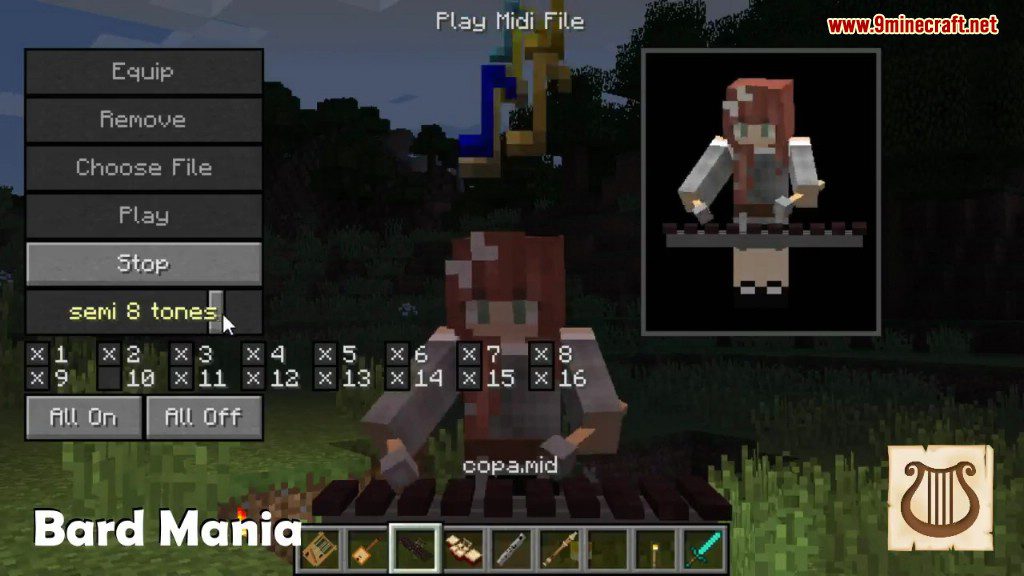
Mock-up of the PC Keyboard GUI. Flute and Melodic Toms as equipped and ready to play
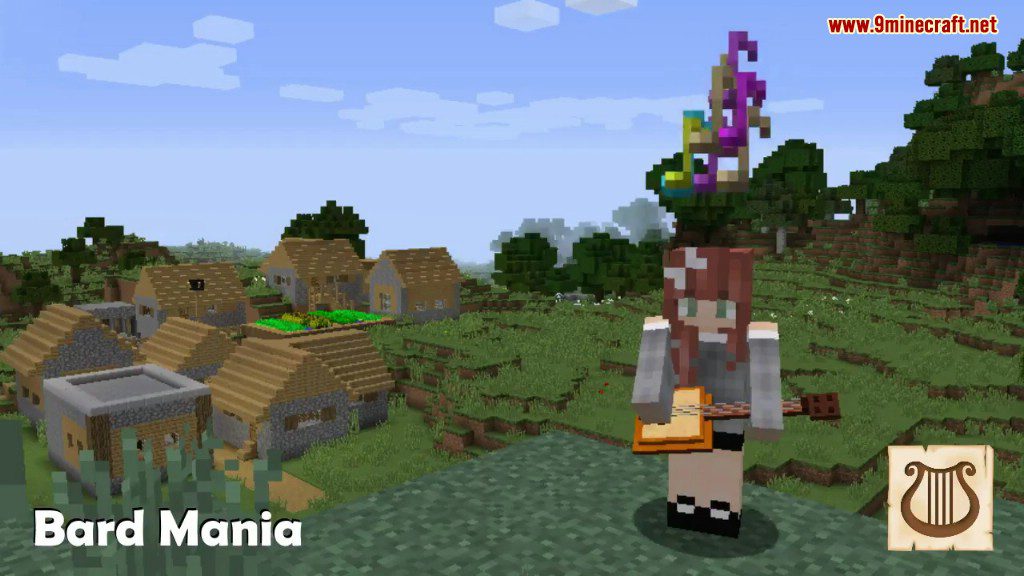
Flute Animation
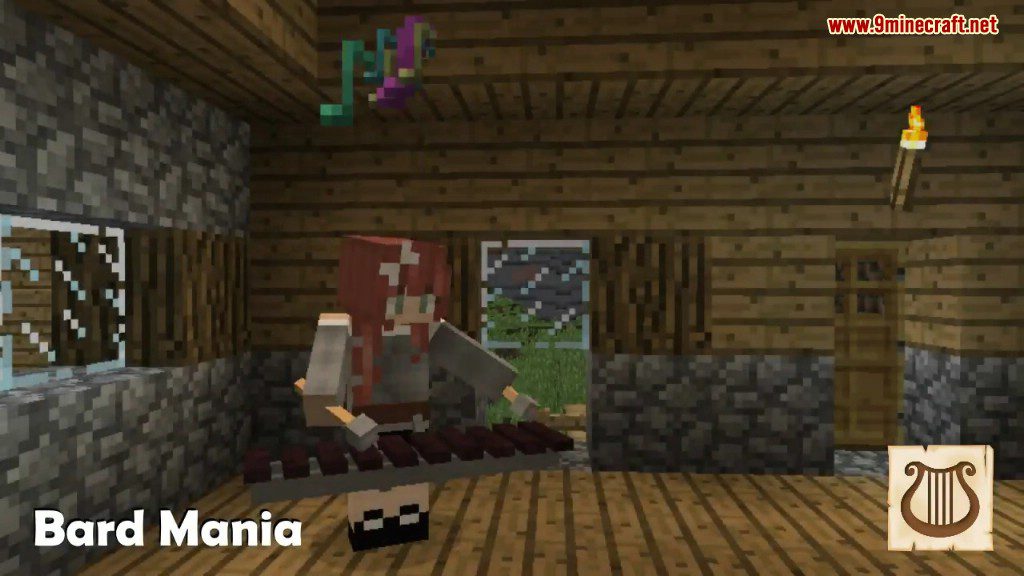
Xylophone Animation
Parrot Dance: Parrots will dance when you play an instrument.
Bard Mania Mod 1.12.2 Download Links
For Minecraft 1.12.2
- Edition: Minecraft Java
- File type: .jar
- How to install: Install the matching mod loader (Forge, Fabric or NeoForge) for your Minecraft version. → Download the .jar. → Put it in the .minecraft/mods folder and launch that loader profile.
- Where to get it: In MC Java Mods, or directly above on this page.
Install steps are the general flow for this file type — How to install Minecraft Java mods & modpacks walks through it step by step.
- Downloads as 207487.mcaddon
- Download size: 477 KB
- Download link checked 30 Jul 2026 — working
- Mirrored on our own servers — the download does not depend on the original host
These come from our own check of the pack file, not from the source page.