
Cave Biomes Mod 1.17.1, 1.16.5 is a fabric mod that adds over 25 new cave biomes to enrich your Minecraft experience! Explore brand new cave variants that pose new challenges and have many rewards!
How do the biomes spawn?
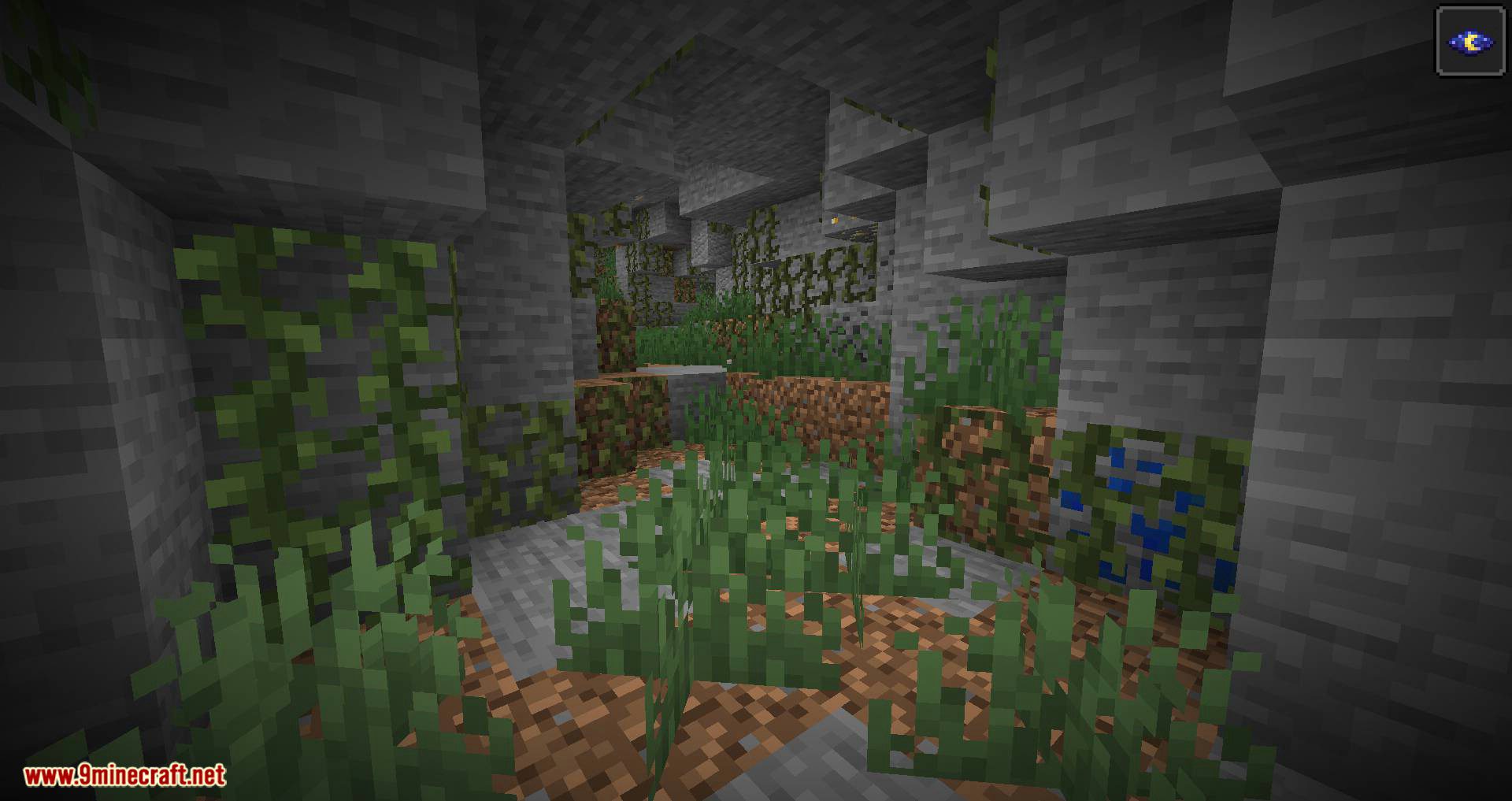
In Cave Biomes, the overworld is split into 2 layers, with layer 1 being from any cave above or at y29, and layer 2 being caves from y28 to y0. Cave biomes in layer 1 mimic the overworld biome above them. For example, caves in jungles are filled with vines, and caves in deserts have patches of sand. Layer 2 cave biomes, on the other hand, do not follow existing overworld biomes and instead are their own, unique biomes.
Biome List:
Layer 1 biomes:
- Icy cave (Snowy taiga, Snowy Tundra, Snowy Beach)
- Fern cave (Taiga, Mega taiga & variants)
- Sand cave (Desert, Beach)
- Red sand cave (Mesa biome & variants)
- Swamp cave (Swamp)
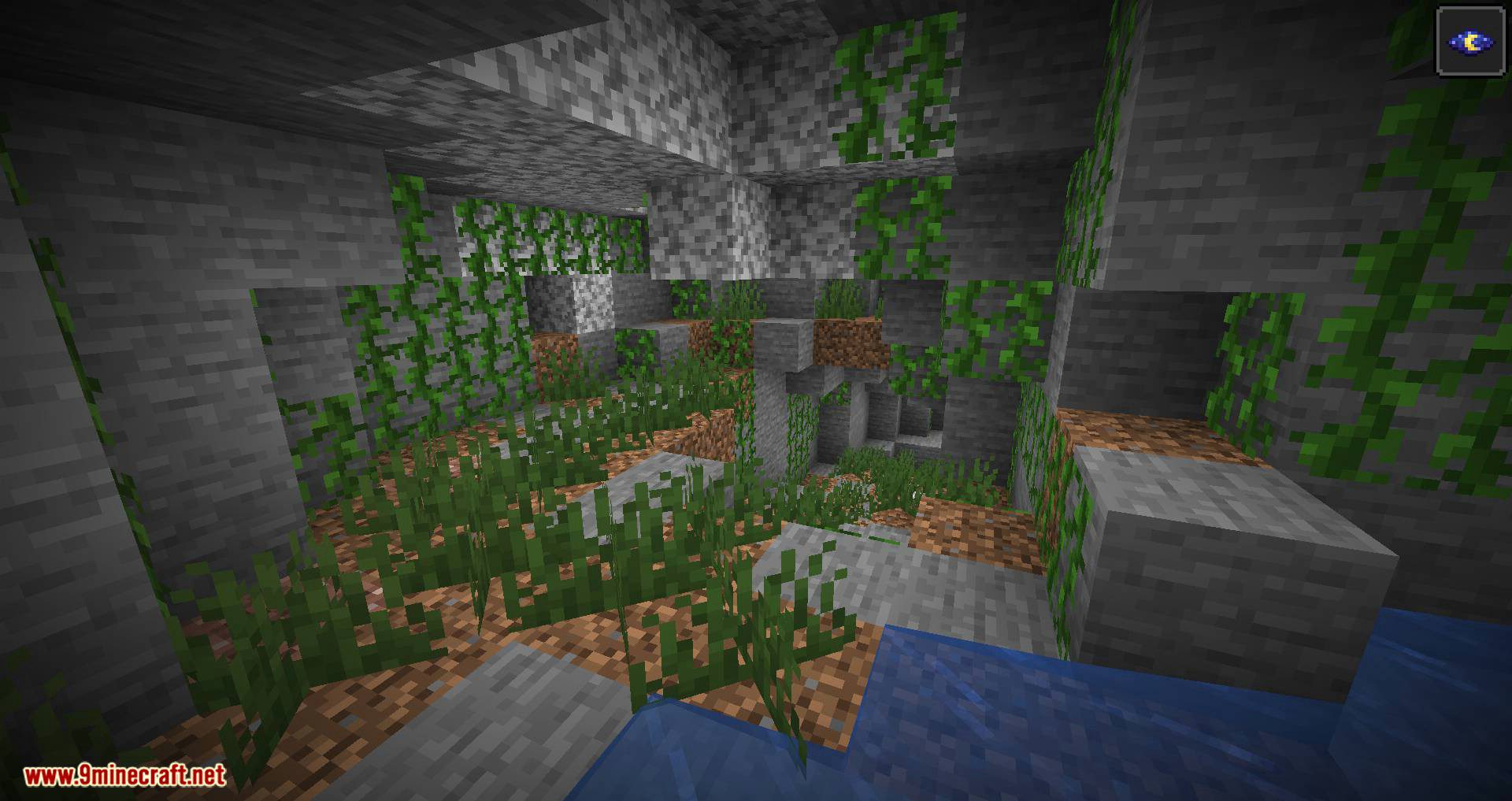
- Jungle cave (Jungle & variants)
- Grassy cave (All other biomes)
Layer 2 biomes:
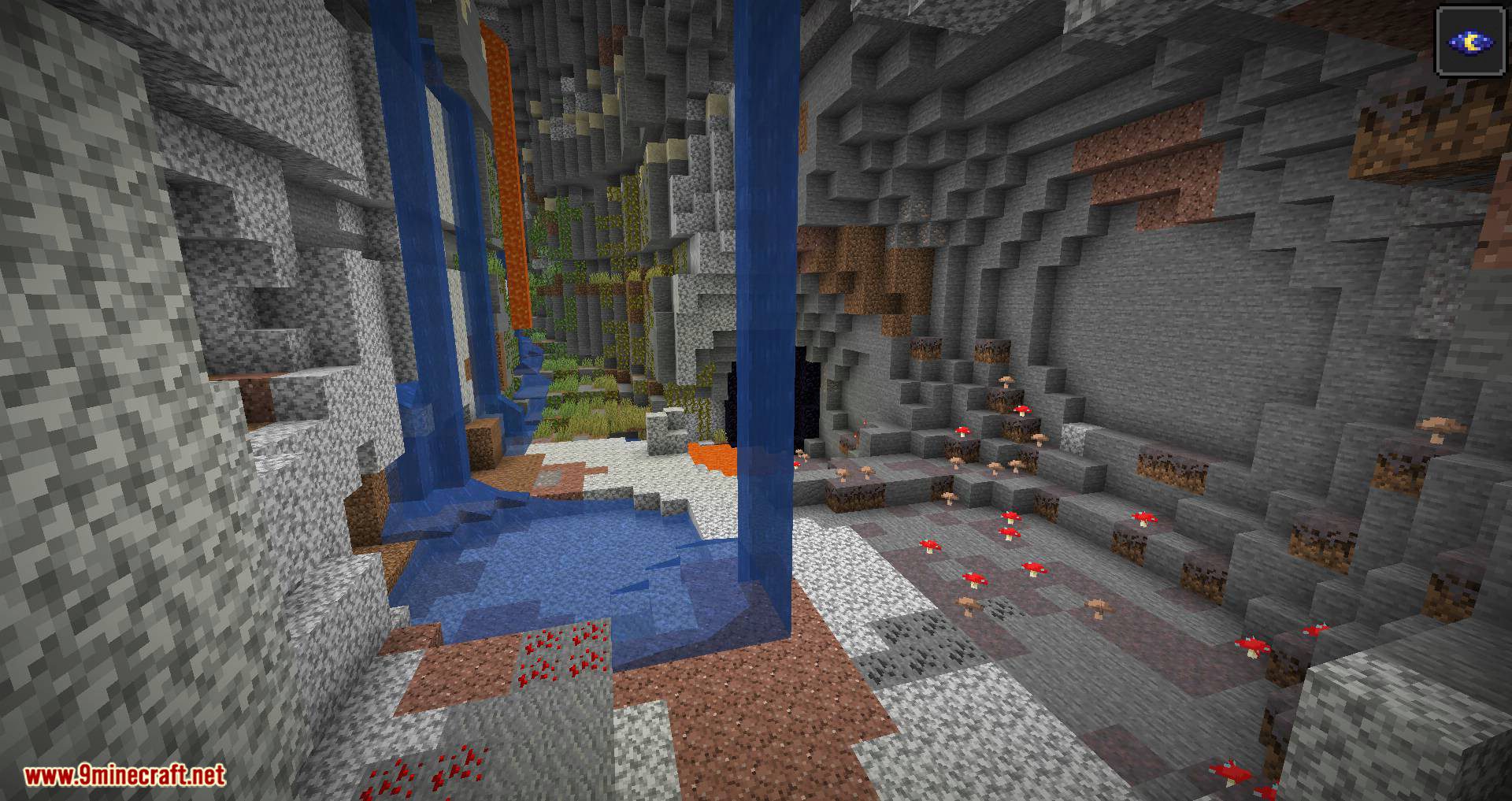
- Mushroom cave
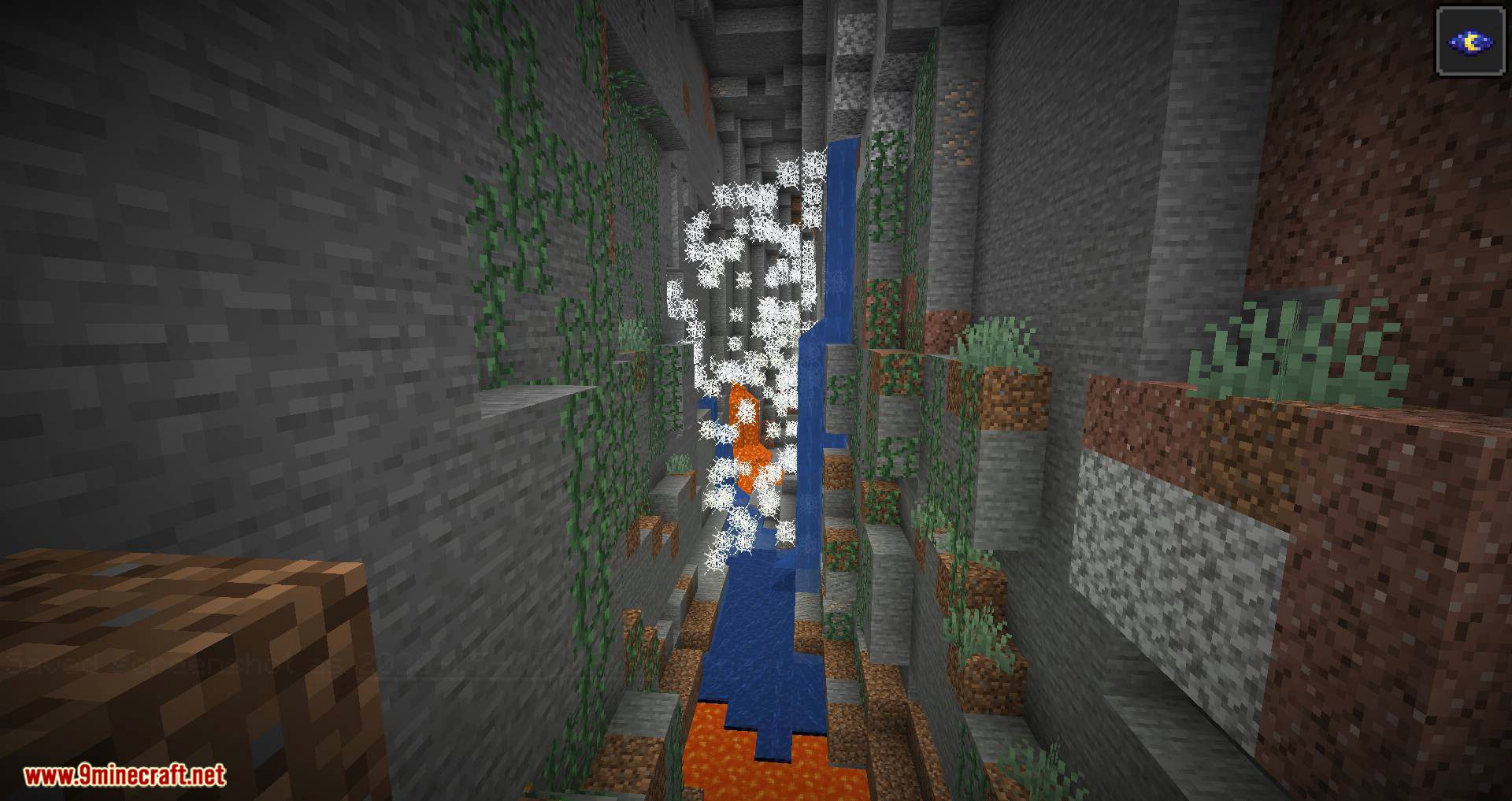
- Cobweb cave
- Watery cave
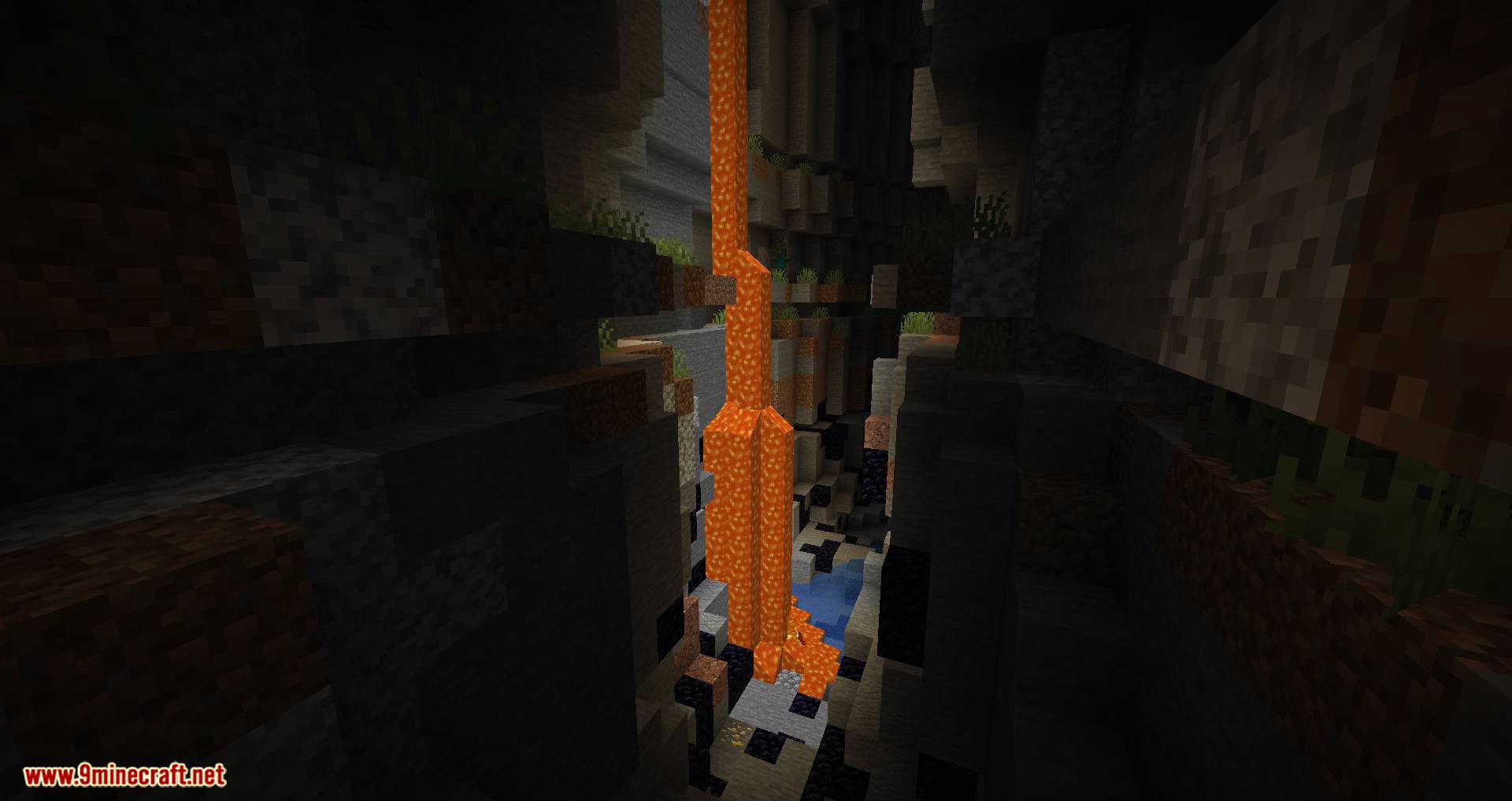
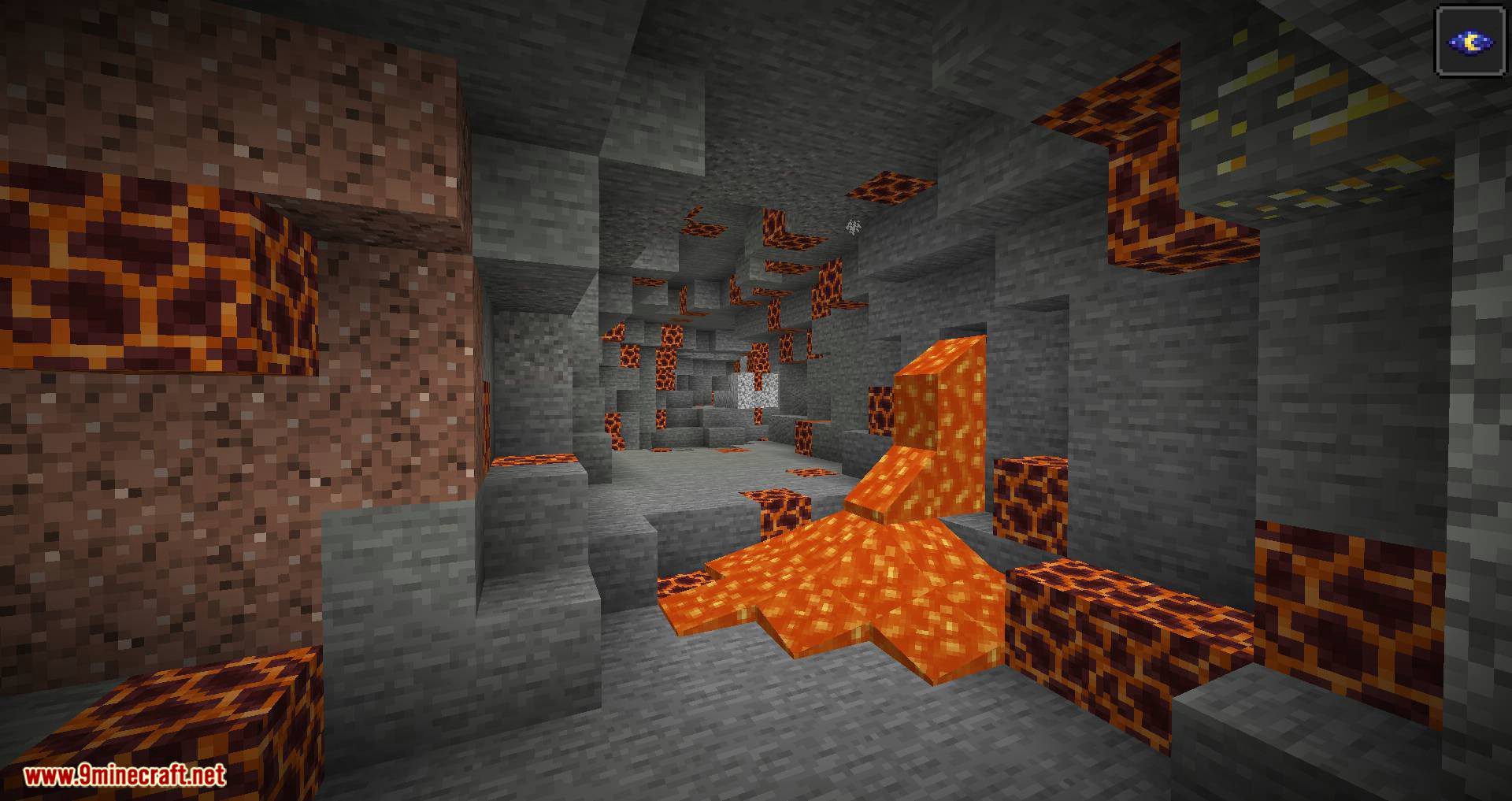
- Lava cave
- Vine cave
- Magma cave
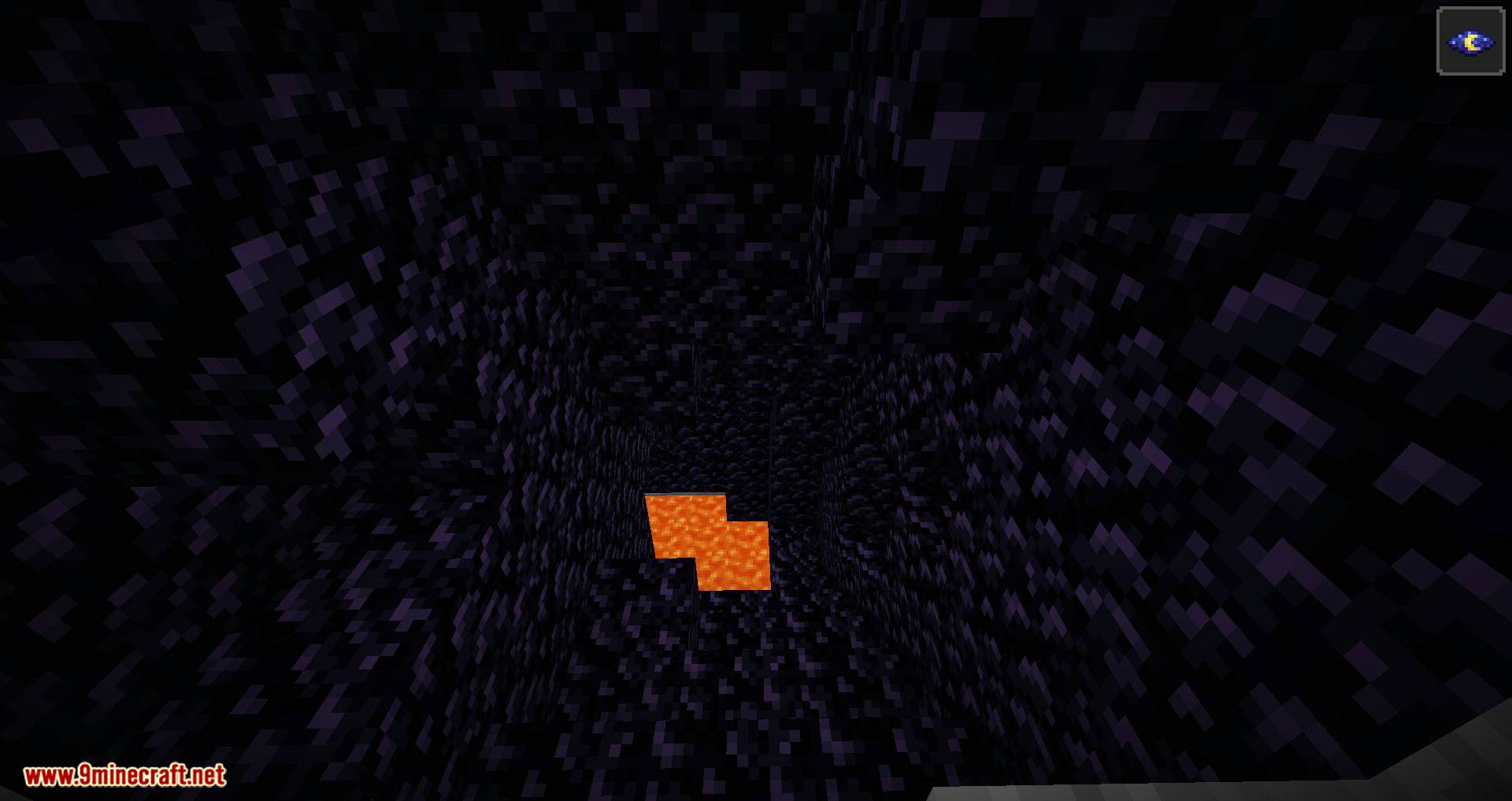
- Patchy obsidian cave
- Fully obsidian cave
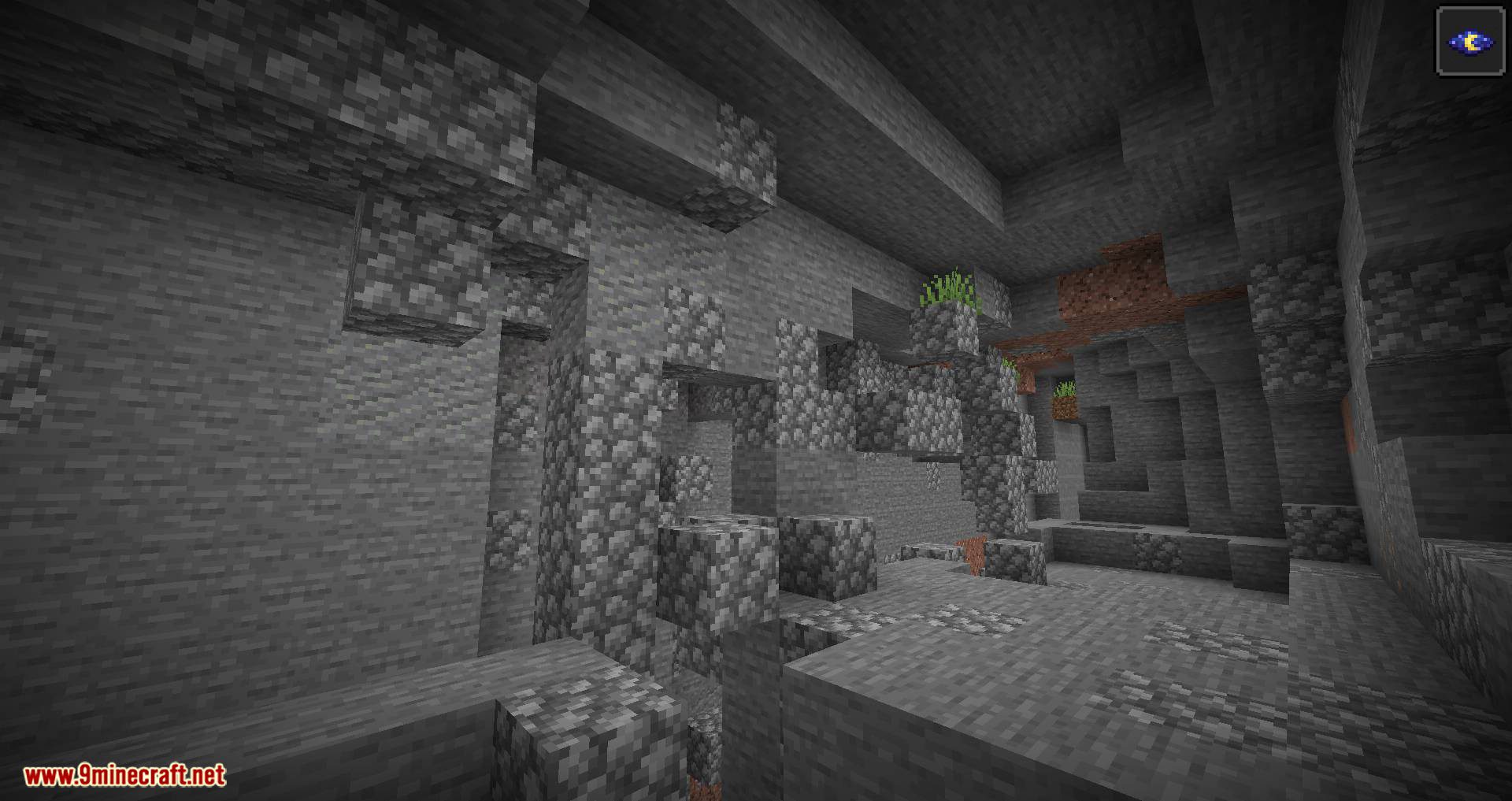
- Andesite cave
- Diorite cave
- Granite cave
- Cobblestone cave
- Magma cave
- Gravel cave
- Coal ore cave
- Iron ore cave
- Gold ore cave
- Redstone ore cave
- Lapis ore cave
- Diamond ore cave
Screenshots:
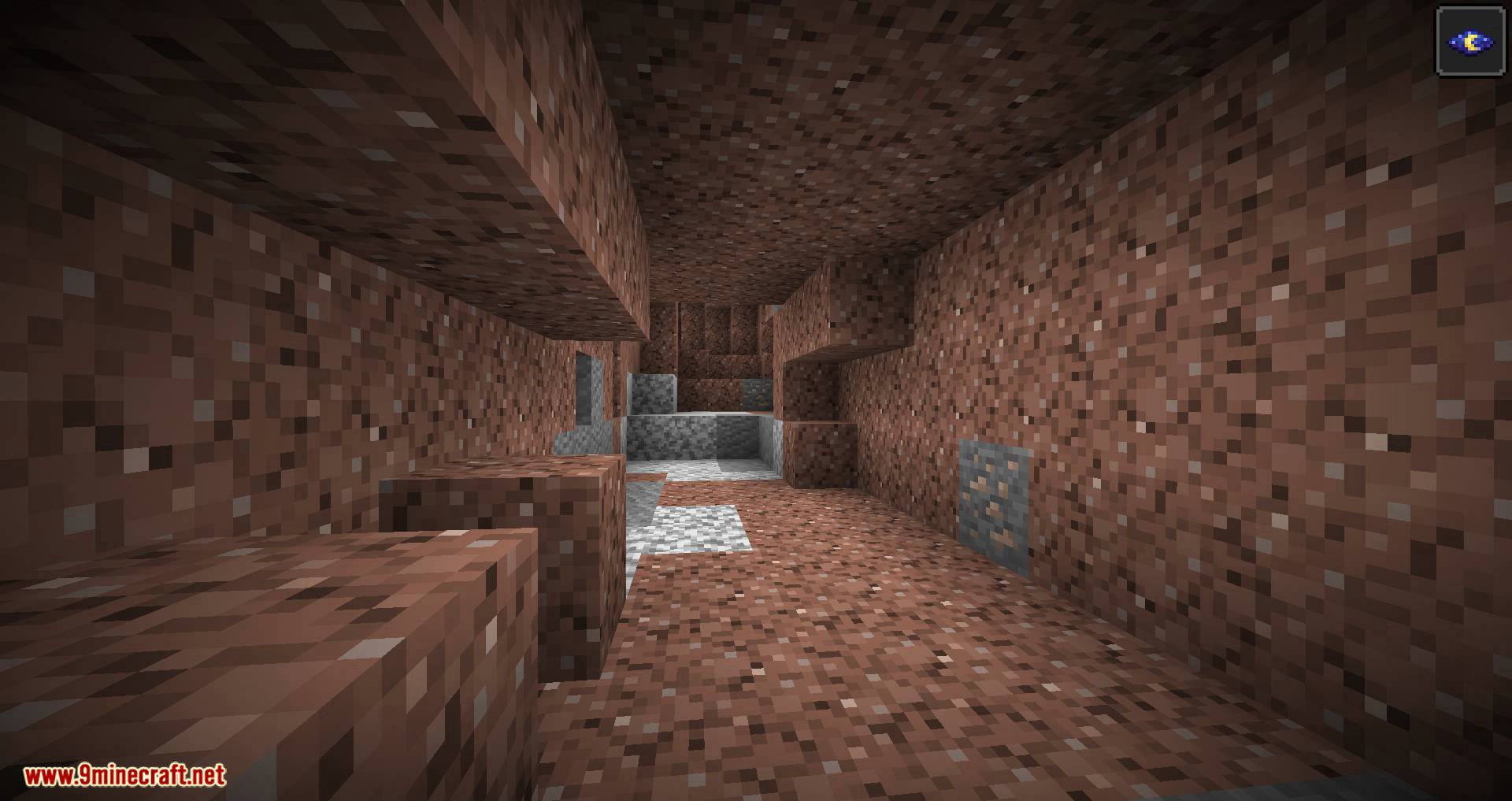
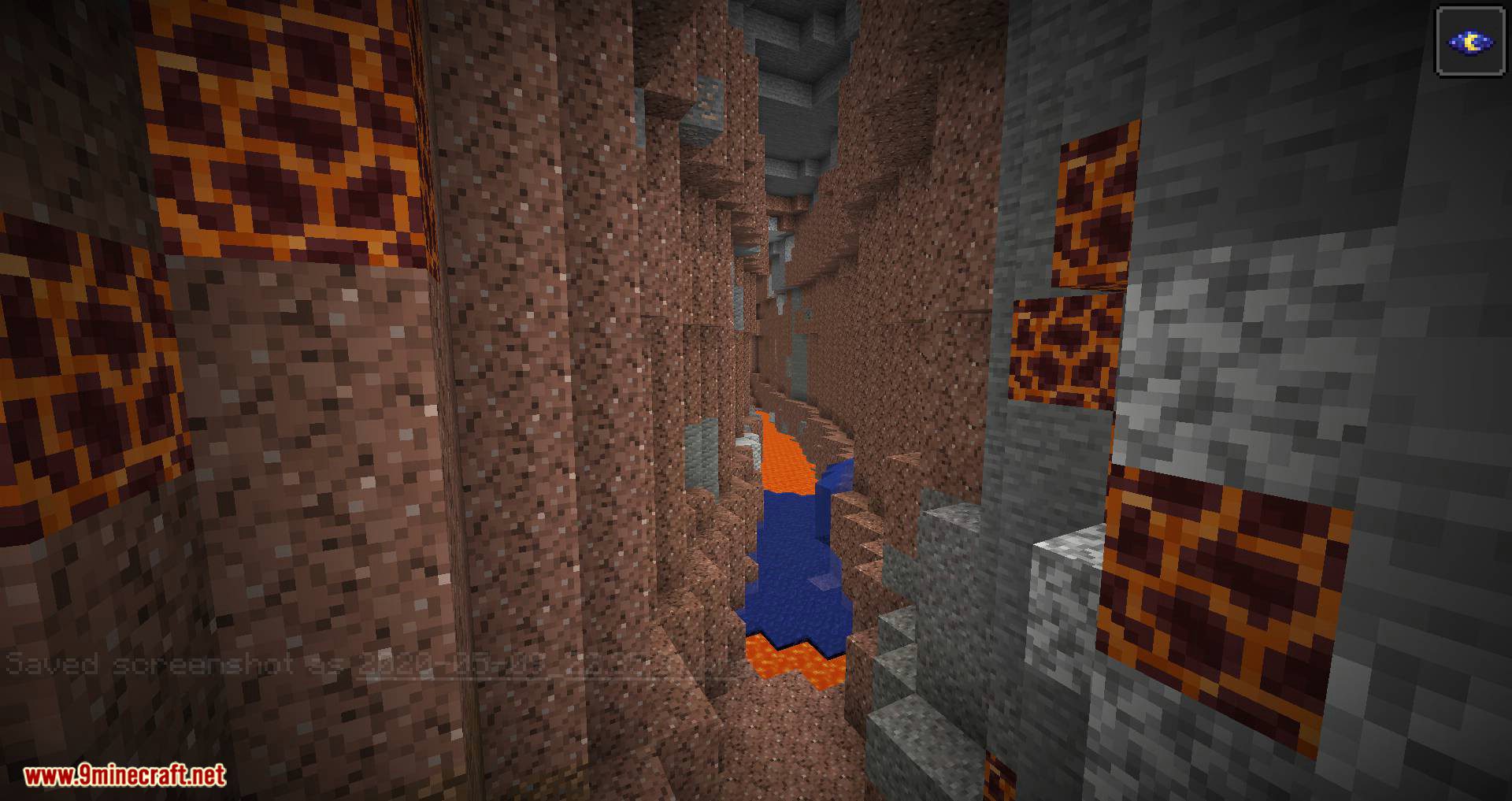
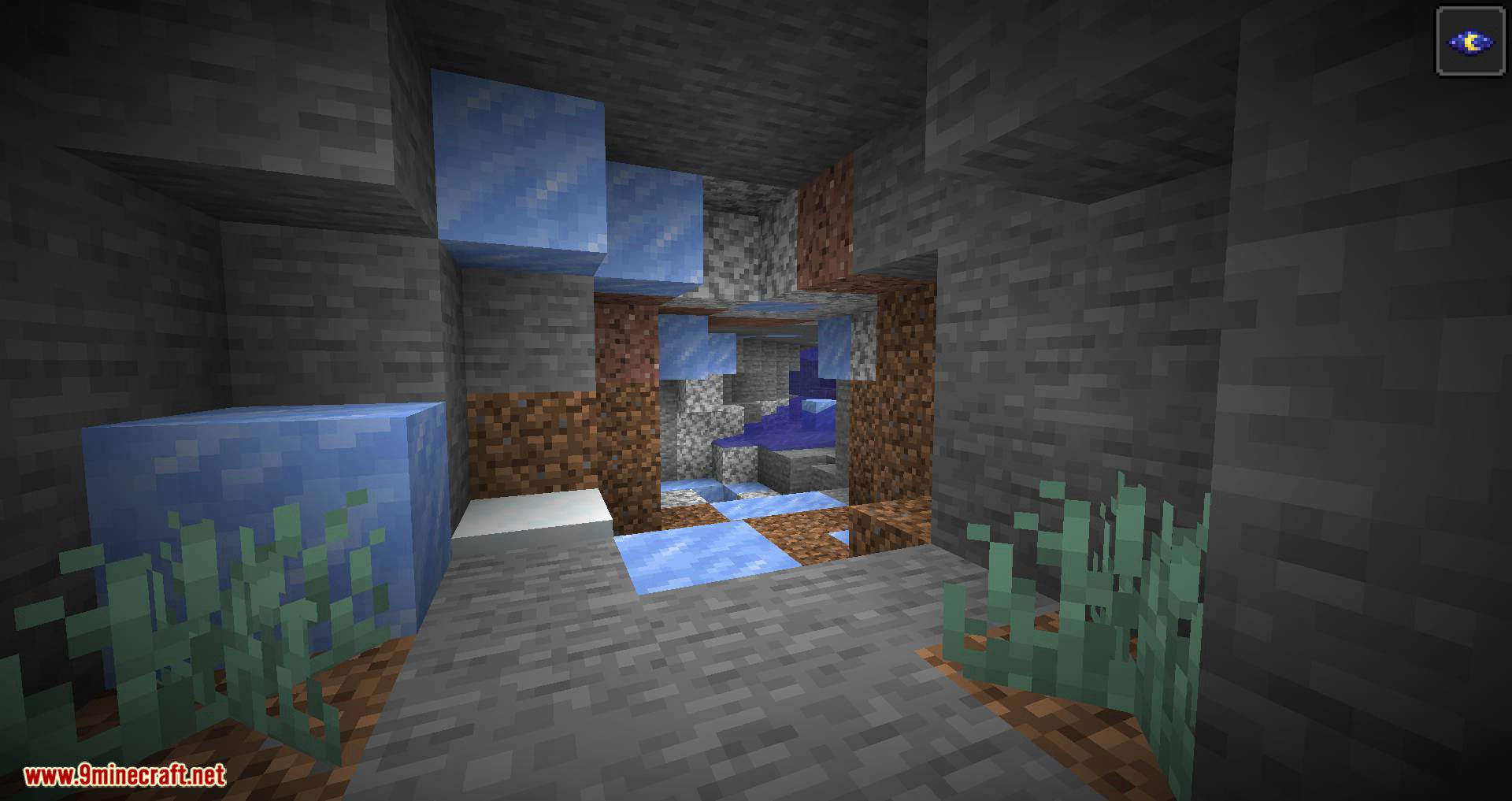
Requires:
Fabric Modloader
Fabric API
Cave Biomes Mod 1.17.1, 1.16.5 Download Links
For Minecraft 1.17.1
Fabric version: Download from Server 1 – Download from Server 2
For Minecraft 1.16.5
Fabric version: Download from Server 1 – Download from Server 2
For Minecraft 1.17
Fabric version: Download from Server 1 – Download from Server 2
For Minecraft 1.15.2
Fabric version: Download from Server 1 – Download from Server 2
For Minecraft 1.16.1
Fabric version: Download from Server 1 – Download from Server 2
For Minecraft 1.16.3
Fabric version: Download from Server 1 – Download from Server 2
- Edition: Minecraft Java
- File type: .jar
- Minecraft versions listed: 1.17.1, 1.16.5
- How to install: Install the matching mod loader (Forge, Fabric or NeoForge) for your Minecraft version. → Download the .jar. → Put it in the .minecraft/mods folder and launch that loader profile.
- Where to get it: In MC Java Mods, or directly above on this page.
Install steps are the general flow for this file type — How to install Minecraft Java mods & modpacks walks through it step by step.
- Downloads as 207567.mcaddon
- Download size: 178 KB
- Download link checked 30 Jul 2026 — working
- Mirrored on our own servers — the download does not depend on the original host
These come from our own check of the pack file, not from the source page.