
ModsJava
Blocks Tickrate Booster
I don't know my version or loader
Open the Minecraft launcher and look at the profile you play on — it names both, like fabric-loader-1.21.4. The version also shows in the bottom-right corner of the game's main menu.
No loader in the profile name? Then it's plain Minecraft, and these mods won't run — you need Fabric or NeoForge installed first.

JOIN DISCORD Checkout my other mods!

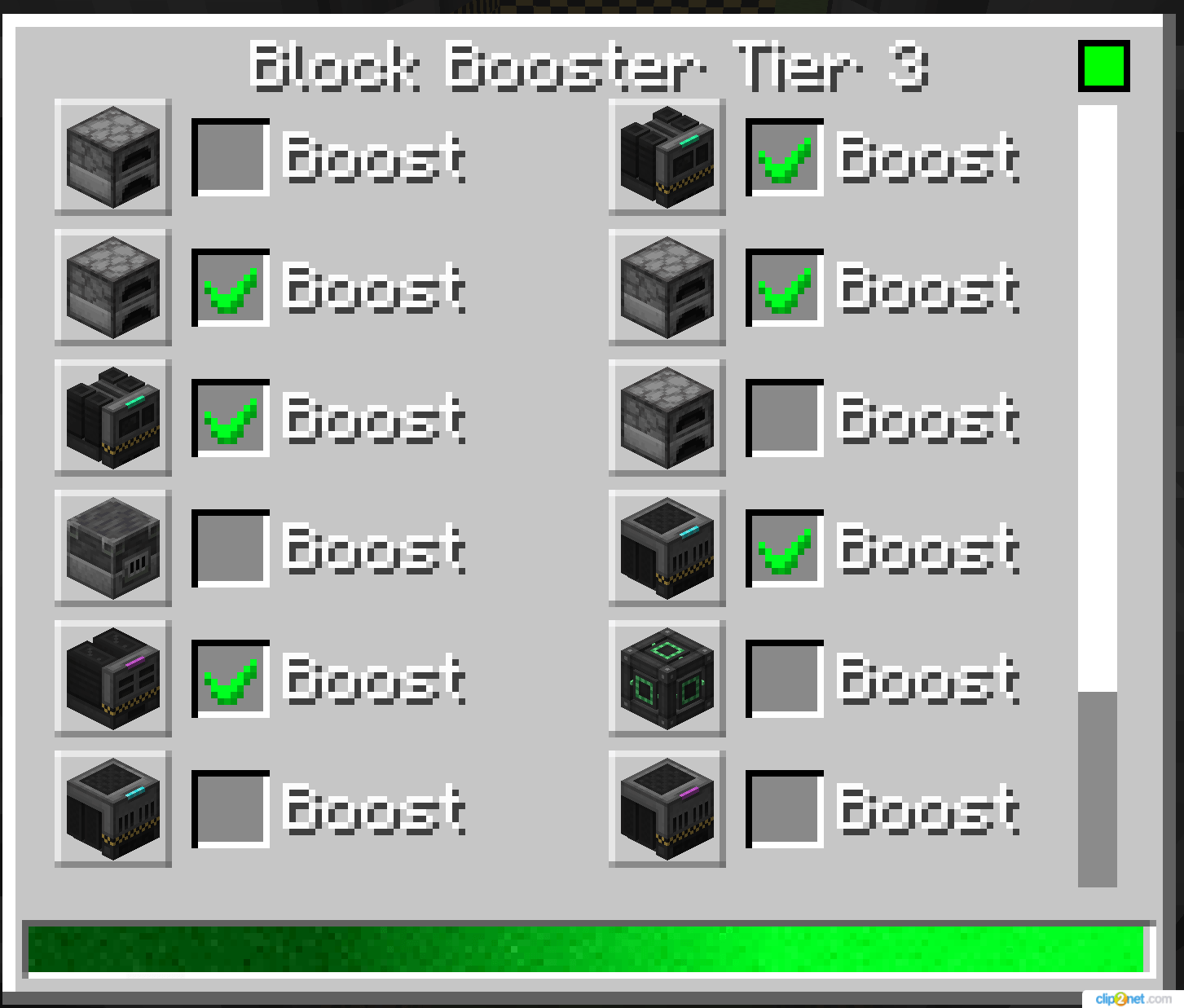
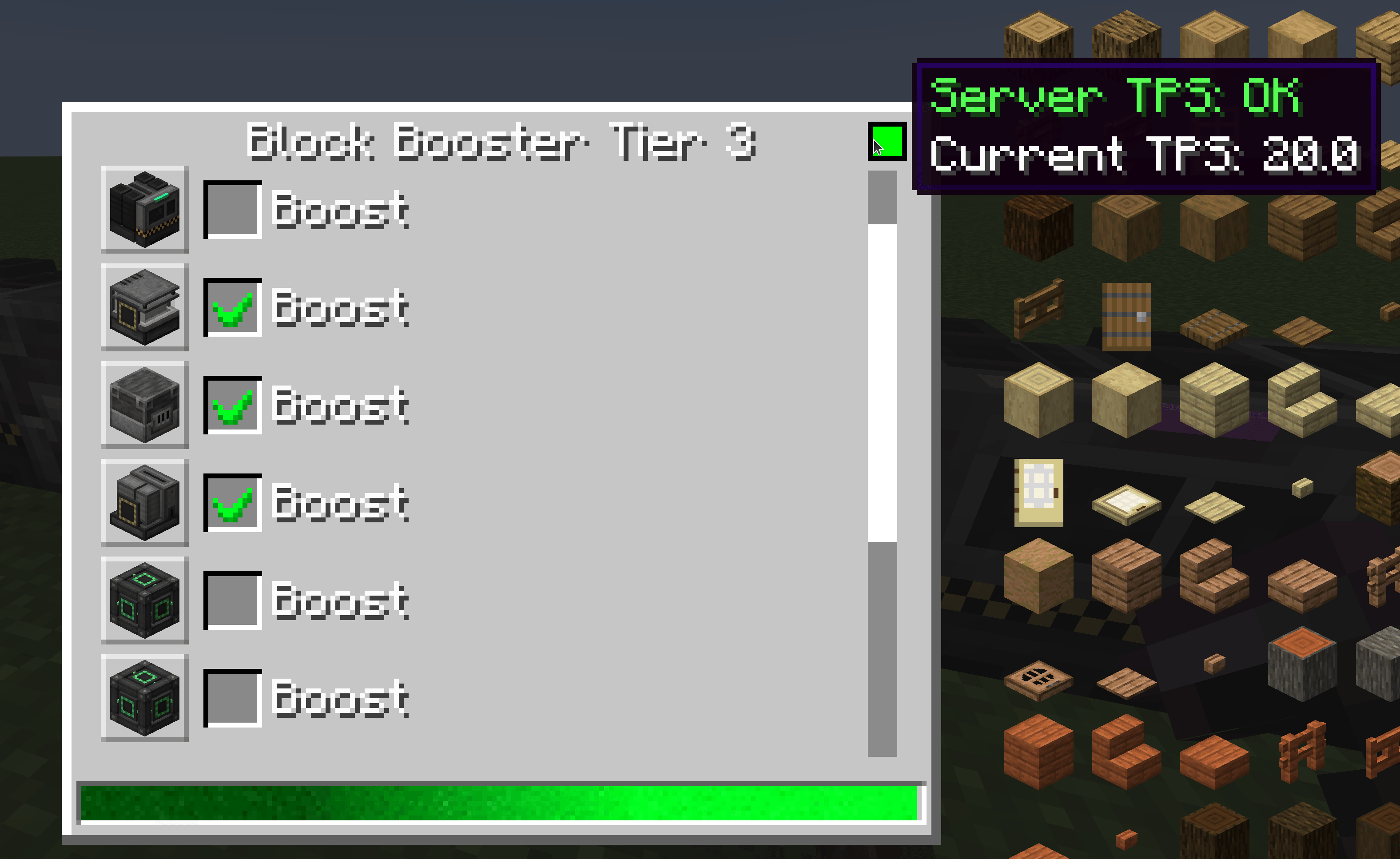
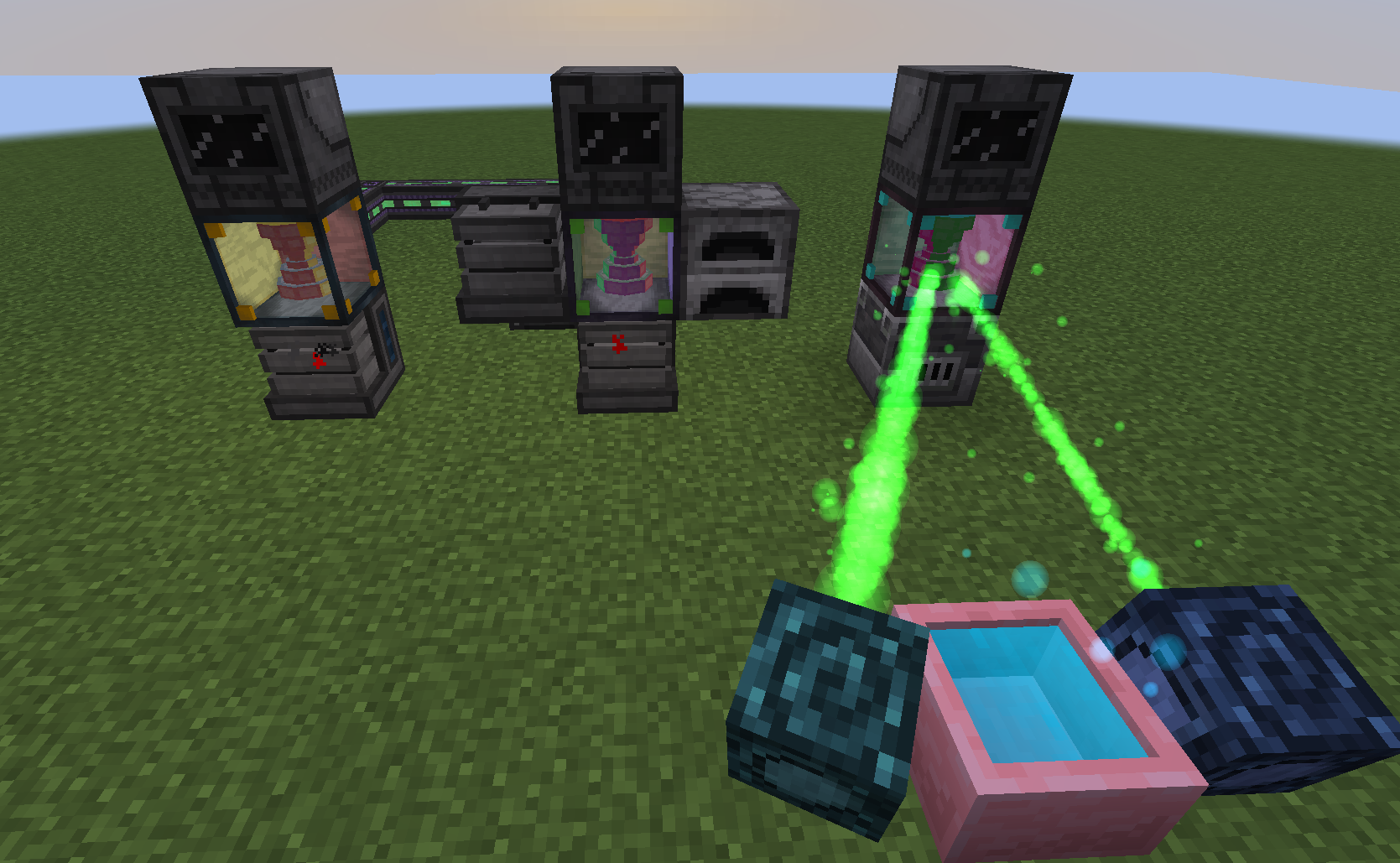
Boosting blocks tickrate. Most importantly it won't destroy server TPS by someone abusing boosters, as it has config options for server lag prevention.
Note: Mana booster not exists in 1.21.1 version as botania not yet updated.
Booster Types
Tier 1 Booster
- Boost Rate: 2x speed (configurable)
- Energy Cost: 5,000 FE/tick (configurable)
- Range: 2 blocks: above and below
- Recipe: Iron Ingots + Clock + Emeralds + Redstone Dust
Tier 2 Booster
- Boost Rate: 5x speed (configurable)
- Energy Cost: 10,000 FE/tick (configurable)
- Range: up to 6 blocks
- Recipe: Gold Ingots + Tier 1 Booster + Emeralds + Redstone Dust
Tier 3 Booster
- Boost Rate: 10x speed (configurable)
- Energy Cost: 20,000 FE/tick (configurable)
- Range: Configurable radius (default 3 blocks, scans a cube area)
- Recipe: Diamonds + Tier 2 Booster + Emeralds + Redstone Dust
- Special Feature: Can boost multiple blocks within its scan radius
Mana Booster (Requires Botania)
- Boost Rate: 5x speed (configurable)
- Energy Cost: 100 Mana/tick (configurable)
- Range: Up to 6 blocks
- Recipe: Netherite Ingots + Tier 1 Booster + Emeralds + Redstone Dust
- Special Feature: Uses Botania's Mana instead of Forge Energy
Configuration Options
All configuration options can be found in config/blockbooster-common.toml:
General Settings
- boosters_per_chunk: Limit the number of boosters per chunk (default: 5, range: 1-20)
- Helps prevent server performance issues
Tier 1 Settings
- t1_fe_per_tick: Energy consumption per tick (default: 5000)
- t1_boost_rate: Speed multiplier (default: 2)
Tier 2 Settings
- t2_fe_per_tick: Energy consumption per tick (default: 10000)
- t2_boost_rate: Speed multiplier (default: 5)
Tier 3 Settings
- t3_fe_per_tick: Energy consumption per tick (default: 20000)
- t3_boost_rate: Speed multiplier (default: 10)
- t3_scan_radius: Cube scan radius for multi-block boosting (default: 3, range: 1-10)
Mana Booster Settings
- mana_per_tick: Mana consumption per tick (default: 100)
- mana_booster_rate: Speed multiplier (default: 5)
Control Settings
- deactivate_with_redstone: Disable booster when receiving redstone signal (default: true)
Whitelist/Blacklist
- white_list: List of block entities that can be boosted (higher priority, empty by default)
- Example:
["minecraft:furnace", "somemod:machine"] block tags supported: "#somemod:some/tag"
- Example:
- black_list: List of block entities that cannot be boosted (default:
["mekanism:bounding_block"])- Example:
["minecraft:furnace", "somemod:machine"] block tags supported: "#somemod:some/tag"
- Example:
Performance Protection
- enable_tps_protection: Enable TPS-based lag protection (default: true)
- Boosters automatically pause when server TPS drops below threshold
- min_tps_threshold: Minimum TPS for boosters to operate (default: 15.0, range: 1.0-20.0)
- Boosters stop working if server TPS falls below this value
Slow Block Prevention
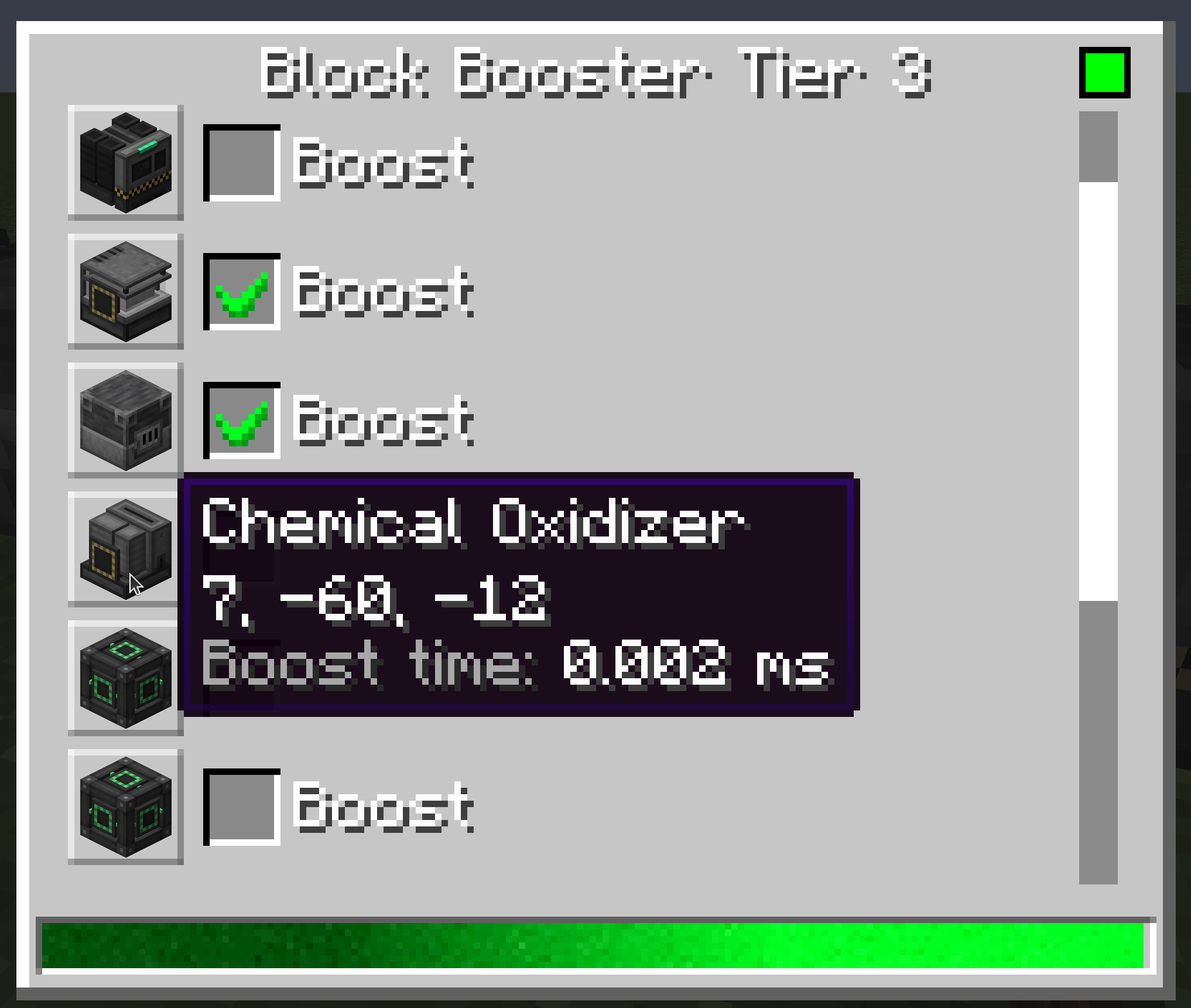
- prevent_slow_blocks: Prevent boosting blocks that take too long to process (default: true)
- slow_block_threshold_ns: Threshold in nanoseconds for slow blocks (default: 5000000, range: 100000-100000000)
- Blocks taking longer than this threshold will be marked as slow and won't be boosted
- 1ms = 1,000,000ns, default is 5ms
How to get block id for the list?
Try command /booster_show_block_id
Use carefully as huge amount of boosters with big boost rate may create lag on your server. Do tests first.
Quick facts
- Edition: Minecraft Java
- File type: .jar
- Minecraft versions listed: 1.20.1, 1.21.1, 1.19.2
- How to install: Install the matching mod loader (Forge, Fabric or NeoForge) for your Minecraft version. → Download the .jar. → Put it in the .minecraft/mods folder and launch that loader profile.
- Where to get it: Opens on CurseForge — not every file is mirrored on our own servers.
Install steps are the general flow for this file type — How to install Minecraft Java mods & modpacks walks through it step by step.
Verified by MCModsHub
- Ships as BlockBooster-1.12.2-1.0.1.jar — drop this file into the mods folder
- Download size: 40 KB
- Download link checked 27 Aug 2026 — working
These come from our own check of the pack file, not from the source page.