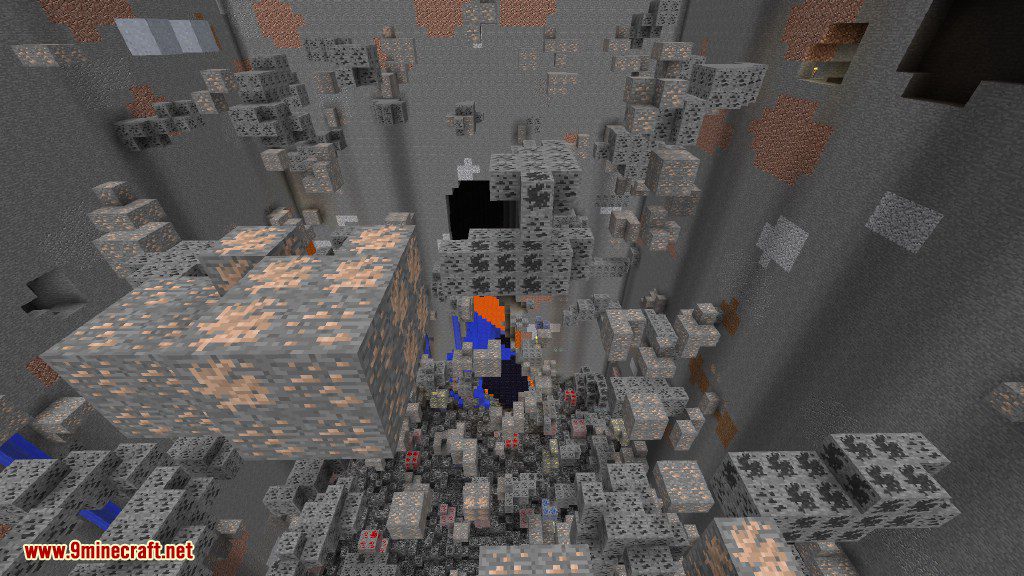
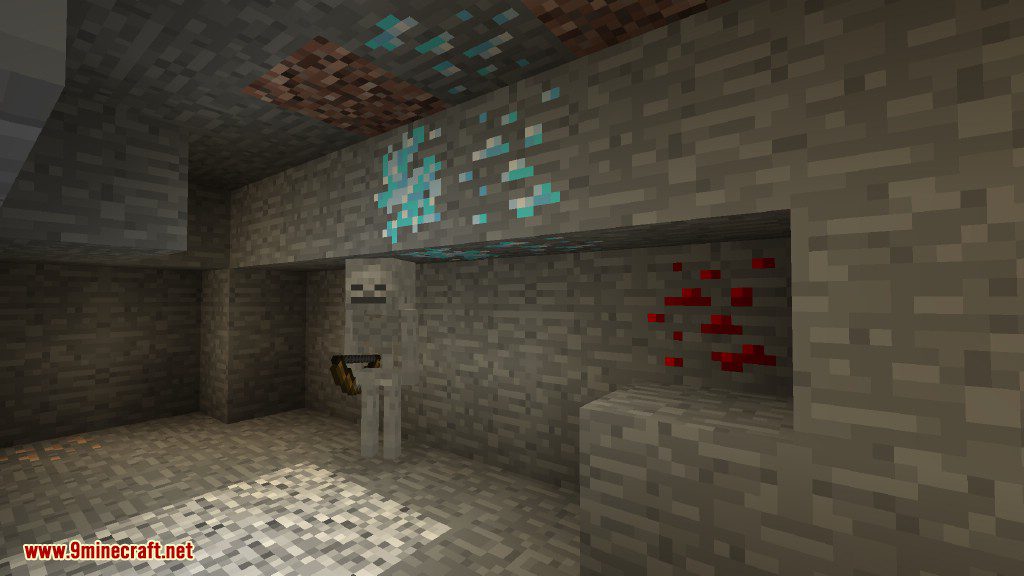
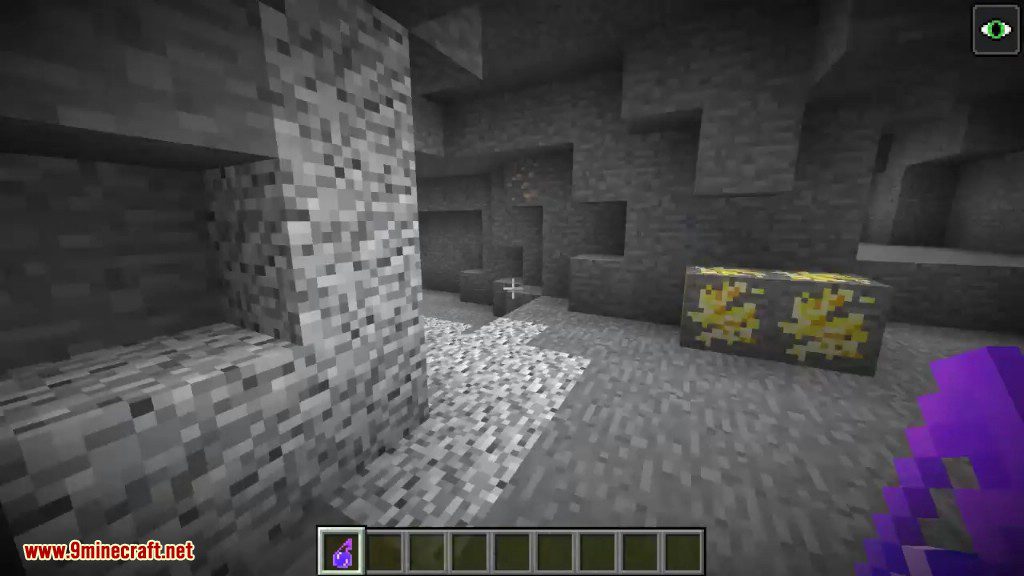
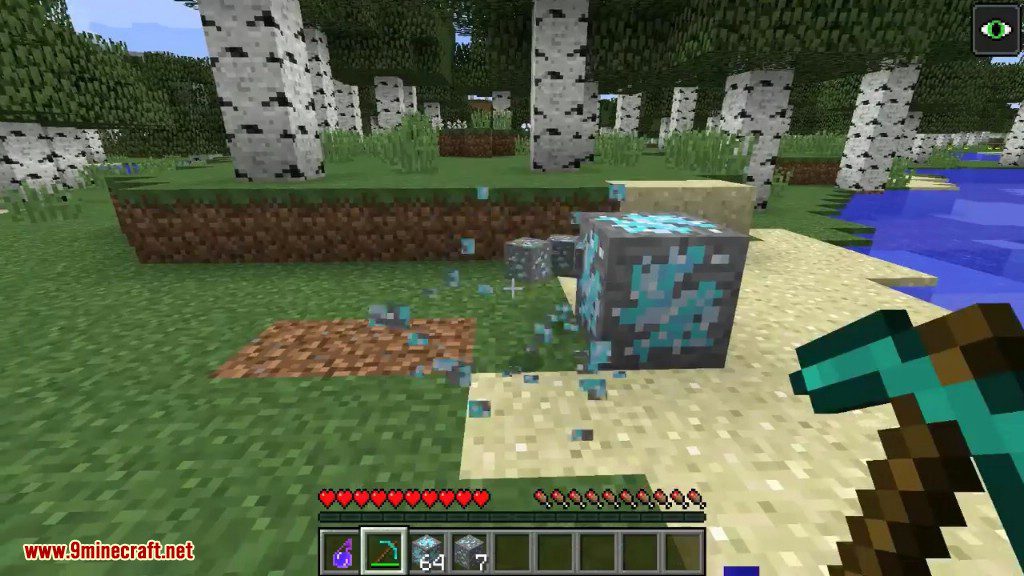
Dense Metals Mod adds new types of ore blocks called dense ores. These special ores spawn in small groups right next to their normal counterparts, like dense iron appearing near regular iron ore. When you mine a dense ore block, it drops more resources than a standard one, making your mining trips more efficient.
Features:
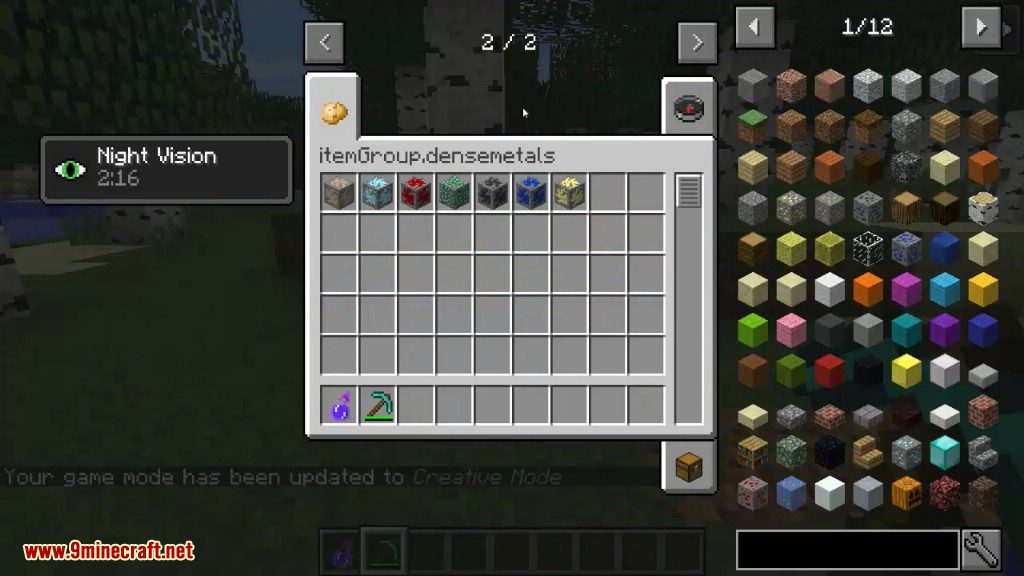
- Adds new dense ore blocks to your world.
- Find dense ores spawning right next to their normal ore clusters.
- Get more resources from dense ores, typically double the amount of a regular ore.
- This mod works with MMD OreSpawn for better ore generation.
Vanilla Dense Ores:
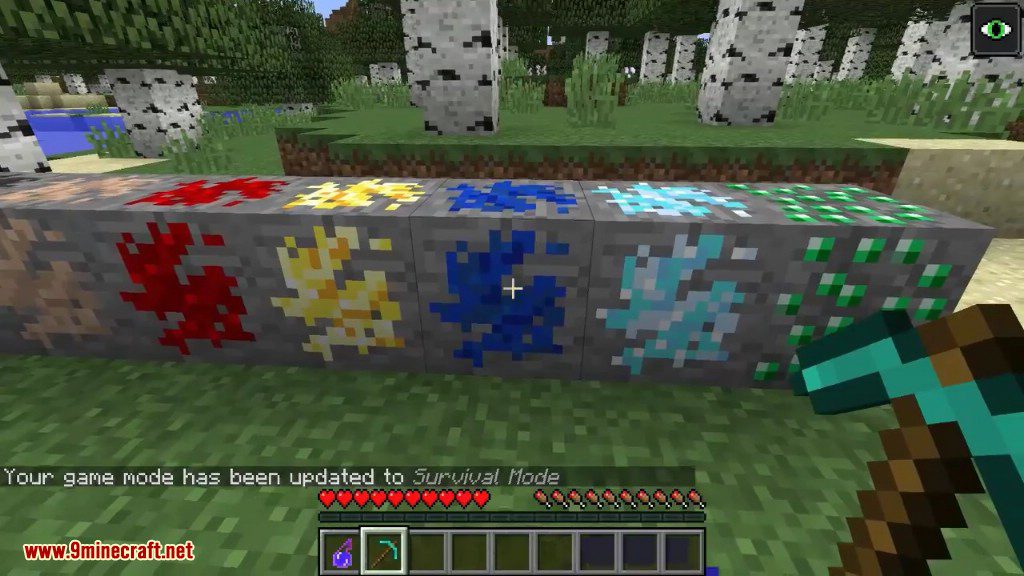
- Iron Dense Ore
- Coal Dense Ore
- Diamond Dense Ore
- Redstone Dense Ore
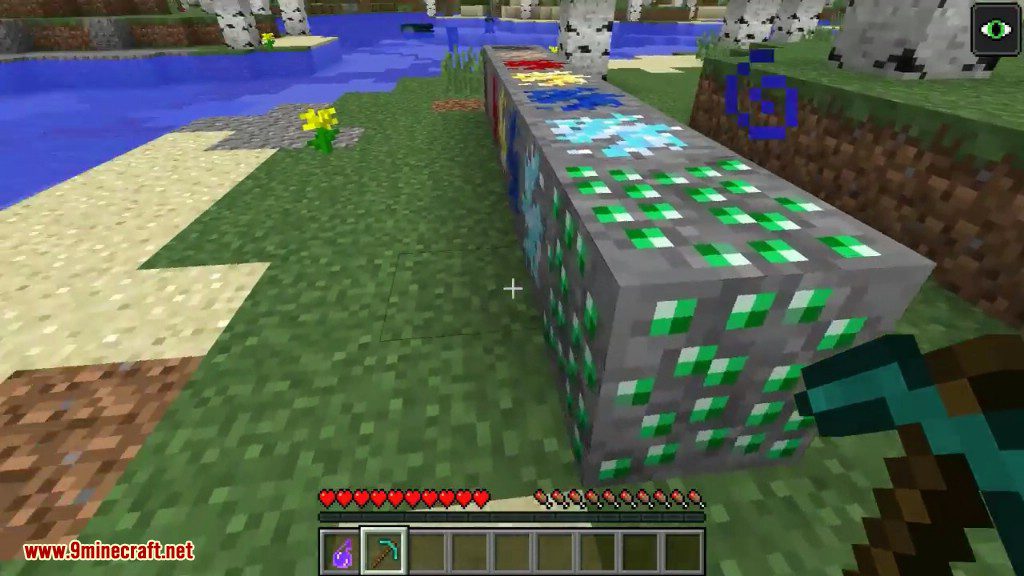
- Emerald Dense Ore
- Gold Dense Ore
- Lapis Dense Ore
Base Metals Dense Ores:
- Adamantine
- Antimony
- Bismuth
- Copper
- Coldiron
- Nickel
- Lead
- Tin
- Zinc
Configuration:
- You can customize all features through the config file.
- Each type of dense ore can be turned on or off.
- The amount of resources dropped by dense ores can also be changed.
- Find the settings file at
/config/densemetals.cfg.
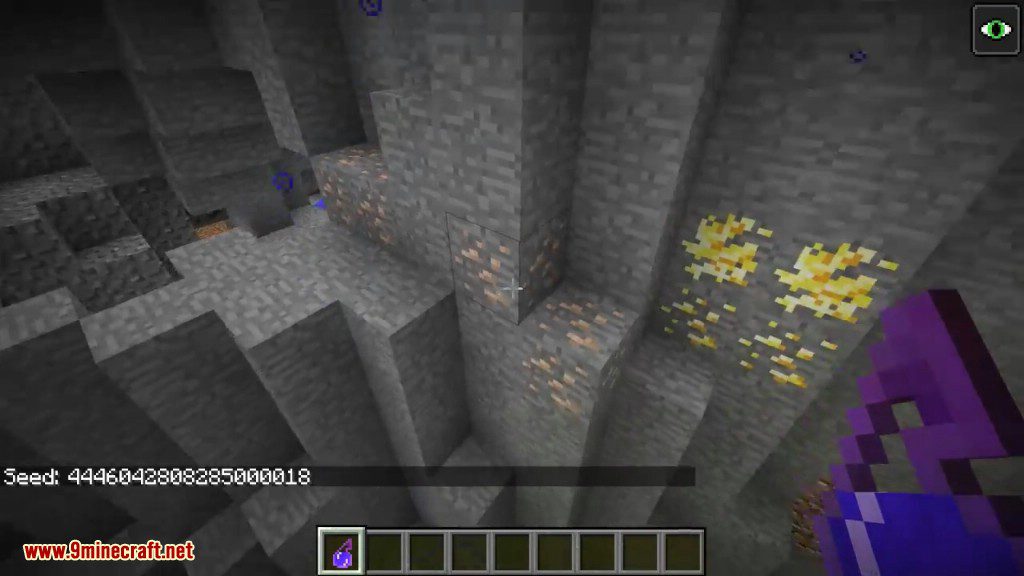
Screenshots:
Dense Metals Mod Download Links
For Minecraft 1.12.2, 1.12.1, 1.12
Quick facts
- Edition: Minecraft Java
- File type: .jar
- How to install: Install the matching mod loader (Forge, Fabric or NeoForge) for your Minecraft version. → Download the .jar. → Put it in the .minecraft/mods folder and launch that loader profile.
- Where to get it: In MC Java Mods, or directly above on this page.
Install steps are the general flow for this file type — How to install Minecraft Java mods & modpacks walks through it step by step.
Verified by MCModsHub
- Downloads as 207722.mcaddon
- Download size: 153 KB
- Download link checked 27 Jul 2026 — working
- Mirrored on our own servers — the download does not depend on the original host
These come from our own check of the pack file, not from the source page.