ModsJava
LaunchGUI 1.12.2, 1.11.2 (Create a Customizable Notification GUI on First Launch)
Minecraft Java mod. Downloads from the MC Java Mods app on Android.
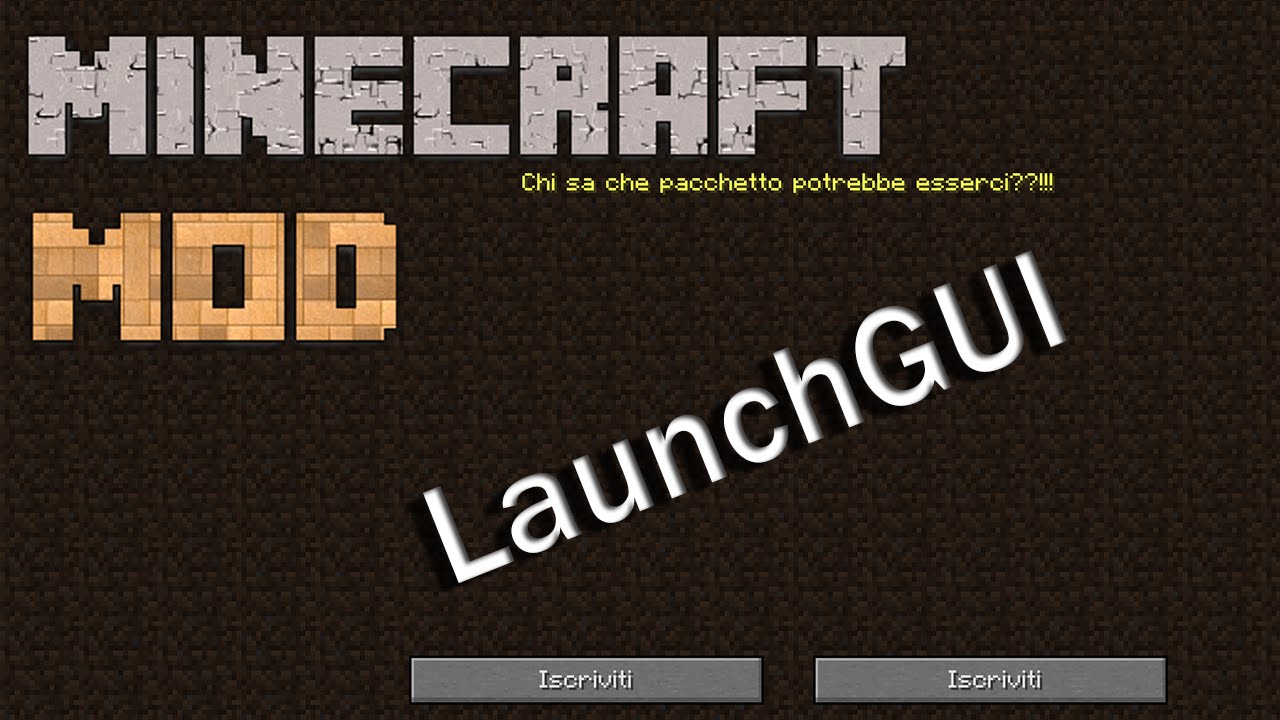
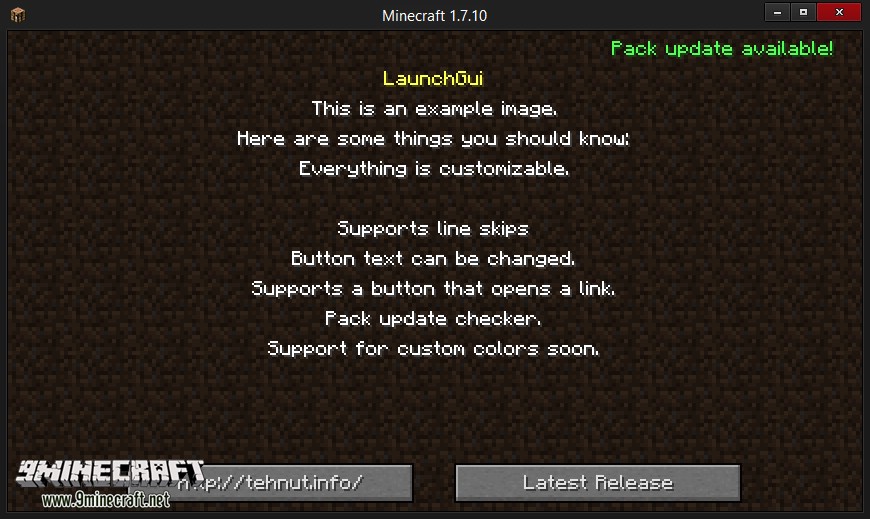
⬇ DownloadLaunchGUI 1.12.2, 1.11.2 creates a menu with a single button and up to 10 lines of text right before the main menu. It will disable itself once the button is pressed. A utility for modpack creators that creates a GUI when the player initially launches the pack.
Screenshots:
How to use:
- Download and install LaunchGUI.
- Do an initial launch to generate your config.
- Open the config up in your favorite text editor. Change all the lines you want. Leave the line blank if you don’t plan to use them, or want a line break.
- Distribute to players of your pack.
- Also found in the GUI if you haven’t changed anything and launch.
LaunchGUI 1.12.2, 1.11.2 Download Links
For Minecraft 1.7.10
For Minecraft 1.8.0
For Minecraft 1.8.9
For Minecraft 1.11.2, 1.11, 1.10.2, 1.9.4, 1.9.0
For Minecraft 1.12.2
Quick facts
- Edition: Minecraft Java
- File type: .jar
- How to install: Install the matching mod loader (Forge, Fabric or NeoForge) for your Minecraft version. → Download the .jar. → Put it in the .minecraft/mods folder and launch that loader profile.
- Where to get it: In MC Java Mods, or directly above on this page.
Install steps are the general flow for this file type — How to install Minecraft Java mods & modpacks walks through it step by step.
File checked by MCModsHub
- Downloads as 207801.mcaddon
- Download size: 18 KB
- Download link checked 30 Jul 2026 — working
- Mirrored on our own servers — the download does not depend on the original host
These come from our own check of the pack file, not from the source page.