THIS MOD REQUIRES THE FABRIC API.
I might work on a Forge version in the future, but I make no promises.
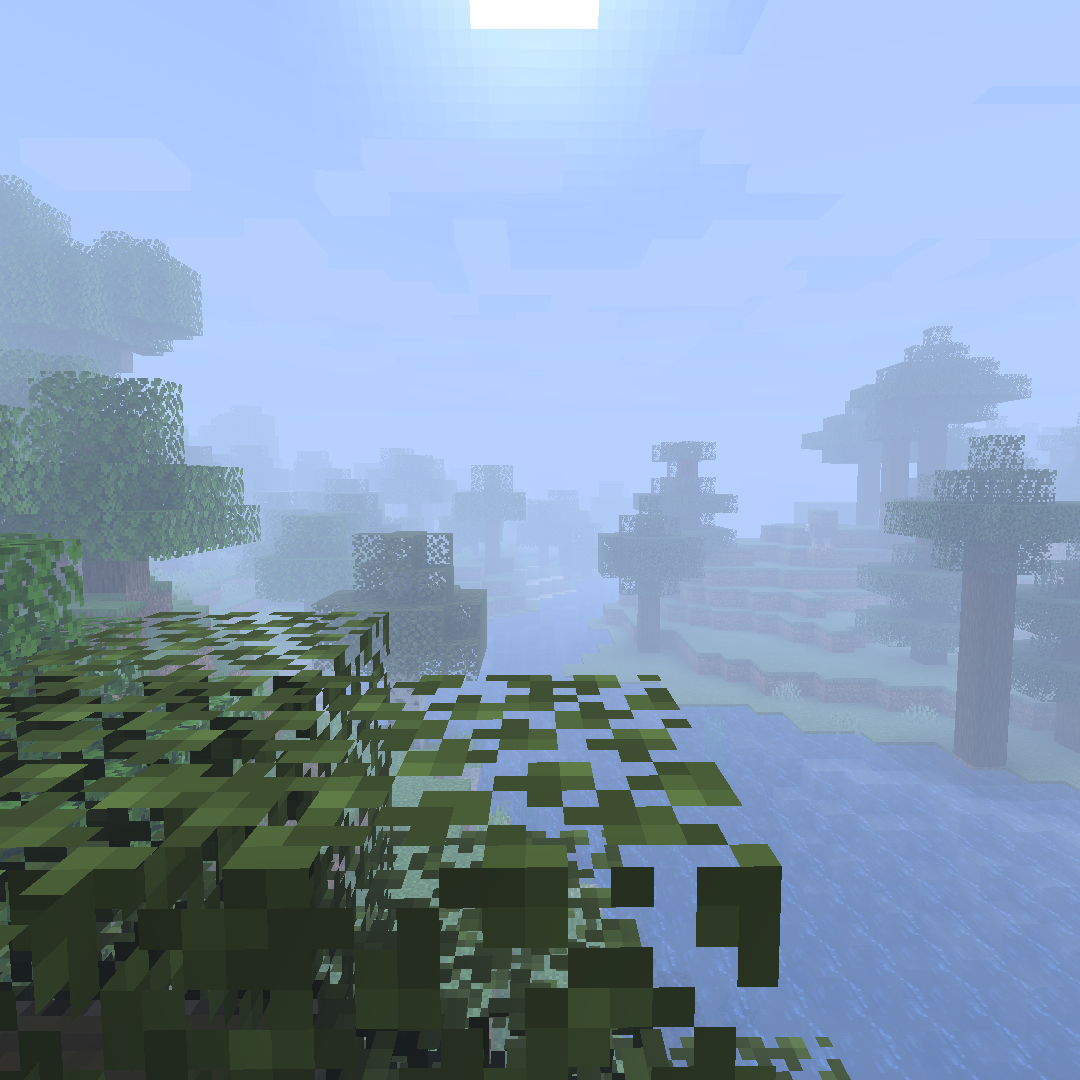
This started out as just an effort to reproduce the Optifine "fog distance" toggle (which makes the fog start much closer to the camera like it did in older versions of the game), but now it also allows swapping to the other two fog types (EXP and EXP2) with customizable densities for all.
Note: with Sodium, to avoid chunks becoming invisible, you need to go to the `Advanced` tab in Sodium's video settings page and turn off Fog Occlusion.
Also, if you have any feature requests or bug reports, please report / ask for them on GitHub!
Or, alternatively, join the Discord Server here!
- Edition: Minecraft Java
- File type: .jar
- Minecraft versions listed: 1.21, 1.21.1, 1.20.5
- How to install: Install the matching mod loader (Forge, Fabric or NeoForge) for your Minecraft version. → Download the .jar. → Put it in the .minecraft/mods folder and launch that loader profile.
- Where to get it: Opens on CurseForge — not every file is mirrored on our own servers.
Install steps are the general flow for this file type — How to install Minecraft Java mods & modpacks walks through it step by step.
Custom Fog is a free Minecraft Java mod. Compatible with Minecraft 1.21, 1.21.1, 1.20.5, 1.20.6 and newer. Downloaded 642,993 times (via CurseForge). Download it and open it directly in the game.