ModsJava
Tinker I/O Mod (1.12.2, 1.11.2) – Run an Automated Metal Foundry
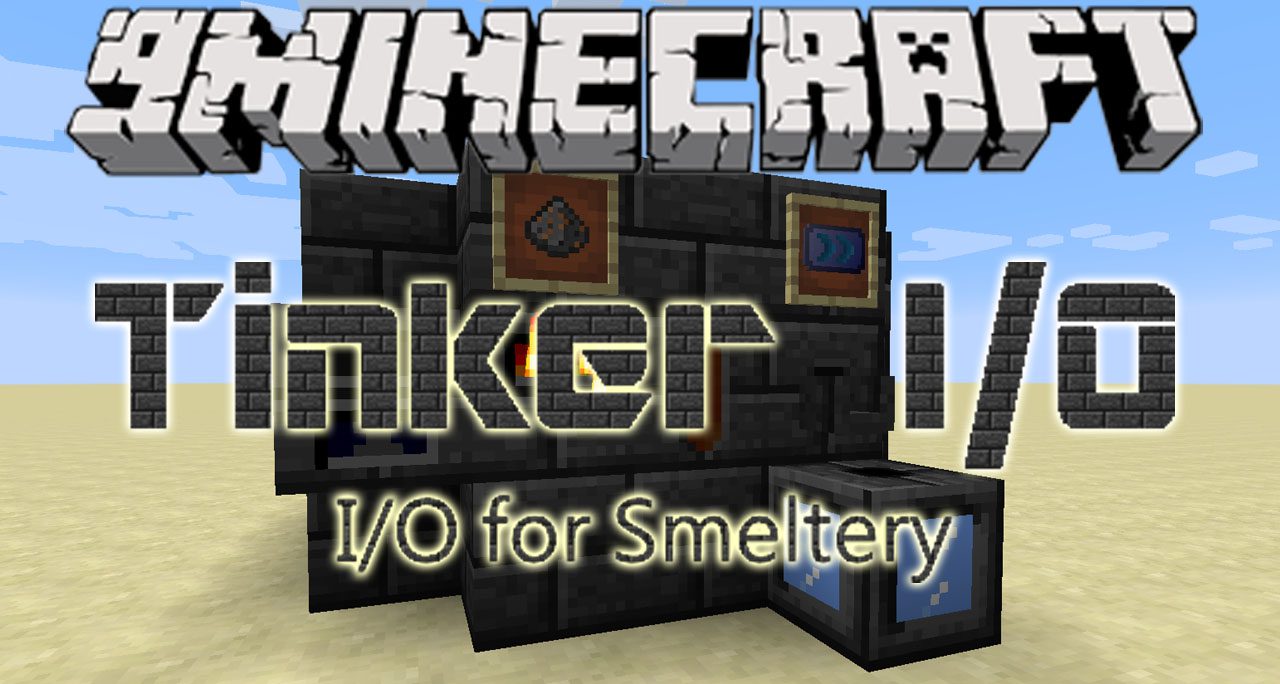
Tinker I/O extends the Tinkers' Construct mod by adding new blocks and items for the Smeltery. This addon gives you more ways to manage and automate your…
⬇ DownloadTinker I/O extends the Tinkers’ Construct mod by adding new blocks and items for the Smeltery. This addon gives you more ways to manage and automate your metal processing system.
Features:
- Fuel Input Machine: Automatically feeds burnable items into the Smeltery to increase its temperature and speed.
- Smart Output: Replaces the Casting Table and Basin, allowing for faster and more controlled casting of metals.
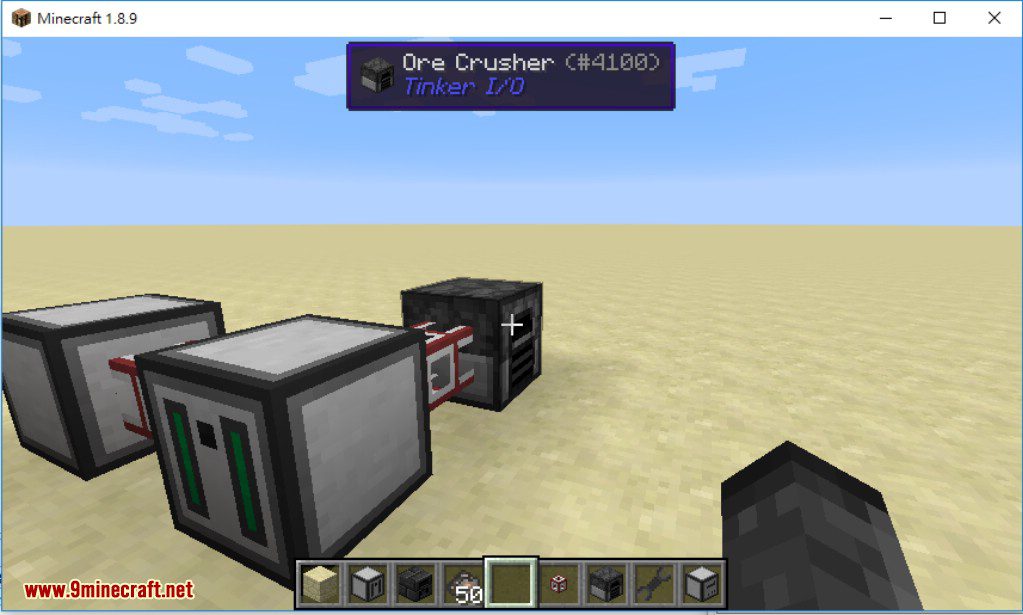
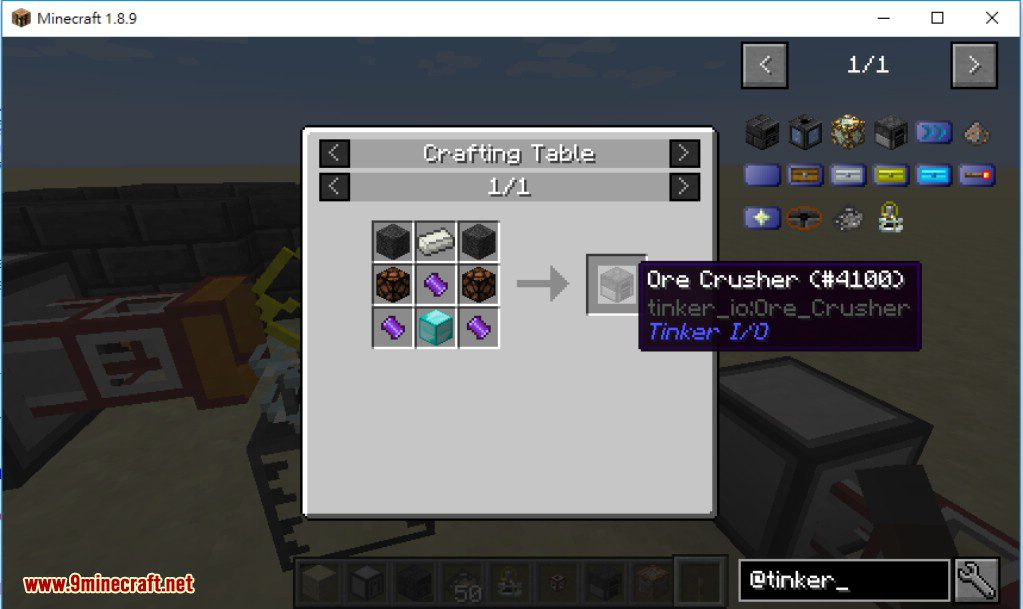
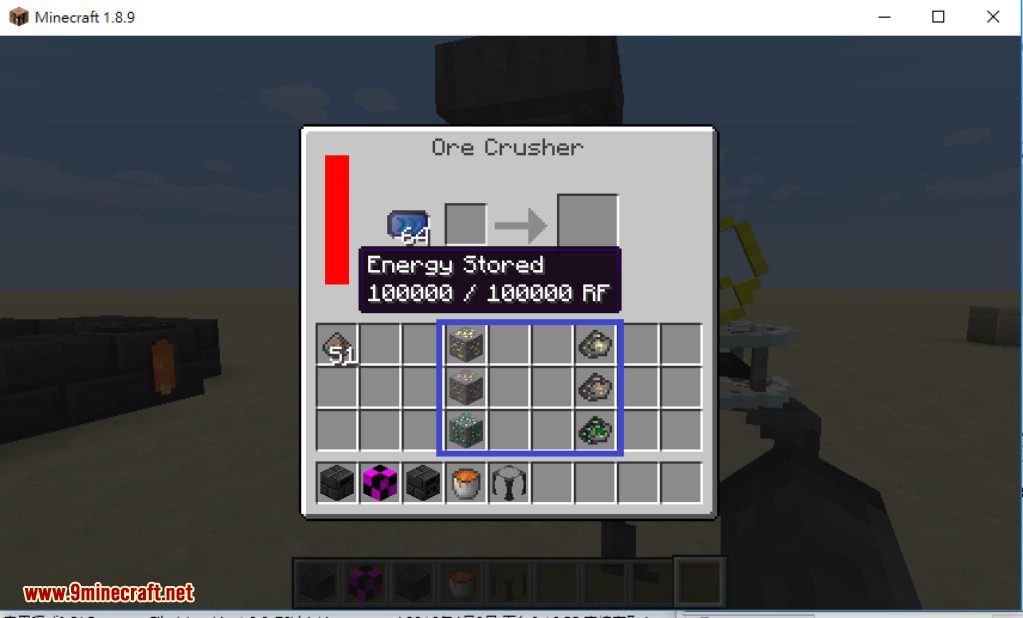
- Ore Crusher: Turns ores into Crushed Ore, which can then be smelted in the Smeltery to get Pure Metal.
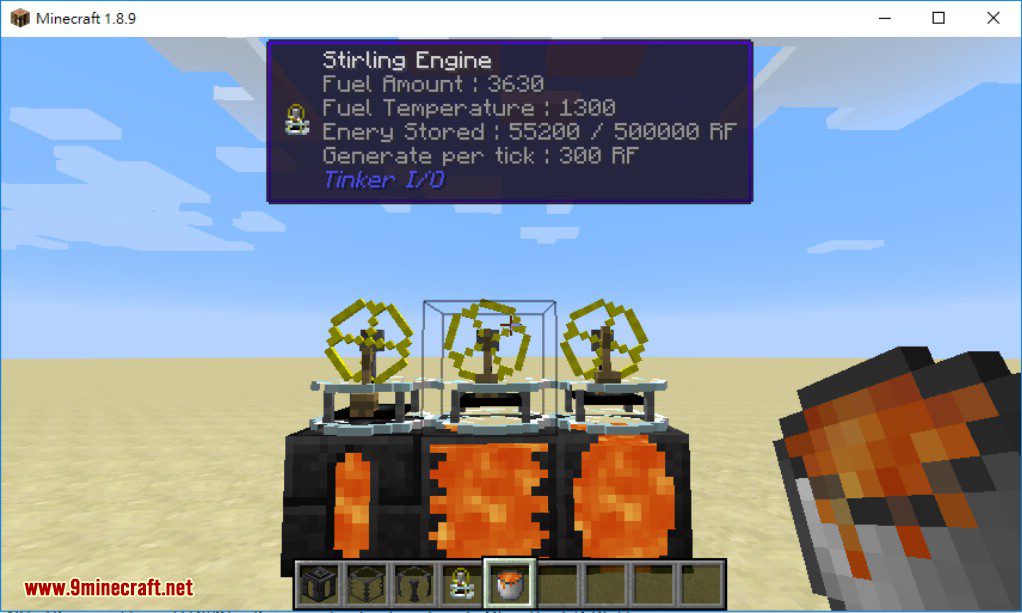
- Stirling Engine: Generates RF power when placed on top of a Tinkers’ Construct tank, with efficiency based on the liquid’s temperature.
- Adds a special Solid Fuel item that provides a high temperature boost for the Smeltery.
- Craft various upgrades to improve your machines, such as increasing speed, adding inventory slots, or enabling redstone control.
- Use the Basin Upgrade to let the Smart Output cast blocks.
How to Use:
- Place the Fuel Input Machine anywhere on your Smeltery structure to start adding fuel automatically.
- Use the Ore Crusher to turn your raw ores into Crushed Ore.
- Smelt the Crushed Ore in the Smeltery.
- Use the Smart Output to cast the molten Pure Metal into ingots.
- Place a Stirling Engine on top of a tank with hot liquid to generate RF power.
- Craft and install upgrades like Speed or Fortune to improve the performance of your new machines.
Screenshots:
Tinker I/O Mod Download Links
For Minecraft 1.7.10
For Minecraft 1.8.9
For Minecraft 1.9.0
For Minecraft 1.9.4
For Minecraft 1.10.2
For Minecraft 1.11.2
For Minecraft 1.12.1, 1.12
For Minecraft 1.12.2
Quick facts
- Edition: Minecraft Java
- File type: .jar
- How to install: Install the matching mod loader (Forge, Fabric or NeoForge) for your Minecraft version. → Download the .jar. → Put it in the .minecraft/mods folder and launch that loader profile.
- Where to get it: In MC Java Mods, or directly above on this page.
Install steps are the general flow for this file type — How to install Minecraft Java mods & modpacks walks through it step by step.
Verified by MCModsHub
- Ships as 207929.jar — drop this file into the mods folder
- Download size: 5.4 MB
- Download link checked 16 Jul 2026 — working
- Mirrored on our own servers — the download does not depend on the original host
These come from our own check of the pack file, not from the source page.