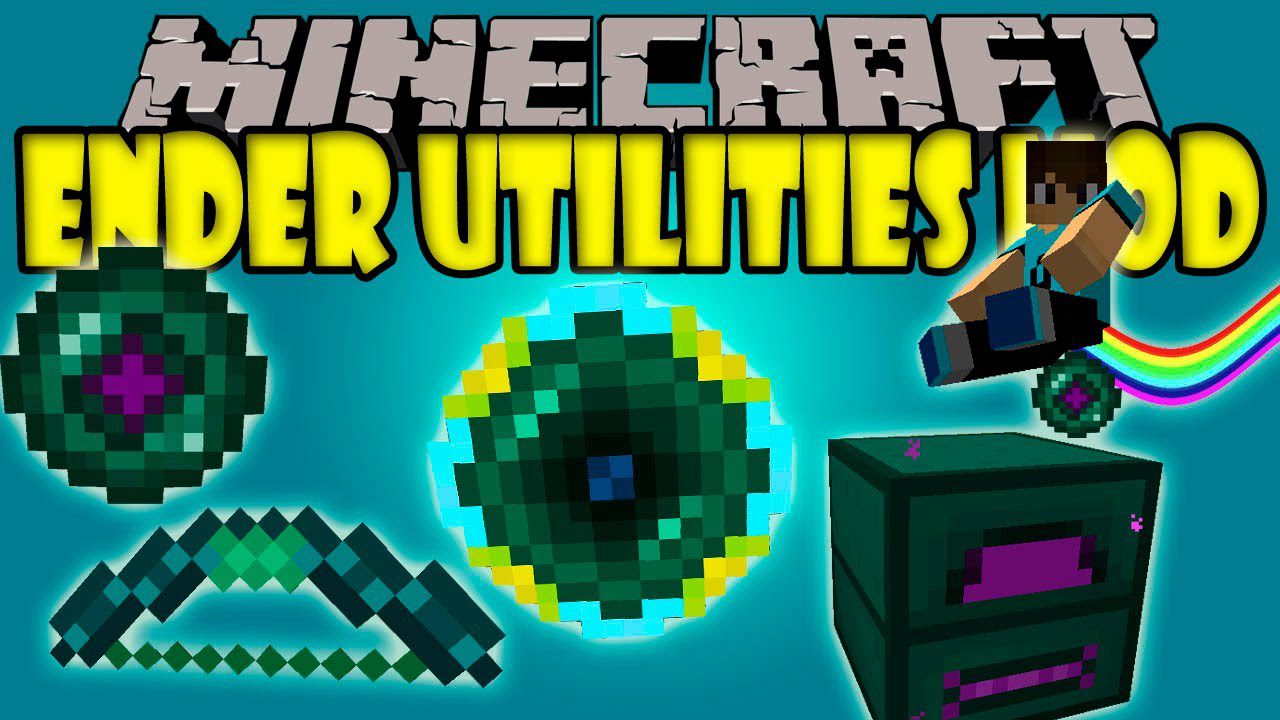
Ender Utilities Mod (1.12.2, 1.11.2) – Move Anything Anywhere Instantly
Minecraft Java mod. Downloads from the MC Java Mods app on Android.
⬇ DownloadEnder Utilities Mod adds a bunch of useful items and blocks to your game. Most of these new additions use ender-style powers, like teleporting, accessing things from far away, and carrying more items. For example, you can use the Ender Bow to set a location, and any mob you shoot with it will be sent directly to that spot. This is great for setting up mob farms, as you can teleport enemies into a trap to easily collect their drops.
Features:
Items
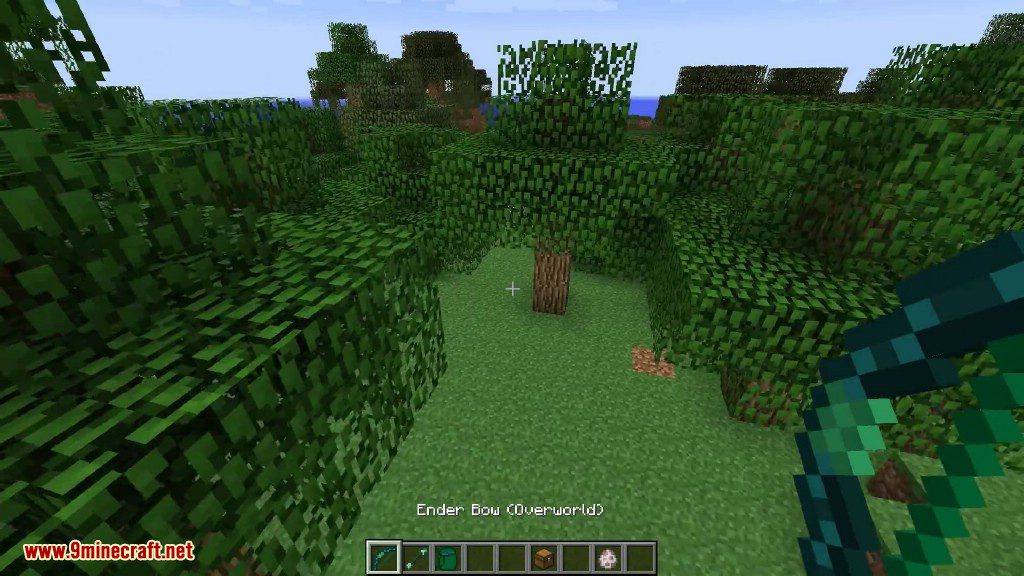
- Ender Bow & Arrows: Set a teleport location by sneak-right-clicking a block. Any mob shot with the bow will teleport to that spot. You can also switch modes to teleport yourself to where the arrow lands.
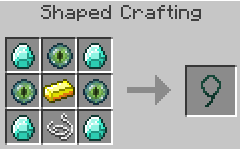
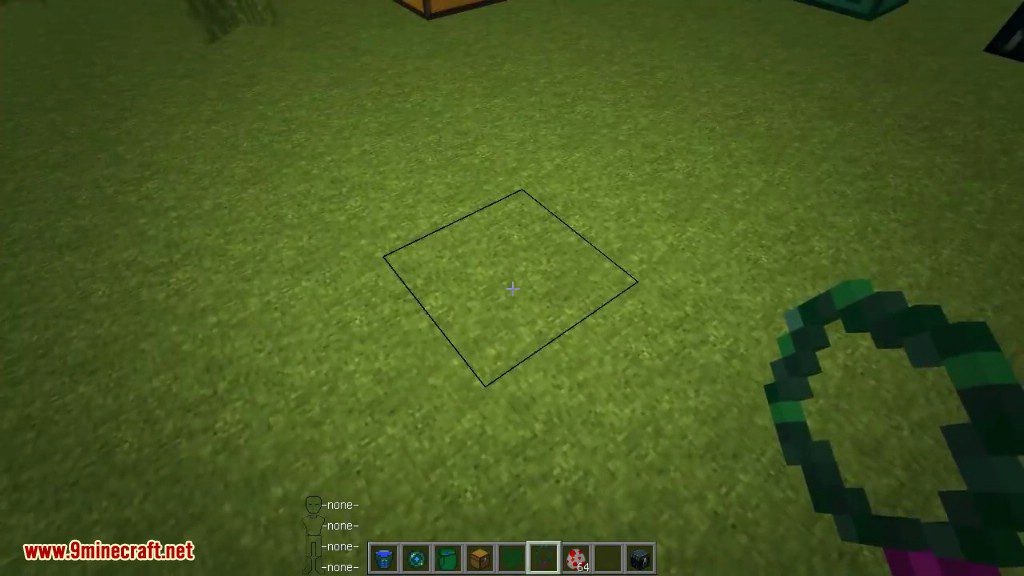
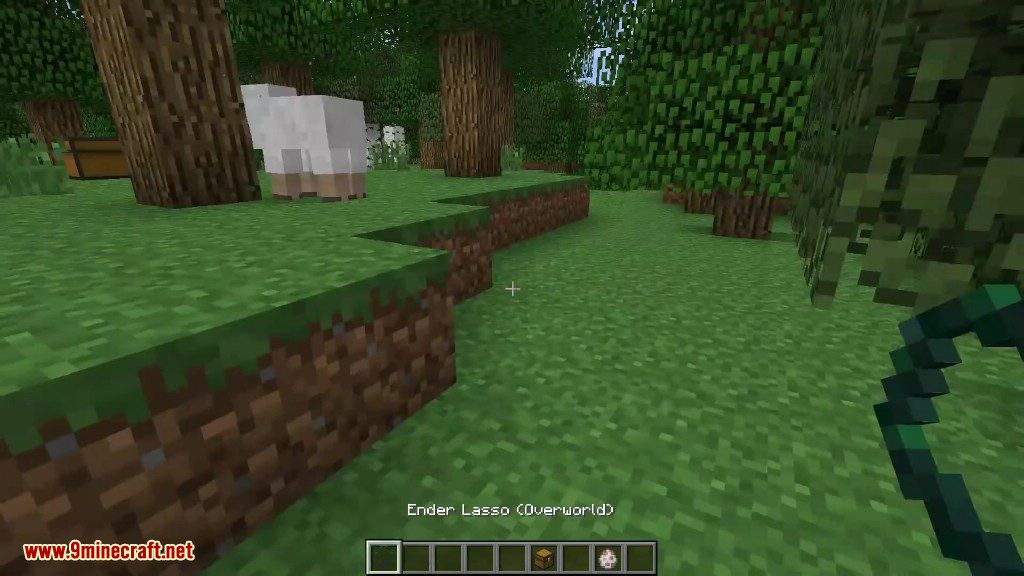
- Ender Lasso: Similar to the bow, bind it to a location and then right-click any mob to instantly teleport it there.
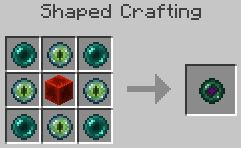
- Reusable Ender Pearl: A special ender pearl that you get back after using it. It also deals less damage when you land.
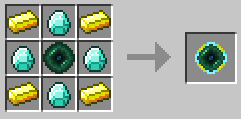
- Ender Porter: Teleport yourself to saved locations. The Basic version works within the same dimension, while the Advanced version works across dimensions.
- Ender Tools: A set of tools (Pickaxe, Axe, Shovel, Hoe) that can send block drops directly into your inventory. The hoe can also till a 3×3 area.
- Ender Sword: Sends mob drops straight to your inventory. It can also summon three Ender Fighters to attack your target.
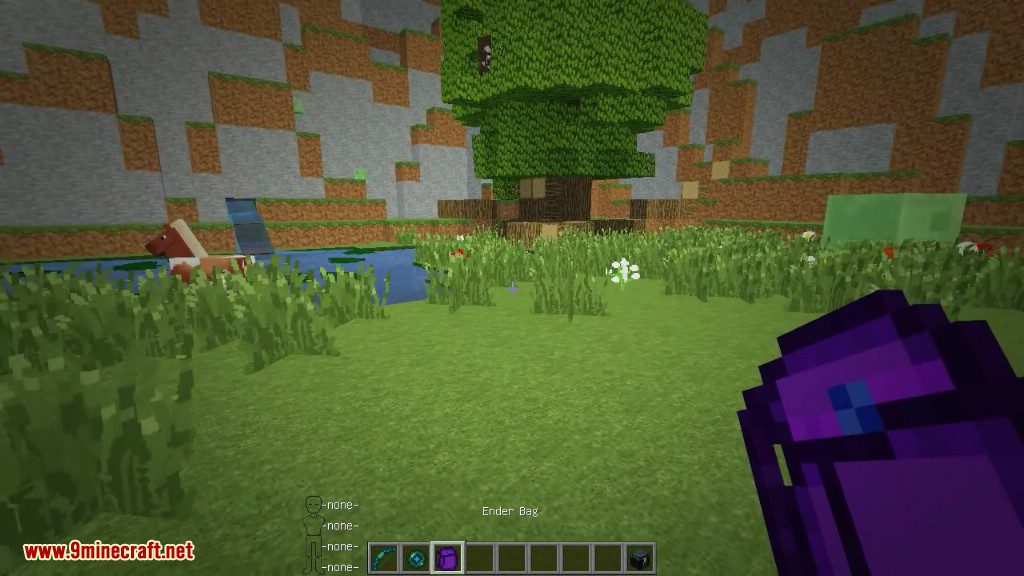
- Ender Bag: Link this bag to an inventory, like a chest, to access its contents from anywhere in the world.
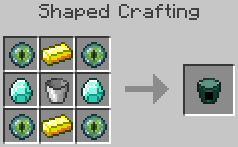
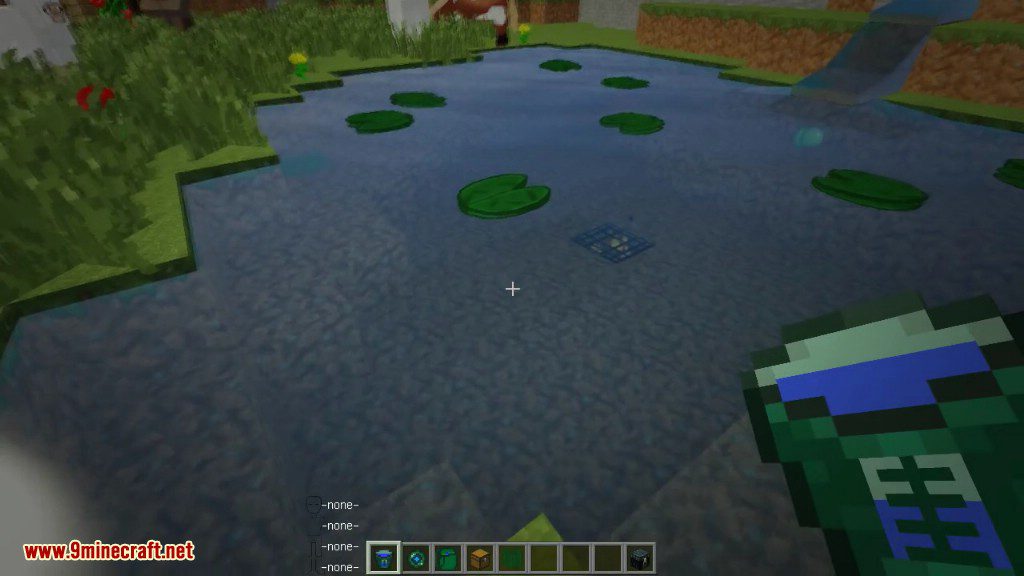
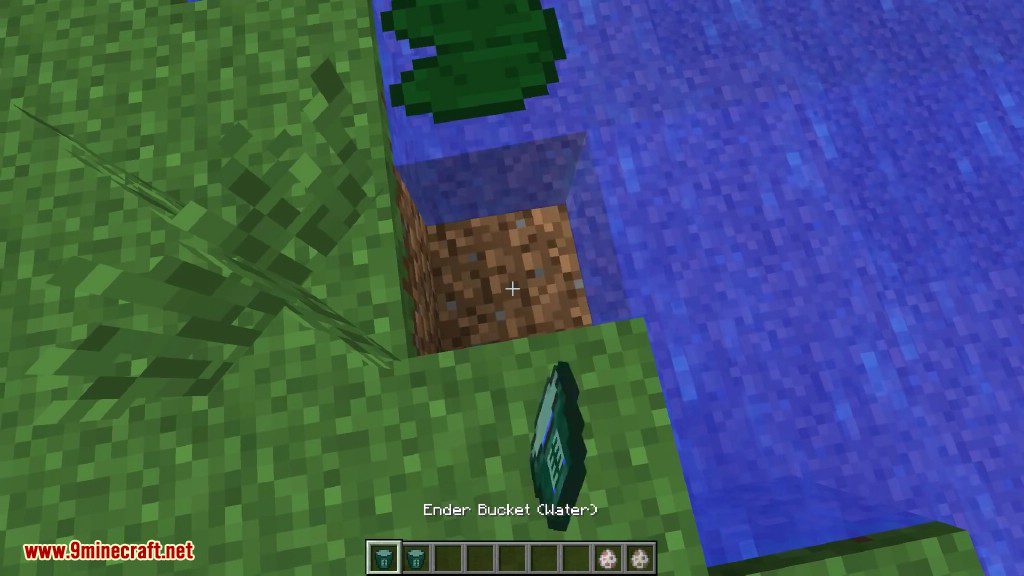
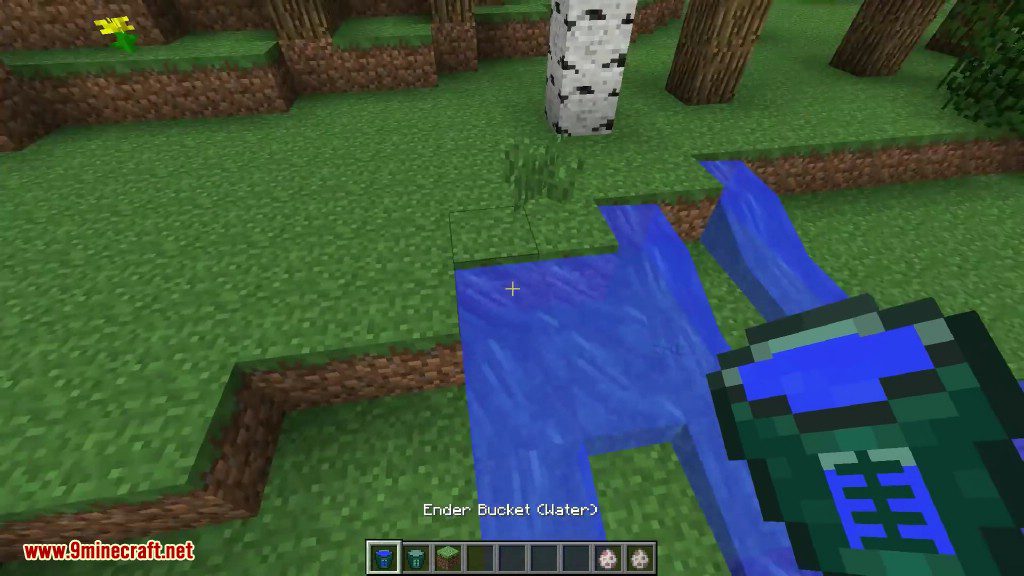
- Ender Bucket: A special bucket that can hold up to 16 buckets’ worth of a single fluid.
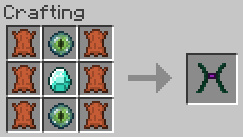
- Mob Harness: Allows you to pick up mobs and place them on top of other mobs or even yourself. You can also ride most mobs with it.
- Jailer Module: Use this on mobs to prevent them from despawning.
Blocks
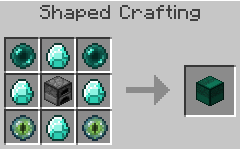
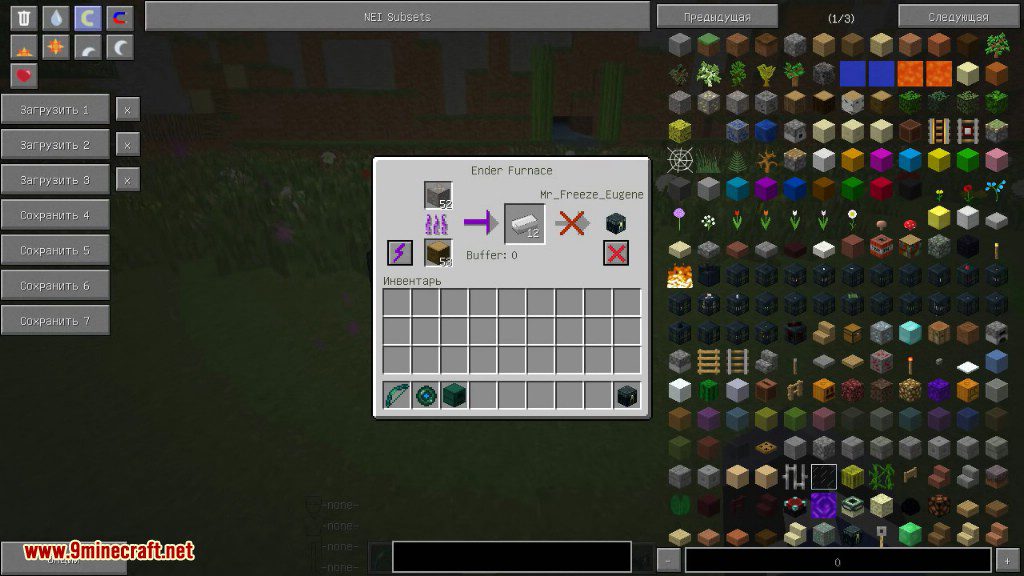
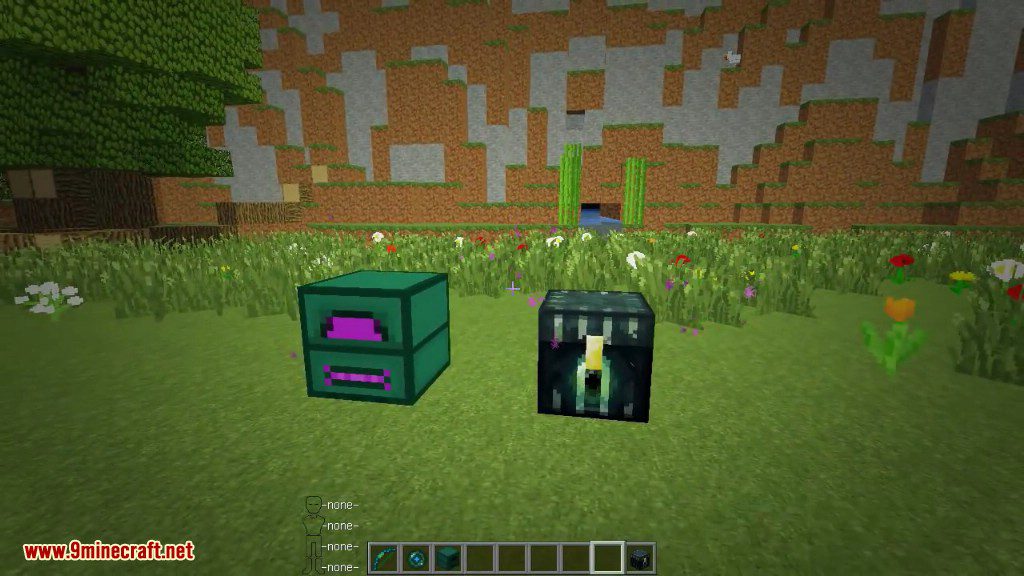
- Ender Furnace: A faster and more fuel-efficient furnace. It can automatically send smelted items to your Ender Chest.
- Tool Workstation: Use this block to add modules to your Ender Utilities items, giving them new abilities.
- Ender Infuser: A block used to charge Ender Capacitors with Ender Pearls or Eyes of Ender.
Multiblock Structures
- Energy Bridge: Build a special structure in The End (Transmitter) and another in any other dimension (Receiver) to automatically recharge your Ender items.
How to Use:
- To link an item like the Ender Bow or Ender Lasso to a location, sneak while right-clicking on the target block.
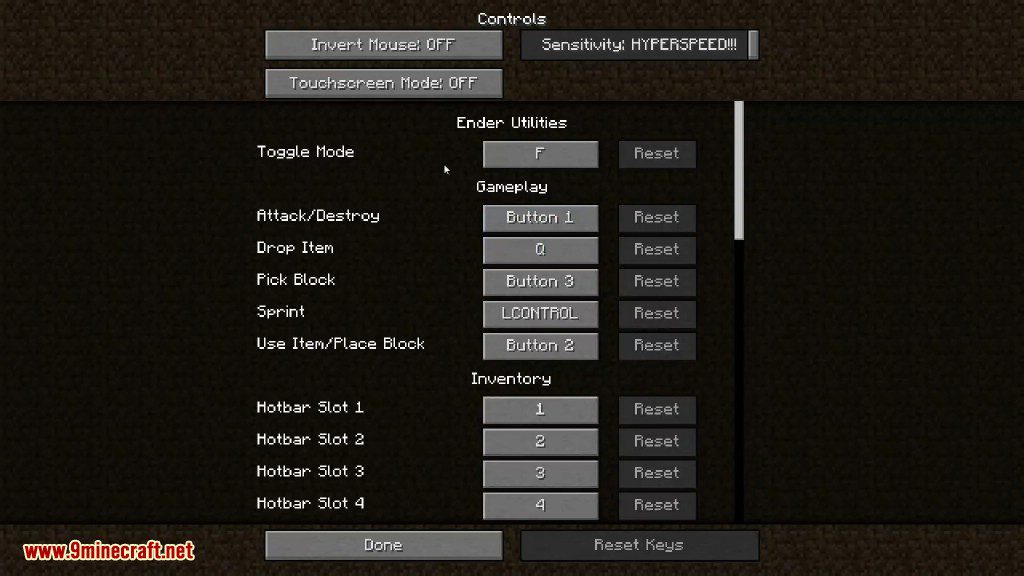
- Many items have multiple functions. Check your game’s controls to find the ‘Toggle Mode’ key, which switches between these functions.
- Craft a Tool Workstation to manage the modules in your items. This is how you add or remove upgrades.
- To use the Ender Porter, hold the right mouse button to charge it up, and then release to teleport to your selected location.
Crafting Recipes:
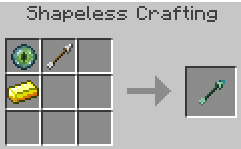
Ender Arrows:
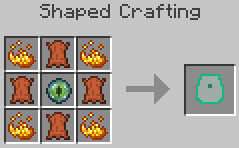
Ender Bag:
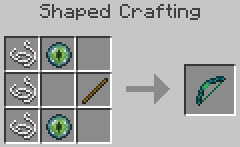
Ender Bow:
Ender Bucket:
Ender Furnace:
Ender Lasso:
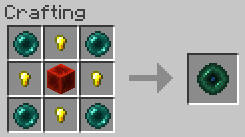
Ender Pearl (re-usable):
Ender Porter (Basic):
Ender Porter (Advanced):
Mob Harness
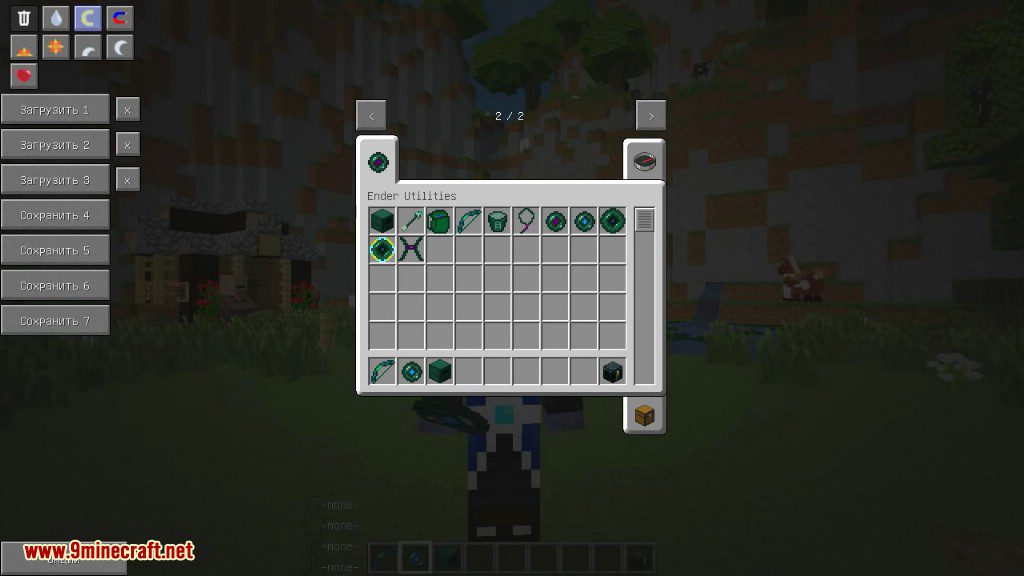
Screenshots:



Ender Utilities Mod Download Links
For Minecraft 1.7.2
For Minecraft 1.7.10
For Minecraft 1.8.0
For Minecraft 1.8.9
For Minecraft 1.9.0
For Minecraft 1.9.4
For Minecraft 1.10.2
For Minecraft 1.11.2
For Minecraft 1.12.1, 1.12
For Minecraft 1.12.2
- Edition: Minecraft Java
- File type: .jar
- How to install: Install the matching mod loader (Forge, Fabric or NeoForge) for your Minecraft version. → Download the .jar. → Put it in the .minecraft/mods folder and launch that loader profile.
- Where to get it: In MC Java Mods, or directly above on this page.
Install steps are the general flow for this file type — How to install Minecraft Java mods & modpacks walks through it step by step.
- Downloads as 207930.mcaddon
- Download size: 78 KB
- Download link checked 22 Jul 2026 — working
- Mirrored on our own servers — the download does not depend on the original host
These come from our own check of the pack file, not from the source page.