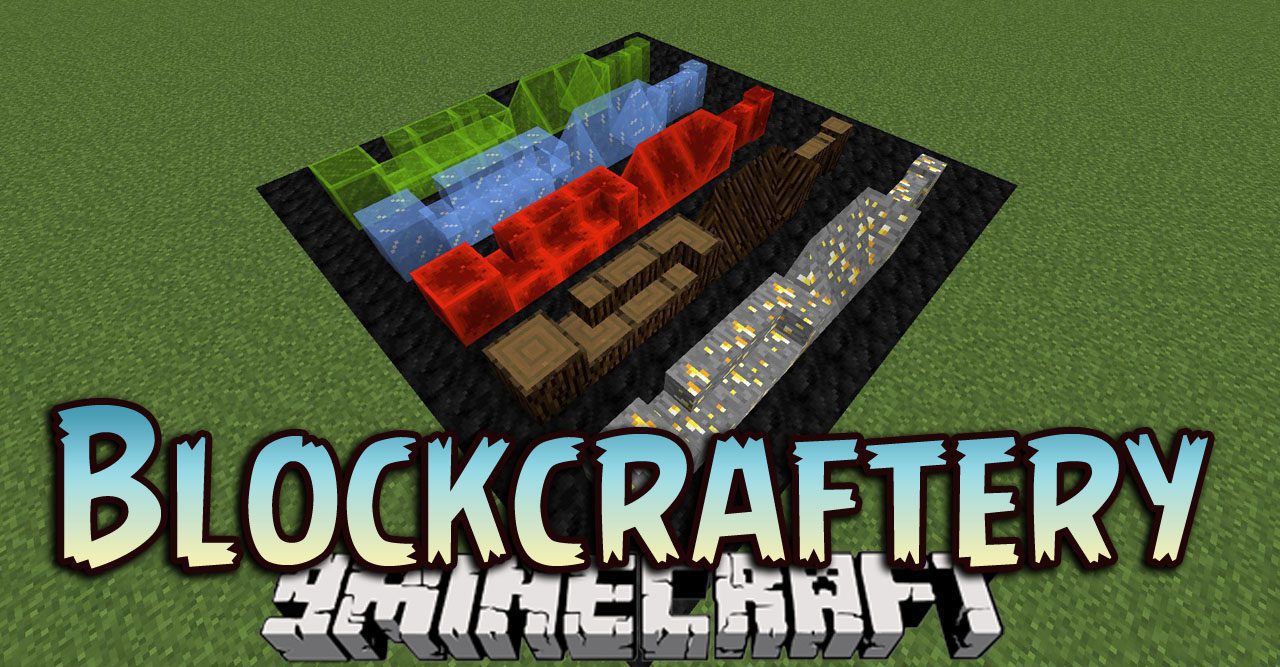
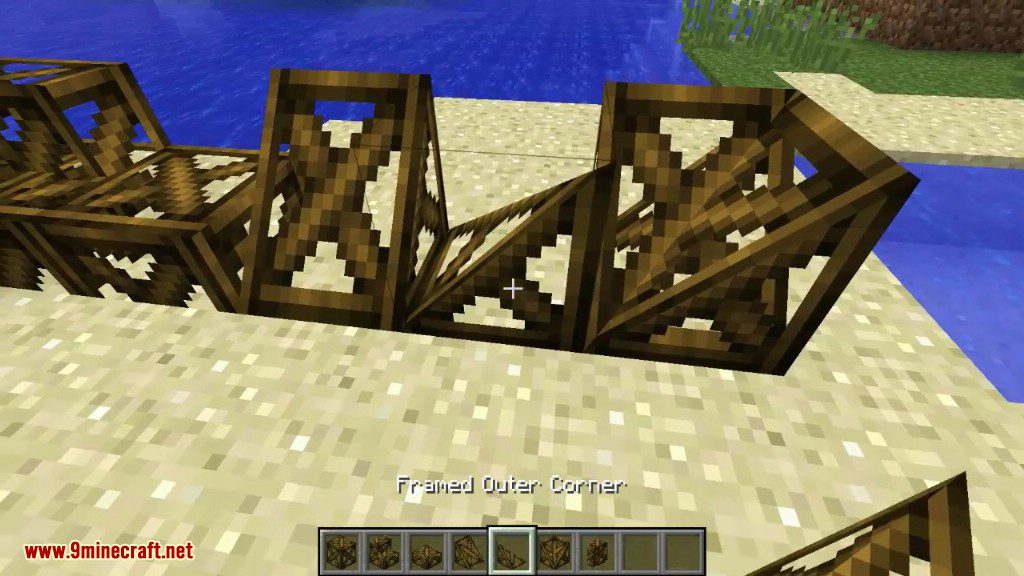
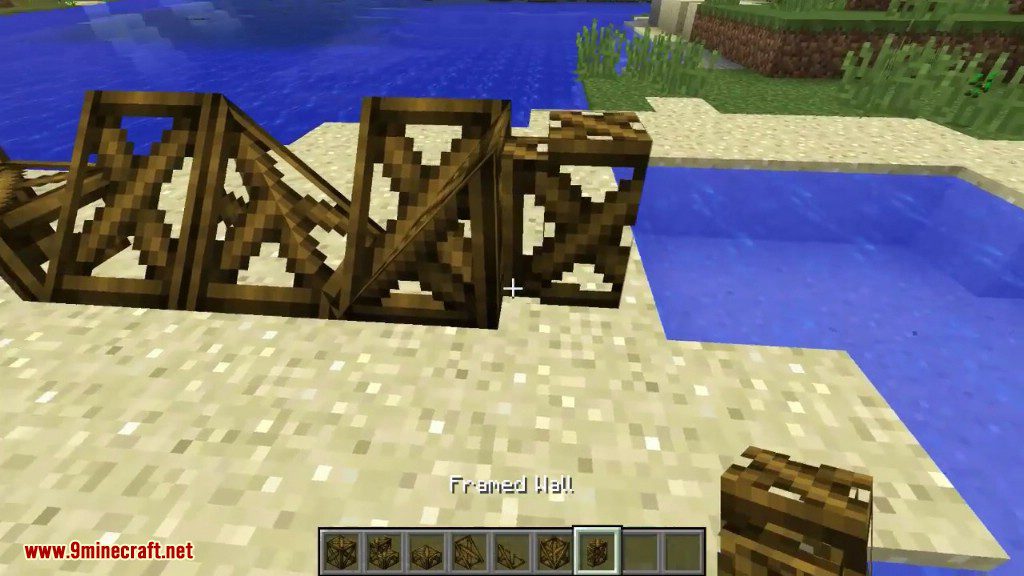
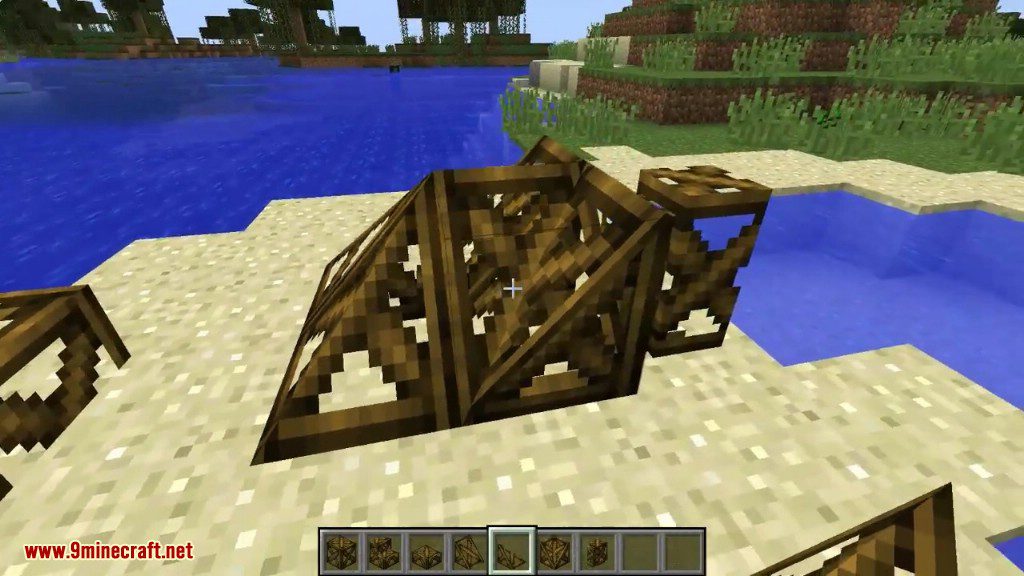
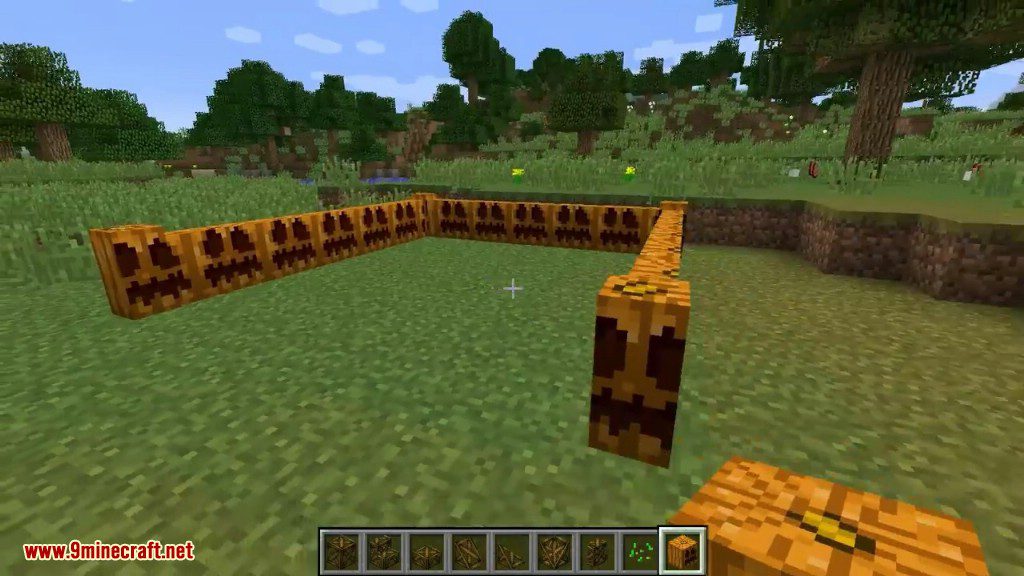
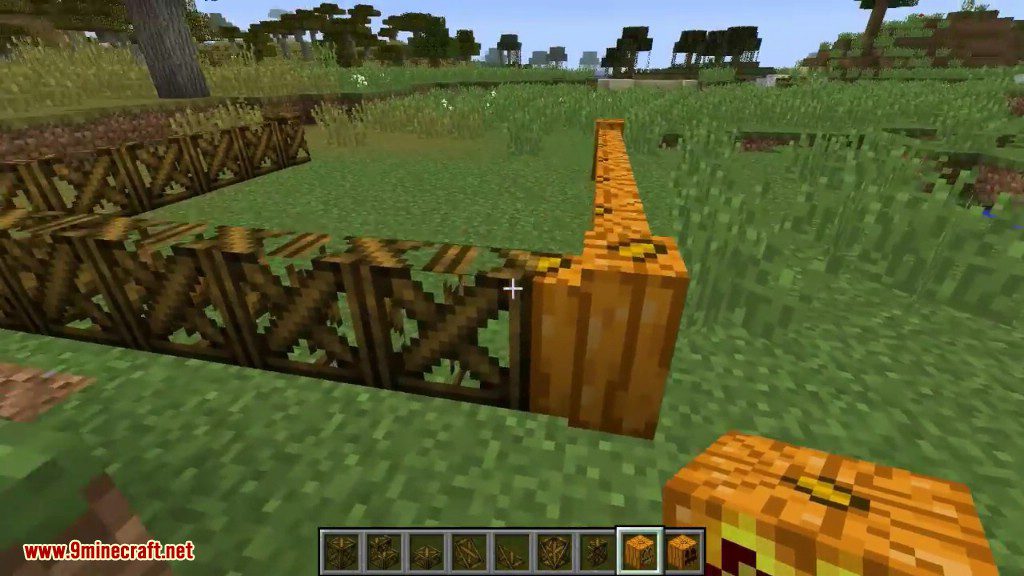
Blockcraftery Mod 1.12.2 provides a very simple feature: Framed Blocks. Framed blocks can be placed in the world, then can be given another block’s texture by right-clicking.
This mod adds a set of blocks of irregular shape, which after installation can be painted in any texture, picking up a block with a texture and clicking with the right mouse button on the block of fashion.
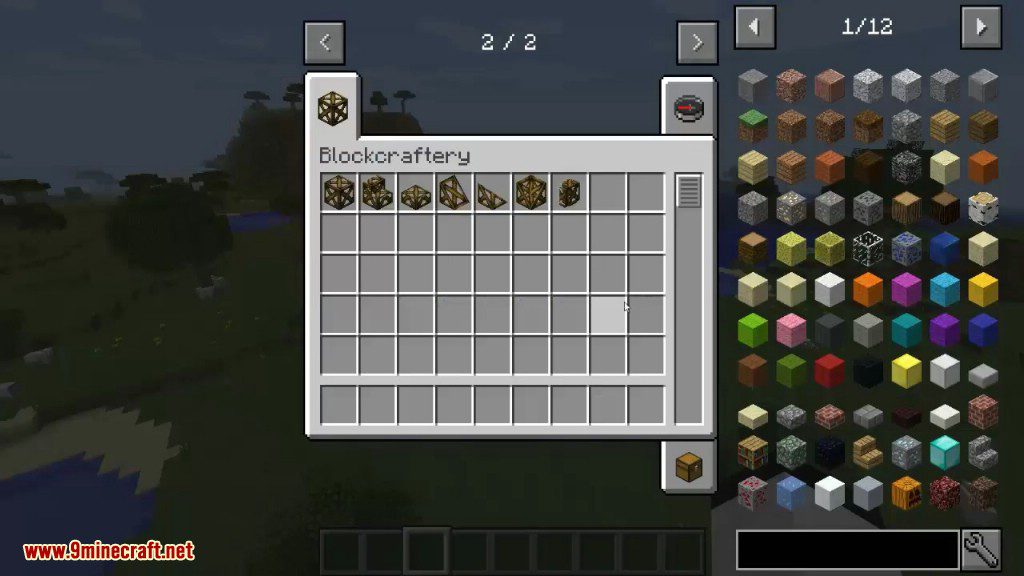
Features:
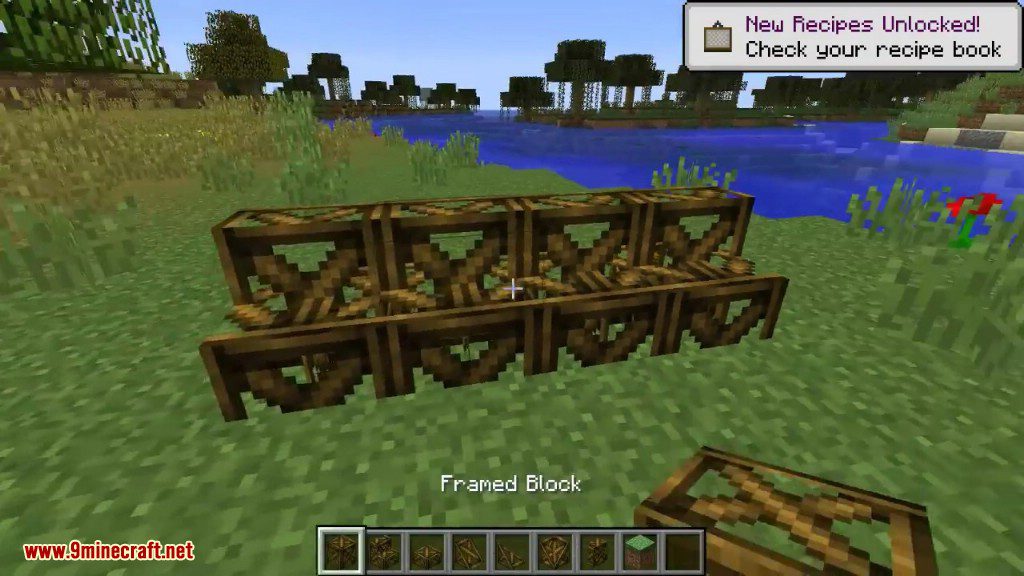
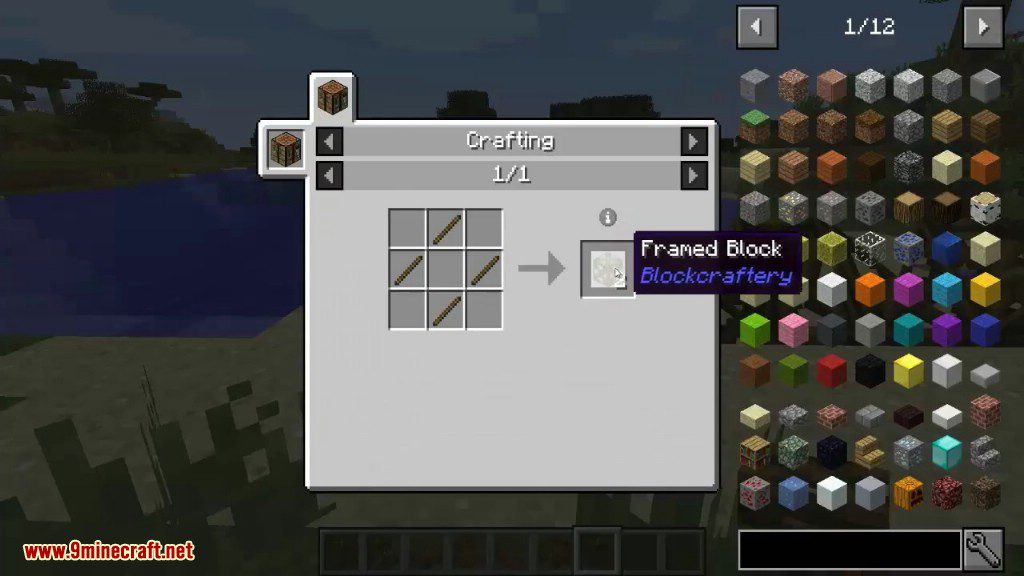
- Framed Blocks. Standard full cubes.
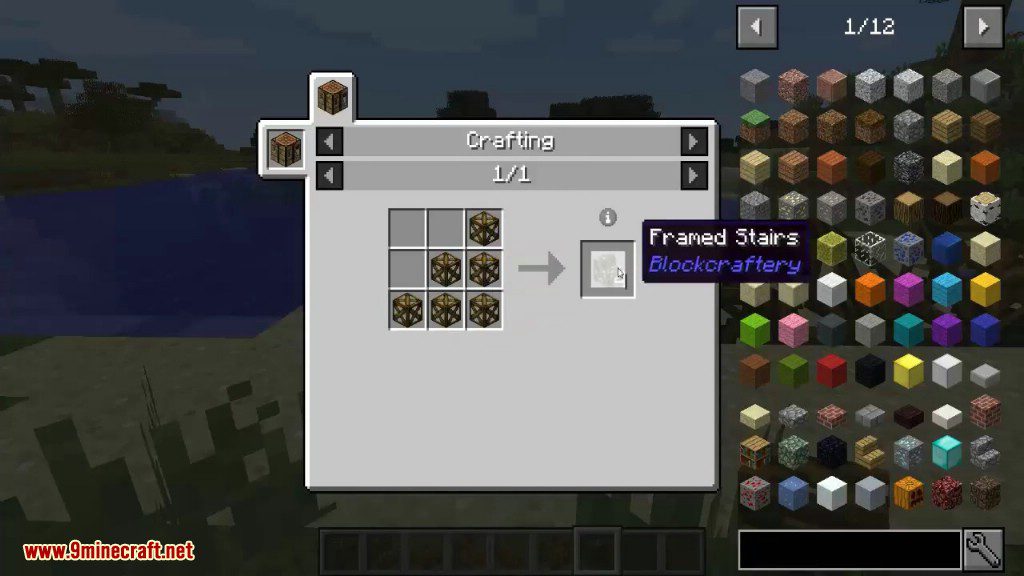
- Framed Stairs.
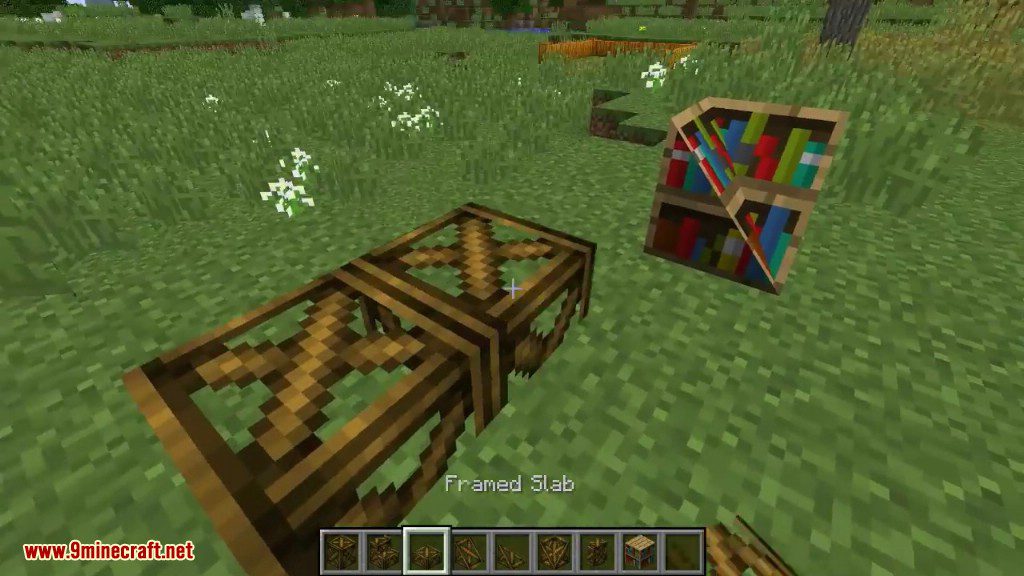
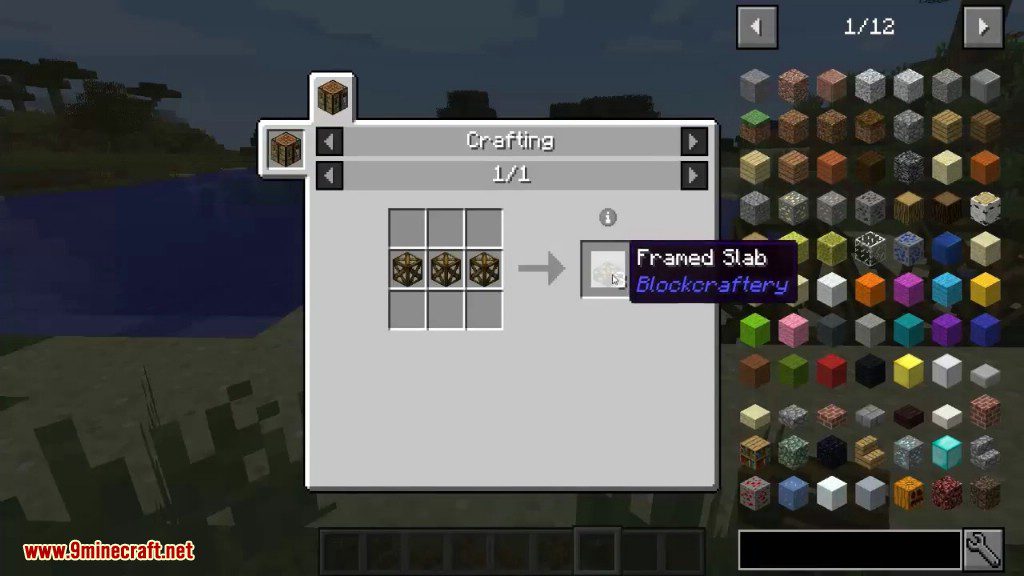
- Framed Slabs.
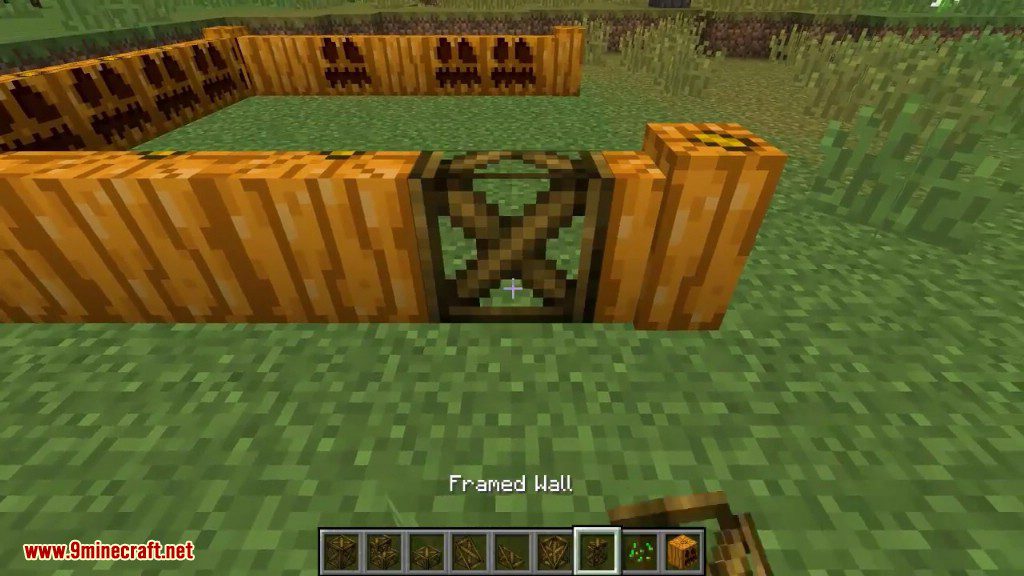
- Framed Walls.
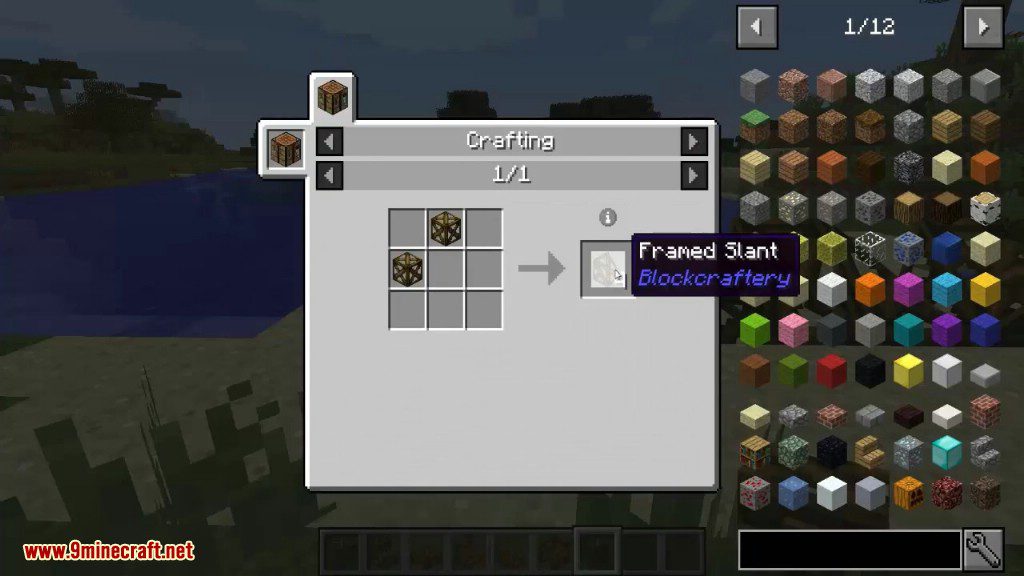
- Framed Slants.
- Framed Slant Corners.
Screenshots:
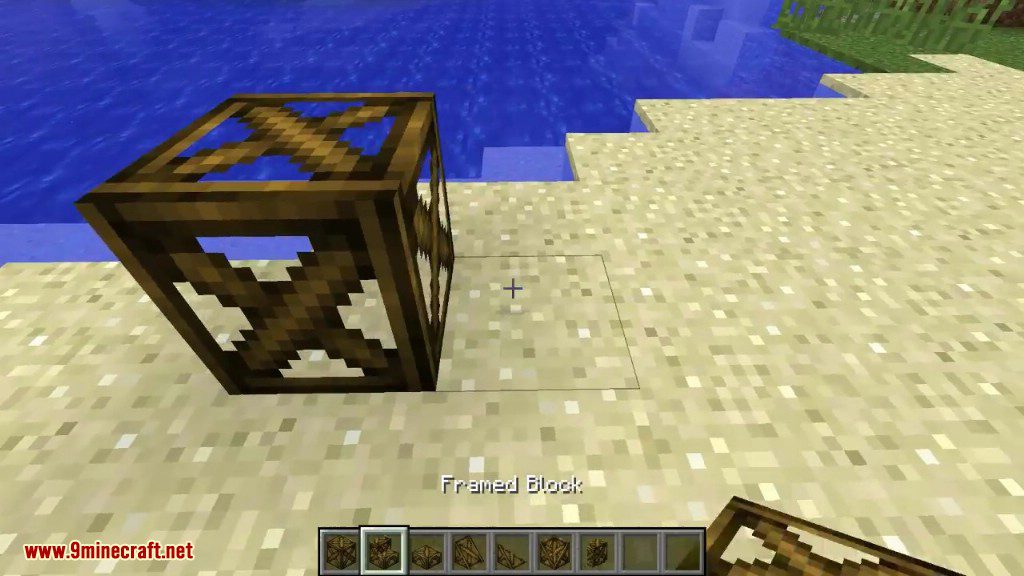
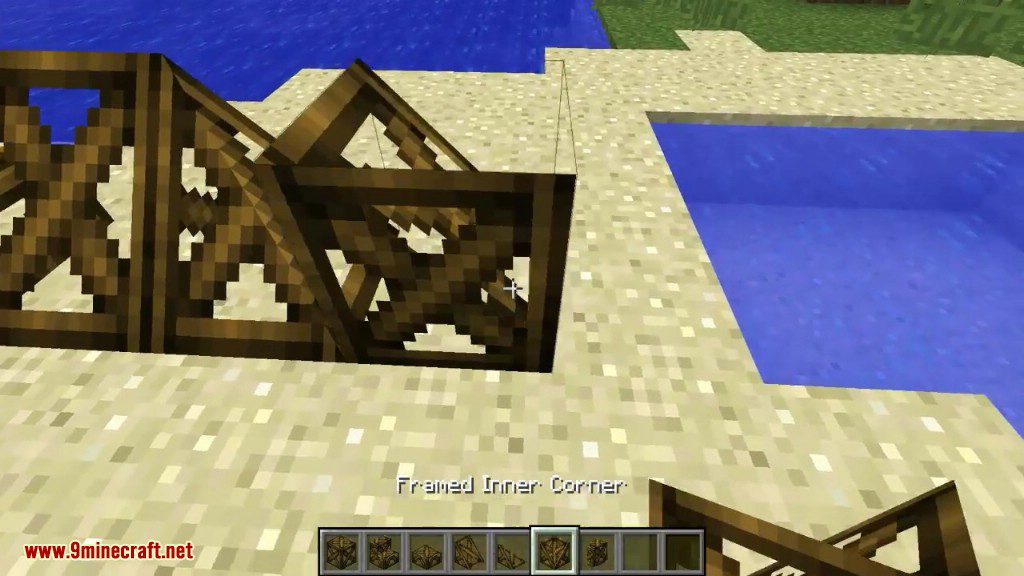
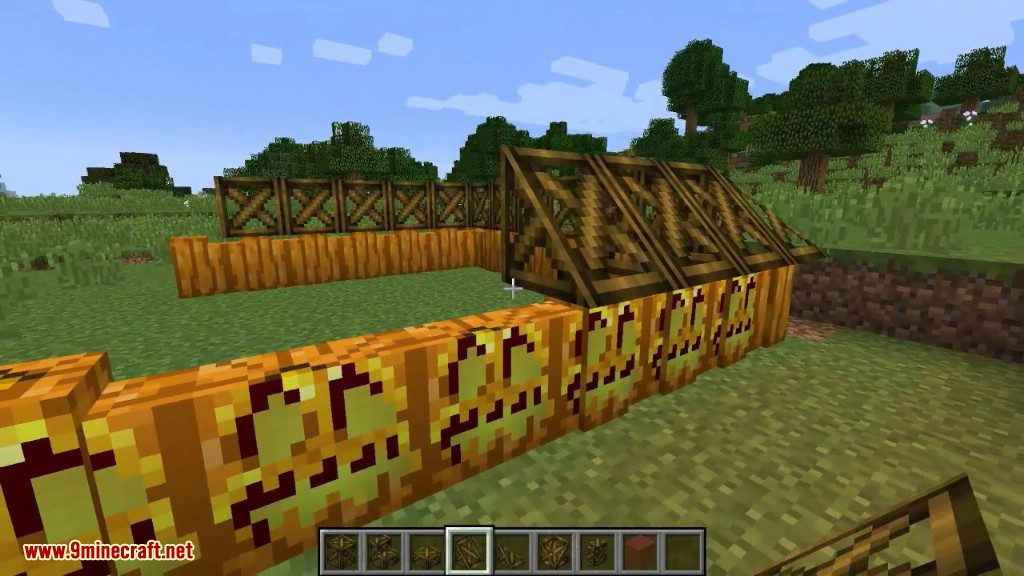
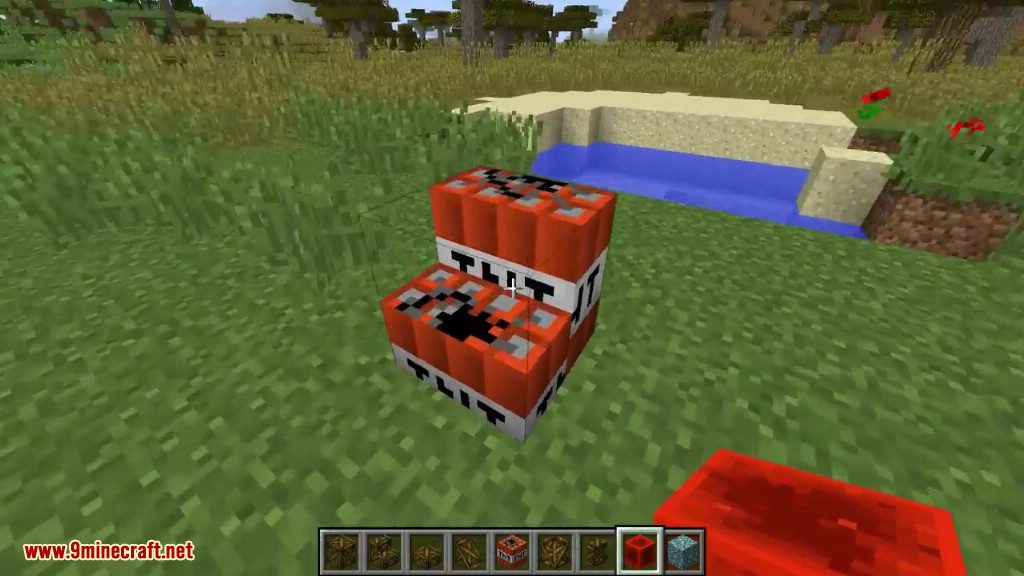
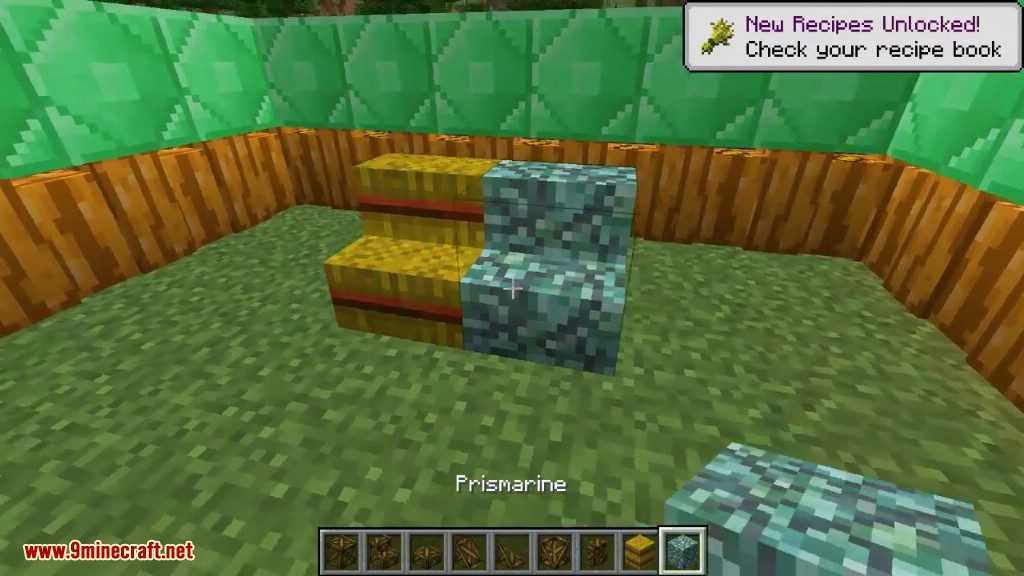
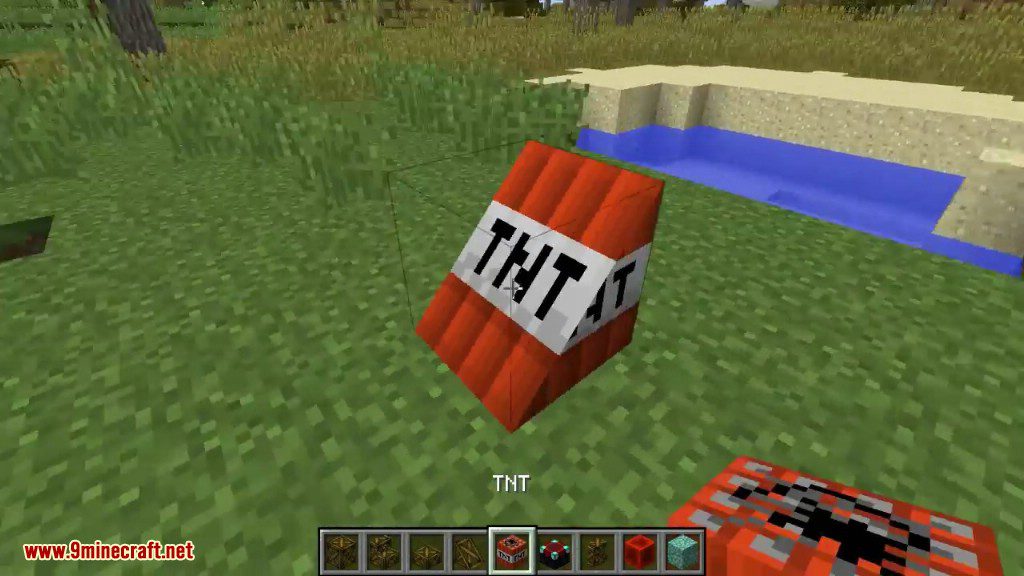
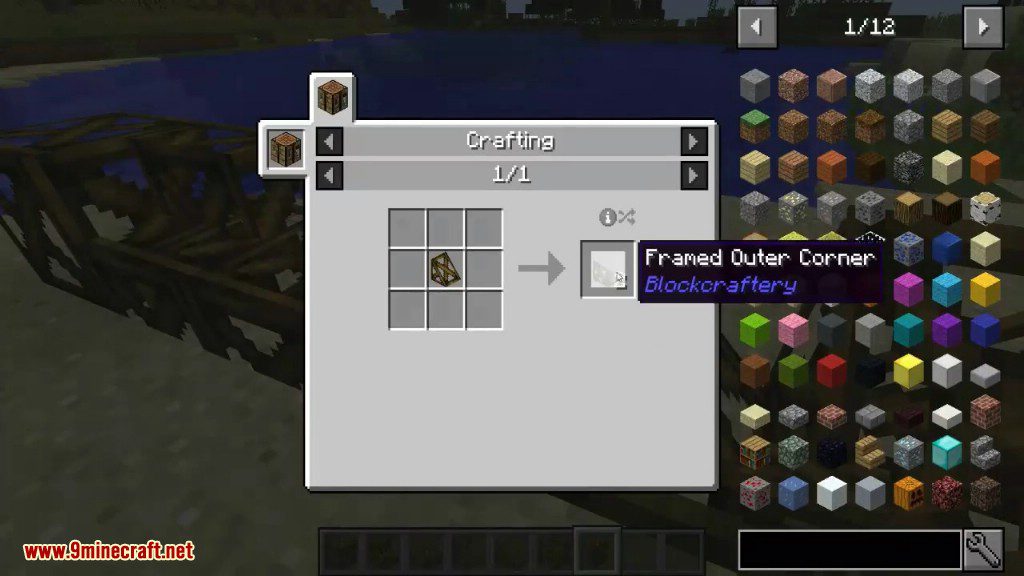
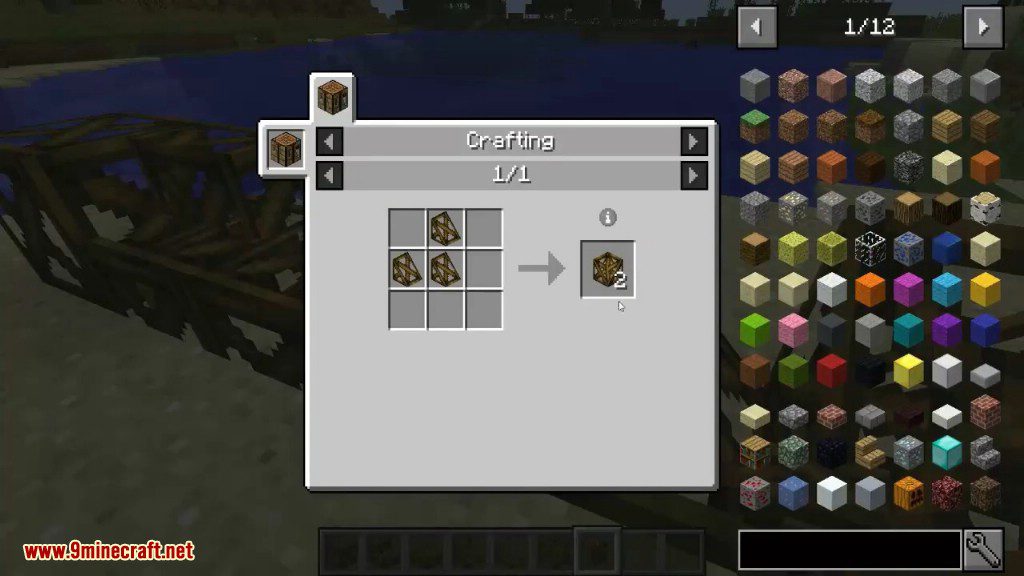
Crafting Recipes:
Blockcraftery Mod 1.12.2 Download Links
For Minecraft 1.12.2
Quick facts
- Edition: Minecraft Java
- File type: .jar
- How to install: Install the matching mod loader (Forge, Fabric or NeoForge) for your Minecraft version. → Download the .jar. → Put it in the .minecraft/mods folder and launch that loader profile.
- Where to get it: In MC Java Mods, or directly above on this page.
Install steps are the general flow for this file type — How to install Minecraft Java mods & modpacks walks through it step by step.
Verified by MCModsHub
- Downloads as 207953.mcaddon
- Download size: 103 KB
- Download link checked 27 Jul 2026 — working
- Mirrored on our own servers — the download does not depend on the original host
These come from our own check of the pack file, not from the source page.