Sound Device Options Mod 1.17.1, 1.16.5 is a very small but handy mod, it allows you to switch the active sound output device while the game is running! This is useful for people who have a speaker and headphones attached to their PC and want to switch between them without needing to restart and changing the primary sound device in your operating system.
(The mod is very lightweight and does not cause any extra lag or startup time.)
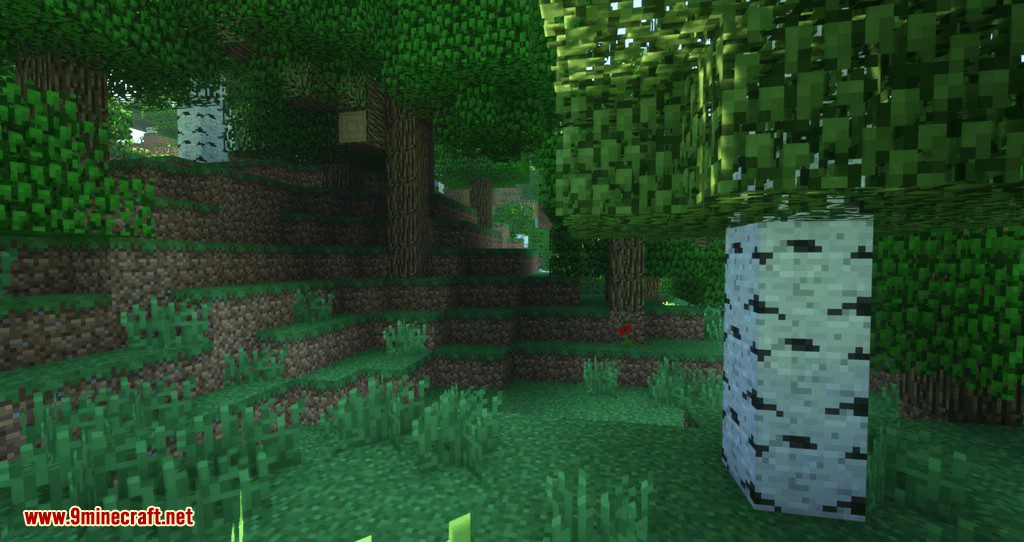
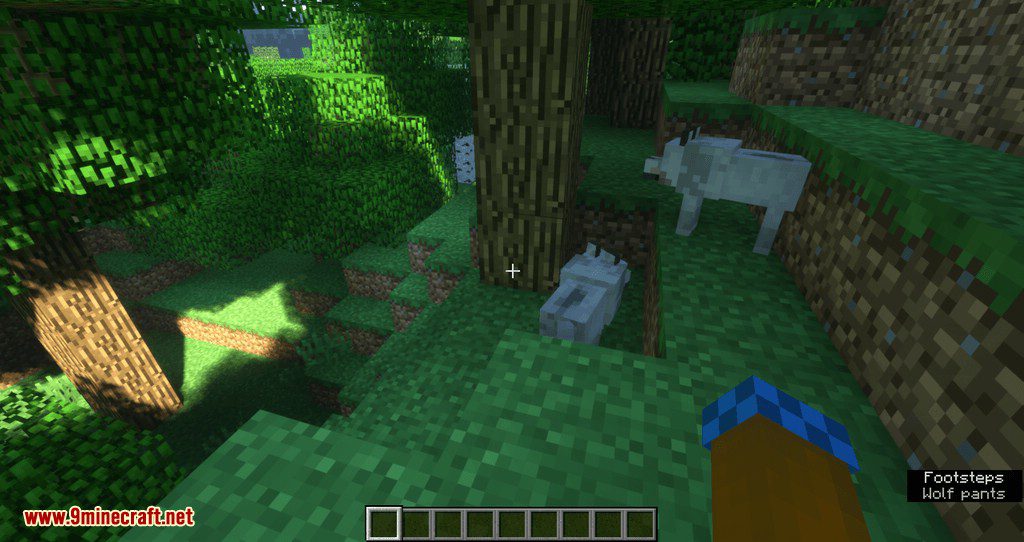
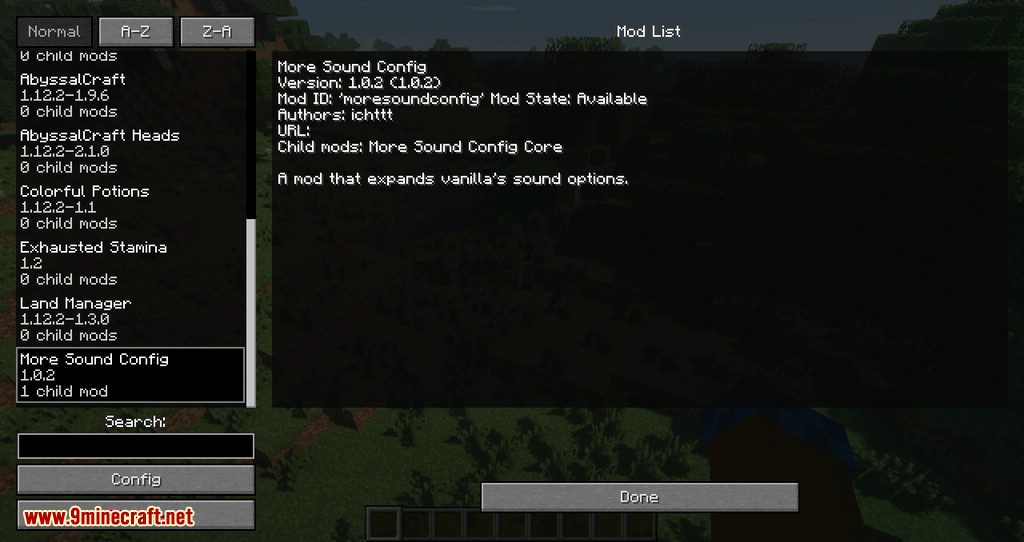
Screenshots:
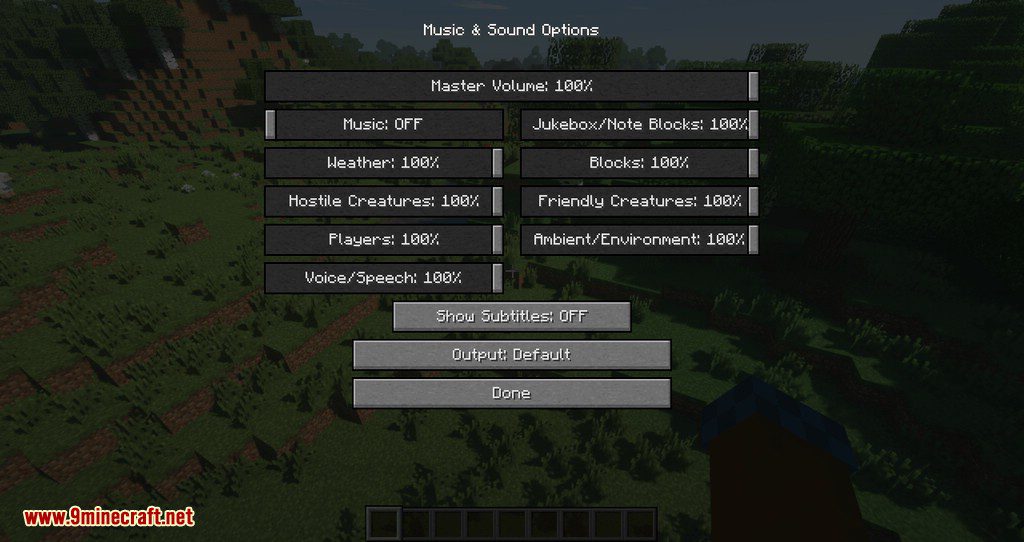
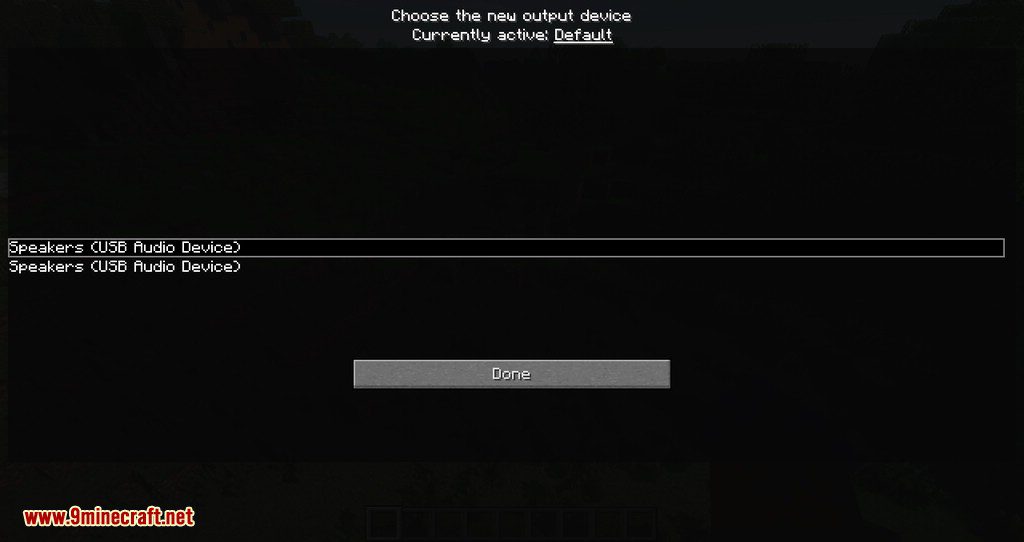
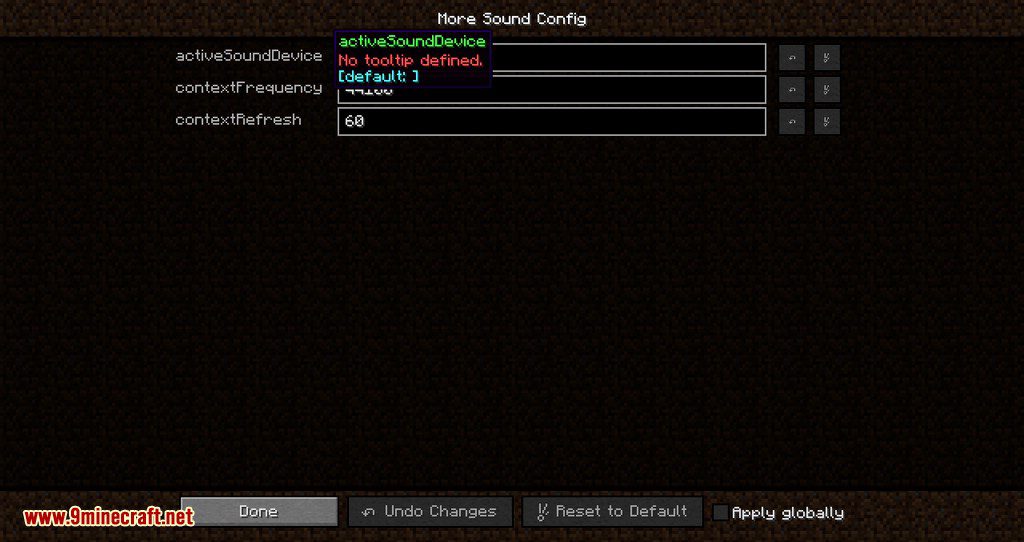




Sound Device Options Mod 1.17.1, 1.16.5 Download Links
For Minecraft 1.17.1
For Minecraft 1.16.5
For Minecraft 1.15.2
For Minecraft 1.14.4
For Minecraft 1.12.2
For Minecraft 1.13.2
Quick facts
- Edition: Minecraft Java
- File type: .jar
- Minecraft versions listed: 1.17.1, 1.16.5
- How to install: Install the matching mod loader (Forge, Fabric or NeoForge) for your Minecraft version. → Download the .jar. → Put it in the .minecraft/mods folder and launch that loader profile.
- Where to get it: In MC Java Mods, or directly above on this page.
Install steps are the general flow for this file type — How to install Minecraft Java mods & modpacks walks through it step by step.
Verified by MCModsHub
- Downloads as 208083.mcaddon
- Download size: 21 KB
- Download link checked 30 Jul 2026 — working
- Mirrored on our own servers — the download does not depend on the original host
These come from our own check of the pack file, not from the source page.