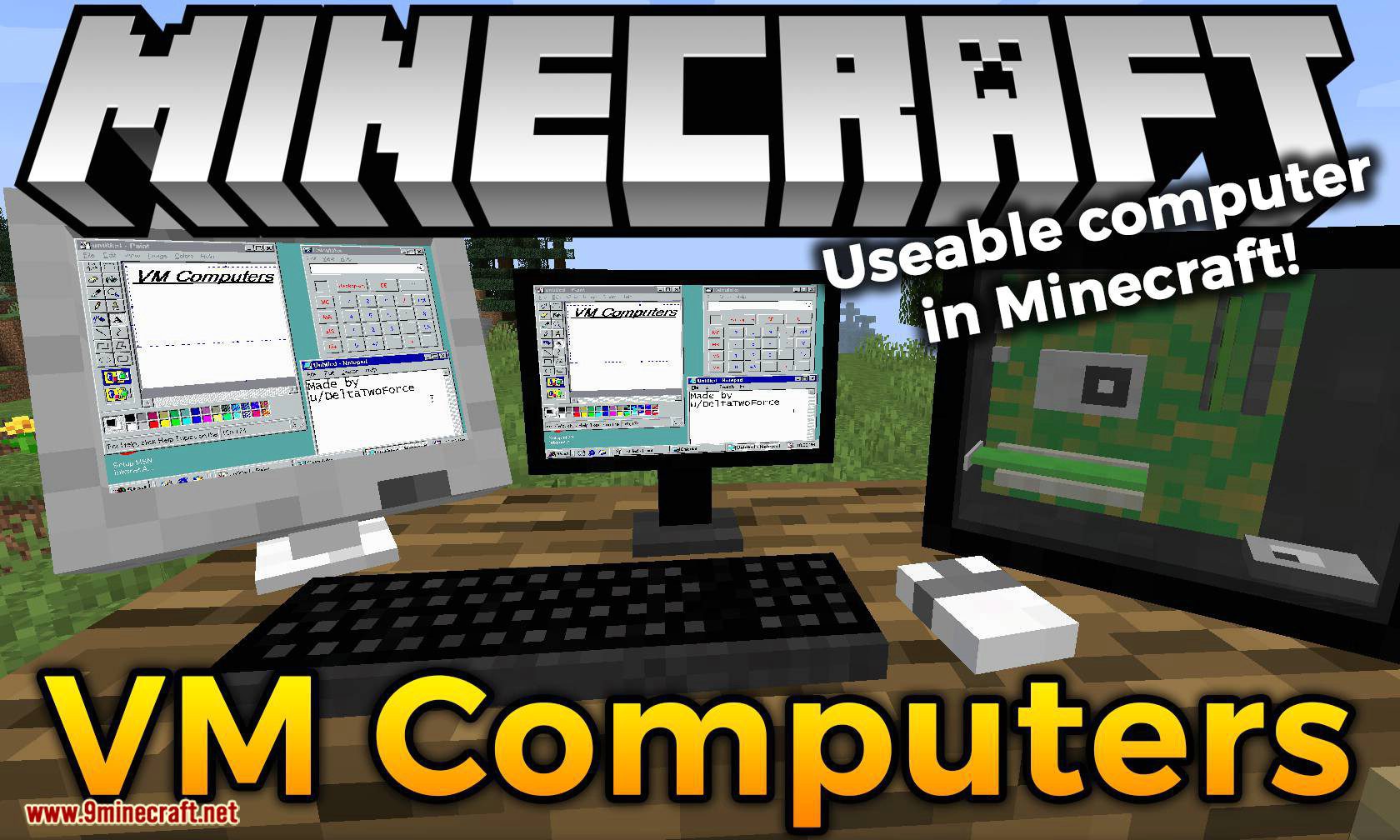
VM Computers Mod 1.16.5, 1.15.2 order yourself computer parts from a satellite orbiting around your Minecraft world to build a computer that actually works!
(Warning: This mod can screw with your VirtualBox settings. If VirtualBox doesn’t start normally, delete your configuration folder and try to start it again.)
How to use:
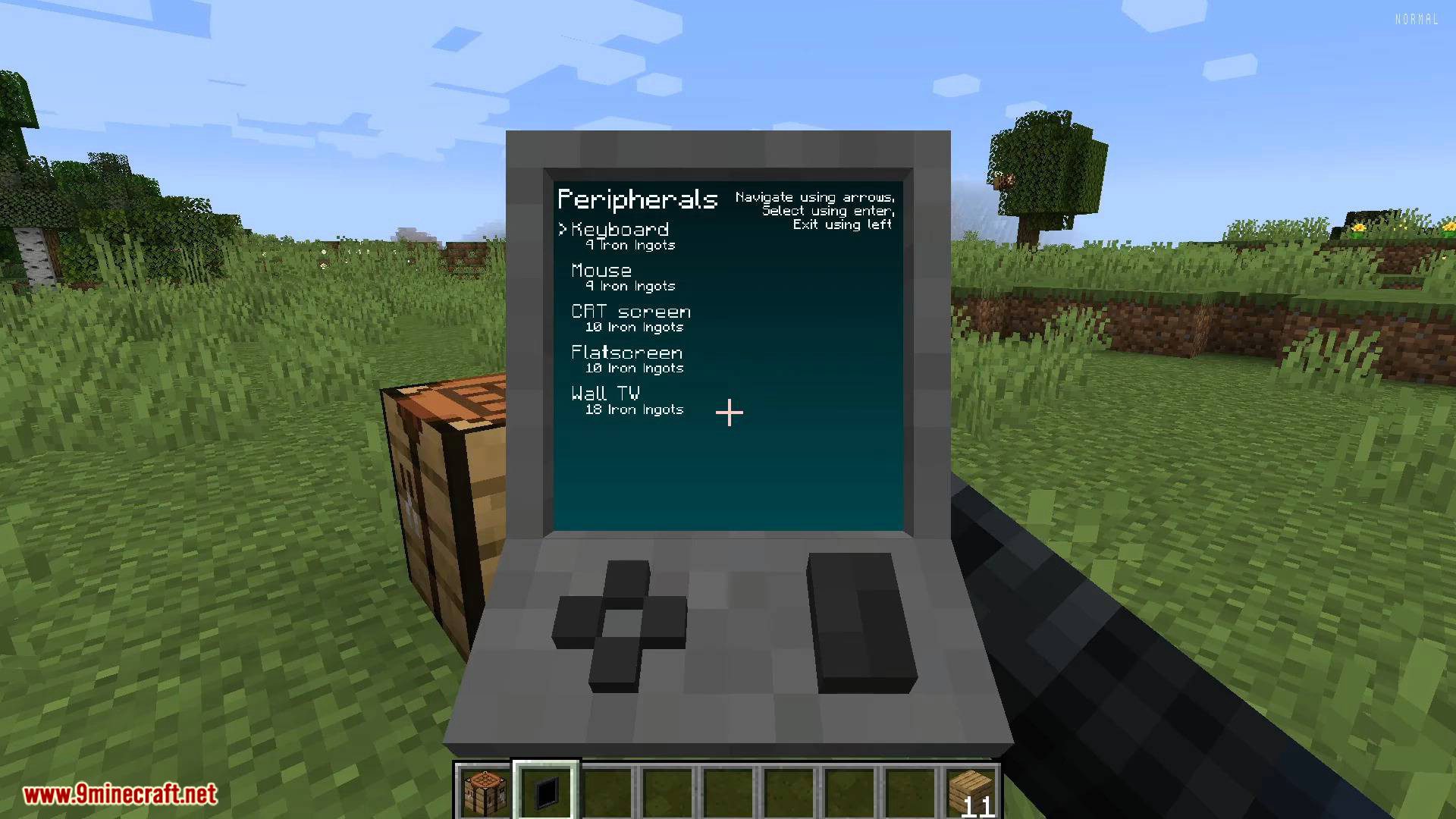
How to order computer parts:
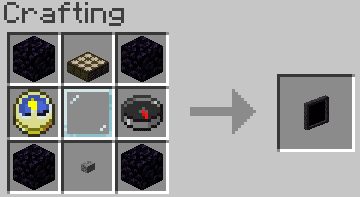
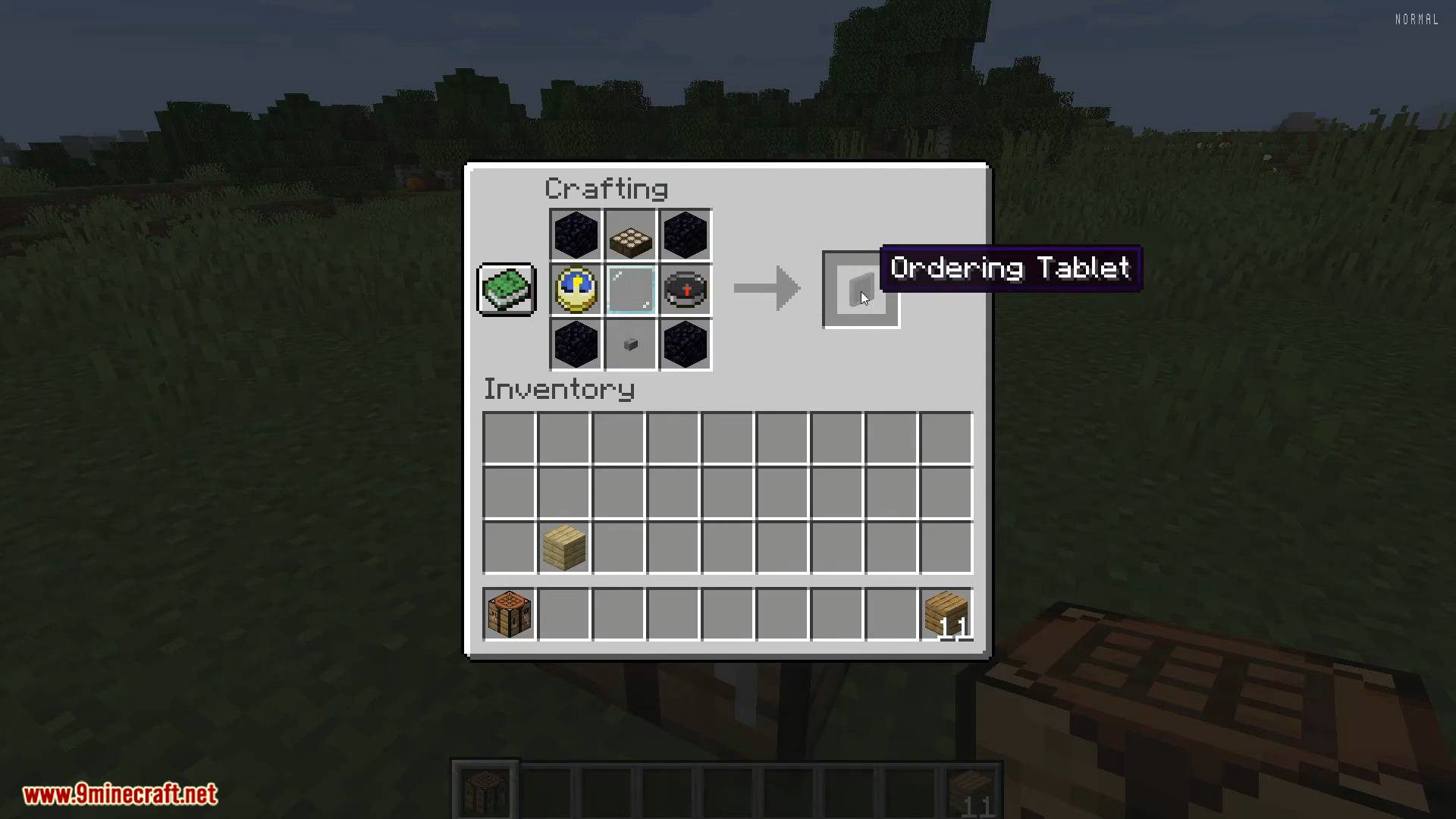
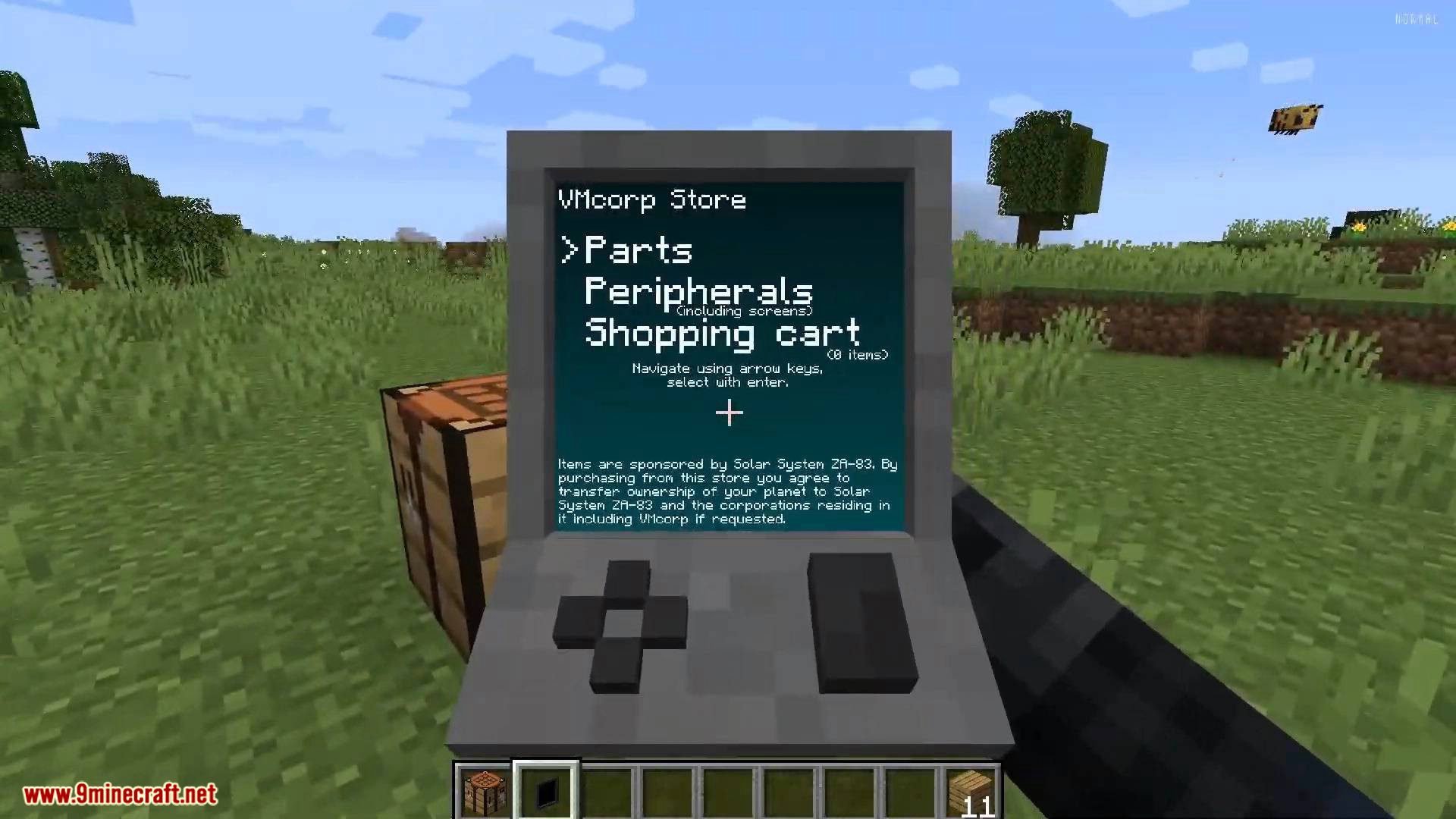
1. Craft yourself an ordering tablet.
2. Wait until a satellite is over you. It orbits the Minecraft world 5 times a day, so you should be able to catch it pretty quickly.
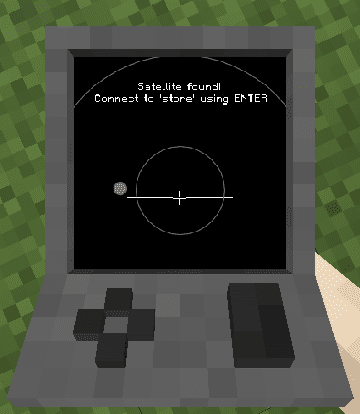
(It says “Satellite found! Connect to ‘store’ using ENTER”)
3. From here on, it’s pretty easy. The menus are plastered with guides and you should be able to order yourself some items pretty quickly.
How to create a virtual hard drive:
- 1. Get a hard drive.
- 2. Right-click, it doesn’t matter if it’s already assigned to a file or not.
- 3. Use the menu.
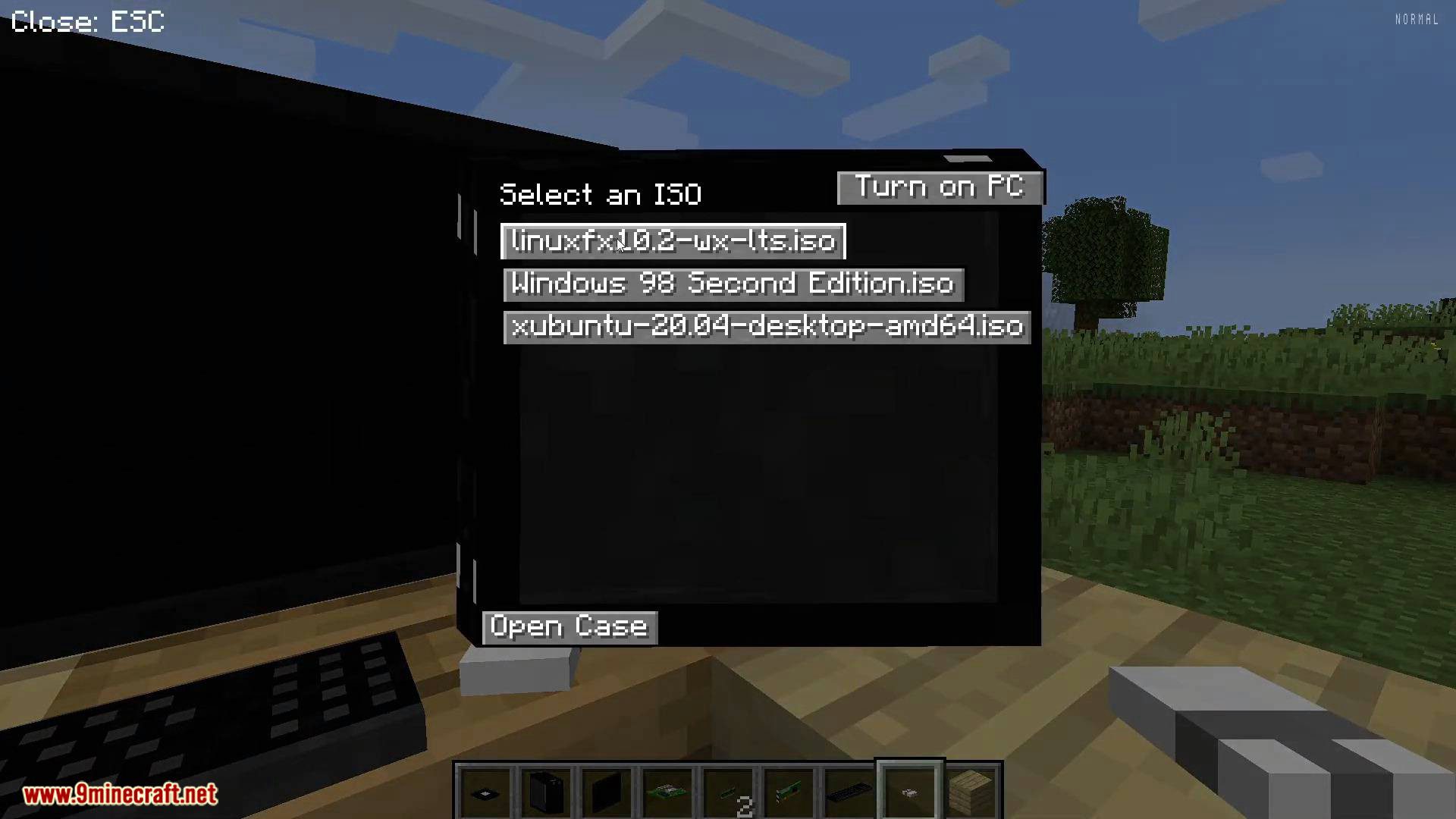
How to import an ISO:
Put it into [minecraft directory]/vm_computers/isos and it will be automatically updated in-game.
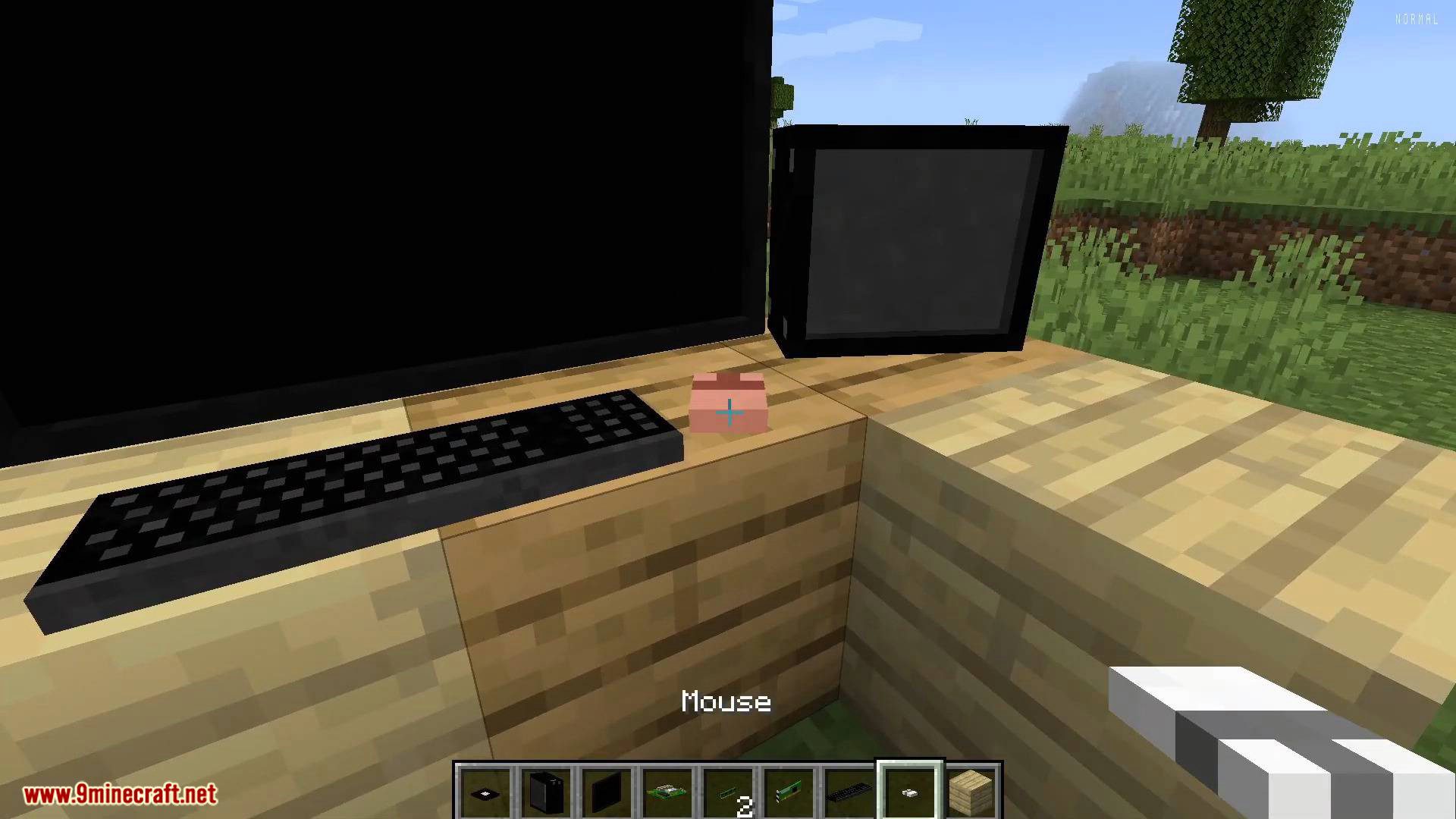
How to build a computer:
1. Place down a case.
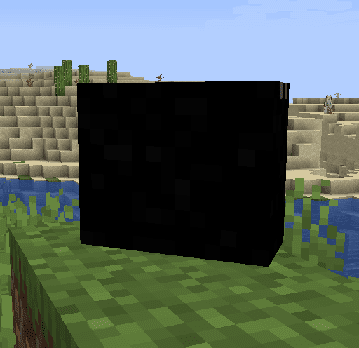
2. Right-click it.
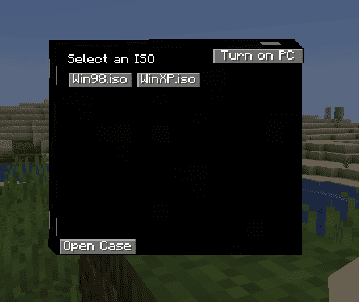
3. Open the case.
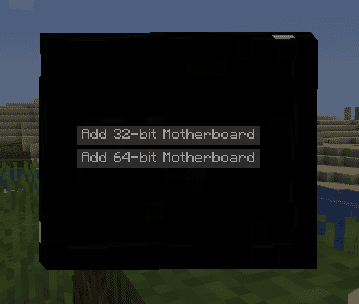
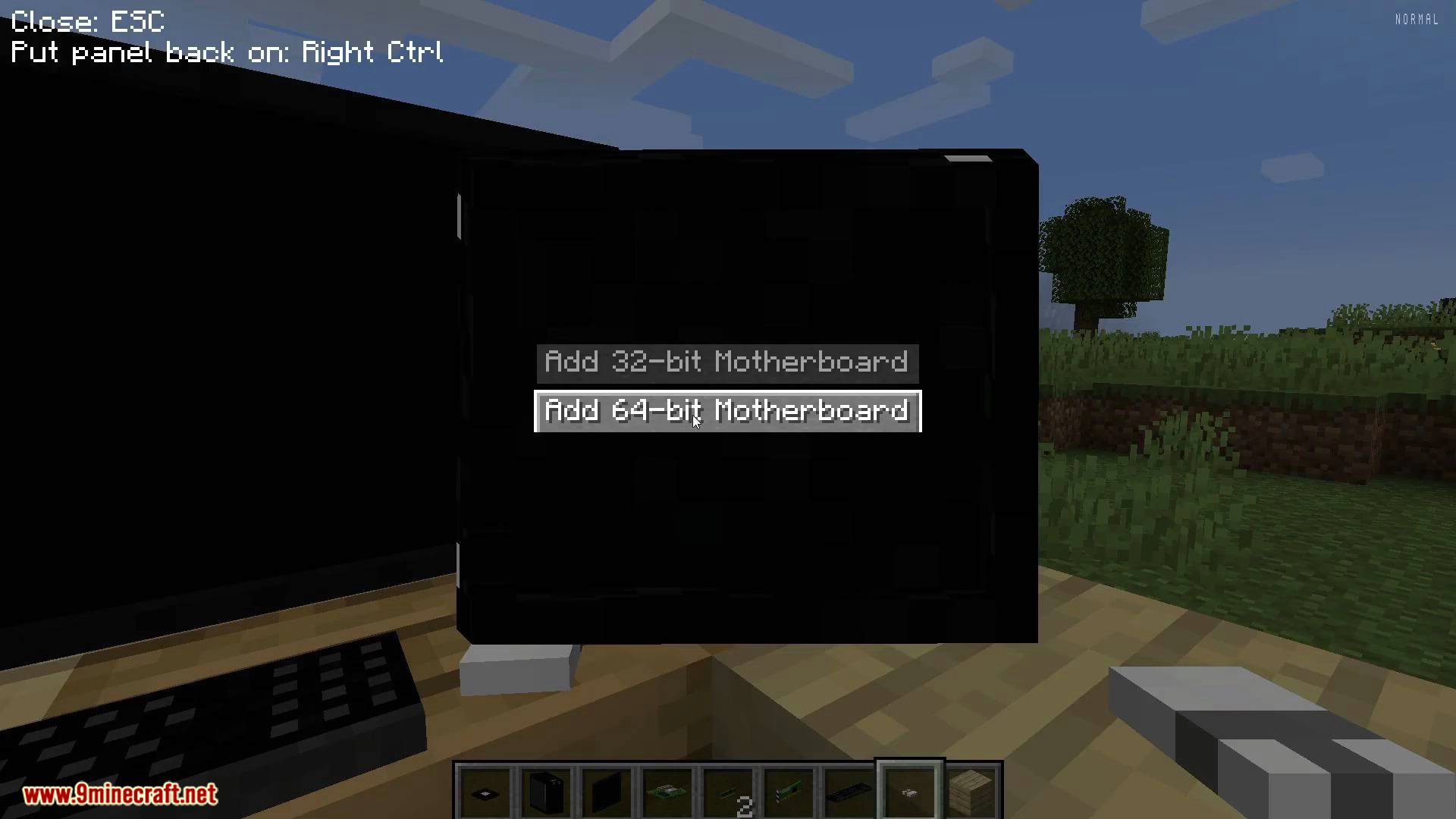
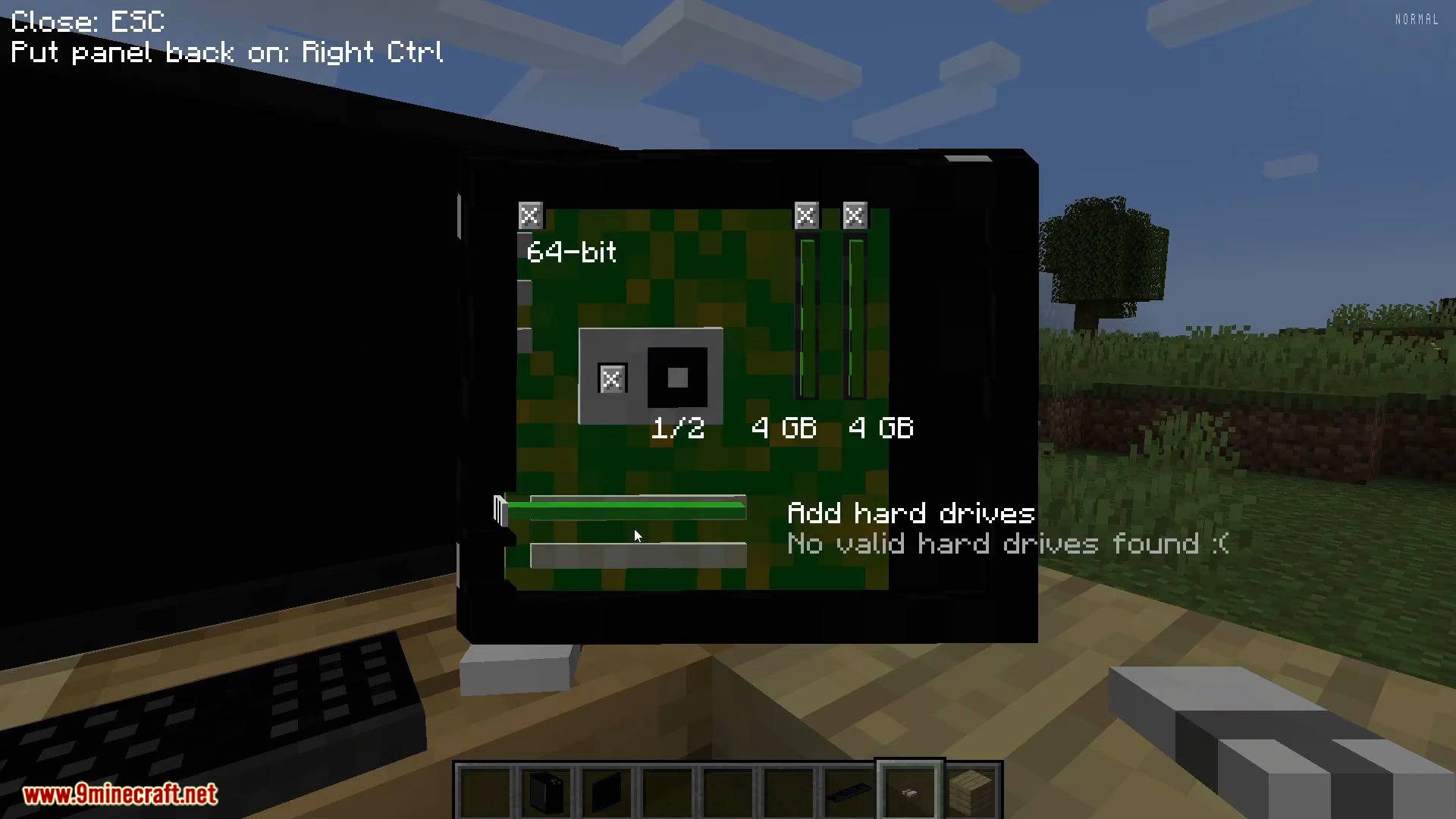
From here on out, it’s basic. Greyed out button means that you don’t own that item.
How to use a computer:
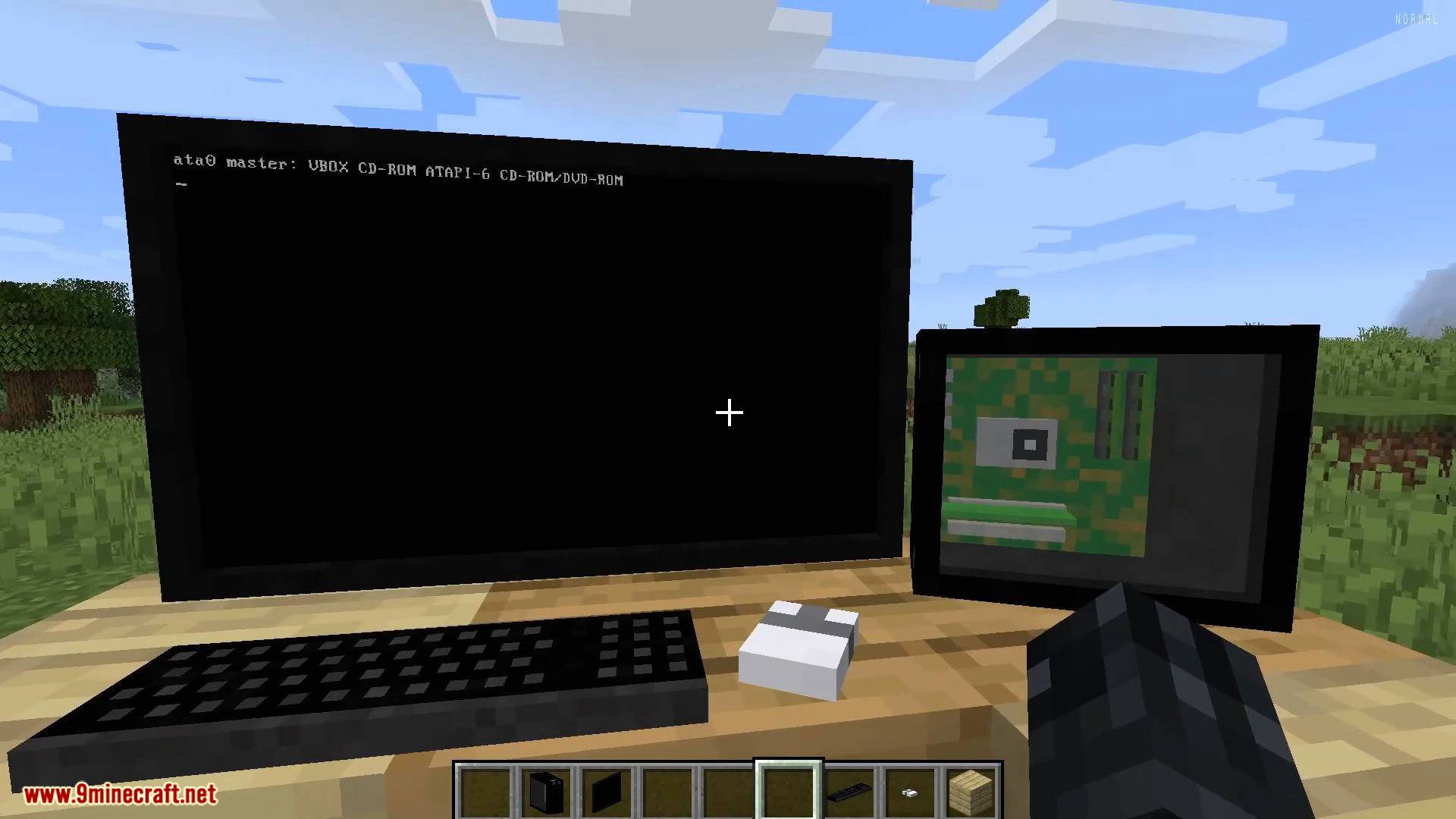
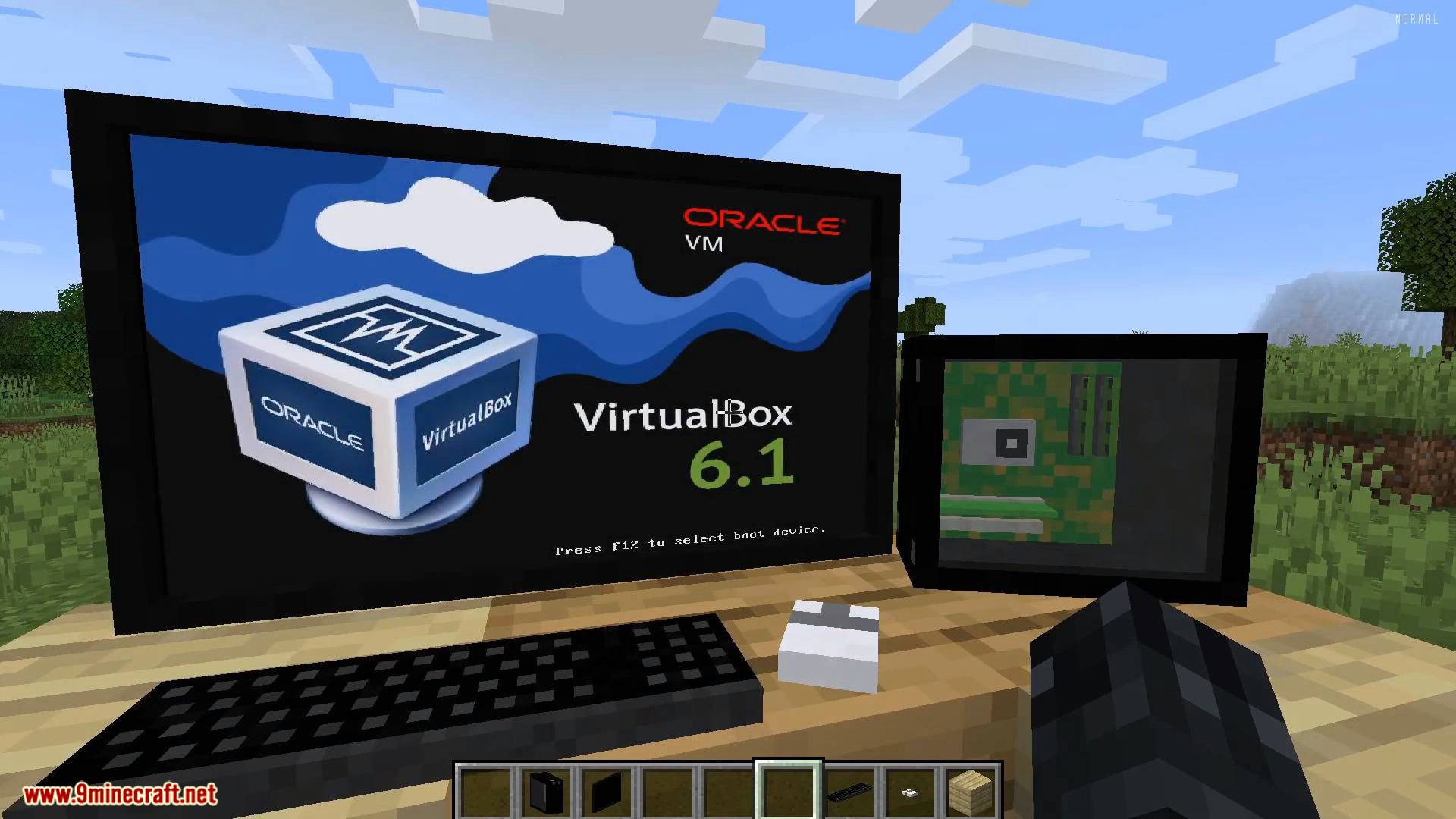
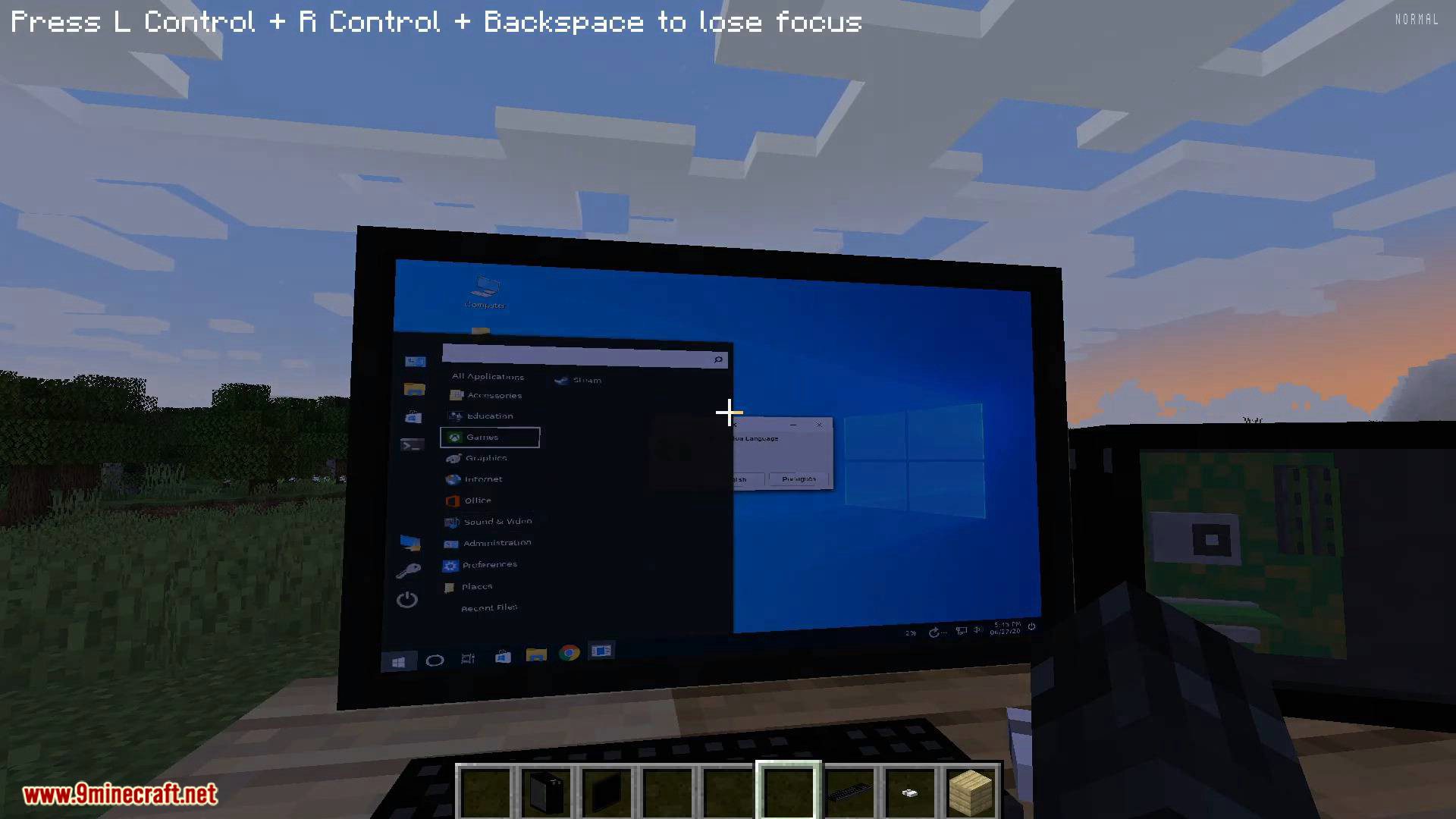
Start it by clicking on the pc case and clicking on “Turn on”. Then focus your input to the VM by clicking a screen. Warning: Key combinations are still processed by the host, e.g. Alt+F4 still closes the game.
How to pick up placed stuff:
Sneak + right click on the thing.
Screenshots:
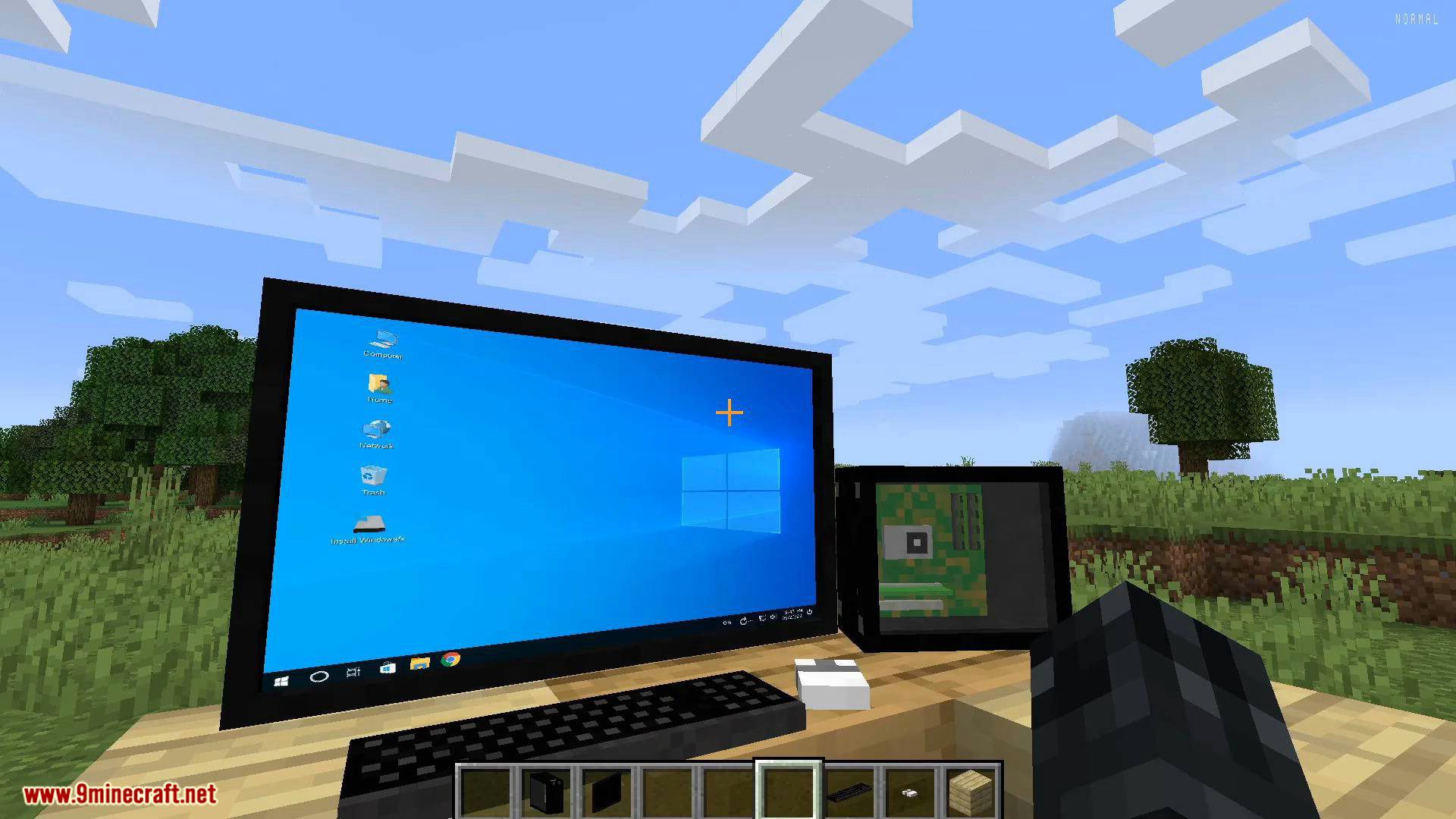
VM Computers Mod 1.16.5, 1.15.2 Download Links
For Minecraft 1.16.5
Fabric version: Download from Server 2
For Minecraft 1.15.2
- Edition: Minecraft Java
- File type: .jar
- Minecraft version listed: 1.16.5
- How to install: Install the matching mod loader (Forge, Fabric or NeoForge) for your Minecraft version. → Download the .jar. → Put it in the .minecraft/mods folder and launch that loader profile.
- Where to get it: In MC Java Mods, or directly above on this page.
Install steps are the general flow for this file type — How to install Minecraft Java mods & modpacks walks through it step by step.
- Downloads as 208260.mcaddon
- Download size: 9.0 MB
- Download link checked 30 Jul 2026 — working
- Mirrored on our own servers — the download does not depend on the original host
These come from our own check of the pack file, not from the source page.