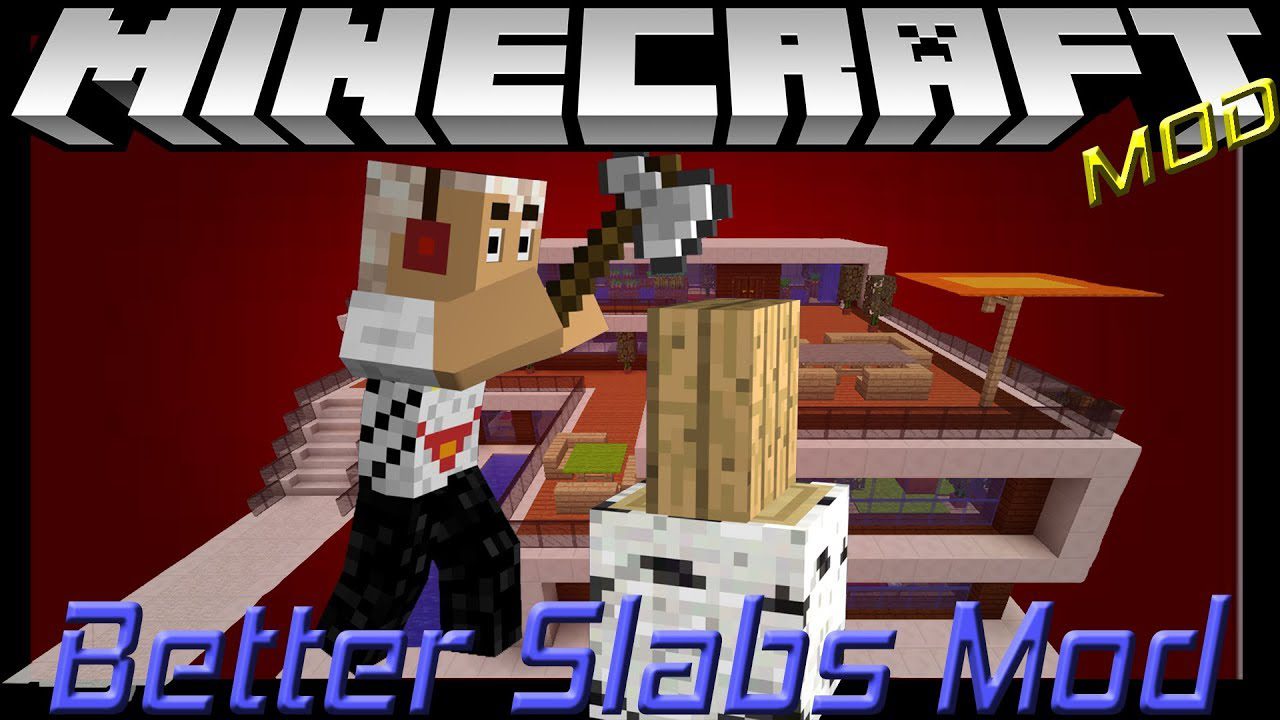
Better Slabs Mod 1.16.5, 1.12.2 (Vertical and Sloped Slabs)
Java mod listed for Minecraft 1.16. Downloads from the MC Java Mods app on Android.
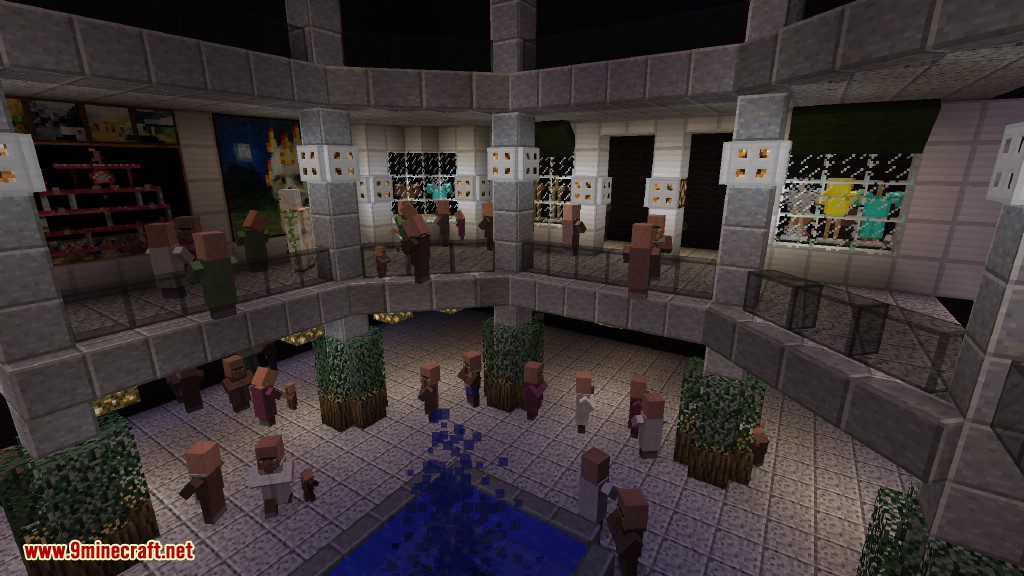
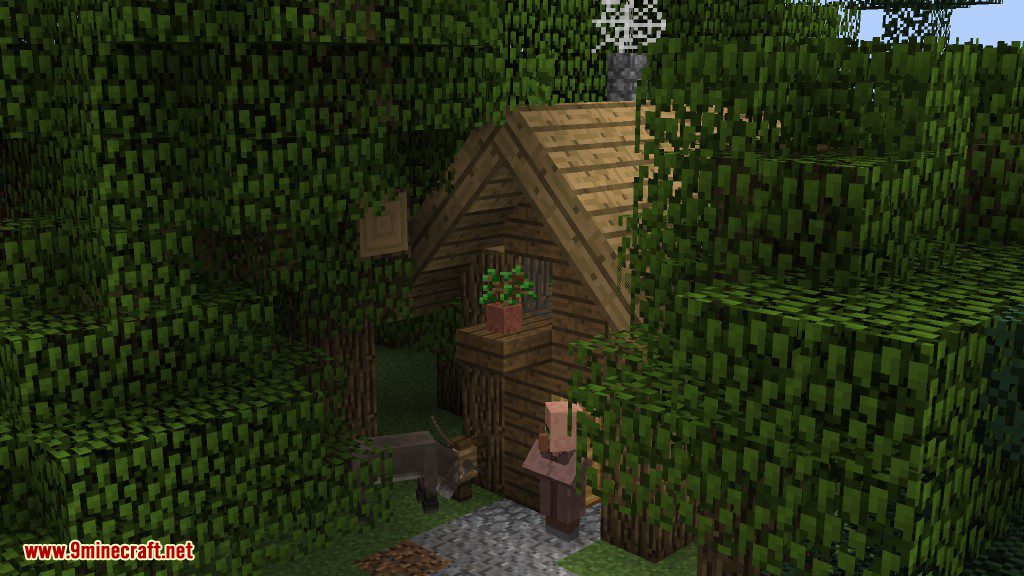
⬇ DownloadBetter Slabs Mod 1.16.5, 1.12.2 adds slabs from all types of blocks in the game. With this mod you can make slabs out of nearly any block in Minecraft. Now you can make stairs or walls or simply floors out of anything to fit your aesthetic needs.
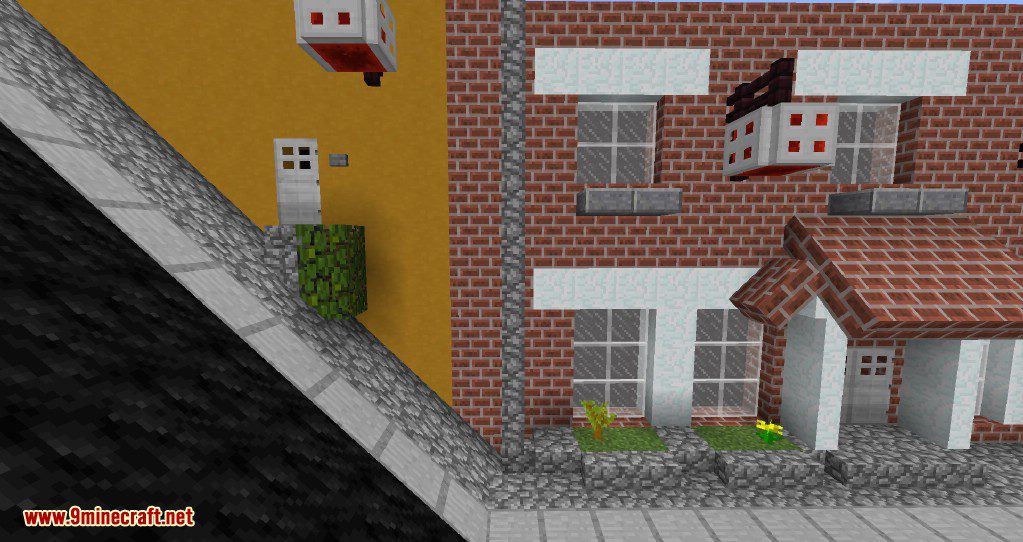
Diagonal functionality allows for some designs that were not achievable without this mod. Now you can construct walls in all different directions and axes. There’s even a mode that will turn all current slabs back into full blocks in one click.
Features:
- Slabs can be placed vertically, ‘on axis’ and on slopes.
- Slabs from directional blocks can be placed accordingly.
- Blocks like furnaces do not have their slab variants.
- Special functions (like grass spreading) also apply to slabs.
Screenshots:
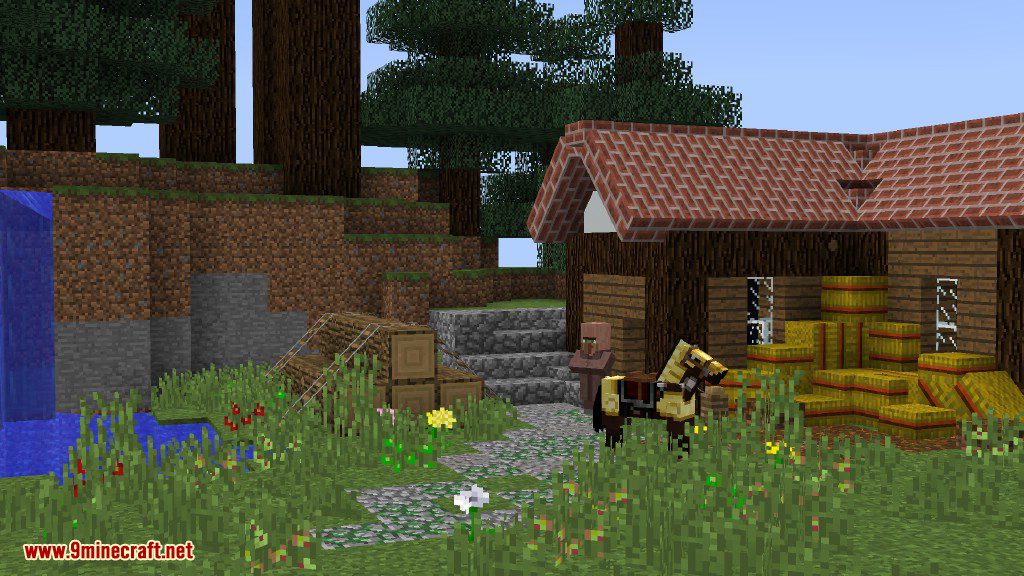
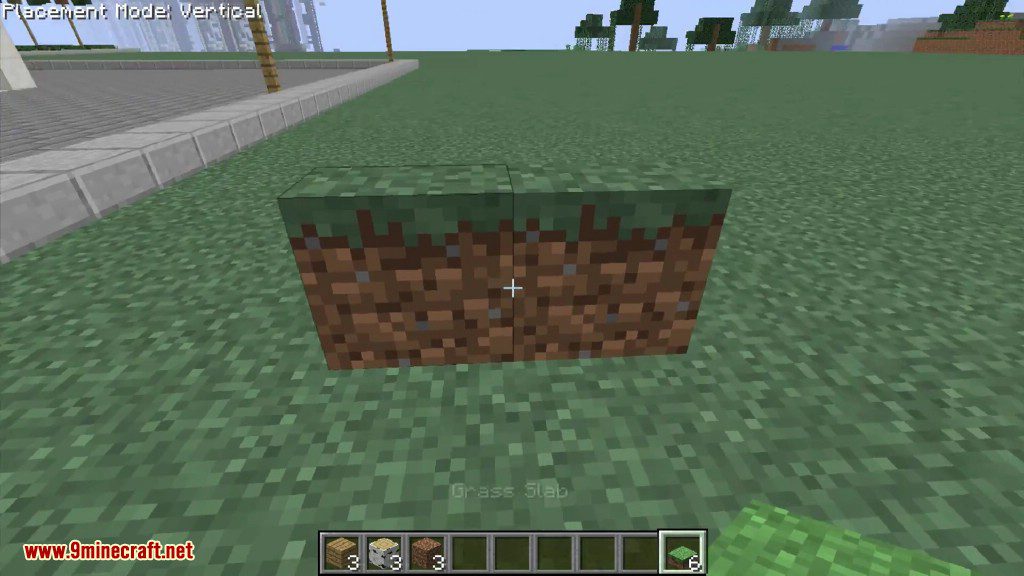
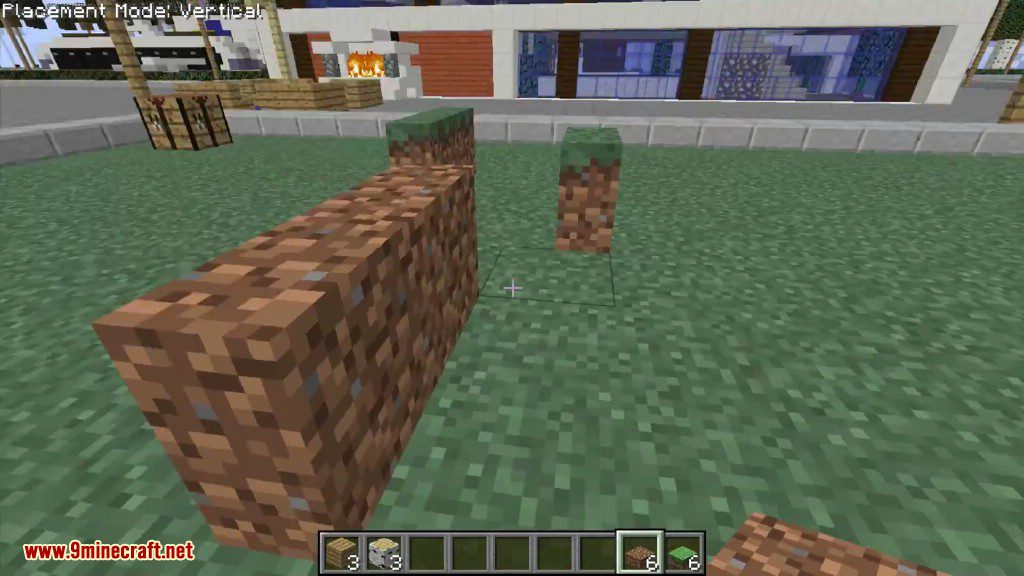
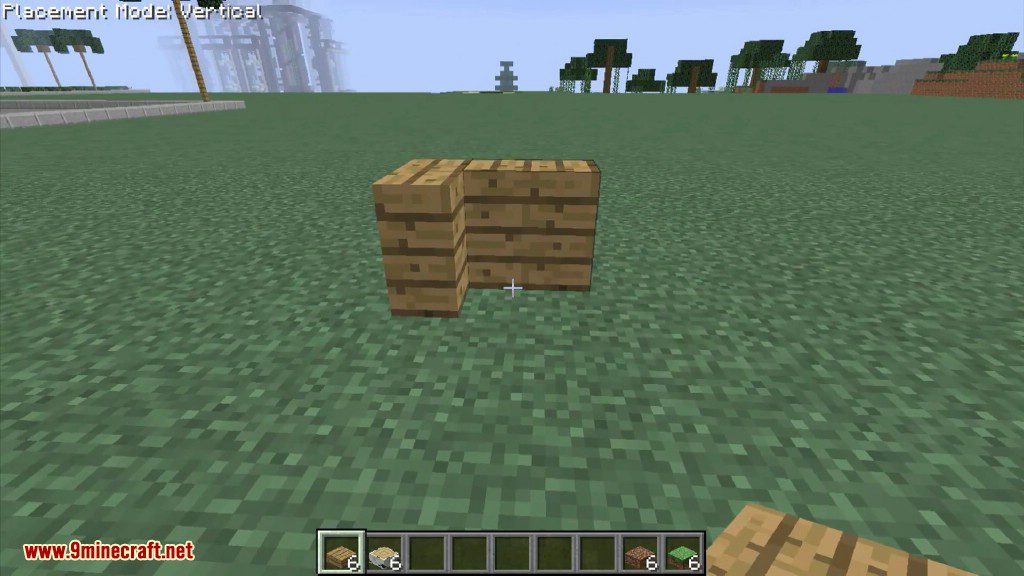
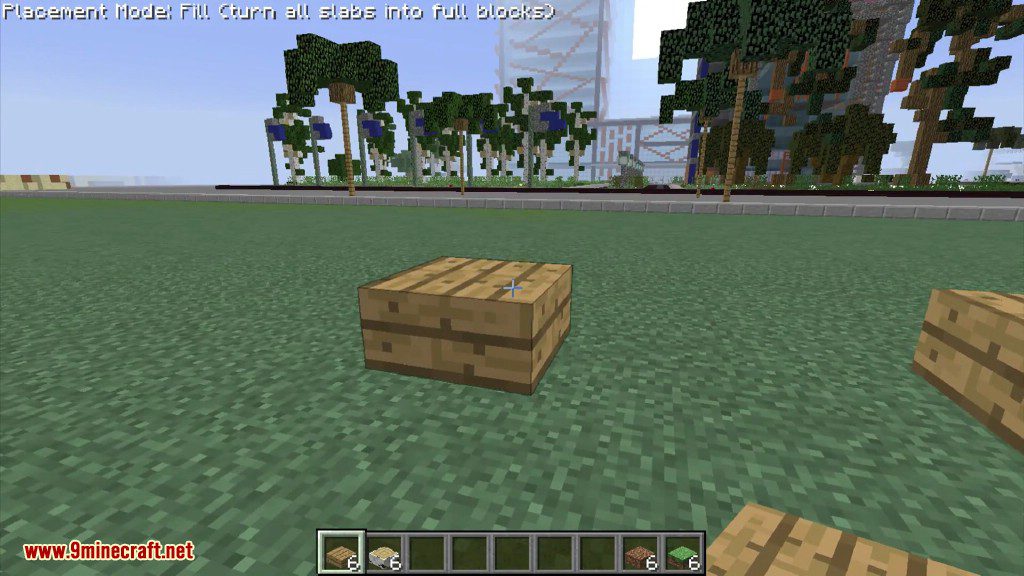
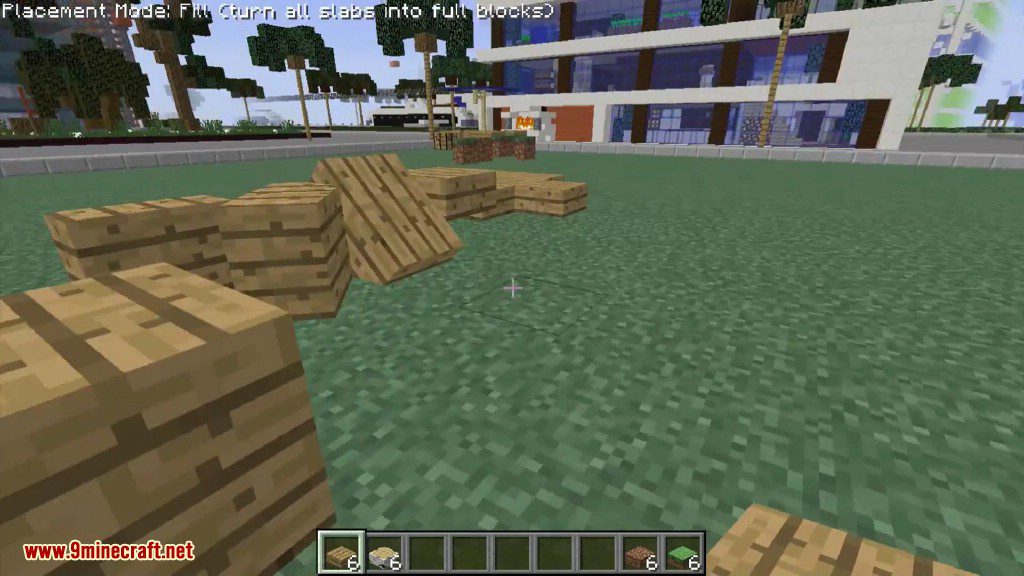
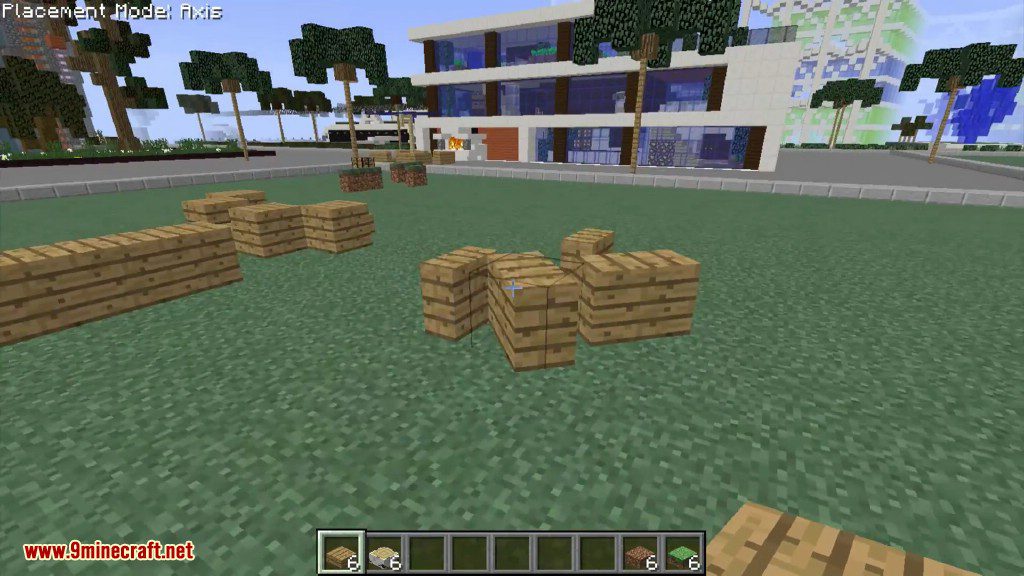
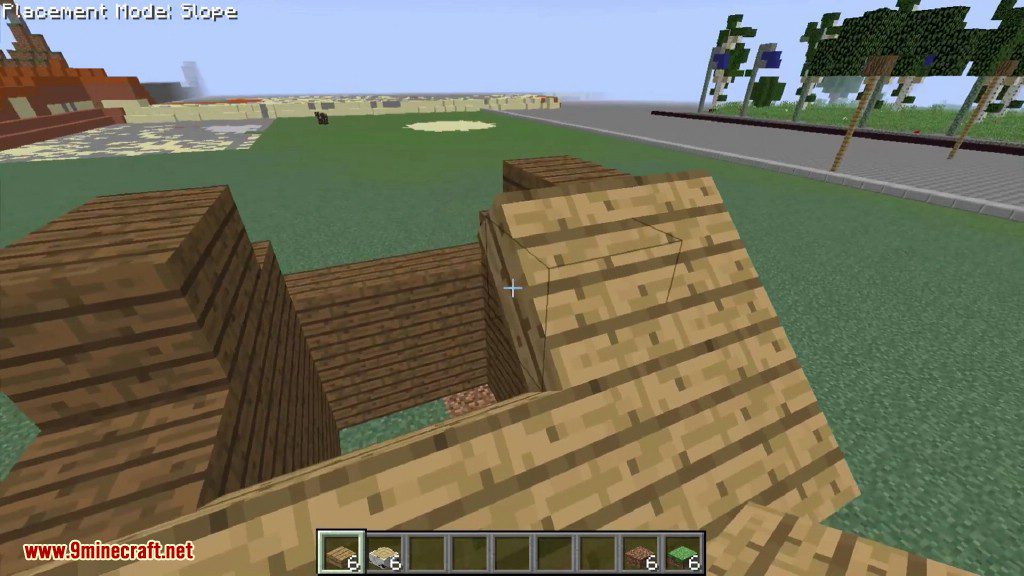
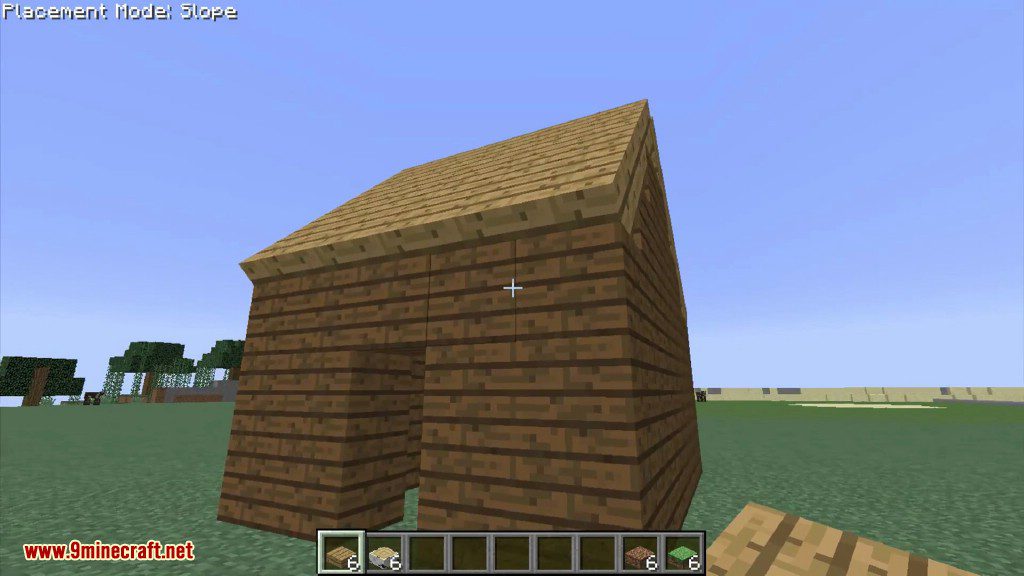
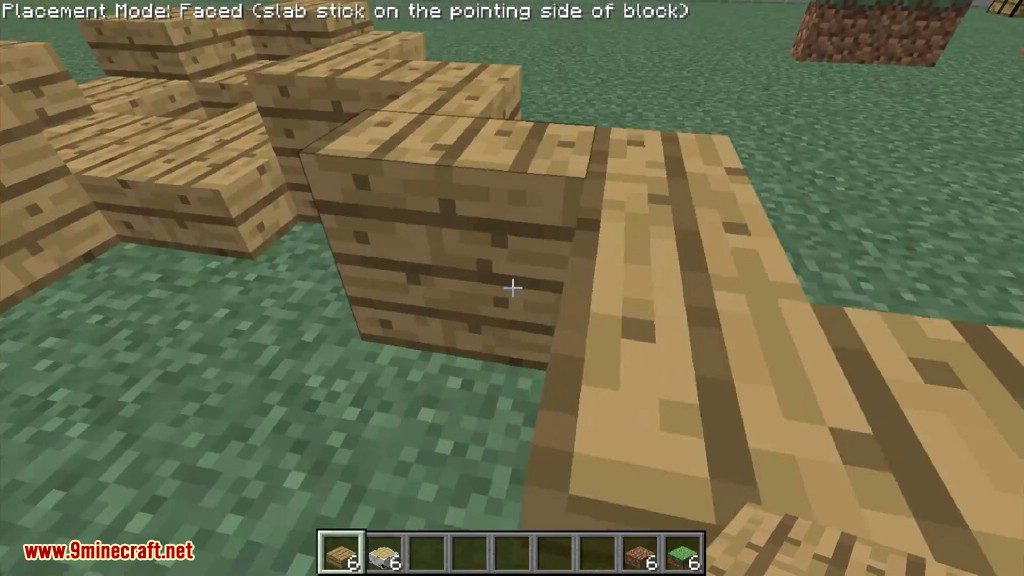
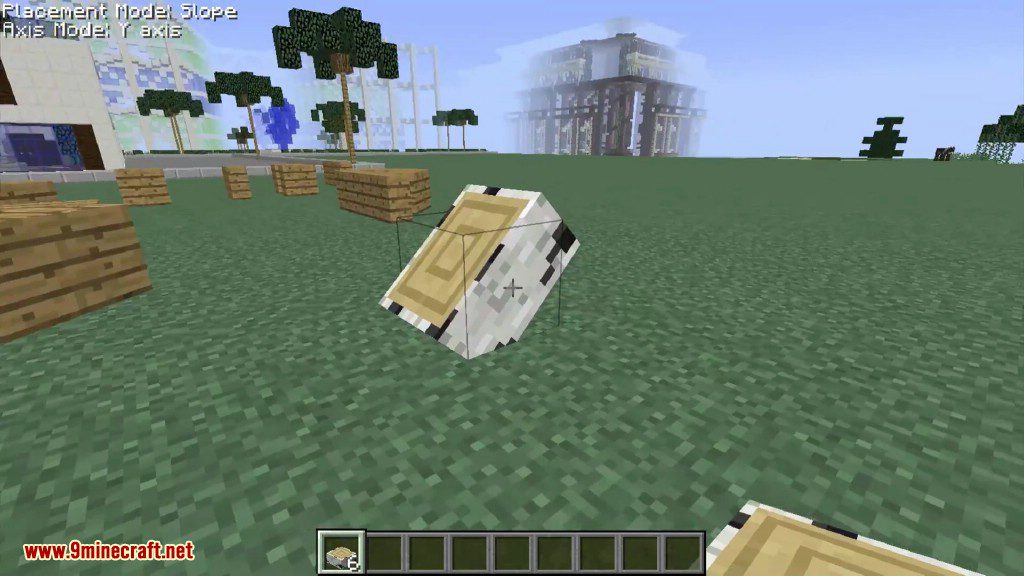
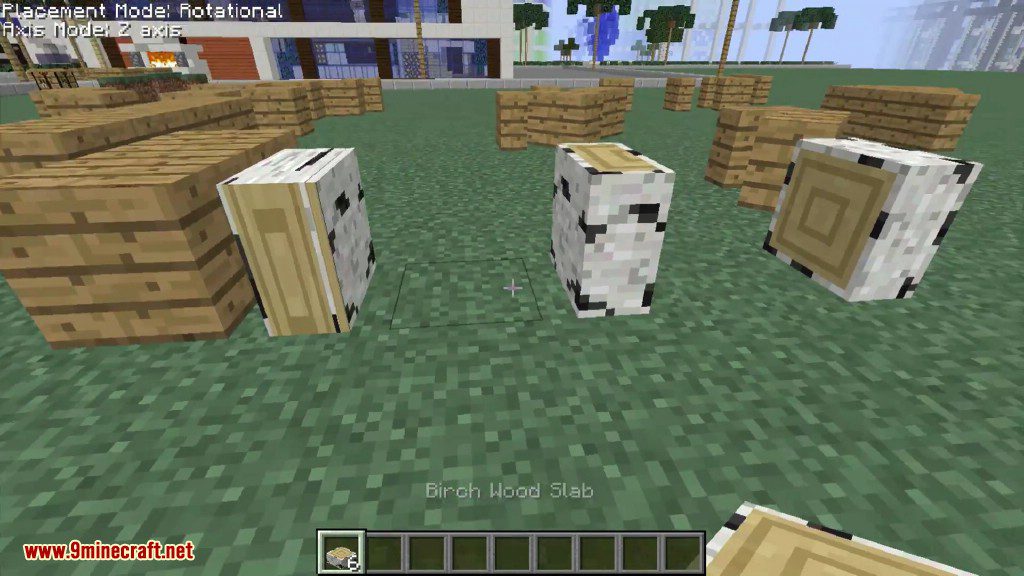
Crafting Recipes:
To make slabs from this mod you will have to craft them in the following shape:
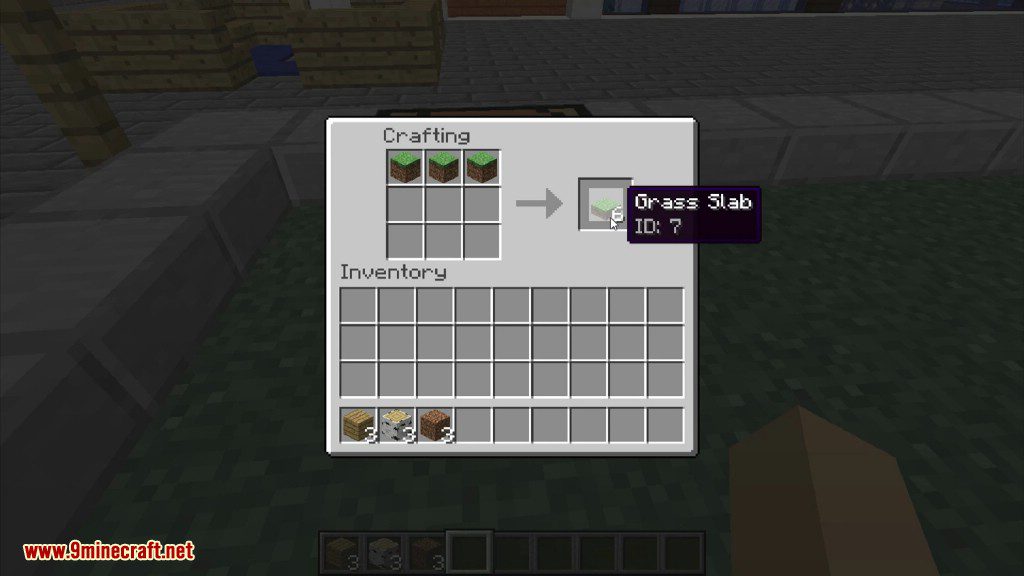
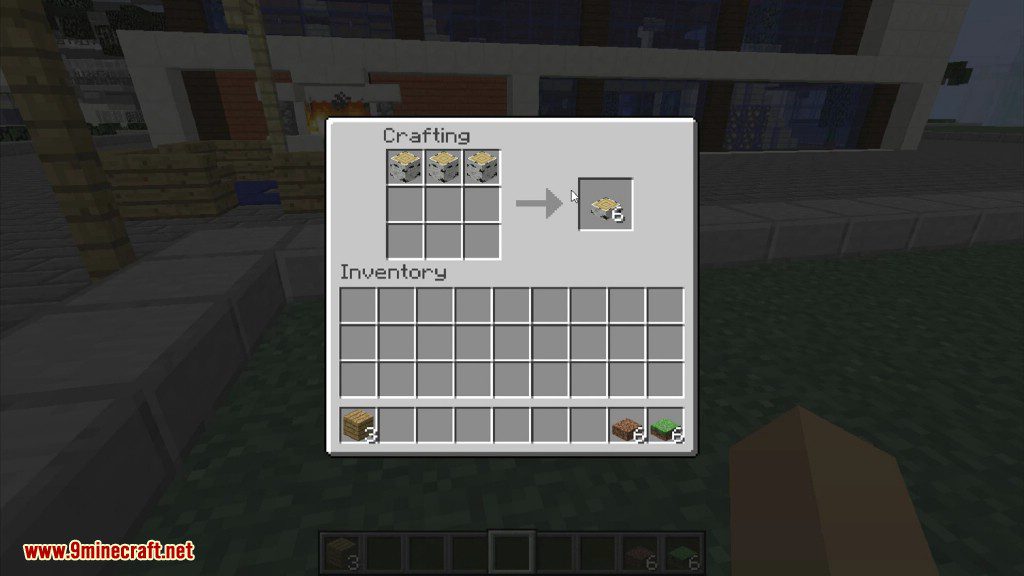
You can also turn slabs into full blocks by placing them into 2 crafting grids.
You can convert vanilla slabs to mod slabs, and vice-versa, by simply placing them in the crafting table.
Snow slabs are crafting with 4 snow layers (shapeless recipe).
How to use:
Placement mode and Axis mode:
The mod implements ‘placement modes’. They basically tell Minecraft how to place slabs (horizontally, vertically, ‘on-axis’ (aka in-the-middle) or sloped). The current placement mode is displayed in the top-left corner of the screen if a slab from this mod is in your hands. To cycle through them use F9 (to cycle backward) and F10 (to cycle forwards).
Types of placement modes:
- Vanilla – slab placement is equal to original slabs
- Vertical – slabs are placed vertically on the side of the block at which you are looking at
- Faced – slabs stick to the face of the block you are looking at
- Slope – slabs are placed on a 45-degree angle (useful for diagonal builds)
- Rotational – slabs are placed vertically pointing according to your facing
- Random – slabs are placed randomly (useful for disaster-type buildings)
Some blocks like logs, hay bales, pillar quartz and pillar purpur blocks are directional, meaning they face a certain axis. Axis modes do what placement modes do – they tell Minecraft what axis should the block you are about to place face. The current axis mode is displayed under the current placement mode only if you’re holding a ‘directional slab’. If you’re holding a ‘directional slab’ in your hands, F9 cycles forward through placement modes, but F10 cycles through axis modes.
There are 3 axis modes:
- X-axis
- Y-axis
- Z-axis.
Better Slabs Mod 1.16.5, 1.12.2 Download Links
For Minecraft 1.11.2, 1.11.0
For Minecraft 1.12.1, 1.12
For Minecraft 1.12.2
For Minecraft 1.16.4
For Minecraft 1.16.5
- Edition: Minecraft Java
- File type: .jar
- Minecraft version listed: 1.16.5
- How to install: Install the matching mod loader (Forge, Fabric or NeoForge) for your Minecraft version. → Download the .jar. → Put it in the .minecraft/mods folder and launch that loader profile.
- Where to get it: In MC Java Mods, or directly above on this page.
Install steps are the general flow for this file type — How to install Minecraft Java mods & modpacks walks through it step by step.
- Downloads as 208387.mcaddon
- Download size: 291 KB
- Download link checked 24 Jul 2026 — working
- Mirrored on our own servers — the download does not depend on the original host
These come from our own check of the pack file, not from the source page.