Colored Redstone Mod 1.12.2 (Add Special Redstone)
Minecraft Java mod. Downloads from the MC Java Mods app on Android.
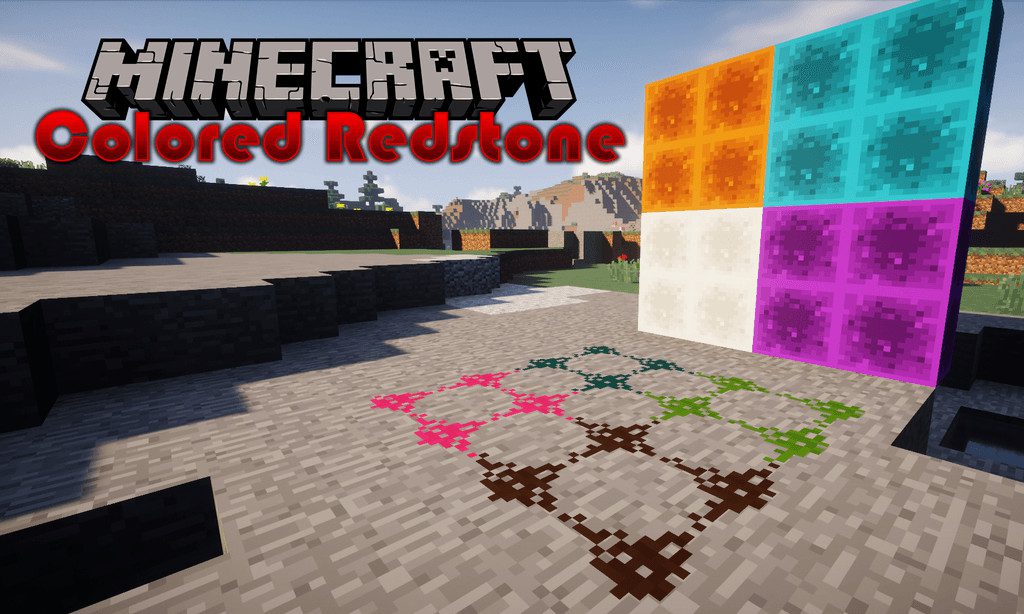
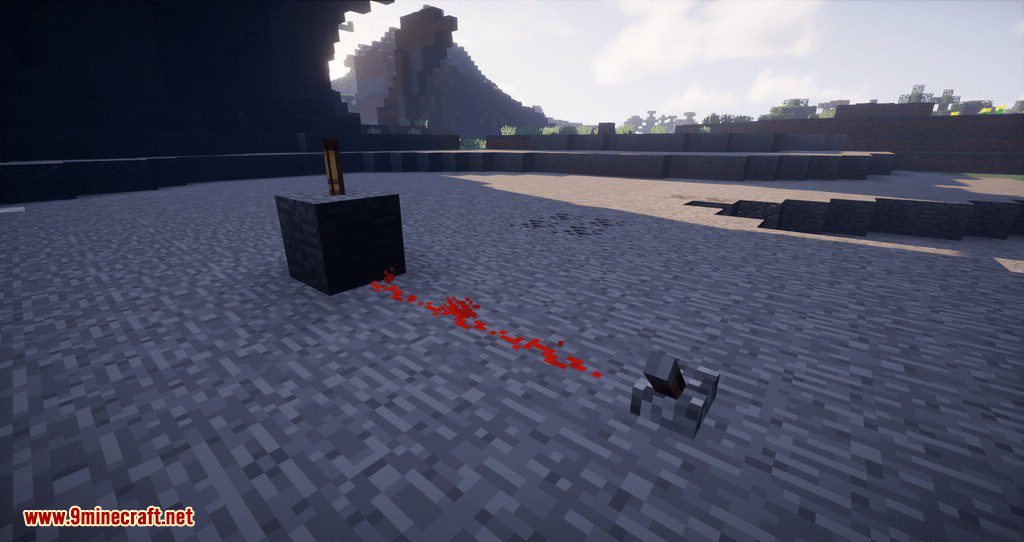
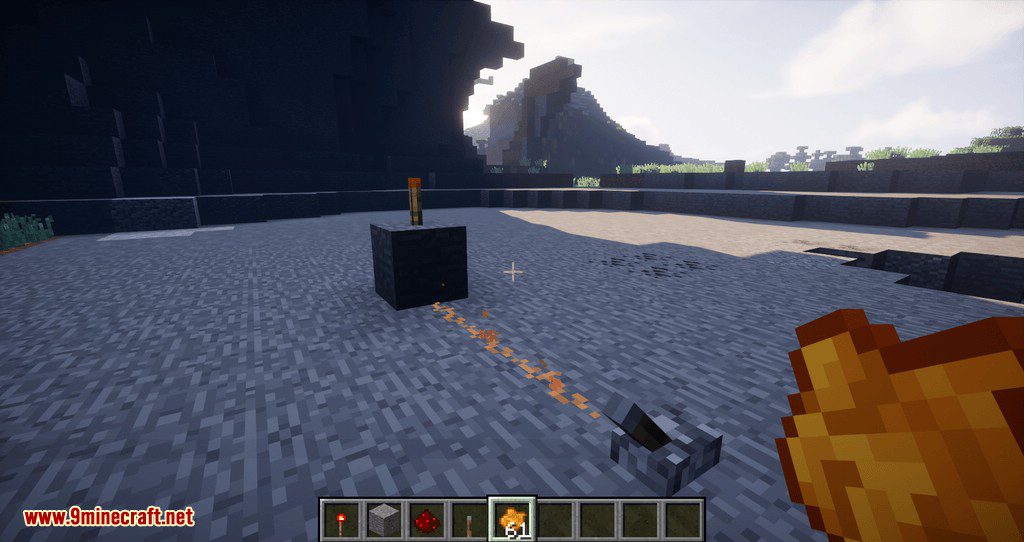
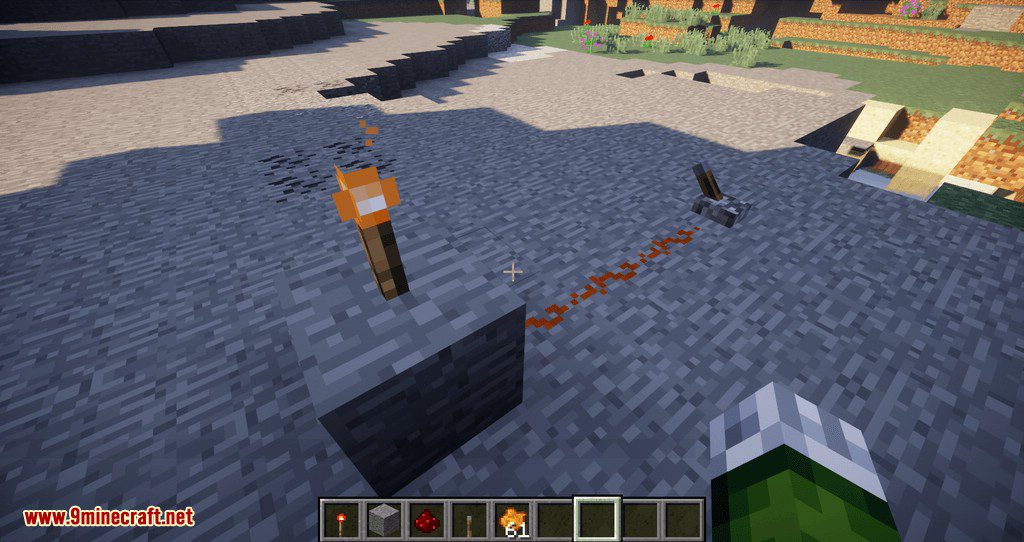
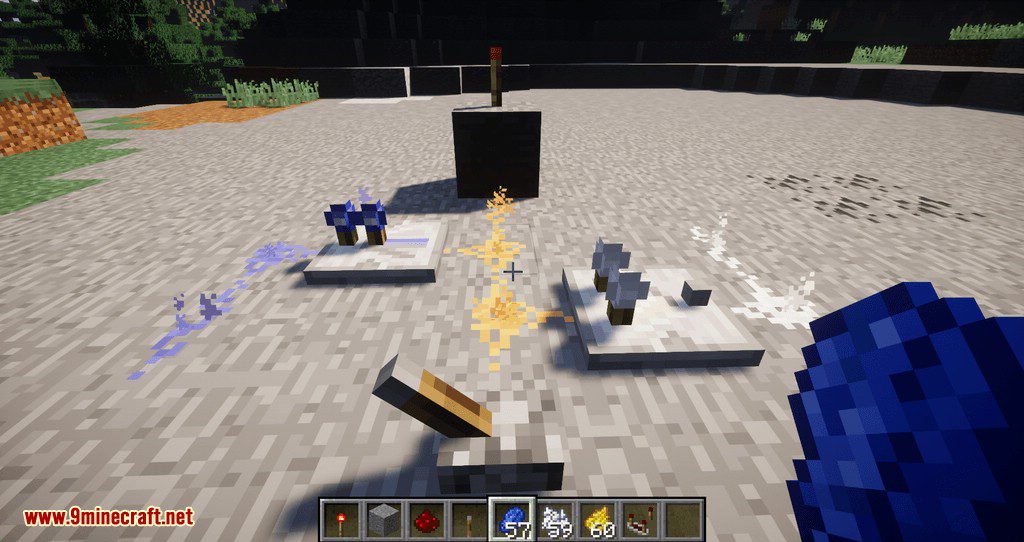
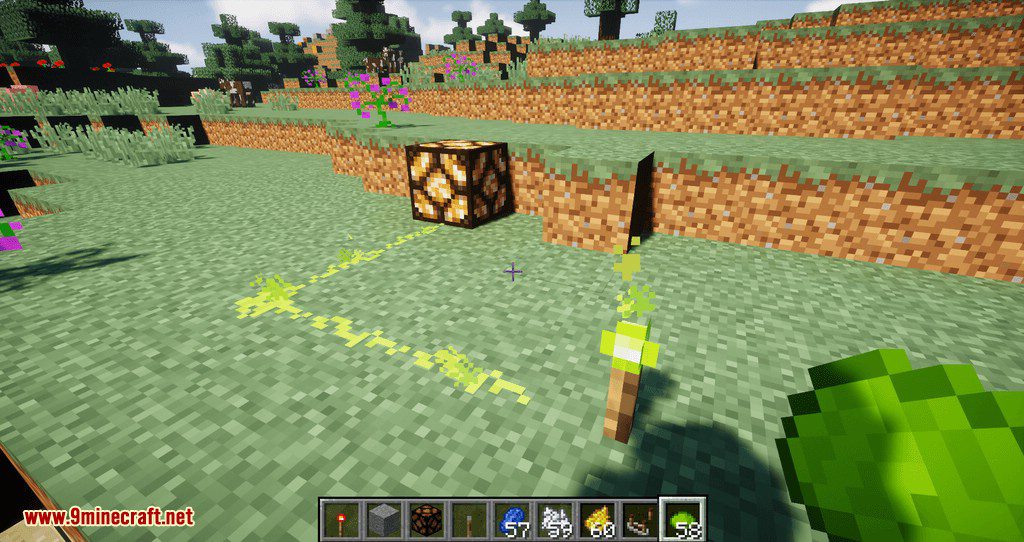
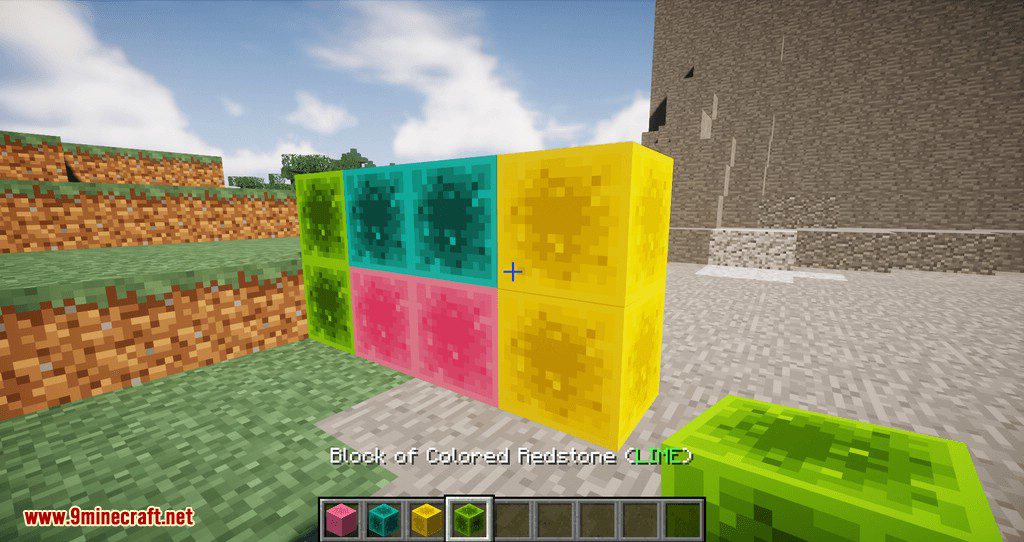
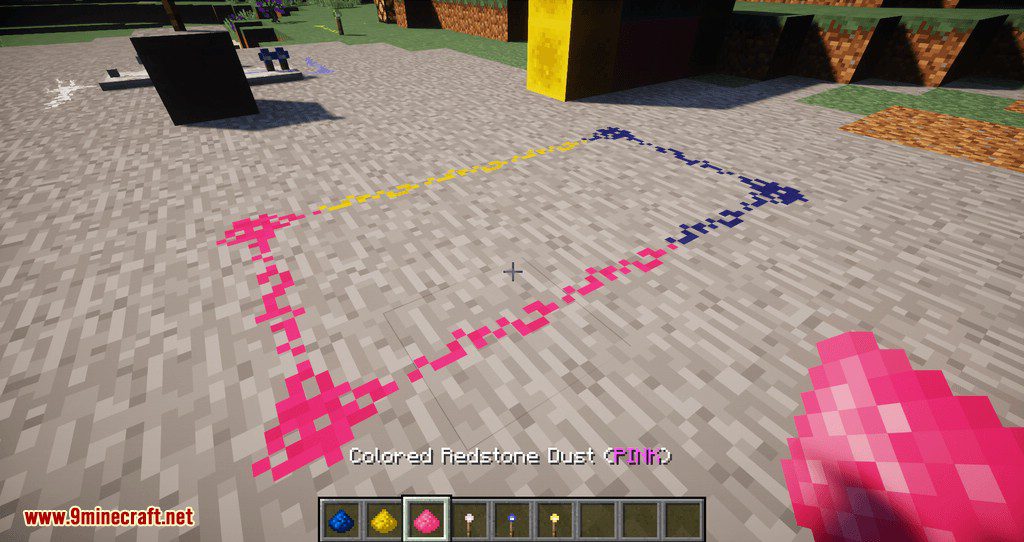
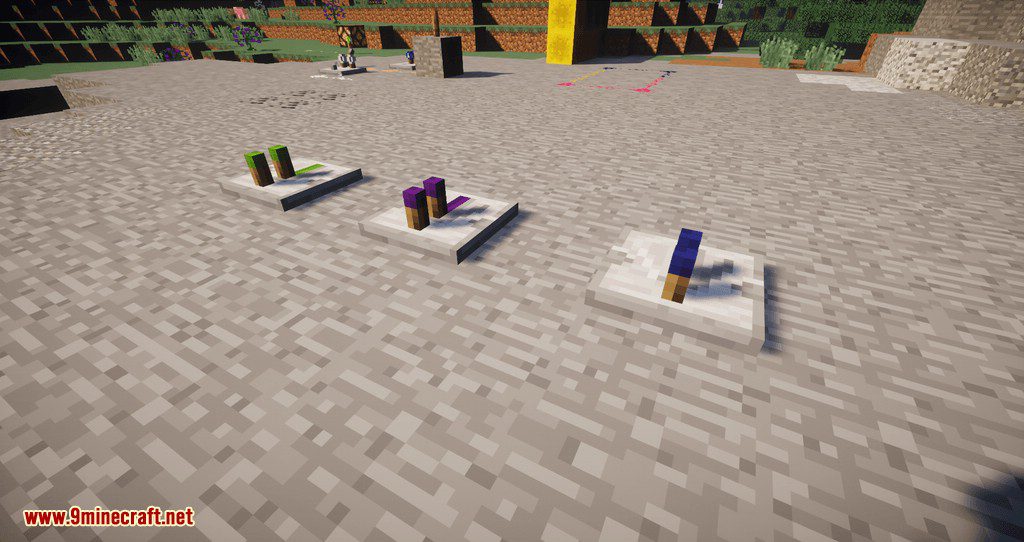
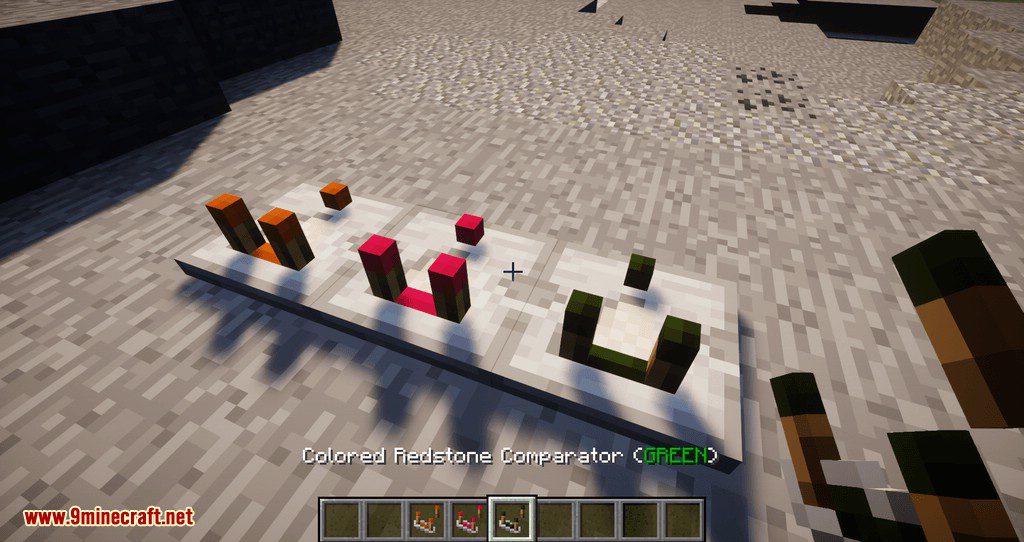
⬇ DownloadColored Redstone Mod 1.12.2 adds 15 new color variants for basic Minecraft Redstone components.
Features:
- Redstone dust/wire
- Redstone block
- Redstone Torch
- Repeater
- Comparator

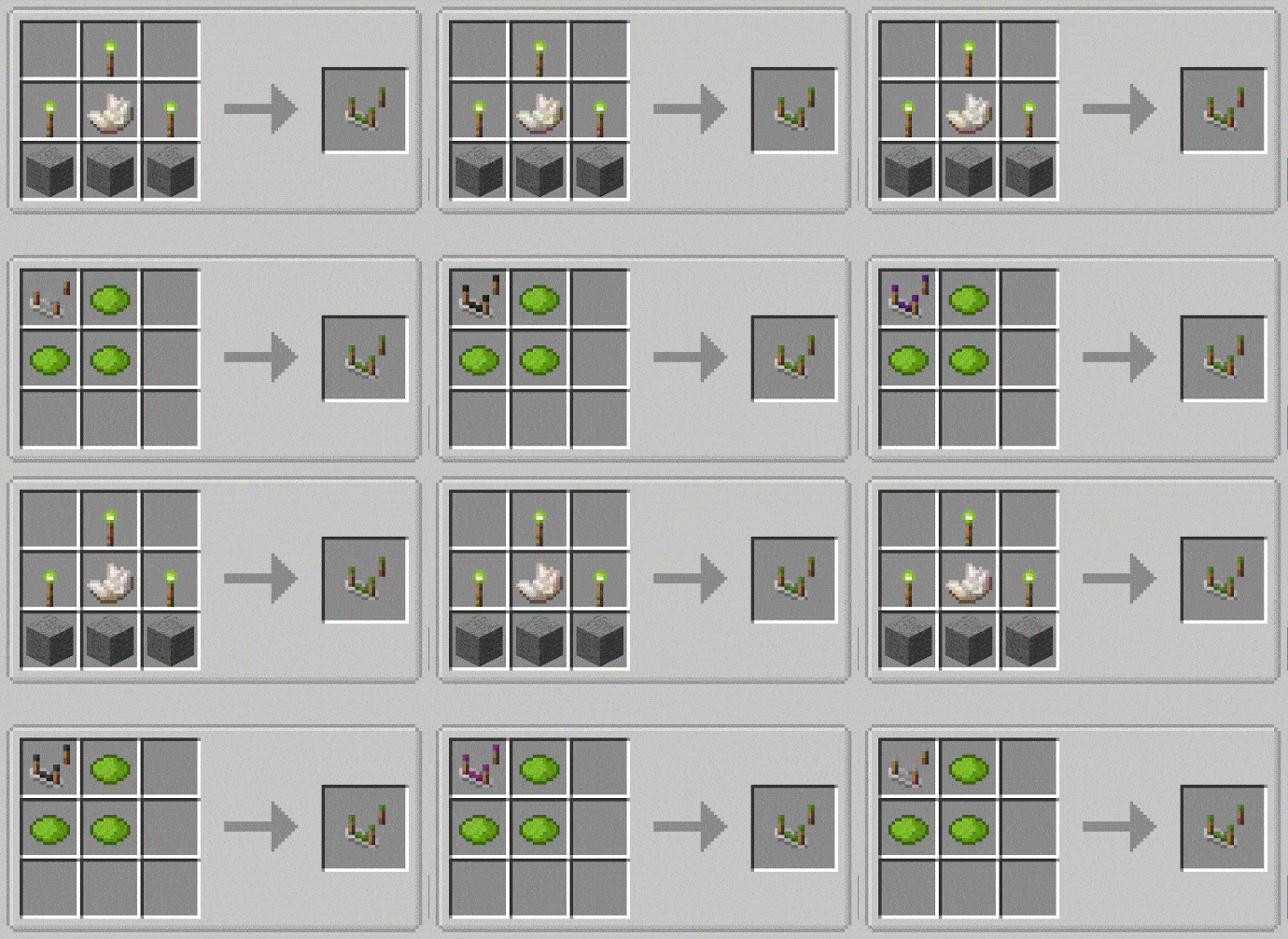
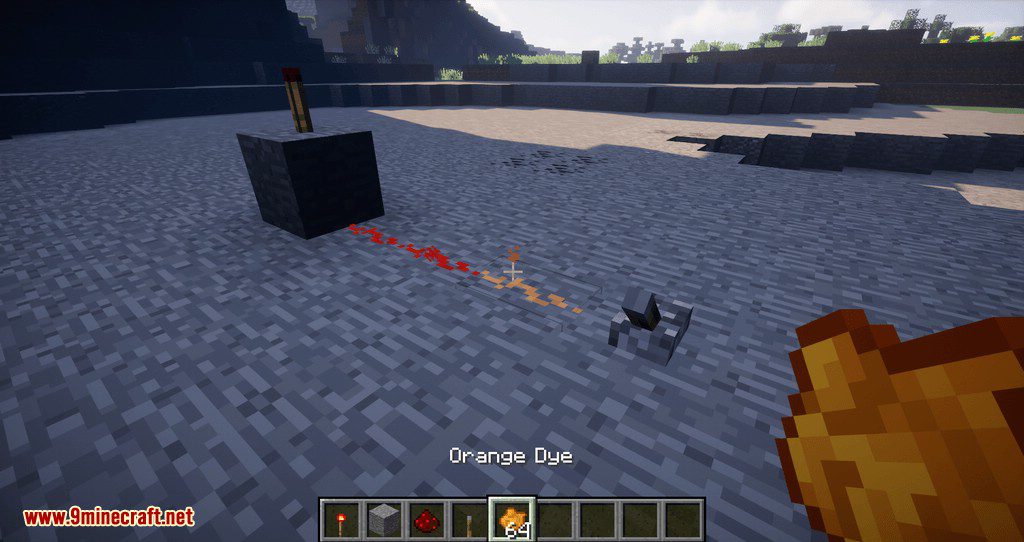
Colored variants can be created in crafting table from another colored component or by combining existing components with a specific dye. It’s also possible to change the color of placed blocks by simply right-clicking (Shift+right-clicking in case of repeater and comparator) them with the right number of dye items. Check JEI for detailed information and recipes.
Some colors provide also some useful/useless/goofy properties, each of which can be enabled/disabled in the config.
- Green – Cactus-proof – items and blocks in item form won’t be destroyed by Cactus.
- Blue – Waterproof – placed Redstone components won’t be washed away by water.
- Yellow – Fireproof – items and blocks in item form won’t be destroyed by fire or lava. Items will also dance on the surface of lava lakes 🙂
- Orange – Explosion-proof – items and blocks in item form won’t be destroyed by explosions, placed Redstone components won’t pop up.
- White – Despawn-proof – items and blocks in item form won’t despawn when on the ground.
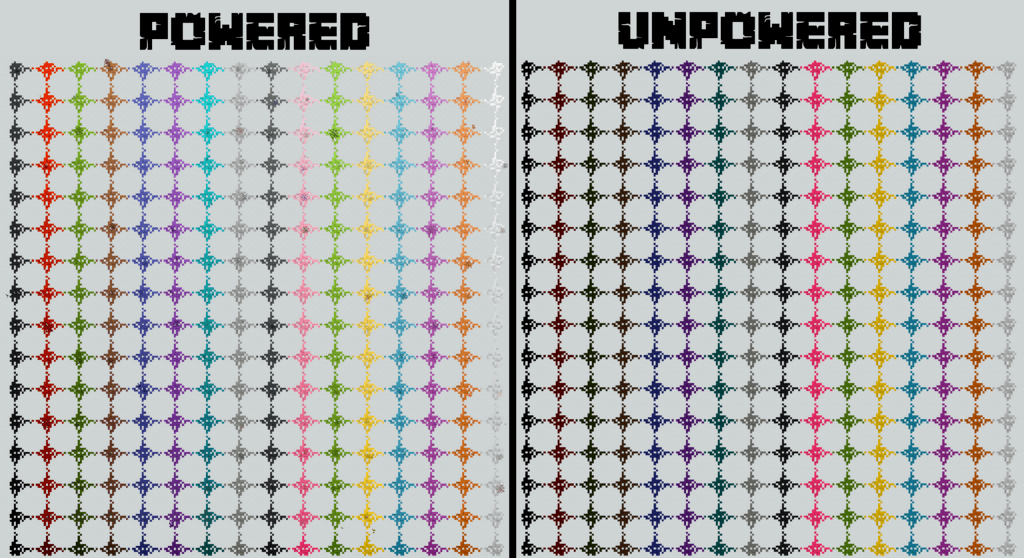
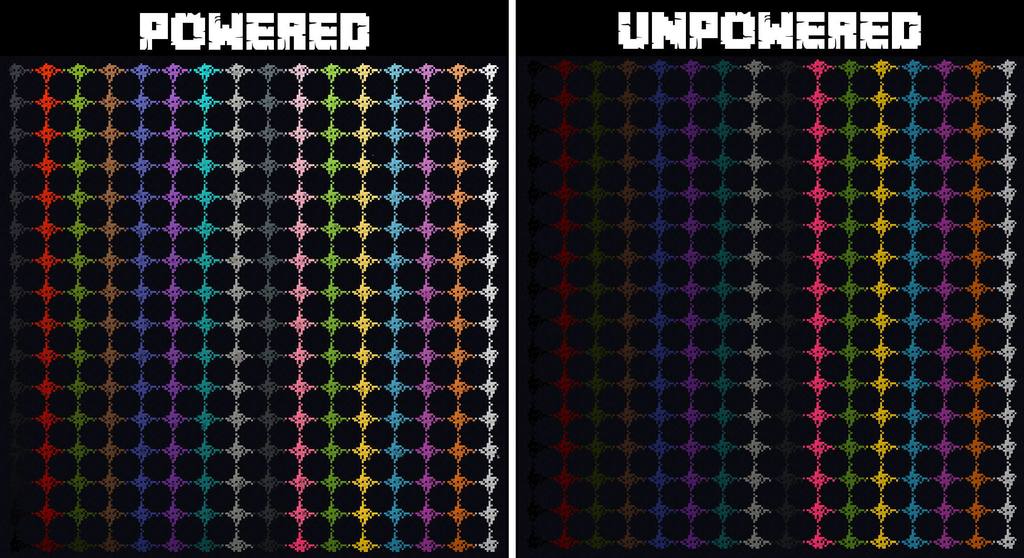
Screenshots:
Colored Redstone Mod 1.12.2 Download Links
For Minecraft 1.12.2
- Edition: Minecraft Java
- File type: .jar
- How to install: Install the matching mod loader (Forge, Fabric or NeoForge) for your Minecraft version. → Download the .jar. → Put it in the .minecraft/mods folder and launch that loader profile.
- Where to get it: In MC Java Mods, or directly above on this page.
Install steps are the general flow for this file type — How to install Minecraft Java mods & modpacks walks through it step by step.
- Downloads as 208731.mcaddon
- Download size: 375 KB
- Download link checked 24 Jul 2026 — working
- Mirrored on our own servers — the download does not depend on the original host
These come from our own check of the pack file, not from the source page.