Vanilla Fix Mod 1.12.2 (Triple FPS And Much More)
Minecraft Java mod. Downloads from the MC Java Mods app on Android.
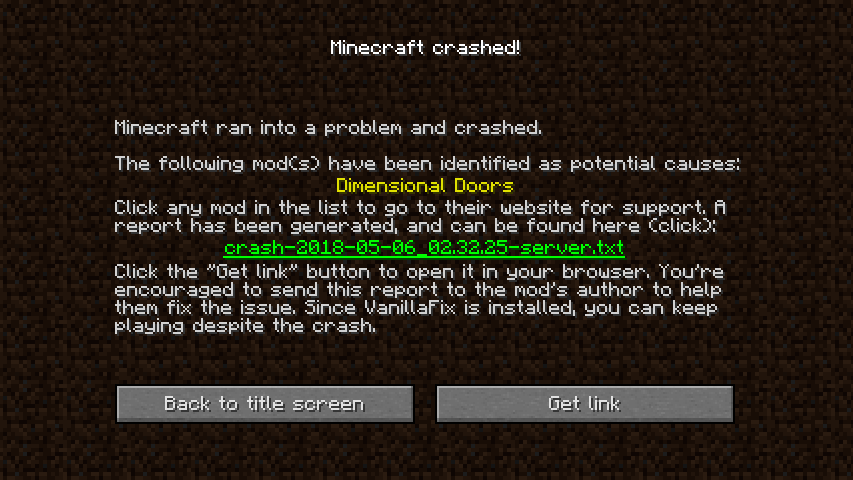
⬇ DownloadVanilla Fix Mod 1.12.2 is a mod that improves performance and fixes bugs and annoyances in vanilla Minecraft. Tripling FPS is common, try it for yourself if you don’t believe it! Also, with VanillaFix installed, Minecraft will no longer fully crash, but rather kick you out to the main menu and offer to upload your report to a paste site so that you can easily send it to others (test it by pressing F3 + C in-game)!
Features:
Better crashes:
- Catch crashes, causing them to crash only the current world rather than the whole game
- Automatic identification of the mod(s) which caused a crash
- Offer to paste crash reports to https://paste.dimdev.org/ and give you a link to the syntax-highlighted crash report
- Stack traces get automatically deobfuscated in crash reports
- Crash reports contain more useful information, such as the NBT of a crashing entity/tile entity
- Add a warning notification which informs you about possible problems with your mods, which could cause more serious problems later on
- Make a crash during mod initialization
- Disable the F3 + C delay and add Alt + F3 + C to crash the integrated server
Performance improvements:
- Tick only visible animated textures (huge FPS increase, up to 3x on very large modpacks)
- Make interdimensional teleportation over 10x faster
- Make world creation faster on large modpacks
Debugging tools:
- Breakdown of the Shift + F3 pie chart and server profiler into more categories such as entity or tile entity type, making finding laggy mods easier
- Added F3 + S to cycle between client and integrated server profiler when Shift + F3 pie chart is open
Screenshots:
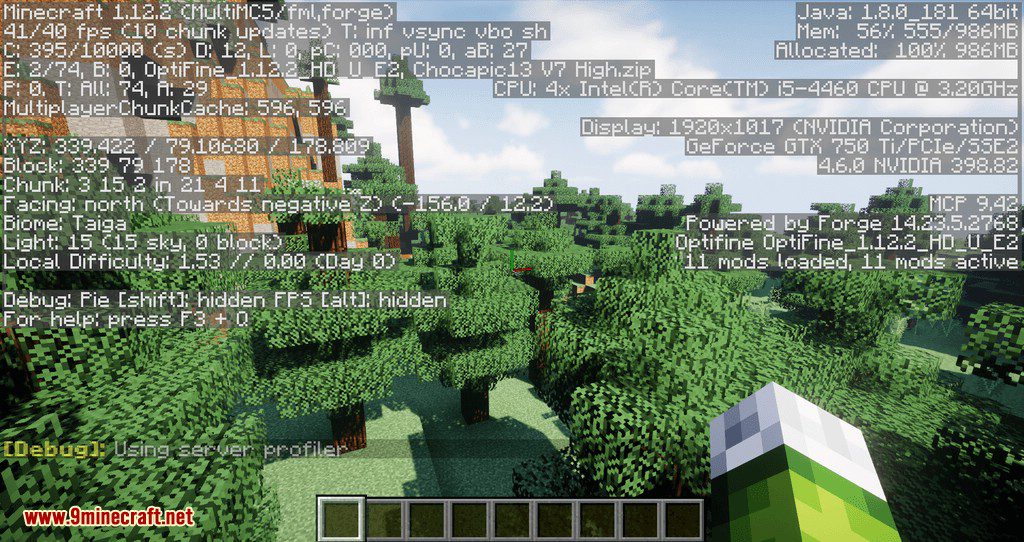
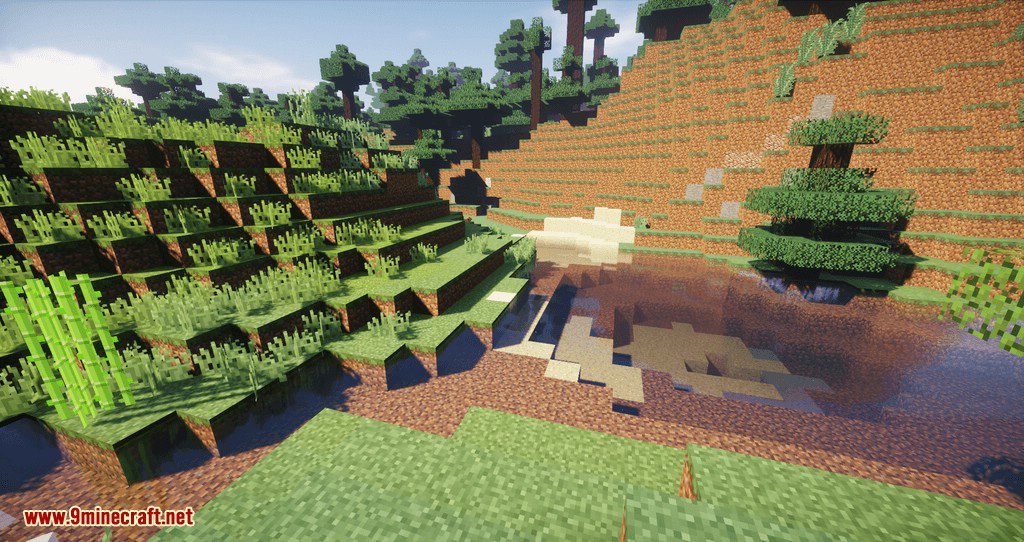
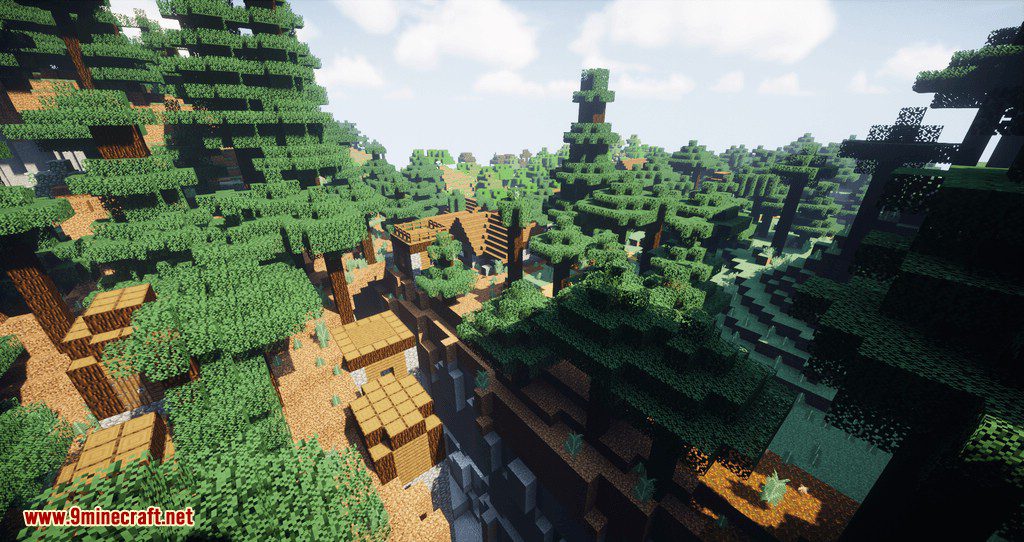
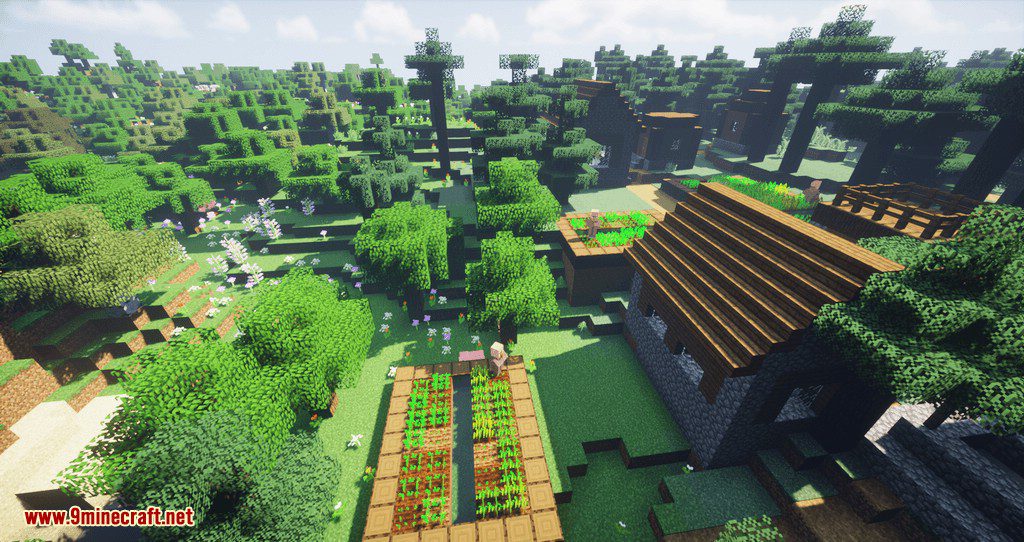
After used this mod (50 FPS, 2.42% of tick used by textures, only visible textures ticked)
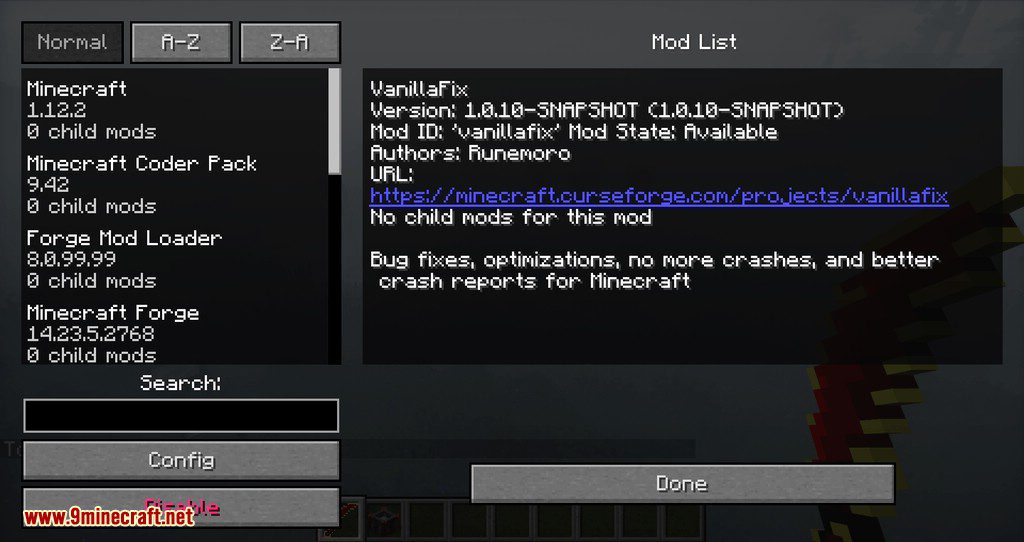
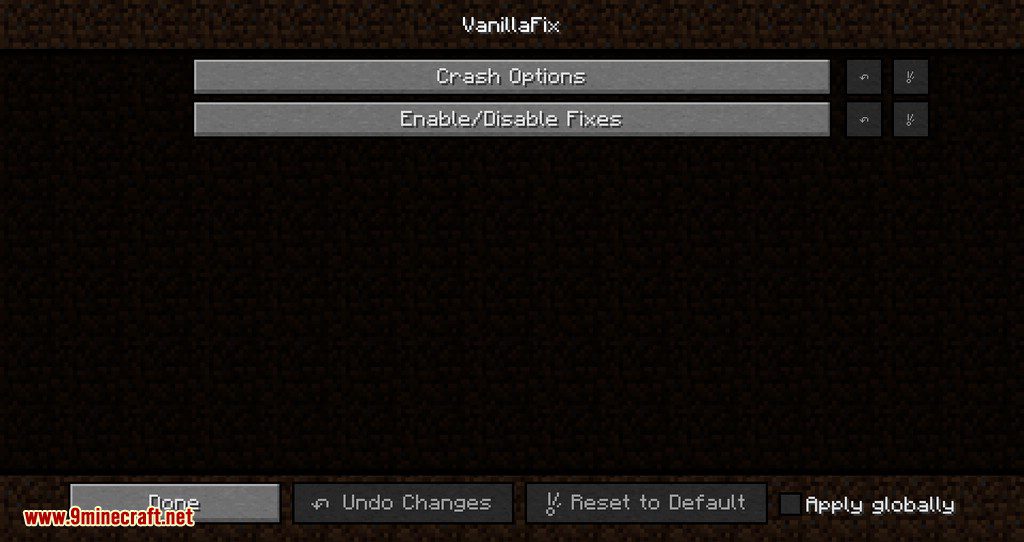
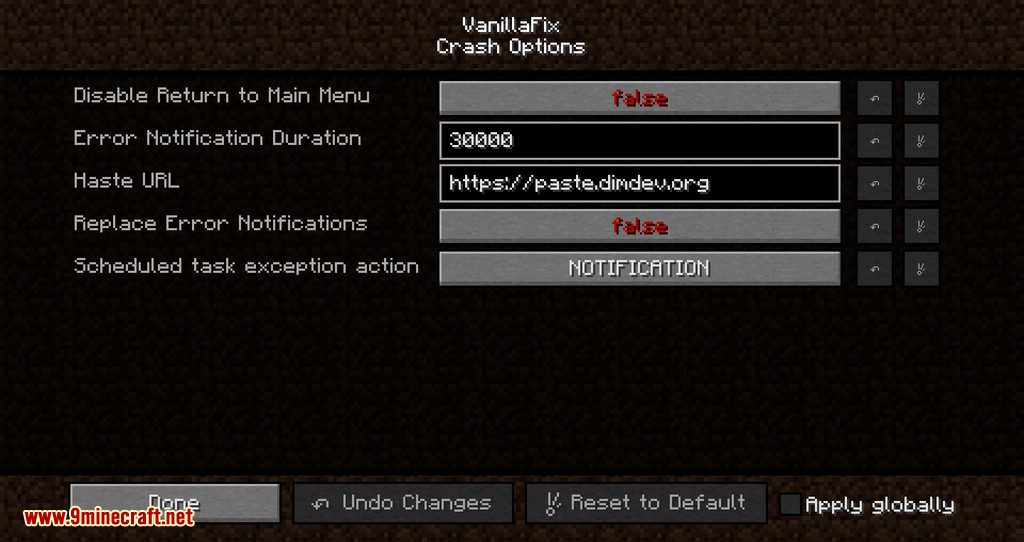
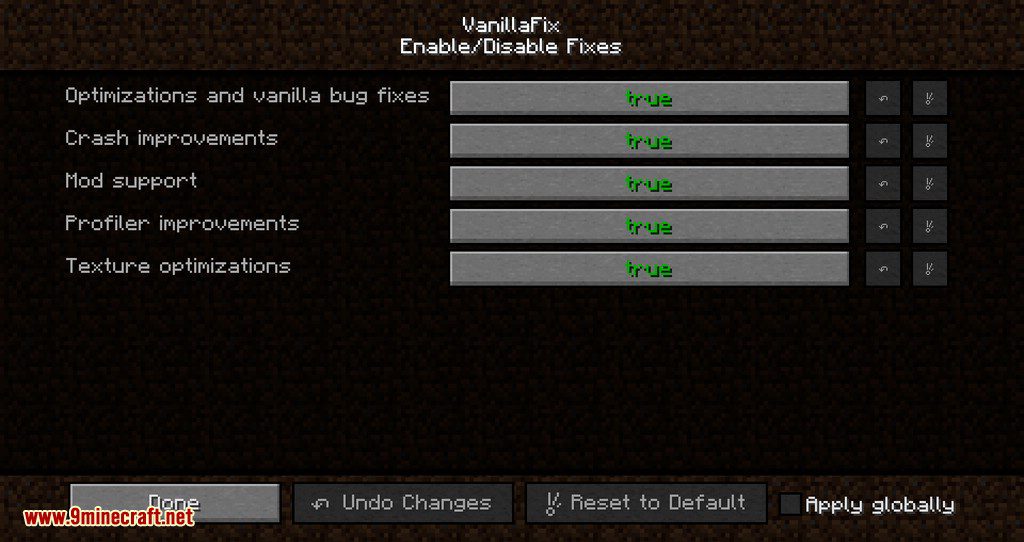
Vanilla Fix Mod 1.12.2 Download Links
For Minecraft 1.12.2
- Edition: Minecraft Java
- File type: .jar
- How to install: Install the matching mod loader (Forge, Fabric or NeoForge) for your Minecraft version. → Download the .jar. → Put it in the .minecraft/mods folder and launch that loader profile.
- Where to get it: In MC Java Mods, or directly above on this page.
Install steps are the general flow for this file type — How to install Minecraft Java mods & modpacks walks through it step by step.
- Downloads as 208769.mcaddon
- Download size: 1002 KB
- Download link checked 30 Jul 2026 — working
- Mirrored on our own servers — the download does not depend on the original host
These come from our own check of the pack file, not from the source page.