
ModsJava
Automated Redstone Mod 1.12.2, 1.11.2 (When Everything Is Automatic)
Minecraft Java mod. Downloads from the MC Java Mods app on Android.
⬇ DownloadAutomated Redstone Mod 1.12.2 provides:
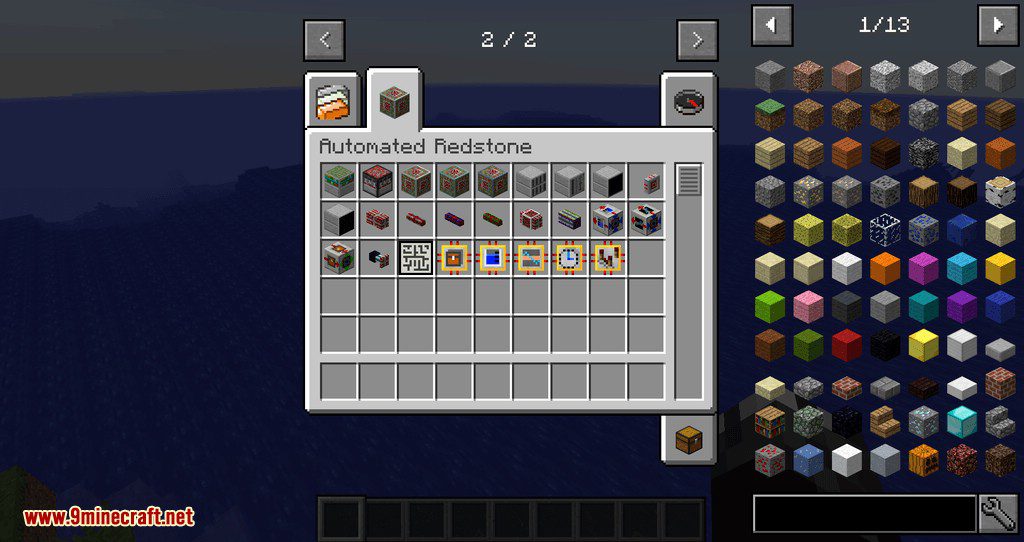
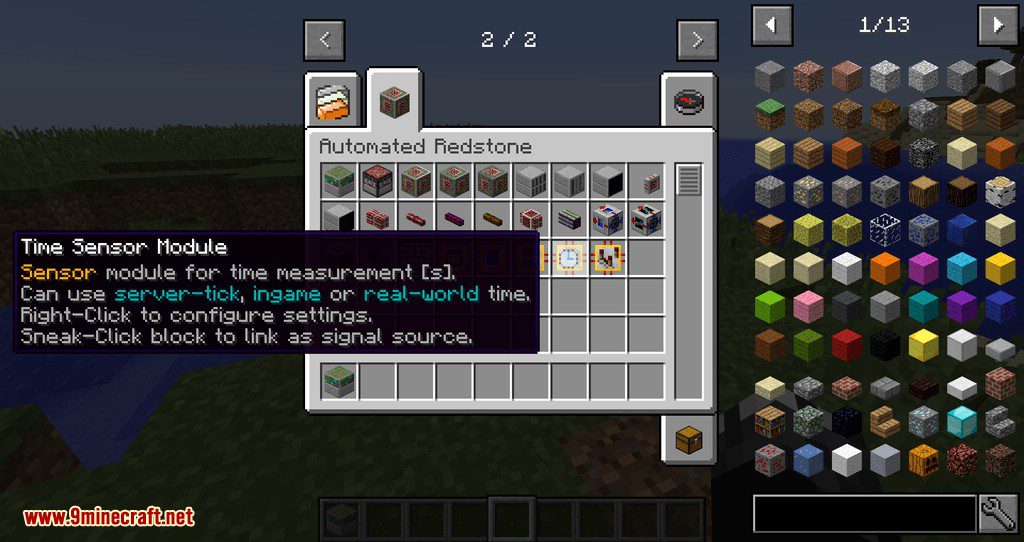
- Sensors that can count Items, Fluids, Energy and Time.
- Valves to control the flow of fluid and energy.
- LED-Displays and Oscilloscopes to monitor the state of your machinery.
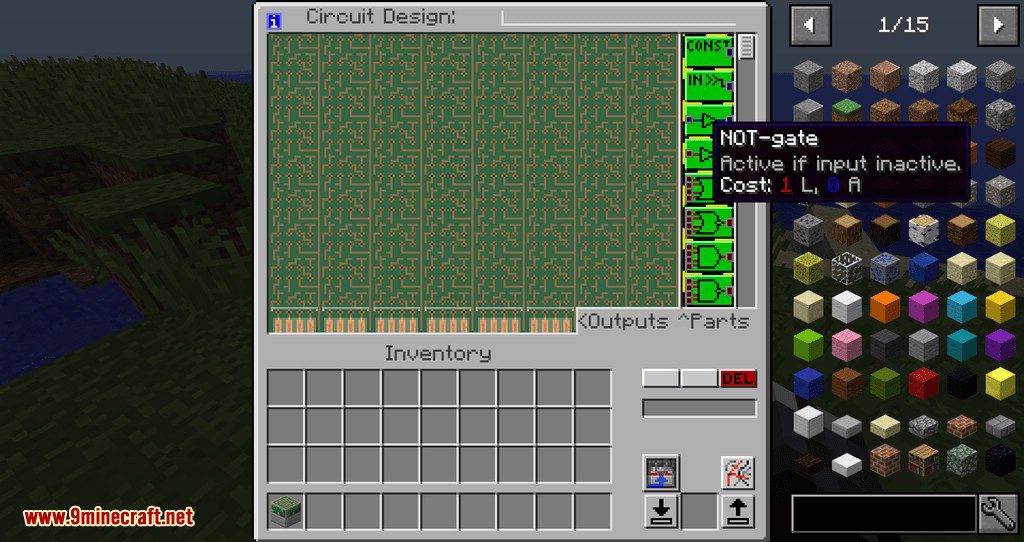
- And some devices to transmit and manipulate signals including compact programmable circuits.
All signals are transmitted via the vanilla Redstone-System, however, this mod breaks the usual strength limit of 0-15 (you can have Redstone strength values up in the millions)
Features:
Show MoreAlso comes with its own new types of Redstone cables with various special features and that are designed to be very Server and FPS friendly:
- TileEntities not constantly ticking.
- Signals transmitted with efficient constant time performance no matter how long the cable is.
- No render/light updates when signal changes (no FPS lag or network traffic)
- Connections between cables can be easily split (compact wiring possible)
- Have defined input and output connection (no accidentally powering unwanted blocks)
- Can be covered with solid blocks (for hiding in walls)
- Levers, Buttons, Redstone Torches, etc. can be directly attached
- No signal power loss or distance limit + support for signals > 15
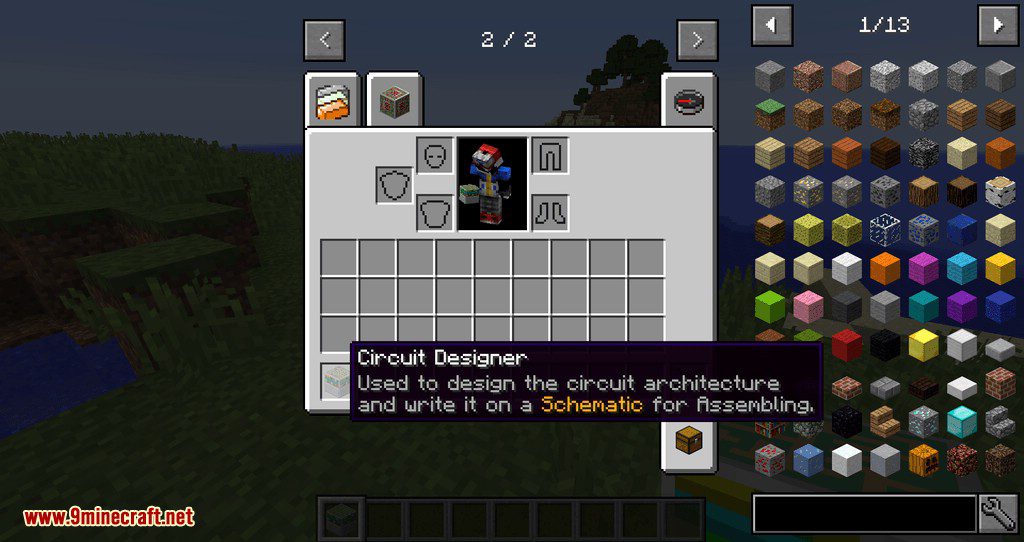
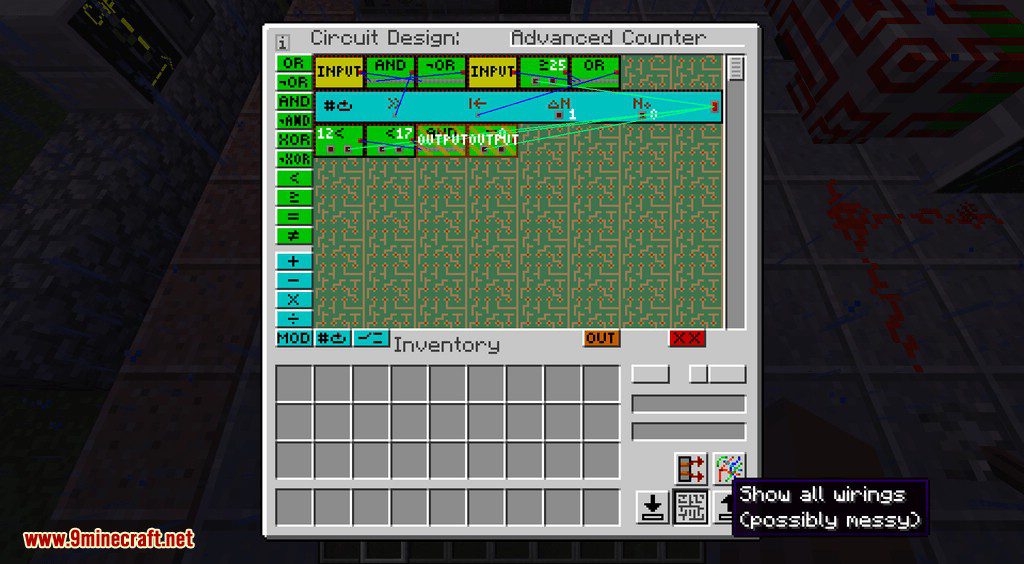
No longer do you need massive halls for your circuitry, everything can be build into single blocks using the Circuit Assembler.
Screenshots:
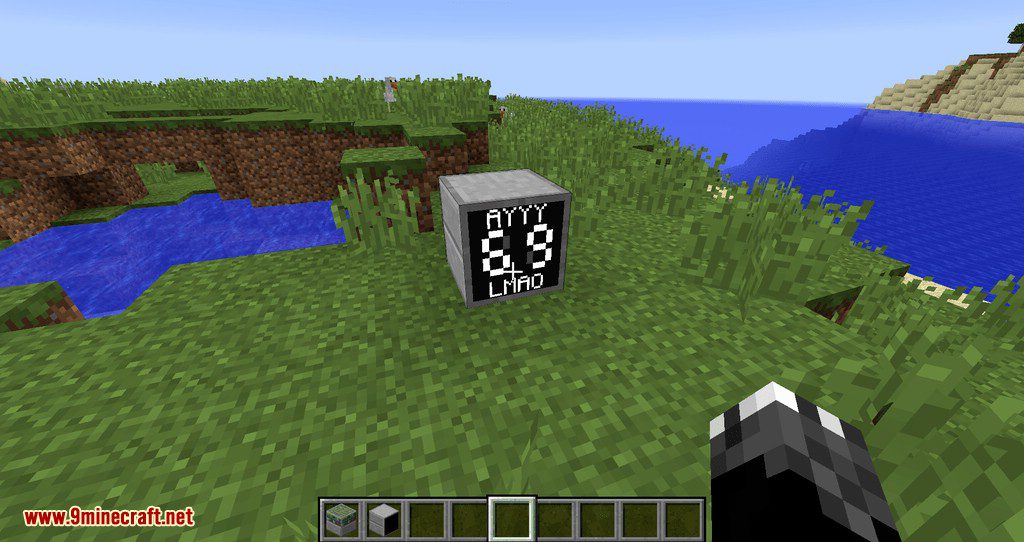
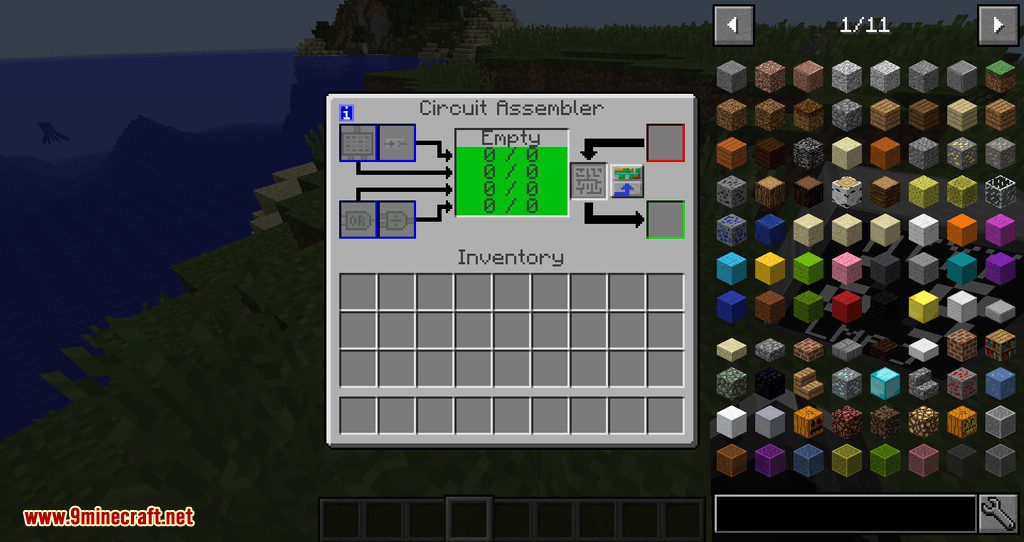
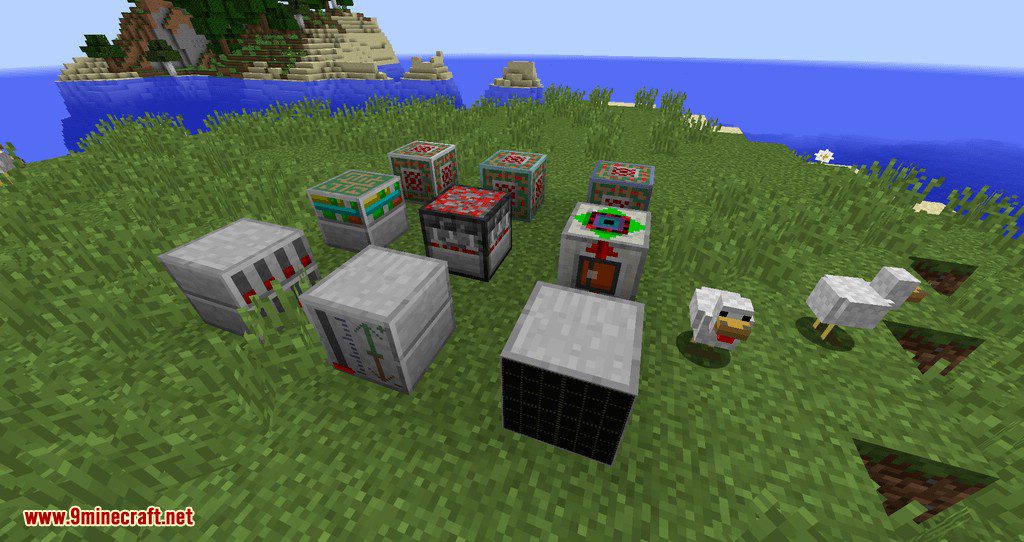
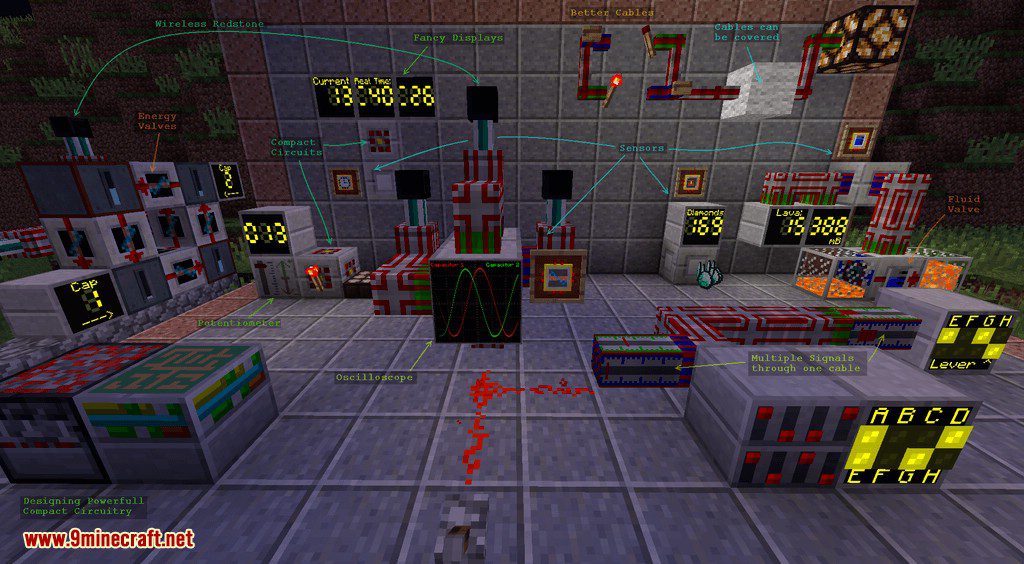
Automated Redstone Mod 1.12.2, 1.11.2 Download Links
For Minecraft 1.7.10
For Minecraft 1.8.9
For Minecraft 1.9.4, 1.10.2
For Minecraft 1.11.2
For Minecraft 1.12.2
Quick facts
- Edition: Minecraft Java
- File type: .jar
- How to install: Install the matching mod loader (Forge, Fabric or NeoForge) for your Minecraft version. → Download the .jar. → Put it in the .minecraft/mods folder and launch that loader profile.
- Where to get it: In MC Java Mods, or directly above on this page.
Install steps are the general flow for this file type — How to install Minecraft Java mods & modpacks walks through it step by step.
File checked by MCModsHub
- Downloads as 208808.mcaddon
- Download size: 121 KB
- Download link checked 30 Jul 2026 — working
- Mirrored on our own servers — the download does not depend on the original host
These come from our own check of the pack file, not from the source page.