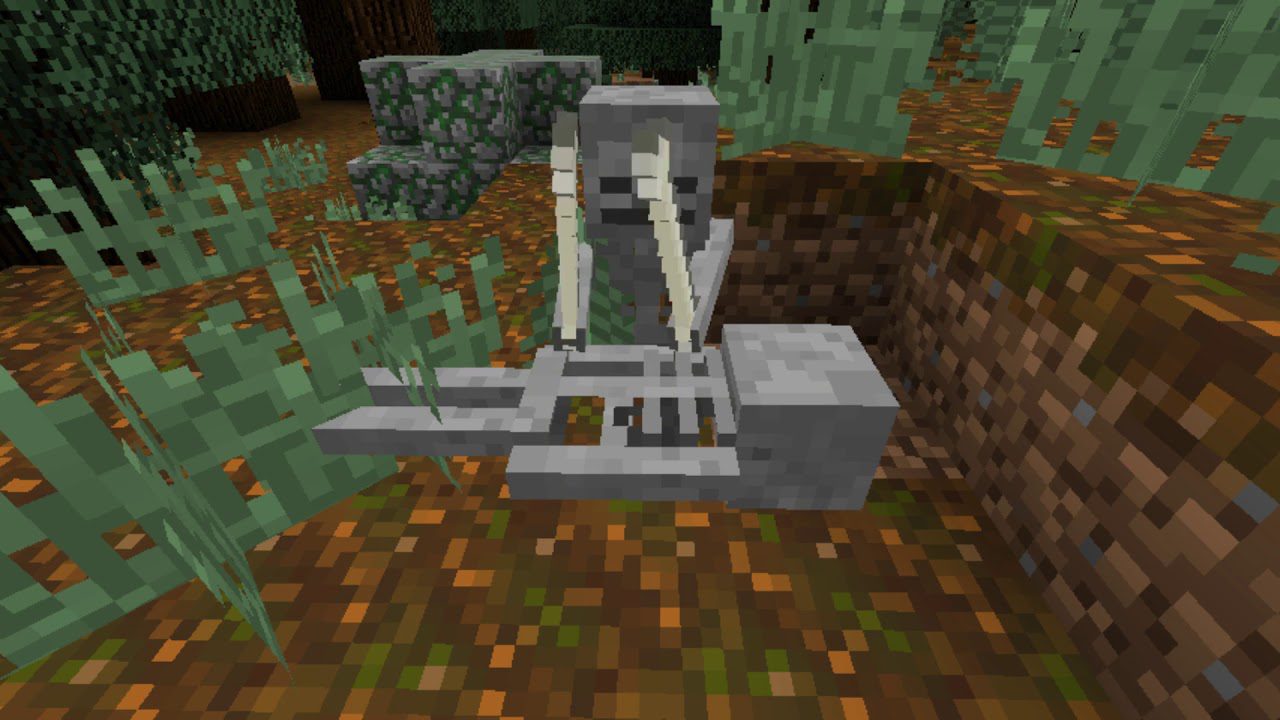
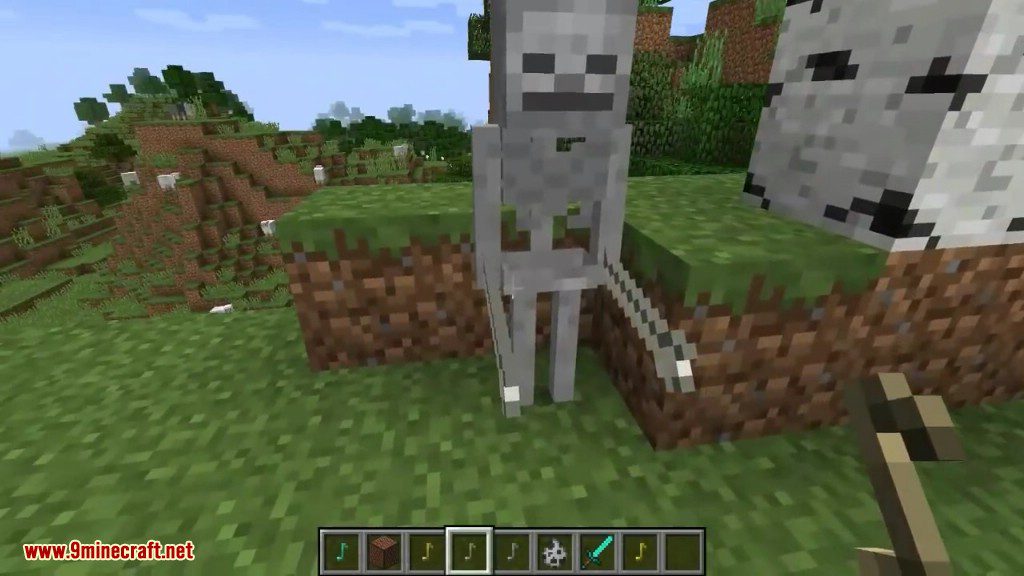
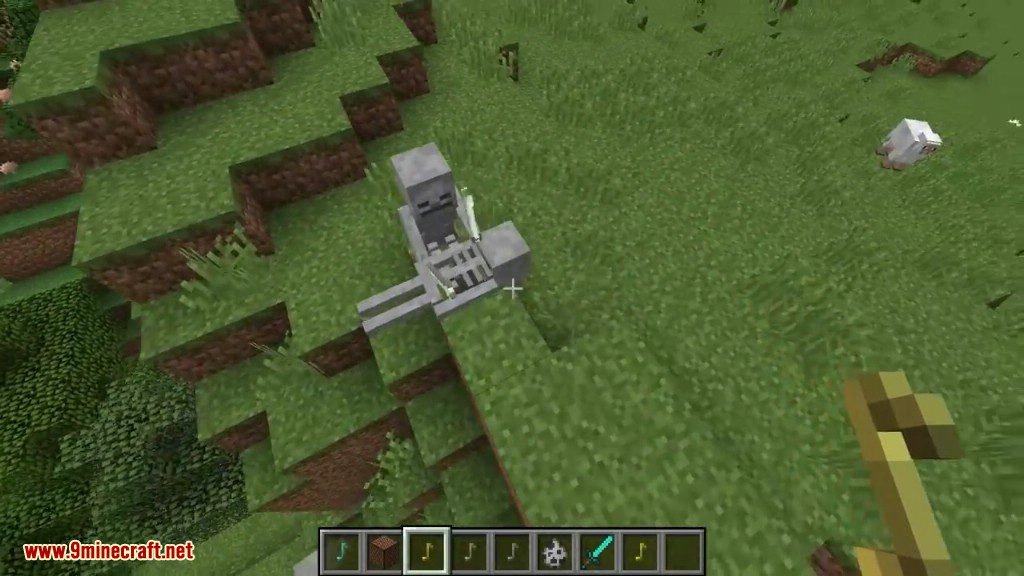
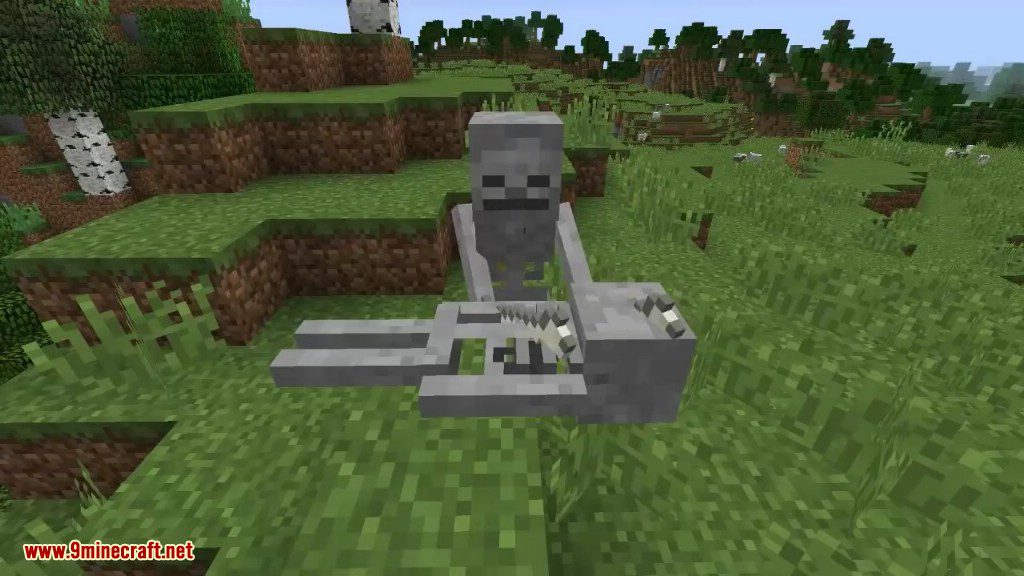
SkeletalBand Mod 1.12.2 adds a very horrible way to listen to Midi music in Minecraft.
Screenshots:
How to use:
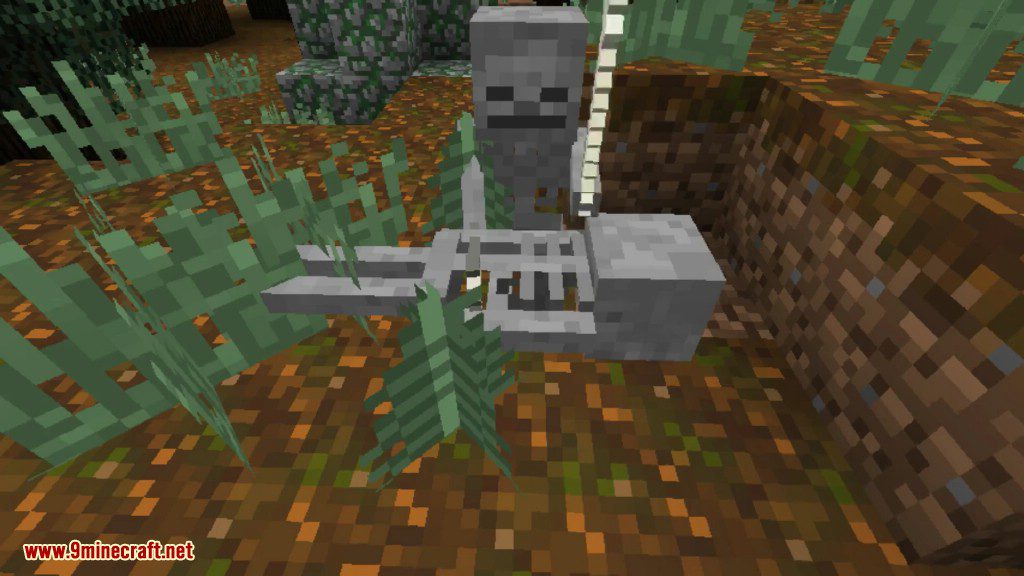
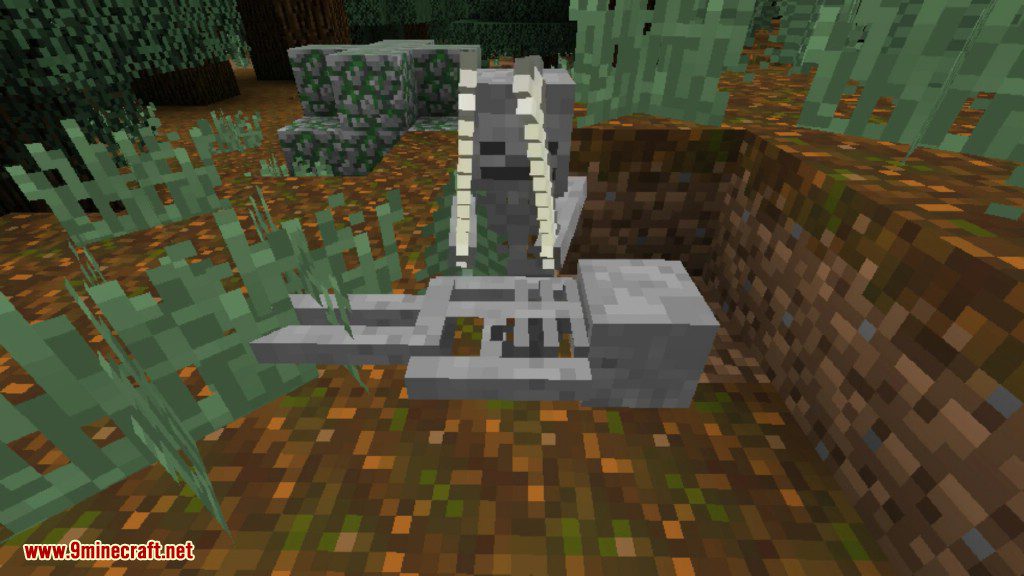
- First, you’ll need a note. You can get notes from noteblocks, by sneaking on them and activating them. The notes can be thrown around. If it lands near a skeleton, it will convert the skeleton from a dangerous undead beast, to a more musical friendly guy.
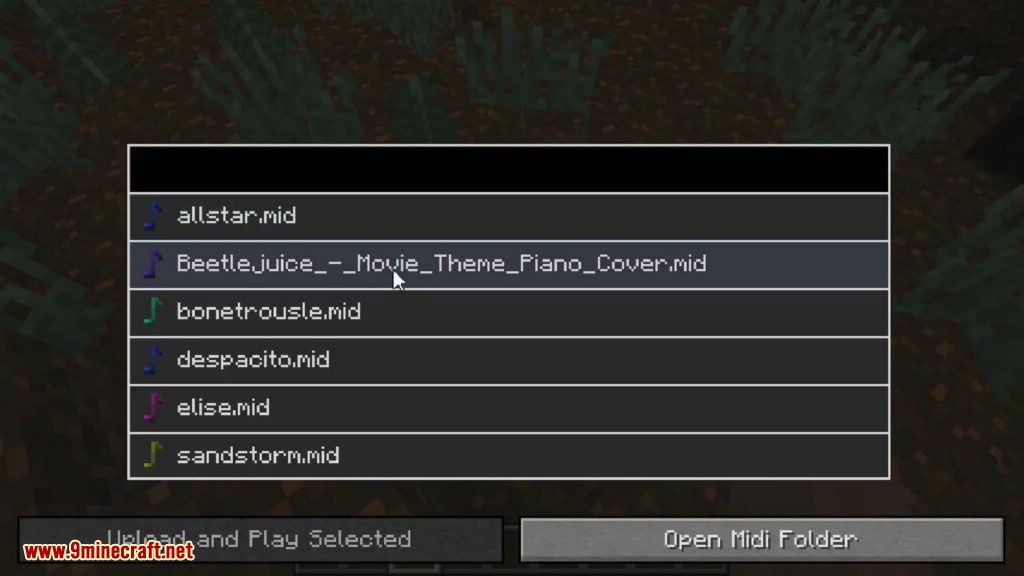
- Once you have two musical skeletons near eachother, they should start playing spooky scary skeletons (a classic). You can either listen to them do what they do, or right click them and chose your own midi file for them to play.
- Custom midi files also work, click the “Open Midi Folder” in the skeletons gui, and copy paste your midi there. In game, you should then be able to start playing it. Currently, large midi files wont work.
Requires:
Minecraft Forge
SkeletalBand Mod 1.12.2 Download Links
For Minecraft 1.12.2
Quick facts
- Edition: Minecraft Java
- File type: .jar
- How to install: Install the matching mod loader (Forge, Fabric or NeoForge) for your Minecraft version. → Download the .jar. → Put it in the .minecraft/mods folder and launch that loader profile.
- Where to get it: In MC Java Mods, or directly above on this page.
Install steps are the general flow for this file type — How to install Minecraft Java mods & modpacks walks through it step by step.
Verified by MCModsHub
- Downloads as 208826.mcaddon
- Download size: 147 KB
- Download link checked 17 Jul 2026 — working
- Mirrored on our own servers — the download does not depend on the original host
These come from our own check of the pack file, not from the source page.