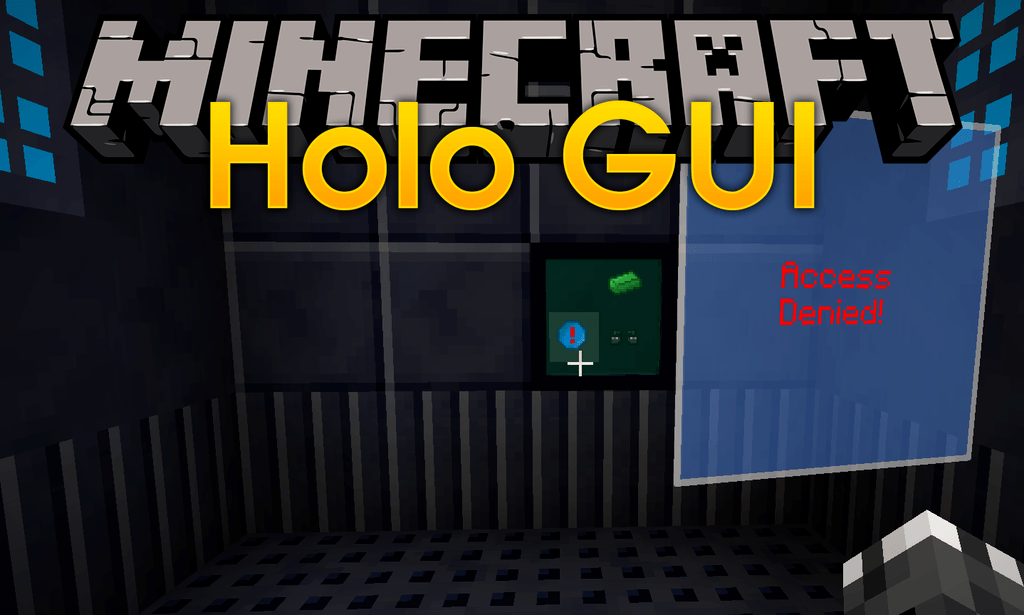
HoloGui Mod 1.12.2 (Add Holographic Gui's To Minecraft)
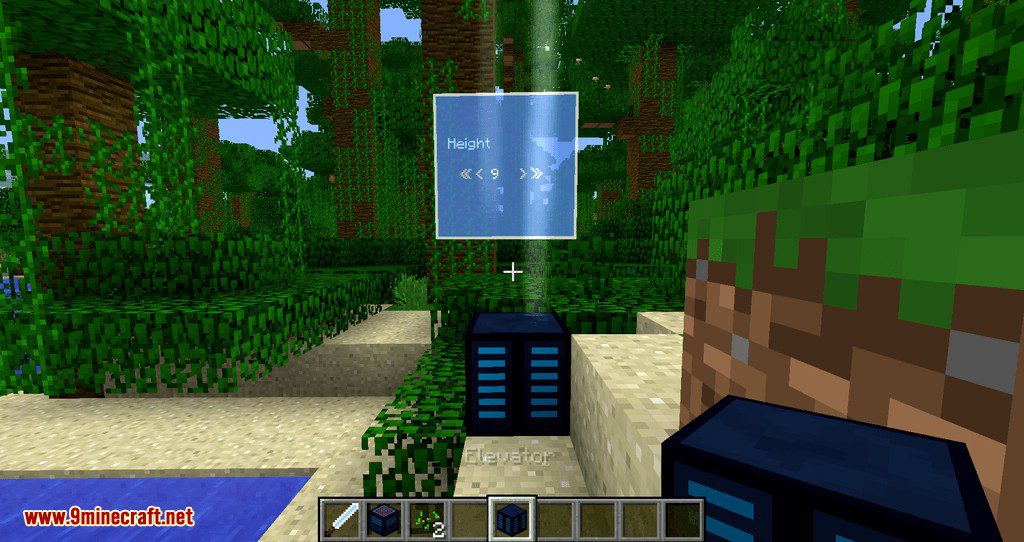
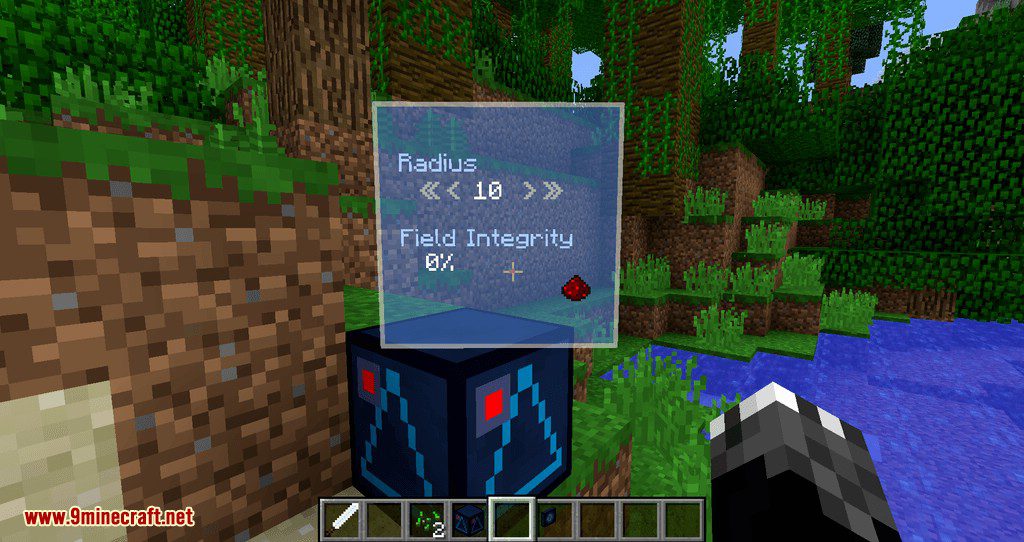
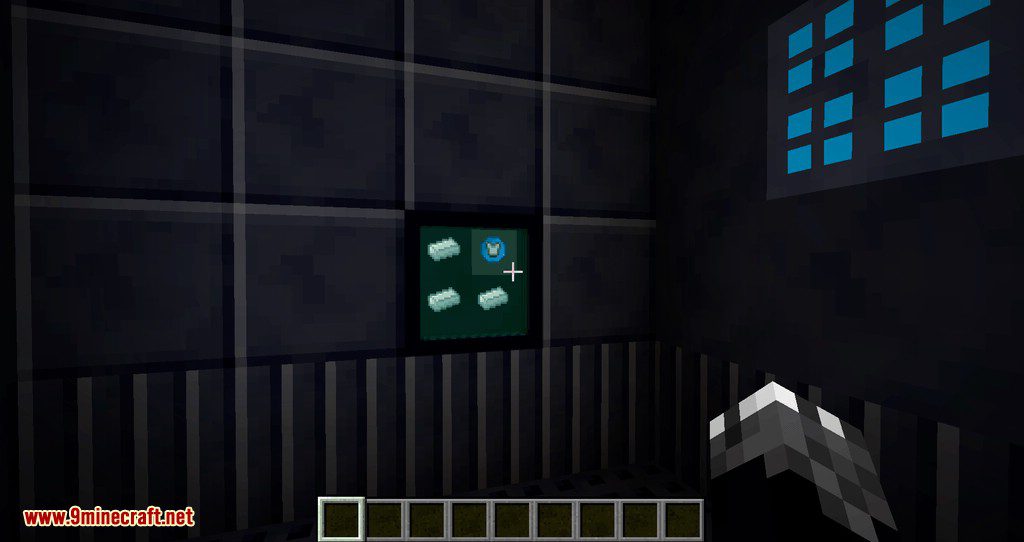
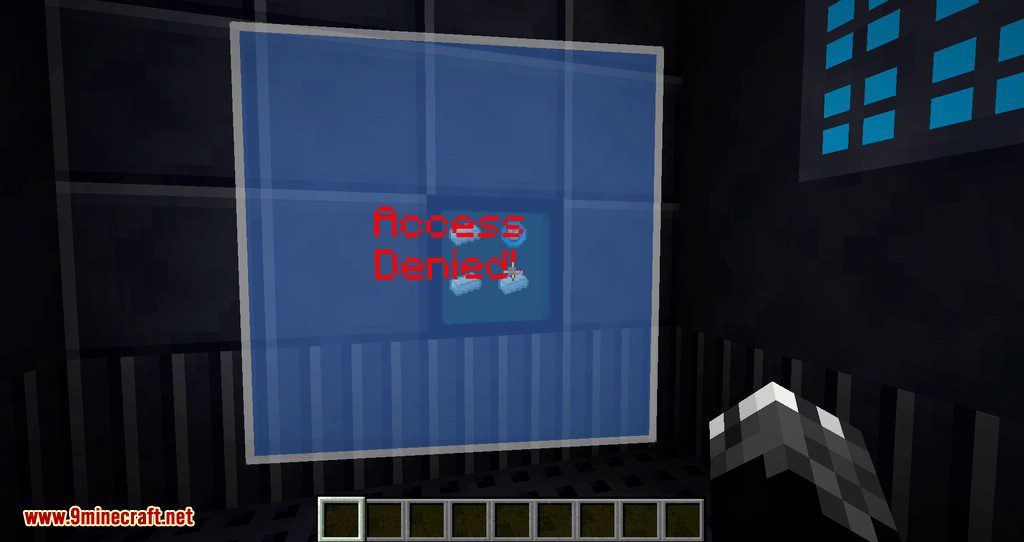
HoloGui Mod 1.12.2 supports adding holographic gui's to Minecraft. These gui's can be used to interface with blocks or also as standalone gui's (for…
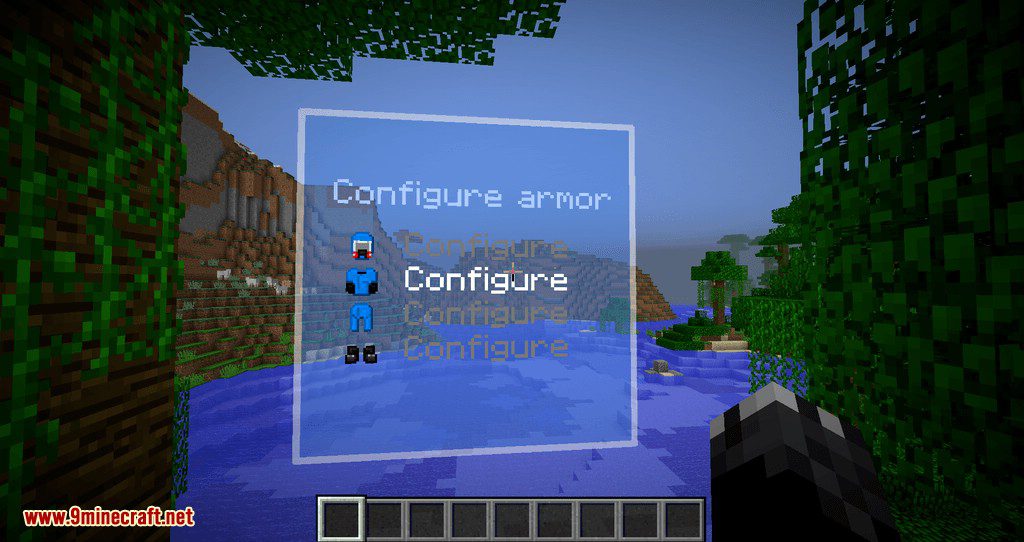
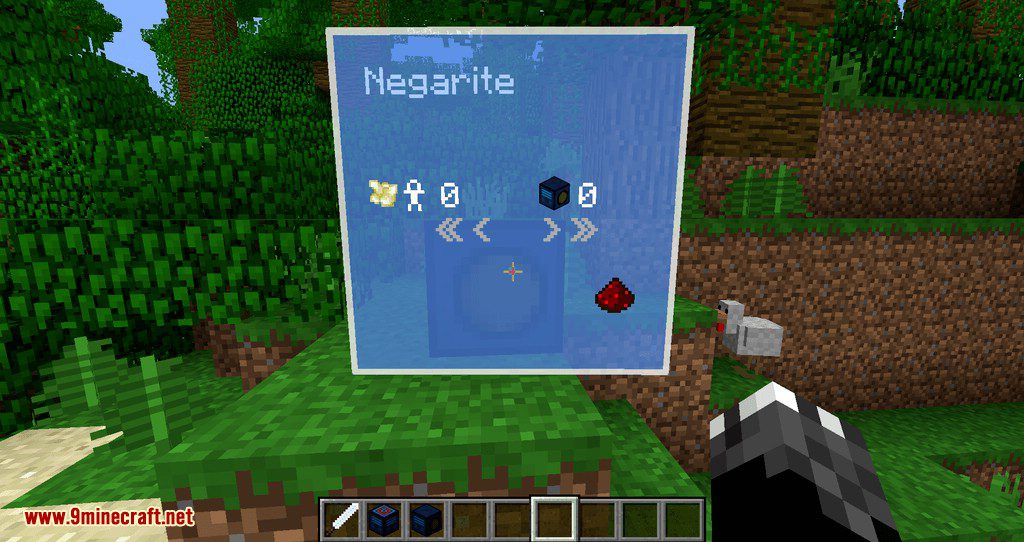
⬇ DownloadHoloGui Mod 1.12.2 supports adding holographic gui’s to Minecraft. These gui’s can be used to interface with blocks or also as standalone gui’s (for example when pressing a hotkey). It is also possible to mount holographic gui’s to other entities. There gui’s provide an immersive way for a player to do various things. This mod has been created as a spinoff from the Ariente mod. On its own this mod doesn’t do anything useful. It needs other mods to add support for its API.
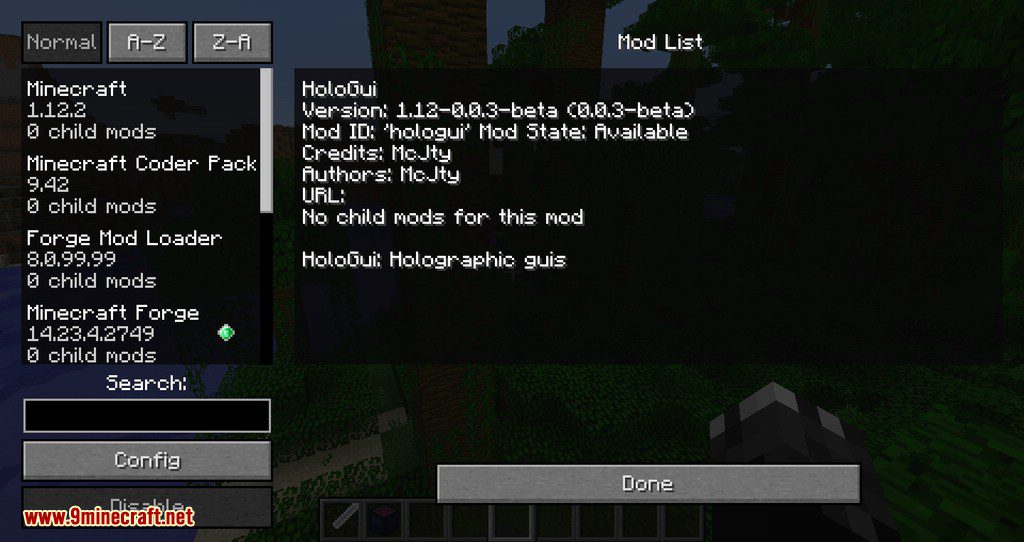
Screenshots:
HoloGui Mod 1.12.2 Download Links
For Minecraft 1.12.2
- Edition: Minecraft Java
- File type: .jar
- How to install: Install the matching mod loader (Forge, Fabric or NeoForge) for your Minecraft version. → Download the .jar. → Put it in the .minecraft/mods folder and launch that loader profile.
- Where to get it: In MC Java Mods, or directly above on this page.
Install steps are the general flow for this file type — How to install Minecraft Java mods & modpacks walks through it step by step.
- Downloads as 208841.mcaddon
- Download size: 144 KB
- Download link checked 30 Jul 2026 — working
- Mirrored on our own servers — the download does not depend on the original host
These come from our own check of the pack file, not from the source page.