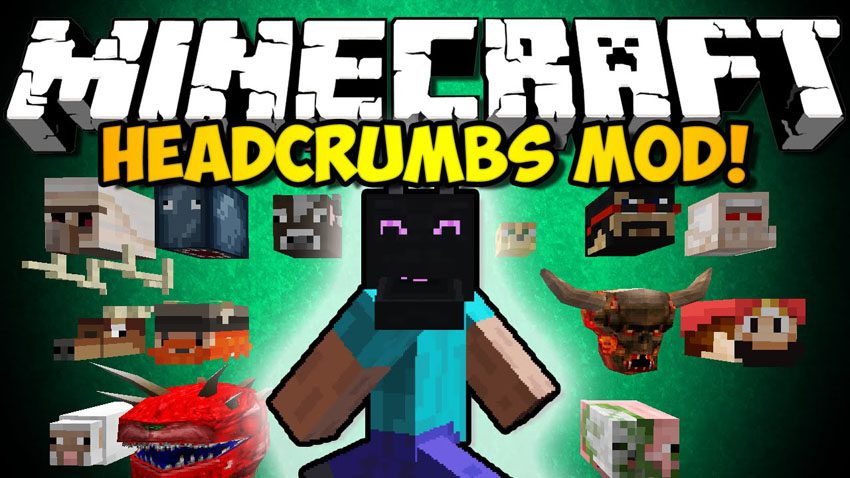
Headcrumbs Mod (1.12.2, 1.11.2) – Hunt YouTubers for Trophies
Minecraft Java mod. Downloads from the MC Java Mods app on Android.
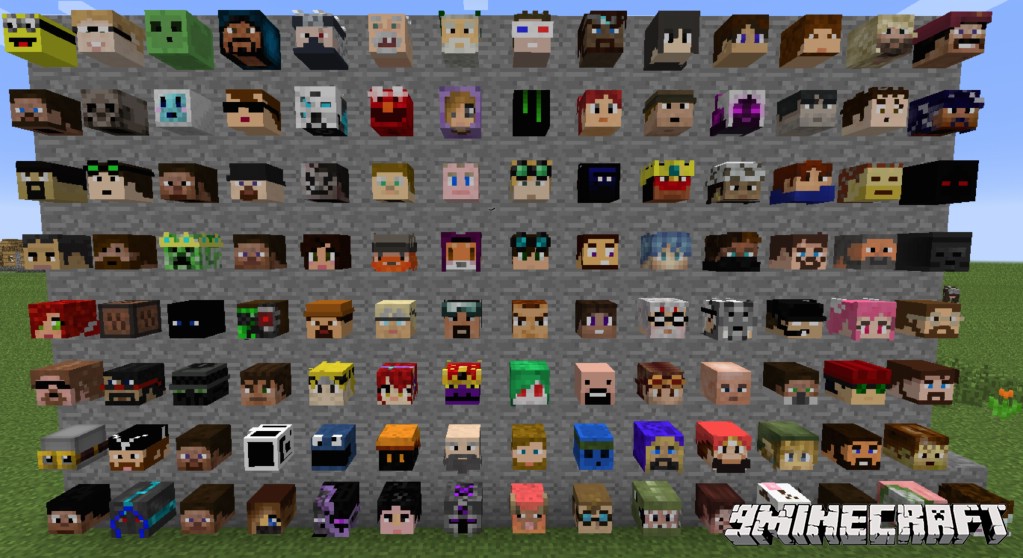
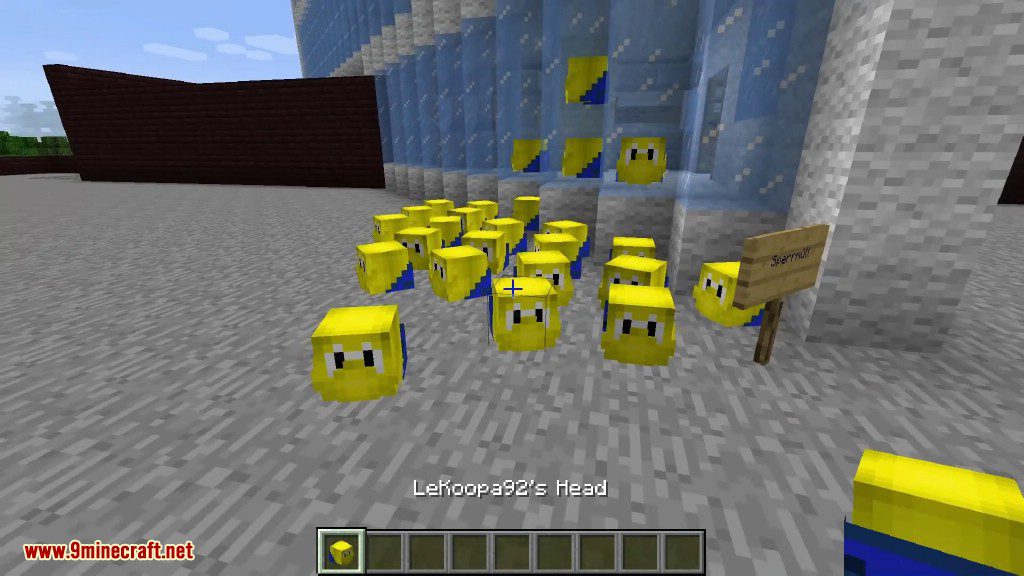
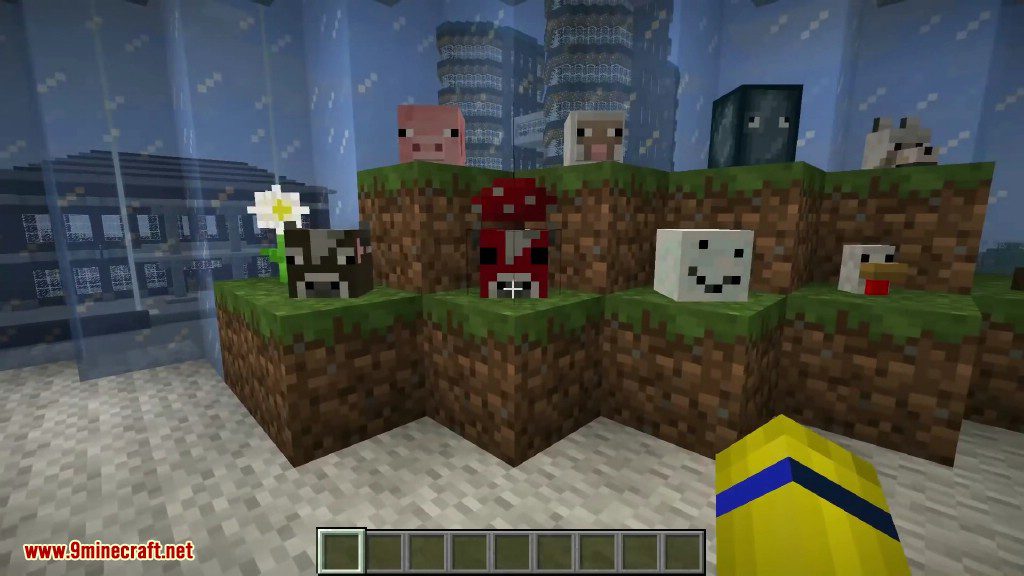
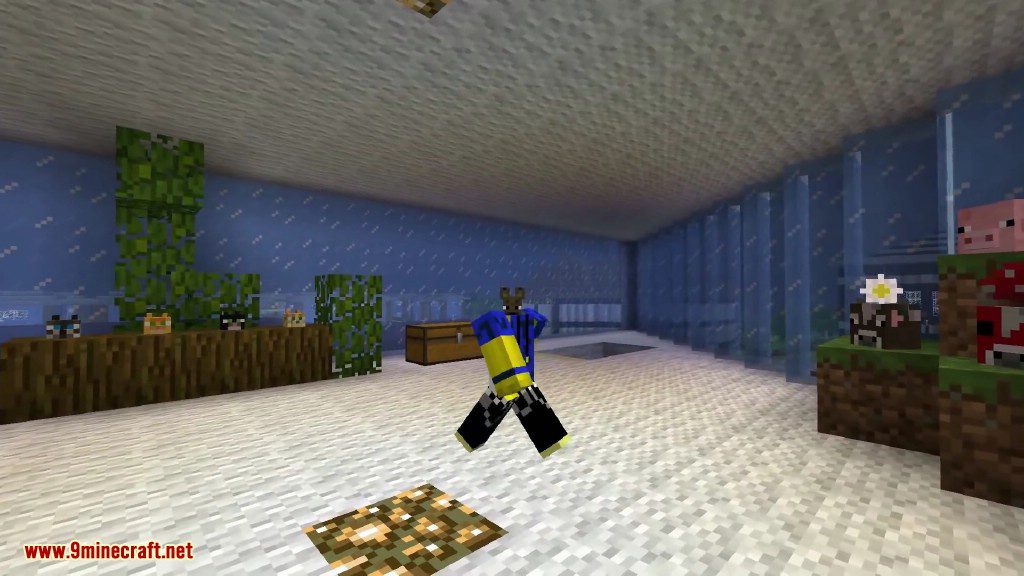
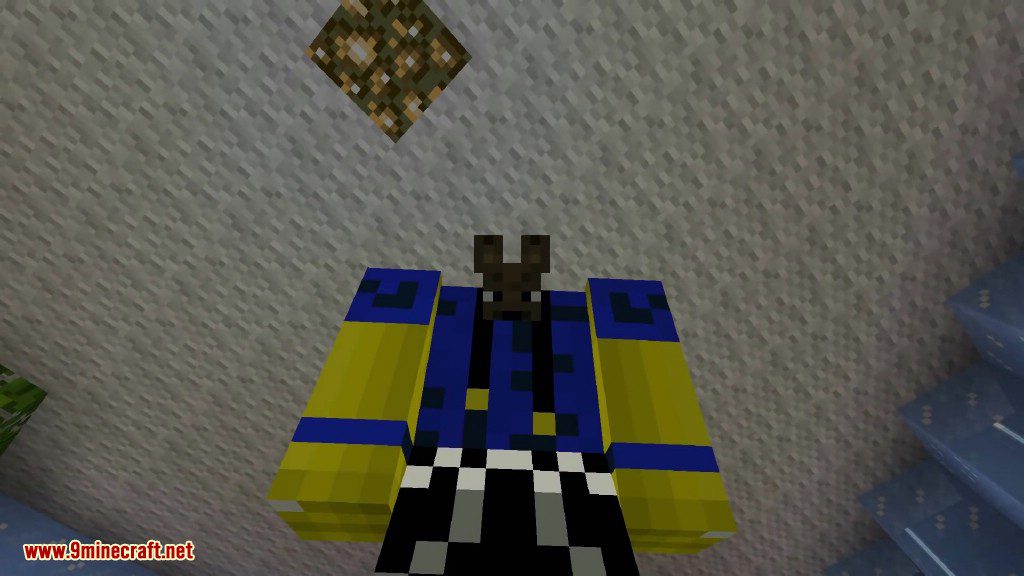
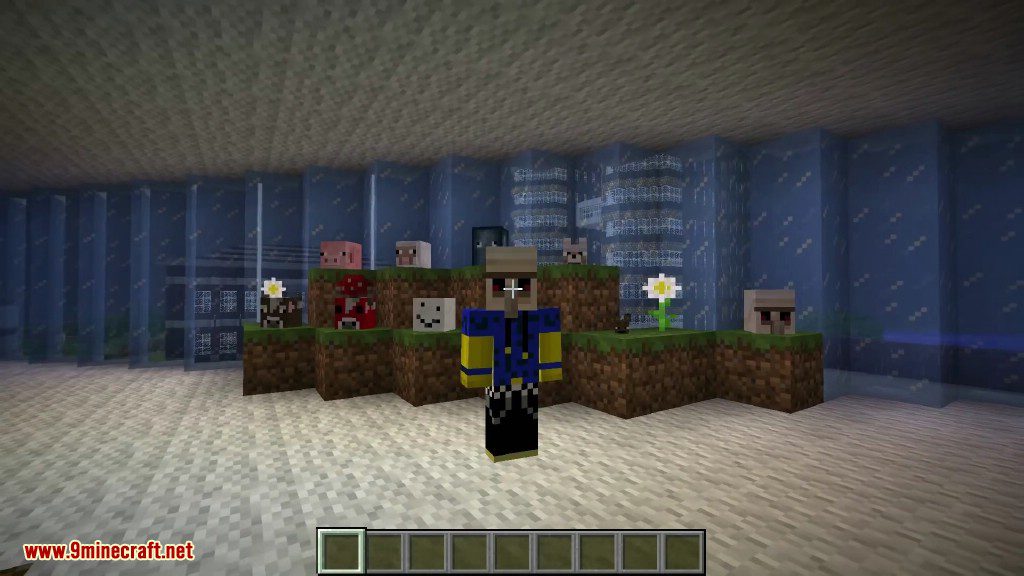
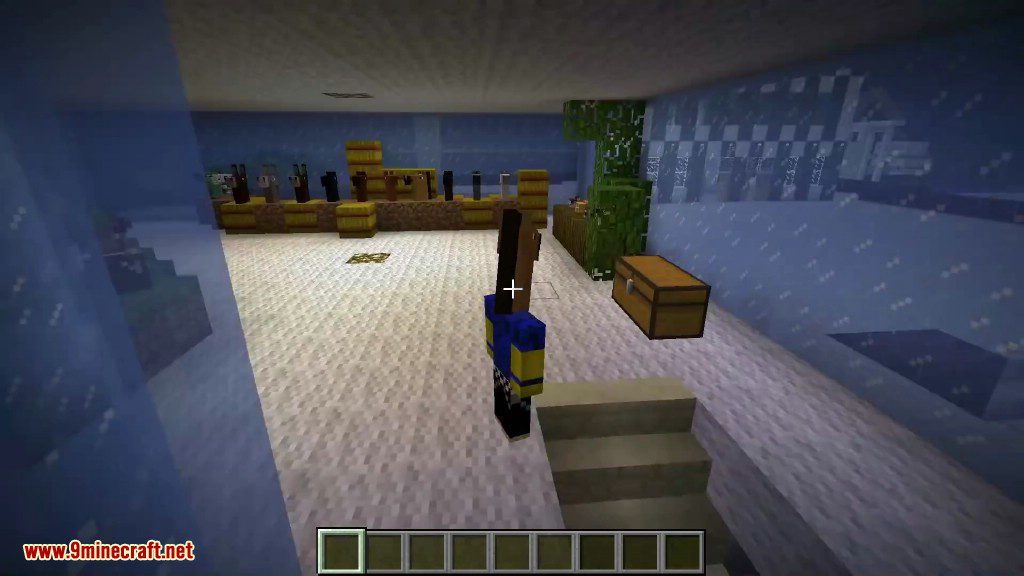
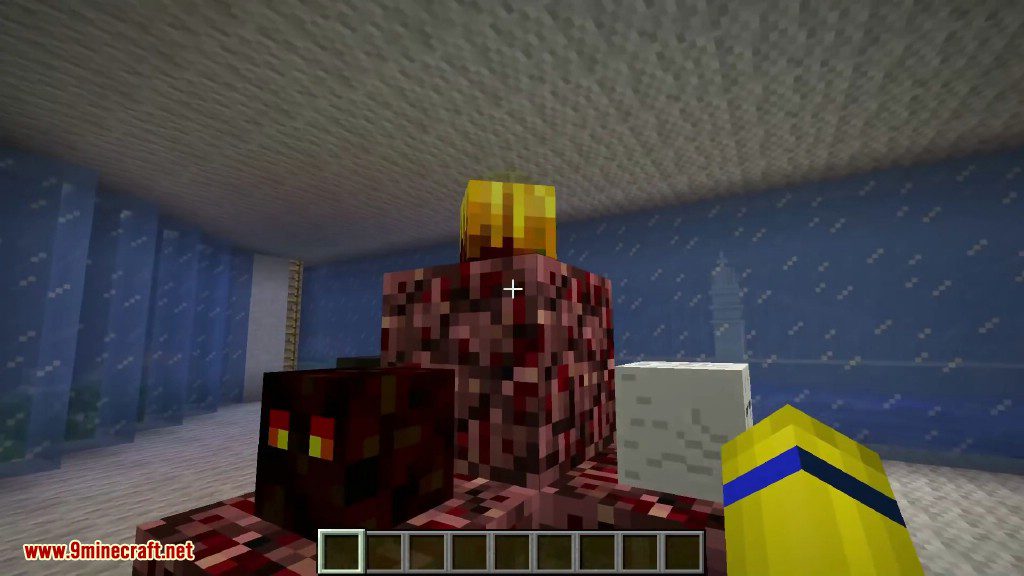
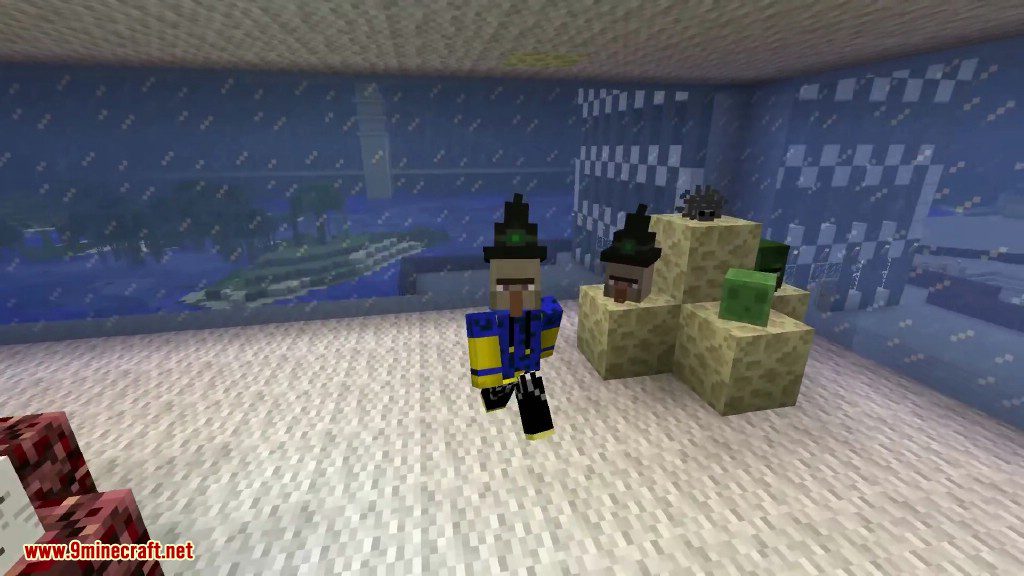
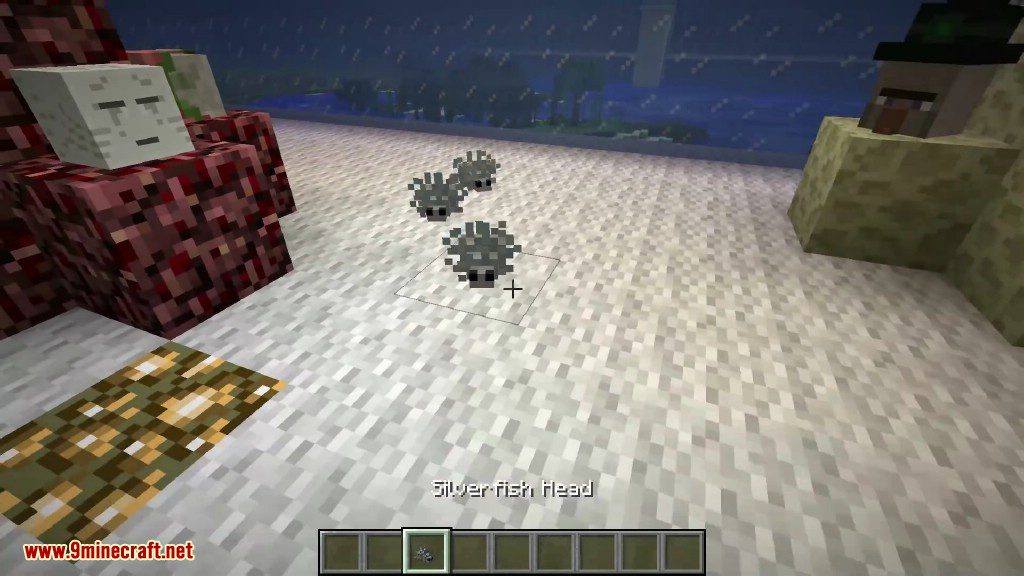
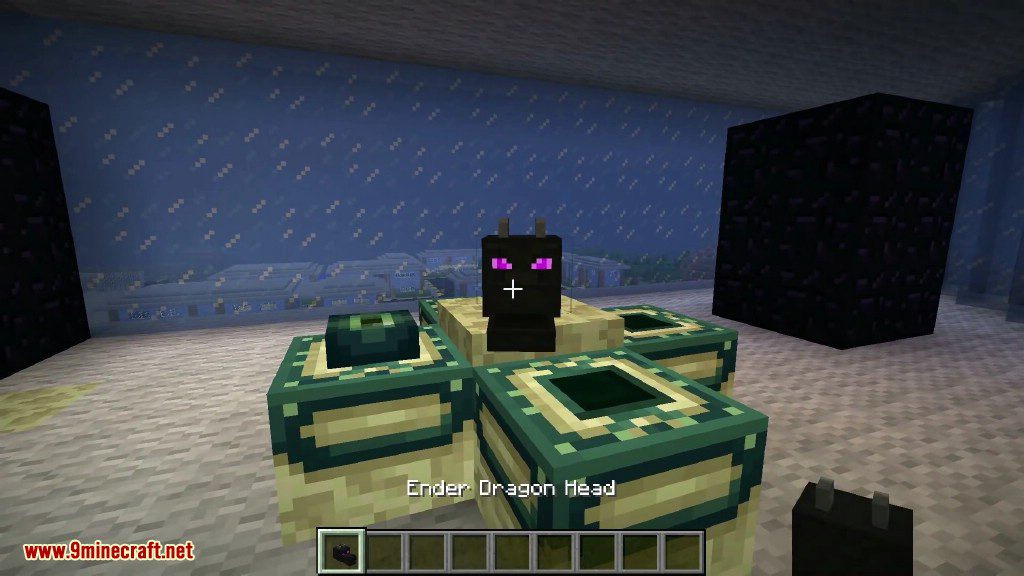
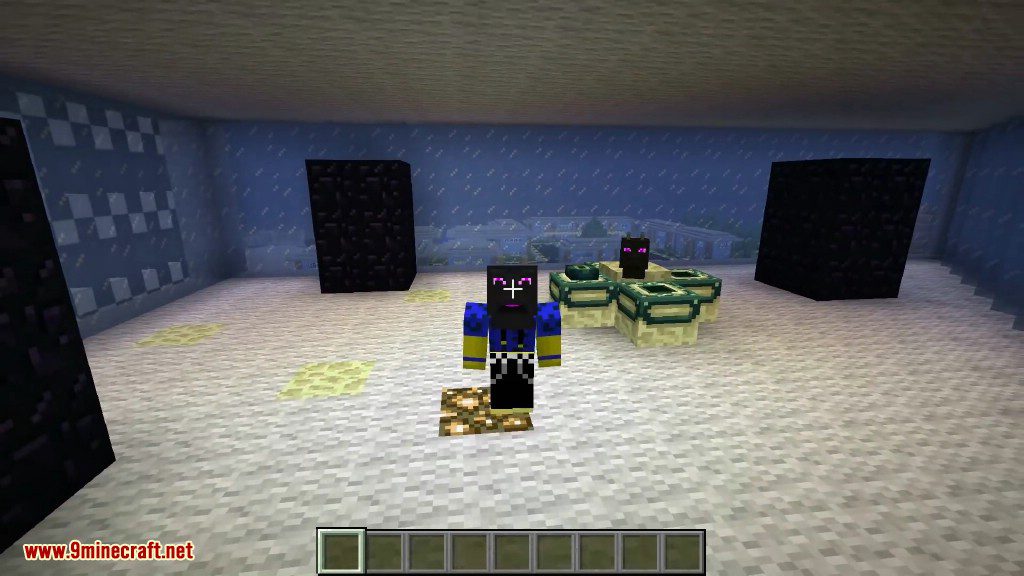
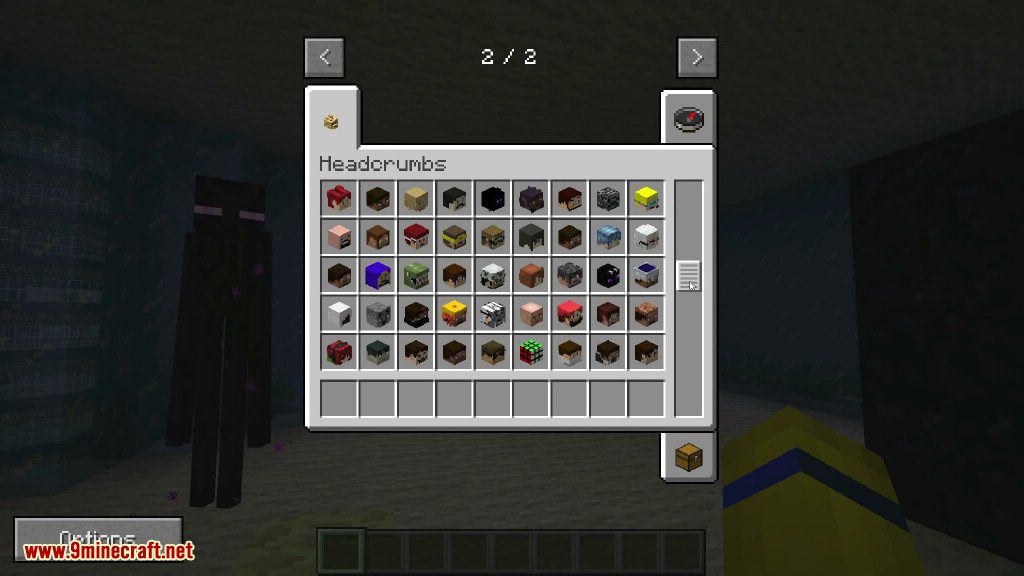
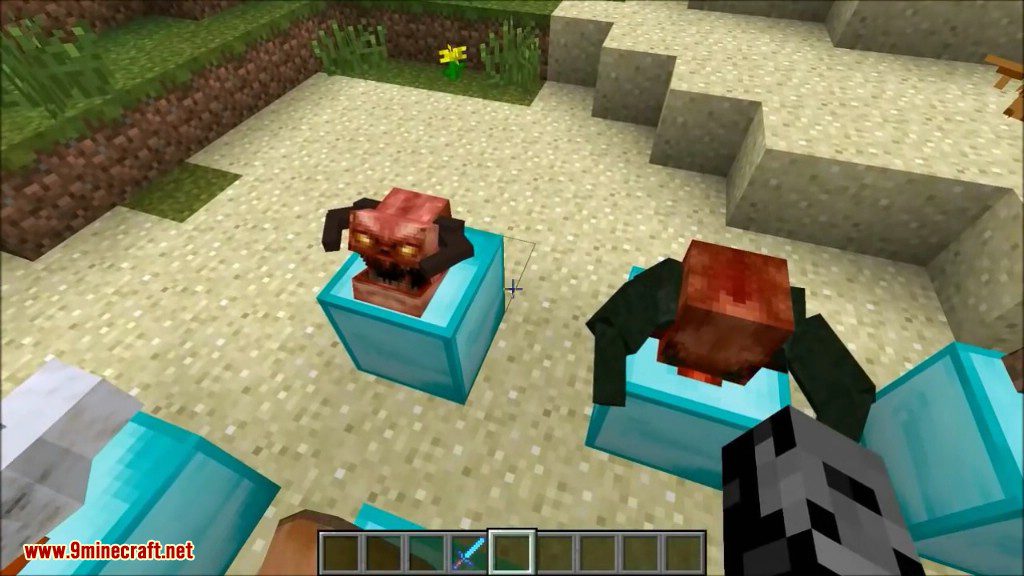
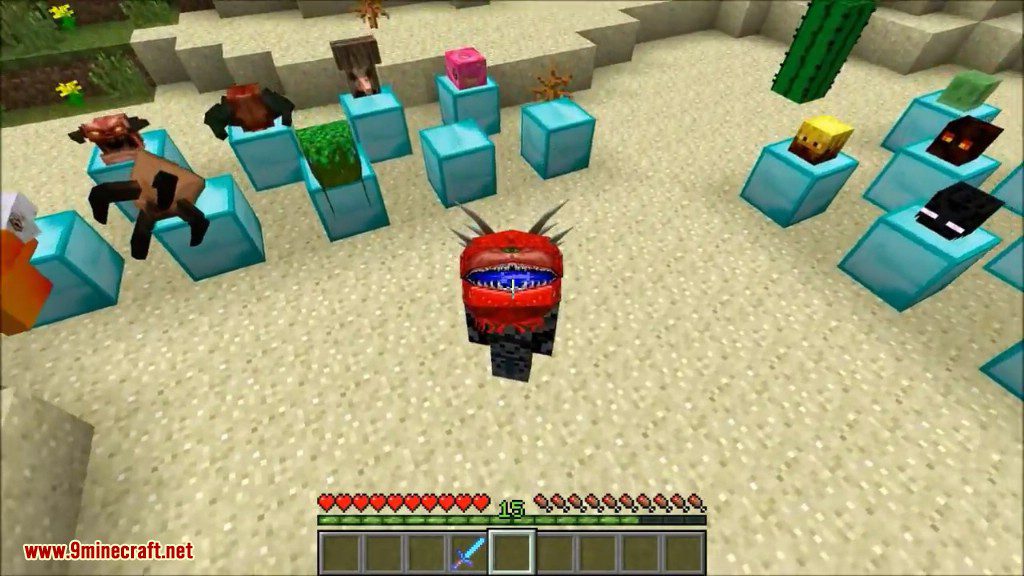
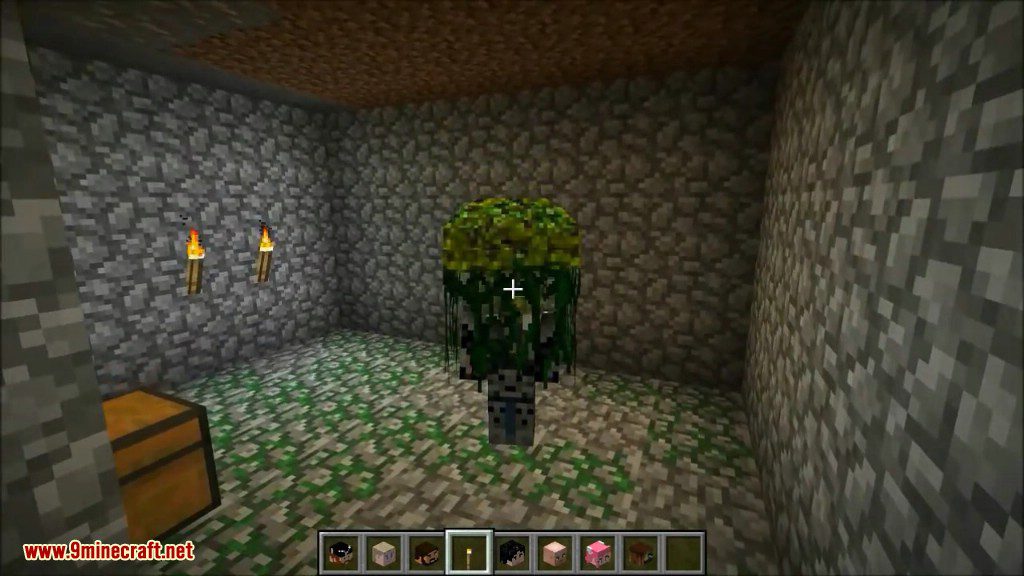
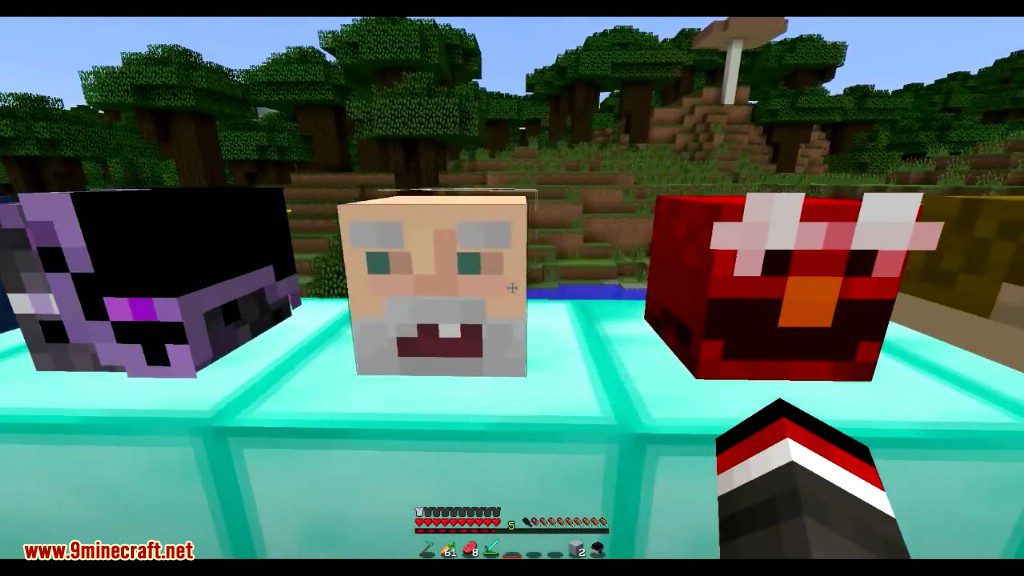
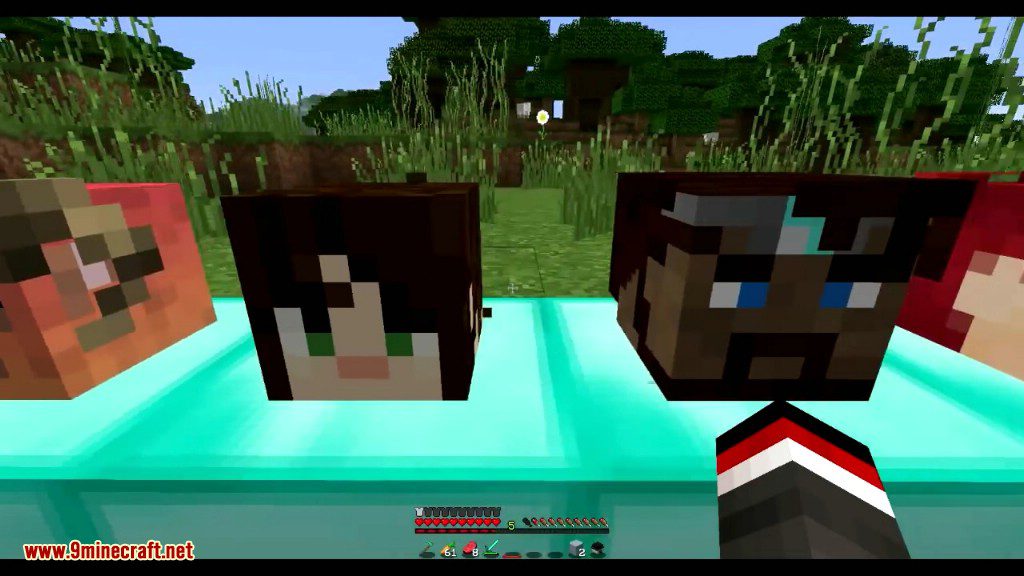
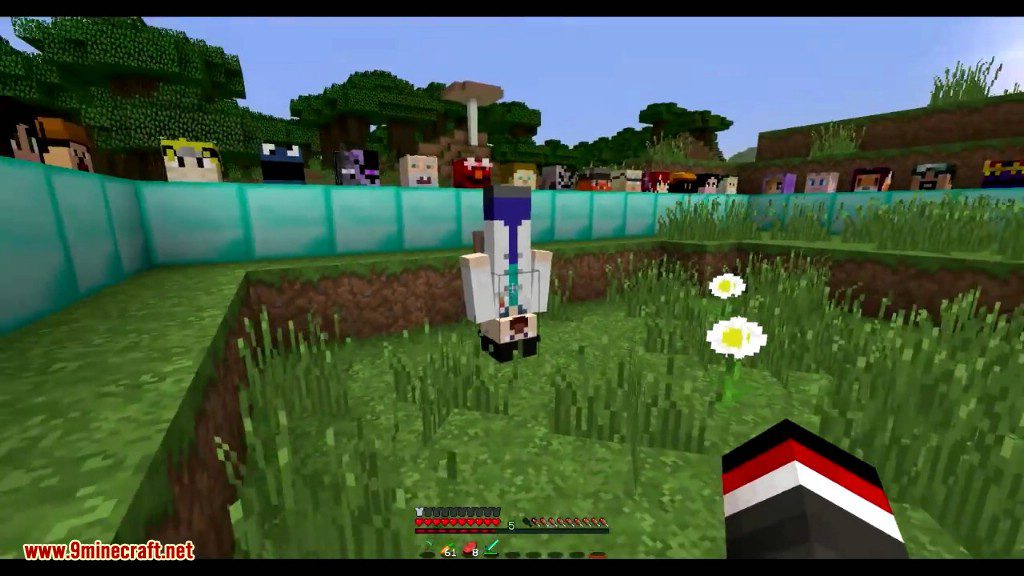
⬇ DownloadHeadcrumbs Mod adds hundreds of new heads from mobs and famous Minecraft players. You can collect these heads from defeated mobs, wear them as a helmet, or place them down as decorations. This mod also lets you find player heads in dungeon chests and build statues. You might even run into hostile mobs that look like your favorite YouTubers spawning in the world.
Features:
- Adds heads for all vanilla mobs and animals.
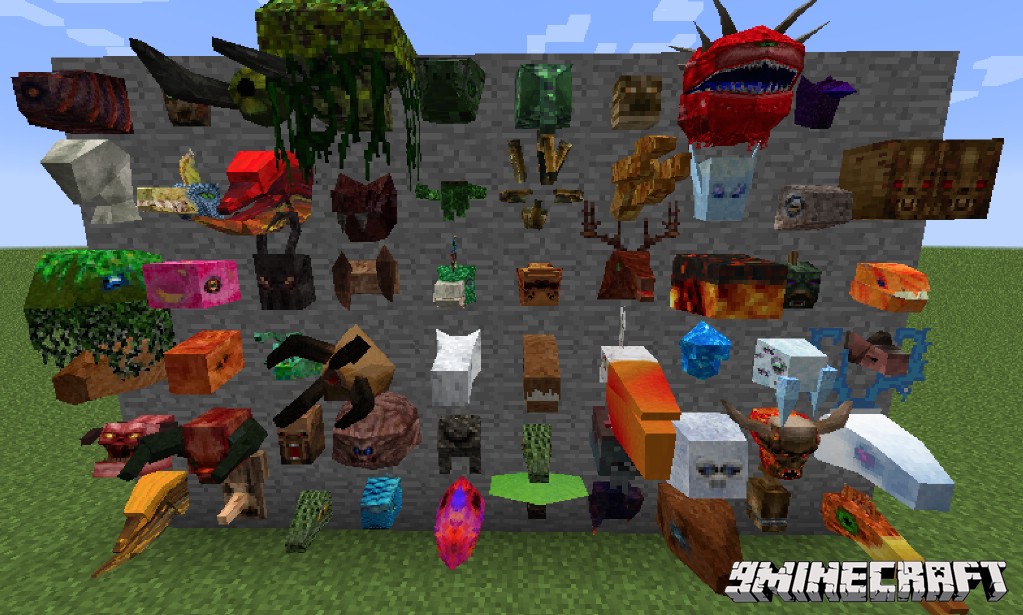
- Includes support for heads from other mods like Thermal Foundation, Twilight Forest, Natura, and Thaumcraft.
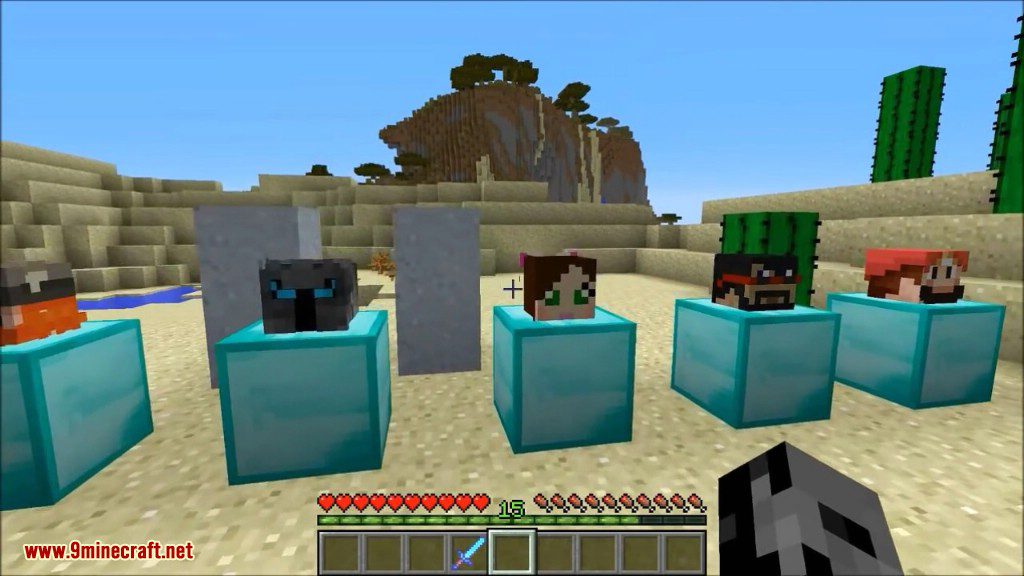
- Find the heads of famous Minecraft players as loot inside dungeon chests.
- All heads added by the mod can be worn in your helmet slot.
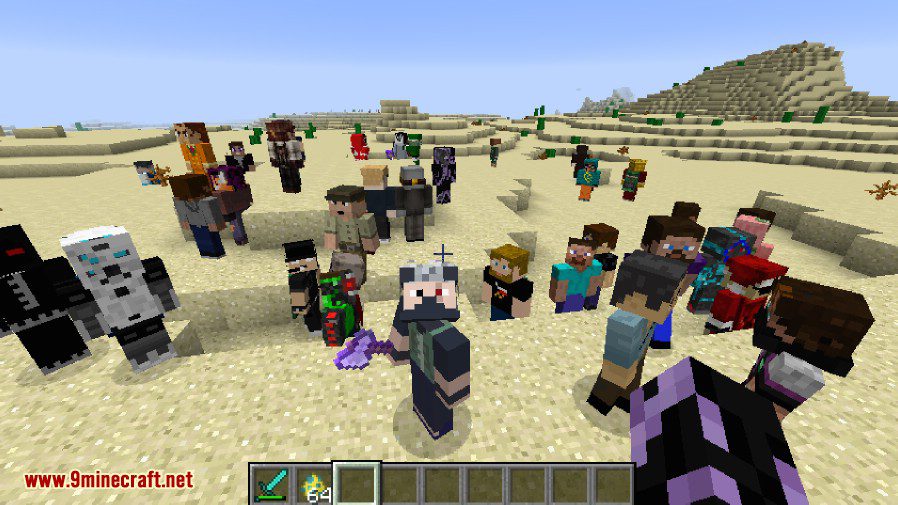
- Hostile versions of players from the celebrity list can spawn in your world.
- Build player statues by placing a head on top of two clay blocks.
How to Use:
Making a Statue:
To create a statue, place a player head on top of two clay blocks stacked on each other.
Adding or Removing Player Heads:
- From the main menu, click the “Mods” button.
- Find Headcrumbs in the list, select it, and then click the “Config” button.
- Click on the “heads” option to see the categories.
- Choose any category and click the “+” button to add a new username or the “X” to remove an existing one.
- Make sure to type the username exactly, as capitalization matters.
- You may need to restart the game for the changes to take effect.
Configuration:
- Add or remove names from the list of celebrities through the in-game config menu.
- Turn random head drops from mobs on or off.
- Control whether heads drop when a mob is killed by a charged creeper.
- Change the block required to build player statues (default is clay).
Screenshots:
Vanilla heads
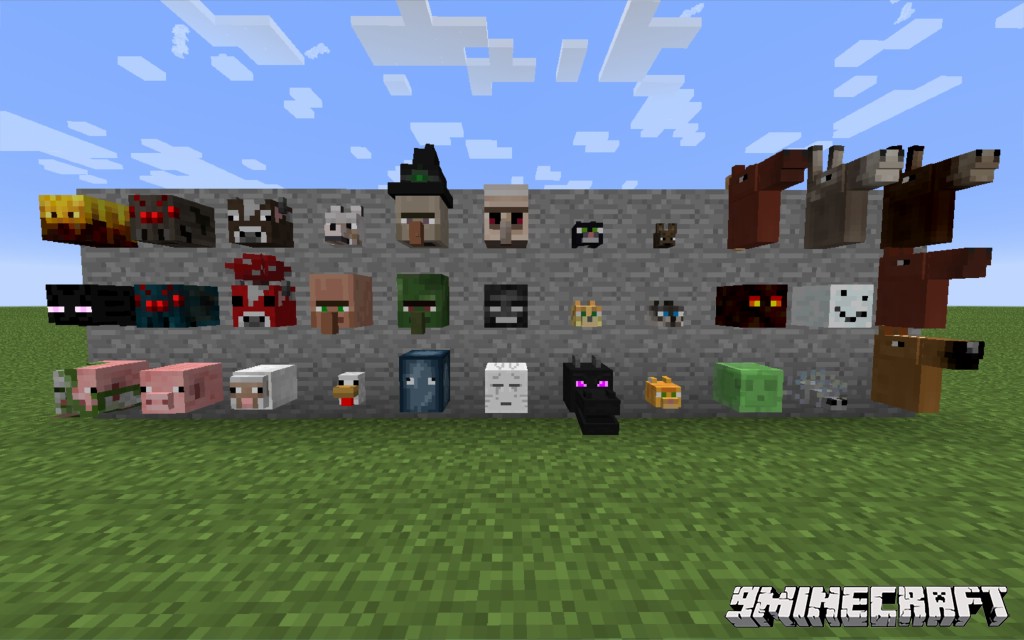
Twilight Forest Heads
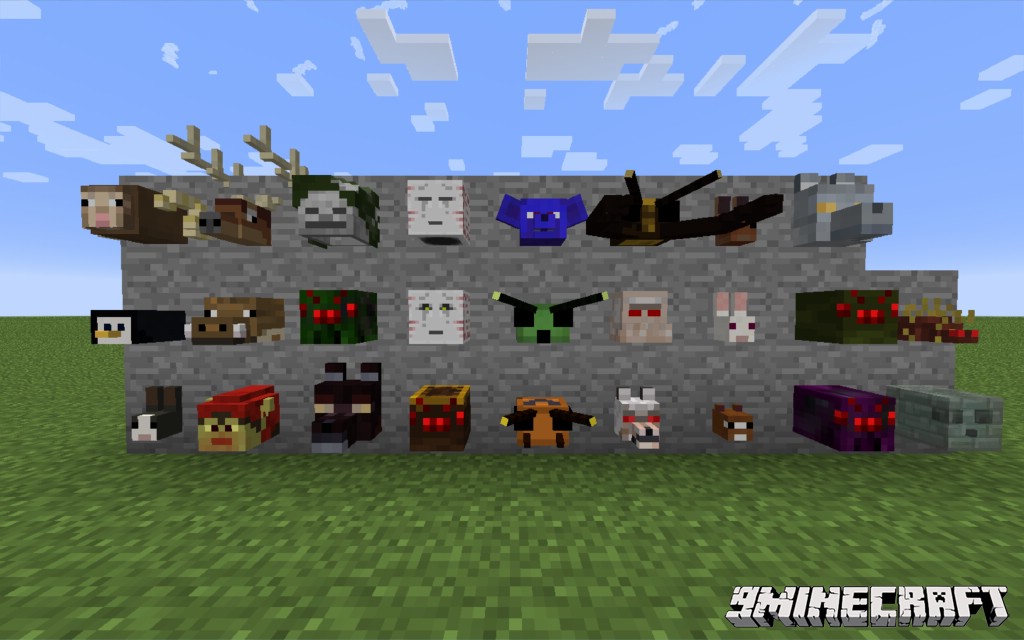
Natura and TE
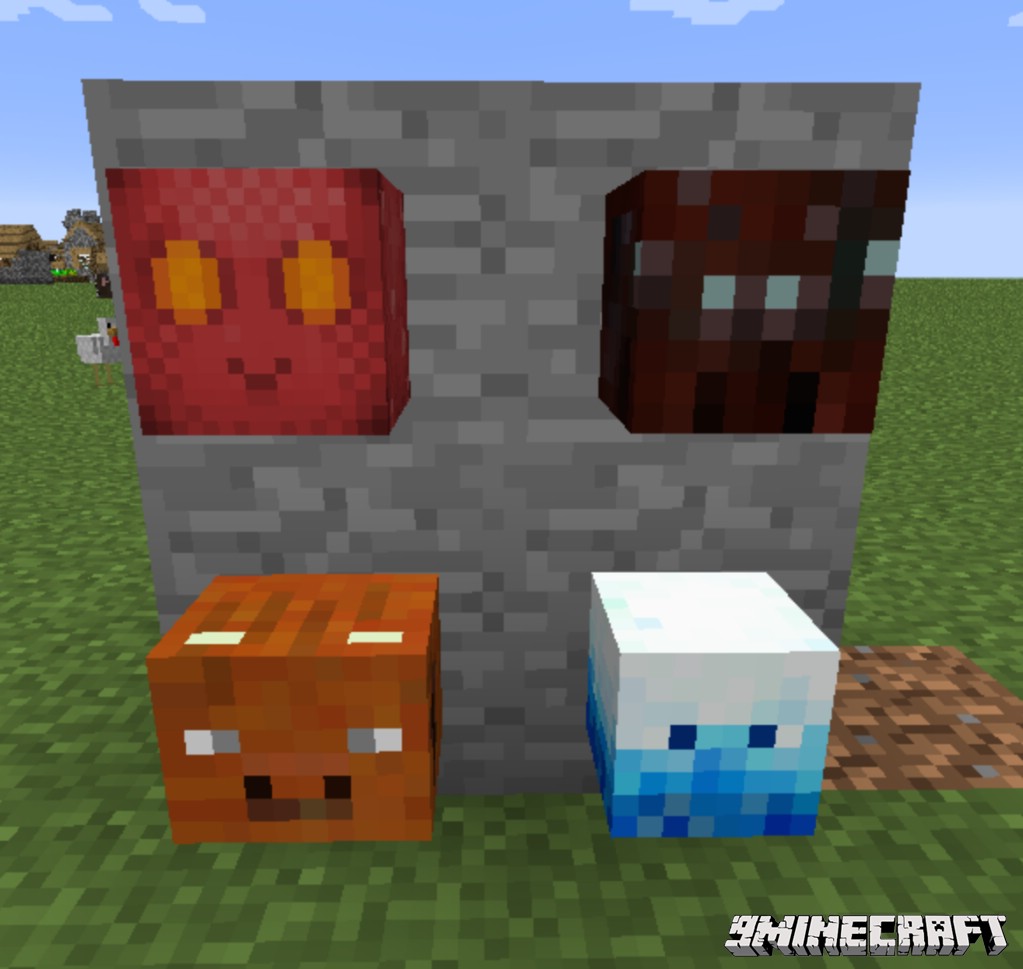
Dungeon Loot Heads
Lycanites
Mobs
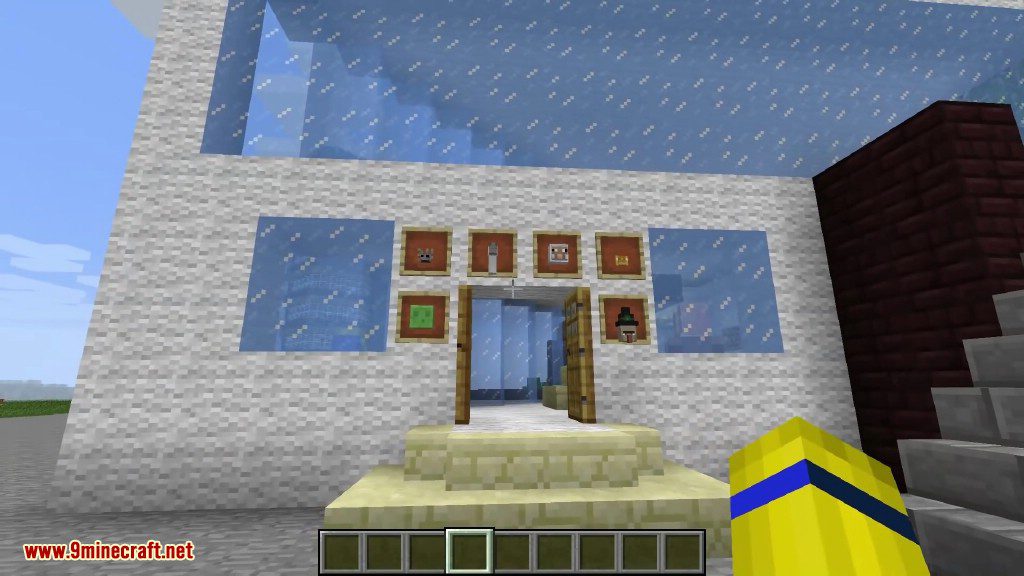
Other




Headcrumbs Mod Download Links
For Minecraft 1.7.10
For Minecraft 1.9.4
For Minecraft 1.10.2
For Minecraft 1.11.2
For Minecraft 1.12.2
- Edition: Minecraft Java
- File type: .jar
- How to install: Install the matching mod loader (Forge, Fabric or NeoForge) for your Minecraft version. → Download the .jar. → Put it in the .minecraft/mods folder and launch that loader profile.
- Where to get it: In MC Java Mods, or directly above on this page.
Install steps are the general flow for this file type — How to install Minecraft Java mods & modpacks walks through it step by step.
- Downloads as 208843.mcaddon
- Download size: 300 KB
- Download link checked 30 Jul 2026 — working
- Mirrored on our own servers — the download does not depend on the original host
These come from our own check of the pack file, not from the source page.