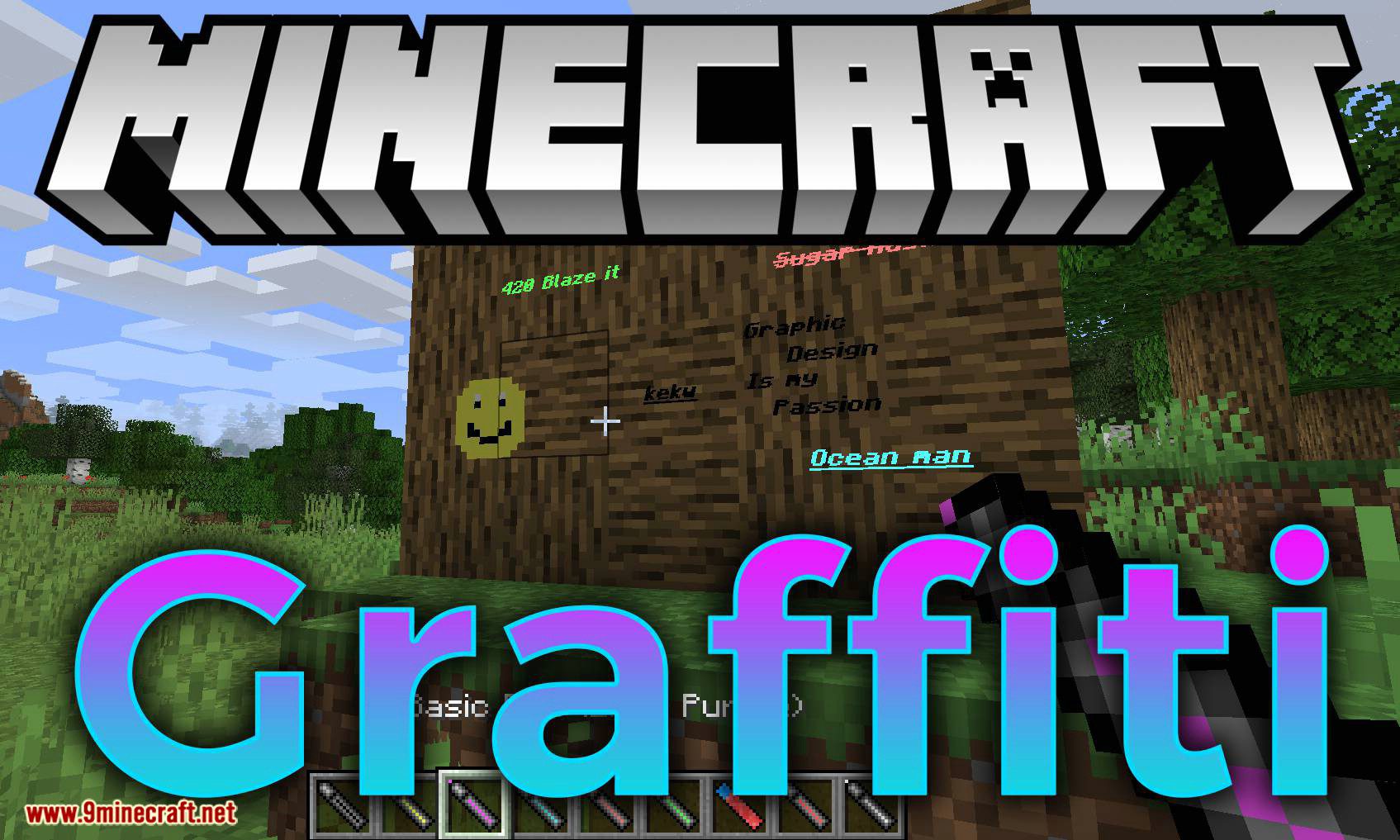
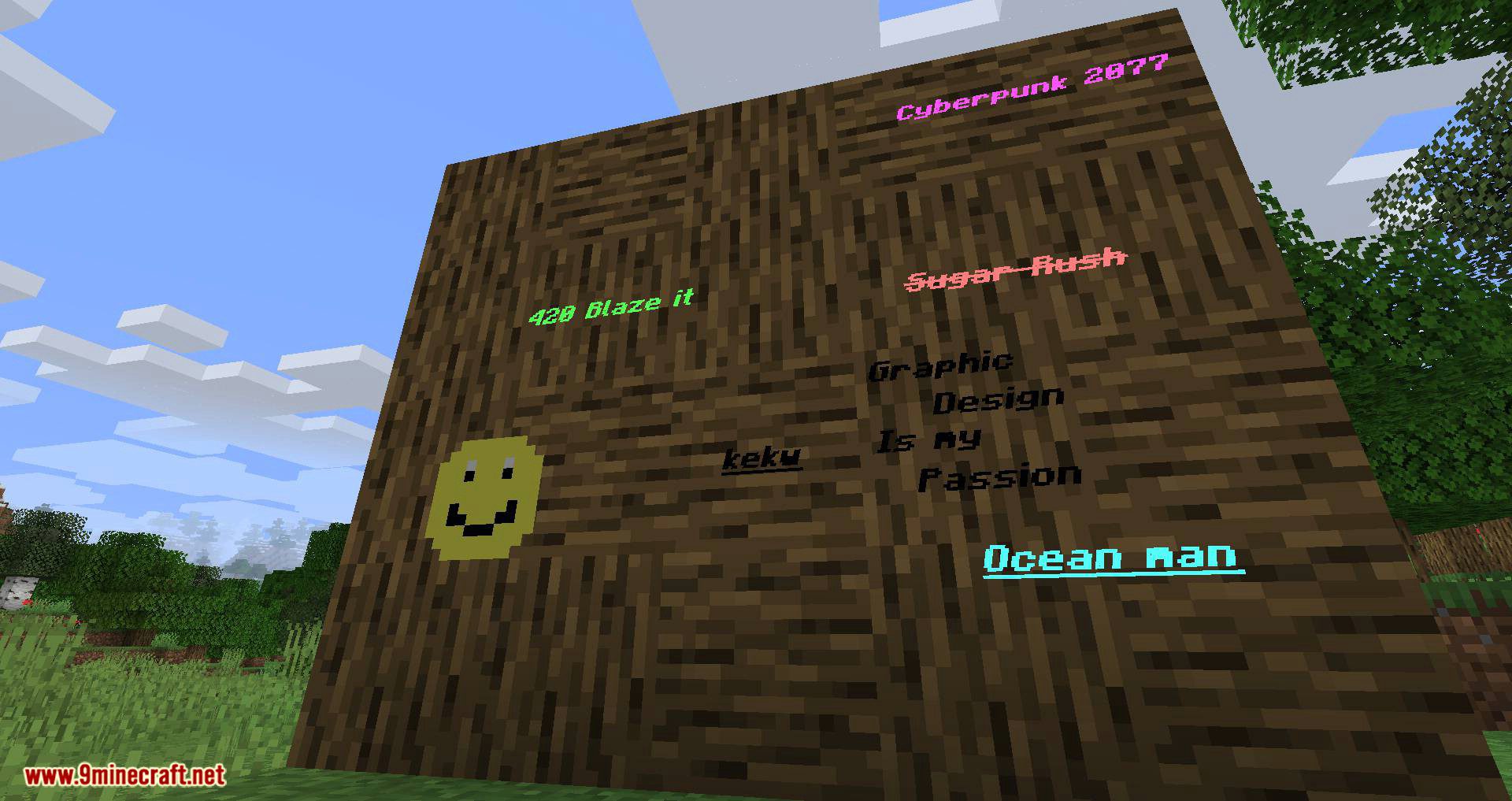
Graffiti Mod 1.15.2 allows you to write and draw freely on the walls, floor, and ceiling!
Features:
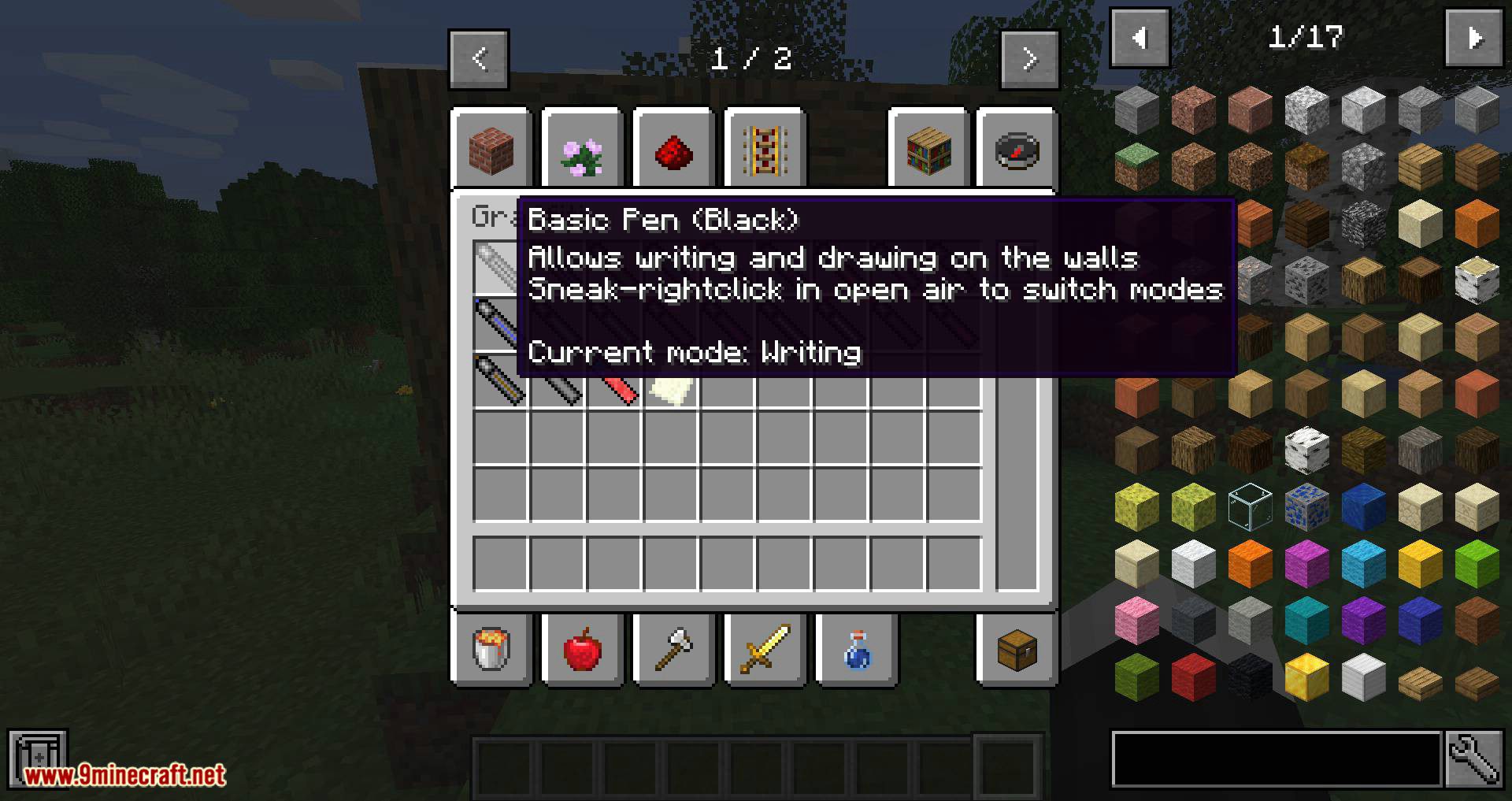
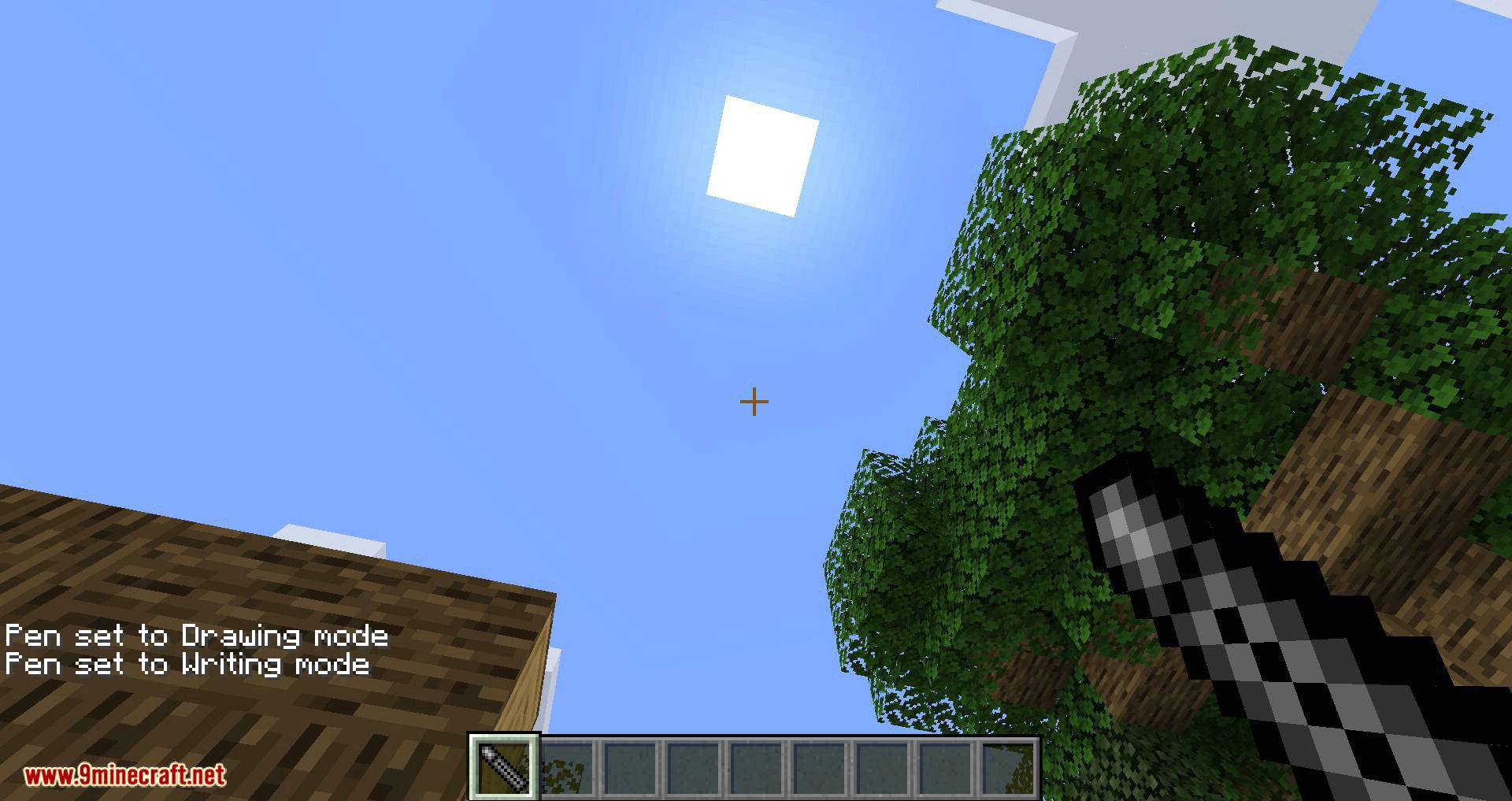
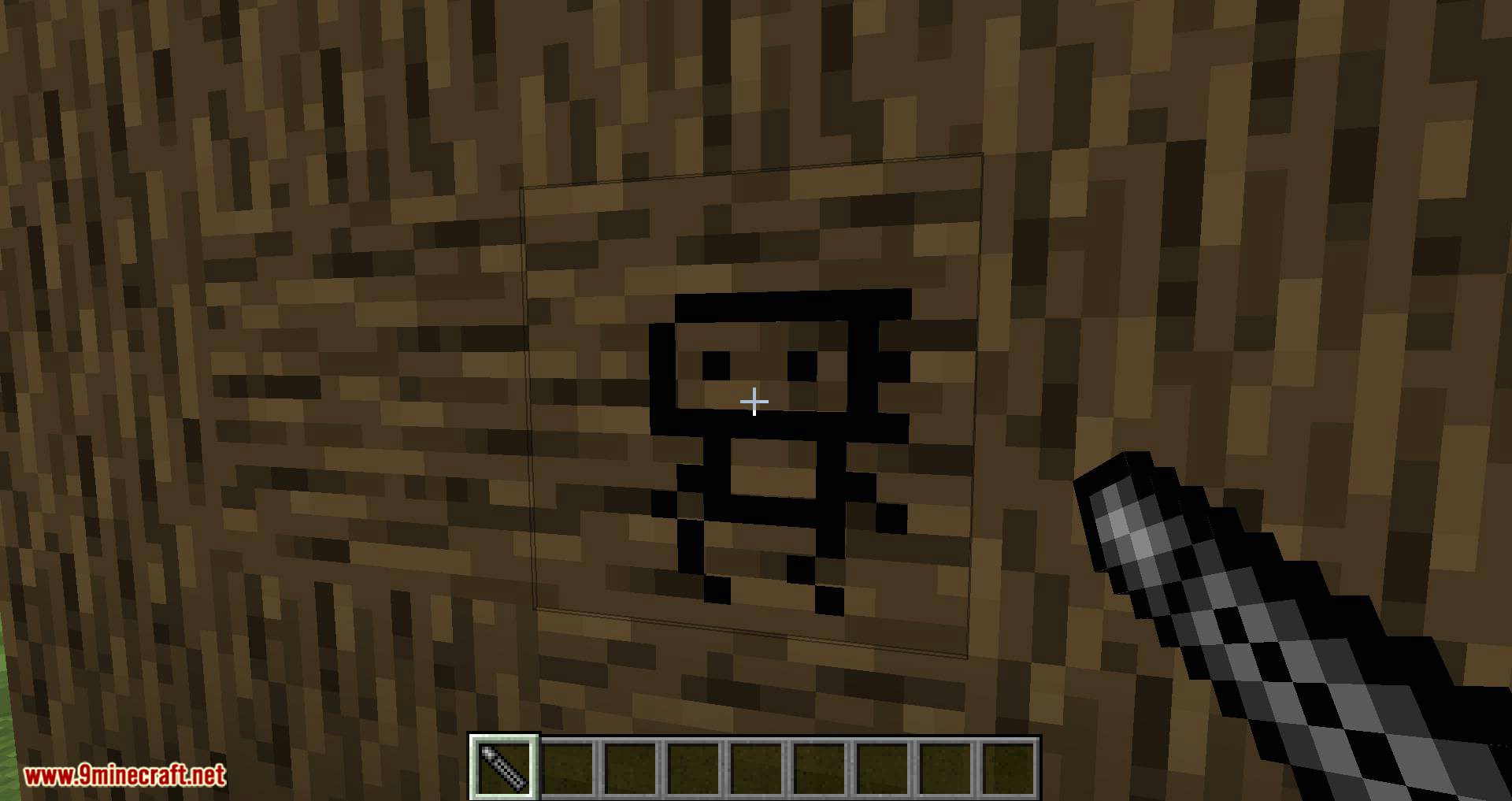
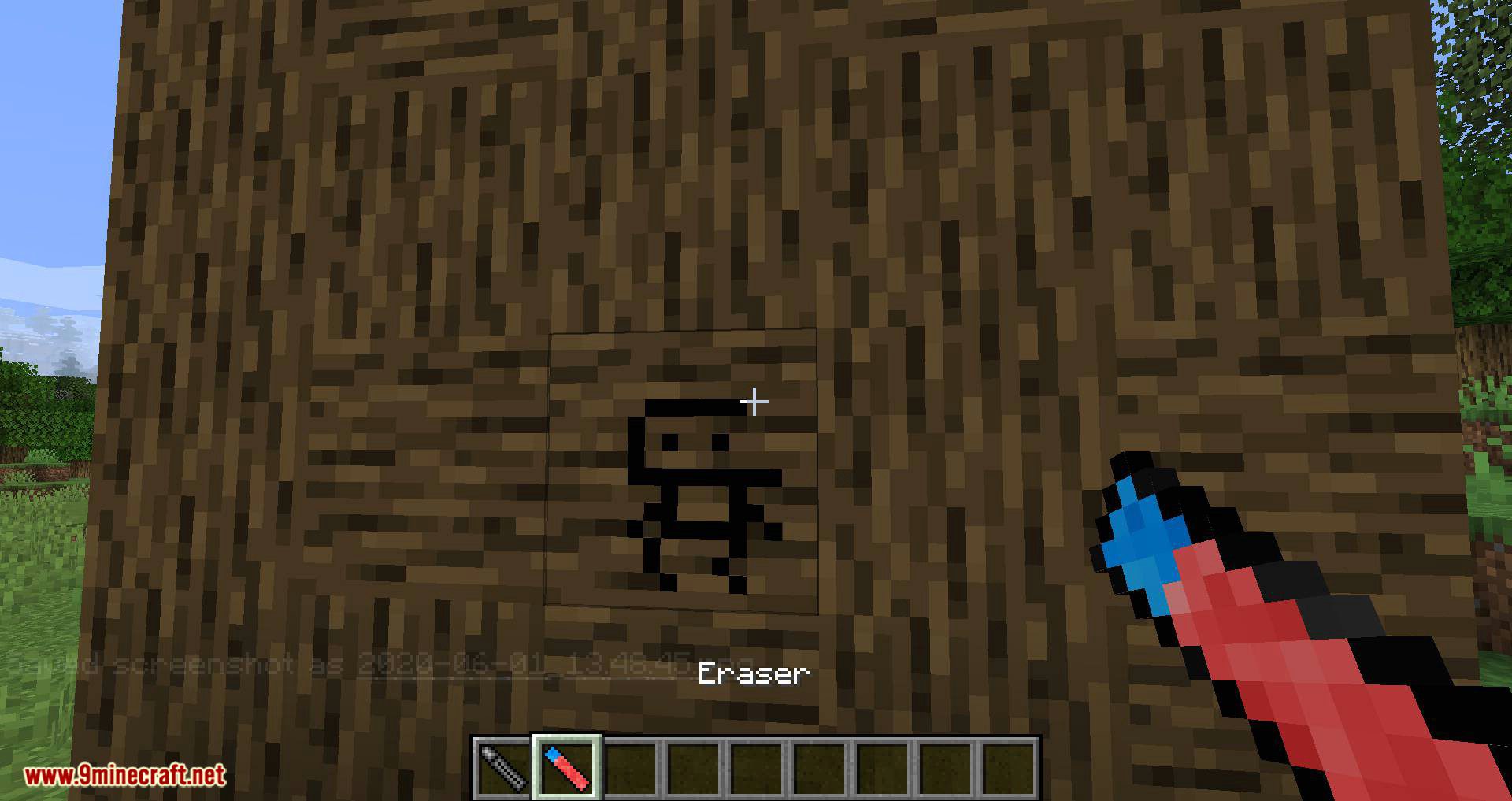
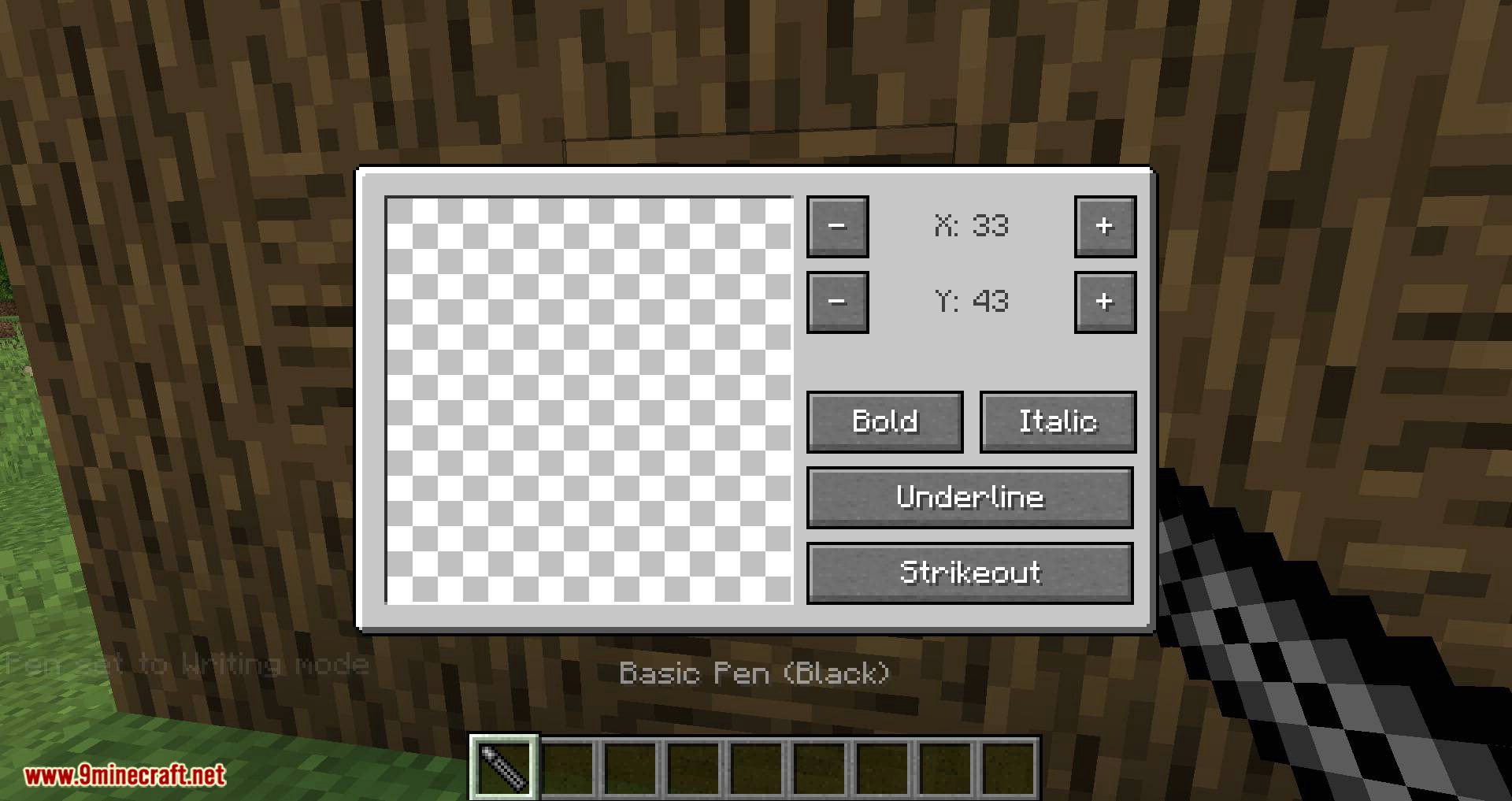
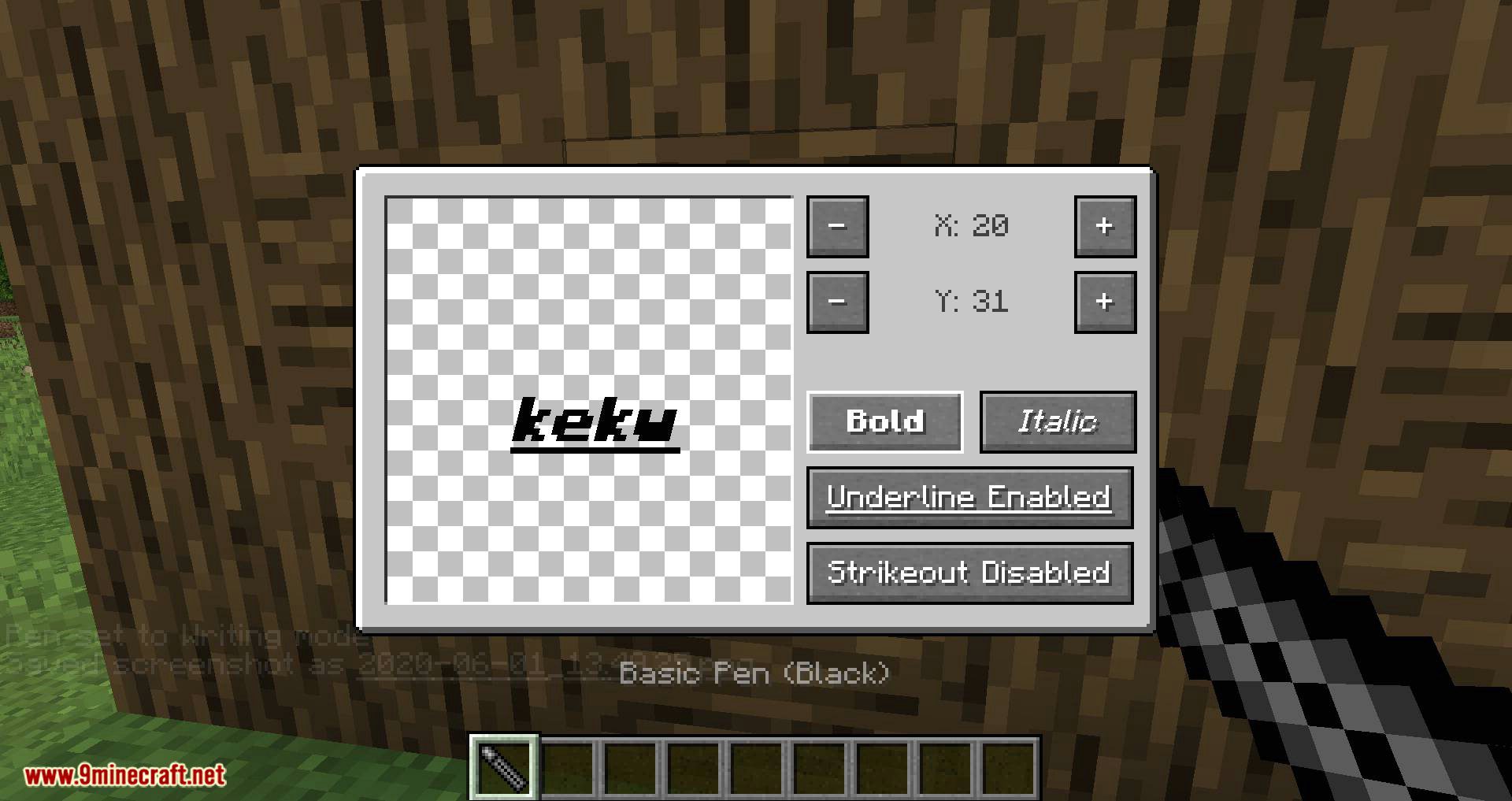
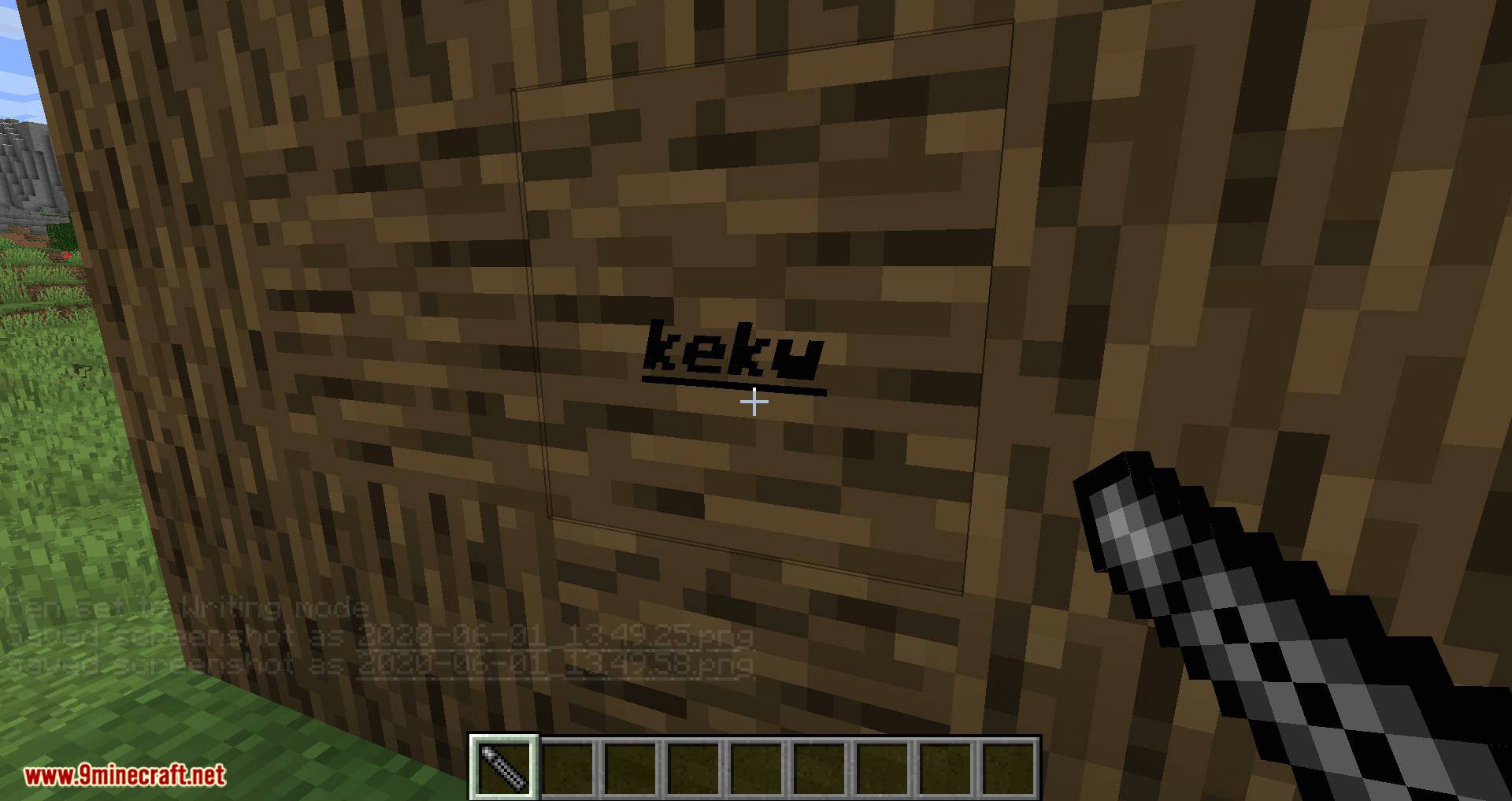
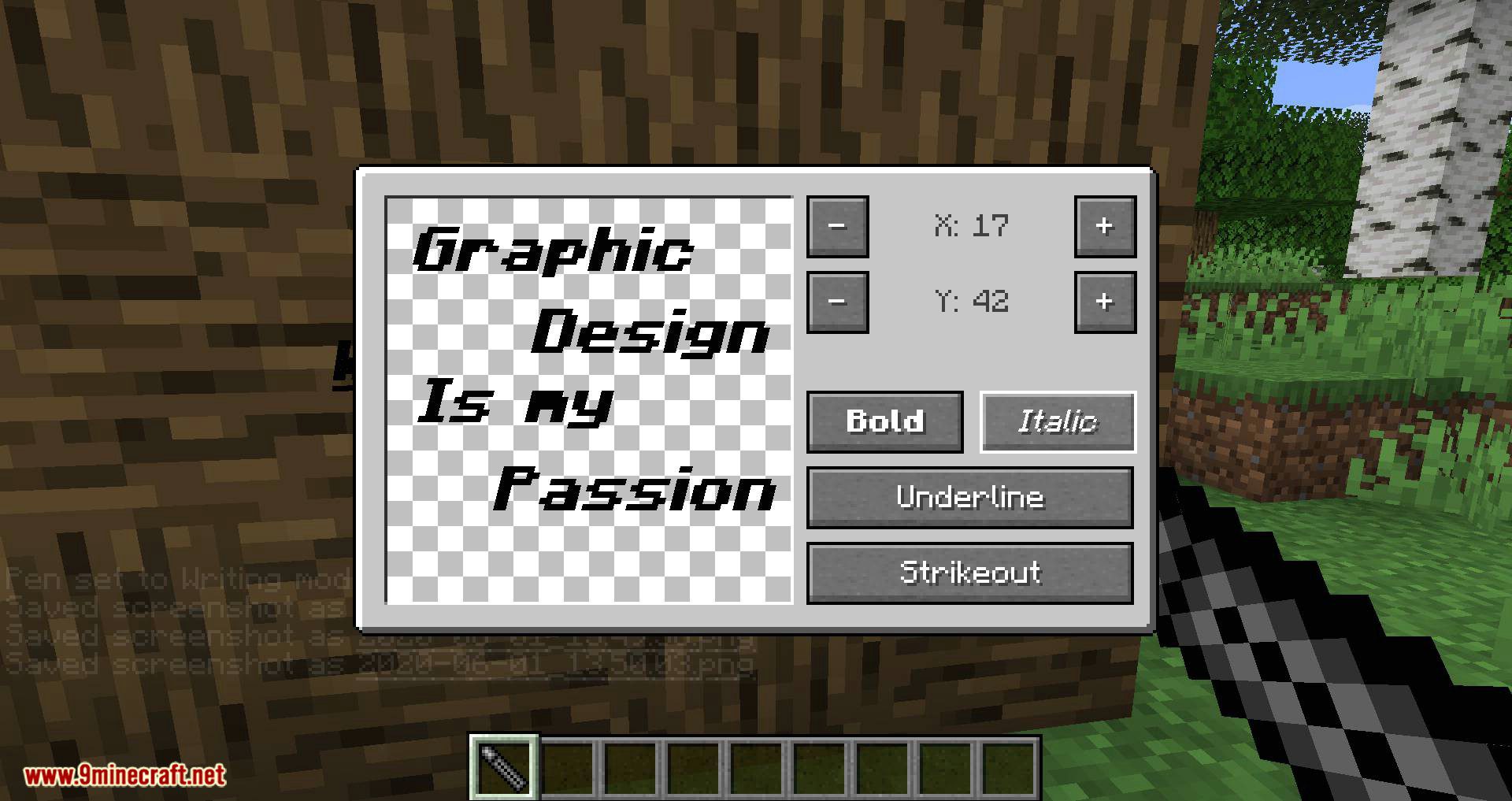
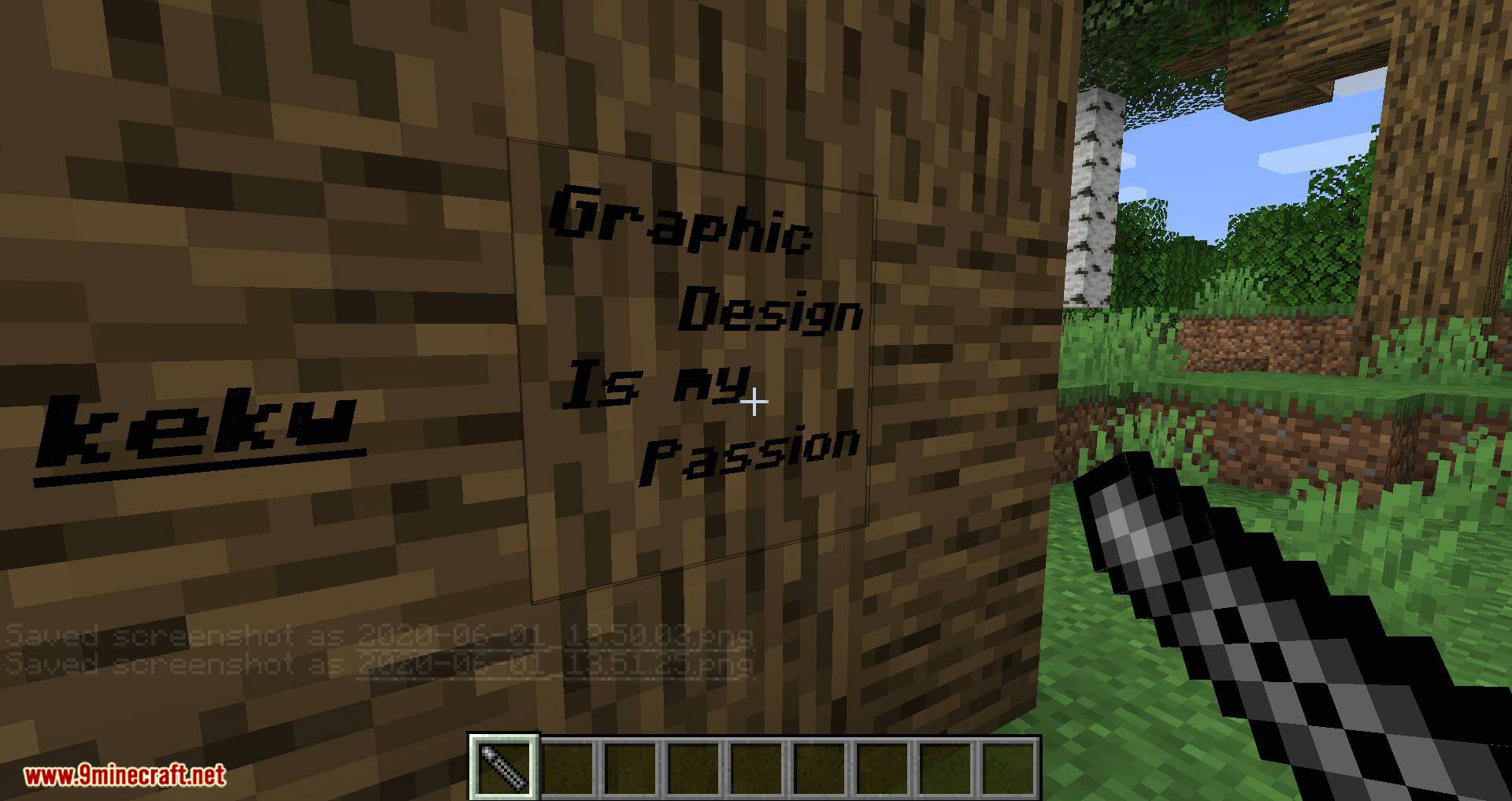
Right-click anywhere with your pen to make a drawable area, then right-click it again to open the text editor. Alternatively, shift-right click air to switch to free drawing mode, where you can right-click to directly draw on the block. Bonus points; if you set a second pen in your offhand, you can write and draw with that pen using left-click! This only works in Survival mode, unfortunately!
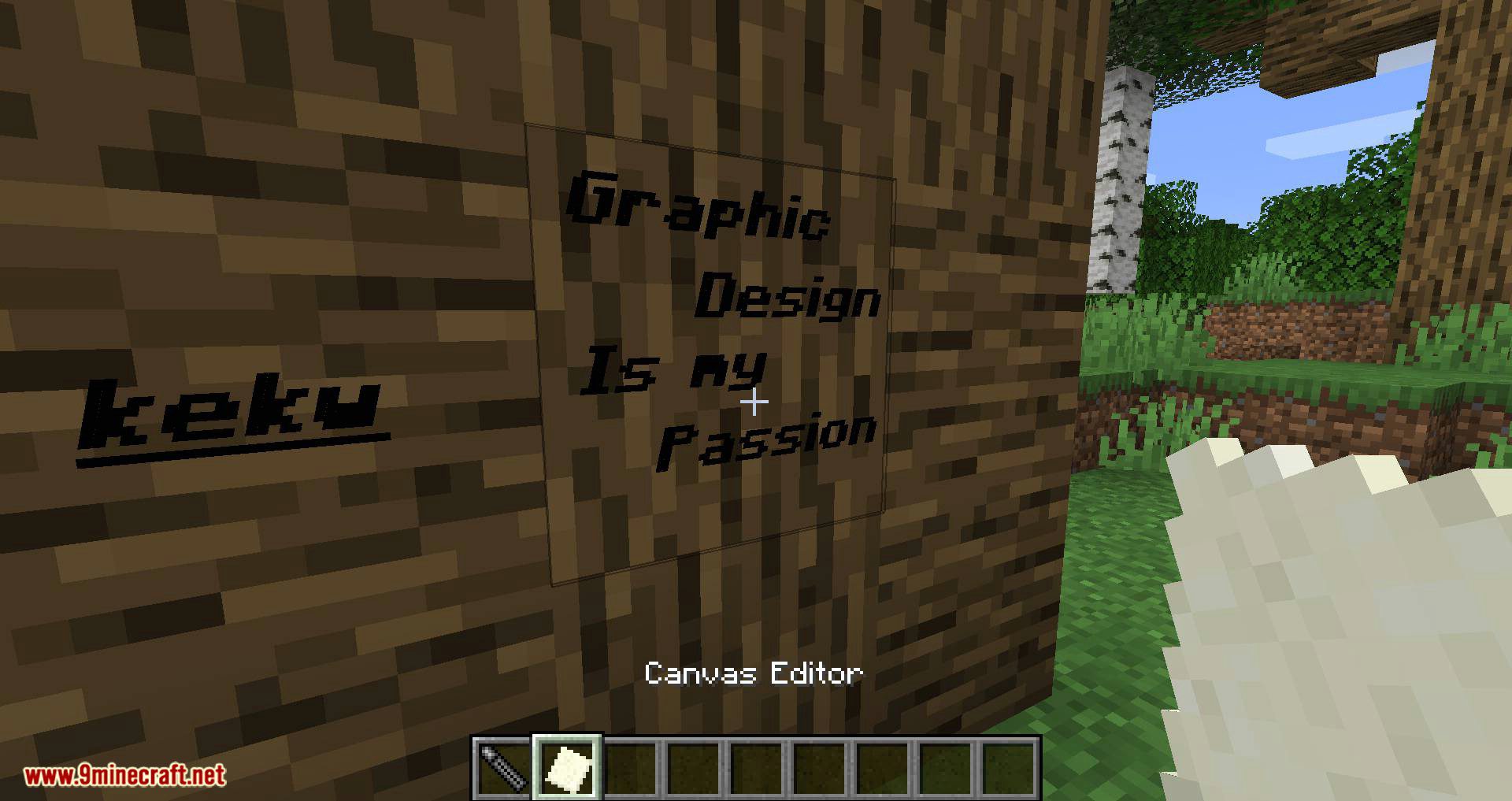
Additionally, you can use the Canvas Editor to, as the name suggests, modify your drawn-on block! Ok, it’s not really a canvas, but to a graffiti artist the whole city is a canvas, so it’s a canvas!
Currently, this allows you to rescale your drawing area from 16×16 up to 128×128.
Recipes are pretty simple! Make a Black pen to start, then recolor it by placing two of the same color dye beside it. There is a pen for each of the 16 dyes, plus three additionals for Minecraft text color codes that don’t exist in dye form.
Planned Features:
- Import/Export system! You will be able to export your artwork as a .json file, and import it anywhere else the mod’s running – even on other worlds/servers!*
- Block/Item support! You’ll be able to set a block as the background for your artwork to draw on. In a later update, you’ll be able to render blocks/items as part of the artwork too (think Bibliocraft fancy signs, but more freedom)
- GUI improvements! You’ll be able to edit your block from within the GUI, as long as you have a…
- Magic Marker! It’s a pen on steroids! You can freely set the RGB value of this pen to anything you want, no longer limited to the 19 colors currently provided!
- Prefab shapes! A bunch of shapes which can be drawn and rotated to your block, to make everything faster and easier.
- Sharing space!
- Text improvements! Full 360-degree rotation and scaling of text!
- Permission & Protection system! You’ll be able to lock your art, meaning no one can edit it unless you unlock it again. Additionally, servers will be able to blacklist or whitelist artists, meaning certain people can or can’t create or draw art at all.
Screenshots:
Graffiti Mod 1.15.2 Download Links
For Minecraft 1.15.2
- Edition: Minecraft Java
- File type: .jar
- How to install: Install the matching mod loader (Forge, Fabric or NeoForge) for your Minecraft version. → Download the .jar. → Put it in the .minecraft/mods folder and launch that loader profile.
- Where to get it: In MC Java Mods, or directly above on this page.
Install steps are the general flow for this file type — How to install Minecraft Java mods & modpacks walks through it step by step.
- Downloads as 208884.mcaddon
- Download size: 105 KB
- Download link checked 30 Jul 2026 — working
- Mirrored on our own servers — the download does not depend on the original host
These come from our own check of the pack file, not from the source page.