Create: Automotives
Java mod listed for Minecraft 1.16–1.21. File opened and checked on 4 Oct 2026; downloads from the MC Java Mods app on Android.
I don't know my version or loader


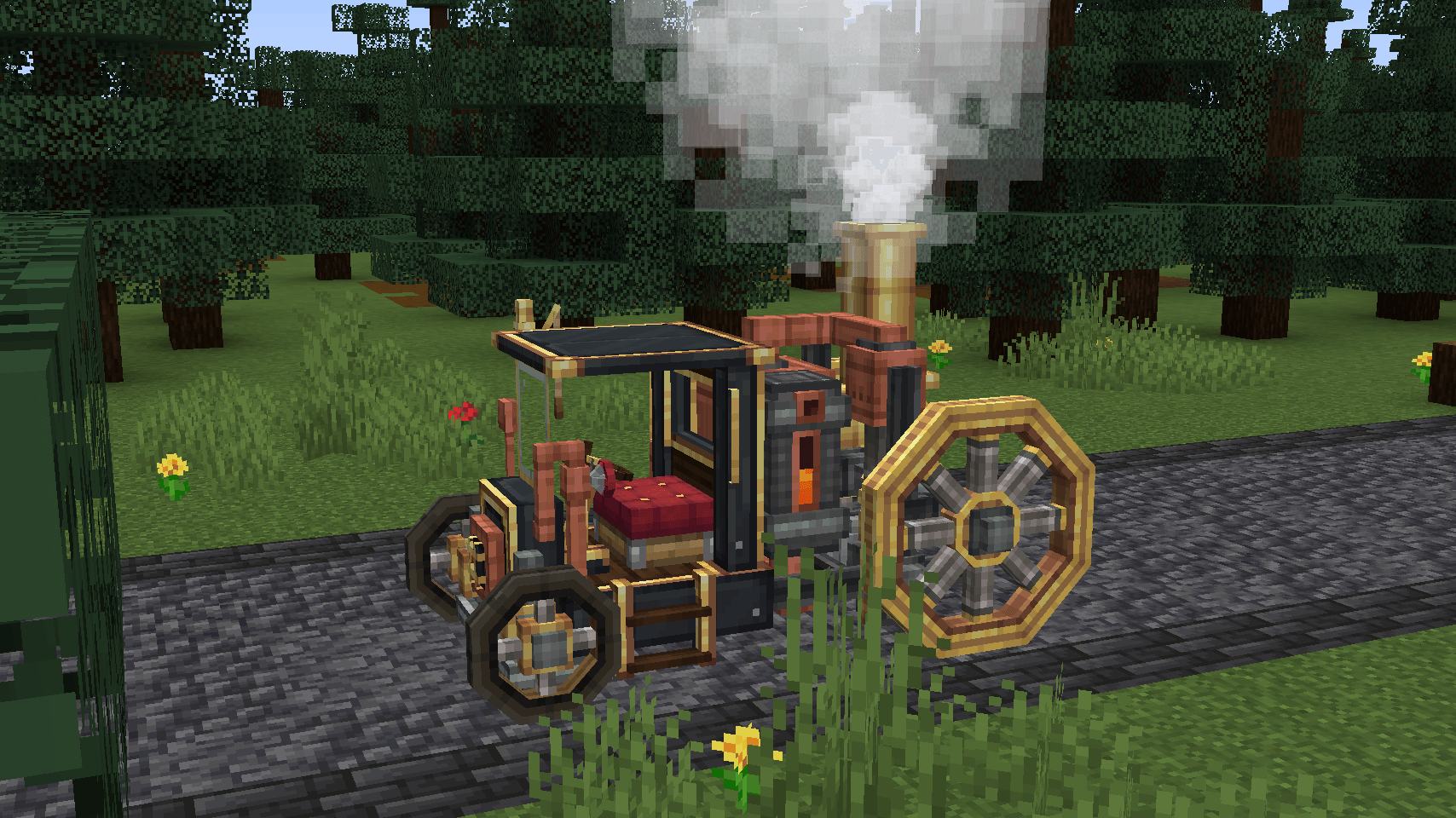
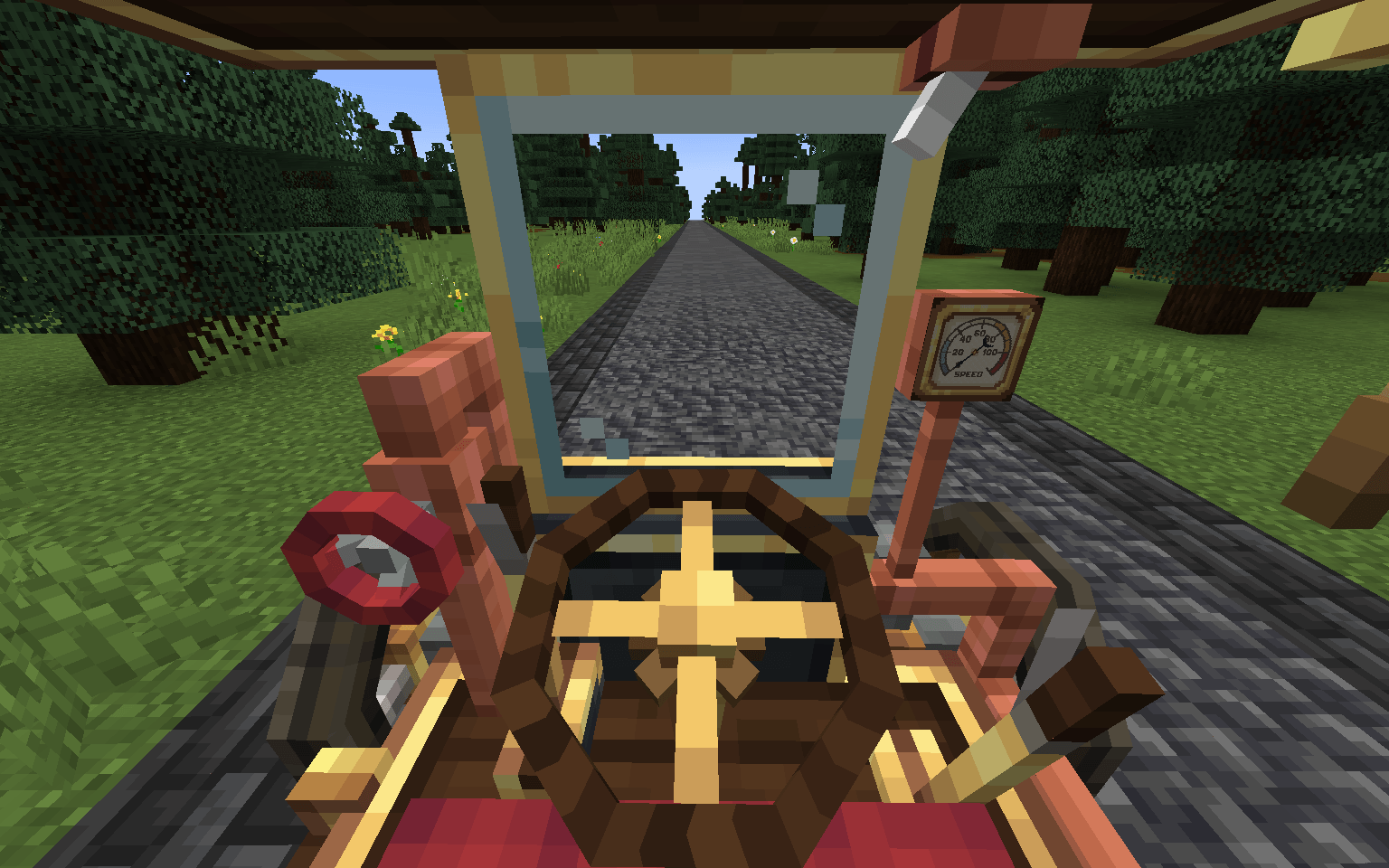
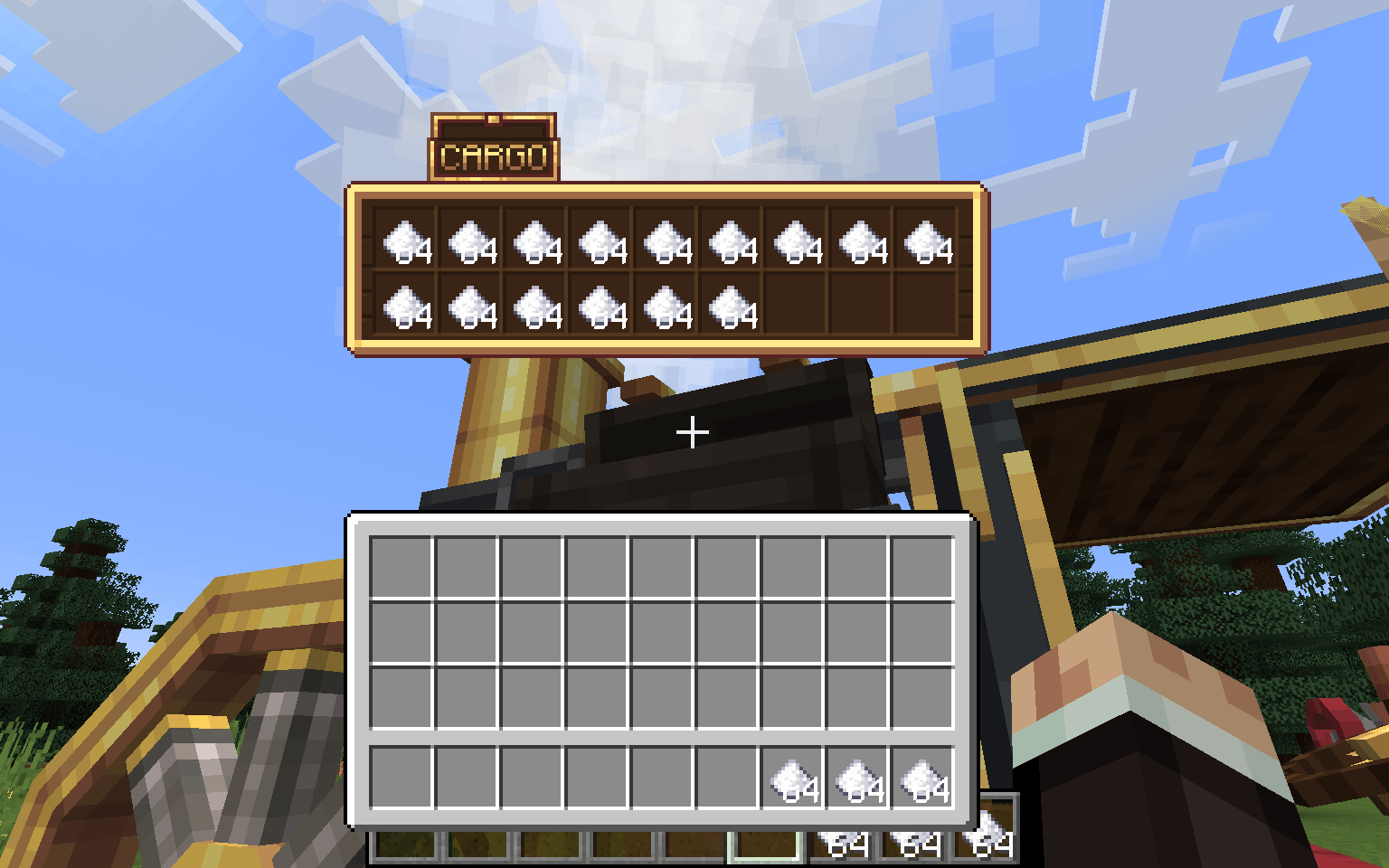
The "Immersive Vehicles" library is required in order to use this mod!
You're allowed to use this mod in your modpacks!
You may include this mod in public or private Minecraft modpacks, provided the mod file is unmodified and downloaded from its official Modrinth or CurseForge page


(so far)


Boilerbox Controls:
Biplane Controls:


Reader Section:
Create: Automotives
Create: Automotives adds fictional, steam-powered vehicles designed to fit the Create mod’s style and progression.
Features:
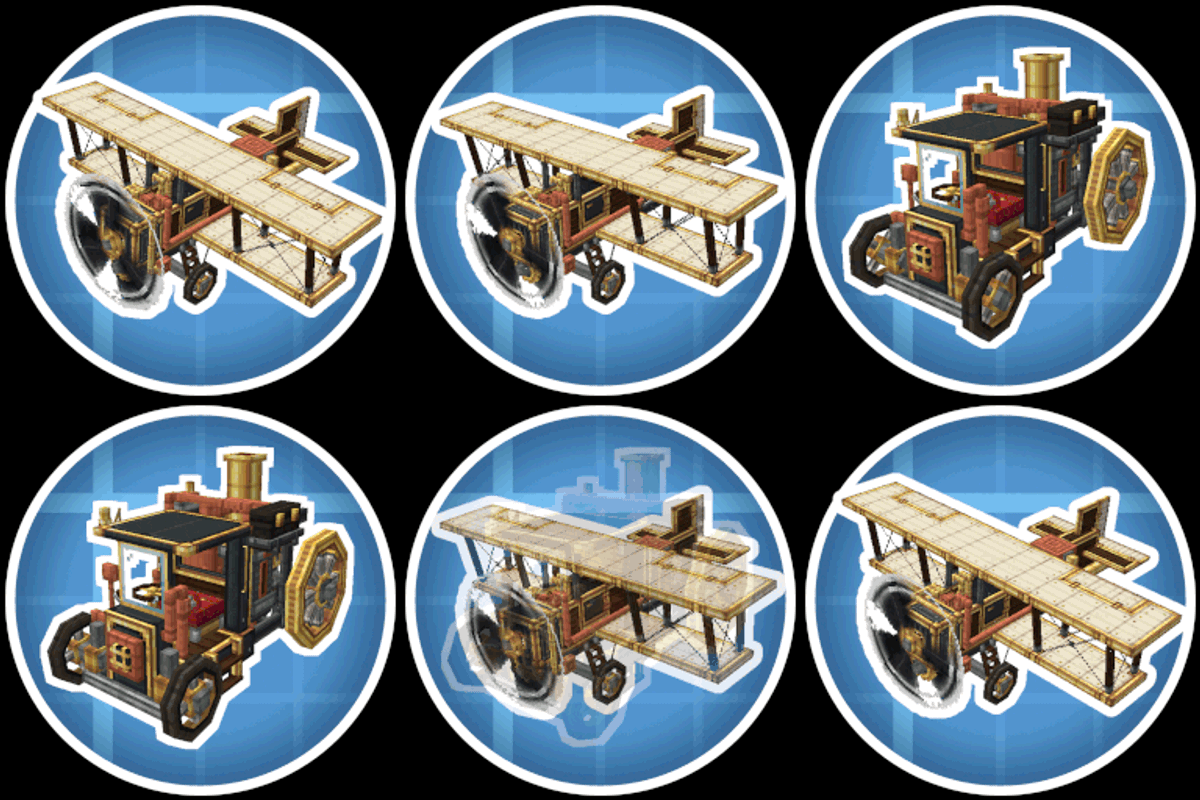
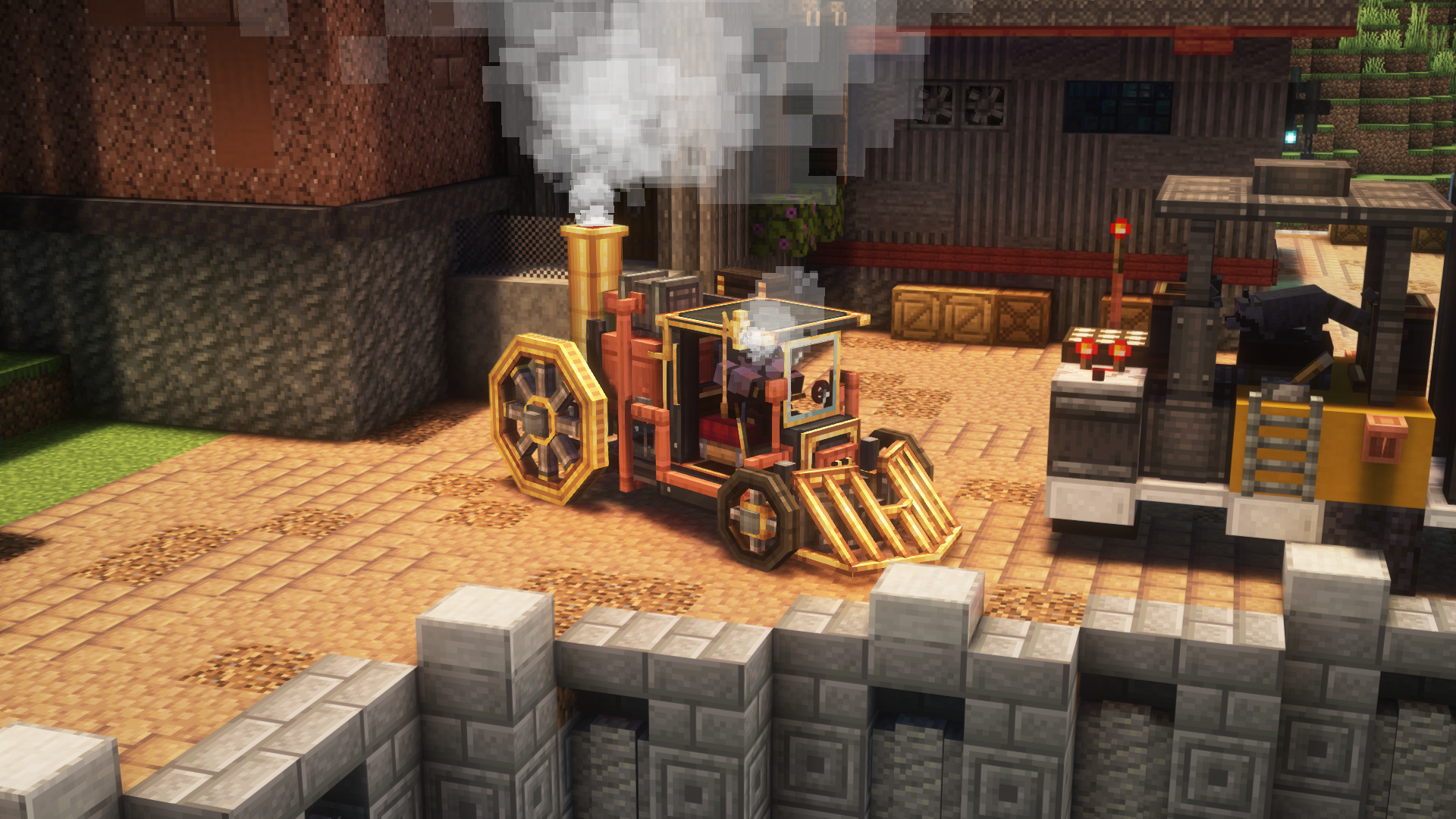
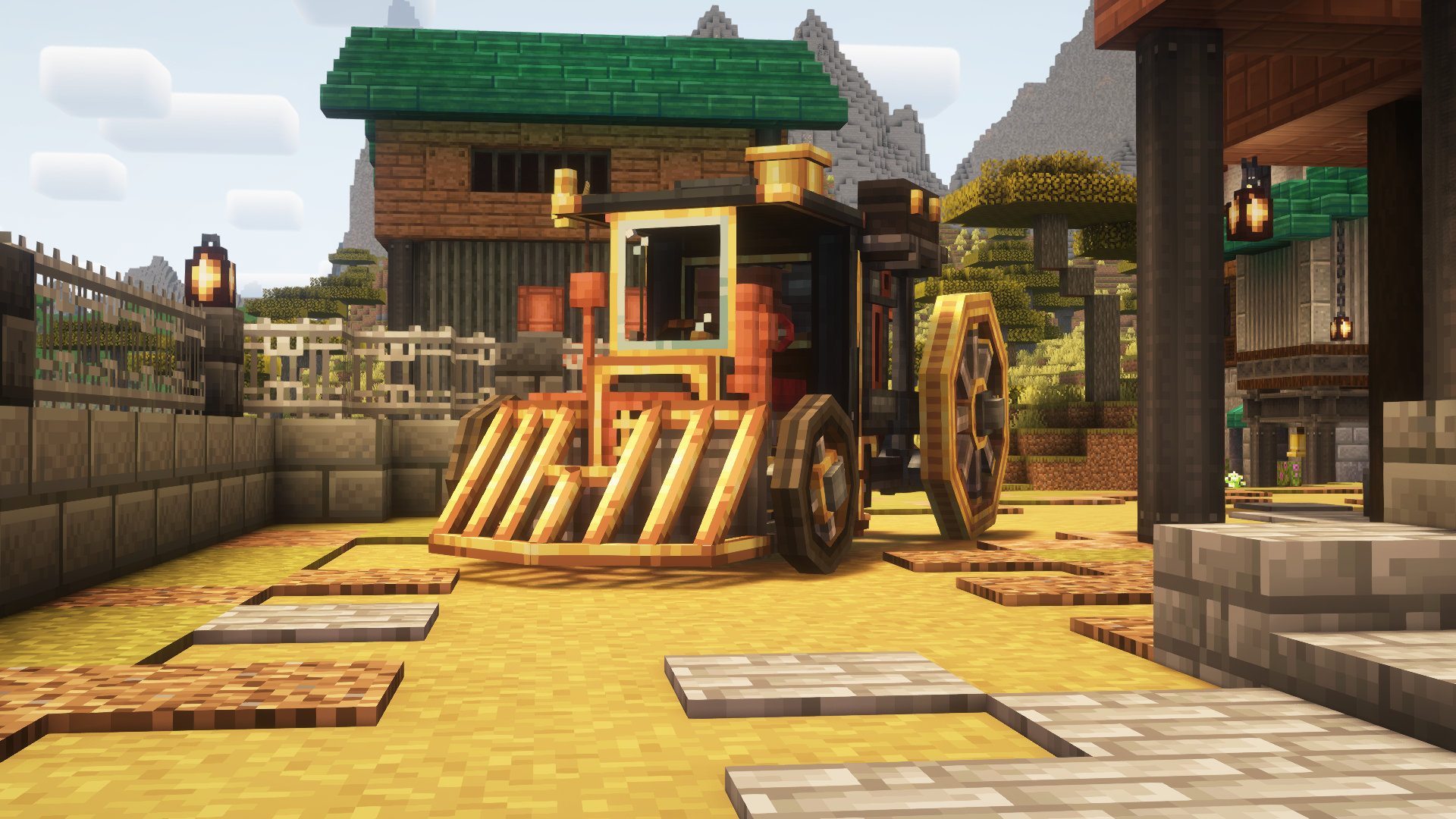
- One drivable ground vehicle
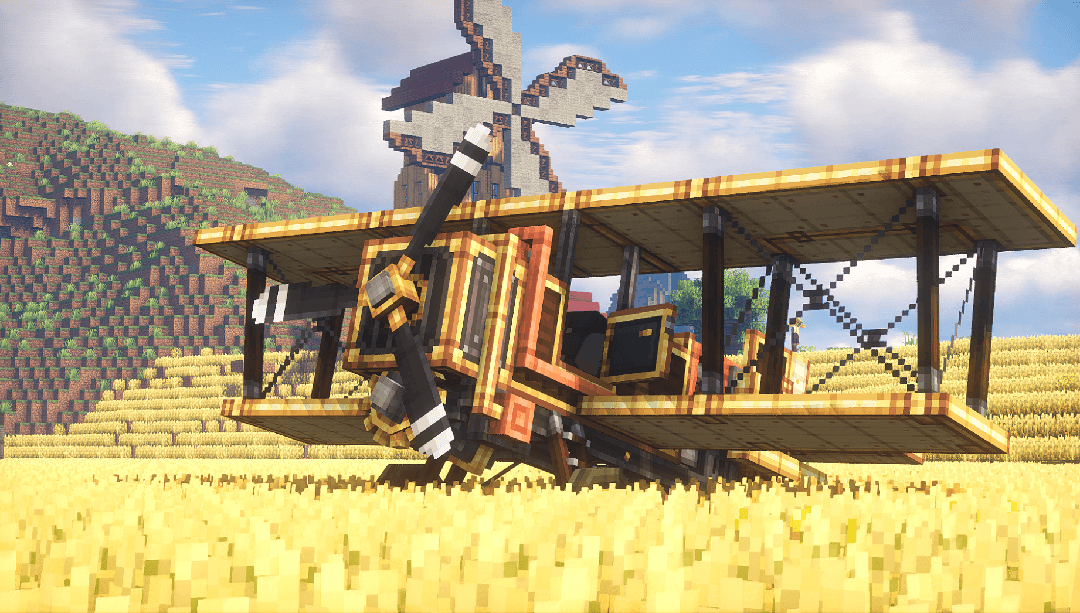
- One flyable airplane
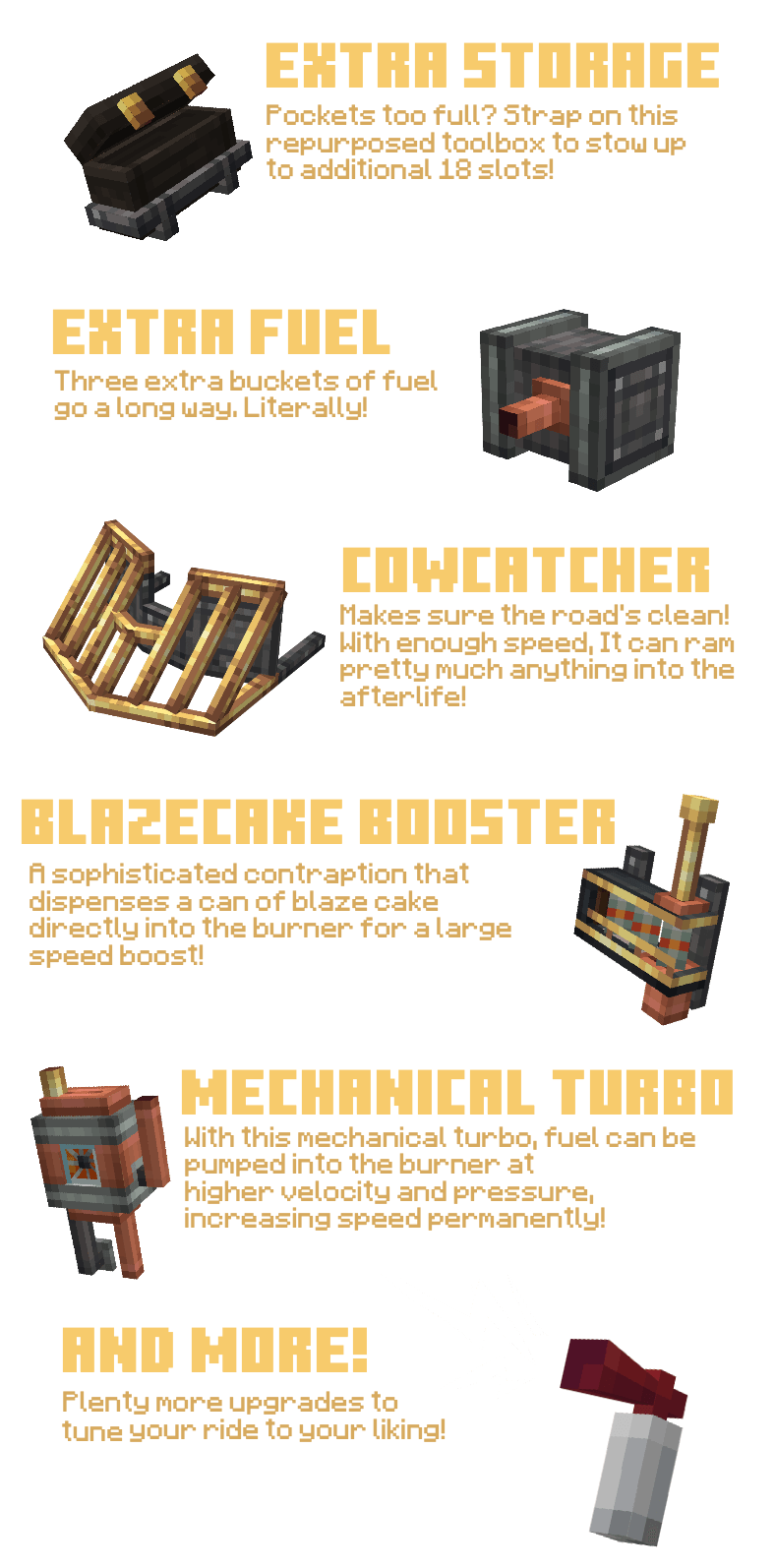
- Upgrade system (choose purpose-focused modules)
- Create-style integration (recipes + progression)
- Extensive sounds/particles and interactable elements
Getting Started:
1. Get a mechanical crafter up to craft the Boilerbox / Biplane
2. If needed, craft upgrades with the mechanical crafter
3. Place the Boilerbox / Biplane, fuel its left hand side main tank with lava buckets
4. Place Upgrades with RMB on the green boxes
5. RMB the seat, then either RMB the left-hand fuel valve once, than hold it until the burner runs
6. Alternatively, you can pull up the panel with U and hold the valve.
7. Driving the boilerbox happens with WASD. Use Space to activate boosters. C to honk the steam whistle. N for handbrake. R/F to shift up and down if you have automatic shifting disabled in config.
8. Flying the Biplane is done by pitching (W/S), Rolling (A/D) and Yawing (J/L) the plane. Throttle is controlled with (i/K)
Extra: Weapons are switched with the [V] key and fired with [Space]
How to remove upgrades?
- Use the ratcher item and LMB on the upgrade!
How to pick up vehicles?
- Use the ratcher item and shift+LMB on the vehicle!
- Edition: Minecraft Java
- File type: .jar
- Minecraft versions listed: 1.21.1, 1.20.1, 1.19.2
- How to install: Install the matching mod loader (Forge, Fabric or NeoForge) for your Minecraft version. → Download the .jar. → Put it in the .minecraft/mods folder and launch that loader profile.
- Where to get it: Opens on CurseForge — not every file is mirrored on our own servers.
Install steps are the general flow for this file type — How to install Minecraft Java mods & modpacks walks through it step by step.
- Ships as create-automotives-1.20.1-V2.jar — drop this file into the mods folder
- Download size: 7.8 MB
- Download link checked 8 Oct 2026 — working
These come from our own check of the pack file, not from the source page.