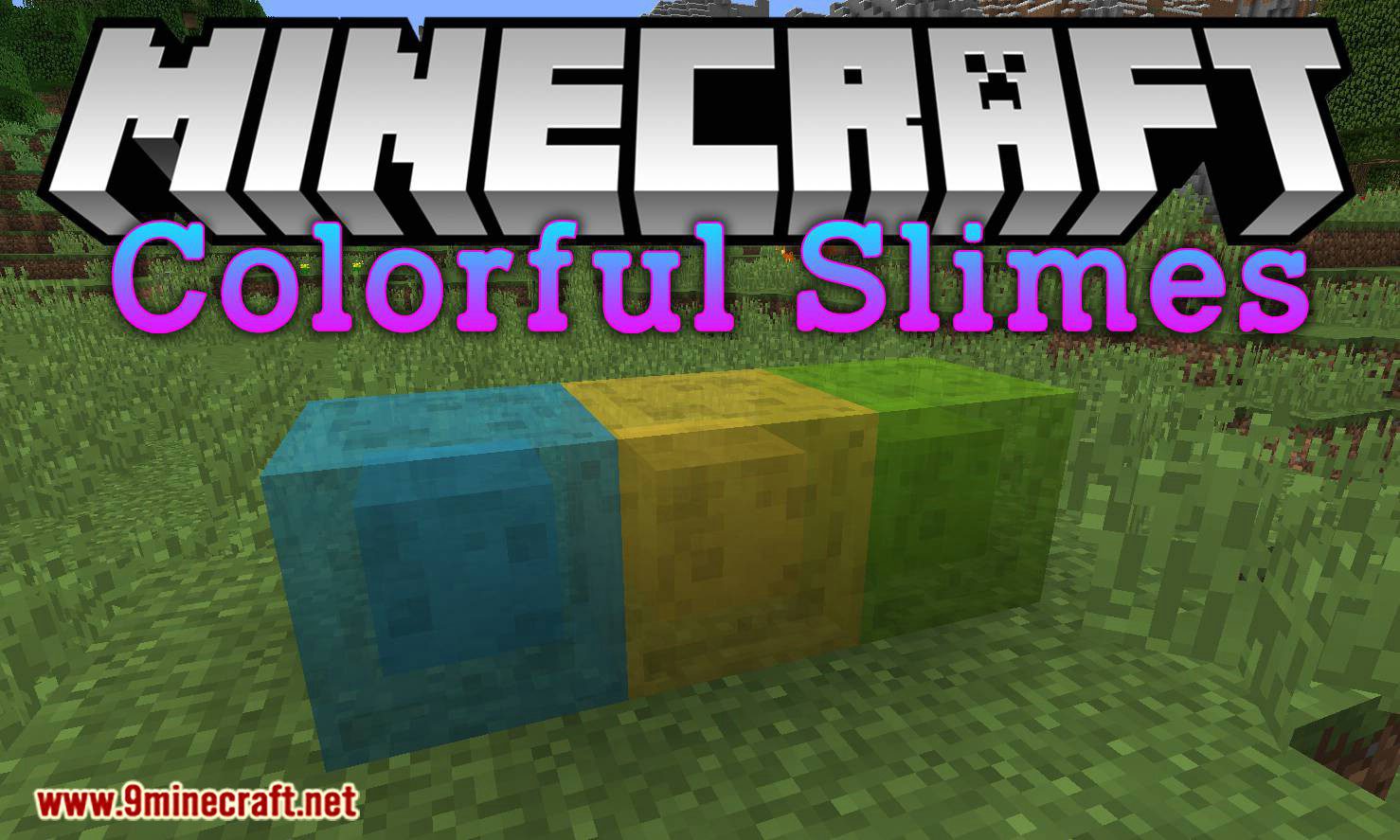
Ever wanted to make a few slime blocks not stick to each other? Perhaps you’re bored with just a single green-colored sticky piston? No?… In any case, since you’re here, you may have that, too.
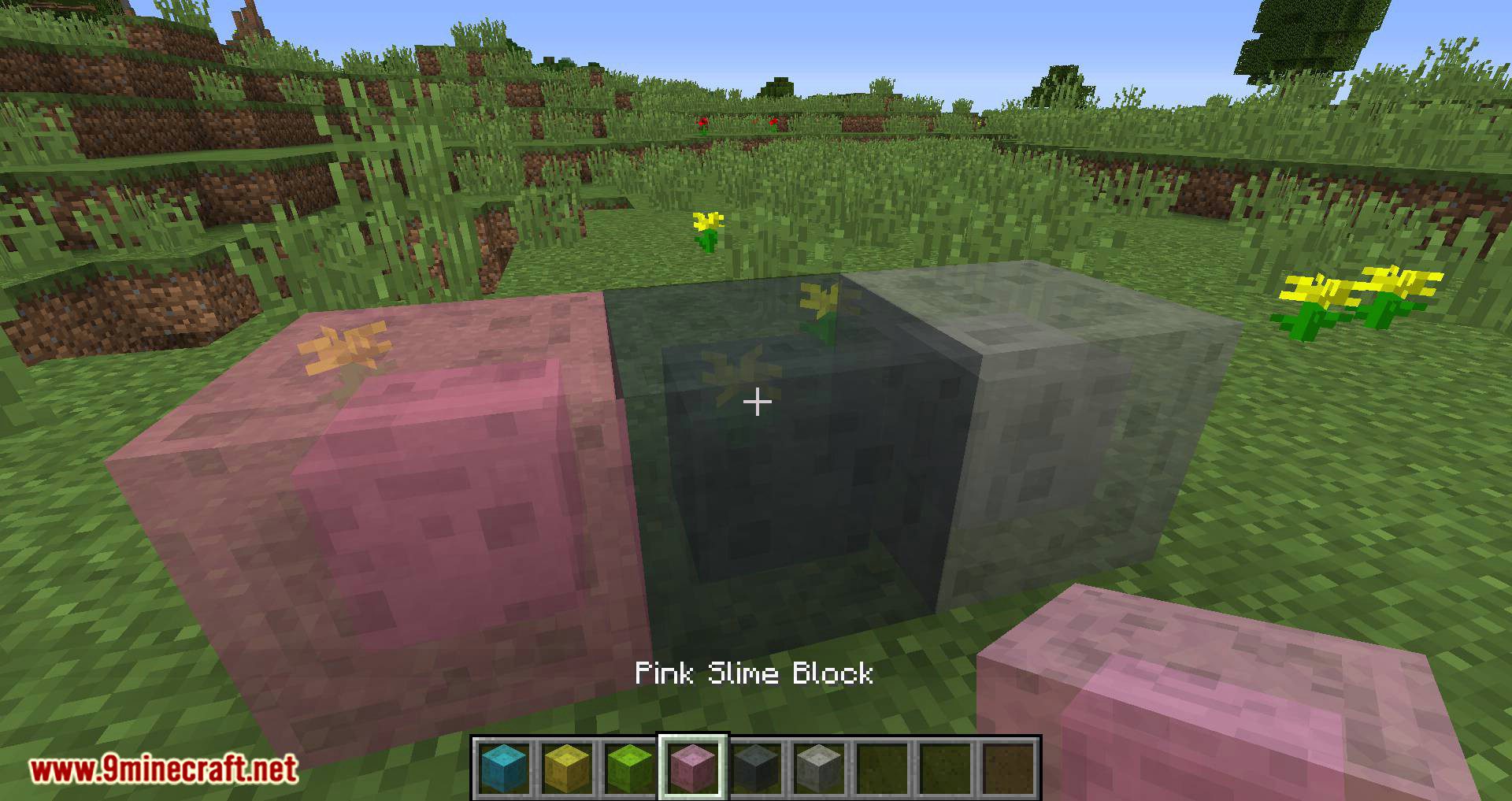
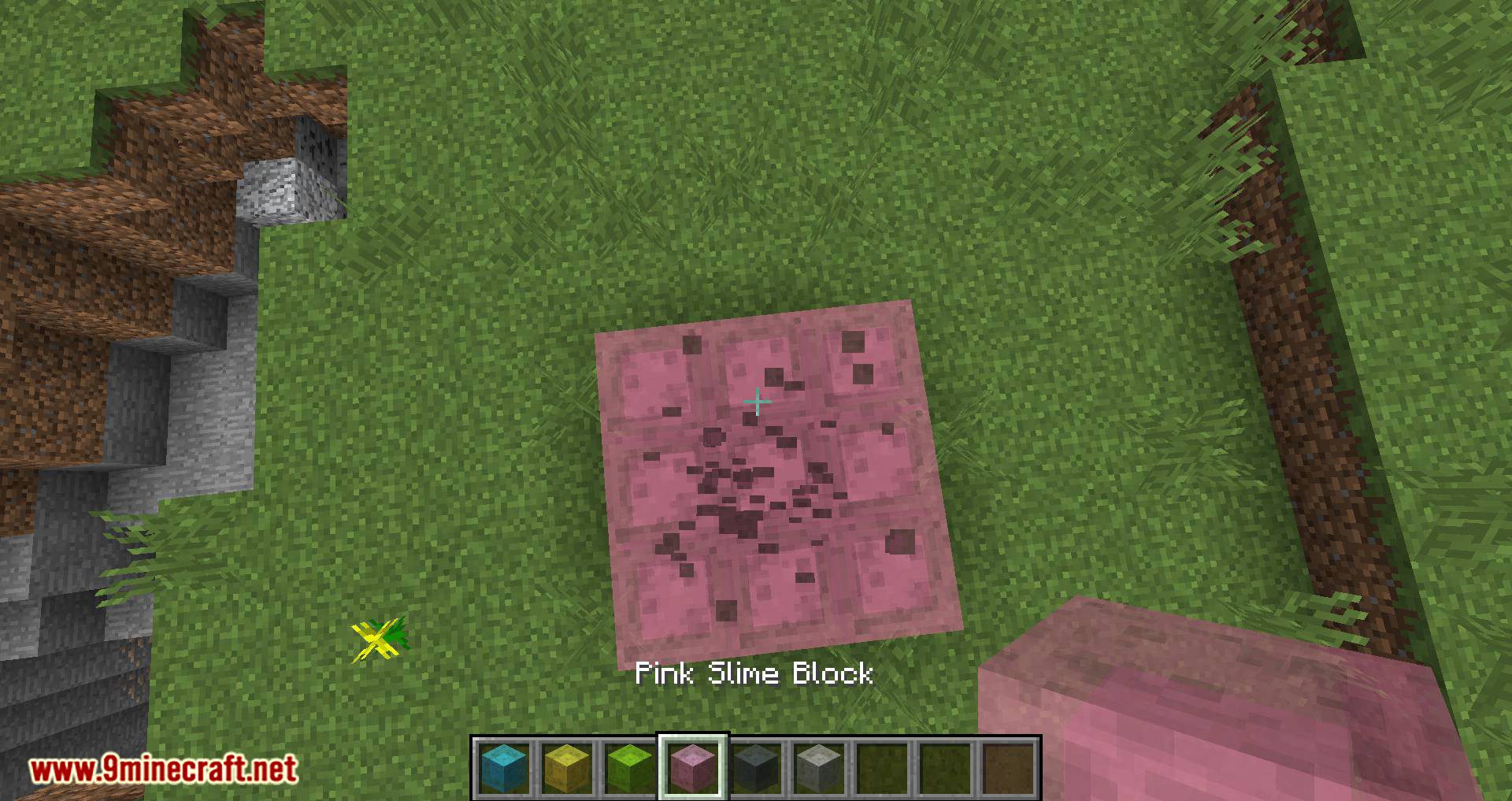
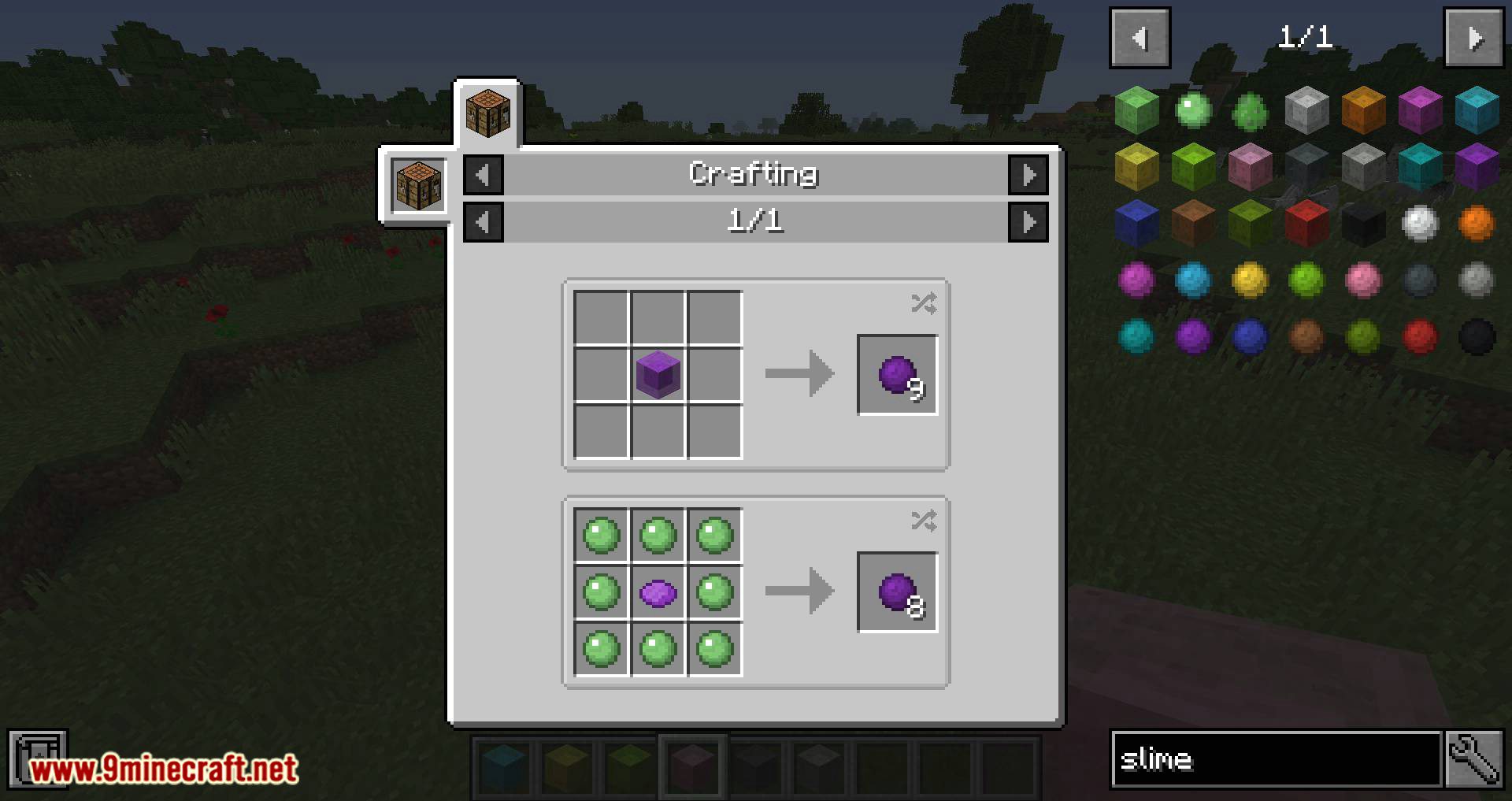
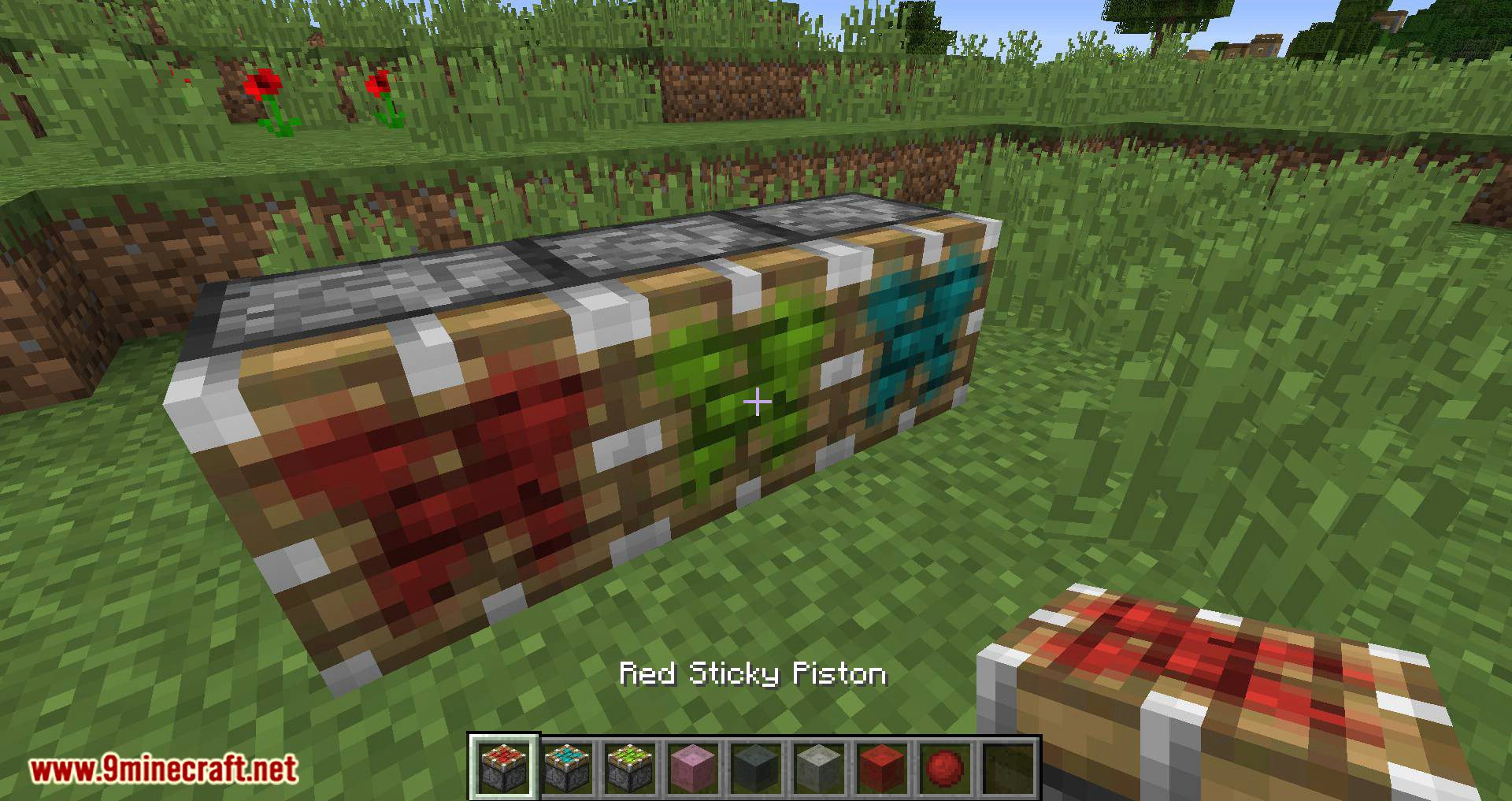
Colorful Slimes Mod 1.15.2, 1.12.2 adds 16 new slimes that drop 16 new slimeballs, from which you can craft 16 new sticky pistons or 16 new slime blocks…
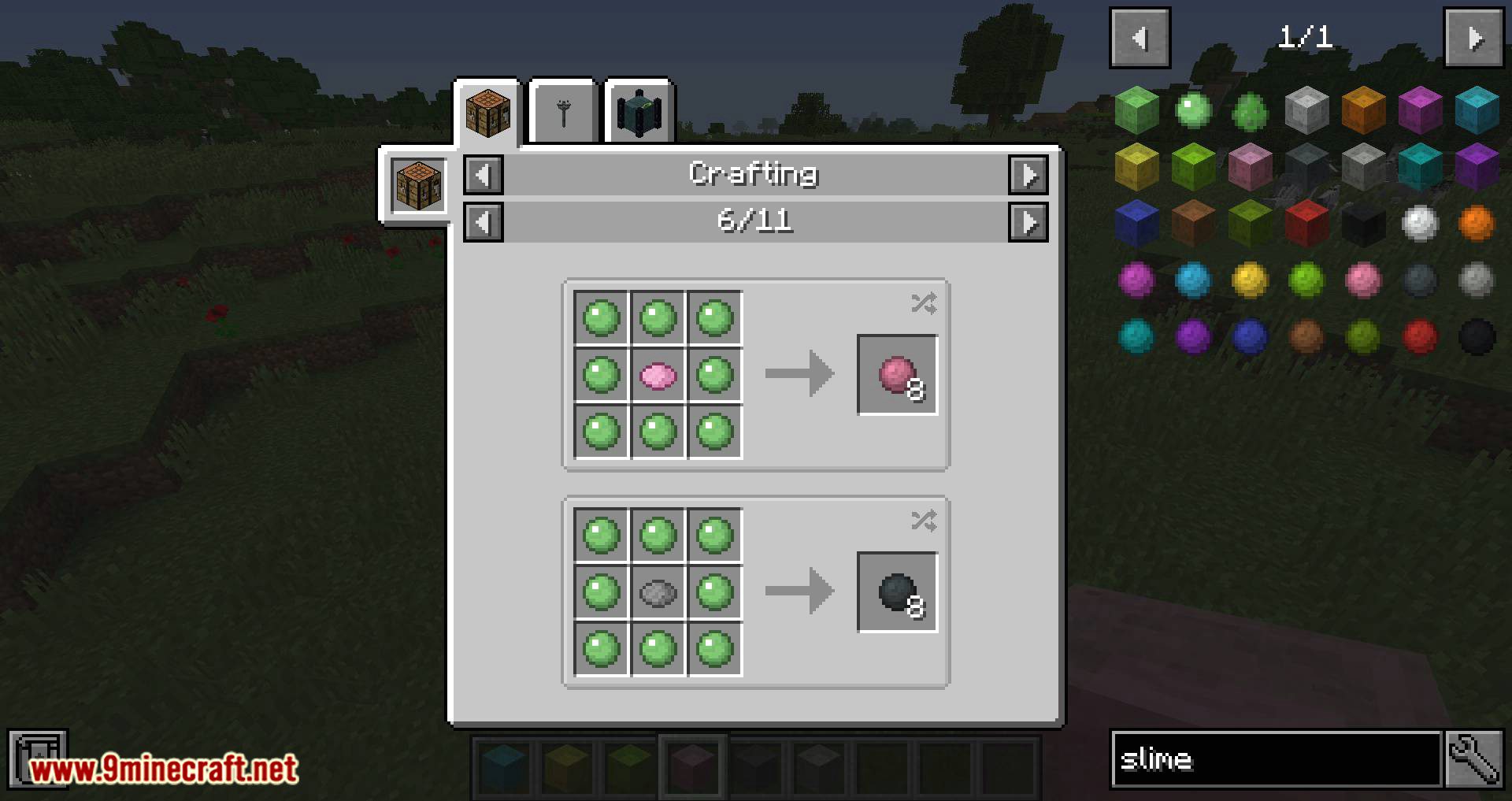
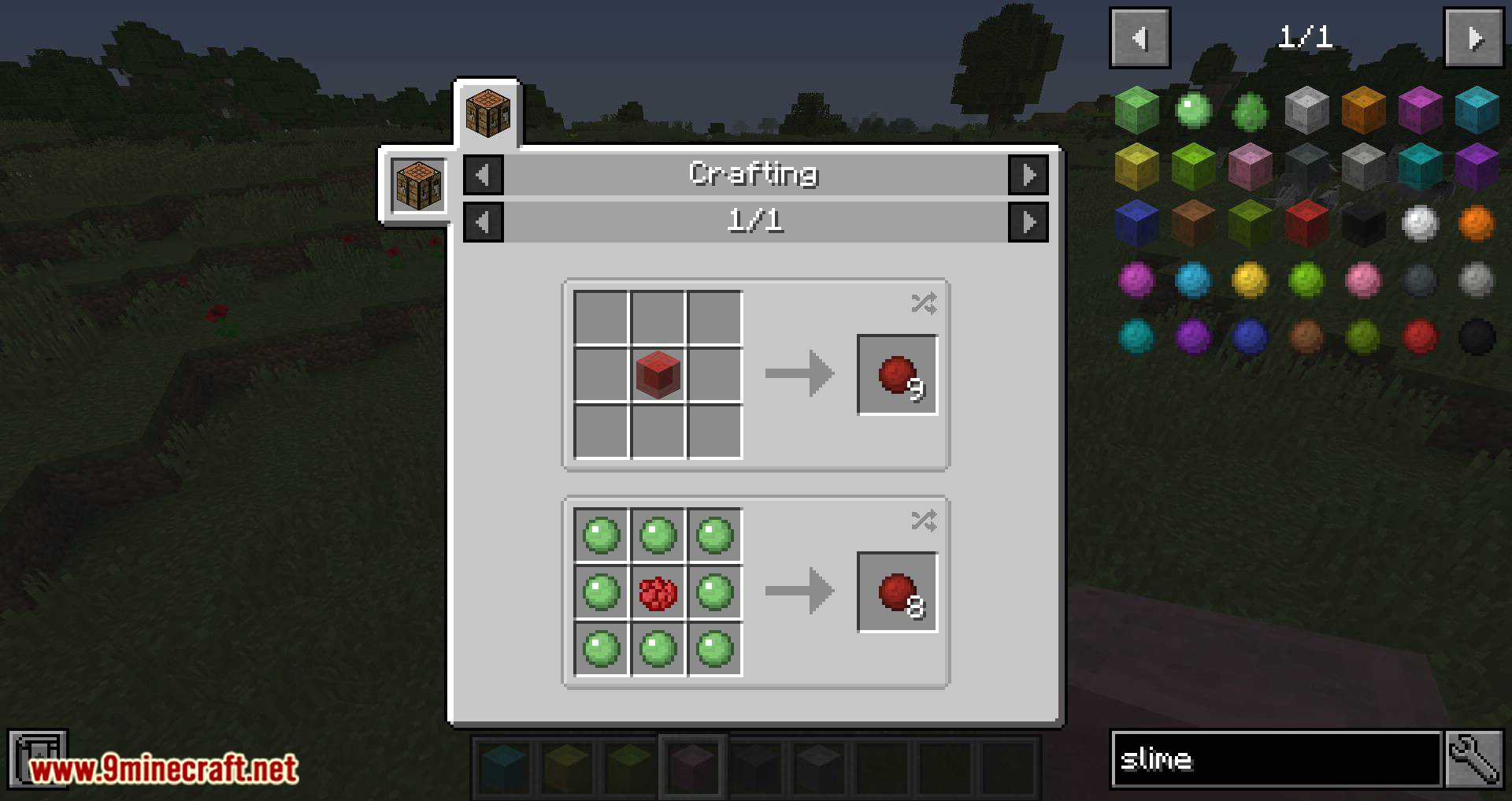
- If you don’t like fun, you can craft colored slime with a dye combined with eight non-colored slimeballs.
- You can also remove the dye, or.. “uncolor” a colored slimeball by washing it in a cauldron (nobody does that)
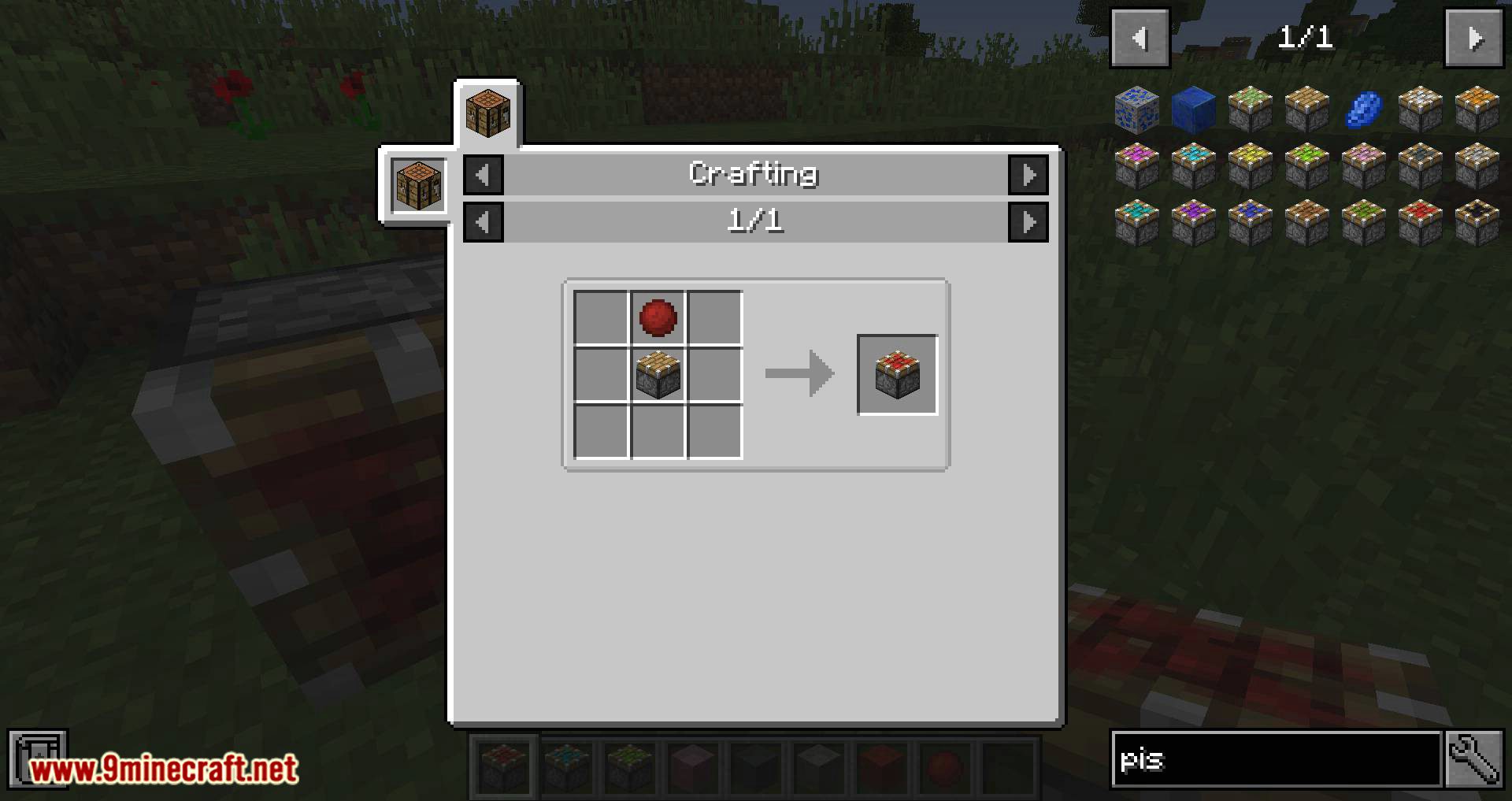
- Colored slime blocks have a special ability: different colors don’t stick to each other. The only catch here is that you need custom sticky pistons.
- It doesn’t really matter which color the sticky piston will be, at all.
- One last thing: Vanilla slimes are replaced with a chance of 16/17 (16 colors + vanilla one); You can color slimes by applying any dye on it.
- And that is pretty much it. The recipes are vanilla, and these slimeballs can be used for any recipes that use OreDictionary name for “slimeball”.
Screenshots:
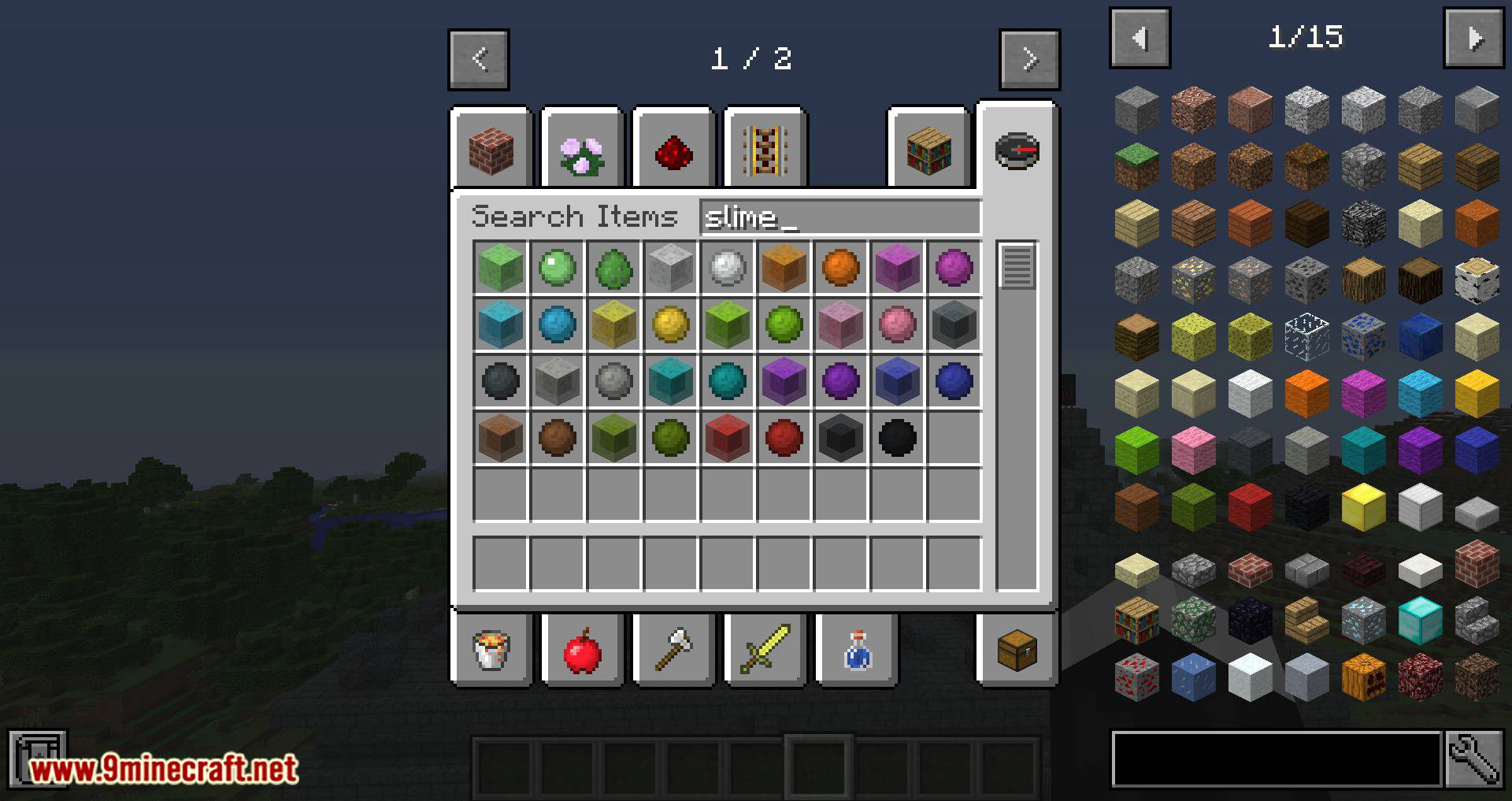
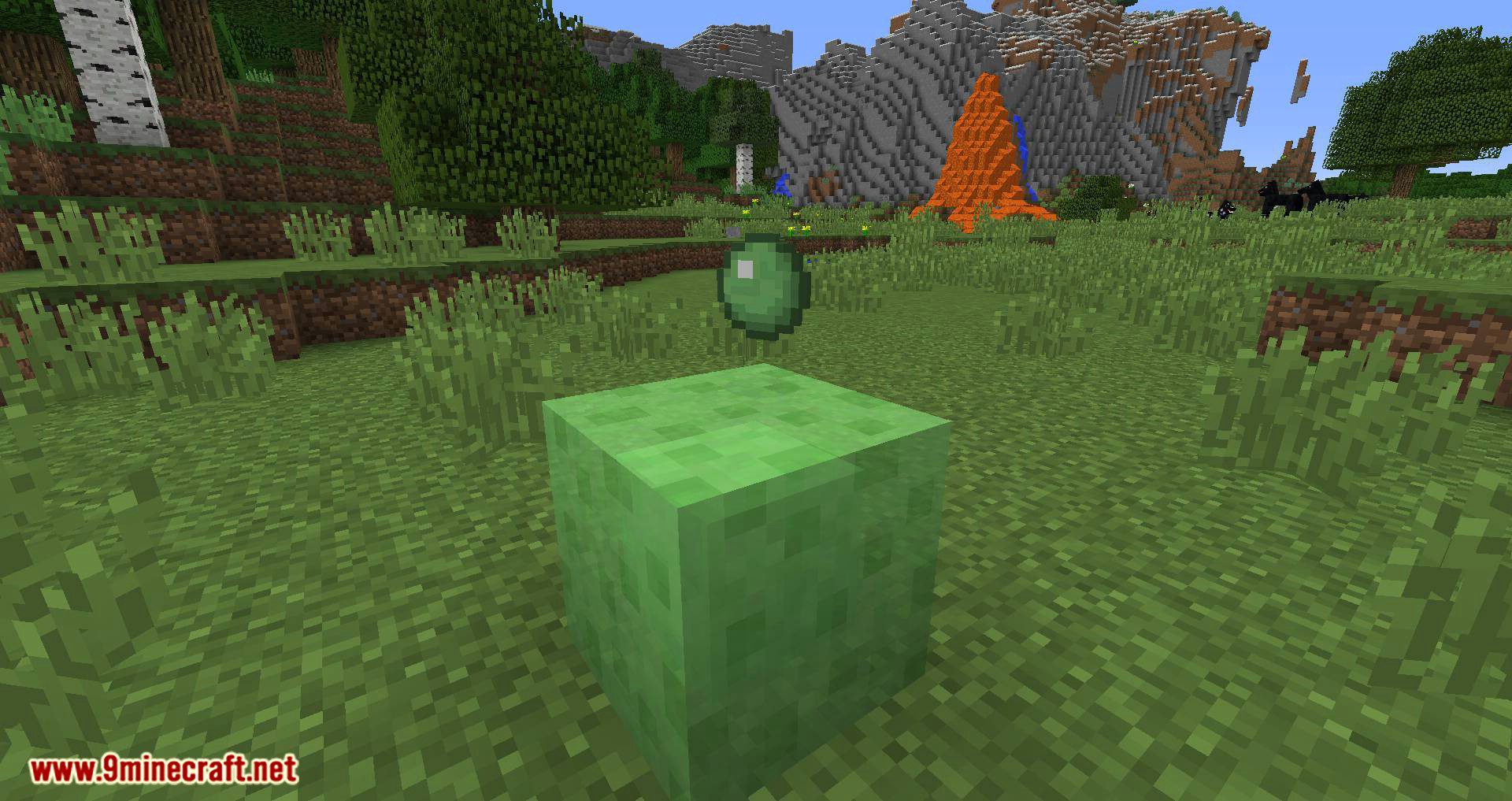
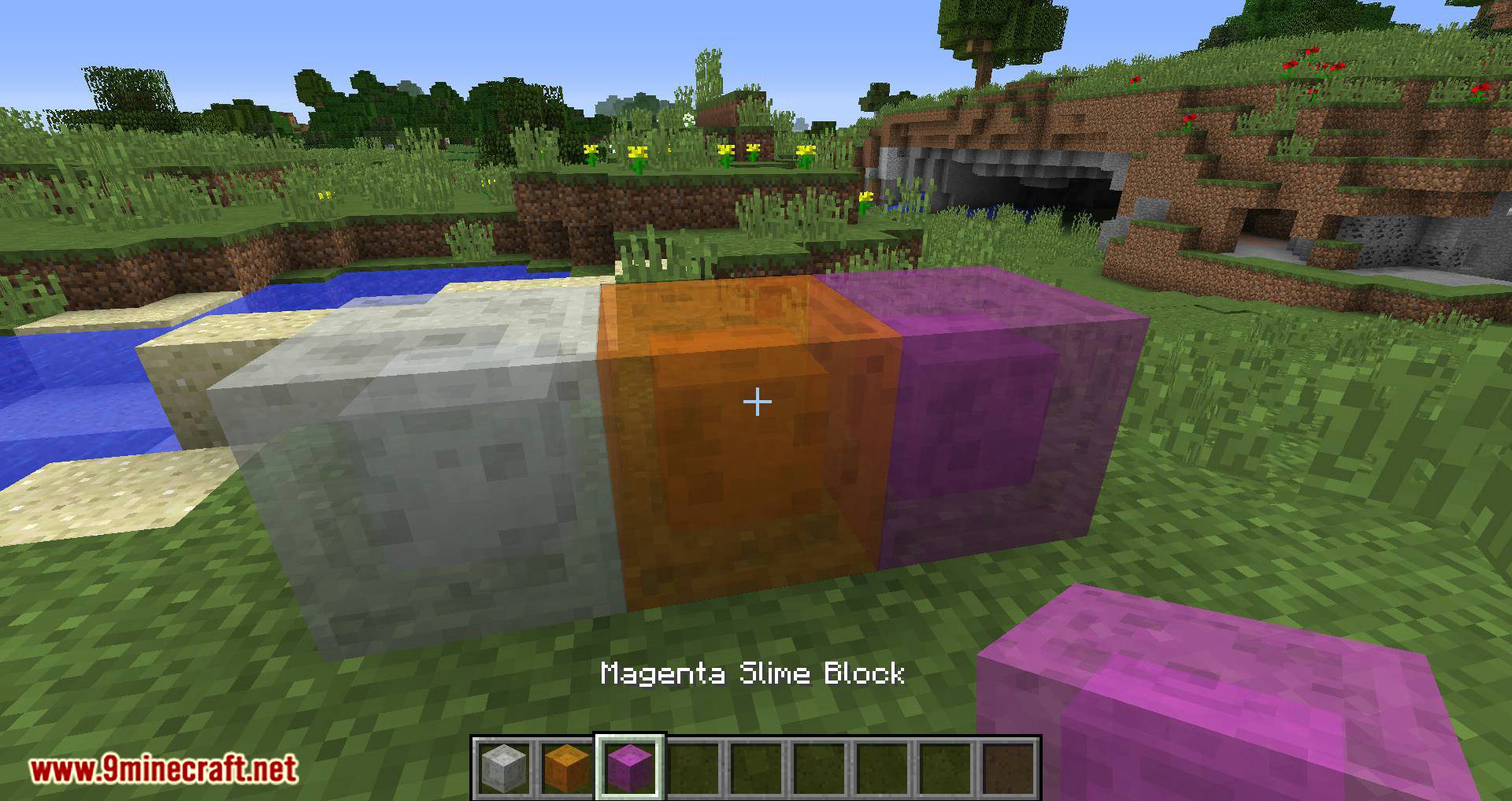
Colorful Slimes Mod 1.15.2, 1.12.2 Download Links
For Minecraft 1.15.2
For Minecraft 1.12.2
Quick facts
- Edition: Minecraft Java
- File type: .jar
- How to install: Install the matching mod loader (Forge, Fabric or NeoForge) for your Minecraft version. → Download the .jar. → Put it in the .minecraft/mods folder and launch that loader profile.
- Where to get it: In MC Java Mods, or directly above on this page.
Install steps are the general flow for this file type — How to install Minecraft Java mods & modpacks walks through it step by step.
Verified by MCModsHub
- Downloads as 208951.mcaddon
- Download size: 53 KB
- Download link checked 24 Jul 2026 — working
- Mirrored on our own servers — the download does not depend on the original host
These come from our own check of the pack file, not from the source page.