Rift Xray Mod 1.15.2, 1.13.2 (Fullbright, Cave Mode, Redstone Mode)
Minecraft Java mod. Downloads from the MC Java Mods app on Android.
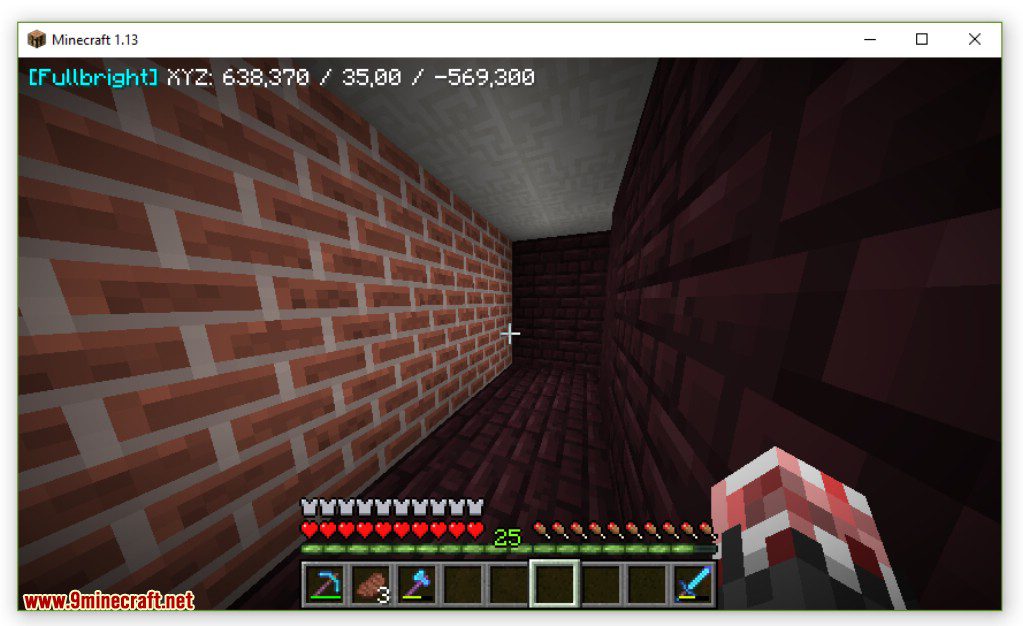
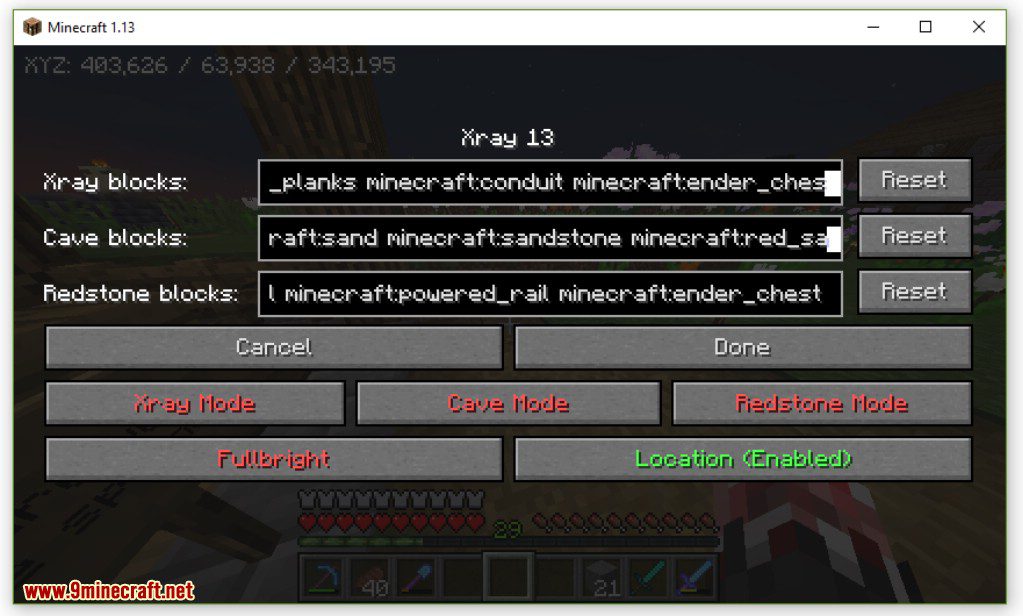
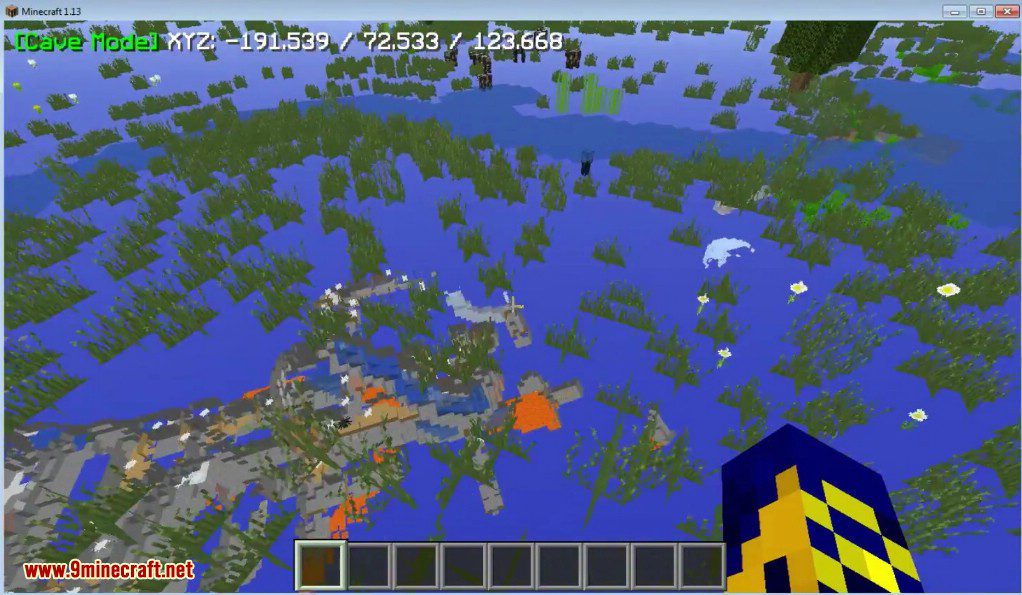
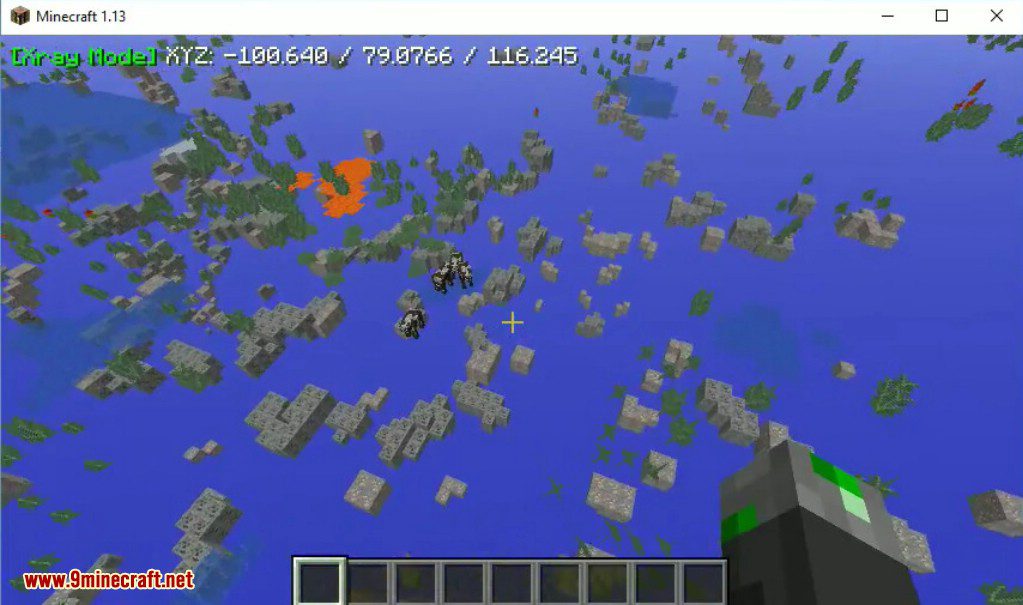
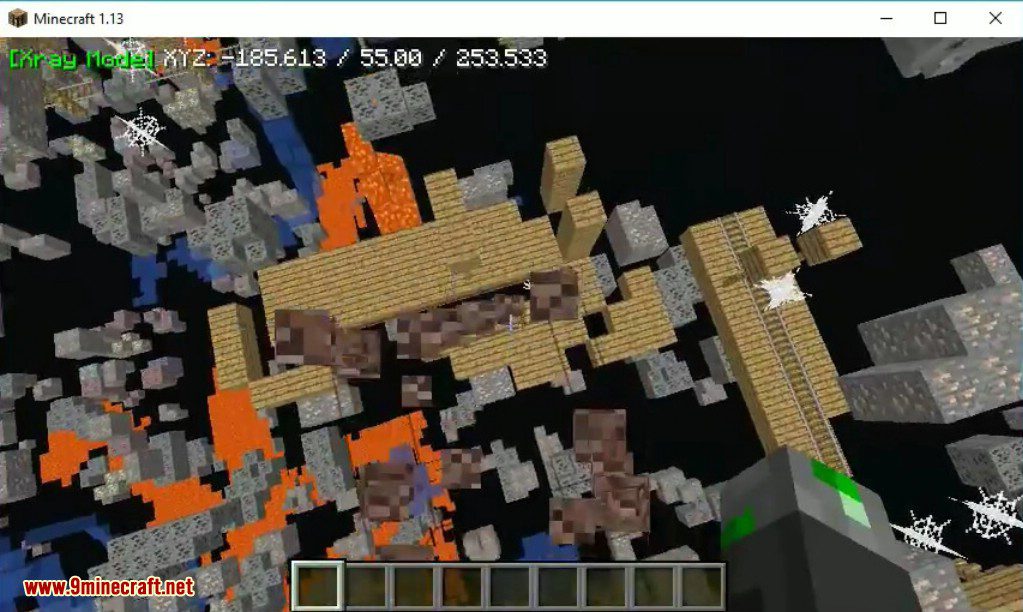
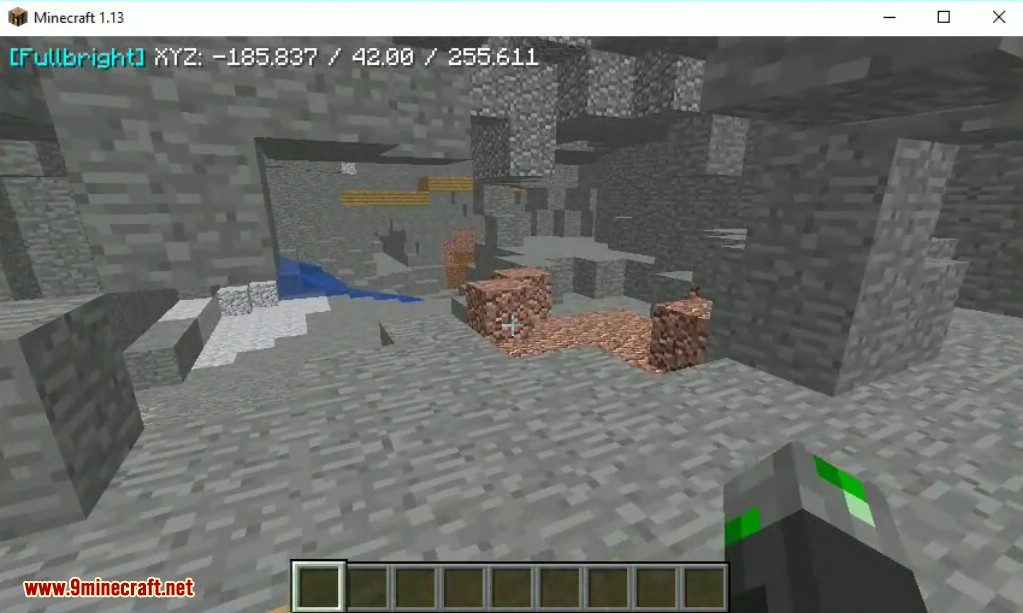
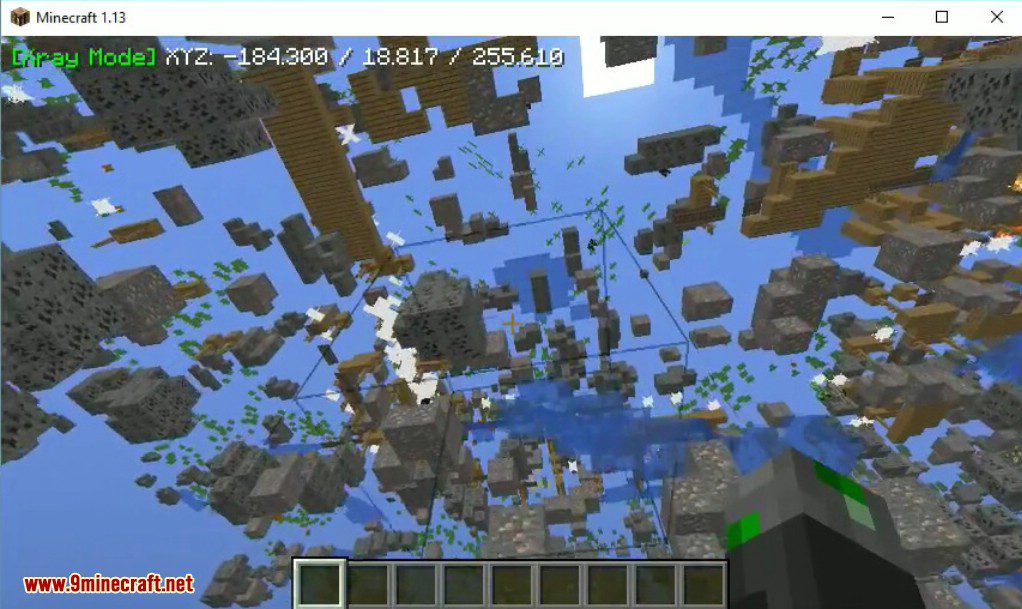
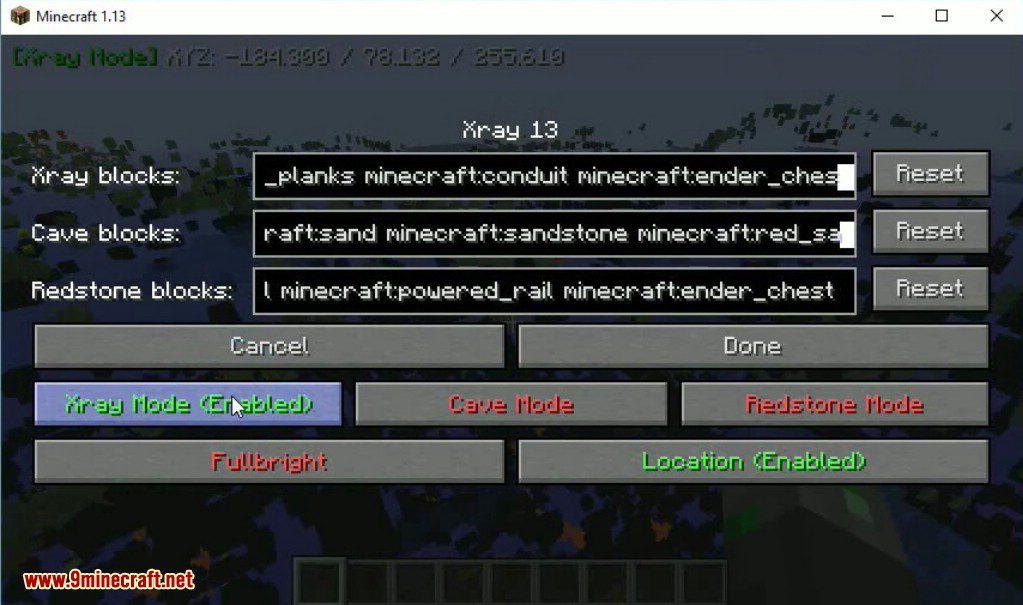
⬇ DownloadRift Xray Mod 1.15.2, 1.13.2 allows you to switch between modes, easily find through the texture of any ore, caves, Redstone, as well as, in particular need to include maximum illumination anywhere. Here you can enable/disable Xray, Cave Mode, Redstone Mode, Fullbright and location on the HUD and add/remove to /reset Blocks lists of cave, redstone and Xray mode.
Screenshots:
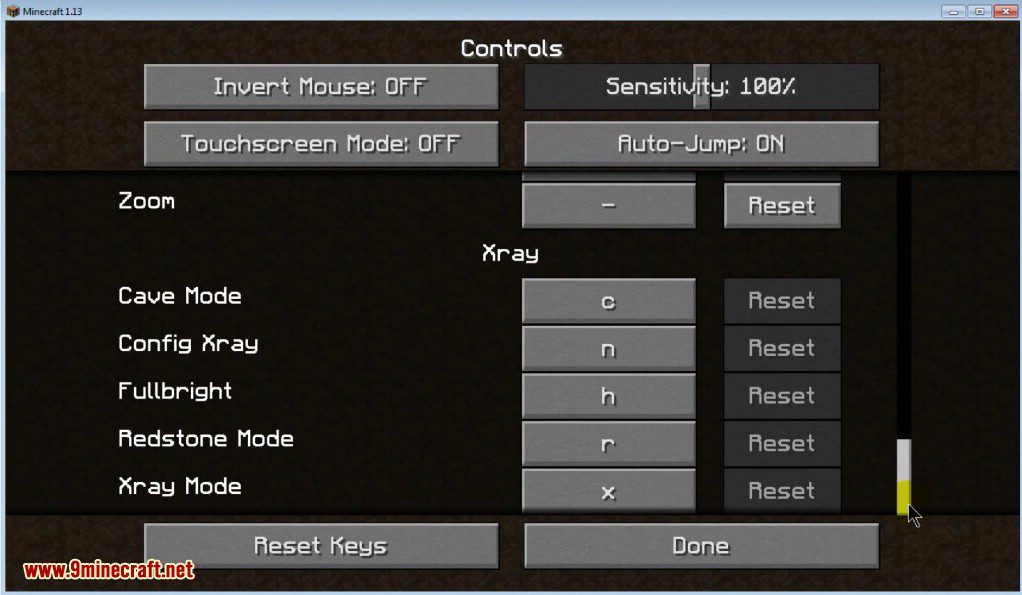
X: Xray
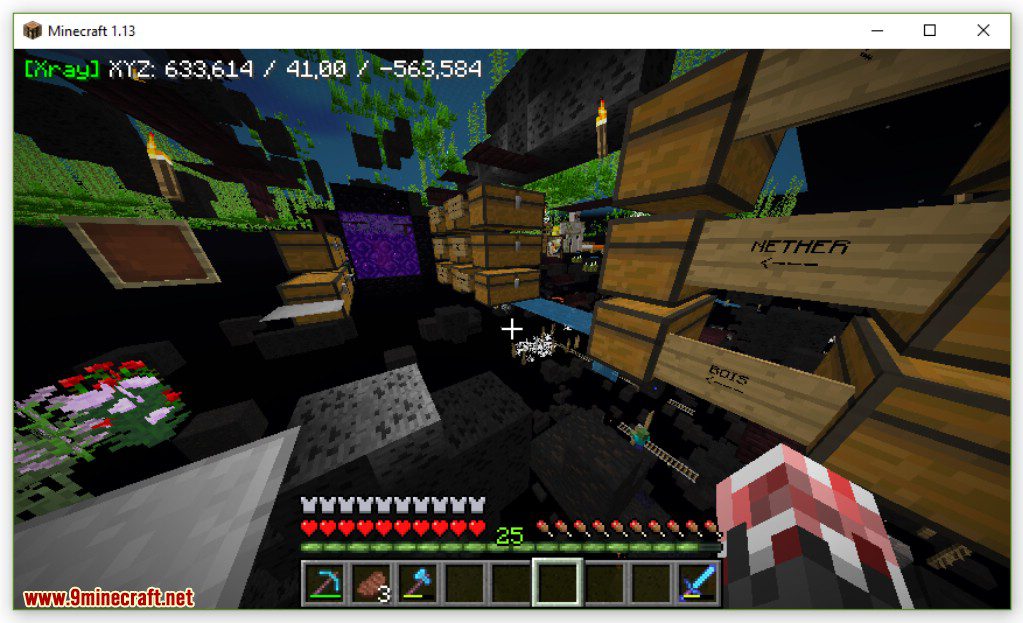
C: Cave Mode
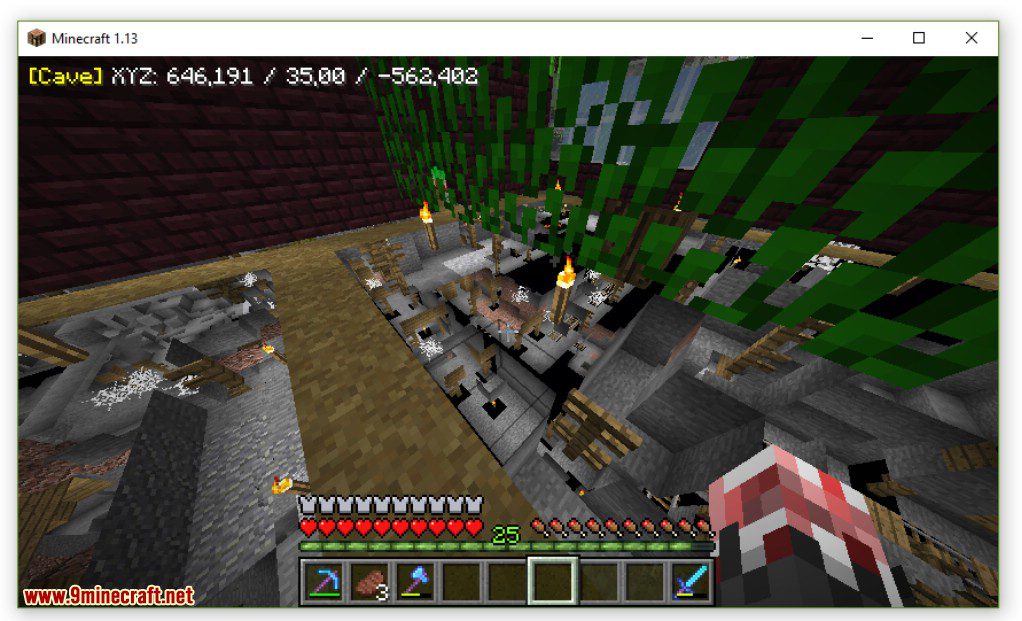
R: Redstone Mode
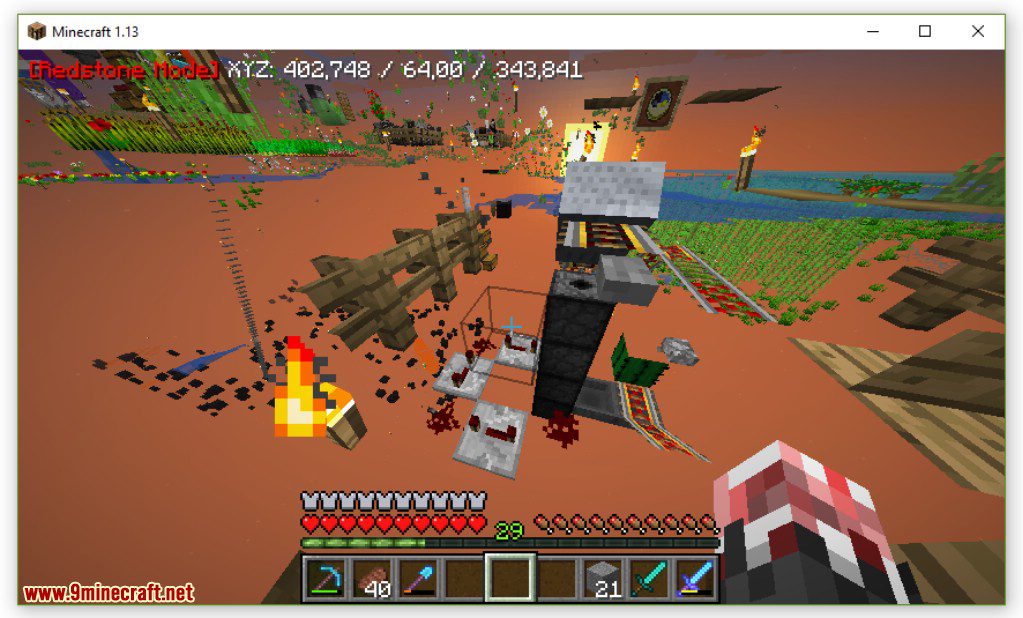
H: Fullbright (No light needed)
N: Open Xray menu


Rift Xray Mod 1.15.2, 1.13.2 Download Links
For Minecraft 1.13
Rift version: Download from Server 1
For Minecraft 1.13.2
Rift version: Download from Server 1
For Minecraft 1.15.2
Fabric version: Download from Server 1
- Edition: Minecraft Java
- File type: .jar
- How to install: Install the matching mod loader (Forge, Fabric or NeoForge) for your Minecraft version. → Download the .jar. → Put it in the .minecraft/mods folder and launch that loader profile.
- Where to get it: In MC Java Mods, or directly above on this page.
Install steps are the general flow for this file type — How to install Minecraft Java mods & modpacks walks through it step by step.
- Downloads as 208989.mcaddon
- Download size: 33 KB
- Download link checked 24 Jul 2026 — working
- Mirrored on our own servers — the download does not depend on the original host
These come from our own check of the pack file, not from the source page.