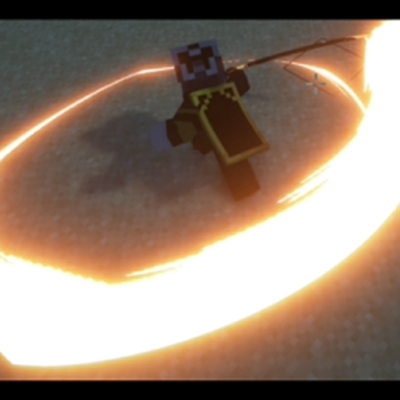
EpicFight Sword Light Modifications
I don't know my version or loader
This mod has been redesigned!!!
谢谢你,东非大野猪!
The zylob:acg_trail blade effect included in this mod comes from assets by Epic ACG.
To experience the full version of this mod, please add the Fancy Trail , EpicFight-Nightfall , and Epic Fight - Limbus Company Moveset mods.
When you add the Fancy Trai mod, EpicFight-Nightfall mod, or Epic Fight - Limbus Company Moveset, their trail effects will automatically be added to the list.There are a total of 41
Inside, the Epicfight mod offers 1 trail, this mod provides 4 trails, EpicFight-Nightfall offers 3 trails, Epic Fight - Limbus Company Moveset offers 12 trails, and Fancy Trail offers 21 trails.There are a total of 41 trail .
Currently, this mod focuses on the Epic Fight mod for the latest version of Minecraft 1.20.1 and will be prioritized for updates.
The current setting replaces the global epicfight:swing_trail blade trail particles, and also generates other particles whenever any blade trail particles are created.
The priority of these settings is Global Config < Personal Config < Resource Pack
Also, this module is already set up to sync resource pack settings and personal configurations, so other players can see it too. The effect is: when the swing trail belongs to another entity, it will first use the player's own resource pack settings, and then the global settings; if the swing trail belongs to a player, it will first use the other person's resource pack settings, and if they don't have any, it will show their personal configuration.
Here's the example resource pack setup:
<modid>.item_skins.s_iron_sword.json
"trail": {
"color": [152, 122, 57],
"begin_pos": [0.0, 0.1, 2],
"end_pos": [0.0, -0.05, -2],
"lifetime": 6,
"interpolations": 5,
"texture_path": "epicfight:textures/particle/swing_trail.png",
"particle_type": "zylob:swing_trail",
"overlays": ["zylob:acg_trail","zylob:ender_rift_trail"],
"ender_rift_trail_texture": "zylob:textures/effect/star2.png"
}
}
The values in "overlays" are used to store other trajectory effects generated by this weapon at the same time.
When you use the “zylob:ender_rift_trail” trail effect, you can set a value in "ender_rift_trail_texture" to specify its texture path.
Descriptions are all translated using Bing.( )
Something like that, maybe?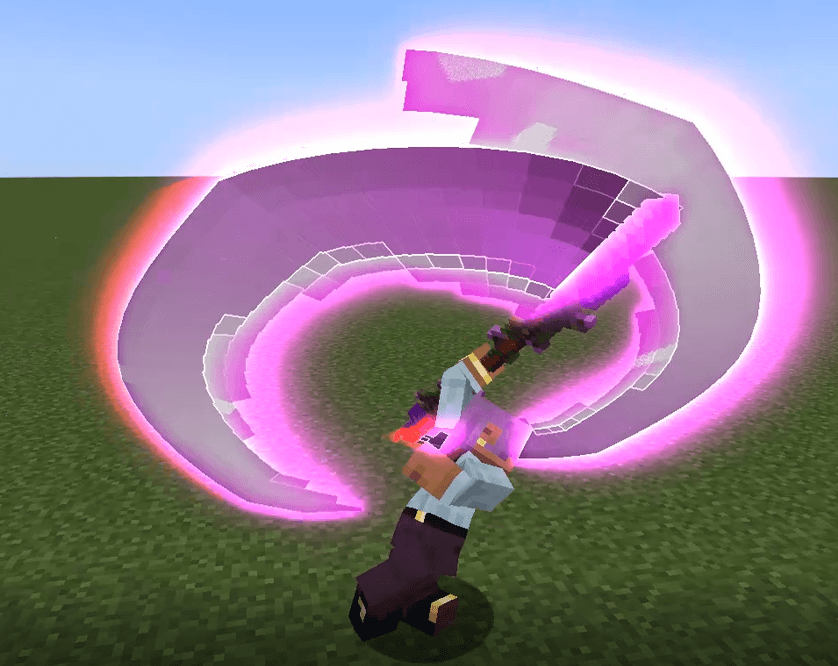
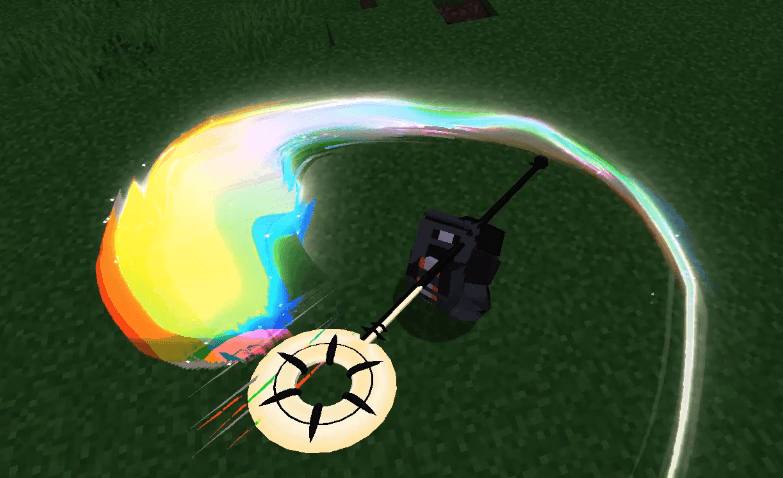
Try to keep the number of overlapping blade flashes to a minimum, because I'm actually generating these particles at the same time as the blade flashes, so having too many overlapping will cause serious lag.
- Edition: Minecraft Java
- File type: .jar
- Minecraft versions listed: 1.20.1, 1.21.1
- How to install: Install the matching mod loader (Forge, Fabric or NeoForge) for your Minecraft version. → Download the .jar. → Put it in the .minecraft/mods folder and launch that loader profile.
- Where to get it: Opens on CurseForge — not every file is mirrored on our own servers.
Install steps are the general flow for this file type — How to install Minecraft Java mods & modpacks walks through it step by step.
- Ships as zylob-21.16.2.jar — drop this file into the mods folder
- Download size: 243 KB
- Download link checked 27 Aug 2026 — working
These come from our own check of the pack file, not from the source page.