Home›Java›Mods›ArmorStatusHUD Updated Mod 1.12.2, 1.10.2 (Provides a HUD with Your Equipped Armor/Items Stats)
ModsJava
ArmorStatusHUD Updated Mod 1.12.2, 1.10.2 (Provides a HUD with Your Equipped Armor/Items Stats)
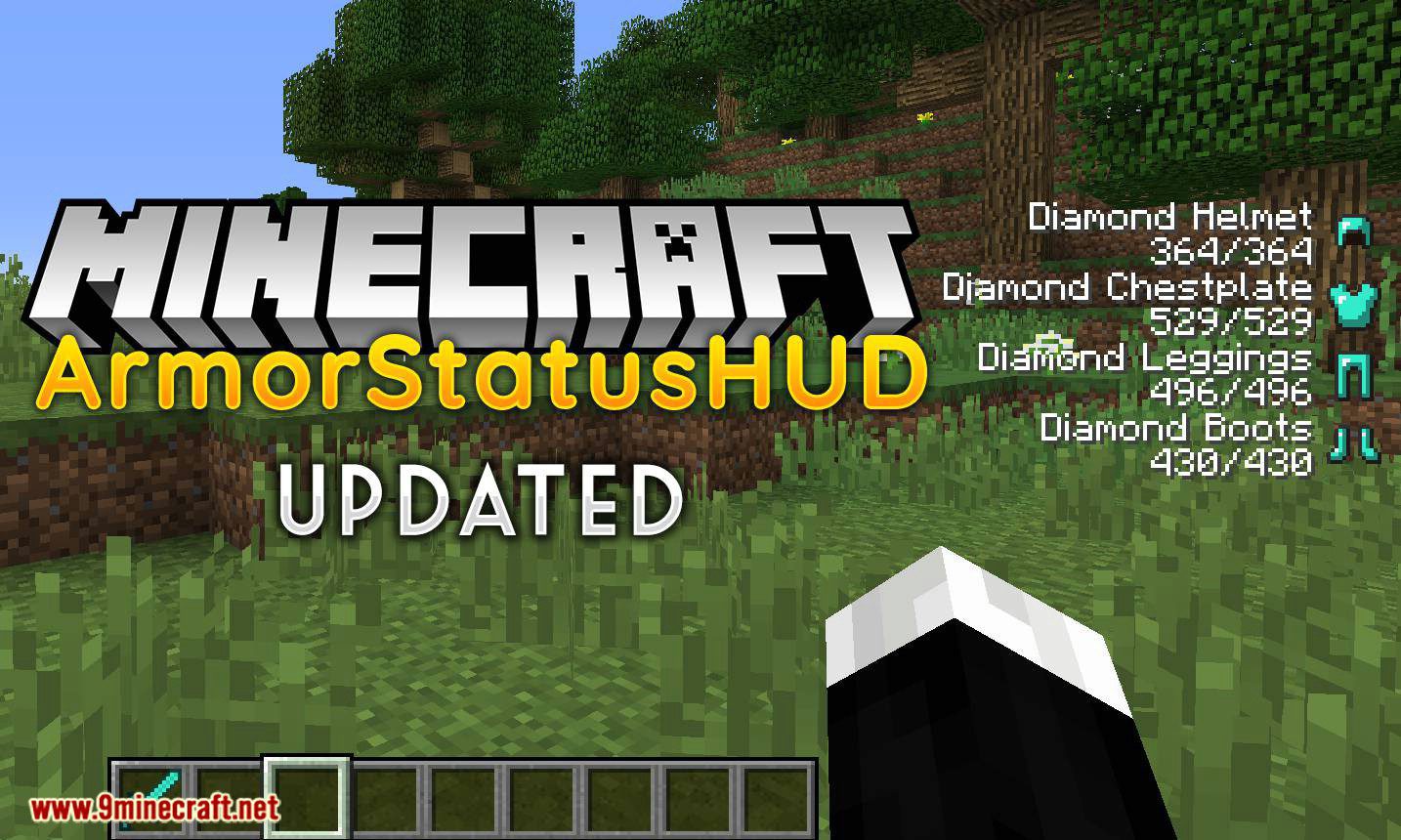
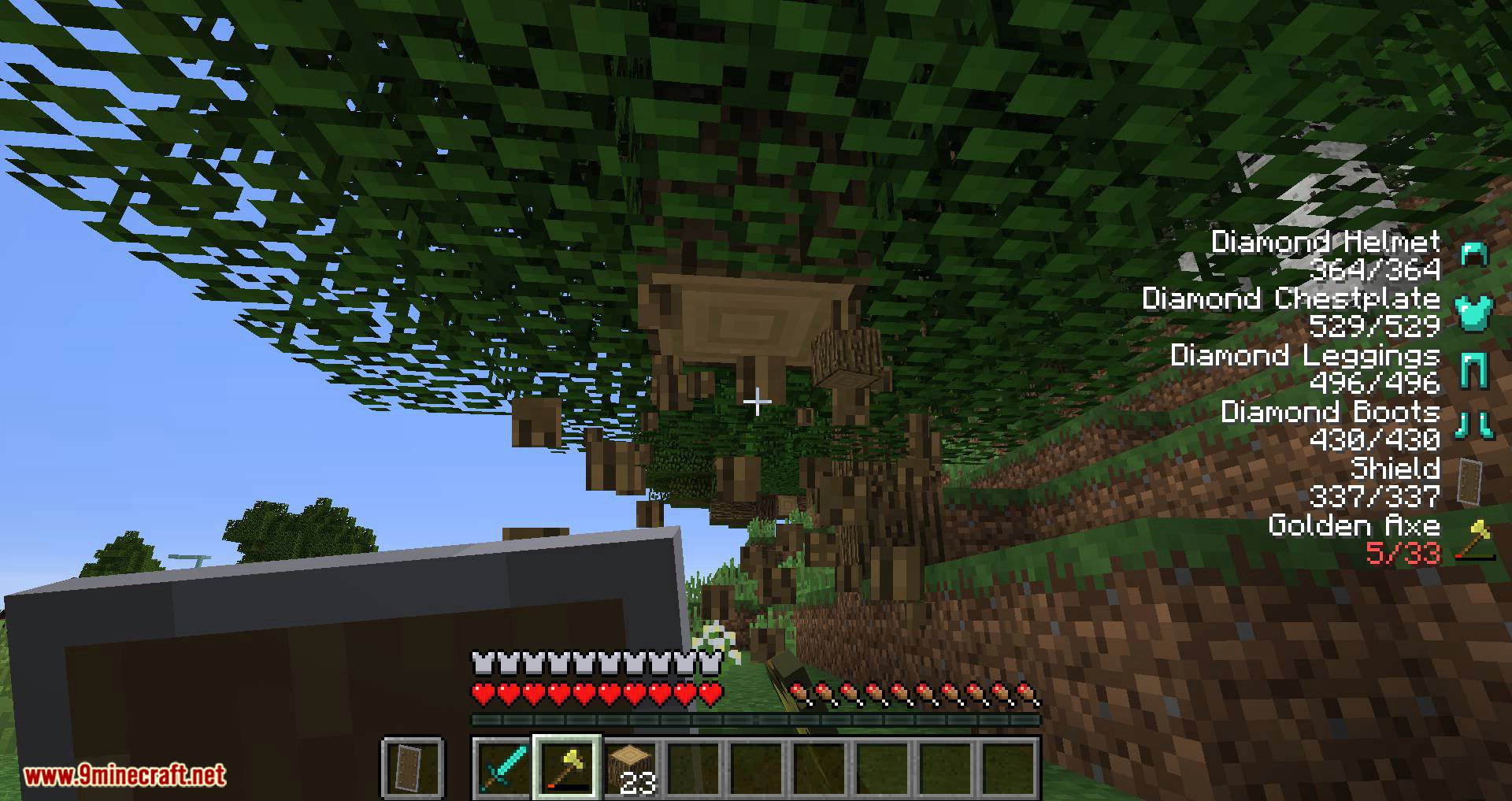
ArmorStatusHUD Updated Mod 1.12.2, 1.10.2 displays your currently equipped armor and held items along with the durability remaining without having to open your inventory!
Features:
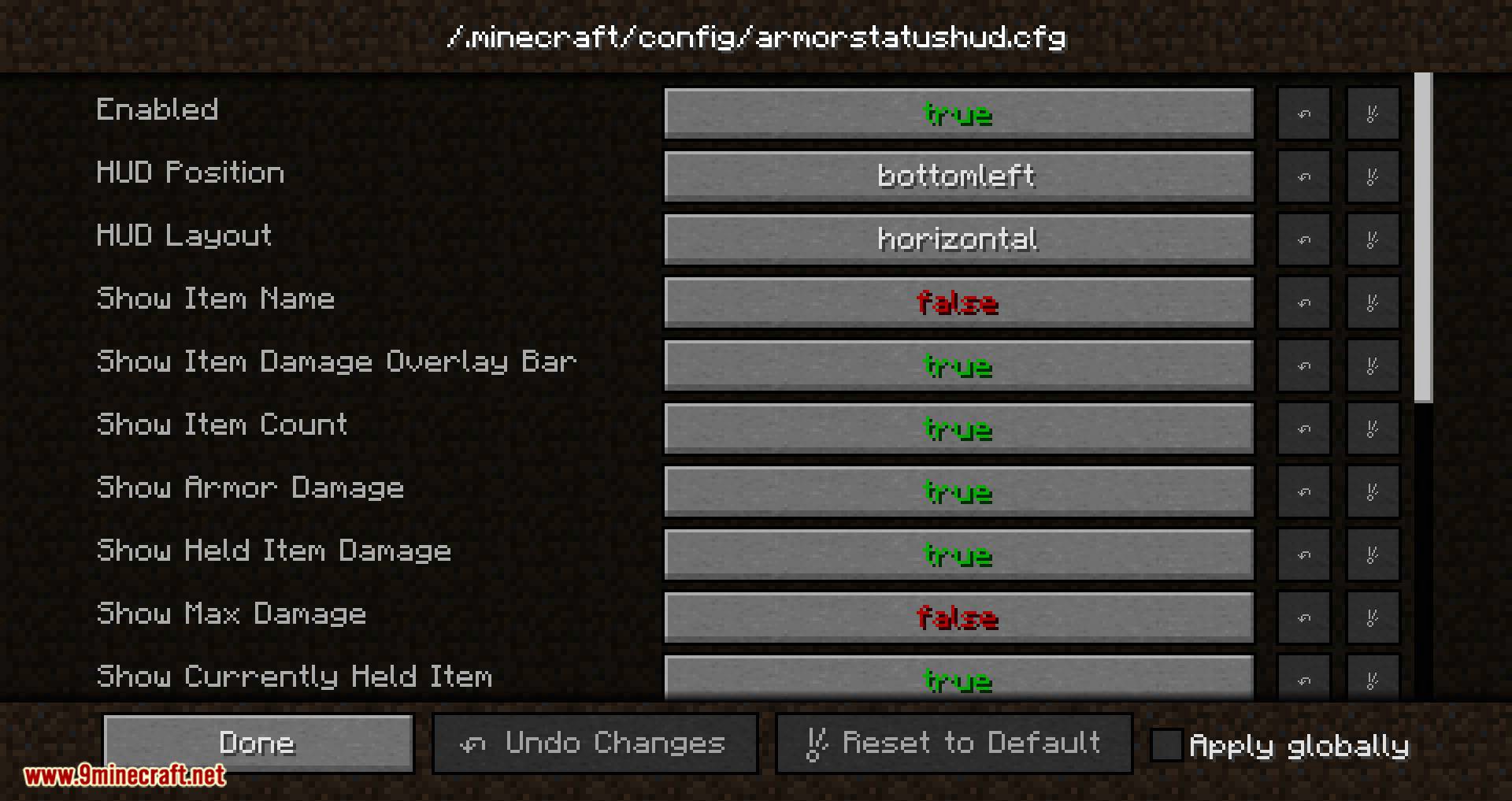
- Use the command /armorstatus config to open the in-game config GUI!
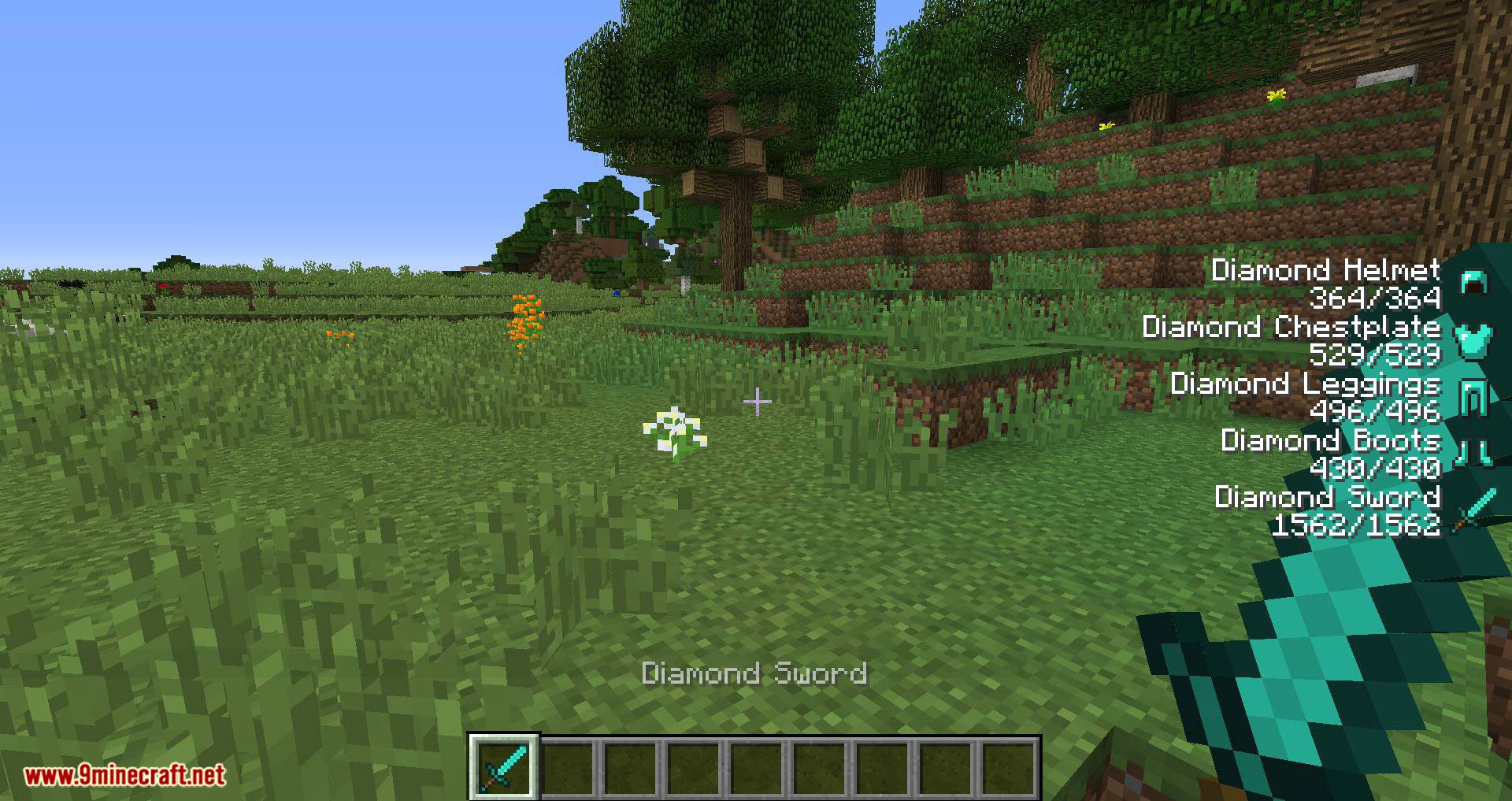
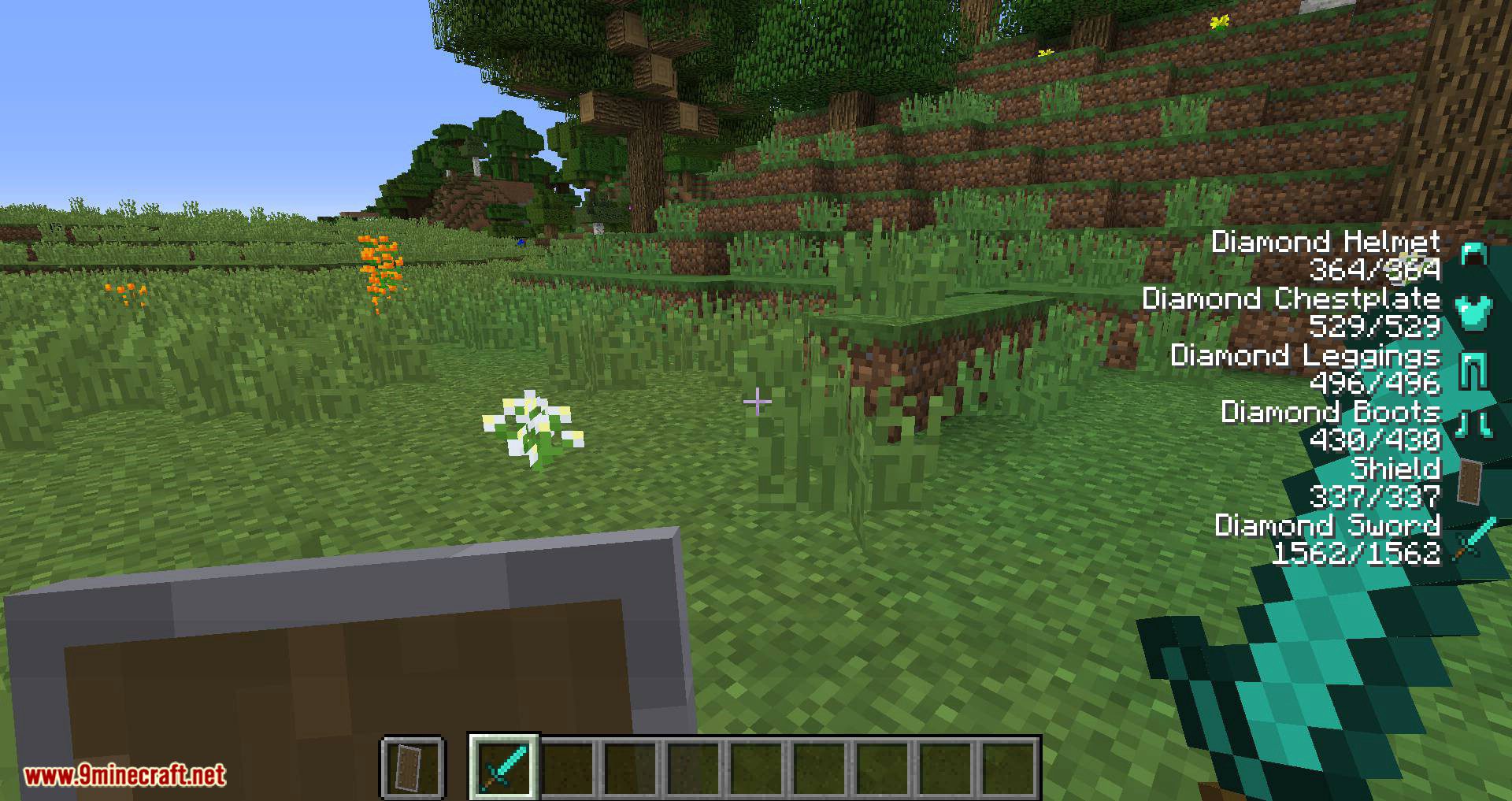
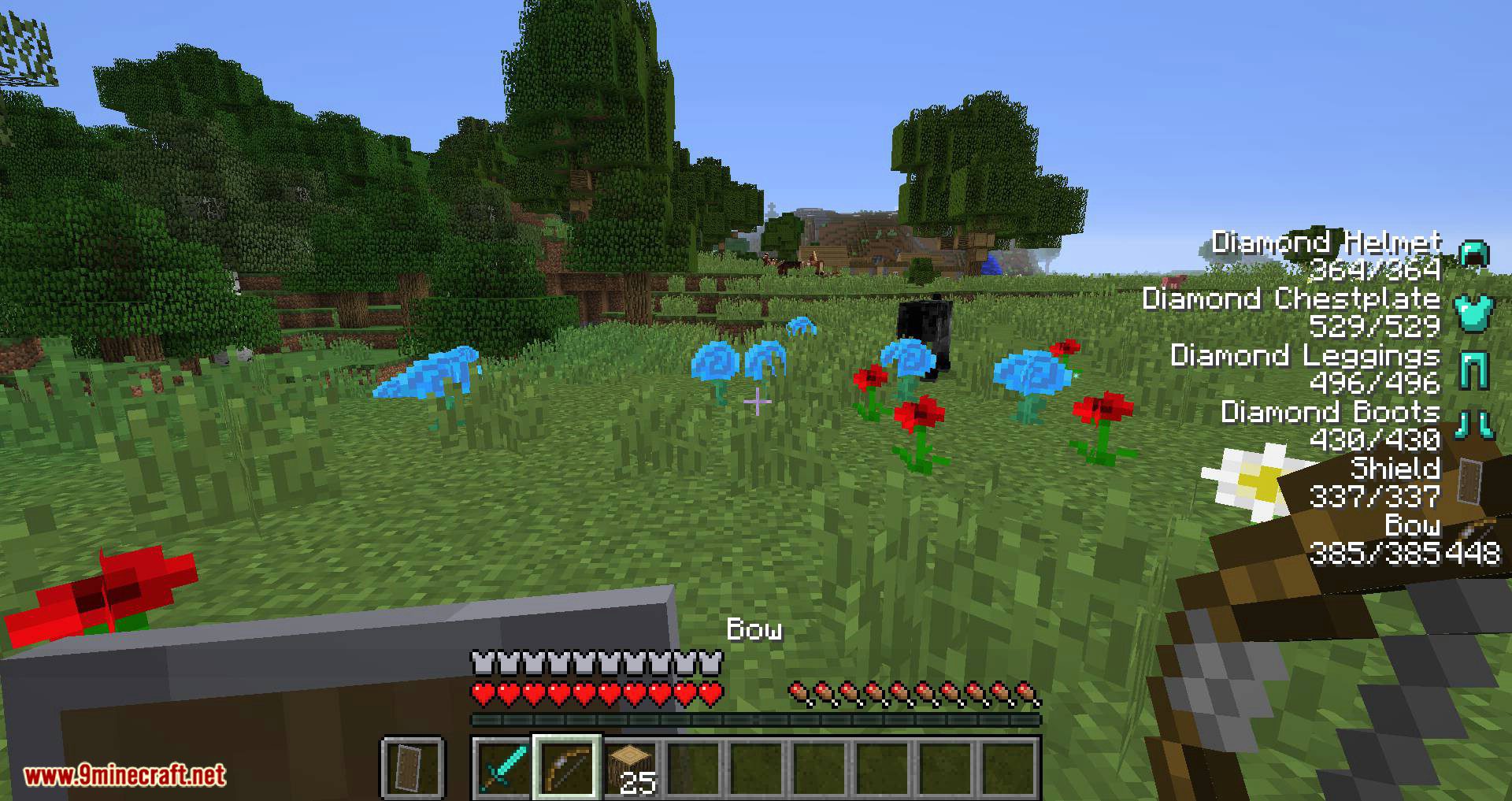
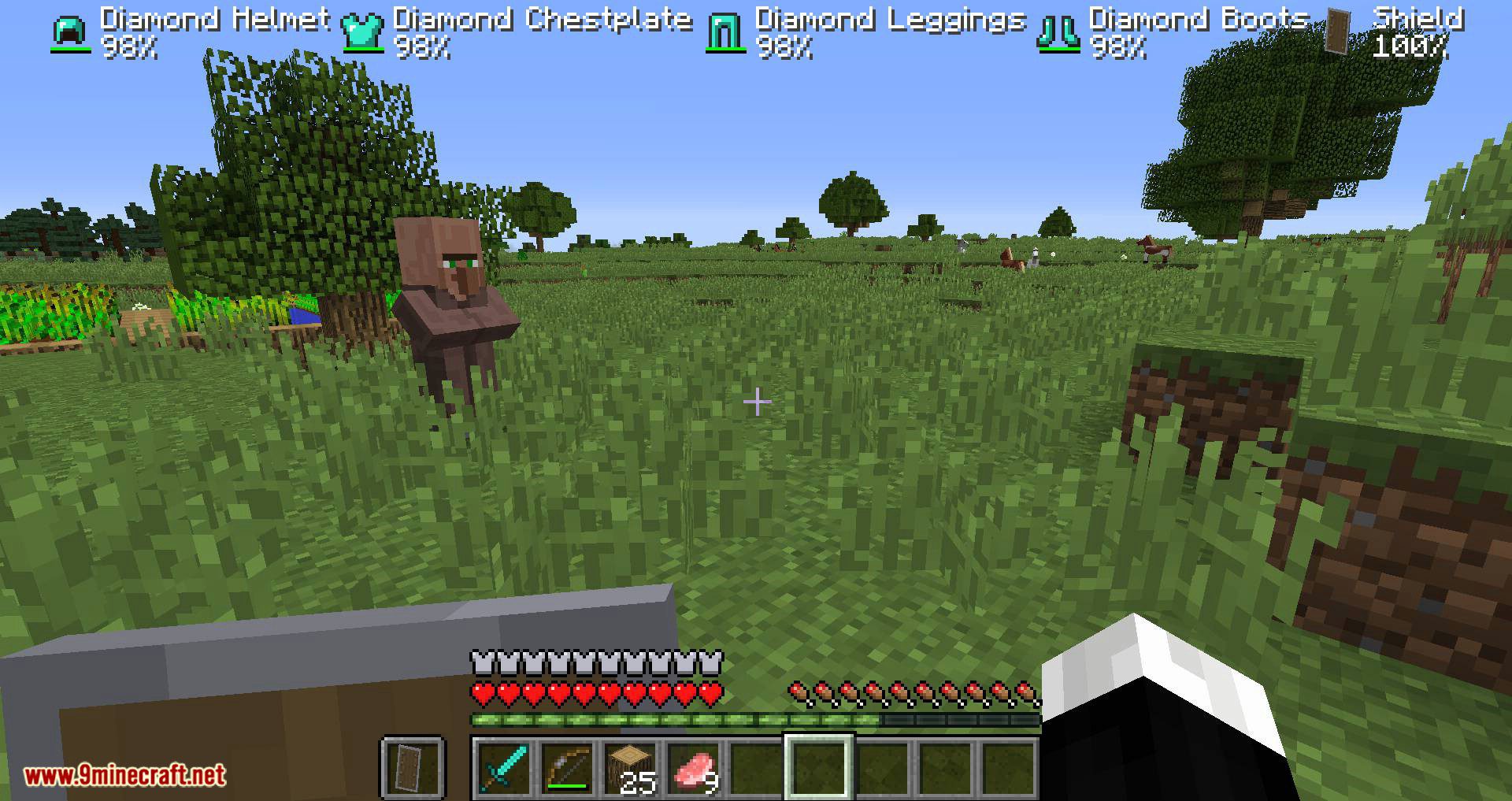
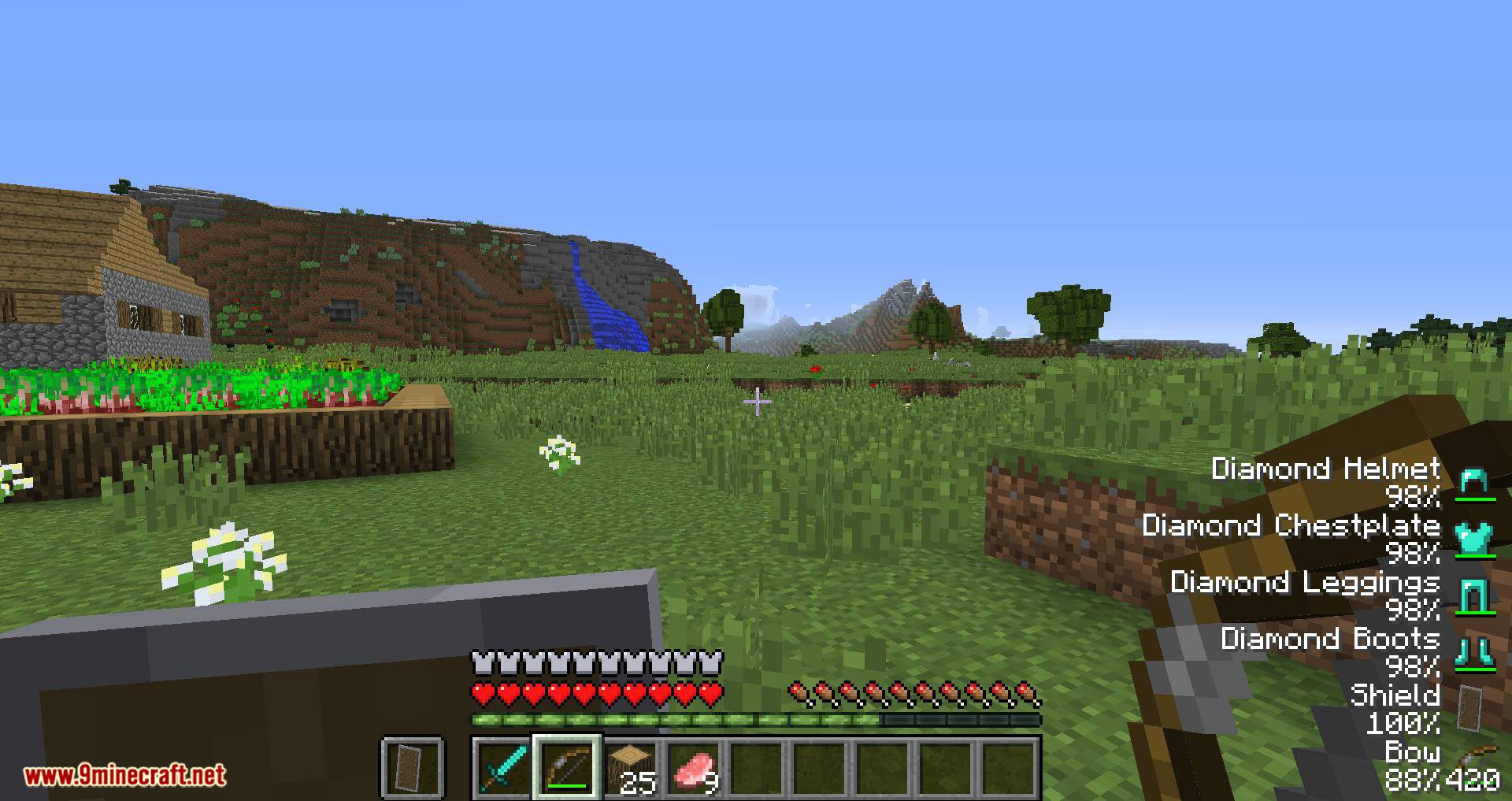
- Shows equipped armor and held items and their remaining durability
- Configurable tiers of damage with associated colors: damage text changes color as items are used
- See how many arrows are left for your bow
- Configurable alignment/orientation on your screen
- X and Y offset config options
- Can display exact damage values or the durability percent remaining
- Option to show/hide text damage values
- Option to show/hide max damage (shown below)
- Option to show/hide item names
- Option to show/hide standard inventory item overlay (damage bar)
- Version update checking (can be turned off as part of bspkrsCore)
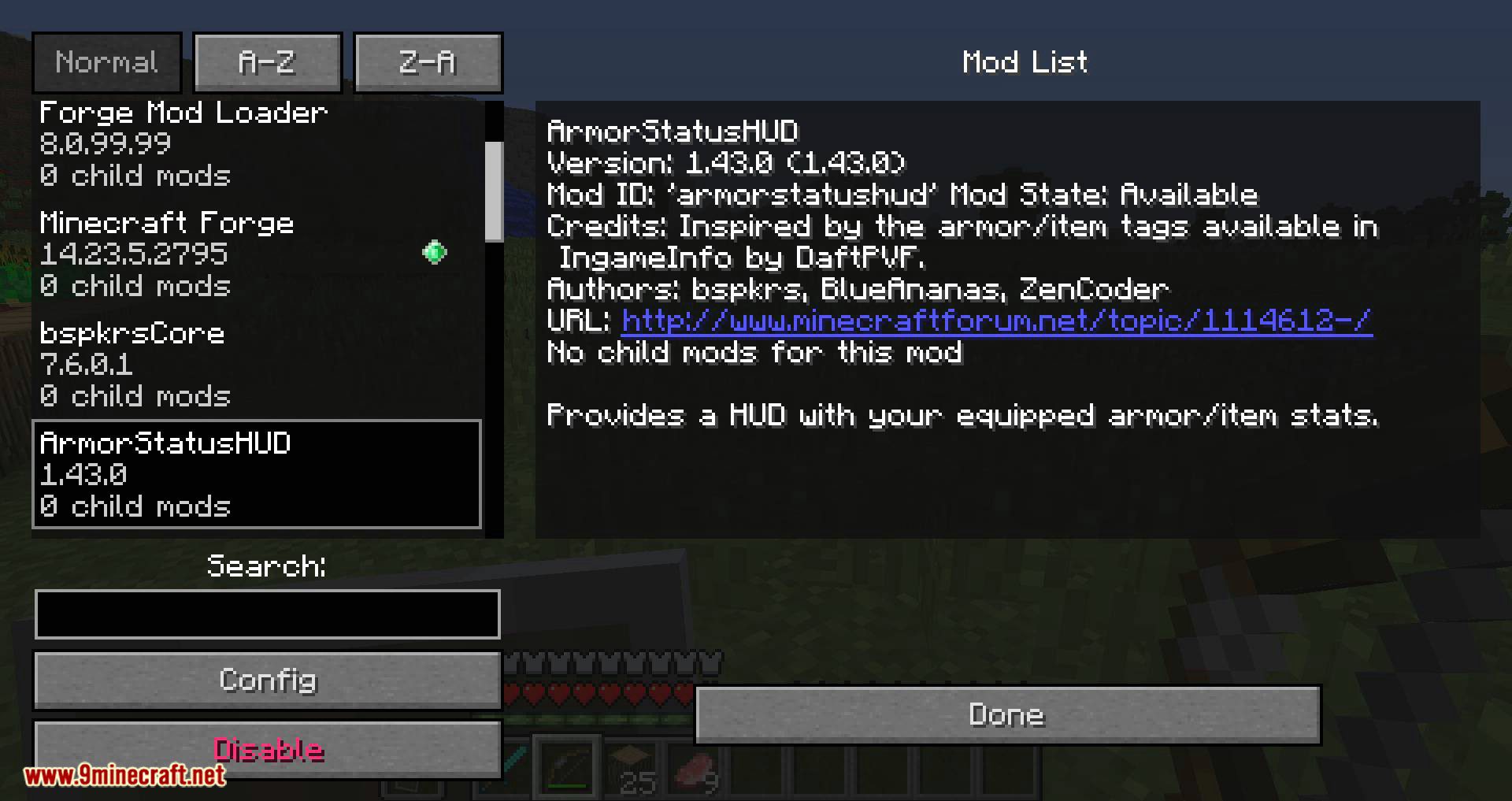
Screenshots:


ArmorStatusHUD Updated Mod 1.12.2, 1.10.2 Download Links
For Minecraft 1.8.9
For Minecraft 1.10.2
For Minecraft 1.11.2
For Minecraft 1.12.2
Quick facts
- Edition: Minecraft Java
- File type: .jar
- How to install: Install the matching mod loader (Forge, Fabric or NeoForge) for your Minecraft version. → Download the .jar. → Put it in the .minecraft/mods folder and launch that loader profile.
- Where to get it: In MC Java Mods, or directly above on this page.
Install steps are the general flow for this file type — How to install Minecraft Java mods & modpacks walks through it step by step.
Verified by MCModsHub
- Downloads as 209054.mcaddon
- Download size: 26 KB
- Download link checked 24 Jul 2026 — working
- Mirrored on our own servers — the download does not depend on the original host
These come from our own check of the pack file, not from the source page.