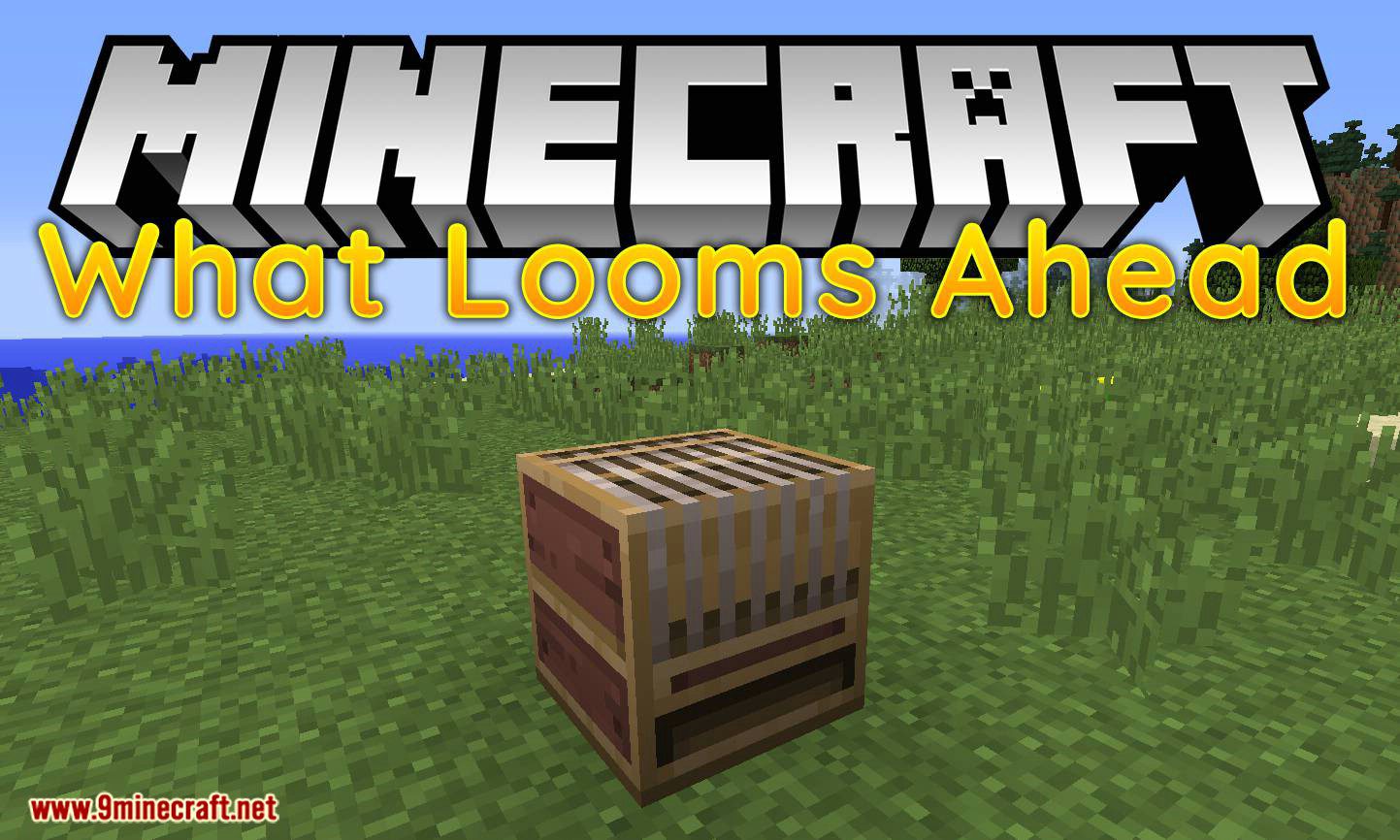
What Looms Ahead Mod 1.12.2 backport the loom from Minecraft 1.13 to 1.12. The loom block is useful for crafting banners and takes the tediousness out of using the crafting table.
How to use:
Simply place a banner and a dye into the loom GUI, and several banner options will be presented to you! A “banner pattern” item is also included from 1.13+ to allow for further expansion.
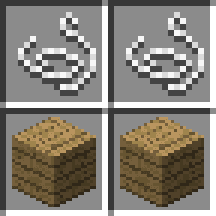
To craft a loom, place two strings on top of two planks:
What Looms Ahead is also compatible with modded banner patterns so long as they are added to the Minecraft enum BannerPattern. They will show up in the main list unless the mod author calls BannerPatternUtils.addPatternExclusion() during preInit.
Screenshots:
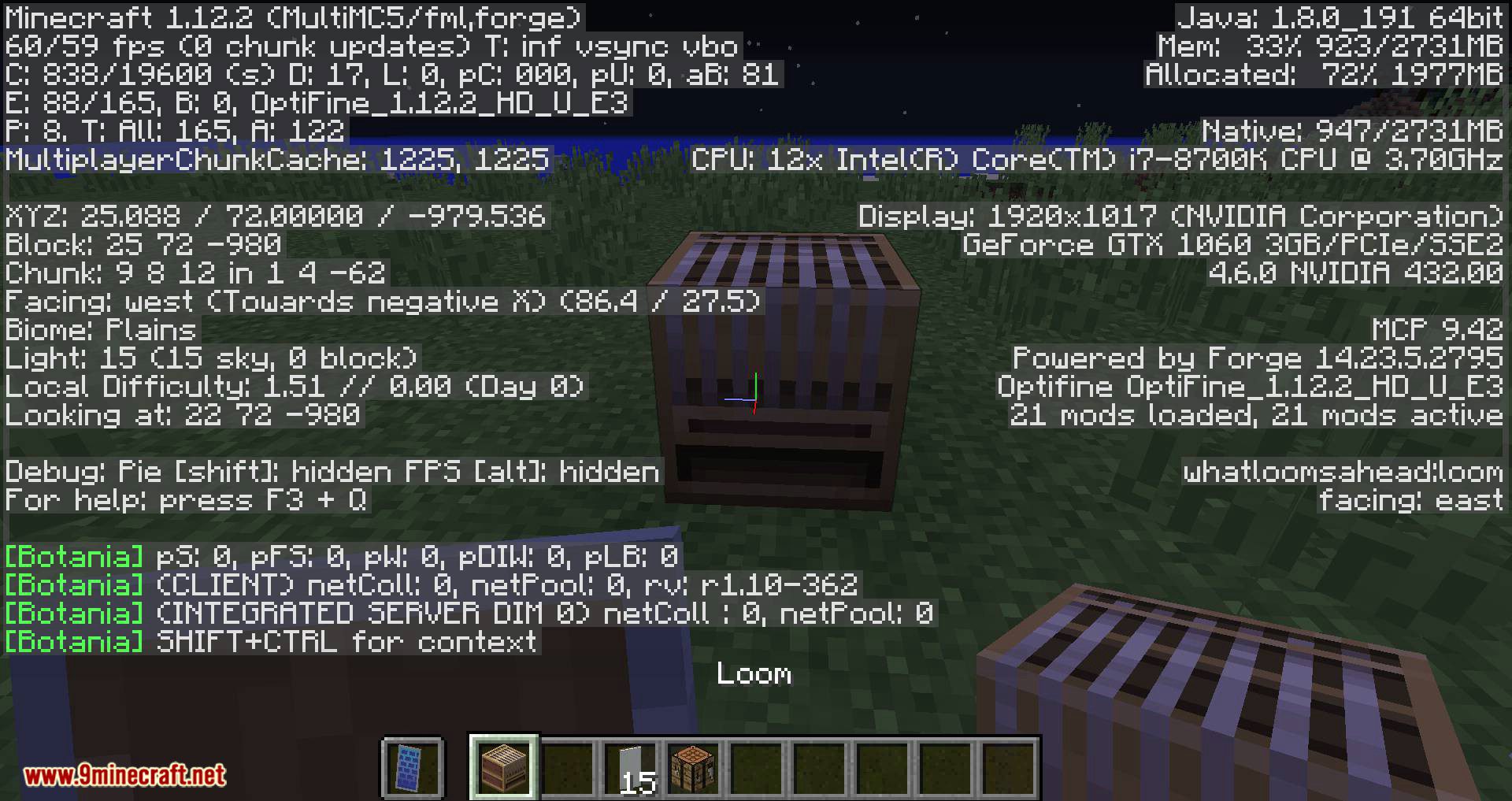

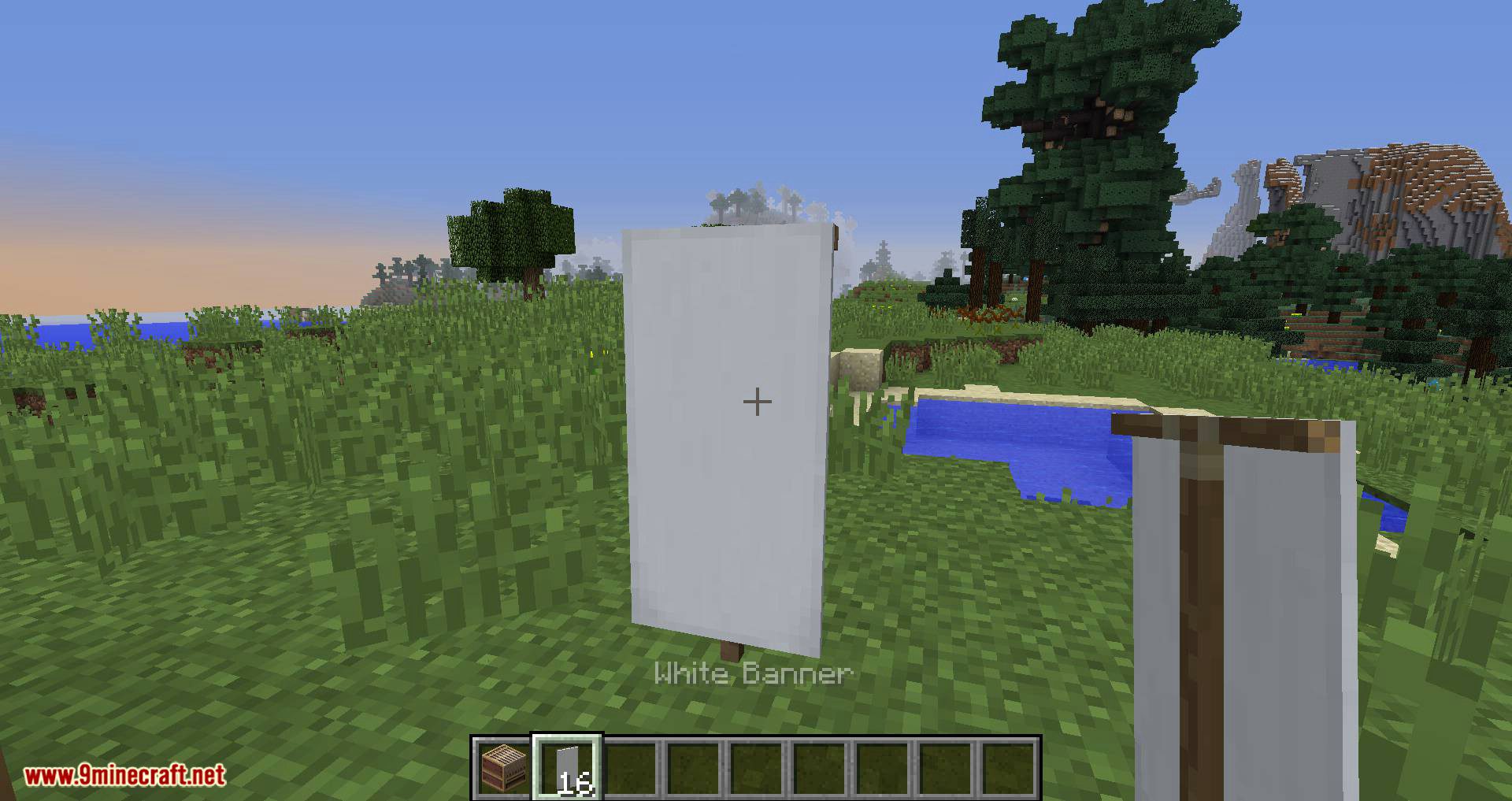
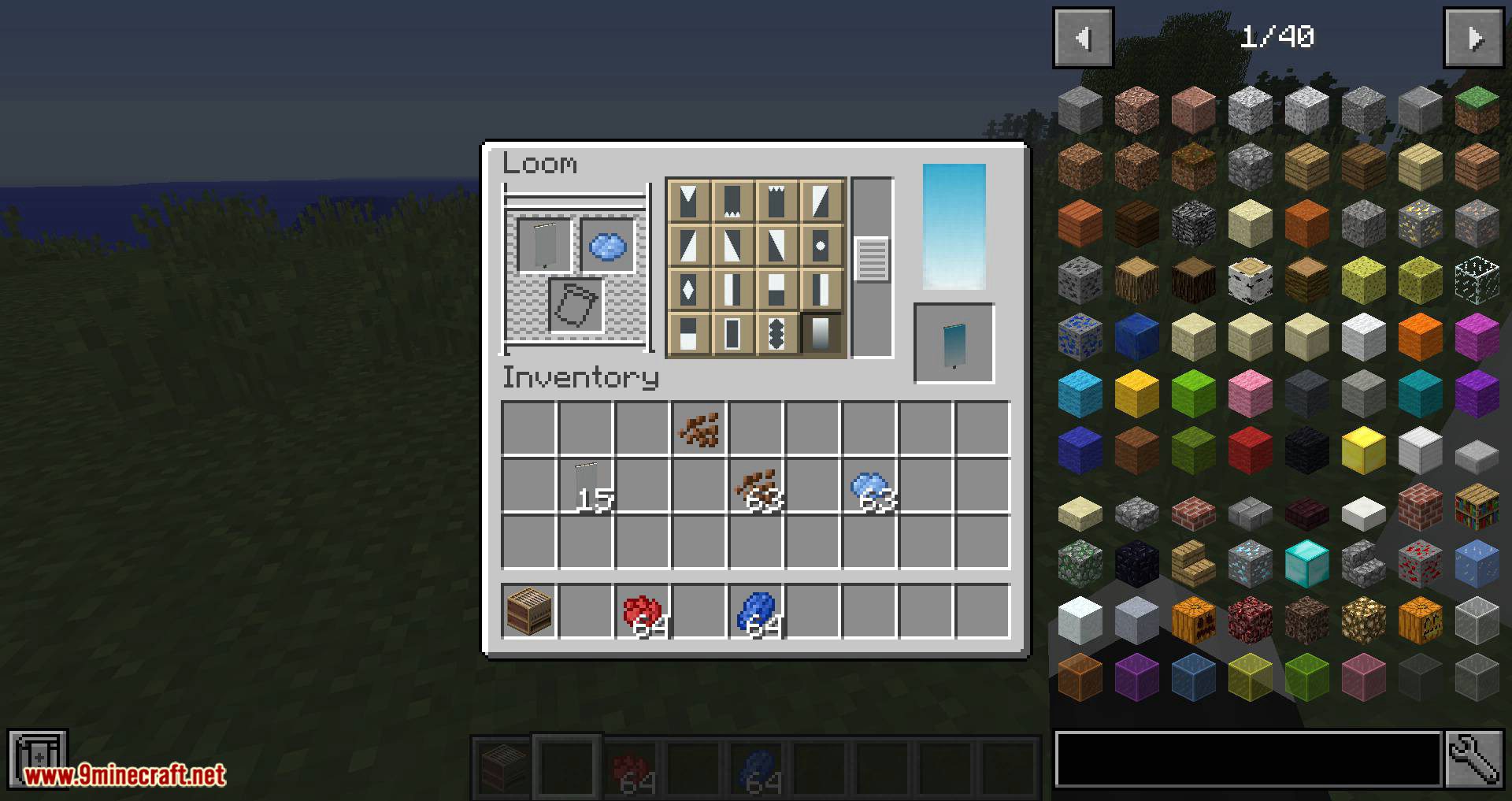
The loom GUI with a banner and dye added.
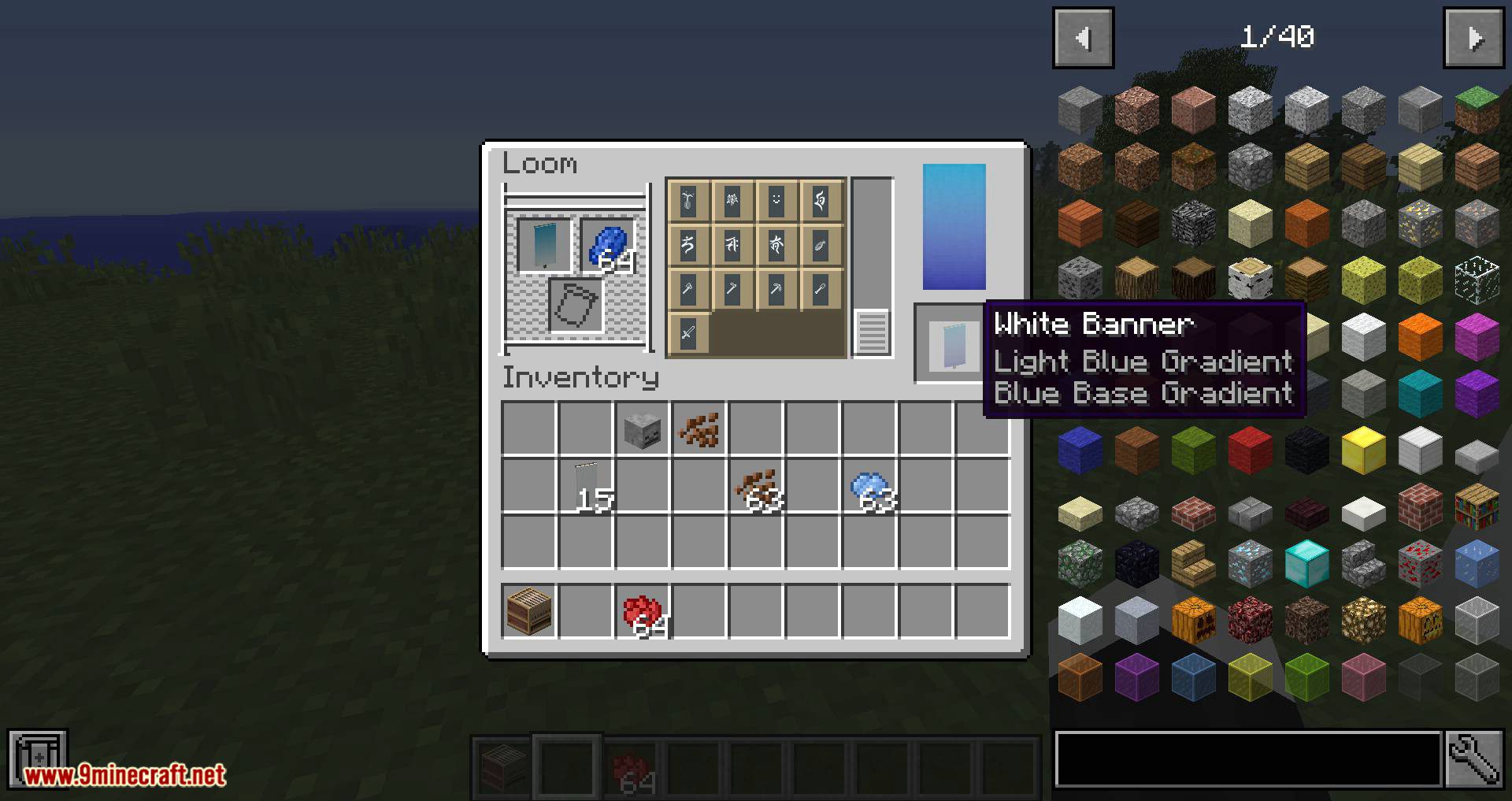
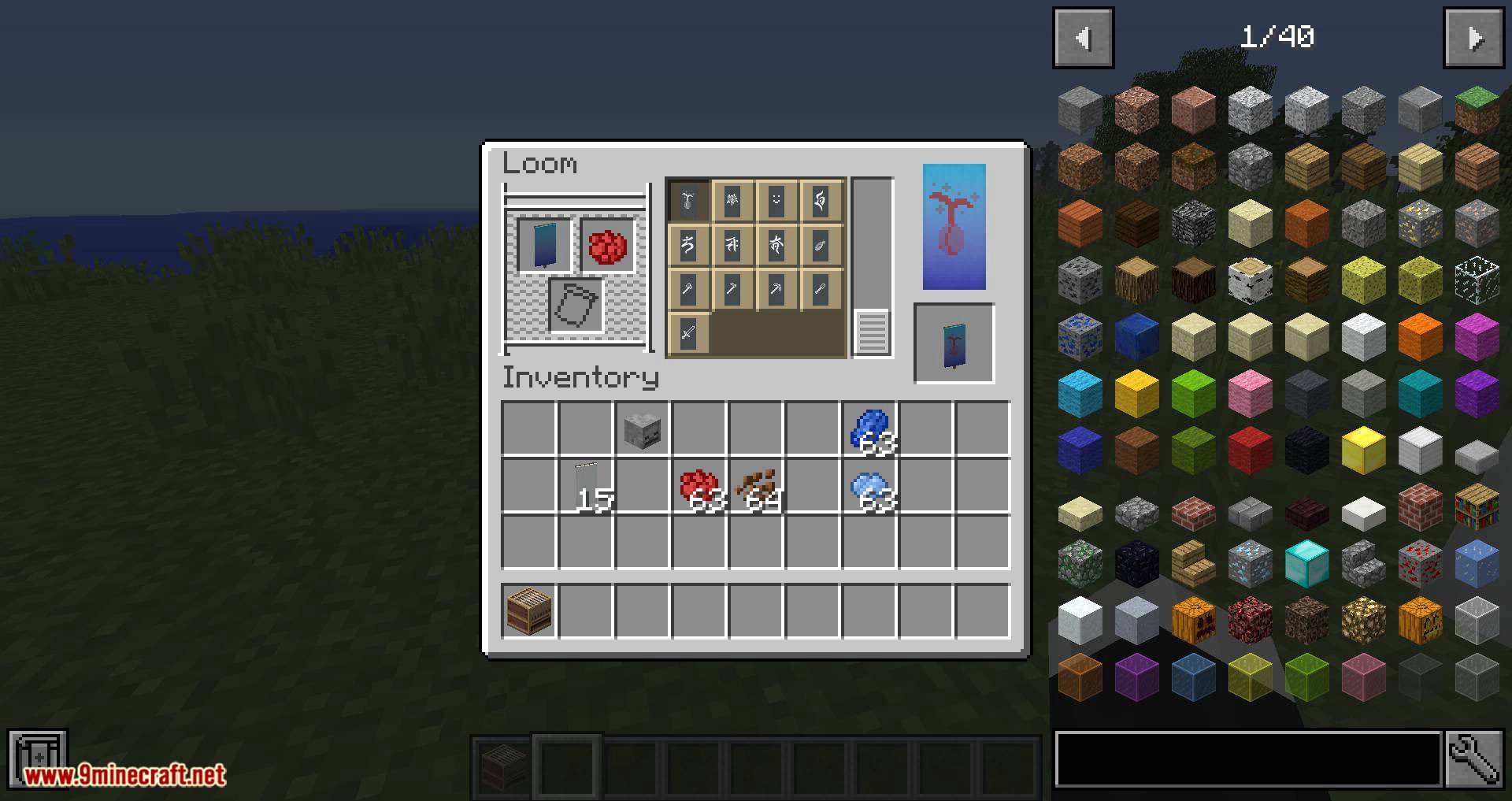
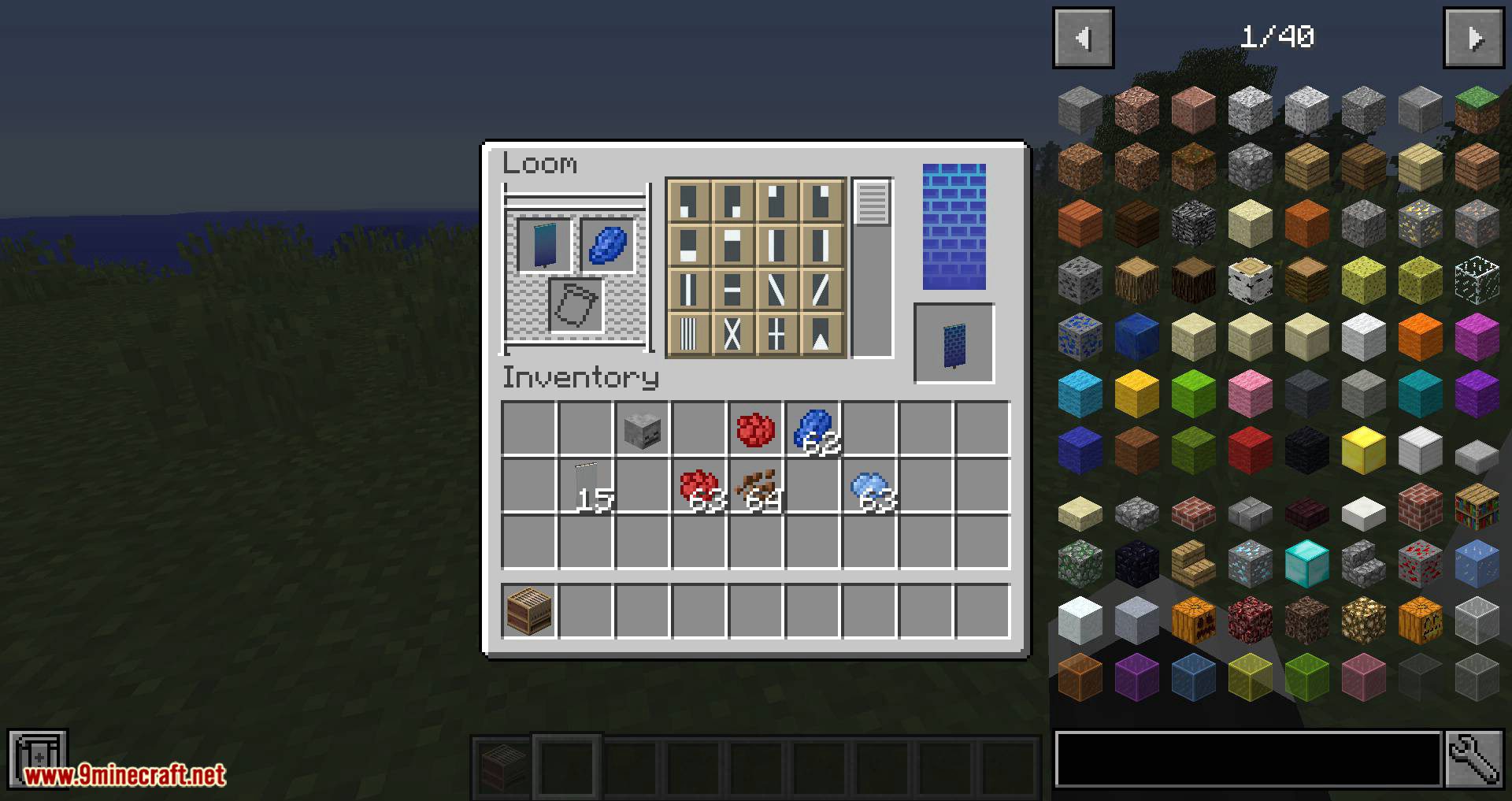
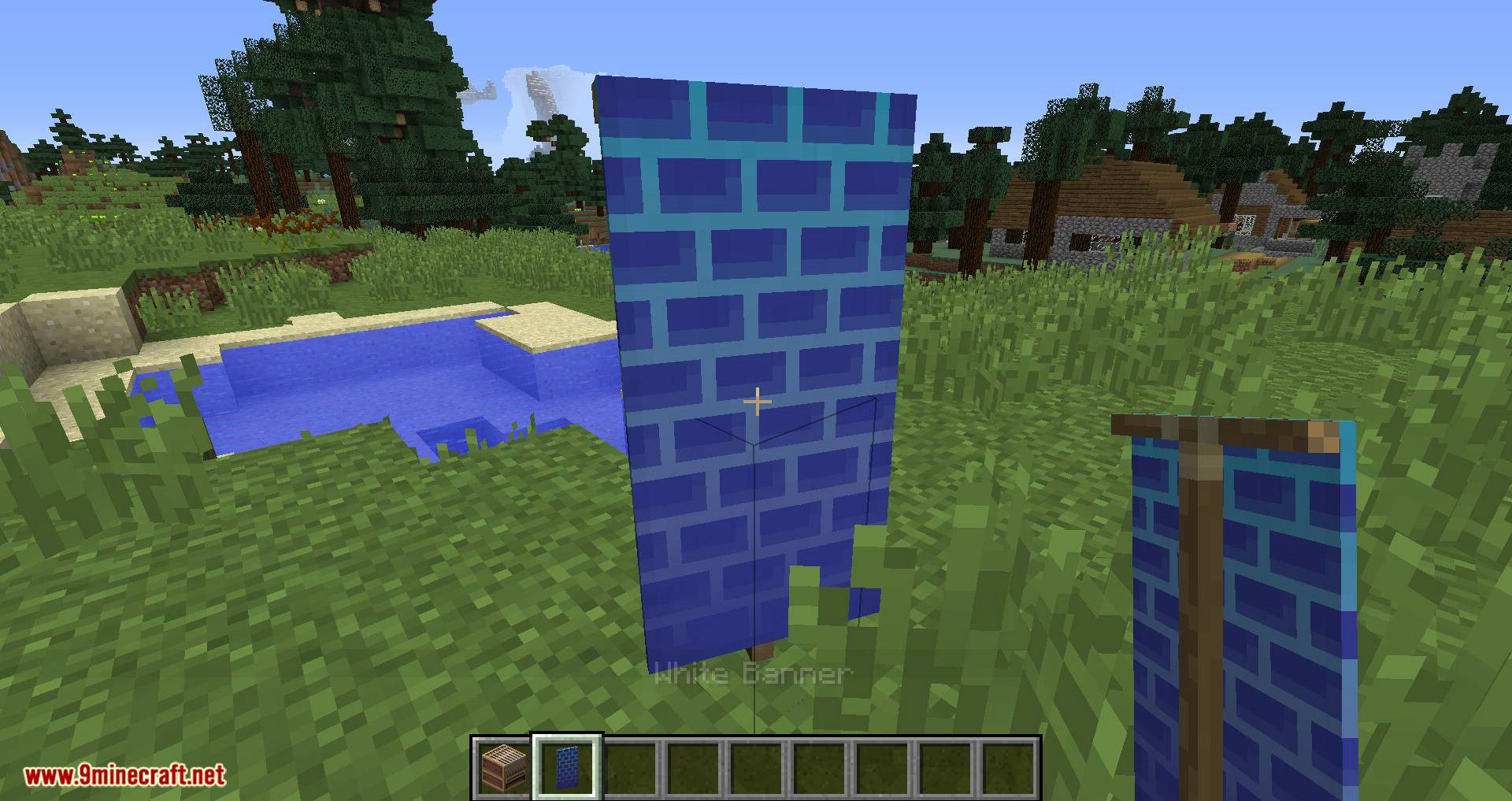
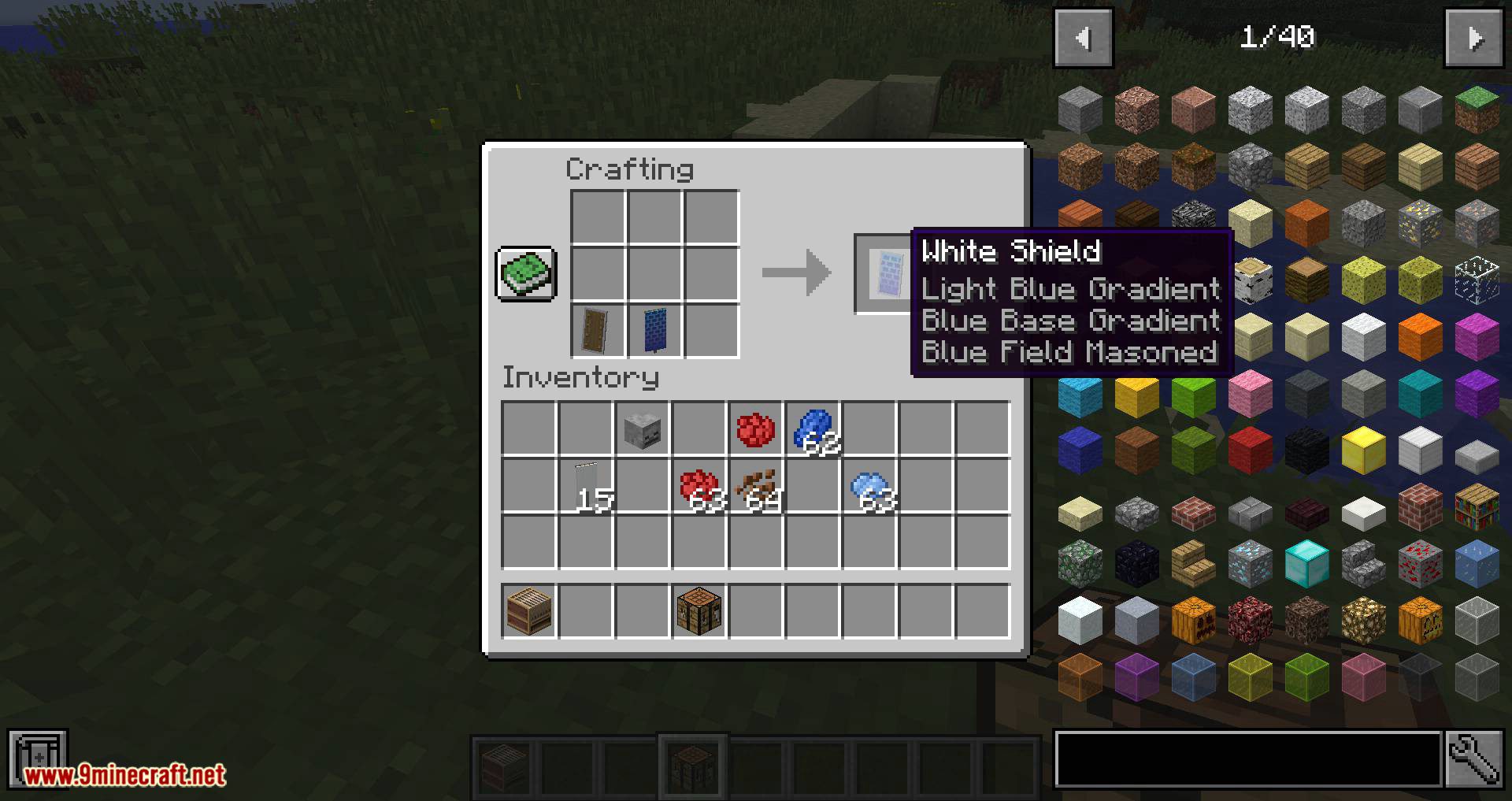
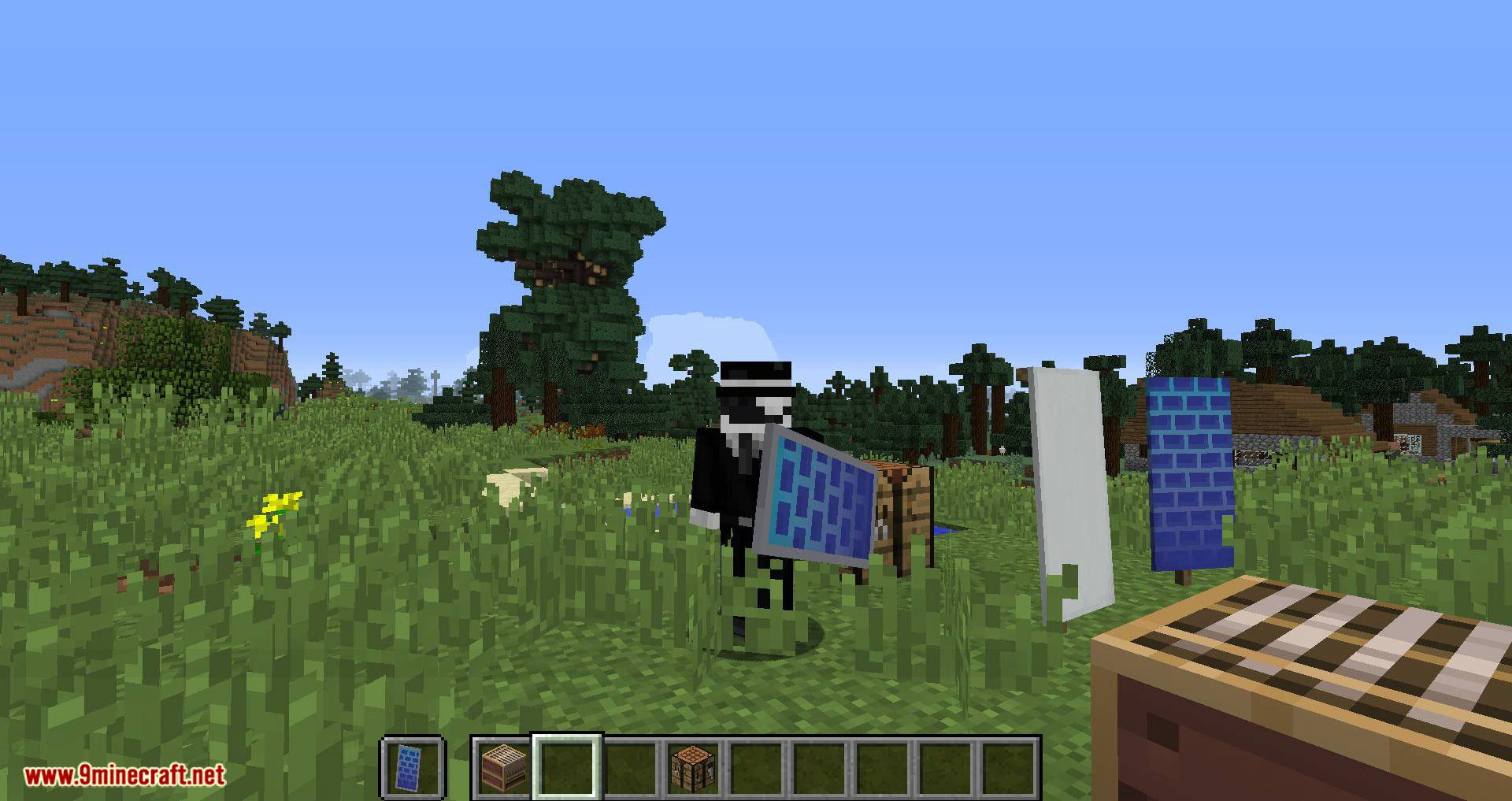
Requires:
Minecraft Forge
What Looms Ahead Mod 1.12.2 Download Links
For Minecraft 1.12.2
- Edition: Minecraft Java
- File type: .jar
- How to install: Install the matching mod loader (Forge, Fabric or NeoForge) for your Minecraft version. → Download the .jar. → Put it in the .minecraft/mods folder and launch that loader profile.
- Where to get it: In MC Java Mods, or directly above on this page.
Install steps are the general flow for this file type — How to install Minecraft Java mods & modpacks walks through it step by step.
- Downloads as 209056.mcaddon
- Download size: 264 KB
- Download link checked 30 Jul 2026 — working
- Mirrored on our own servers — the download does not depend on the original host
These come from our own check of the pack file, not from the source page.