Sky Islands Mod (1.19.3, 1.18.2) – Sky-Island World Generator
Java mod listed for Minecraft 1.18–1.19. Downloads from the MC Java Mods app on Android.
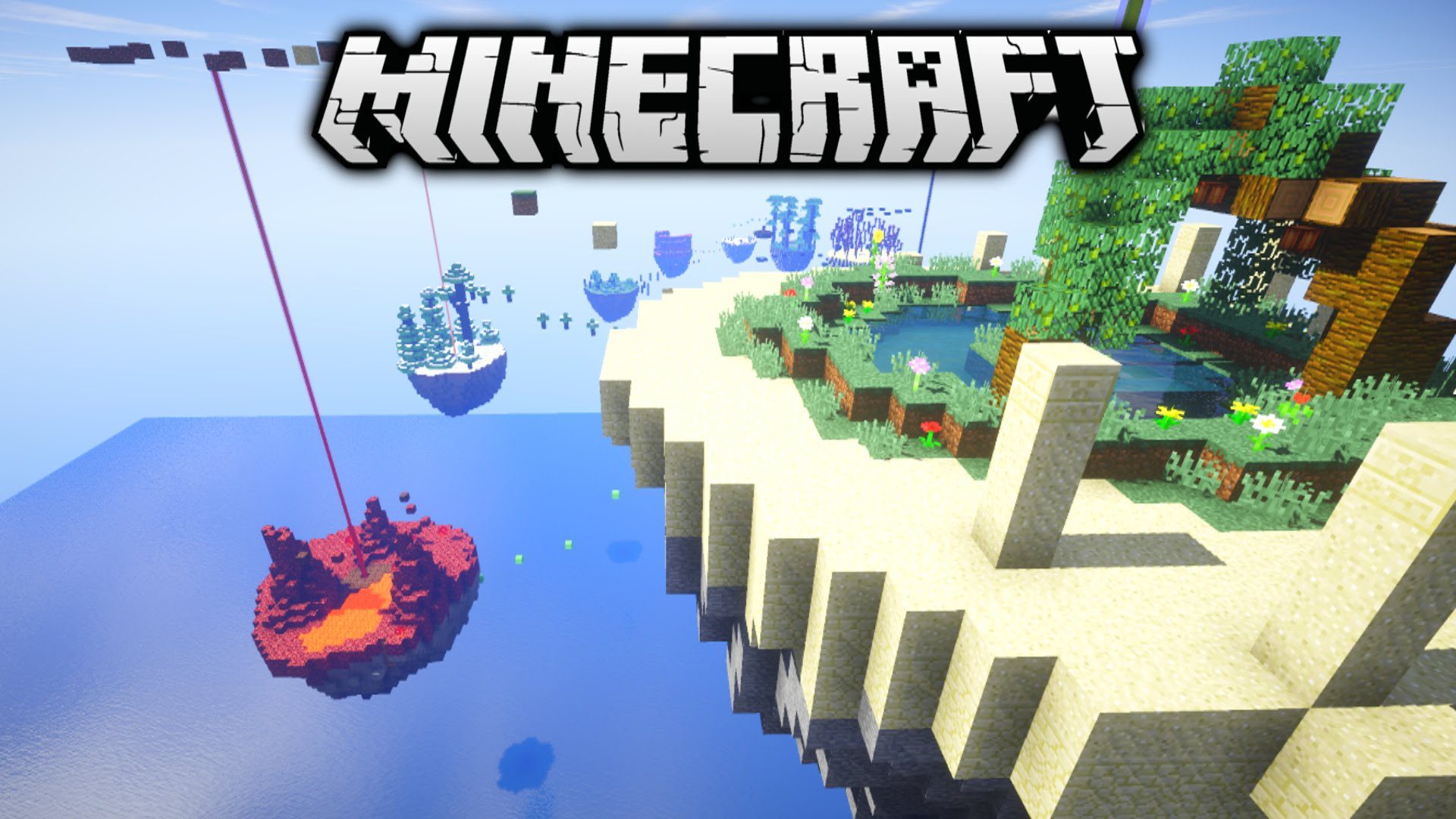
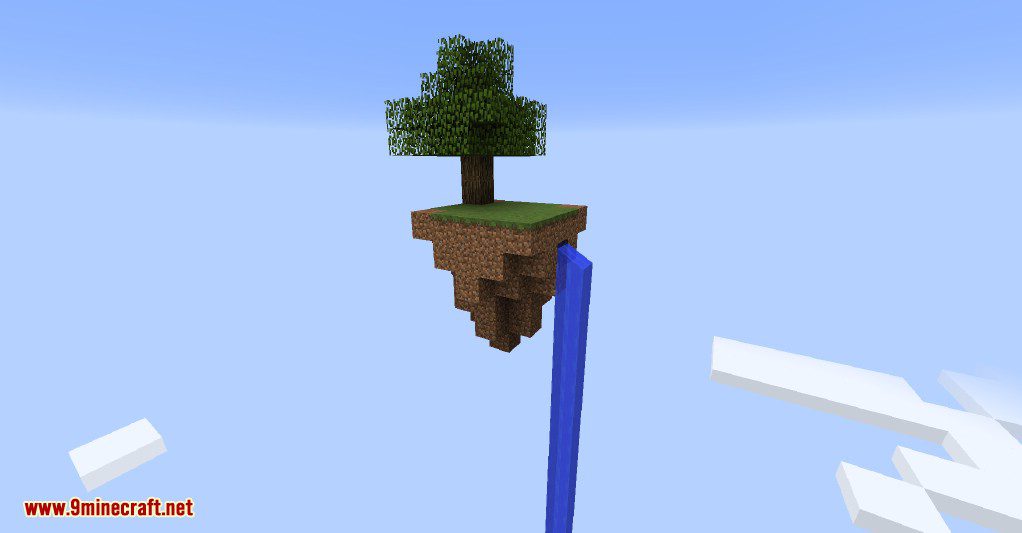
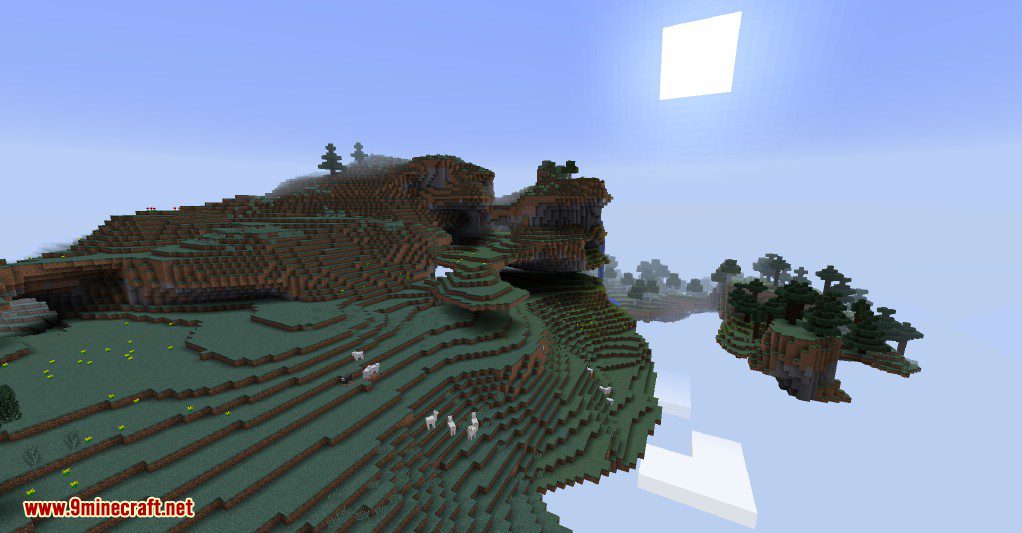
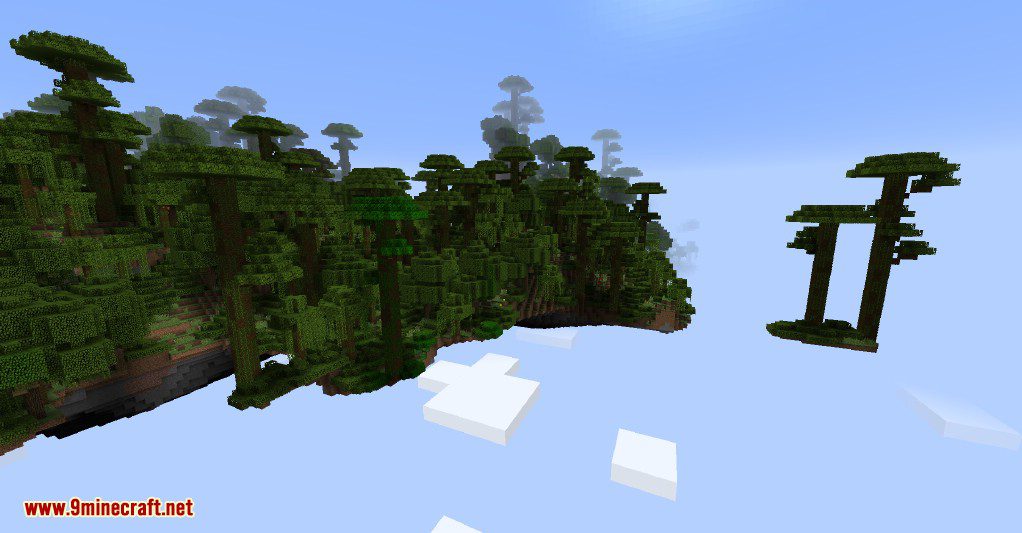
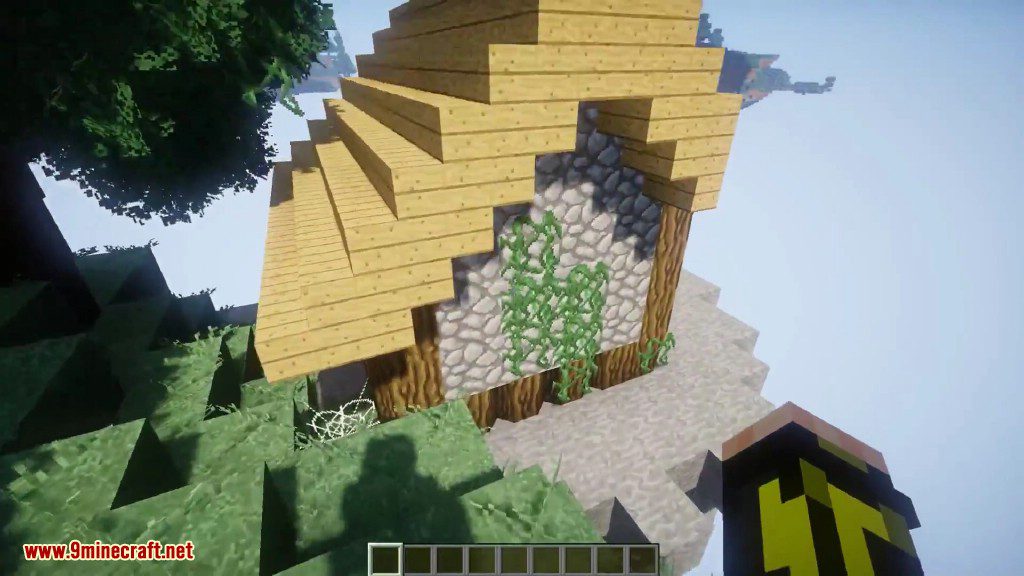
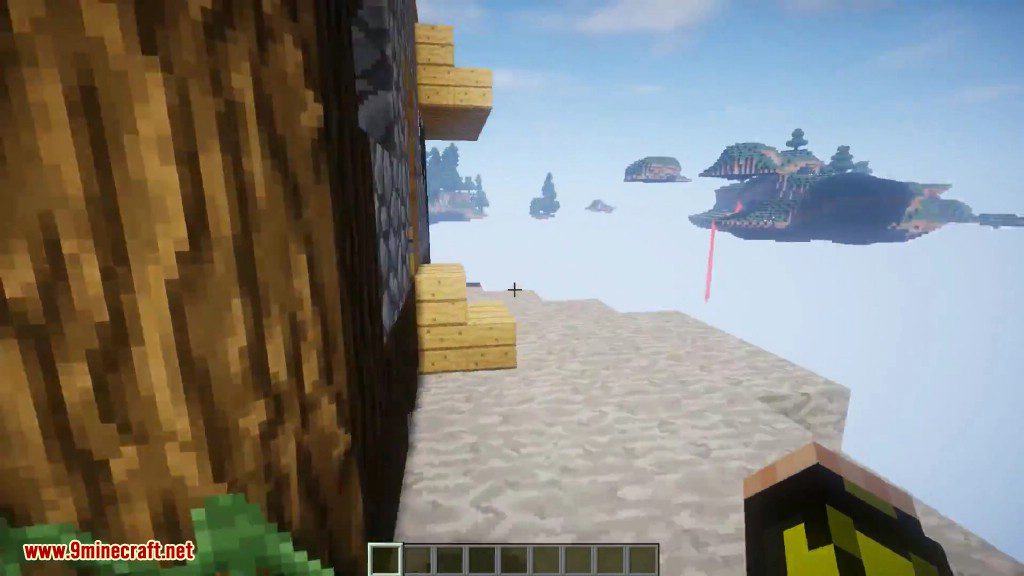
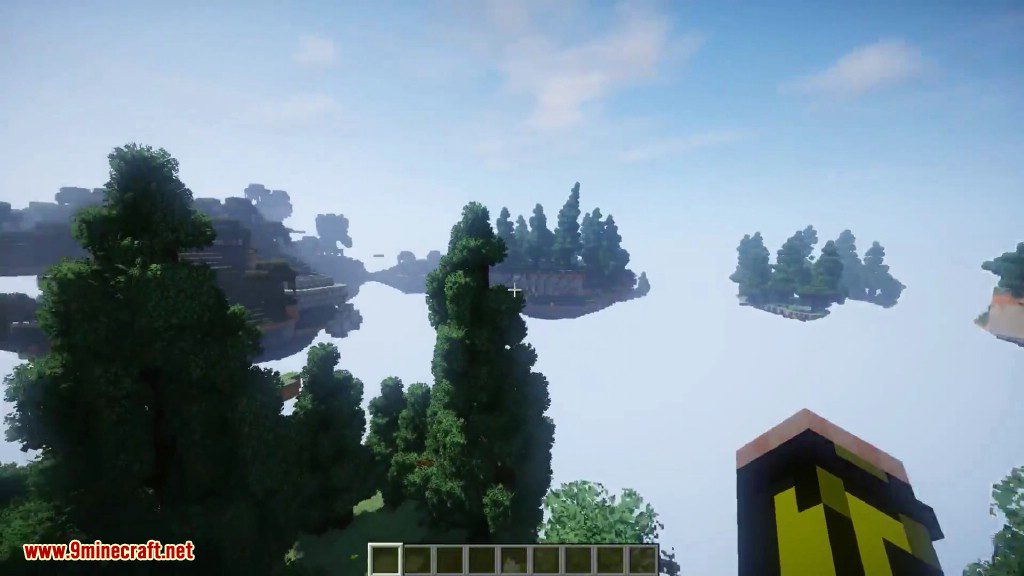
⬇ DownloadSky Islands Mod adds a Skyland world generator to the game. Skyland is a void world that contains numbers of floating islands of various sizes, for example The Aether is a Skyland world.
If you can’t choose between the classic Minecraft overworld generation wich is really boring and a skyblock generation which can be so much hard to play this mod if made for you.
Features:
- Single Player
- Servers (level-type = 1.18: skyblock | 1.19: skyislands:skyblock)
- Teams
- User Defined Skyblocks
- overworld is a void dimension with just the plains biome and without any structure
- the nether is a void dimension with structures and all biomes
- to play skyblock, you have to install additional mods like ExNihilo, or create a DataPack to be able to go to the end
- Admin commands/command blocks ( use the /skyislands Command)
Screenshots:
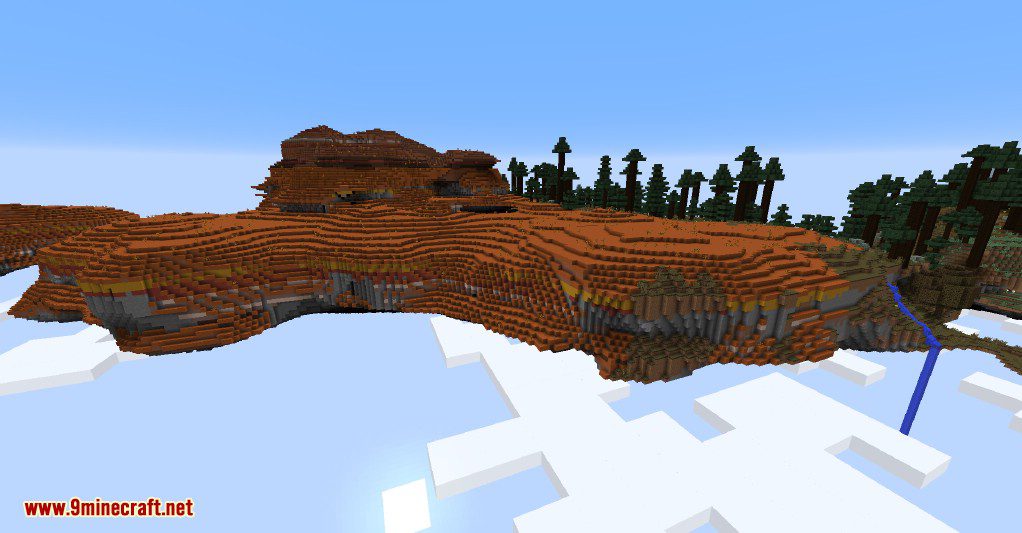
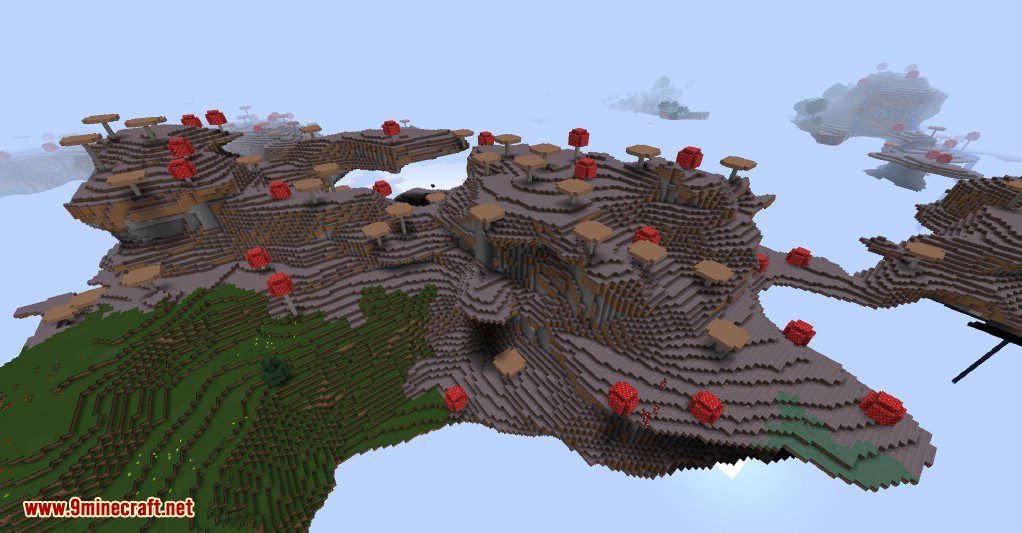
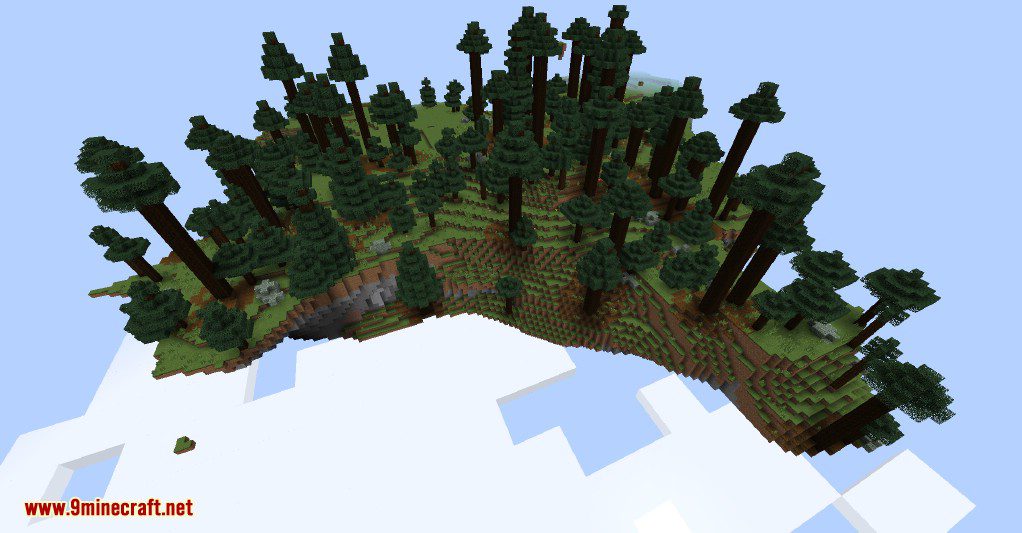
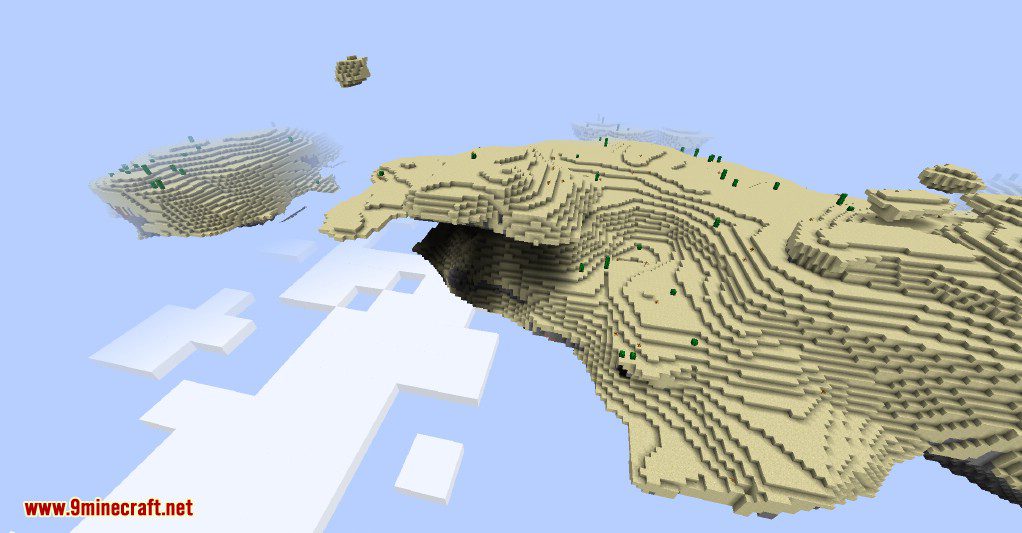
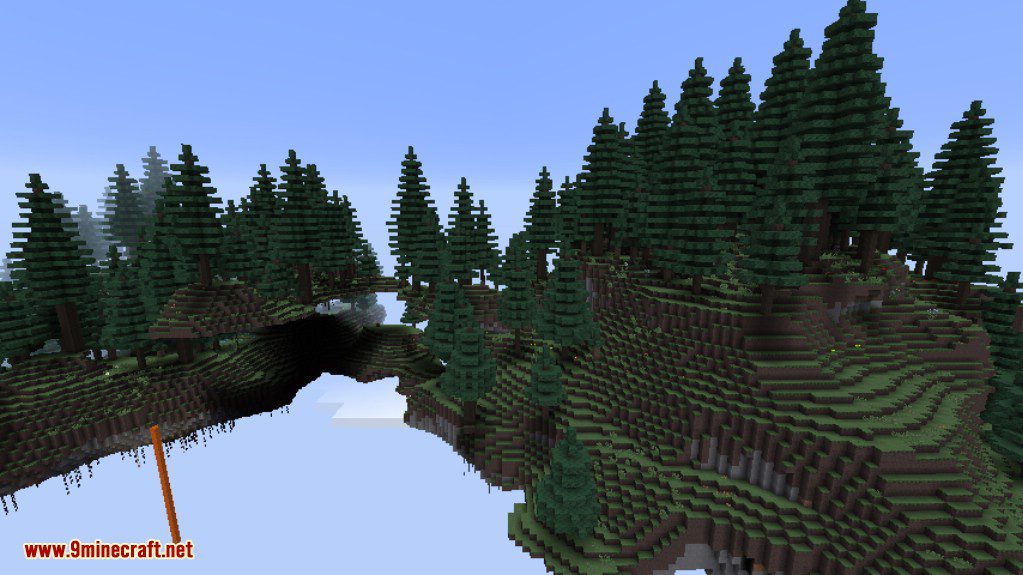
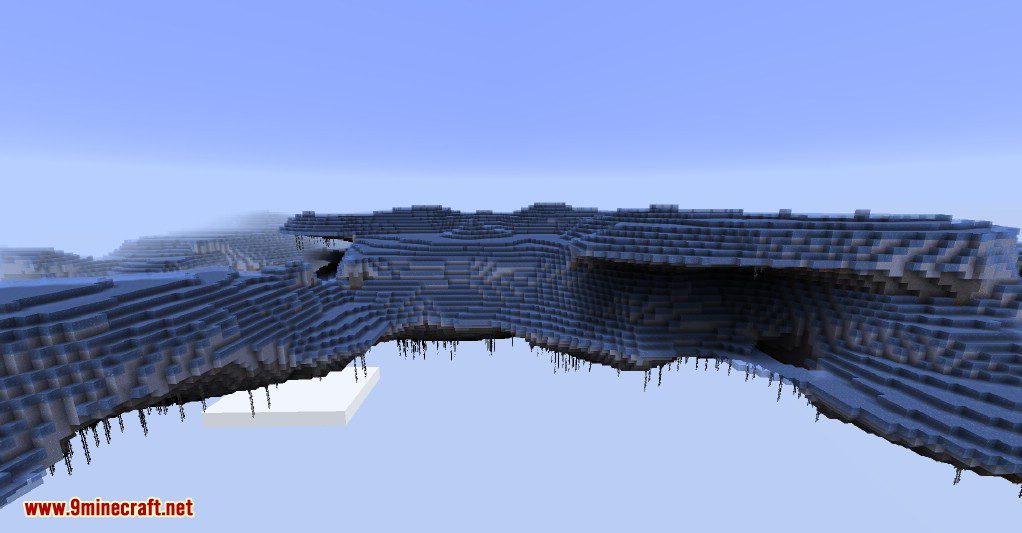
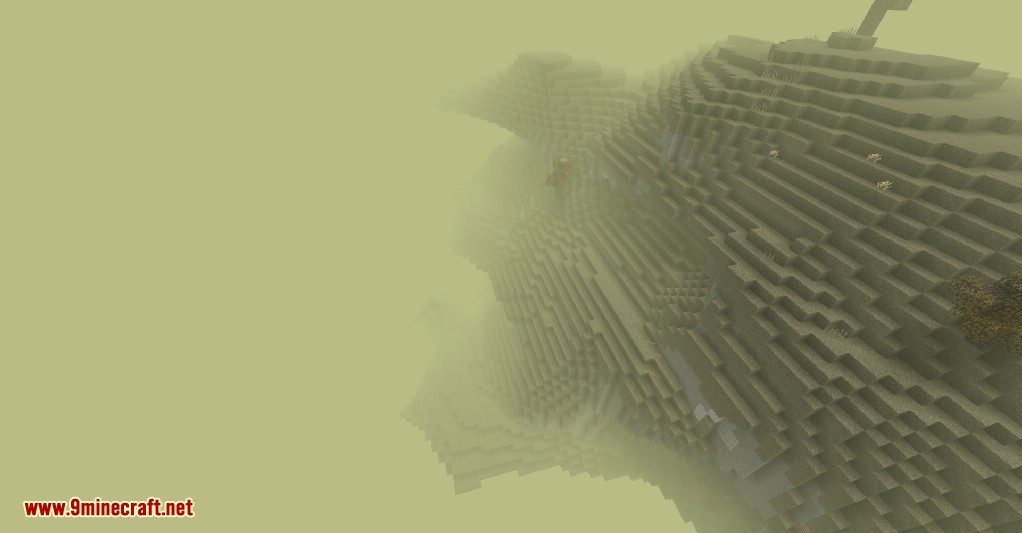
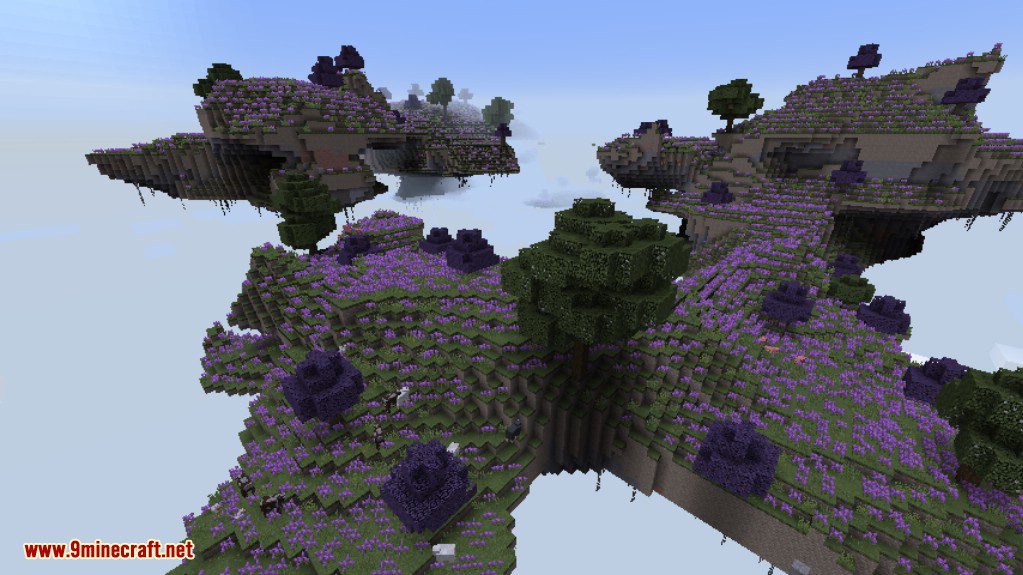
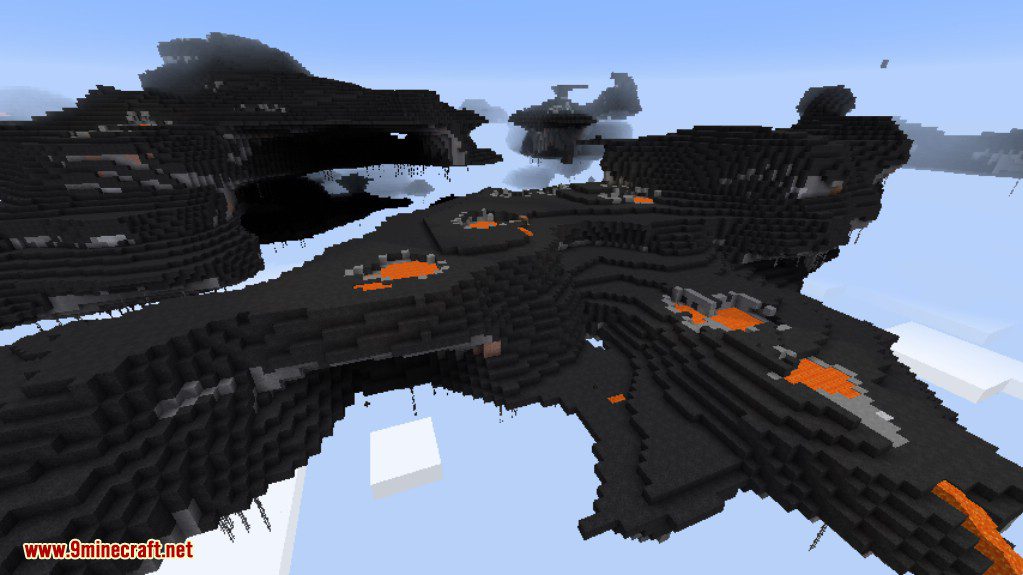
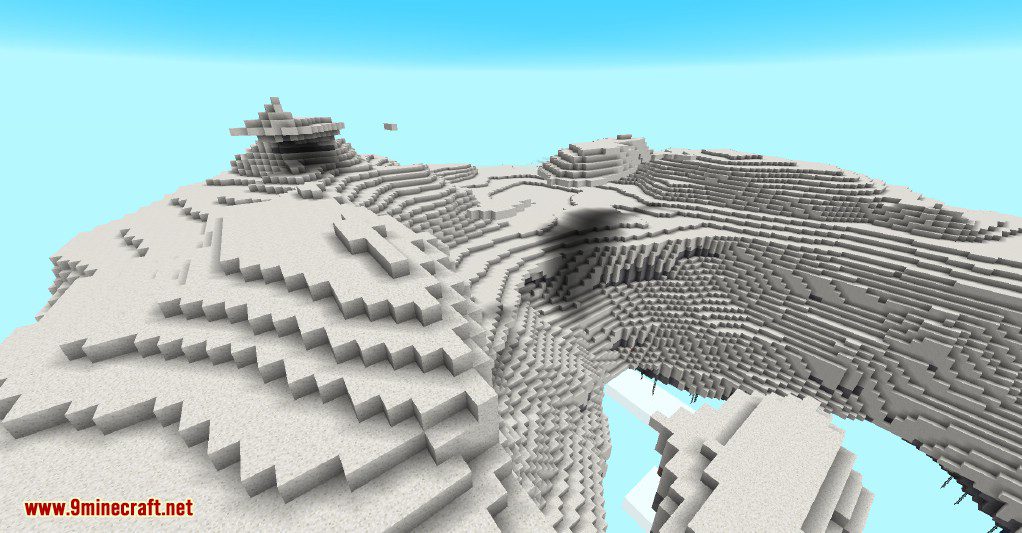
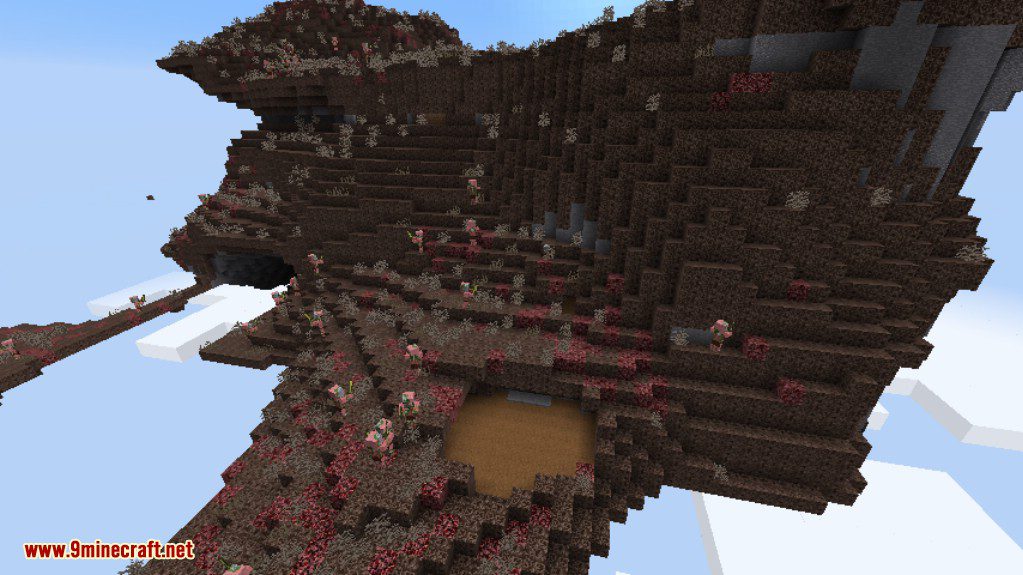
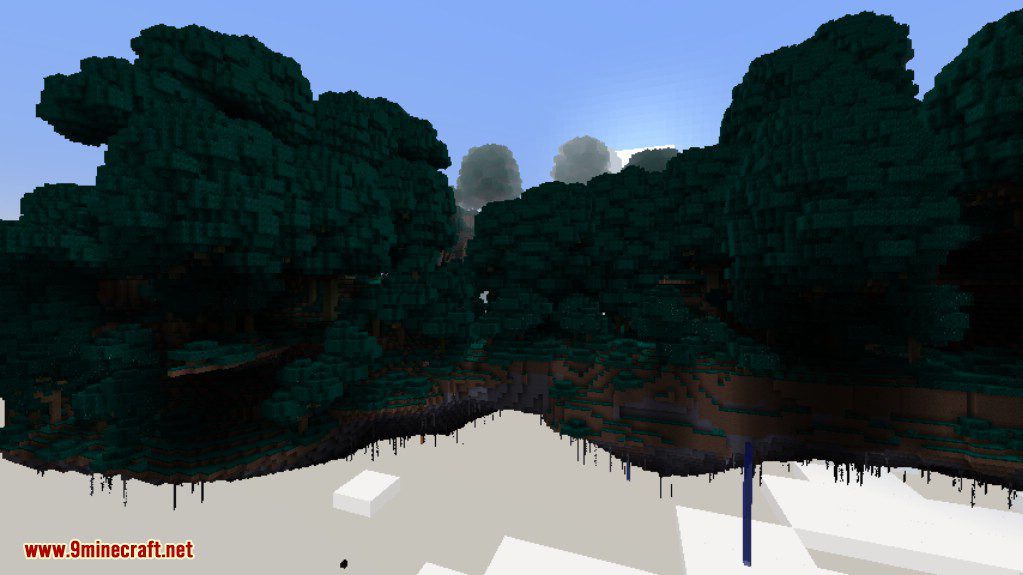
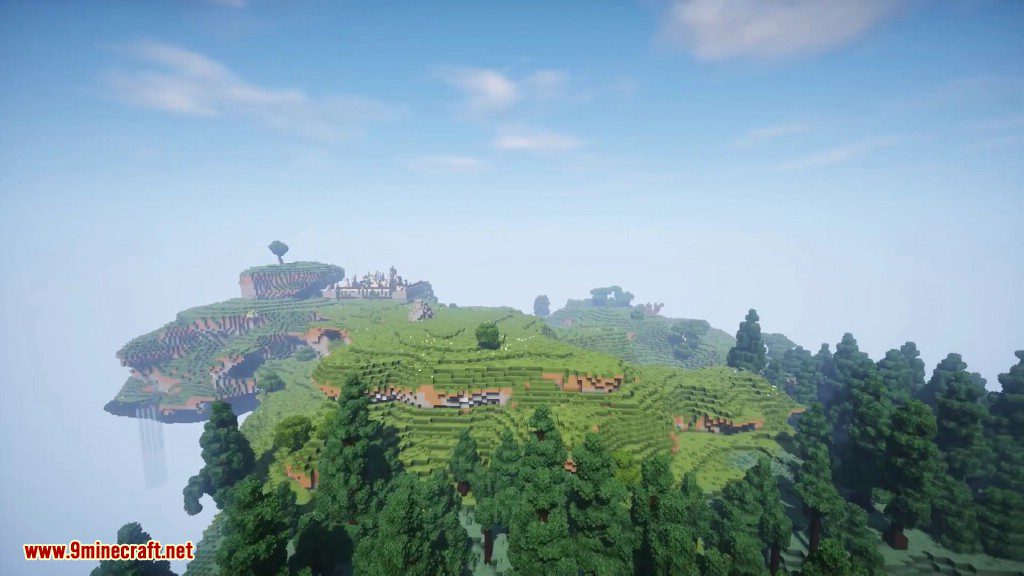
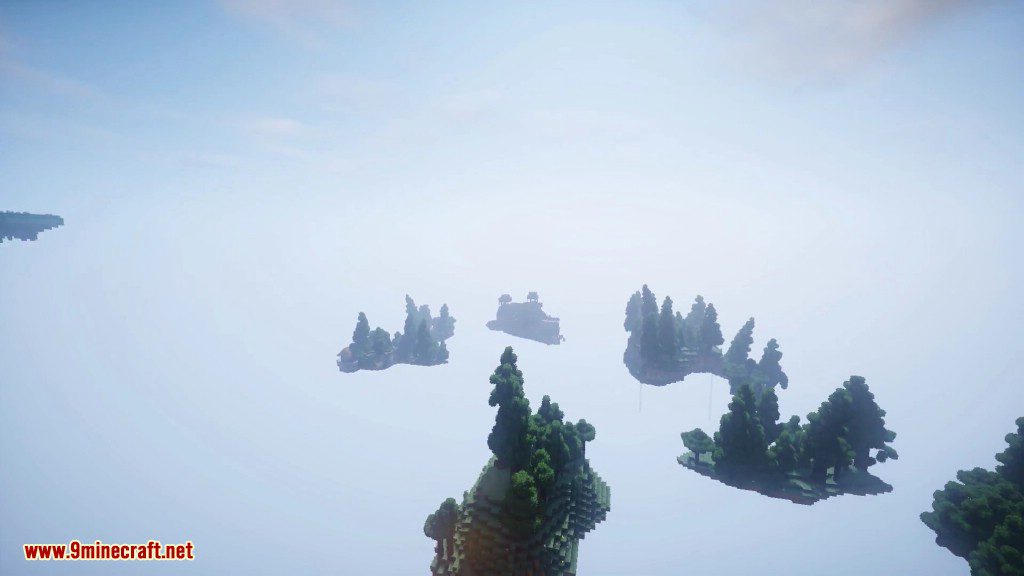
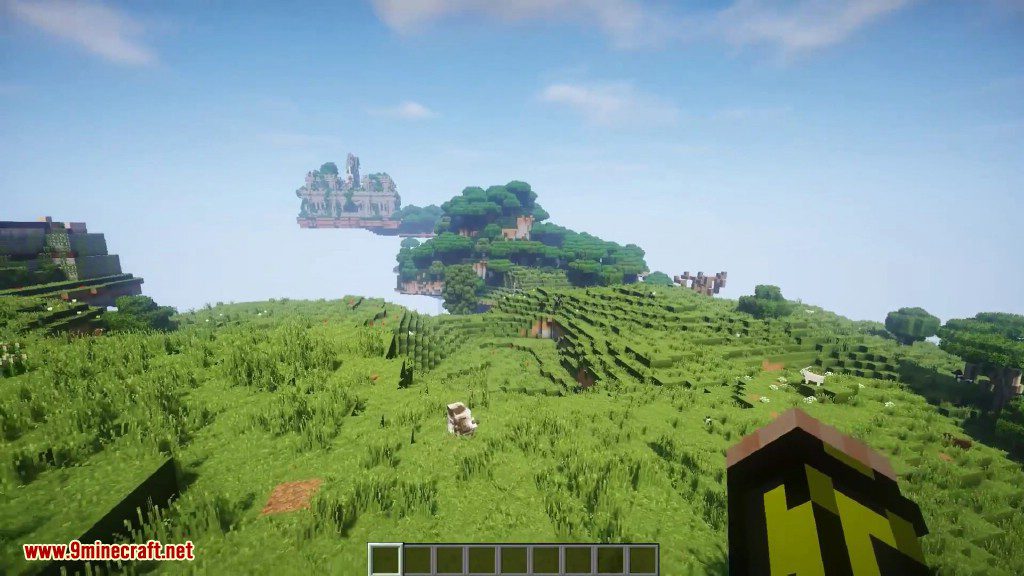
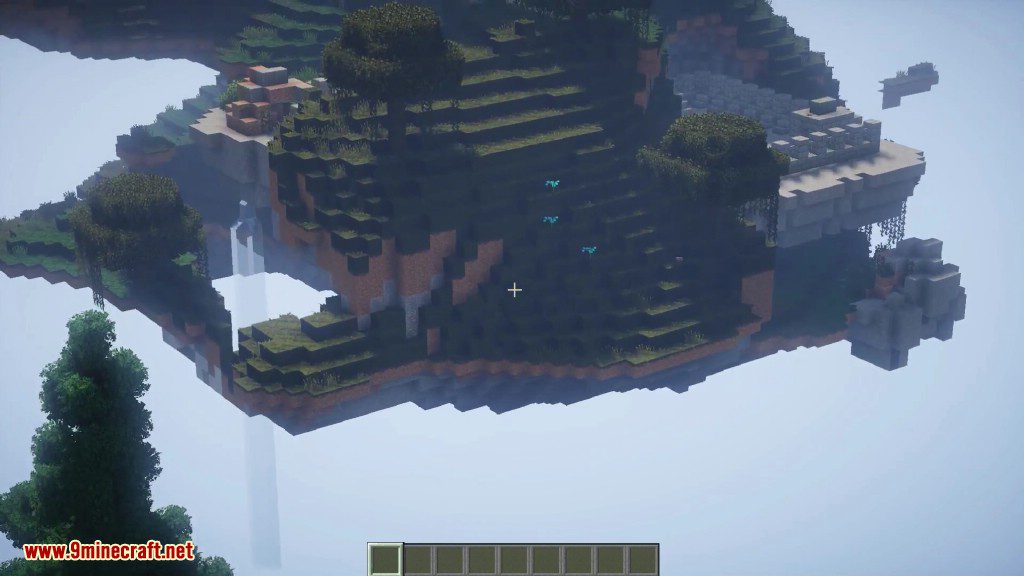
How to use:
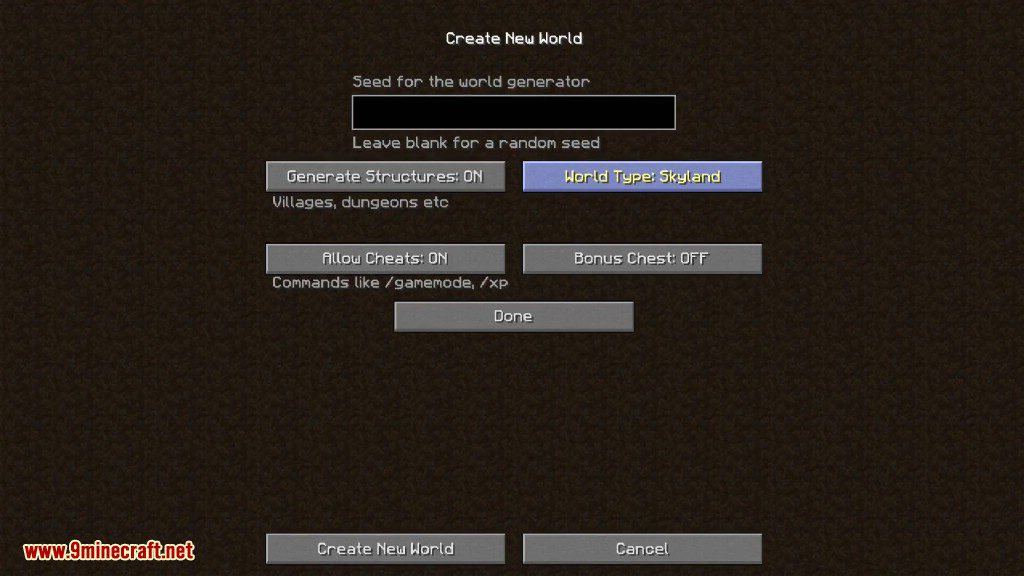
- To use the Sky Island generator, just create a new world and choose “Skyland” as World Type.
- For servers: In server.properties set level-type=SKYLAND
Configs:
- This mod now supports Biome O’ Plenty biomes, to use it turn the BOP compatibility config to true (and obviously install BOP).
- A config “starting inventory” is available now, turn it to true to get elytras and fireworks when first spawn. Note that due to a Minecraft bug/functionality you will have to disconnect and reconnect for use the rocket-propelled elytra flight.
- The vanilla ore generation is fully configurable with the “ores” config.
- The Biome generation is also fully configurable in the “Biomes” config.
- Those features can also be configured in the “customize” GUI when creating a new world.
Sky Islands Mod Download Links
For Minecraft 1.10.2
For Minecraft 1.11.2
For Minecraft 1.12.2
For Minecraft 1.18.2
Fabric version: Download from Server 1 – Download from Server 2
For Minecraft 1.19.3, 1.19.2
Fabric version: Download from Server 1 – Download from Server 2
- Edition: Minecraft Java
- File type: .jar
- Minecraft versions listed: 1.19.3, 1.18.2
- How to install: Install the matching mod loader (Forge, Fabric or NeoForge) for your Minecraft version. → Download the .jar. → Put it in the .minecraft/mods folder and launch that loader profile.
- Where to get it: In MC Java Mods, or directly above on this page.
Install steps are the general flow for this file type — How to install Minecraft Java mods & modpacks walks through it step by step.
- Downloads as 209078.mcaddon
- Download size: 45 KB
- Download link checked 30 Jul 2026 — working
- Mirrored on our own servers — the download does not depend on the original host
These come from our own check of the pack file, not from the source page.