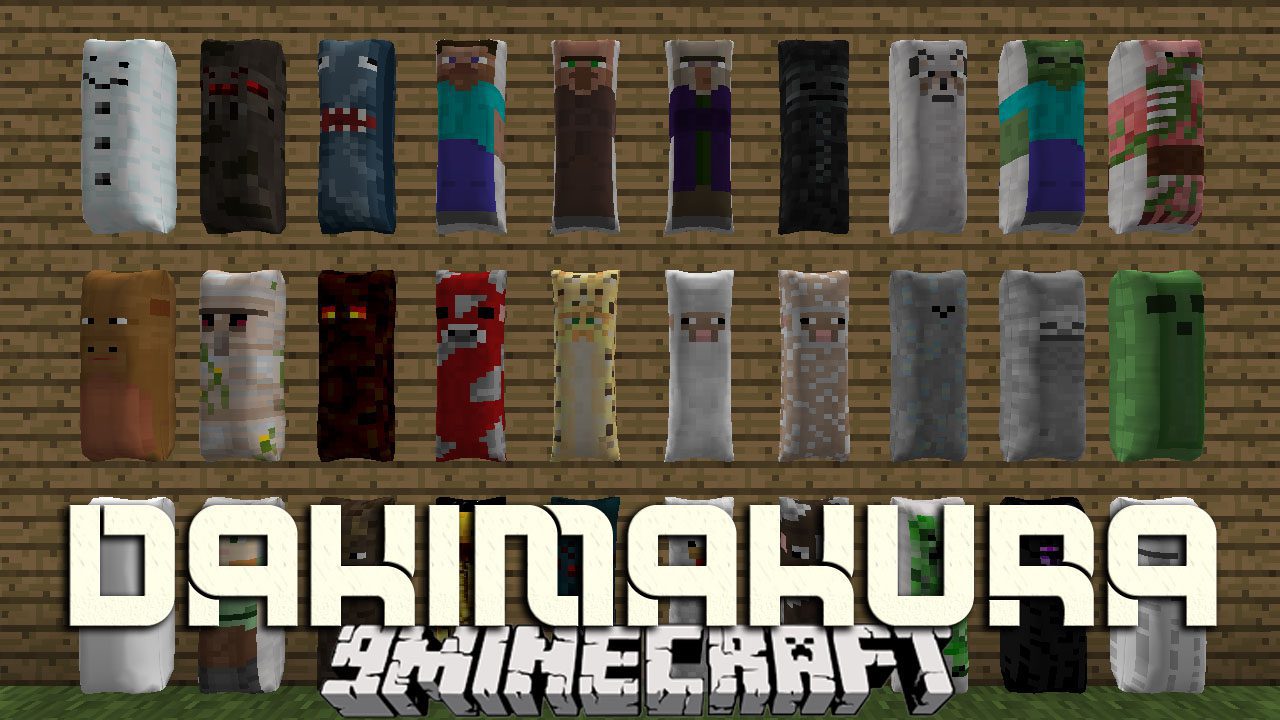
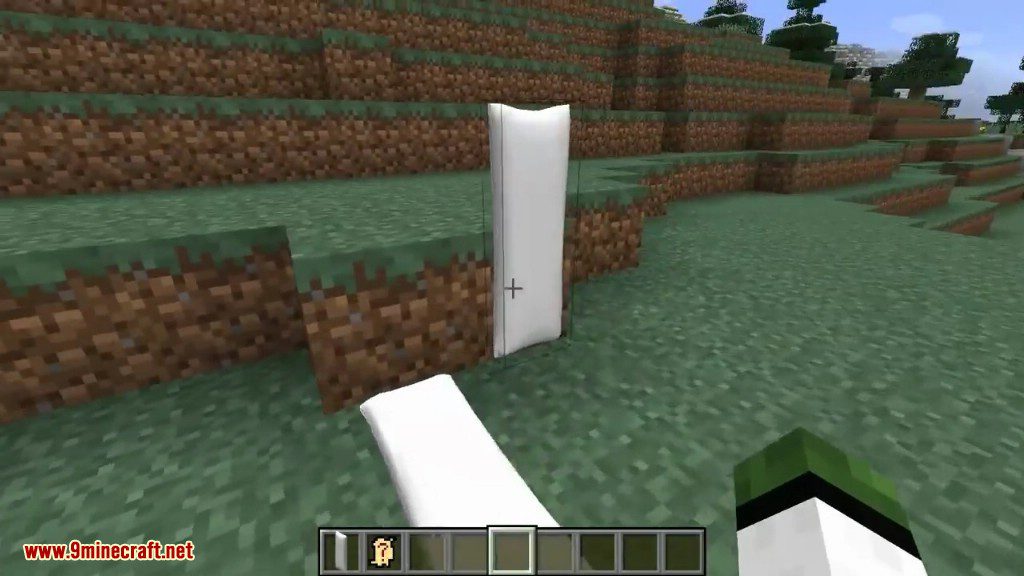
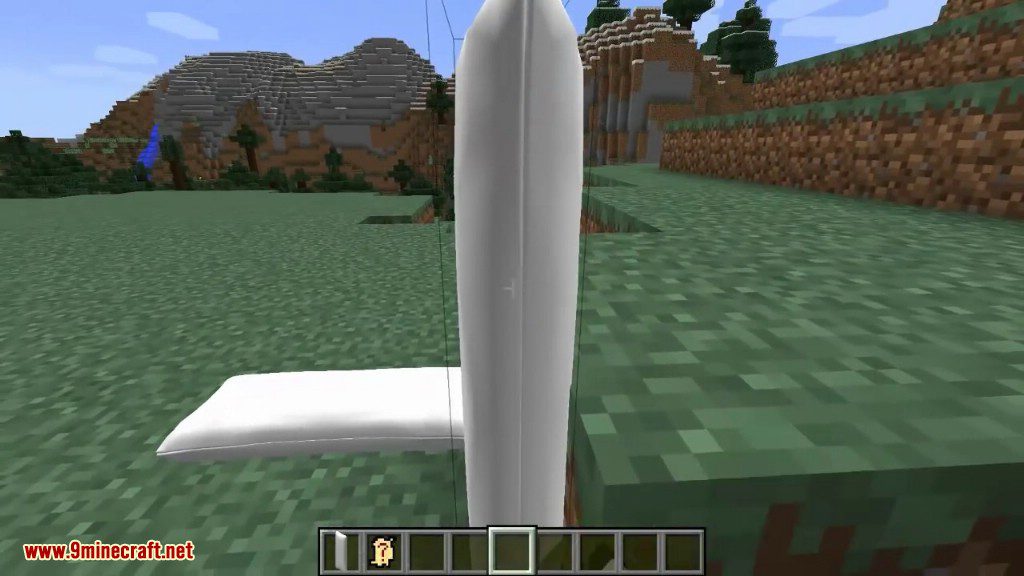
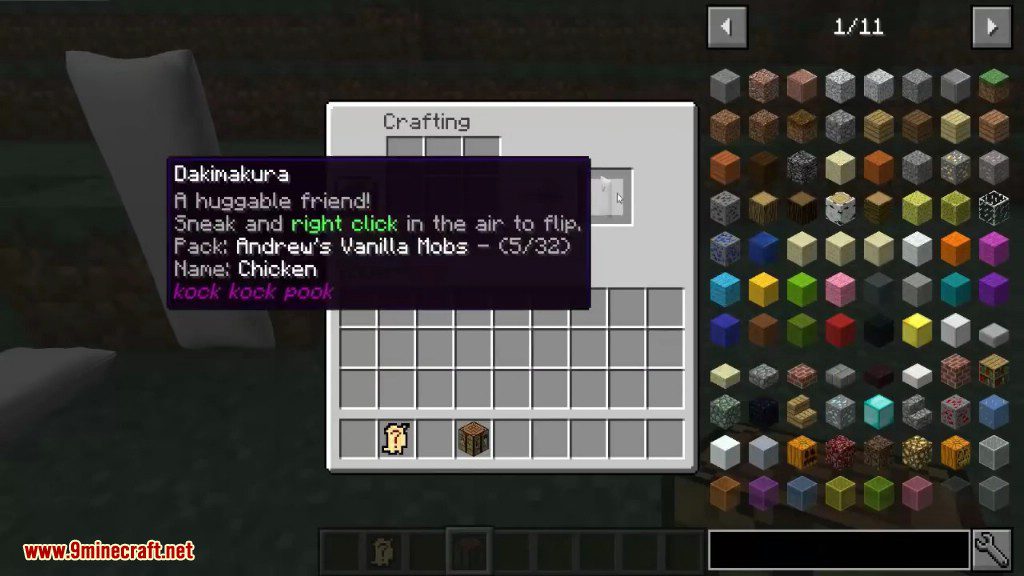
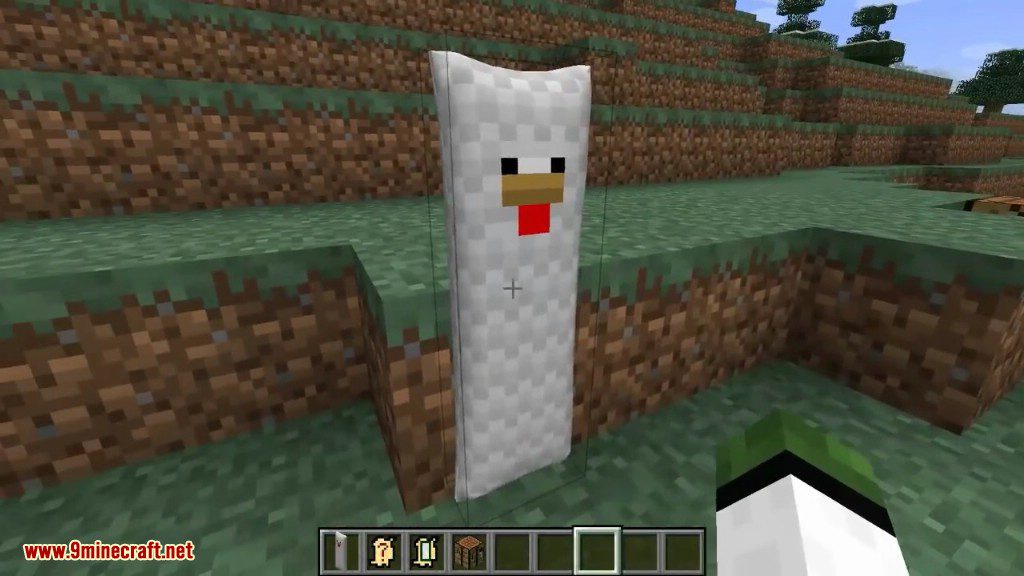
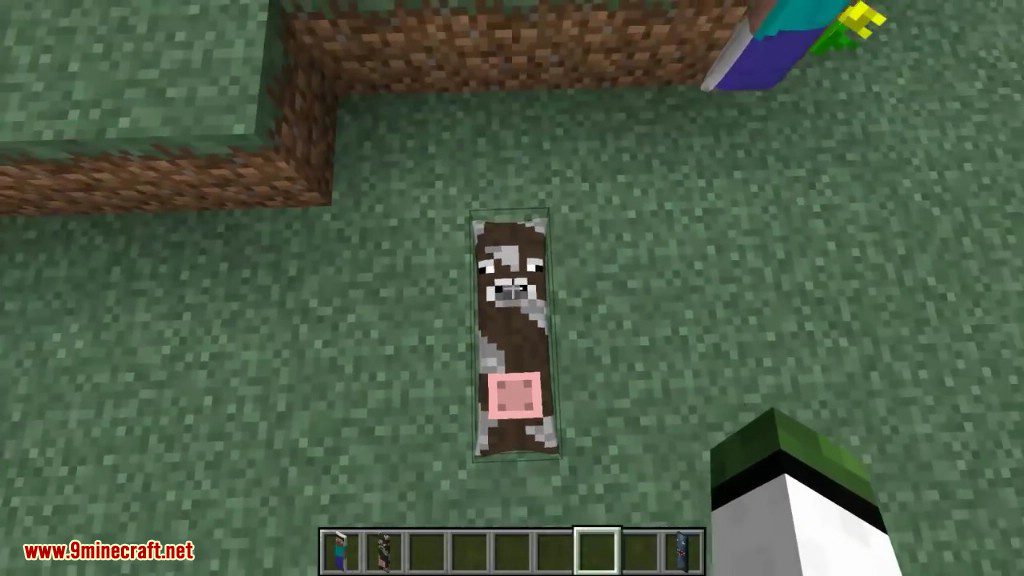
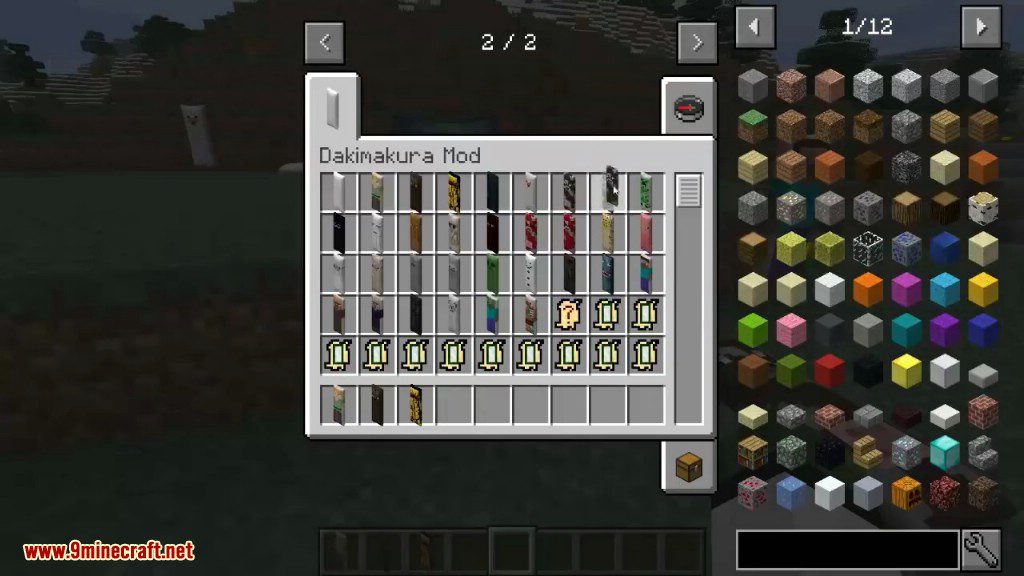
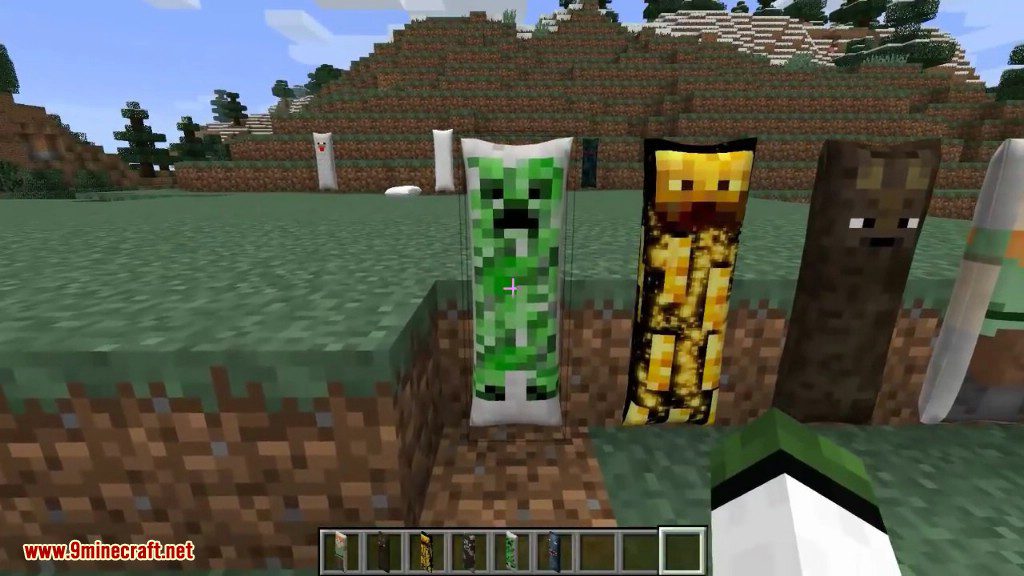
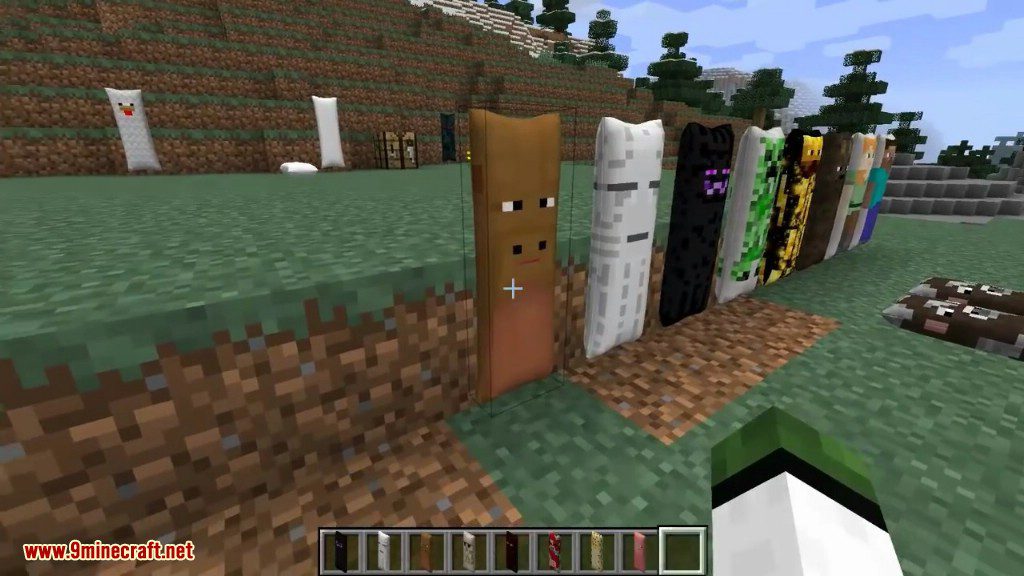
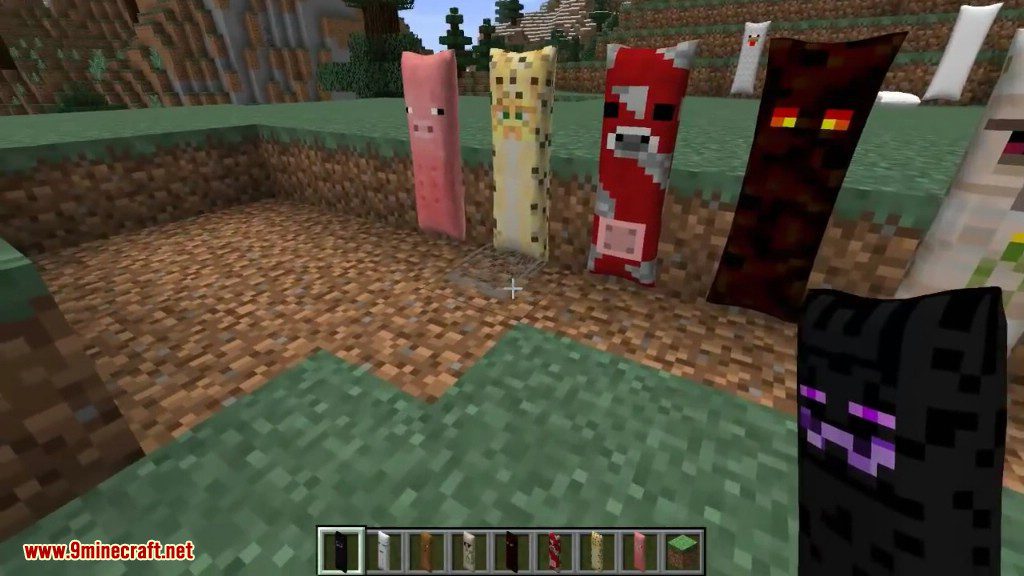
Dakimakura Mod 1.12.2, 1.11.2 allows players to place dakimakuras on their beds and around the world.
Screenshots:
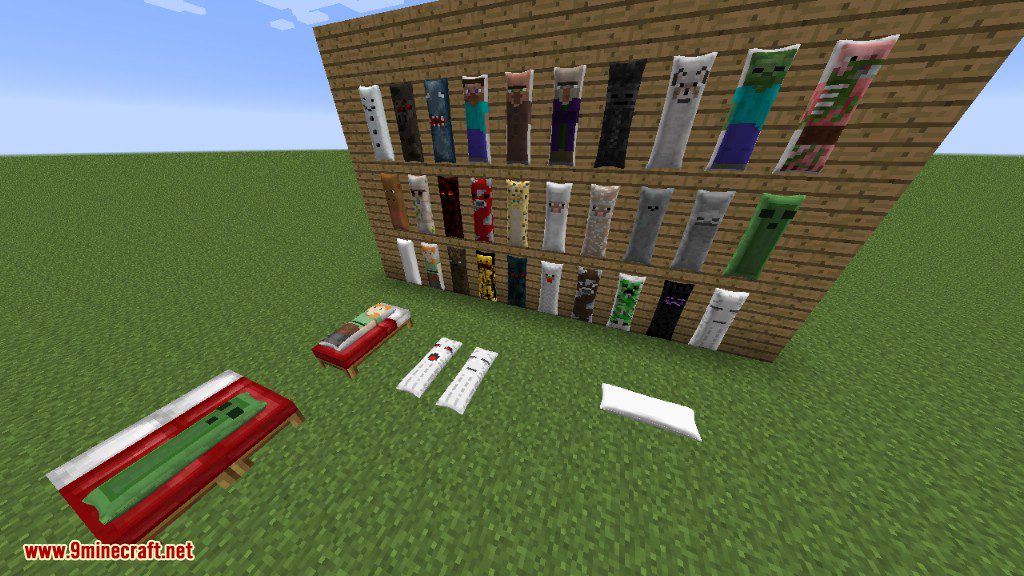
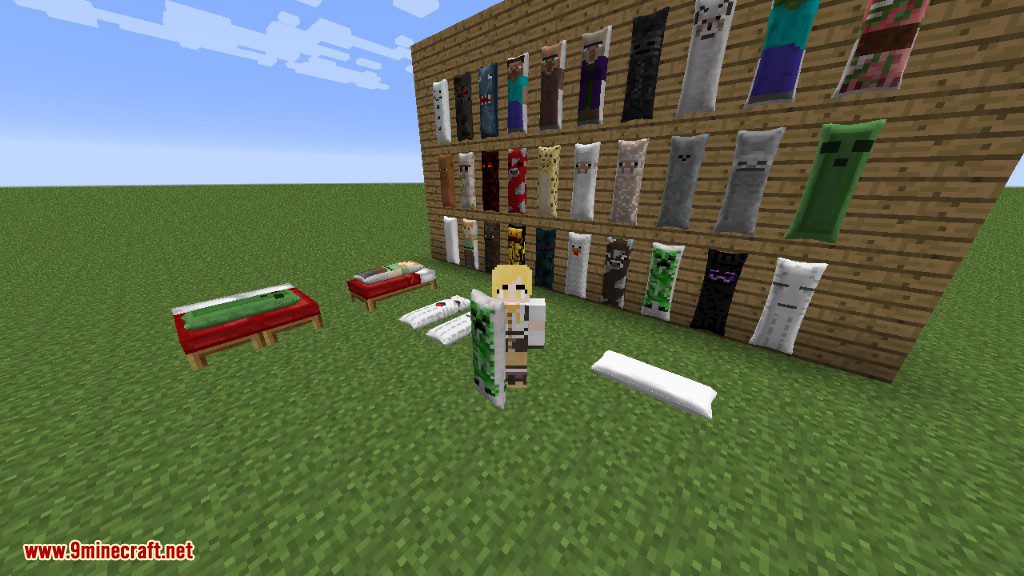

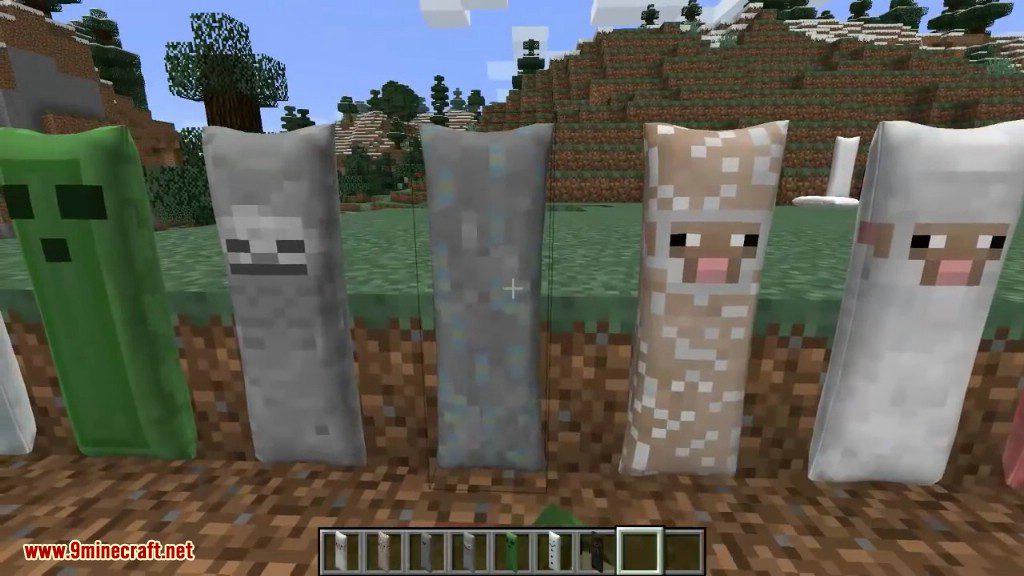
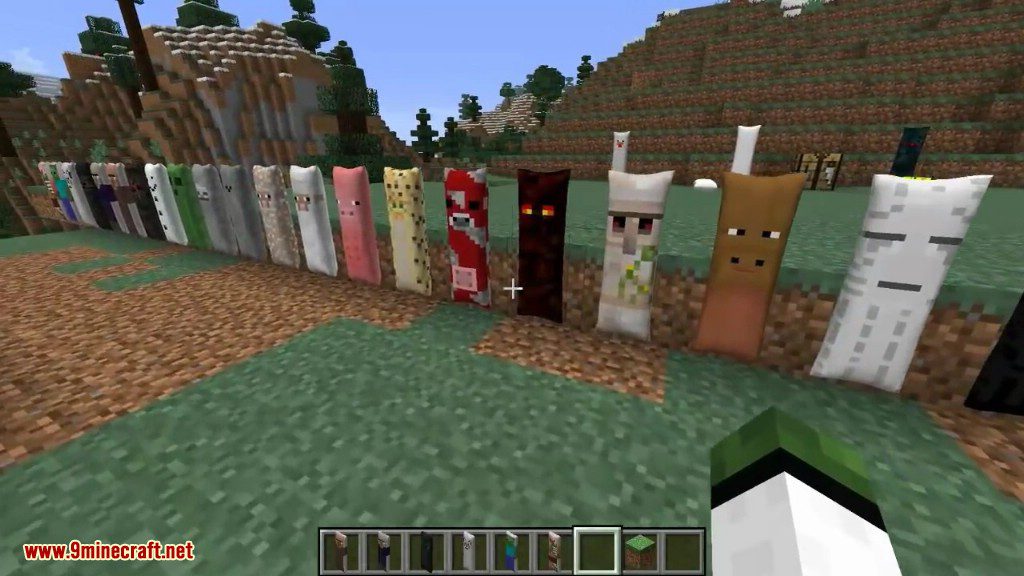
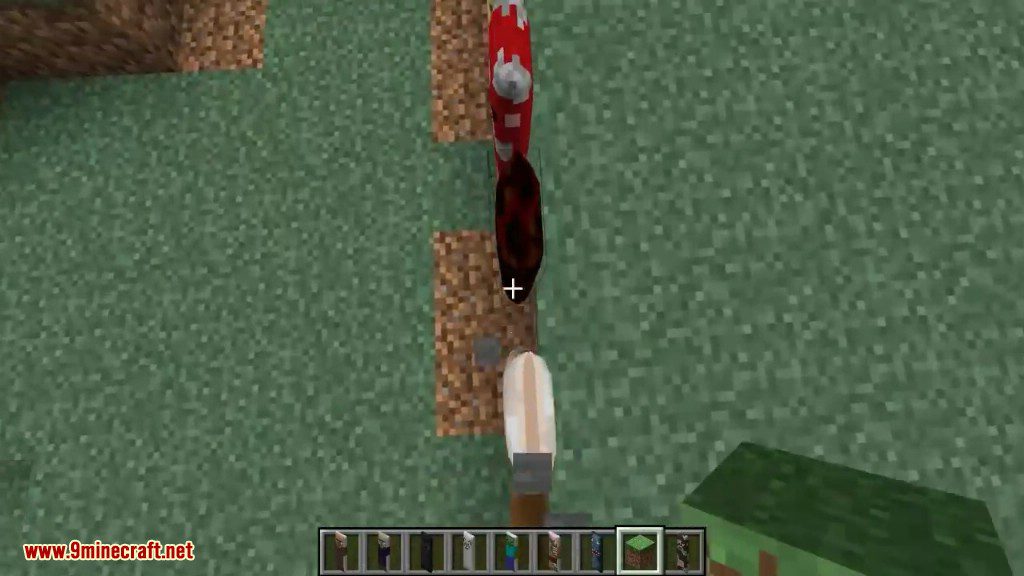
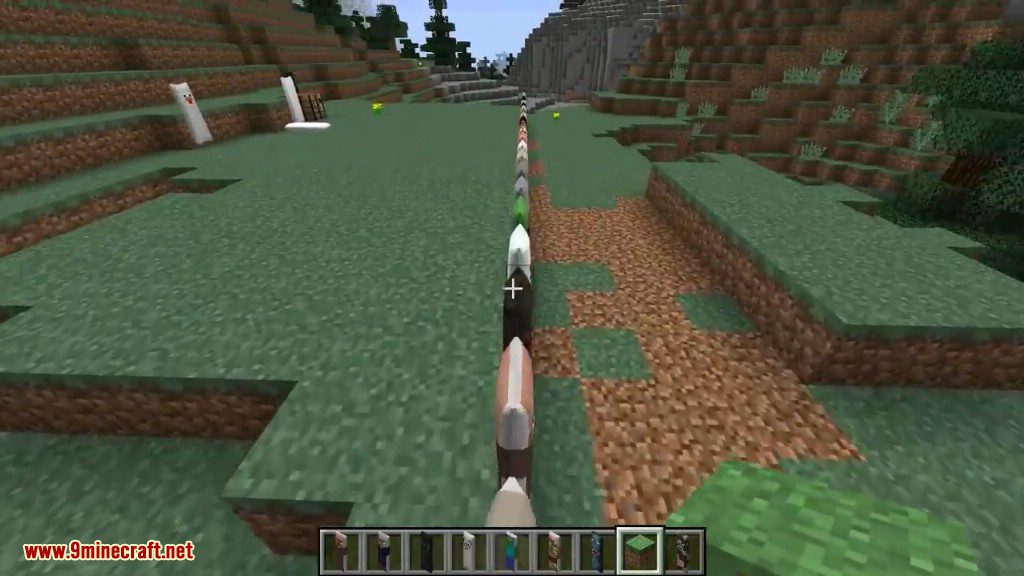
Crafting Recipes:
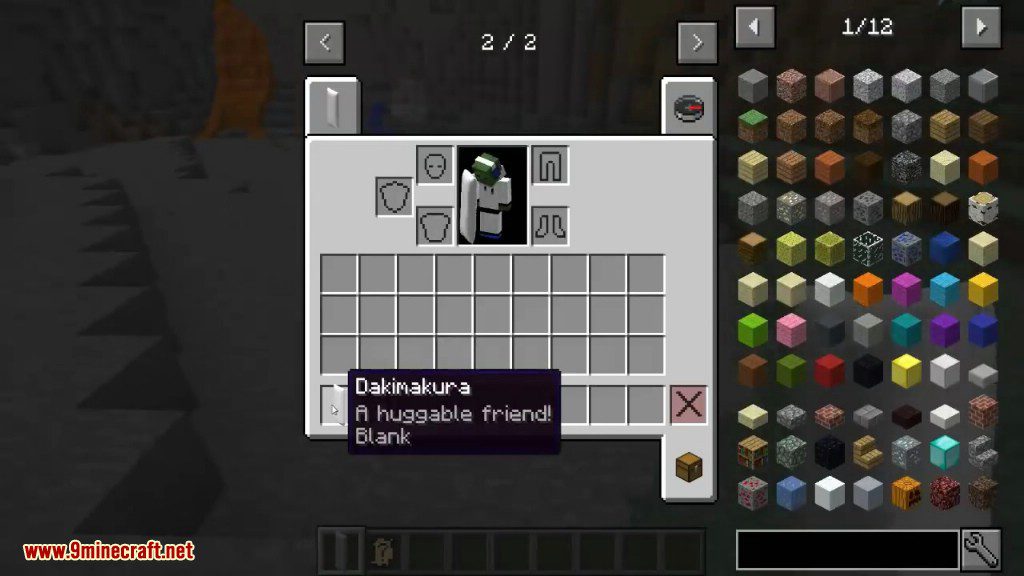
A blank dakimakura can be crafted with 6 wool blocks.
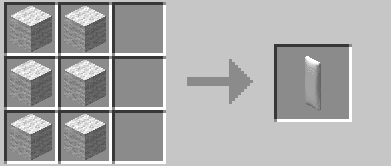
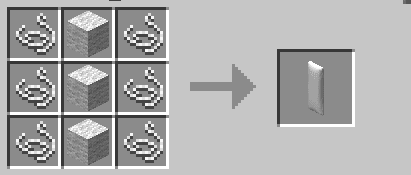
Alternative dakimakura crafting recipe using 6 string and 3 wool blocks. (can be enabled in the config file)
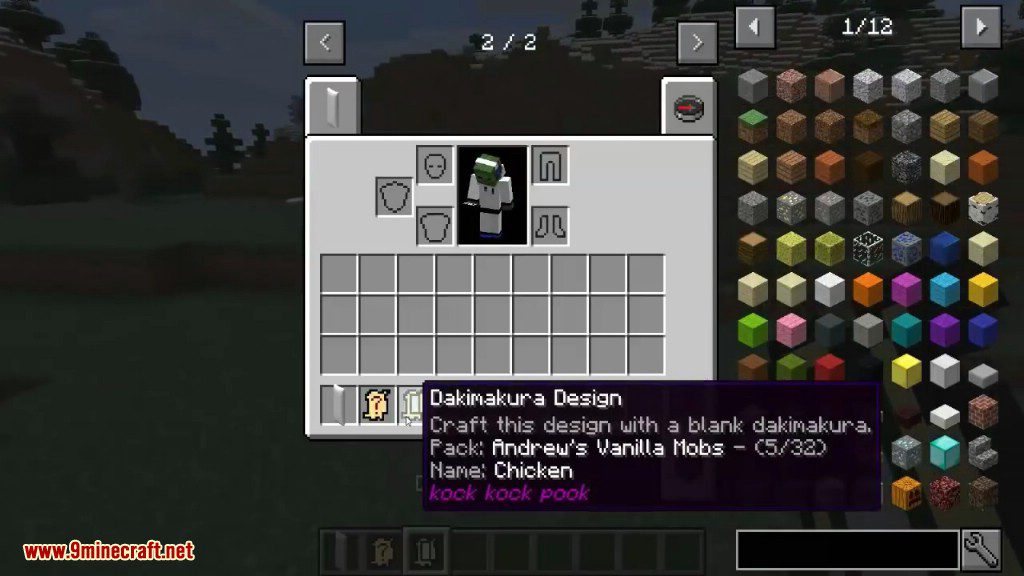
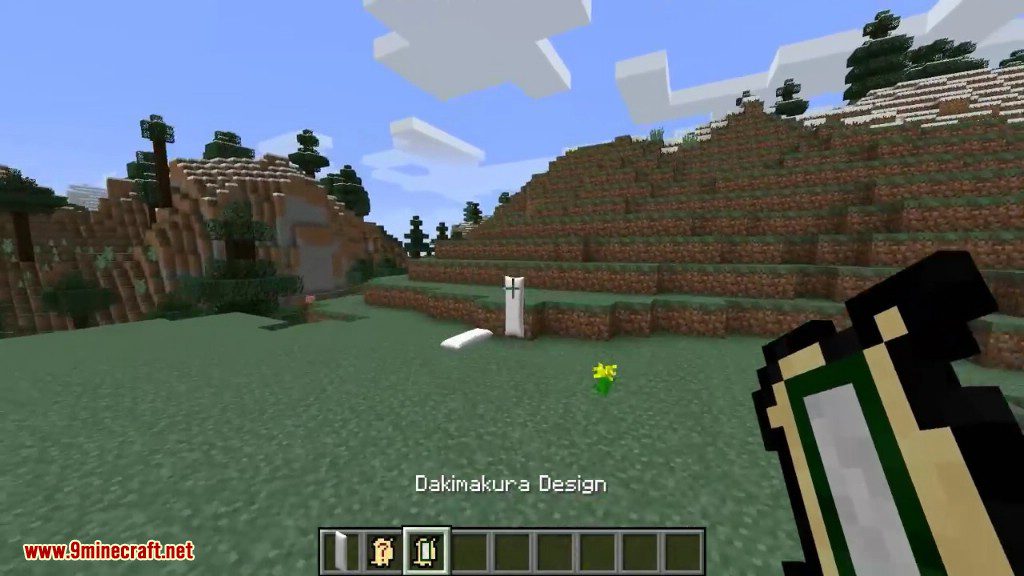
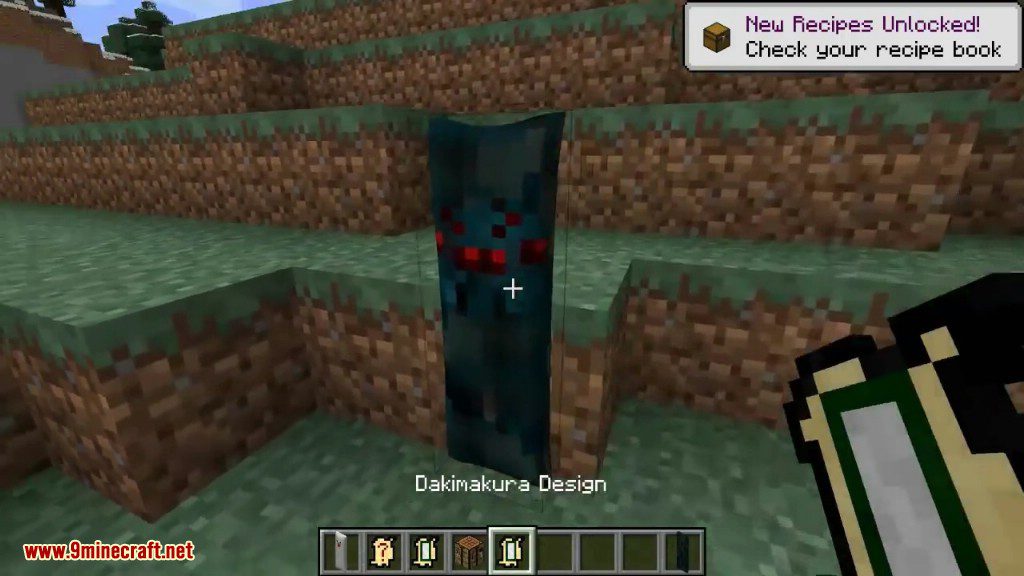
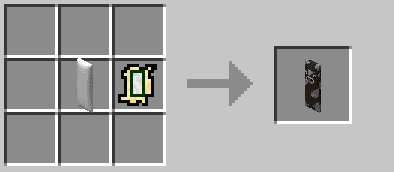
Put a design on a dakimakura by crafting a blank dakimakura with a design.
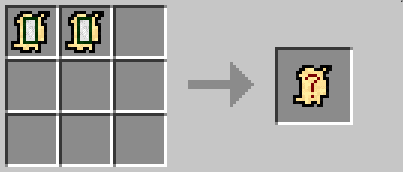
If you have 2 designs you don’t want they can be crated together to get a new random design.
To clear a design from a dakimakura craft it by its self.
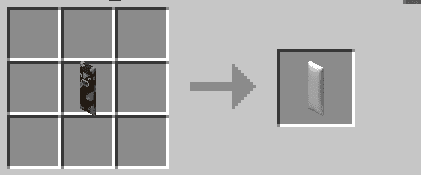
How to use:
By default all hostile mobs have a 1% chance to drop a random design. (can be changed in the config)
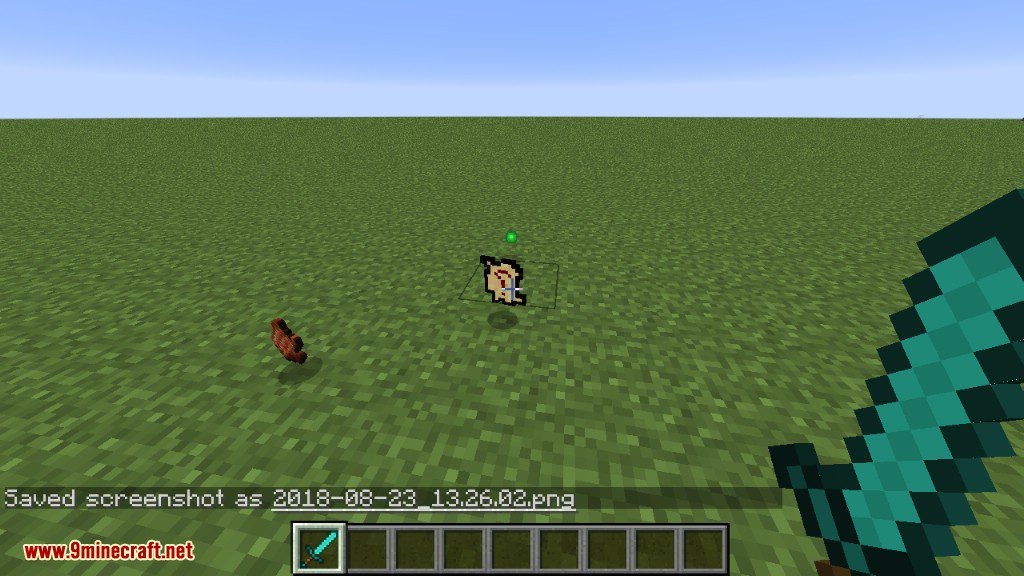
Right click the random design to get it.
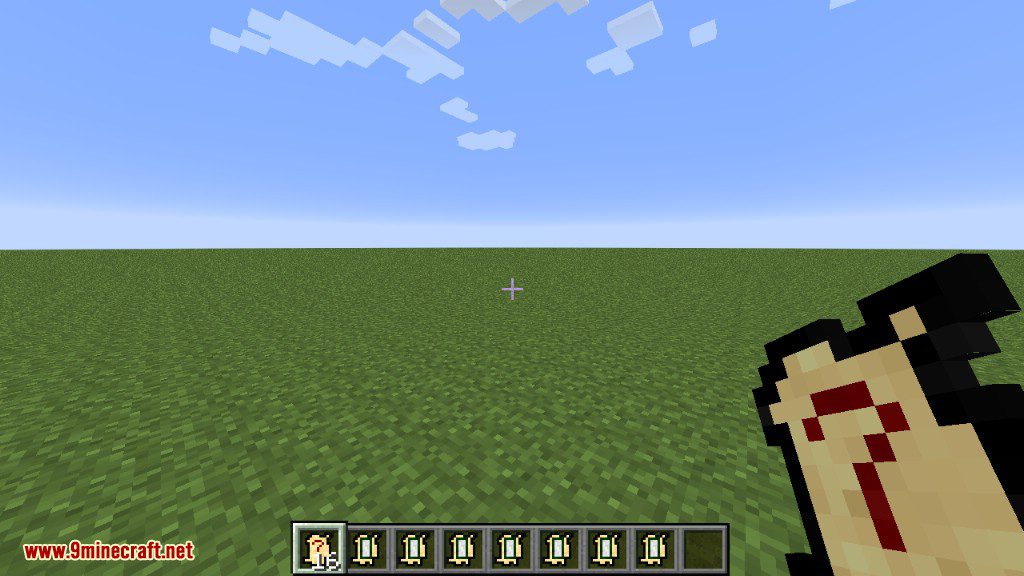
Adding your own images:
- If you want to add you own images check the readme file in “dakimakura-modreadme.txt”.
Dakimakura Mod 1.12.2, 1.11.2 Download Links
For Minecraft 1.7.10
For Minecraft 1.9.4
For Minecraft 1.10.2
For Minecraft 1.11.2
For Minecraft 1.12.2
- Edition: Minecraft Java
- File type: .jar
- How to install: Install the matching mod loader (Forge, Fabric or NeoForge) for your Minecraft version. → Download the .jar. → Put it in the .minecraft/mods folder and launch that loader profile.
- Where to get it: In MC Java Mods, or directly above on this page.
Install steps are the general flow for this file type — How to install Minecraft Java mods & modpacks walks through it step by step.
- Downloads as 209102.mcaddon
- Download size: 331 KB
- Download link checked 24 Jul 2026 — working
- Mirrored on our own servers — the download does not depend on the original host
These come from our own check of the pack file, not from the source page.