Phantom Ink Mod 1.12.2 is fairly simple: It adds a single item:  Bottle of Phantom Ink.
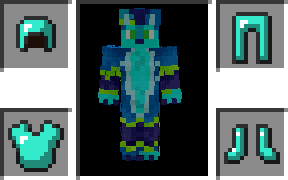
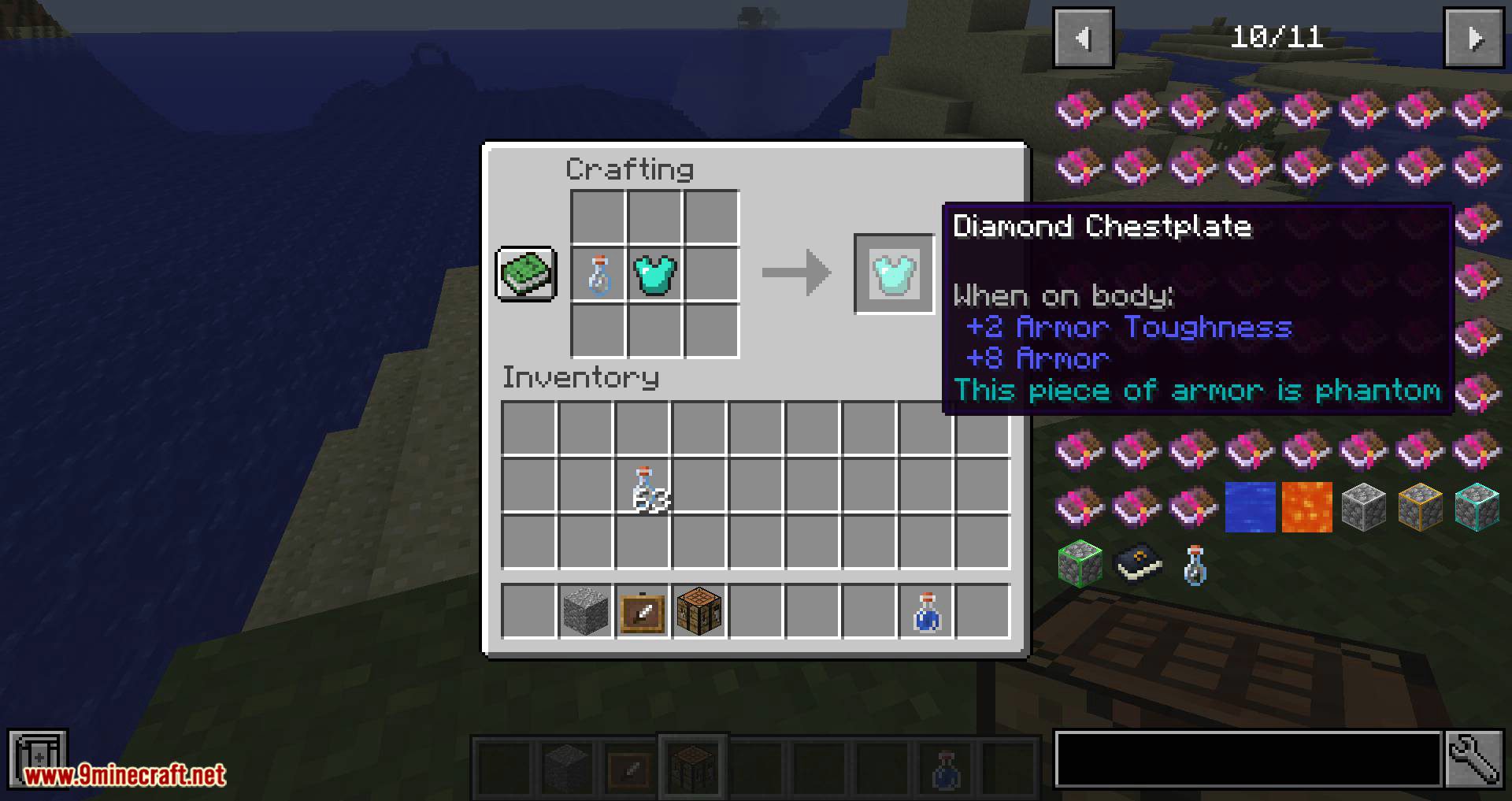
They can be applied to any armor. This allows you to be protected and show off your awesome skin!
How to use?
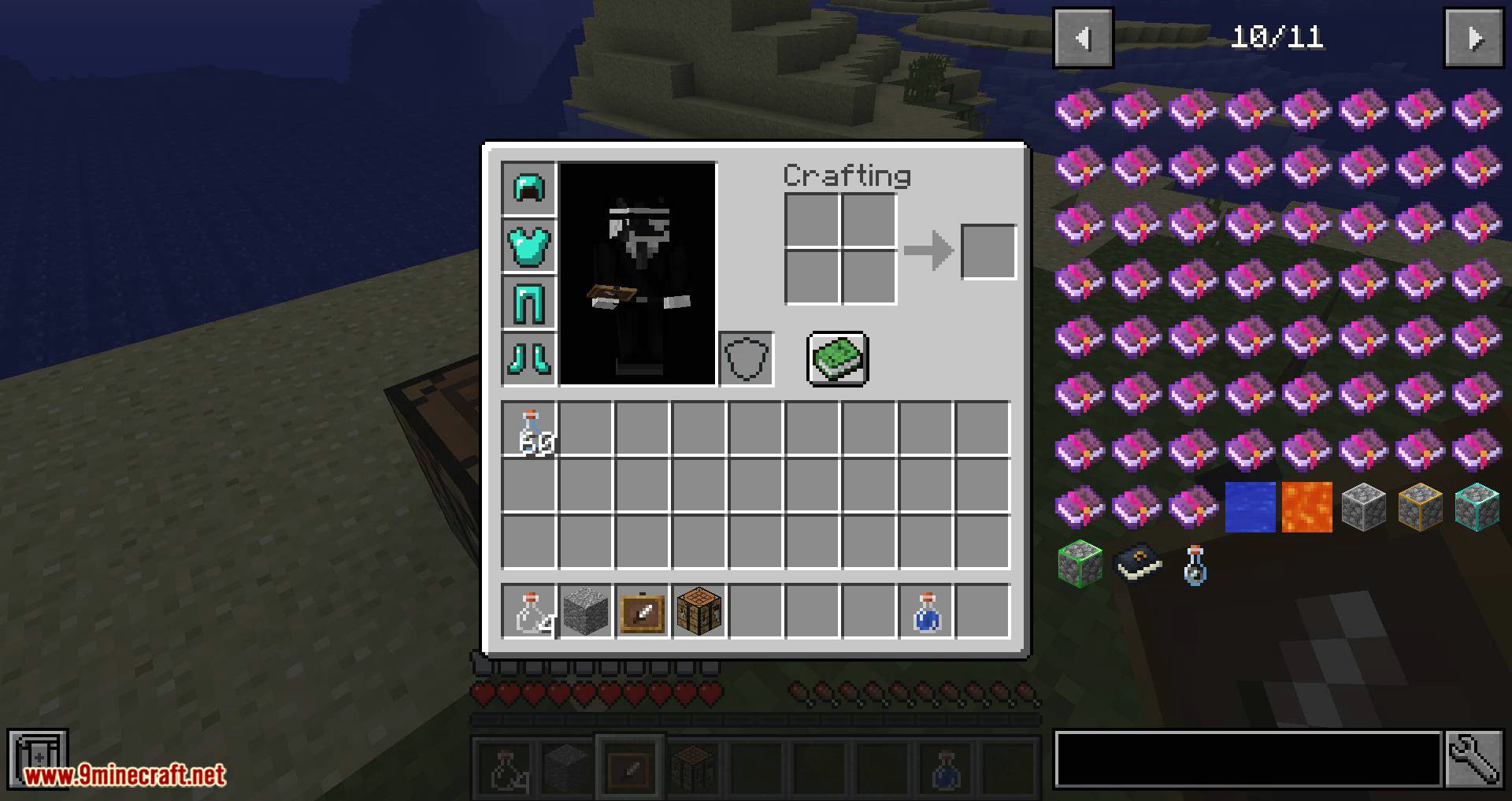
This is exactly how the mod works: You put any armor with phantom inks and while you wear it, it’s invisible. Completely.
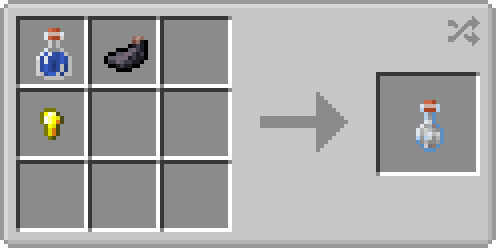
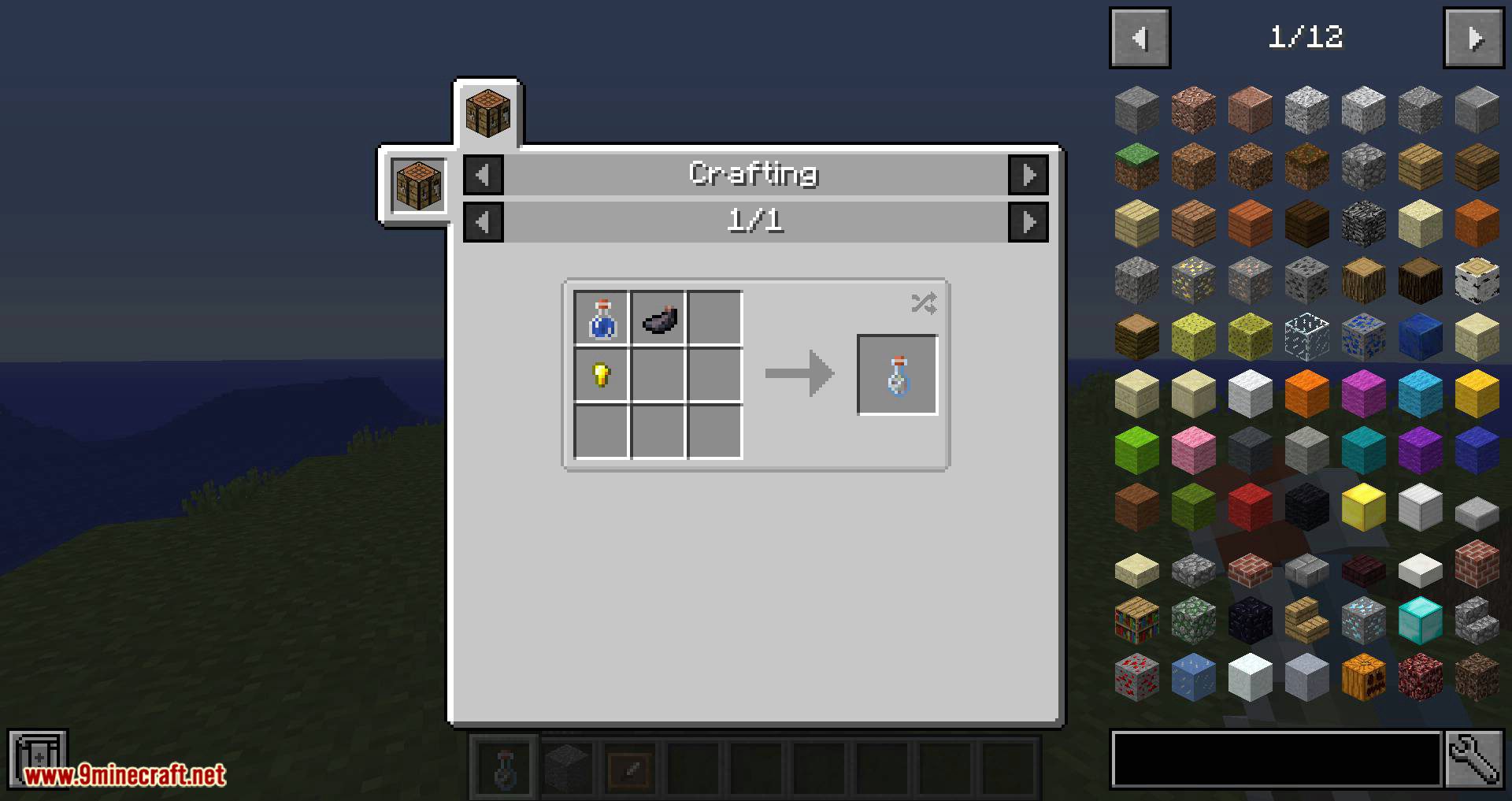
The recipe for the bottle is the following:
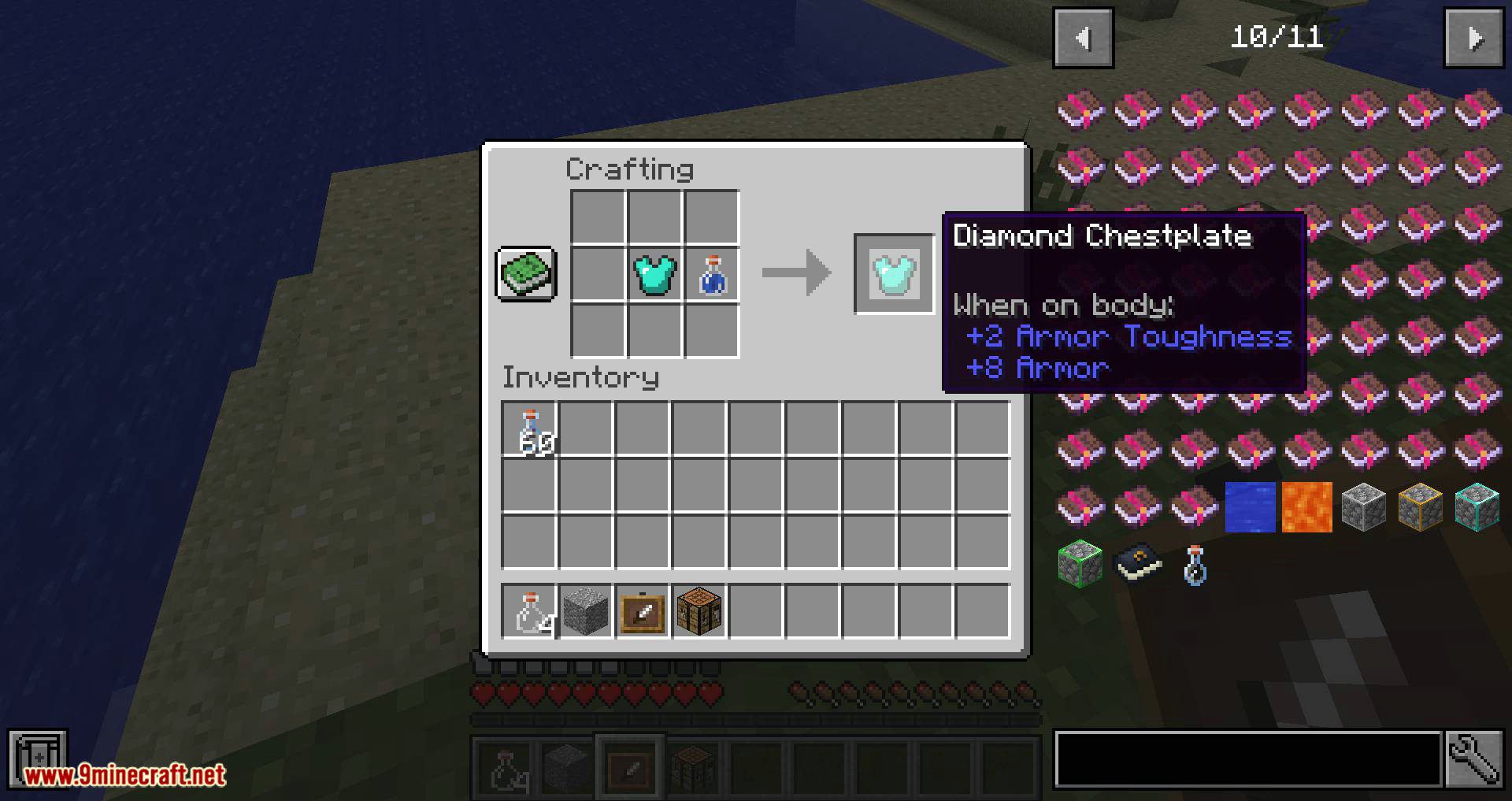
You can also extract the phantom ink off of your armor by combining it with a water bottle. This will get your armor to its previous state and return your inks back.
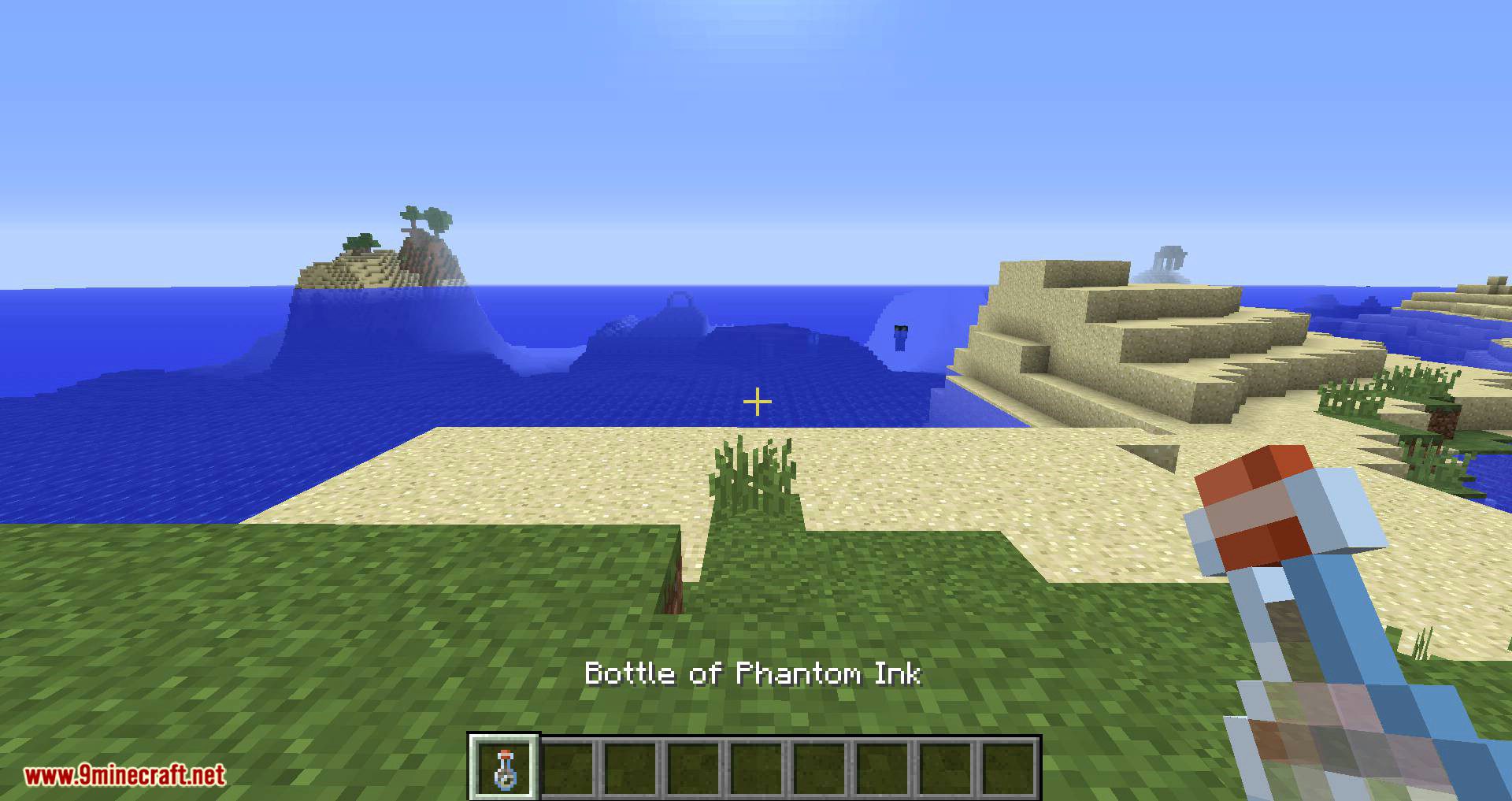
Screenshots:





Phantom Ink Mod 1.12.2 Download Links
For Minecraft 1.12.2
Quick facts
- Edition: Minecraft Java
- File type: .jar
- How to install: Install the matching mod loader (Forge, Fabric or NeoForge) for your Minecraft version. → Download the .jar. → Put it in the .minecraft/mods folder and launch that loader profile.
- Where to get it: In MC Java Mods, or directly above on this page.
Install steps are the general flow for this file type — How to install Minecraft Java mods & modpacks walks through it step by step.
Verified by MCModsHub
- Downloads as 209294.mcaddon
- Download size: 23 KB
- Download link checked 24 Jul 2026 — working
- Mirrored on our own servers — the download does not depend on the original host
These come from our own check of the pack file, not from the source page.