
Macro/Keybind Mod 1.12.2, 1.11.2 (Bind Commands to Keyboard Keys)
Macro/Keybind Mod 1.12.2, 1.11.2 allows you to bind commands to keys, or bind macros to keys. If you're a server admin, a player on a server with lots of…
⬇ DownloadOpen in MCModsHubGet it on Google Play →Macro/Keybind Mod 1.12.2, 1.11.2 allows you to bind commands to keys, or bind macros to keys.
If you’re a server admin, a player on a server with lots of plugins, or just love automating every aspect of your minecraft experience, you will honestly wonder how you lived without this mod.
Features:
- Bind chat commands and scripts: to keyboard keys, mouse buttons and custom menus.
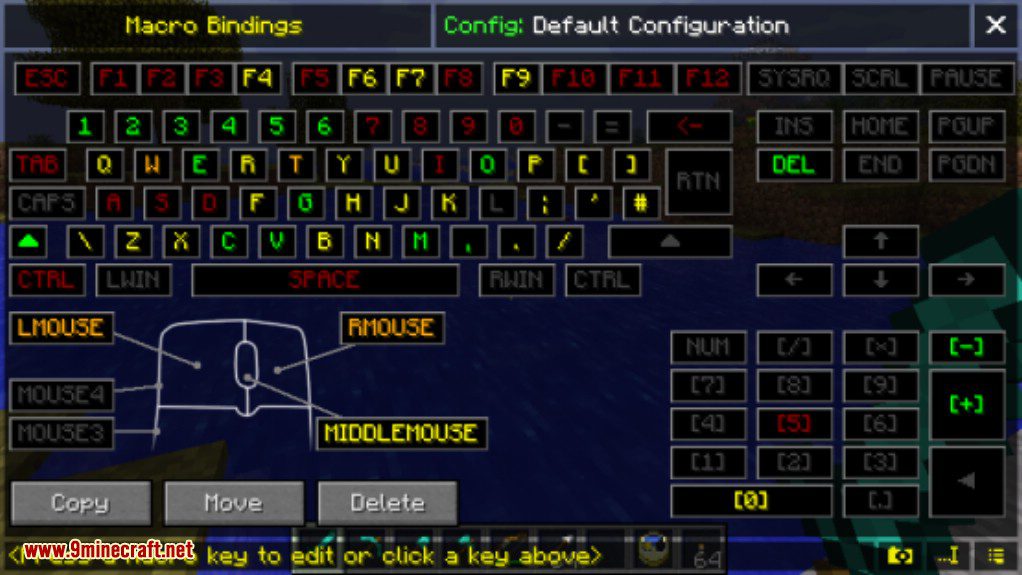
- Easy to use GUI: Just activate the mod then just press the key you want to bind. No need to memorize key codes or names!
- Bind keys which are already used for something else: Want to put a macro on the number keys or WASD? Using the override function you can use these keys for both their normal function or as macros when you need them.
- Edit keybinds quickly: Change your binds whenever you want. You can even copy and move macros from key to key with drag ‘n drop.
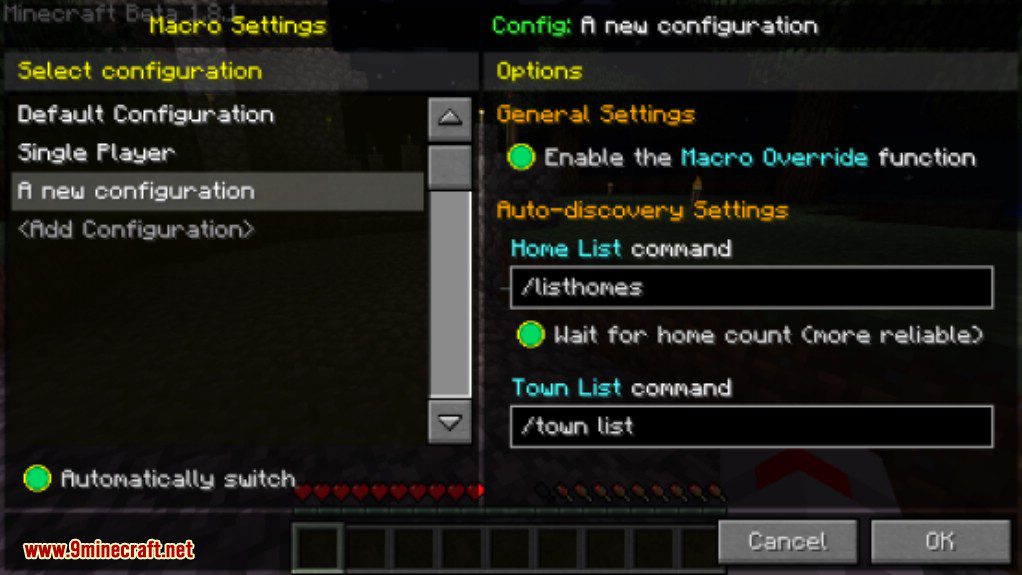
- Multiple configurations: Different binds in different servers? No problem! It even switches automatically.
- In-game text editor: Want to make a complex macro? No need to alt-tab to notepad, create and edit text files inside minecraft.
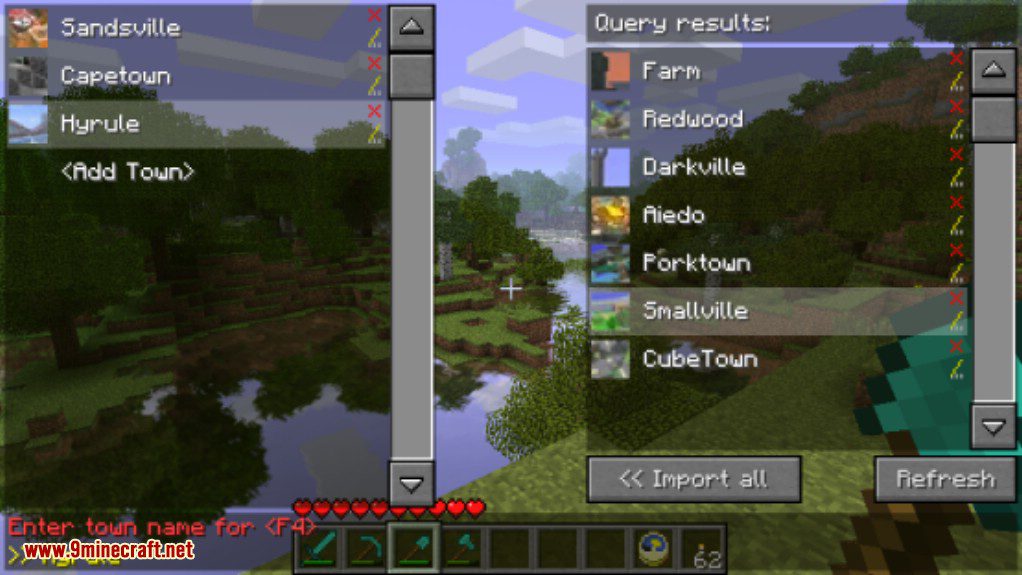
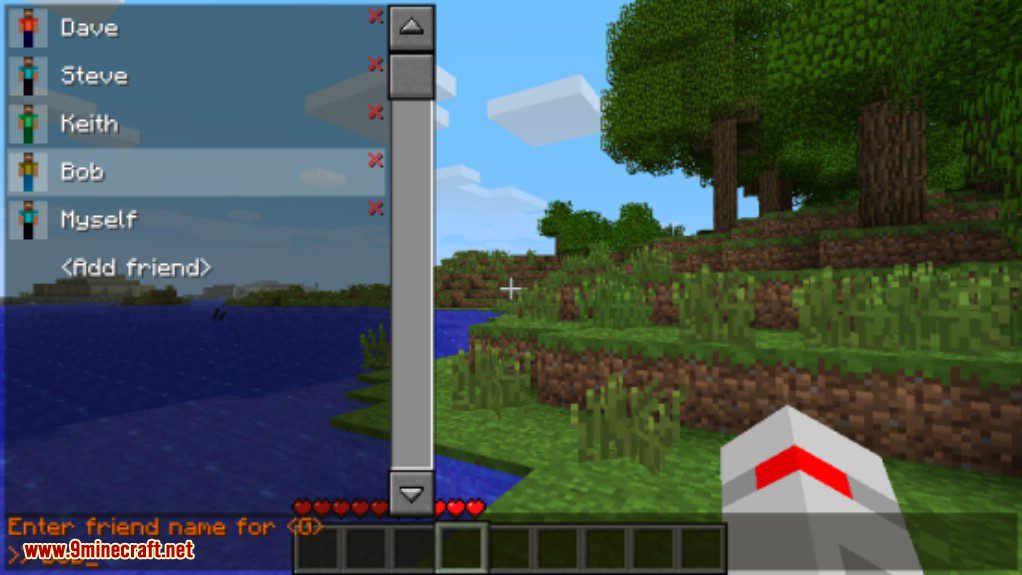
- Lots of easy-to-use parameters: Lists of friends, automatic responses, warp points, towns, you name it.
- Scripting: Build custom auto-announcers, time-delay messages, or create your own auto-walk, toggleable-sneak or sprint keys.
- Custom GUIs: Create your own custom GUI and hook up your macros for instant in-game menus.
- Permissions System: Server admins can lock down chosen features of the mod using the easy-to-setup Client Permissions plugin, allowing integration with the server’s existing rank system.
Screenshots:
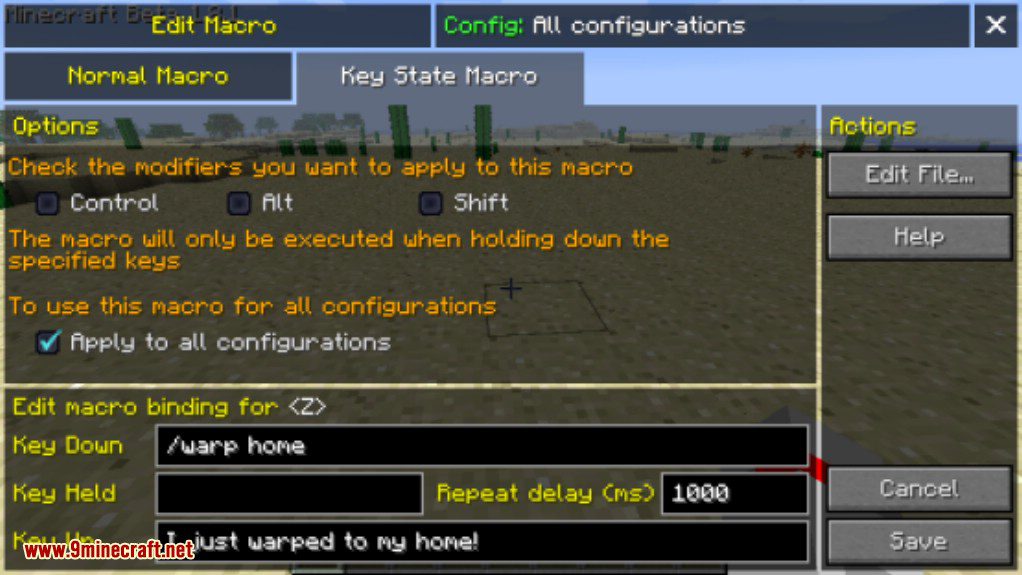
Auto-populate towns, homes, friends
Multiple configurations
Friend selection
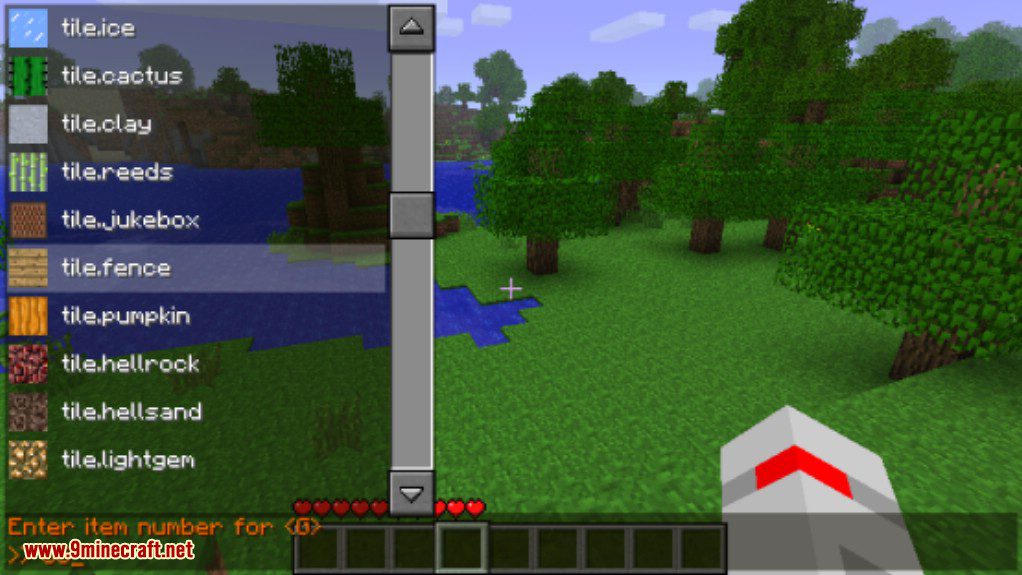
Item selection
How to use:
To bind keys:
- In-game, simply press [SNEAK KEY]+GRAVE (change the key in the options if this doesn’t work for you) and you will be prompted to press a key.
- Press the key you would like to bind or click it on the on-screen keyboard
- Enter the chat command (including the / at the start), separate multiple commands with pipe “|”
- Press ENTER to save the keybind, press ESC to cancel it. To edit a keybind repeat the same process.
To use keybinds:
- If the key doesn’t have any other function (eg. it is not bound to any other built-in command or function) then just press the key
- If the key is bound to another function (such as the WASD keys or T,I etc) press your [MACRO ACTIVATE] key (as you set in the options) followed by the key.
- Alternatively if the key is bound to another function press [MACRO OVERRIDE]+[KEY] (again, you can set this in the Controls screen)
Macro/Keybind Mod 1.12.2, 1.11.2 Download Links
For Minecraft 1.5.2
Liteloader: Download from Server 1
Macro / Keybind Mod: Download from Server 2
For Minecraft 1.6.2
Download from Server 1 – Download from Server 2 – Download from Server 3
For Minecraft 1.6.4
Download from Server 1 – Download from Server 2 – Download from Server 3
For Minecraft 1.7.2
For Minecraft 1.7.10
For Minecraft 1.8.0
For Minecraft 1.9.0
For Minecraft 1.9.4
For Minecraft 1.10.2
For Minecraft 1.11.0
For Minecraft 1.11.2
For Minecraft 1.12
For Minecraft 1.12.2, 1.12.1
- Download size: 42 KB
- Download link checked 17 Jul 2026 — working
- Mirrored on our own servers — the download does not depend on the original host
These come from our own check of the pack file, not from the source page.