Xlv's Locks Mod 1.7.10 (Locks for Every Blocks)
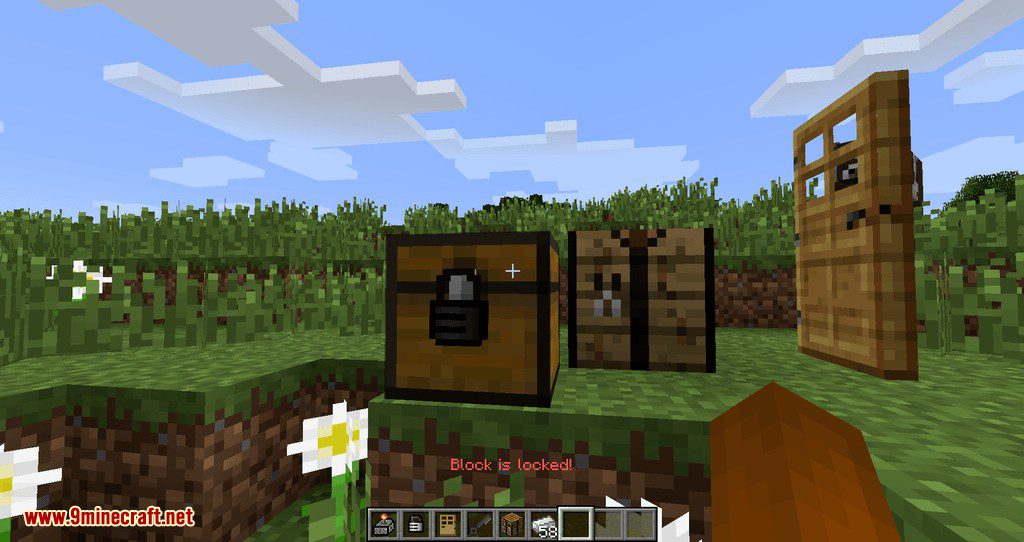
Xlv's Locks Mod 1.7.10 adds locks to the game. So you can lock any block and entity you want. It really is. Just try right click with a lock in the hand…
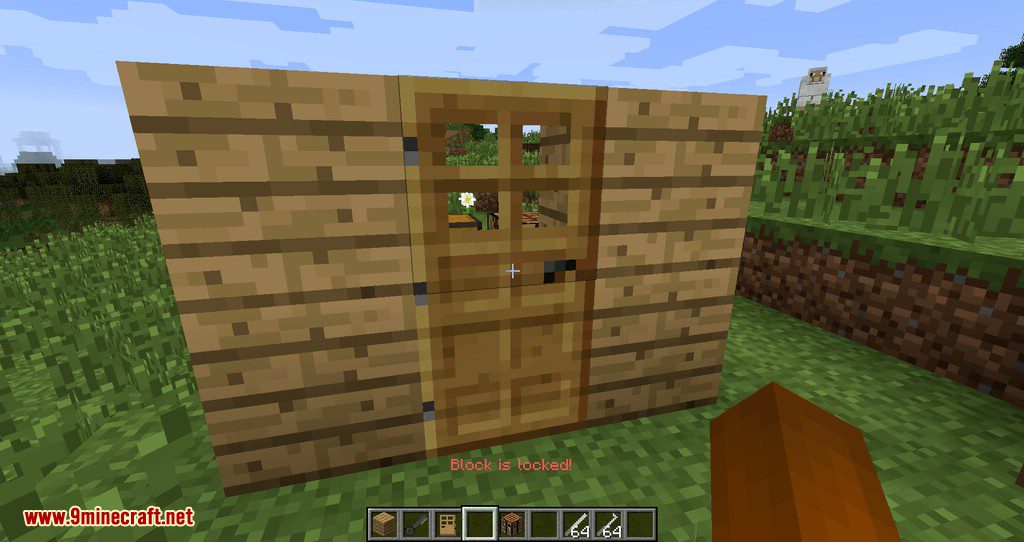
⬇ DownloadXlv’s Locks Mod 1.7.10 adds locks to the game. So you can lock any block and entity you want. It really is. Just try right click with a lock in the hand on any block or entity. The lock will appear on that block. Locks work with all mods(all entities and all blocks).
Features:
The lock has 6 levels of security. You can upgrade the lock by 1 level with special item – Pin. Just click on the lock with this item in the hand. 1 that level adds 1 pin to your lock.
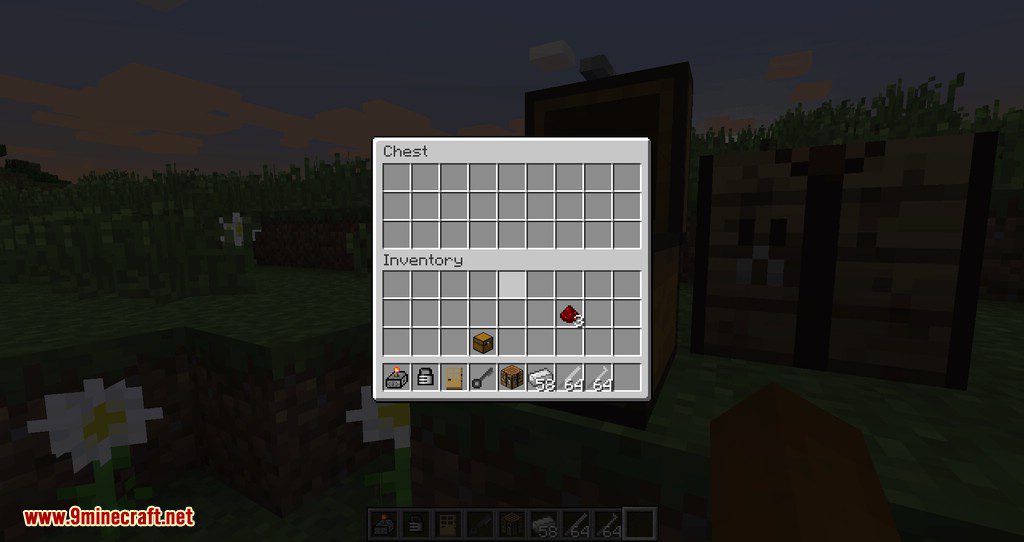
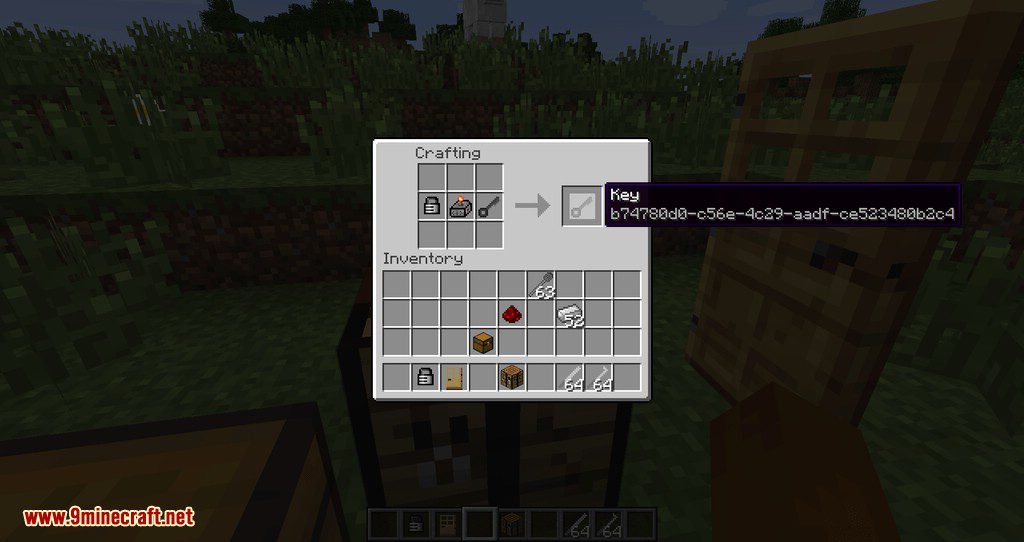
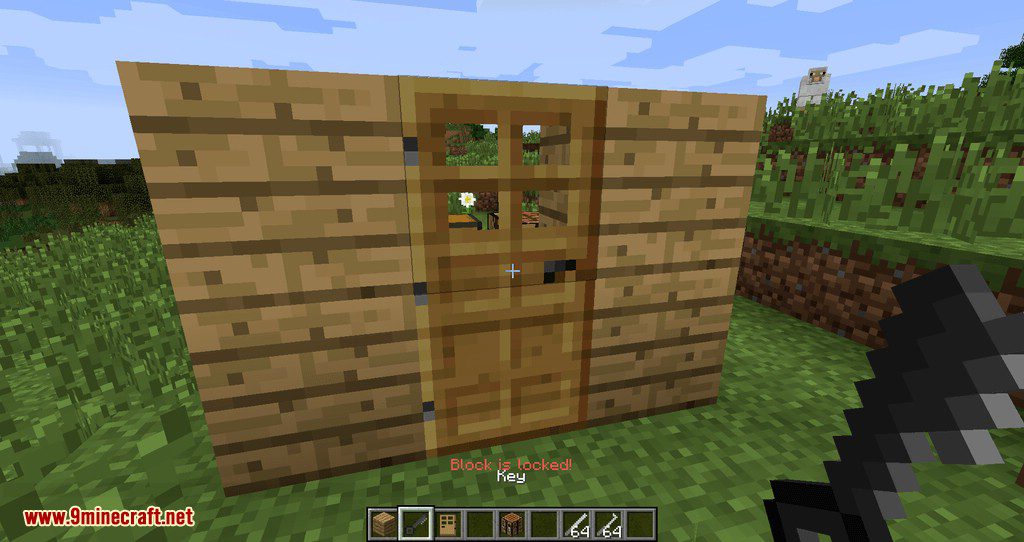
The mod adds keys to the game. So you can unlock any lock that has the same UUID.
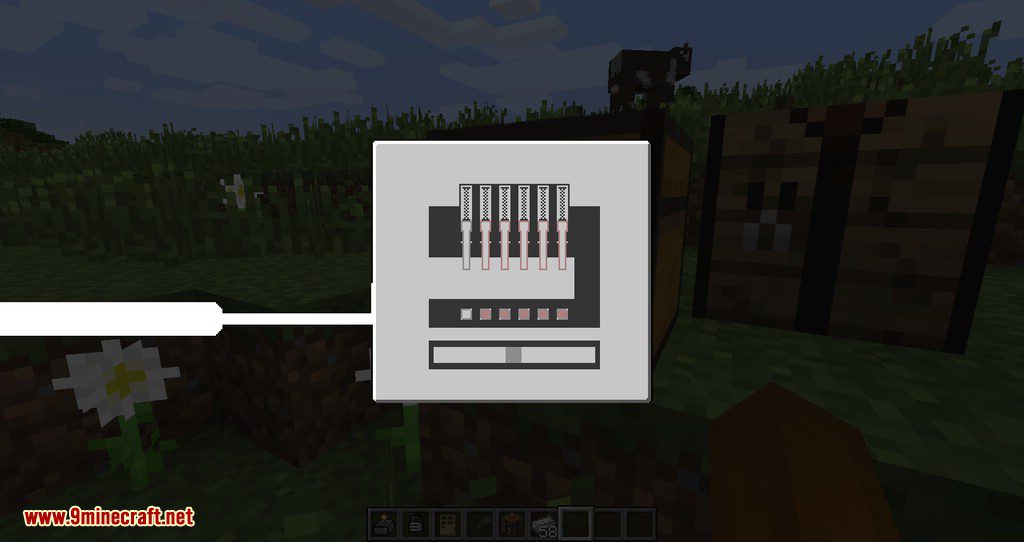
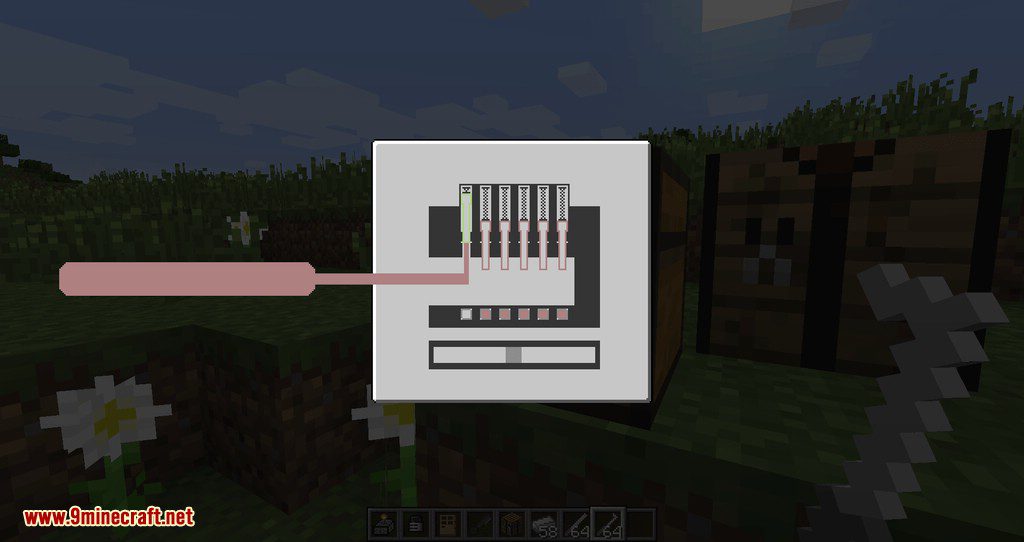
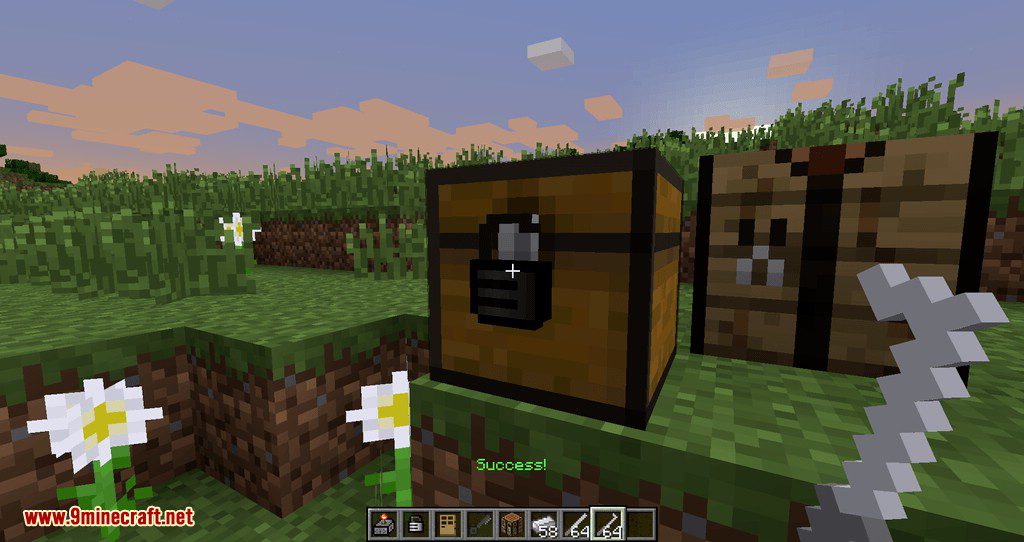
The mod adds lockpicks to the game. So you can unlock any lock, if you successfully lift all the pins in GUI up. WARNING: The lockpick will disappear before the interface appears!
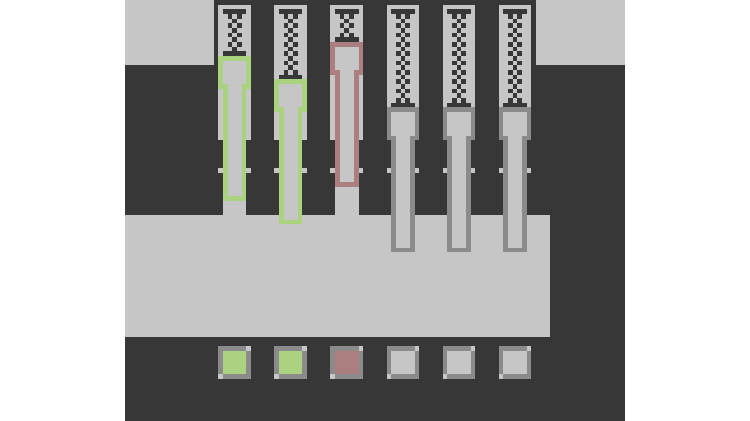
Lift the pins up until they light up in green. Press the space and notice the moving bar below. Now you need to press the space again when the white bar is in the central zone.
If you make a mistake, the lockpick will be damaged. The lockpick can be damaged only twice(configurable). In case you broke the lockpick, the interface will close.
If you have damaged the lockpick, all pins will stand on their starting positions.
Hard mode:
In hard mode the rules change. So you can’t contact your lockpick with any side of lock-in GUI. Otherwise, lockpick just breaks. But there the rasp can help you. Right-click with the rasp in hand on the locked block and the lock will whetted a little. It means that in GUI you will have more space for moving the lockpick. You can whet the lock 4 times.
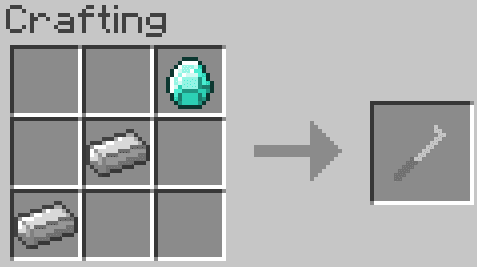
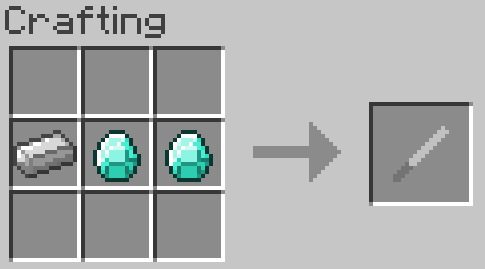
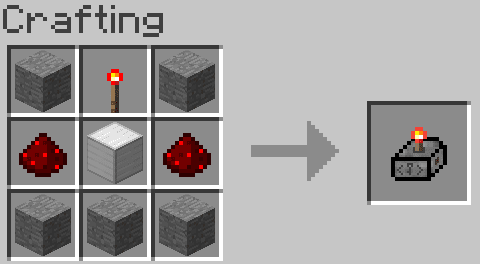
Pocket Key Machine:
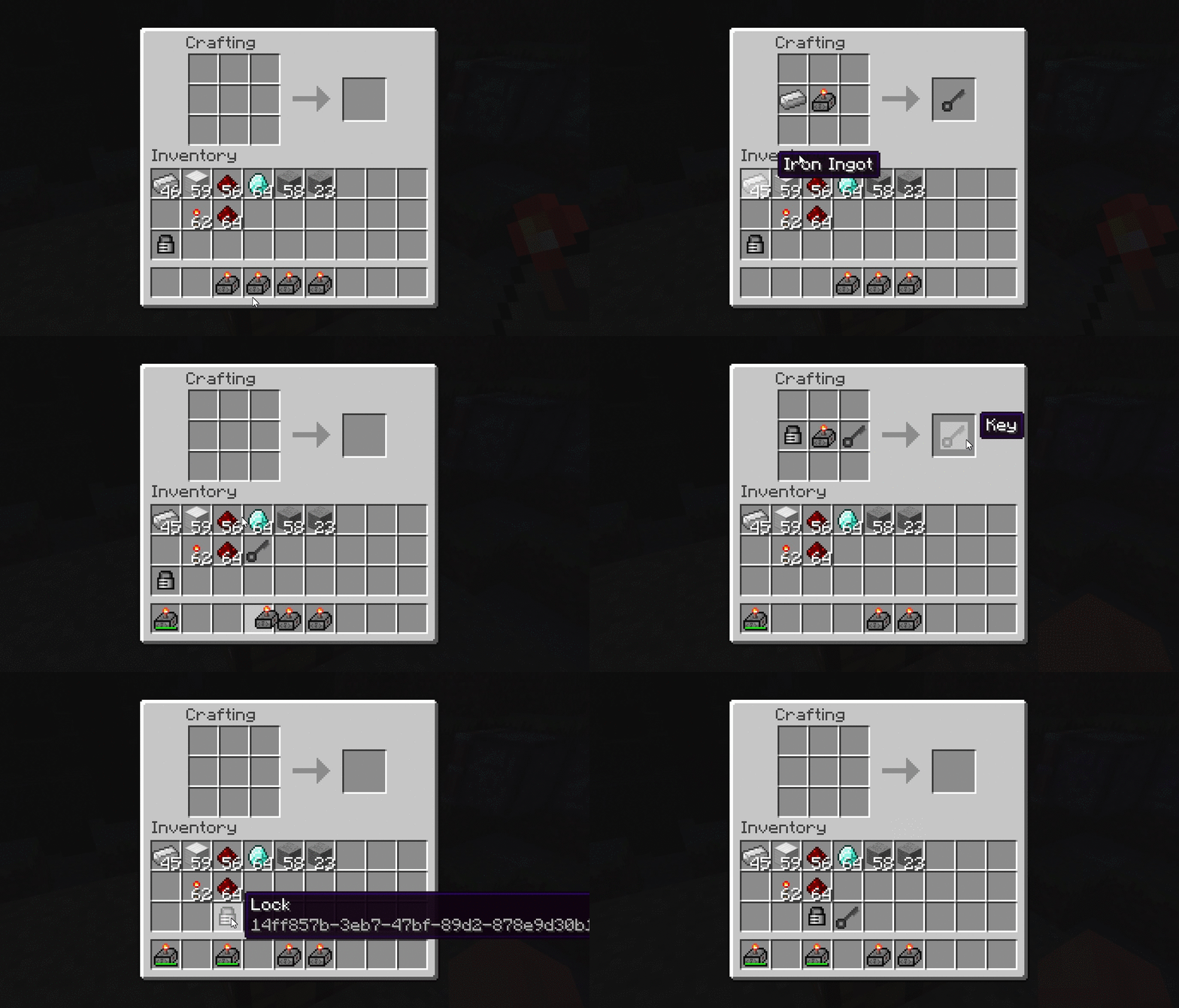
Screenshots:
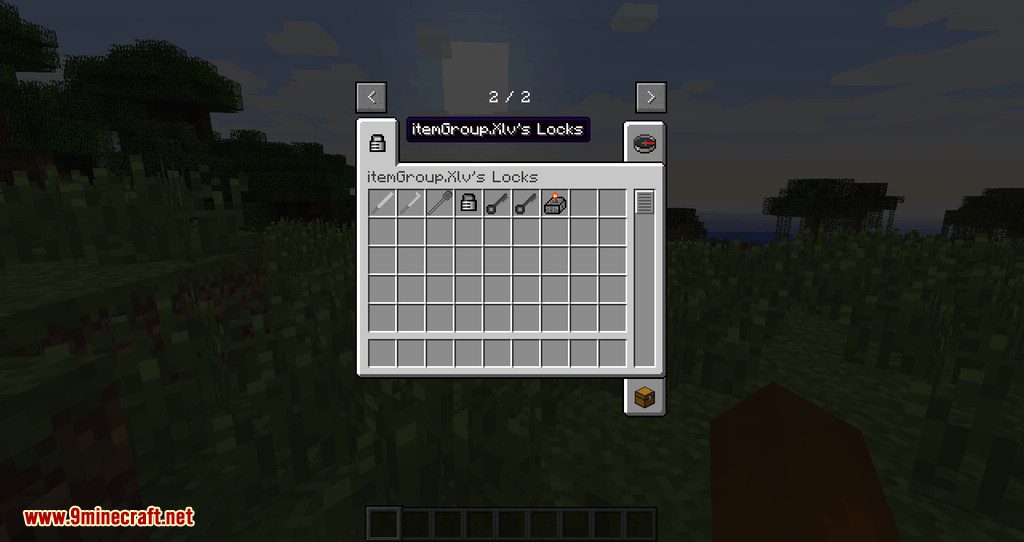
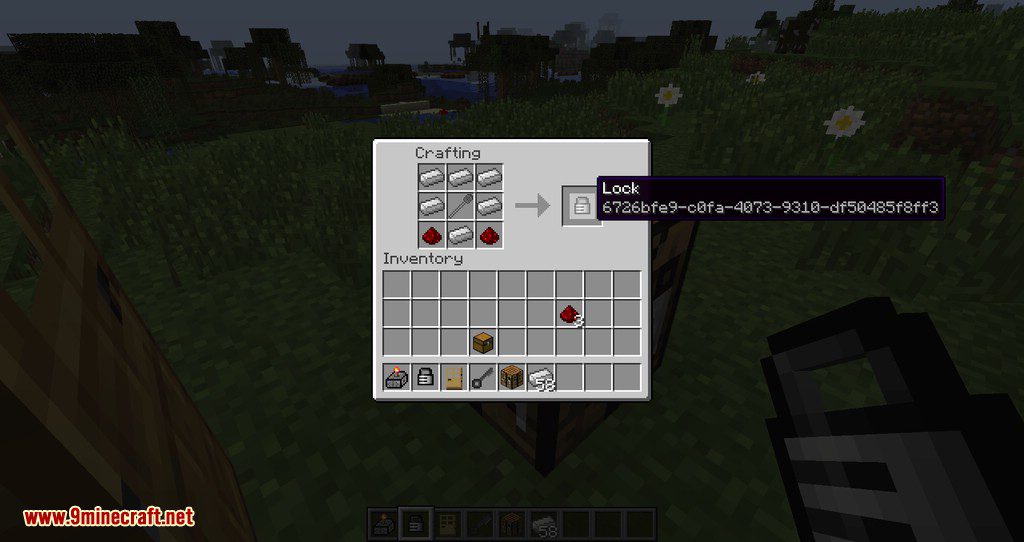
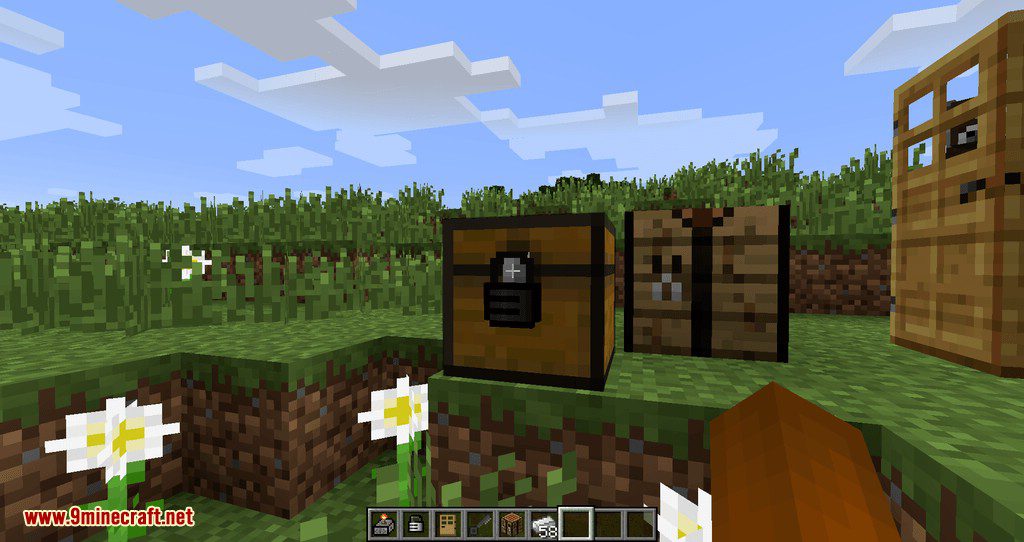
Requires:
Minecraft Forge
Xlv’s Locks Mod 1.7.10 Download Links
For Minecraft 1.7.10
- Edition: Minecraft Java
- File type: .jar
- How to install: Install the matching mod loader (Forge, Fabric or NeoForge) for your Minecraft version. → Download the .jar. → Put it in the .minecraft/mods folder and launch that loader profile.
- Where to get it: In MC Java Mods, or directly above on this page.
Install steps are the general flow for this file type — How to install Minecraft Java mods & modpacks walks through it step by step.
- Downloads as 209309.mcaddon
- Download size: 139 KB
- Download link checked 30 Jul 2026 — working
- Mirrored on our own servers — the download does not depend on the original host
These come from our own check of the pack file, not from the source page.